

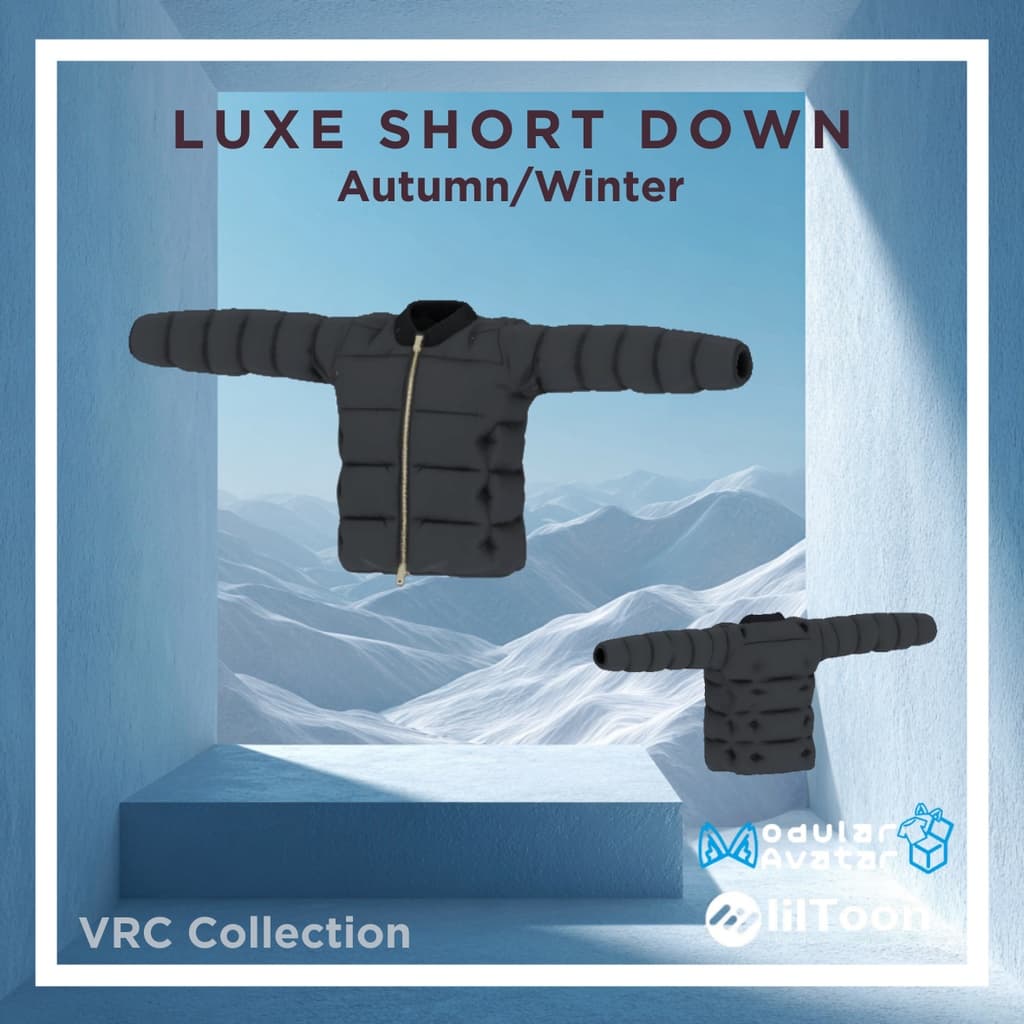
LUXE Short Down - VRC Collection
 Otosan Creation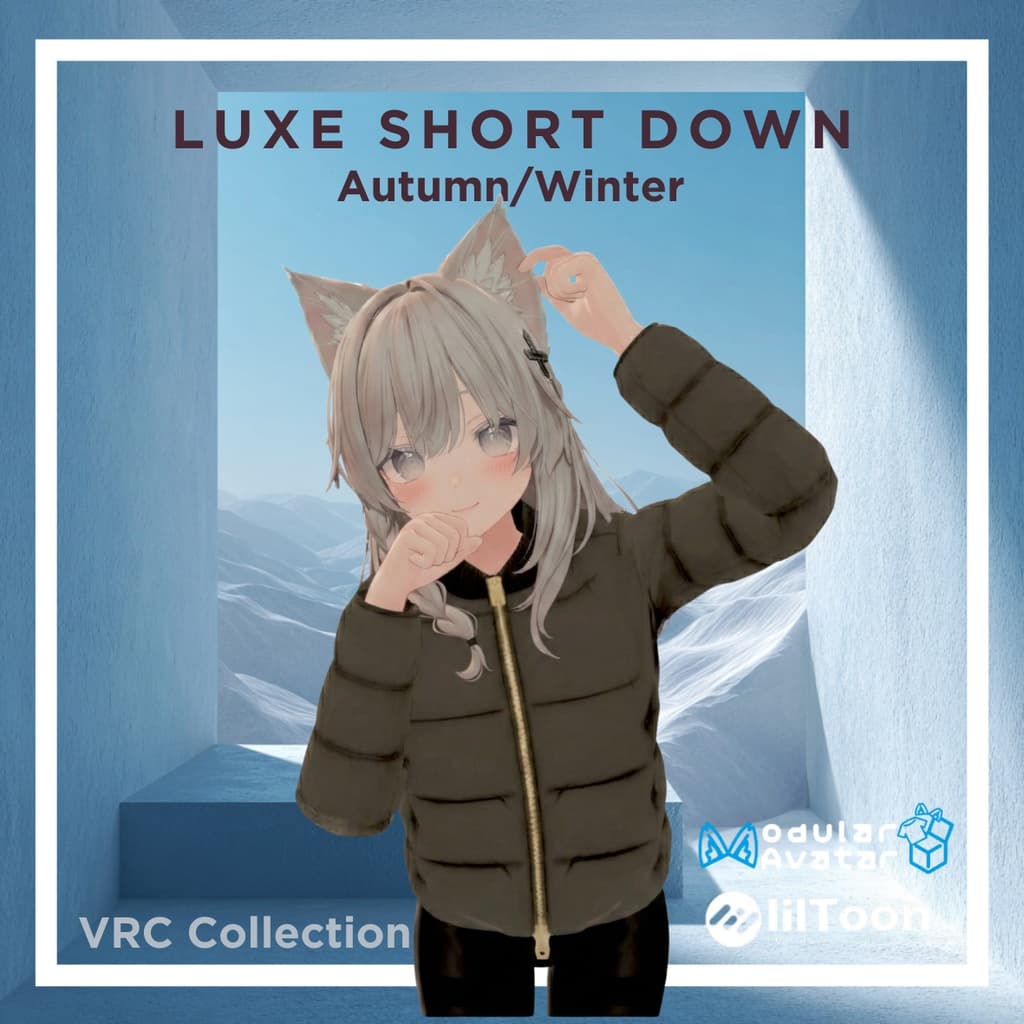
説明
📦 商品内容
本製品はUnity package形式でのご提供となります。パッケージ内には以下のデータが含まれております。
セットアップ済みPrefabデータ (Modular Avatar対応設定済みのため、そのままご使用いただけます) モデルデータ (FBX形式・ボーン設定済み) テクスチャ画像 (PNG形式) ⚠️ ご注意事項 本商品にアバター本体は付属いたしませんので、あらかじめご了承ください。
🧩 商品仕様・動作環境
本製品の仕様および動作環境は以下の通りです。
動作確認済みUnityバージョン:2022.3.22f1 VRChat上での動作確認済み 対応シェーダー:lilToonを想定して設定しております。 ポリゴン数:約70,000 VRChat上のダウンロードサイズ目安:約8MB
🛠️ 導入方法
以下の3ステップにて導入が完了いたします。
ステップ1:必要ツールのインポート あらかじめUnityプロジェクトに、以下の最新版ツールをインポートしてください。
lilToon https://booth.pm/ja/items/3087170 Modular Avatar https://modular-avatar.nadena.dev/ja
ステップ2:パッケージのインポート ダウンロードされた本商品のUnitypackageファイルを、Unityプロジェクトへインポートします。
ステップ3:装着 同梱されているPrefabデータを、ヒエラルキー(Hierarchy)上にある対象のアバターへドラッグ&ドロップしてください。Modular Avatarにより自動で着せ替え処理が行われます。
📦 Package Contents
This product is provided as a Unity package. The following data is included:
*Pre-configured Prefabs (Compatible with Modular Avatar for easy setup.) Model Data (FBX format, fully rigged.) Textures (PNG format.)
Please Note: The avatar models themselves are not included in this package.
🧩 Product Specifications & Requirements
Confirmed Unity Version: 2022.3.22f1 VRChat: Operation confirmed. Supported Shader: Pre-configured for lilToon. Polygon Count: Approx. 70,000 Estimated Download Size (VRChat): Approx. 8MB
🛠️ Installation Guide
You can set up the costume in 3 easy steps:
Step 1: Import Required Tools Please ensure the latest versions of the following tools are imported into your Unity project beforehand:
lilToon https://booth.pm/ja/items/3087170 Modular Avatar https://modular-avatar.nadena.dev
Step 2: Import the Package
Import the downloaded .unitypackage file into your Unity project.
Step 3: Attachment Drag and drop the included Prefab onto your avatar in the Hierarchy. Modular Avatar will automatically handle the attachment process.