

Enigma Launchpad / Mixer
 Cozen
Cozen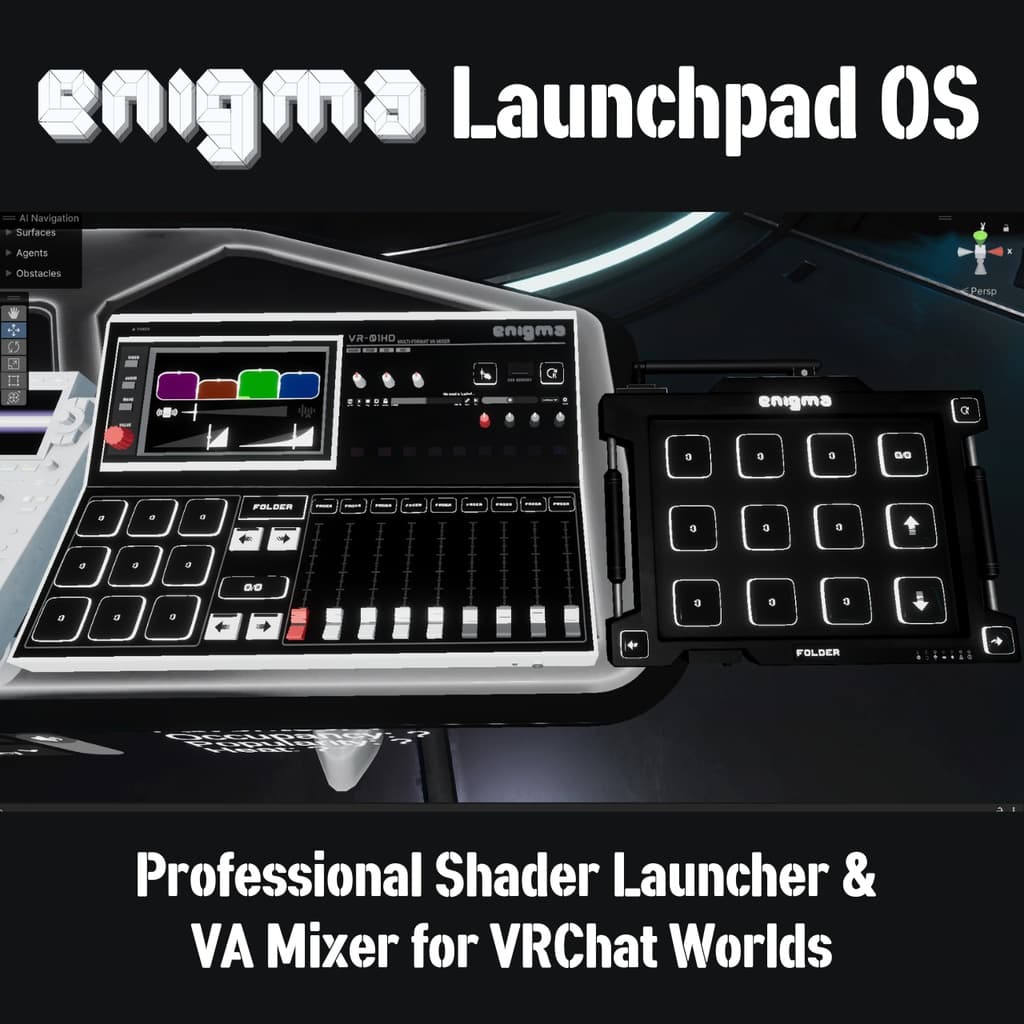
説明
Enigma Launchpad OS is a modular control system designed for VRChat worlds. It aims to be an all-in-one solution for runtime world modification for VR event hosts. It provides a unified interface for toggling objects and materials, modifying shader properties, controlling screen shaders, displaying analytics, creating persistent presets, changing skyboxes, and more, all inside a cohesive, synced UdonSharp controller. The Launchpad is built to handle complex world and shader setups and substantially simplifies world UI creation across a wide variety of tasks. Two prefab versions are included: Enigma Launchpad (buttons only) and Enigma Mixer (buttons plus a fader system).
While several features are tailored to VRChat club environments, the system is not limited to shader workflows. It is useful for any creator who needs to control or automate elements of their world at runtime. For example, you can create a Materials Folder to swap pictures on a wall, use an Objects Folder to switch between furniture layouts, use a Properties Folder to modify light colors, add a Mochie Folder or June Folder for post-processing controls, or configure a Skybox Folder to change the environment. This removes the need for half-baked Udon scripts, difficult-to-maintain UI canvases, or tedious manual reordering of toggles.
The Launchpad prefab consists of a 3x3 grid of buttons with displays, a folder display, a page display with an auto-change toggle, and directional navigation buttons. The Mixer prefab adds faders with a custom fader system, fader displays, a screen panel with multiple display modes including a custom AudioLink tablet with AutoLink, video-player controls for popular video prefabs, and more. The in-game UI is driven by folders, each assigned a Folder Type. Folder Types act as modules that define how each folder behaves. All folder navigation and paging logic are handled by the Launchpad OS.
Feature Overview
• Custom editor that significantly simplifies UI setup.
• Easy shader-launching workflow designed to support diverse world setups.
• Folder Types implementing different behaviors, including optional exclusivity (only one toggle active per folder).
• Whitelist system with optional third-party integrations. Supports manual names, OhGeezCmon Access Control (not included), ProTV Whitelists, and Flatline Whitelists.
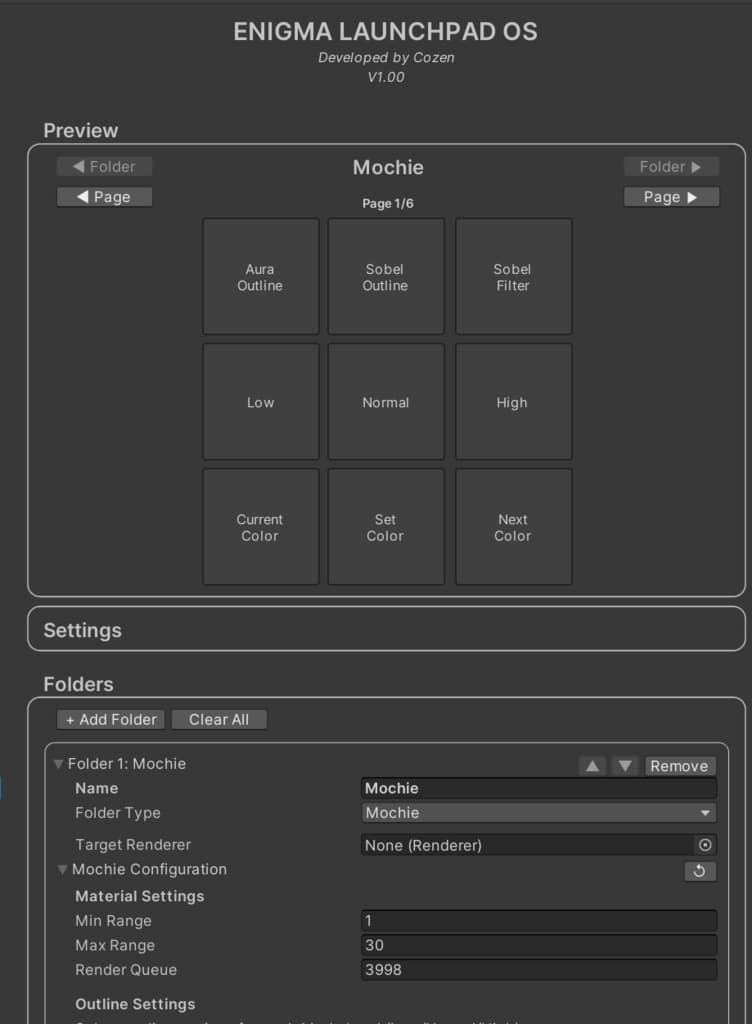
• Editor-side preview foldout that simulates the Launchpad UI to visualize folder/page layout in the editor without entering play mode.
• Built-in support for popular shader sets like Mochie Screen FX and June Shaders (must be imported separetely).
• Integrates with popular tools like ProTV, VideoTXL, Access Control, AutoLink, etc.