

VRoid用 多色展開 金属製天使の羽根アクセサリー - Metallic Angel Wings
 Fox Corp.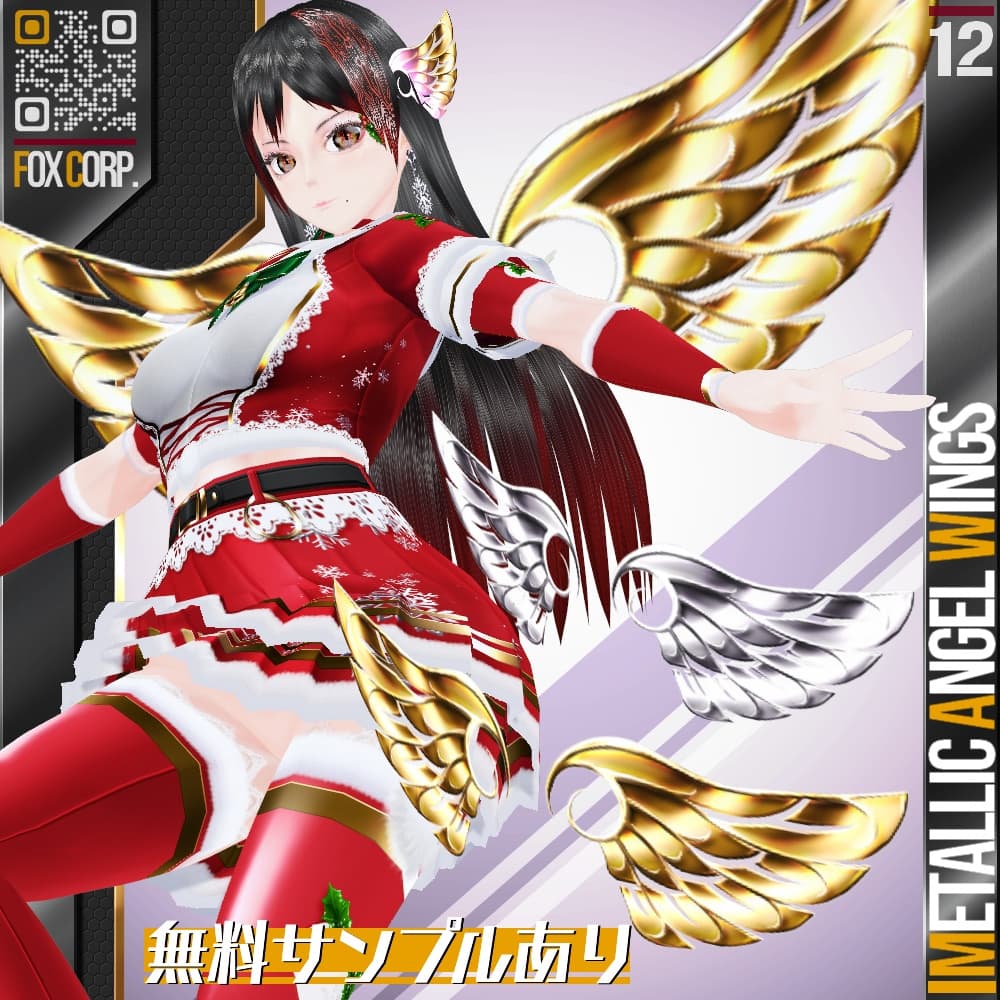
説明
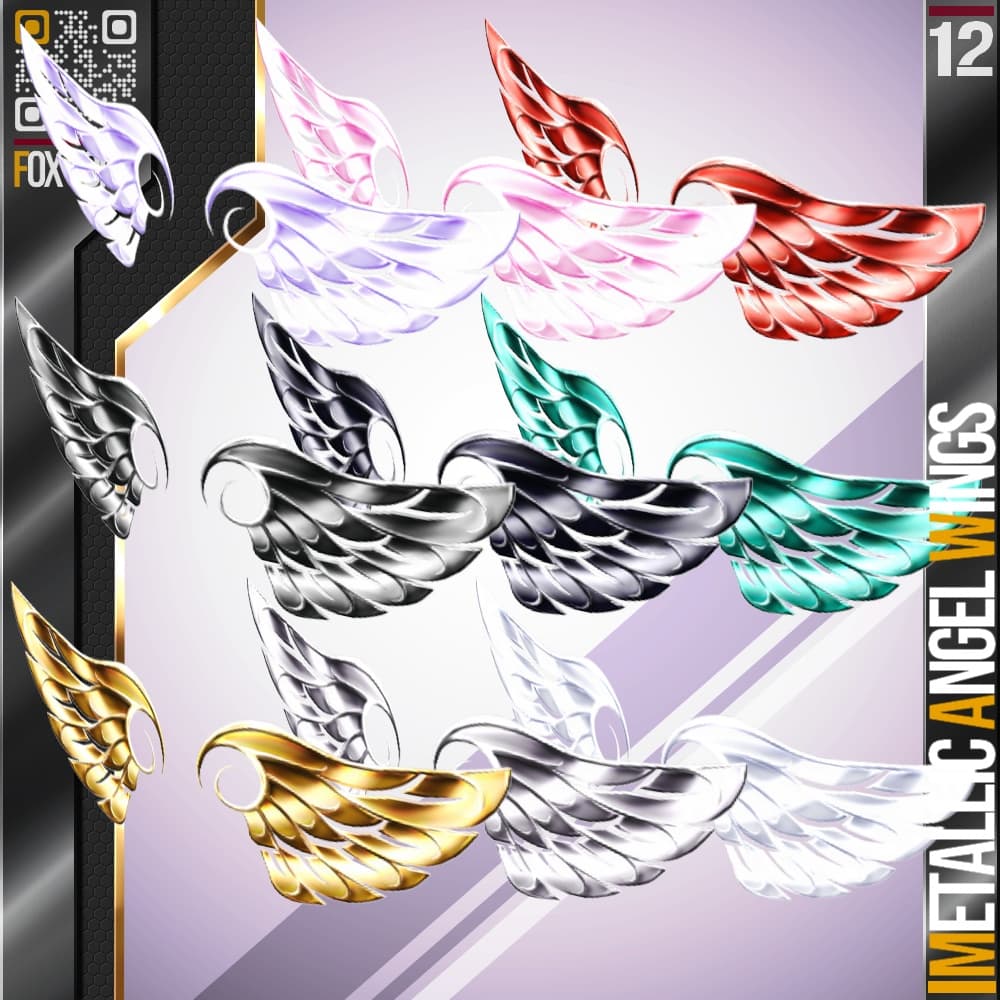
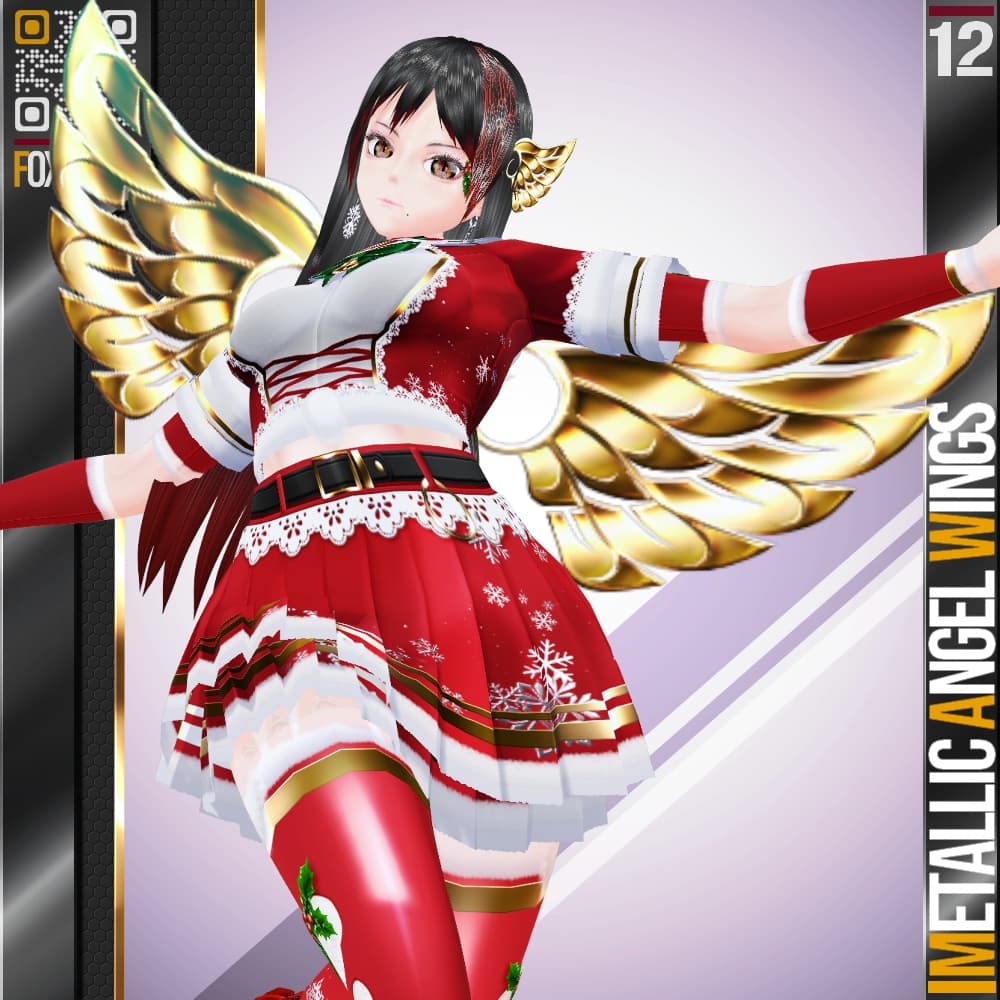
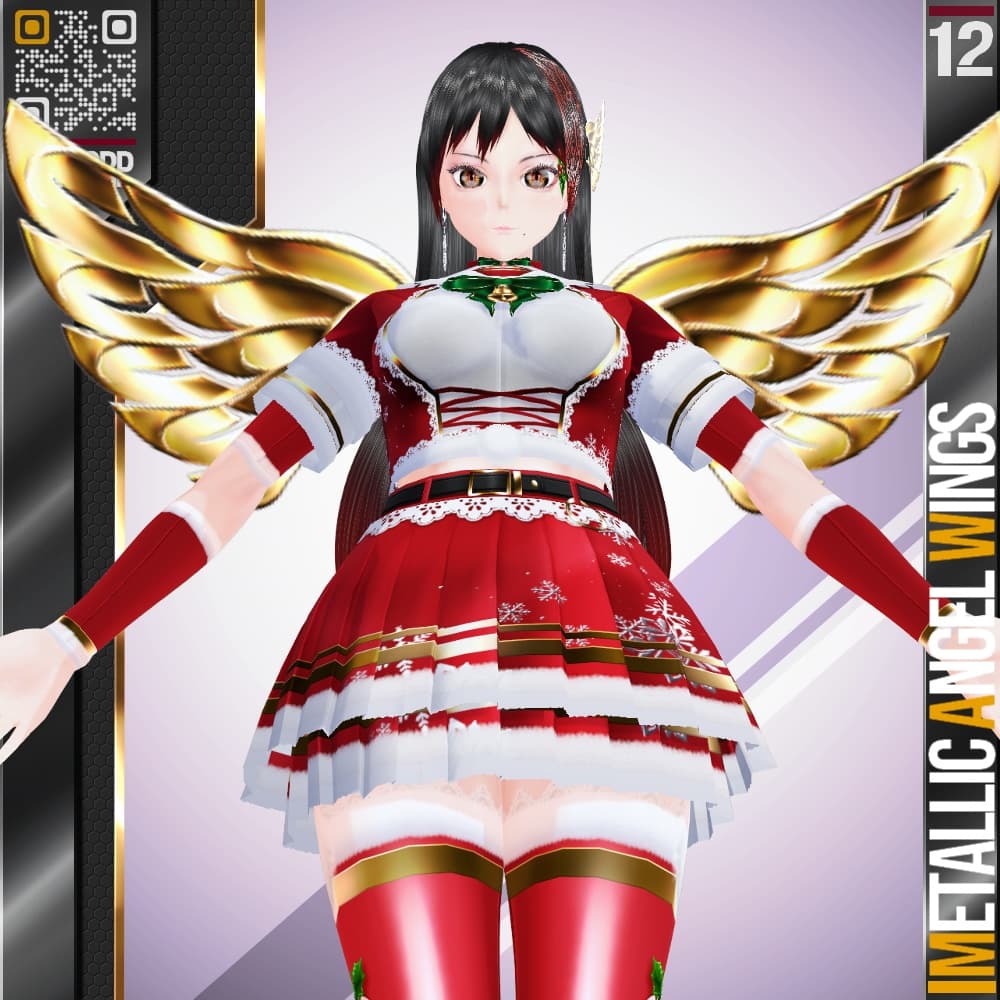
【説明】 VRoid用メガネを利用した金属製の天使の羽根です。背中に背負う他、ヘアアクセサリー等としても使用できます。眼鏡を使用しているため、背中に背負った場合は頭に追従して可動します。クリスマスなどにもお使いいただけると思います。
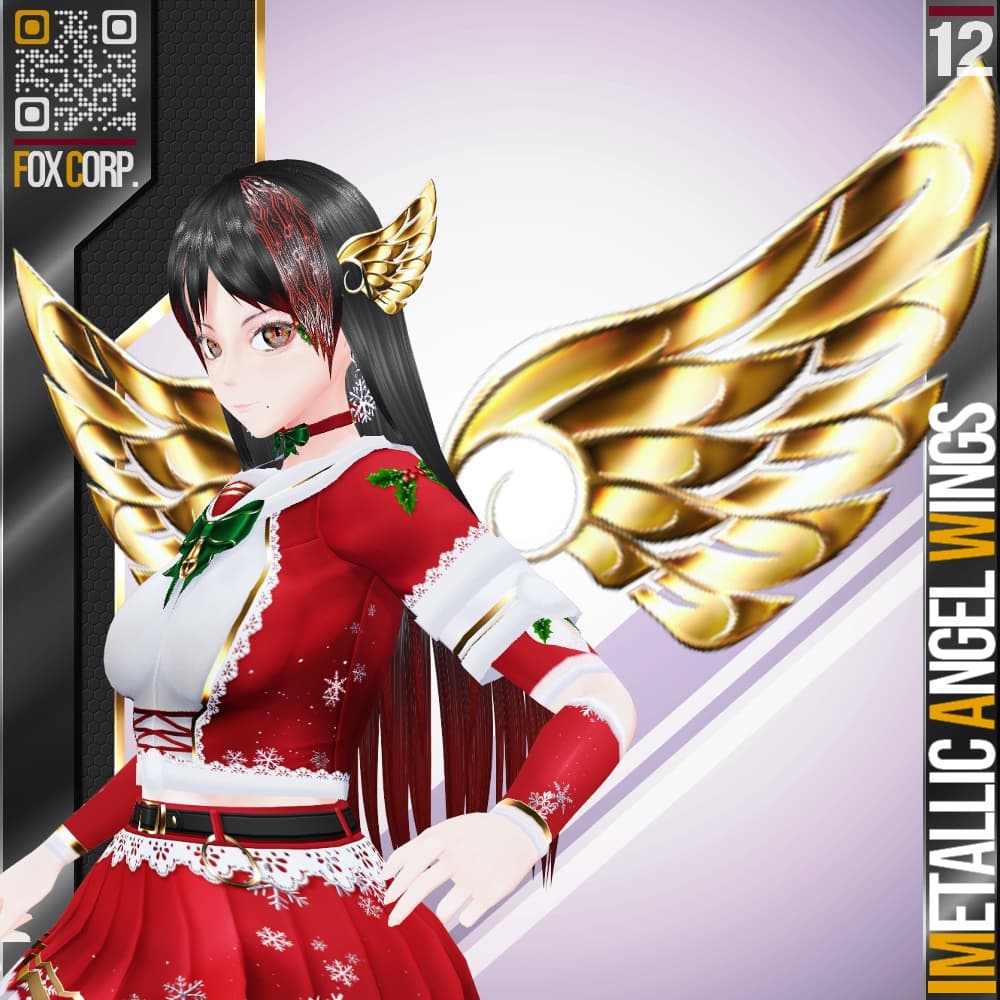
アクセサリーであるため、.vroidcustom ファイルが付属しません。以下のインストール手順およびサムネイル4枚目を参考にご自身でセットアップしてください。
- メガネ(厚み無し) を作成する。
- テクスチャ編集にうつり、フレーム部分のテクスチャを削除。レンズ部分にテクスチャをインポートする。
- 位置と大きさを調節する。大きくしすぎると画像がぼやけます。
- 3で作成した羽を複製し、位置を調整する。
- 1~4 の手順を他の羽についても同様に行う。
創作活動の励みになりますので、是非【♥】を押してください!
・商品説明以外のテクスチャは「含まれておりません」。お気に召しましたら、別途ご購入をご検討ください。
・無償版はSAMPLEの透かしが入っています。まずはこちらで使用感をお試しください。
・有償版および作成支援版2種類には内容の違いはございません。
【 最新情報等はこちら! Follow me on X : https://twitter.com/7799Fox 】
【Description】 Metal angel wings utilizing VRoid glasses. Can be worn on the back or used as hair accessories. Since glasses are used, when worn on the back, they move with the head.
As this is an accessory, it does not include a .vroidcustom file. Please set it up yourself using the installation steps below and the fourth thumbnail as a reference.
- Create glasses (no thickness).
- Switch to texture editing, delete the frame texture. Import a texture onto the lens area.
- Adjust the position and size. Making them too large will blur the image.
- Duplicate the wing created in step 3 and adjust its position.
- Repeat steps 1-4 for the other feathers.
Your support encourages my creative work, so please hit the 【♥】!
・Textures other than those described in the product details are NOT included. If you like them, please consider purchasing them separately.
・The free version has a SAMPLE watermark. Please try it out first to see how it feels.
・There is no difference in content between the paid version and the creation support version.
【 Latest updates here! Follow me on X : https://twitter.com/7799Fox 】