

⛈️ Yami no Genjitsu (PC/Quest/Opti) | Face Tracking | GoLoco | Lollipop SPS ⛈️
 Zy's Dominion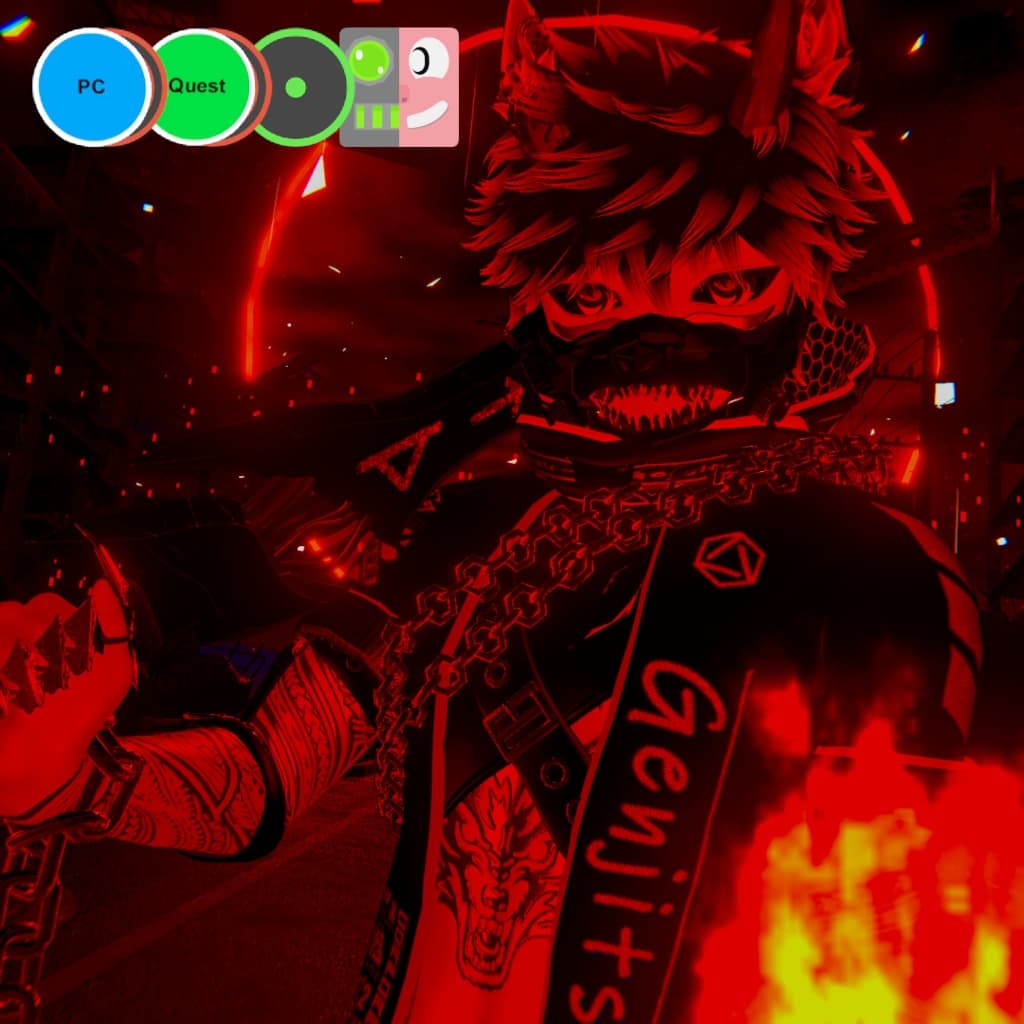
説明
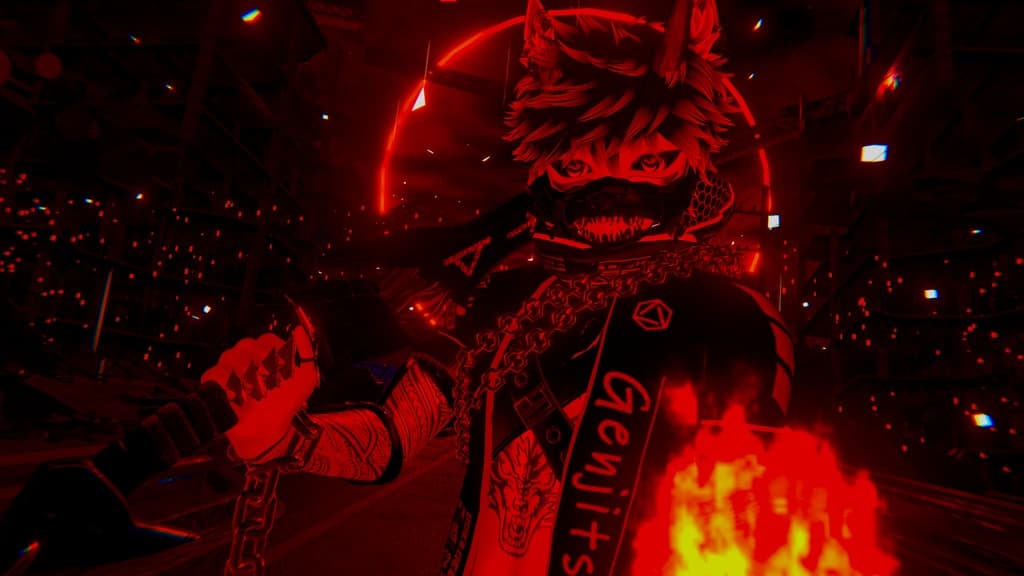
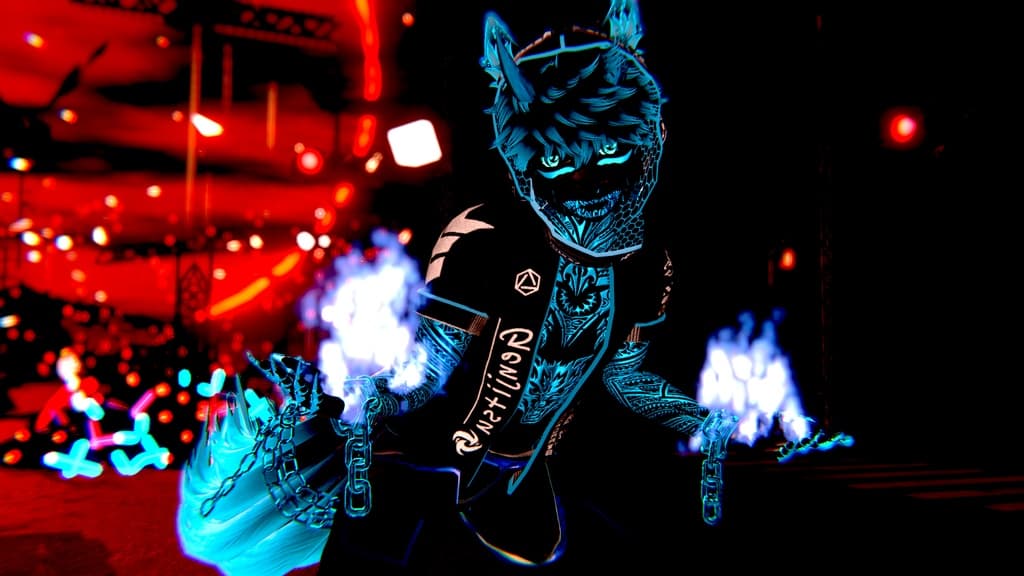
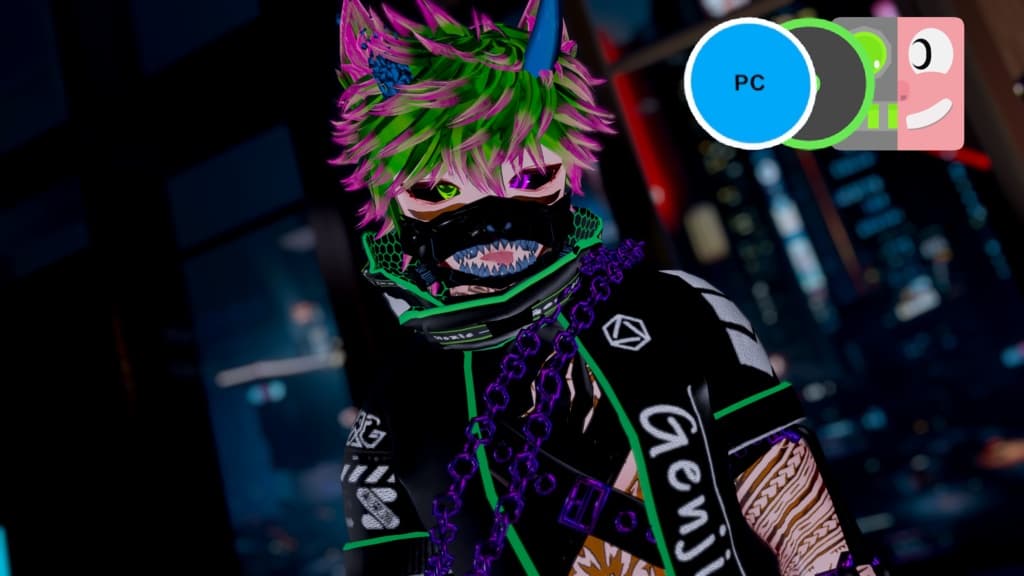
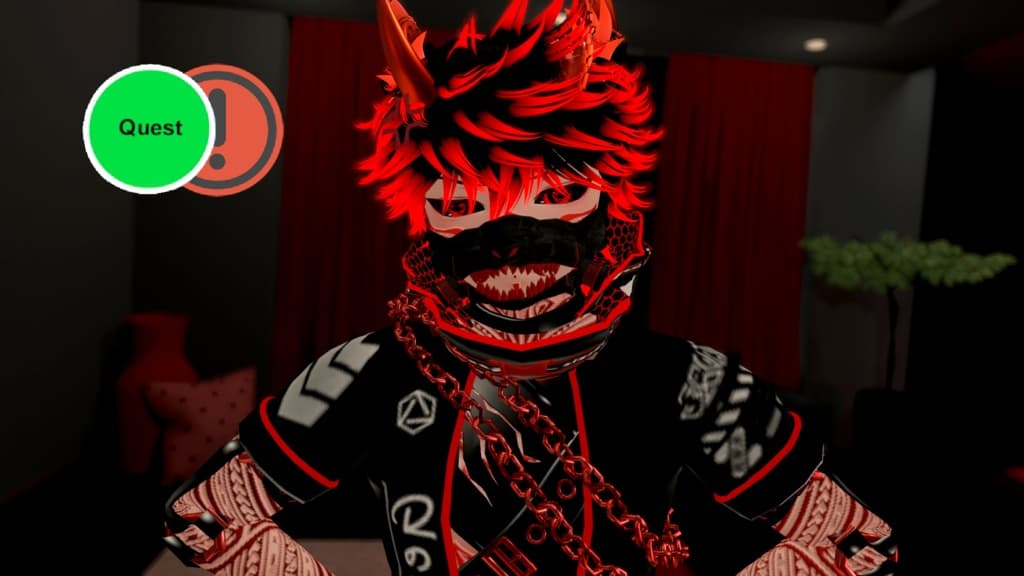
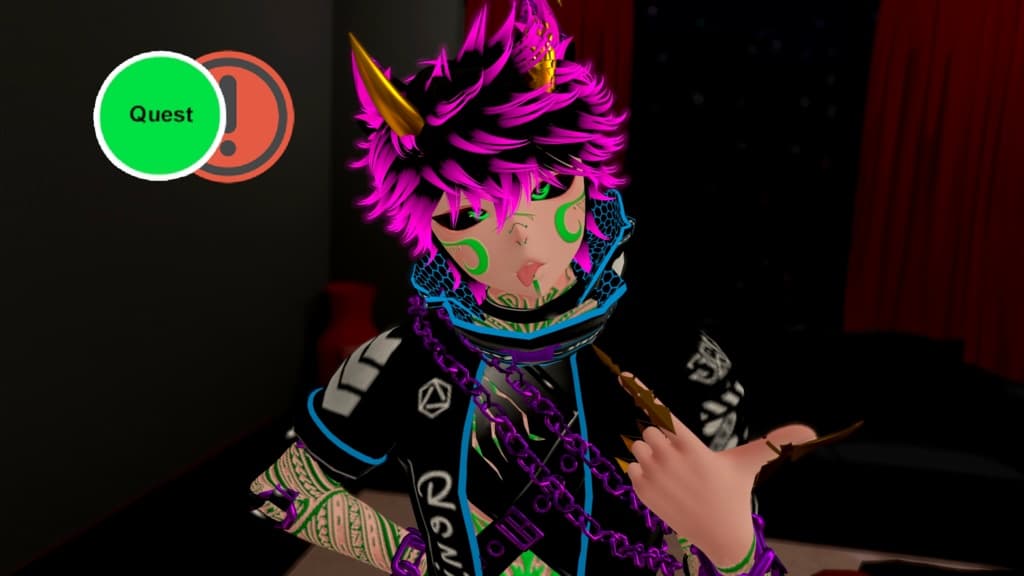
⛈️Yami no Genjitsu, the dark counter part to Sakura no Yume is here!⛈️
Everyone loves the cherry blossom dream, however the dark reality looks a little different than that. No beautiful and bright kitsune, only a wild and dark wolf. As always I've tried to keep the Avatar as optimized as possible so you can use it anywhere you'd like! It's easy to customize and remove stuff since extra assets and physbones are all collected in one place for easy removal or editing! And as always my Avatar has a more kind, anime-styled look, since I don't want to make e-boy/e-girl Avatars.
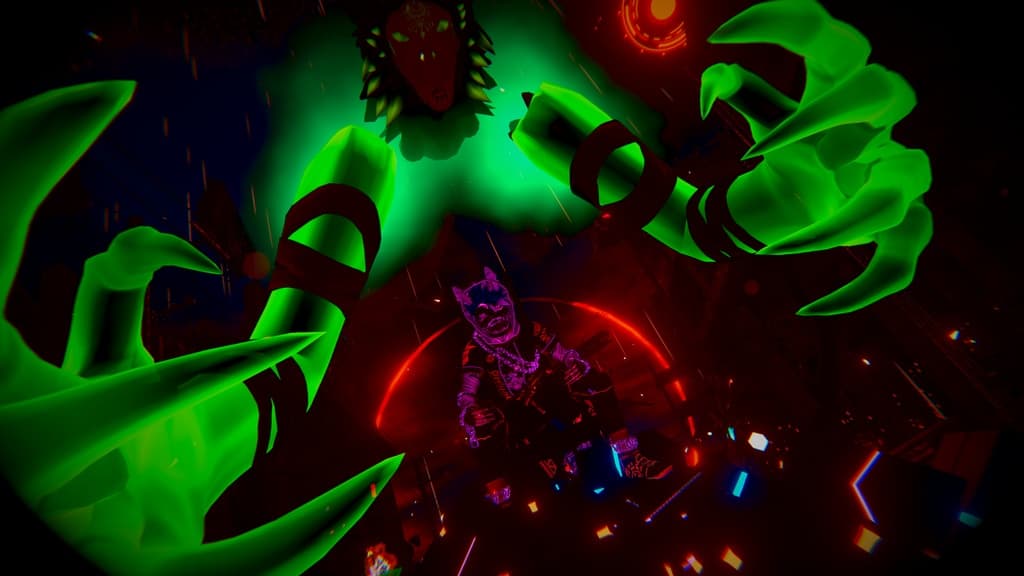
This avatar includes some items you can grab, play around with and put it down to stay in the world! To make sure you can express yourself even without face tracking, I've added 14 different face expressions (7 face expressions on each hand) with some even being animated like sleeping or crying!
Join my Discord if you need help with the Avatar and to stay up to date with new releases and discount codes! <3 https://discord.gg/WGBG3A6W6H
Avatar Stats PC
- Very Poor - 397.869 Polygons 52 Material Slots / 39 Material Slots without Particles 27 Skinned Meshes 45 Physbone Components 2 Lights (with SPS) / 0 Lights without SPS 29,06 MB Download Size 105,06 MB Texture Memory
Optimized
- Good - 69.034 Polygons 8 Material Slots 1 Skinned Mesh 7 Physbone Components 11,49 MB Download Size 68,40 MB Texture Memory
Quest
- Very Poor - 211.242 Polygons 19 Material Slots 14 Skinned Mesh 5 Physbone Components 9,9 MB Download Size 6,92 MB Texture Memory
How to upload (instructions included in the download too) PC / Optimized version
- Make a new Avatar Project in your VRChat Creator Companion.
- Install VRCFury through the Creator Companion or with the Installer. Get it here: https://vrcfury.com/download 2.5) If you want to use the Face Tracking, make sure to import Jerry's VRCFT.
- Open the Project.
- Import Poiyomi Toon 9 (exact version I used: Poiyomi v9.0.61 (newer is fine too)), alternatively you can also import it beforehand through the VRC Creator Companion!
- Import the included unity package for the Avatar.
- Open the VRChat SDK Control Panel and log in.
- Open the VRChat SDK "Builder" Tab and click any "Auto-Fix" buttons if they appear.
- Click "Build & Publish for Windows"
Quest version
- Make a new Avatar Project in your VRChat Creator Companion with SDK version 3.9.0 or newer!
- Install VRCFury through the Creator Companion or with the Installer. Get it here: https://vrcfury.com/download
- Open the Project.
- Import the included unity package for the Quest version of the Avatar.
- Open the VRChat SDK Control Panel and log in.
- Open the VRChat SDK "Builder" Tab and Switch Build to "Android".
- Click any "Auto-Fix" buttons (most likely the compress format error)
- Open the VRChat SDK "Content Manager" Tab, search out the Avatar that you want to upload this Quest version to and click "Copy ID".
- Go to the Hierarchy, click on the Avatar Object and paste the copied ID into the "Blueprint ID" under "Pipeline Manager" and click attach.
- Now go back to the VRChat SDK "Builder" Tab and click "Build & Publish for Android".
Join my Discord if you need help with the Avatar and to stay up to date with new releases and discount codes! <3 https://discord.gg/WGBG3A6W6H