

Low Ponytail - VRChat Hair / CP13
 MetaCreatorsTYO EN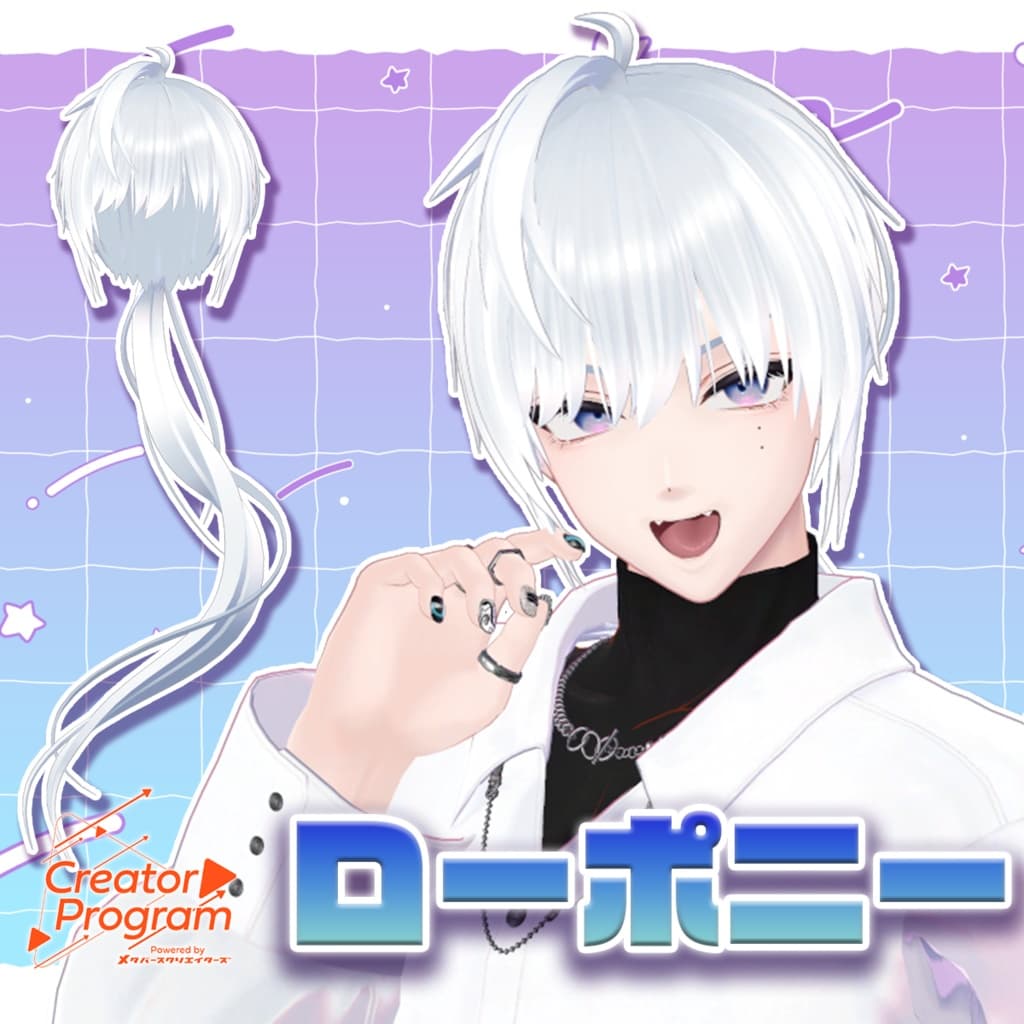
説明
◆ amane_ponytail ◆
Creator: Misato-ya (Amane Fuyu)
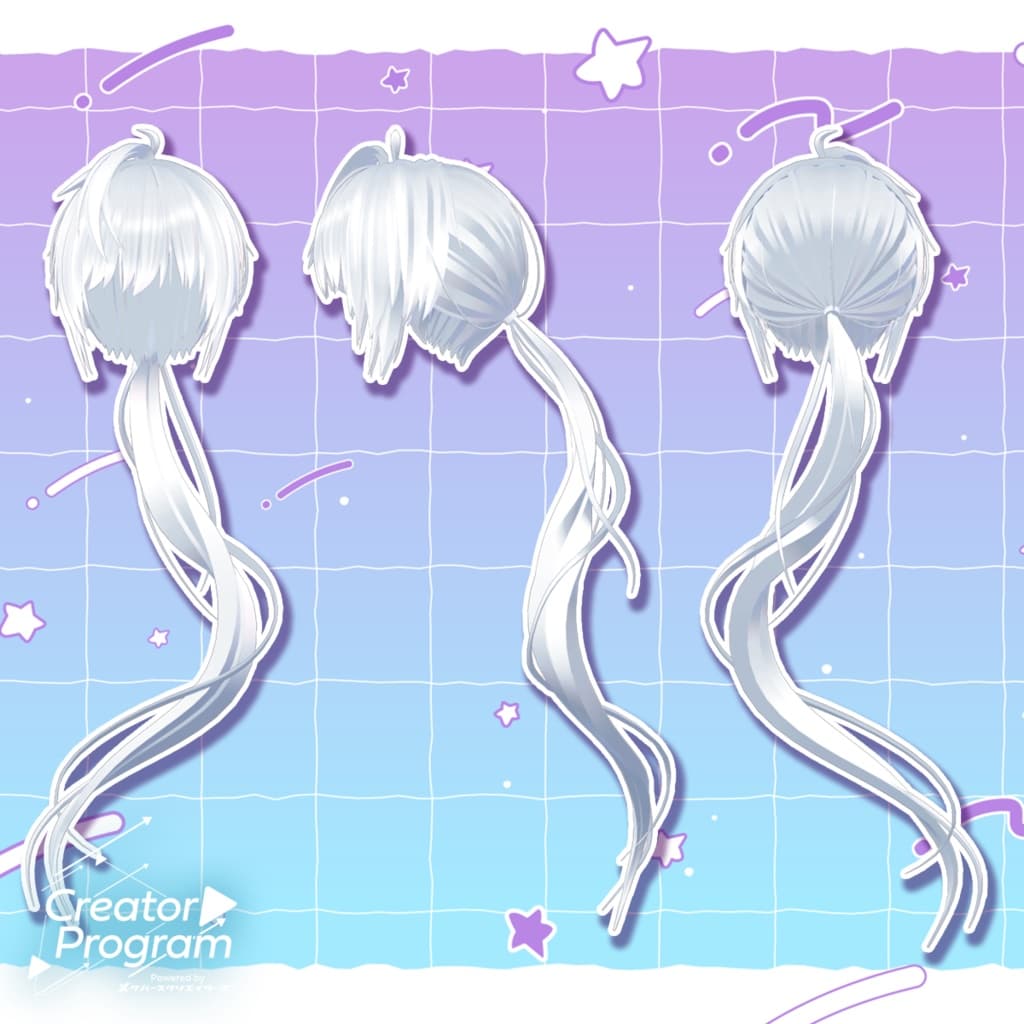
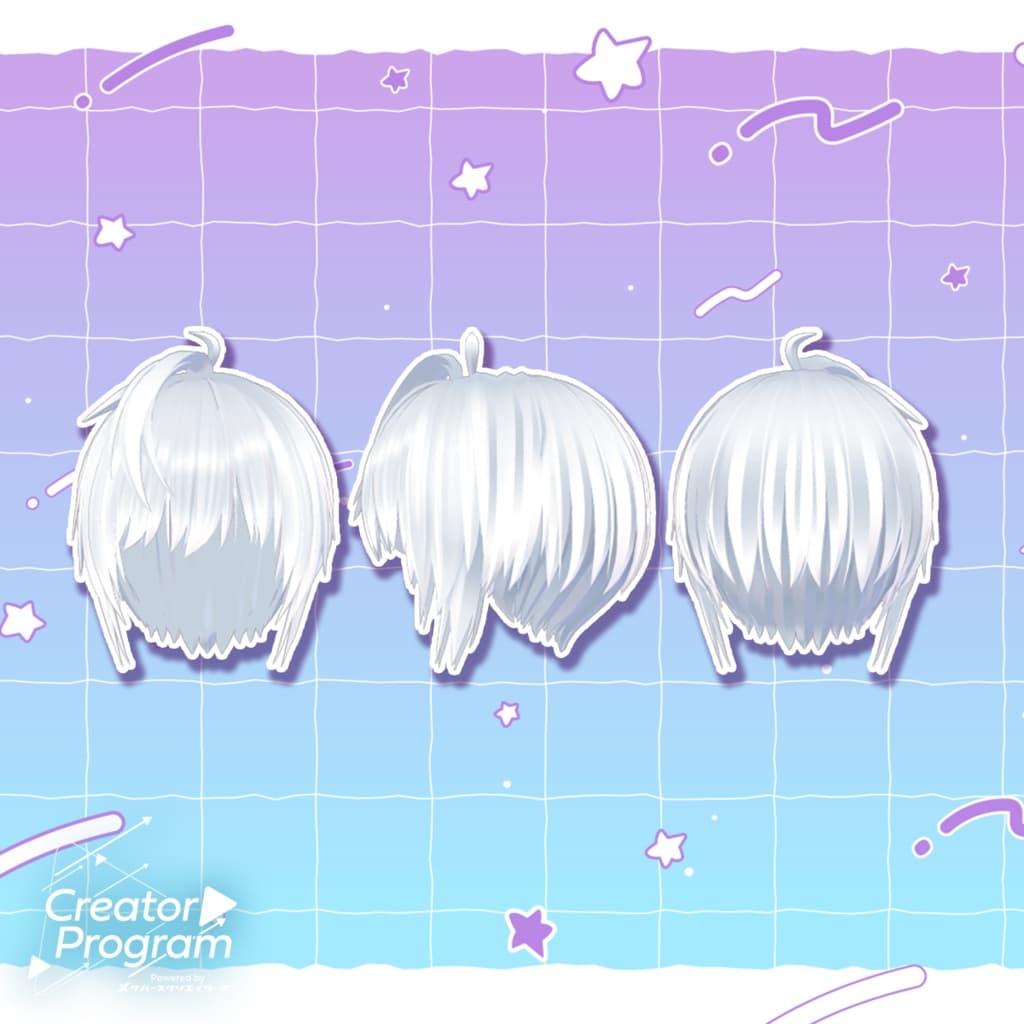
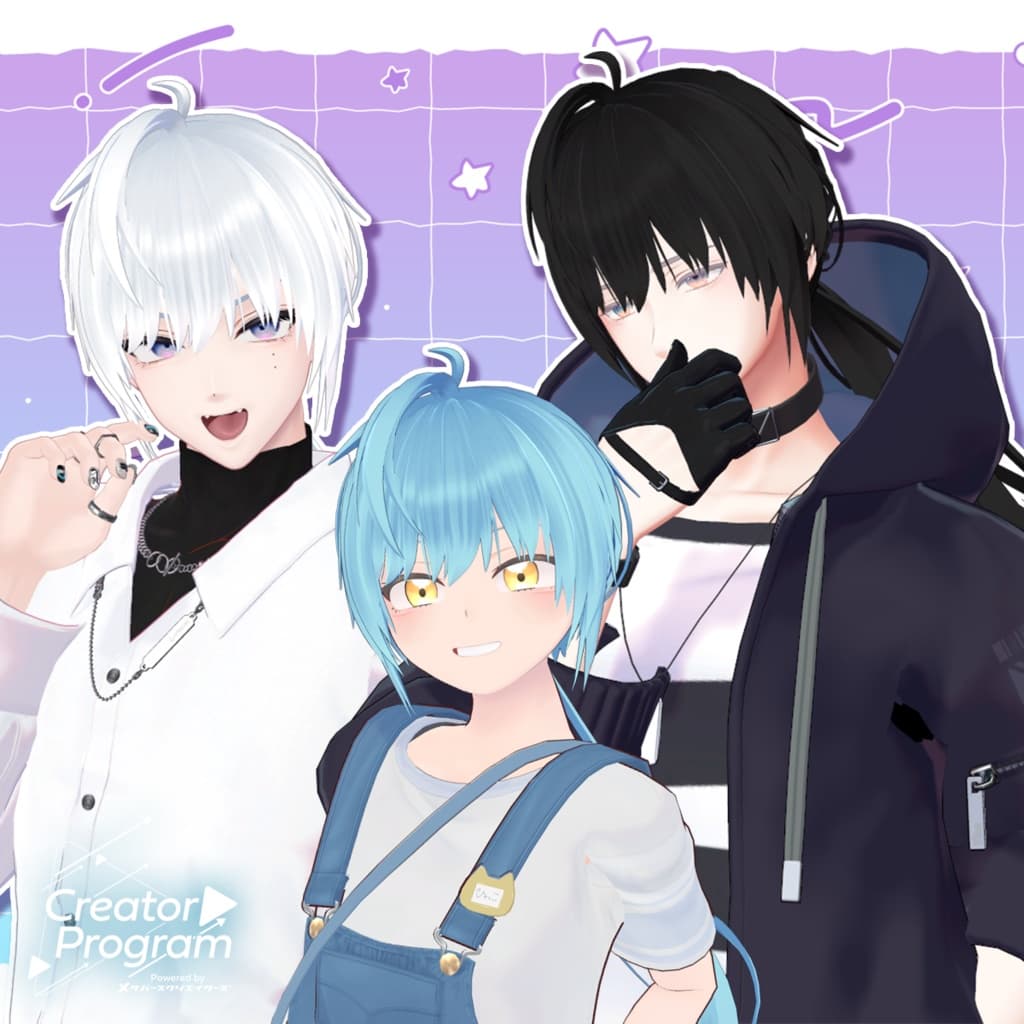
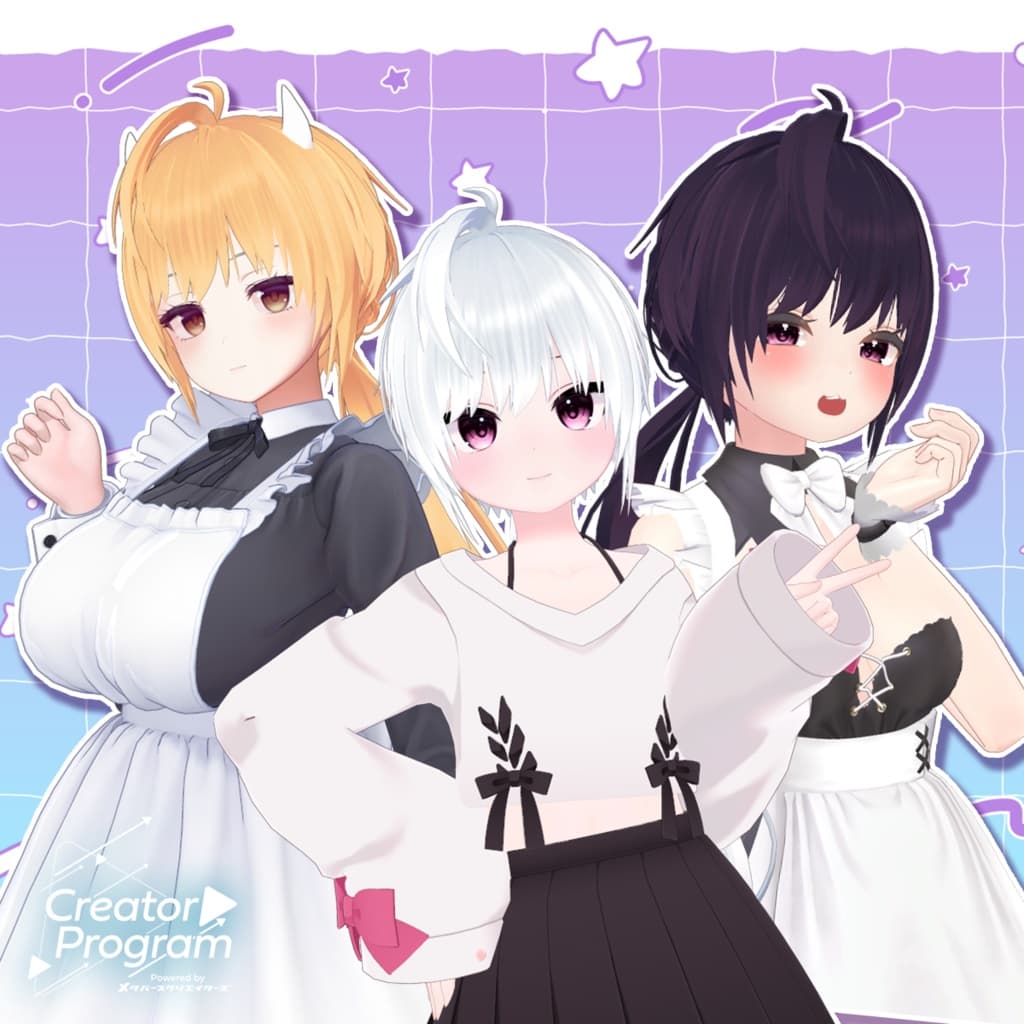
This is a low ponytail hairstyle. It can also be used as a regular short hairstyle.
※ Important Notes
This product is a hair model for VRChat avatars. The avatar body is not included.
Due to the nature of digital downloads, returns and refunds are not possible. Please read and agree to the product description and Terms of Use before purchasing.
◆ Item Overview ● Included Files
amane_ponytail.Unitypackage
FBX
Textures
ReadMe.txt (this document)
● Shader Used
liltoon https://lilxyzw.booth.pm/items/3087170
● Required Asset
Modular Avatar https://modular-avatar.nadena.dev/ja/docs/intro
◆ Model Data
Total polygons: 9,642
Hair_base: 7,836
Hair_hyde: 336
Hair_ponytail: 4,464
Hair_short: 1,872
Mesh count: 4 Material count: 11 PhysBone Components: 3
Import Folder
Assets > MetaverseCreators_CP > amane > Item_ponytail
◆ Supported Avatars
Komano – Original 3D Model https://booth.pm/ja/items/5260363
This product is semi-compatible with other avatars by adjusting it in Unity. Pre-adjusted semi-compatible versions are included for the following avatars:
Minase – VRChat Avatar (#Minase3D) https://booth.pm/ja/items/4013951
Hyako – by Niyami https://booth.pm/ja/items/6328134
Maya – Original 3D Model https://booth.pm/ja/items/3390957
Karin – Original 3D Model https://booth.pm/ja/items/3470989
Miltina – Original 3D Model https://booth.pm/ja/items/6538026
This hairstyle includes many shapekeys for adjusting size and position. You can also try fitting it to avatars not listed above.
If multiple objects share shapekey names, setting them to the same value will keep the appearance consistent.
◆ Model Structure Overview
Hair_base – Main base hairstyle Hair_hyde – Side strands near the ears (If your avatar has animal ears, you may keep this hidden.) Hair_ponytail – Back hair for the ponytail version Hair_short – Back hair for the short-hair version
◆ Shapekey Overview Hair_base
front_long → Lengthen bangs
front_short → Shorten bangs
front_left → Part bangs to the left
front_right → Part bangs to the right
X_big / Y_big / Z_big → Scale bigger
Z_small → Scale smaller
ahoge1_del → Remove ahoge 1
ahoge2_del → Remove ahoge 2
under_smallX / under_smallY → Reduce neck area (horizontal / depth)
under_bigX / under_bigY → Expand neck area (horizontal / depth)
Hair_hyde
X_big → Scale outward
X_move / X_move2 → Move outward / inward
Y_move → Move vertically
Z_move → Move forward/back
Hair_short
X_big / Y_big / Z_big → Scale adjustment
Hair_ponytail
X_big / Y_big / Z_big → Scale adjustment
◆ Installation Guide
Set the latest VRC SDK in VCC
Install required assets (liltoon, Modular Avatar) via VCC
Import the latest version of your avatar package
Import this product’s Unitypackage
Drag your avatar (or outfit-editing prefab) into the Scene Hierarchy
Hide any unnecessary avatar parts (original hair, attached ears, etc.)
Drag ponytail_アバター名.Prefab under your avatar in the hierarchy
Adjust scale, position, and shapekey values to fit your avatar (If a pre-adjusted prefab is included, you may skip this step.)
Upload using the VRC SDK
◆ Recoloring
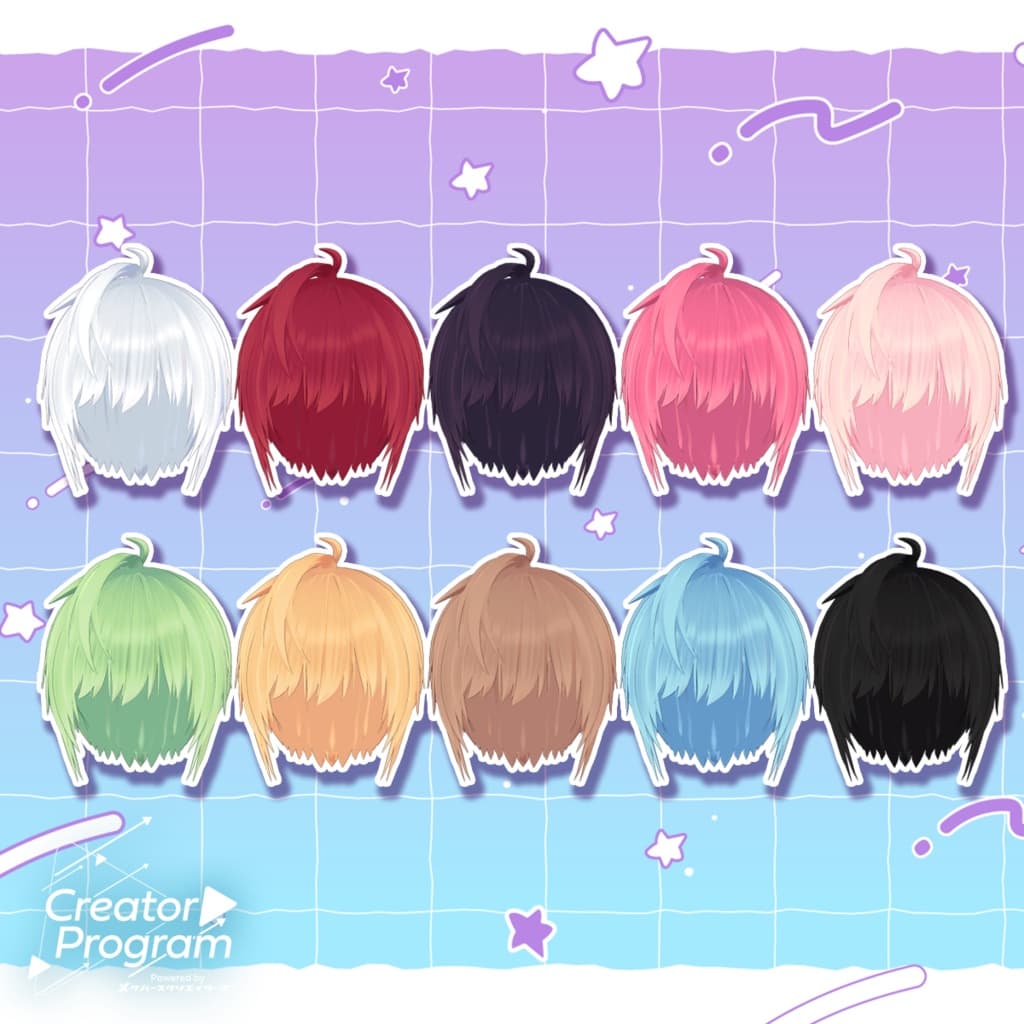
Replace the color-variation materials in Common > Material
ForGradationMap is grayscale and can be used for gradient-based recoloring
Useful when applying color changes through liltoon’s gradation system
◆ Terms of Use
https://drive.google.com/drive/folders/1qRMXoIxM1ZgacBPfwOigQRtXP1vCbNMn?usp=sharing
Please follow the usage rules of the base avatar as well.
◆ Production Environment
Modeling: Blender Ver. 2.93.18
Textures: firealpaca
Setup: Unity Ver. 2022.3.22f1
VRChat SDK - Avatars Ver. 3.8.1 (VCC)
liltoon 1.10.3
ModularAvatar 1.12.5
◆ Credits
Creator: #Misato-ya (Amane Fuyu) BOOTH: https://satu.booth.pm/
Support Contact https://discord.gg/bmw3PWE37M