

Nocturne Short Hair - VRChat Hair / CP12
 MetaCreatorsTYO EN
説明
◆ Nocturne Short Hair ◆
Creator: Atelier BonAppetit (Bon-chan / ぼんちゃん)
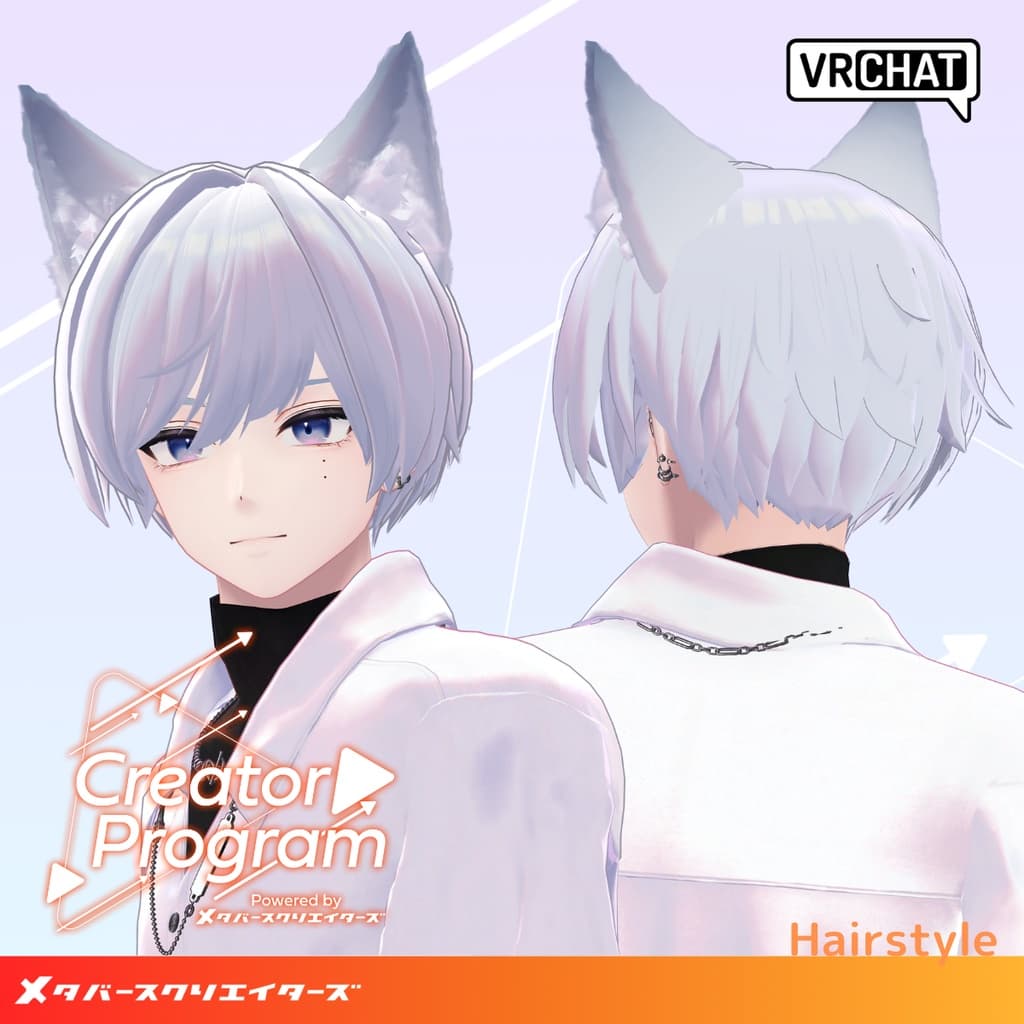
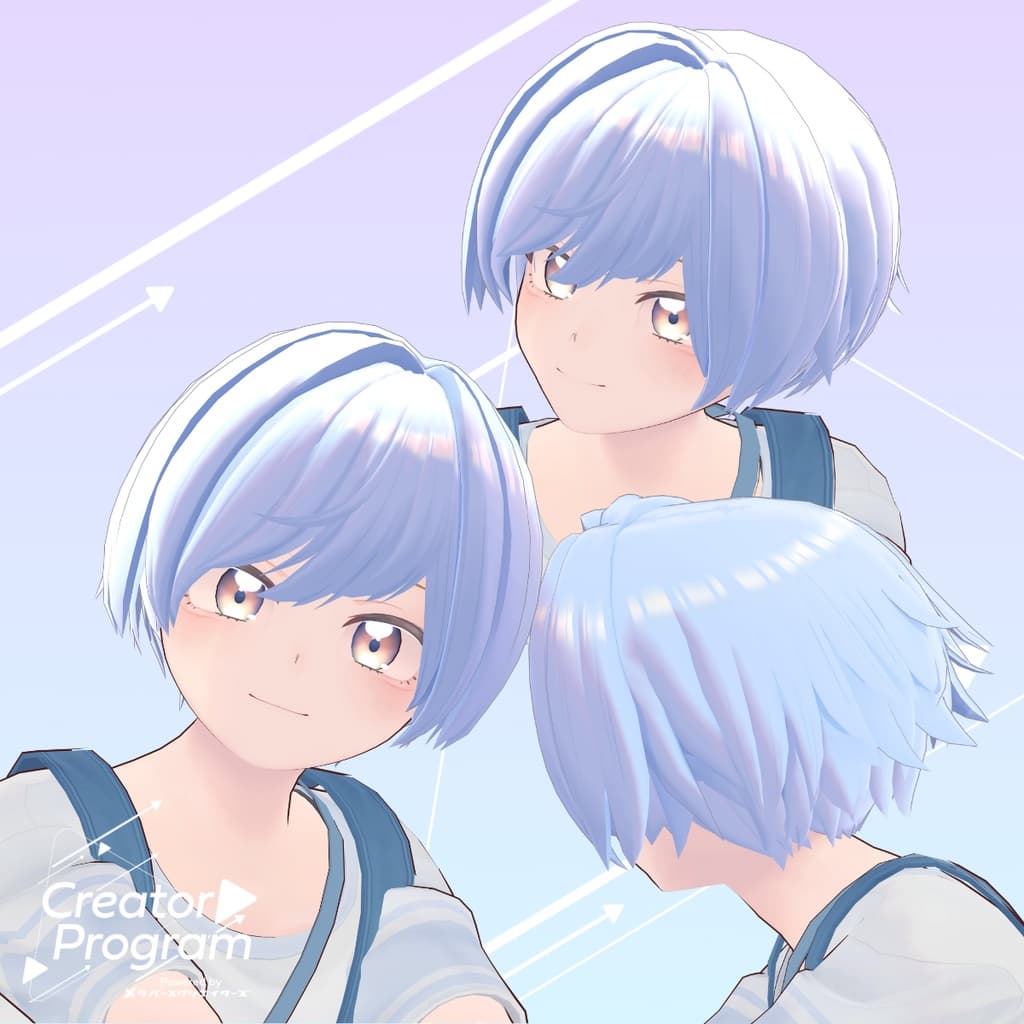
This asset was created under the Creator Program project. A soft, rounded short hairstyle designed to suit male avatars, emphasizing gentle curves and smooth volume. You can easily customize the color by replacing the material textures.
⚠️ Notes
This product is a hairstyle model for avatars. The avatar body itself is not included.
Due to the nature of digital items, returns and refunds are not possible. Please read and agree to the product description and terms before purchasing.
◆ Item Overview ● Contents
Nocturne Short Hair.Unitypackage (Includes prefabs adjusted for the avatars used during creation)
PSD file for customization
ReadMe.txt (this document)
● Shader Used
liltoon https://lilxyzw.booth.pm/items/3087170
● Required Asset
Modular Avatar https://modular-avatar.nadena.dev/ja/docs/intro
● Model Data
△ Total polygons: 5,736
Meshes: 4 Materials: 2 PB Components: 7
Import Folder: Assets > MetaverseCreators_CP > Atelier BonAppetit > アイテム名
◆ Supported Avatars
Komano – Original 3D Model https://booth.pm/ja/items/5260363
Hyakko – by Niyami https://booth.pm/ja/items/6328134
When using this hairstyle on avatars not listed above, you will need to use blend shapes that hide the avatar’s original hair.
◆ Installation Instructions
Set the latest VRC SDK in VCC.
Install required assets in VCC (liltoon, Modular Avatar).
Import the latest package of your avatar.
Import this product’s package.
Place your avatar (and any outfit/custom prefabs) into the Scene Hierarchy.
Hide unneeded hair parts (default hairstyles, etc.) and set them to Editor Only.
Drag and drop Nocturne Short Hair_AvatarName.Prefab directly under your avatar.
Upload the avatar through the VRC SDK.
◆ Recoloring
Replace any color-variant material inside: Common > Material
Use the included PSD file for more detailed recoloring.
Notes for specific avatars:
Hyakko: Use the included Body_Texture_ColorB (no back hair), or manually modify the body texture to remove back hair.
Komano: Adjust the avatar’s existing Hair material to match this asset. The first customization method mentioned above is the easiest.
◆ Terms of Use
https://drive.google.com/drive/folders/1qRMXoIxM1ZgacBPfwOigQRtXP1vCbNMn?usp=sharing
Please follow the original avatar’s terms of use.
◆ Production Environment
Modeling: Blender Ver4.2.1 Texturing: Adobe Substance 3D Painter Setup: Unity Ver2022.3.22f1 VRChat SDK - Avatars Ver3.7.3(VCC) liltoon 1.8.5 ModularAvatar 1.11.7
◆ Credits
Creator: Atelier*BonAppetit (Bon-chan) BOOTH: https://okashikudasai.booth.pm/
Support / Inquiries: https://discord.gg/bmw3PWE37M