

Flipped-Out Beanie Hair - VRChat Hair / CP7
 MetaCreatorsTYO EN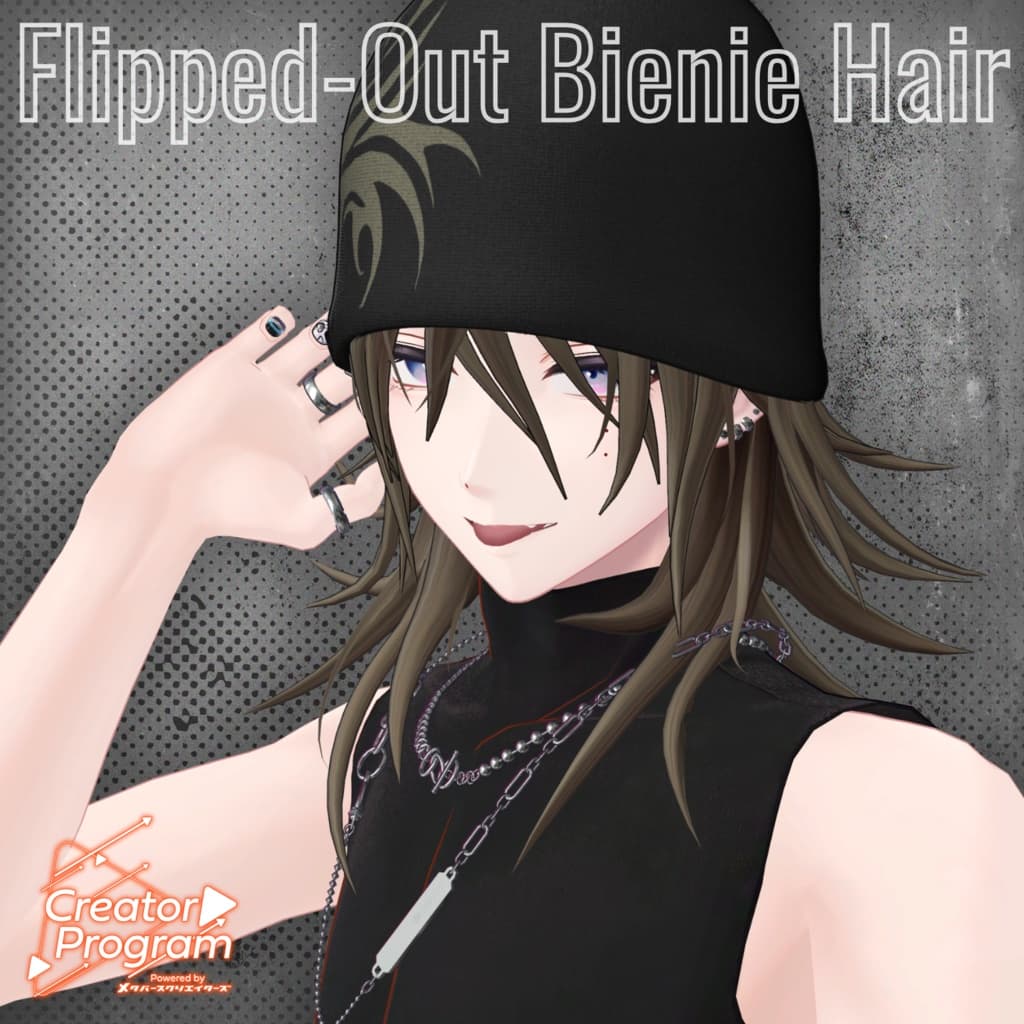
説明
◆ Flipped-Out Beanie Hair ◆
Creator: imya
This data was created as part of the “Creator Program” project.
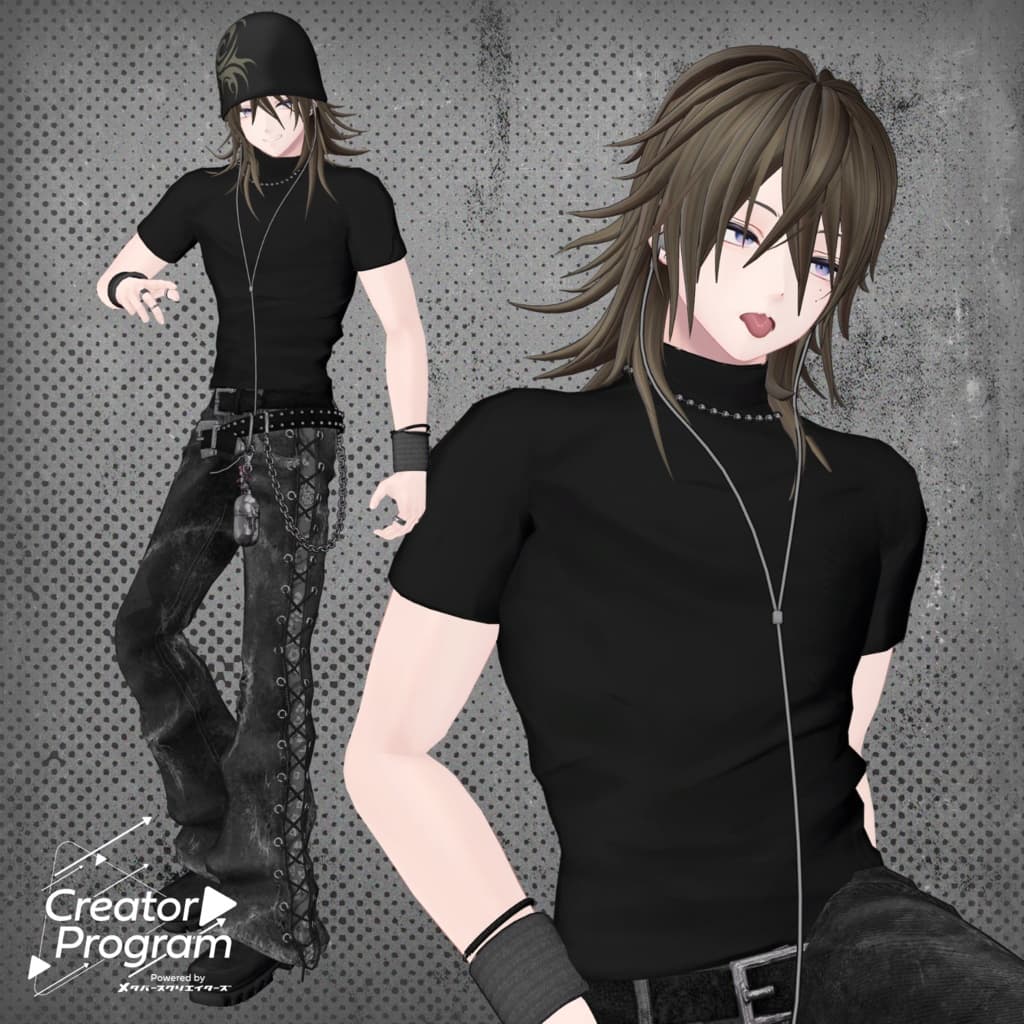
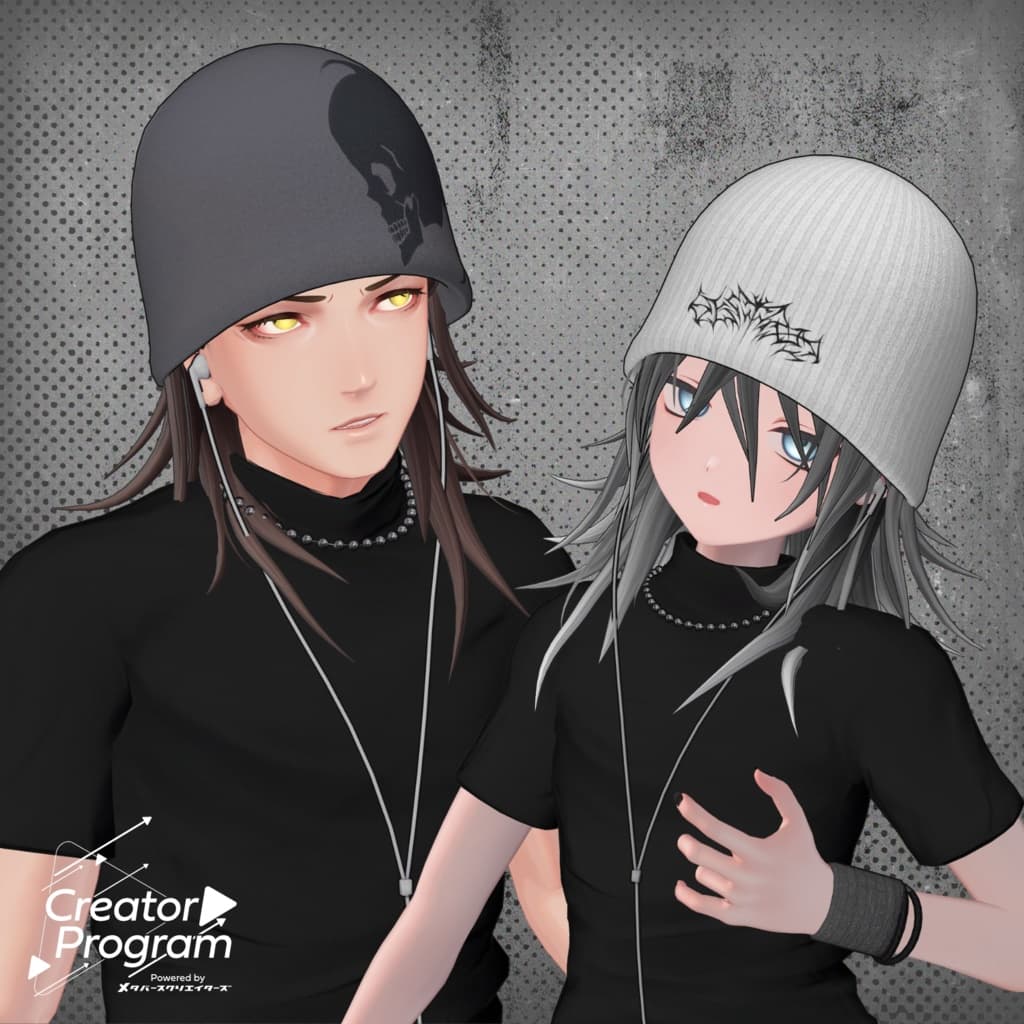
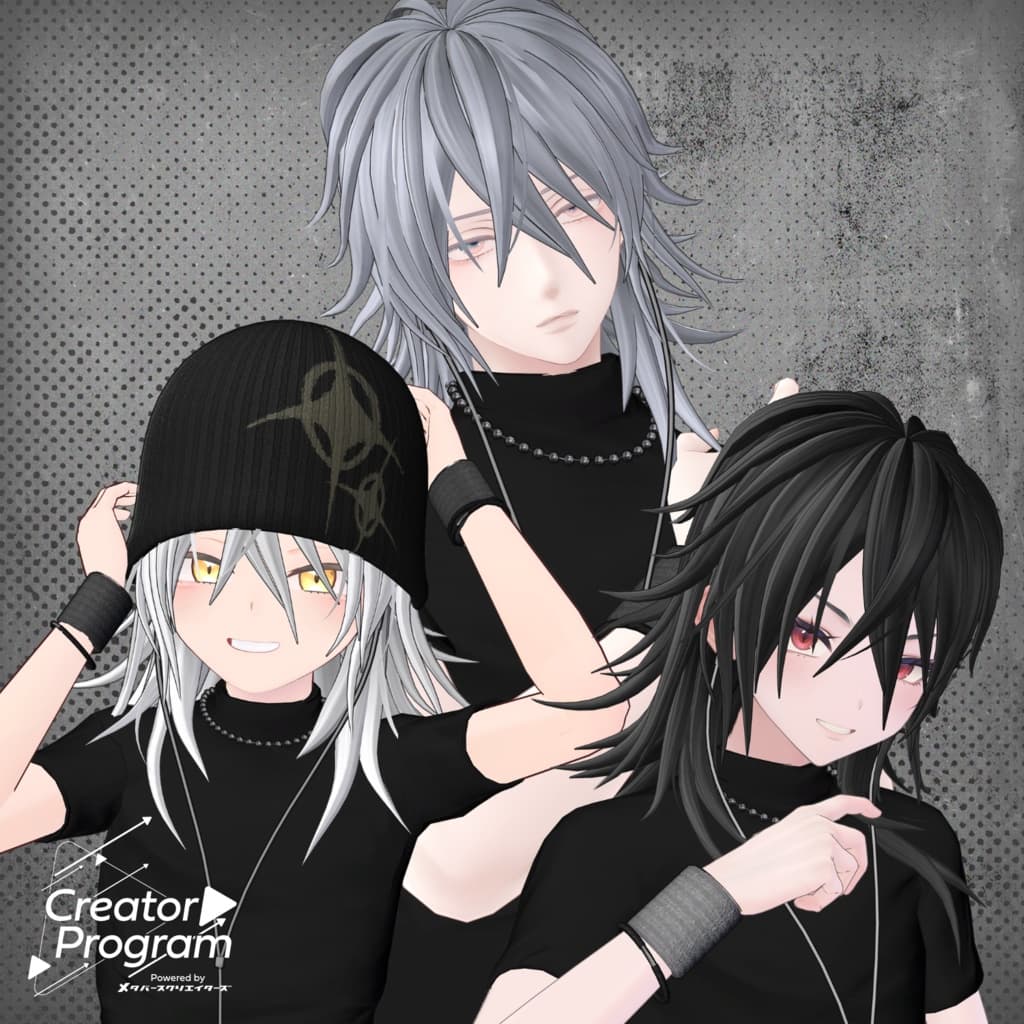
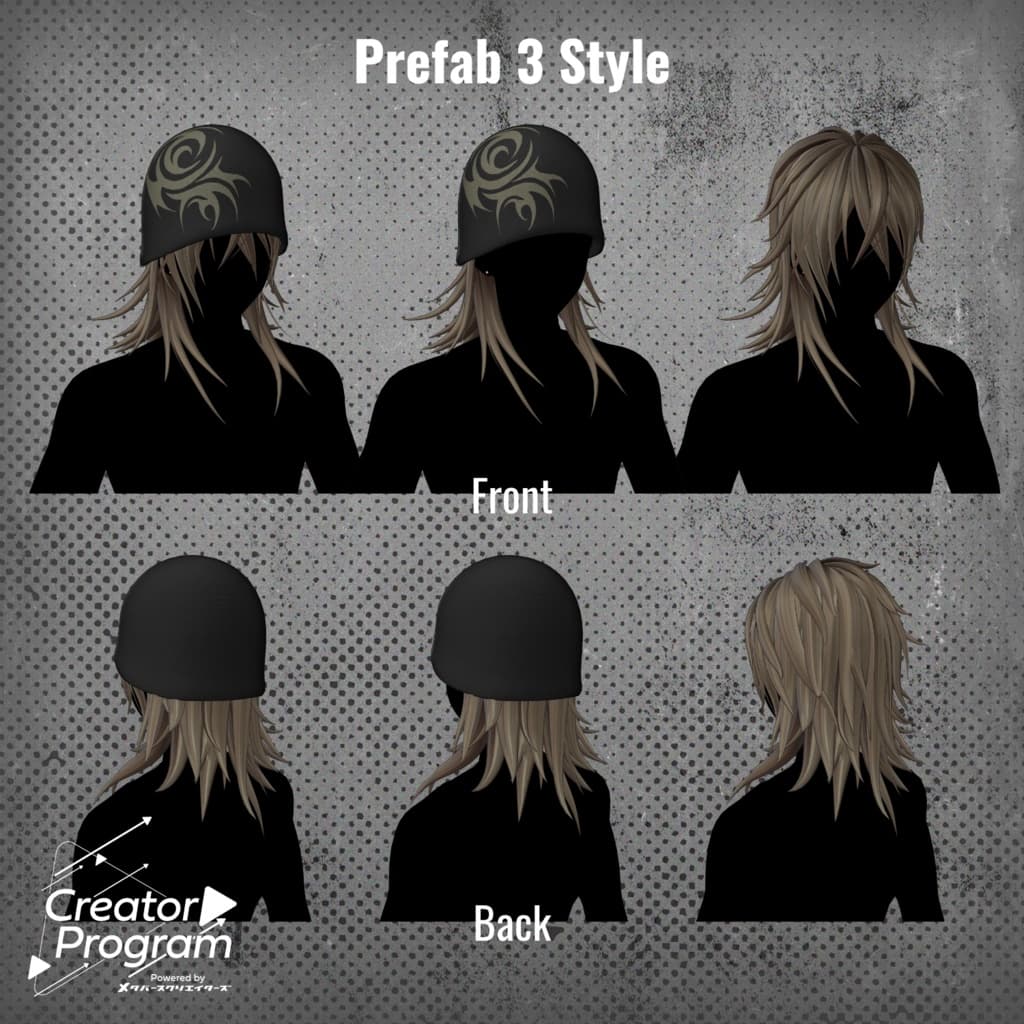
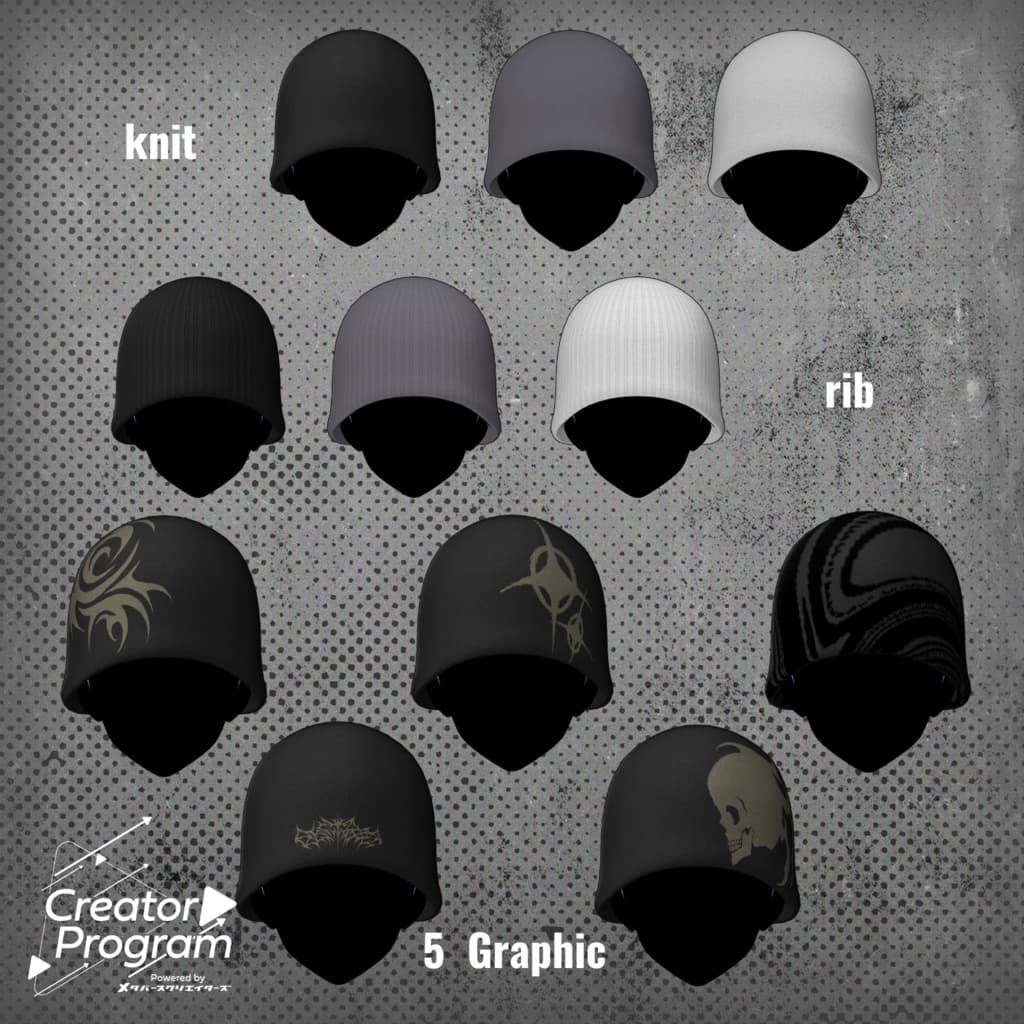
A medium-length flipped-out hairstyle with a beanie. You can enjoy various styles such as toggling the beanie on or off, or switching between bangs and no bangs.
⚠️ Notes
This product is a hairstyle model for avatars. The avatar body itself is not included.
Due to the nature of digital products, returns and refunds cannot be accepted. Please review the product description and terms of use before purchasing.
◆ Item Overview ● Contents
PackageName.Unitypackage
PSD file for customization
ReadMe.txt (this document)
● Shader Used
liltoon https://lilxyzw.booth.pm/items/3087170
● Required Asset
Modular Avatar https://modular-avatar.nadena.dev/ja/docs/intro
● Model Data
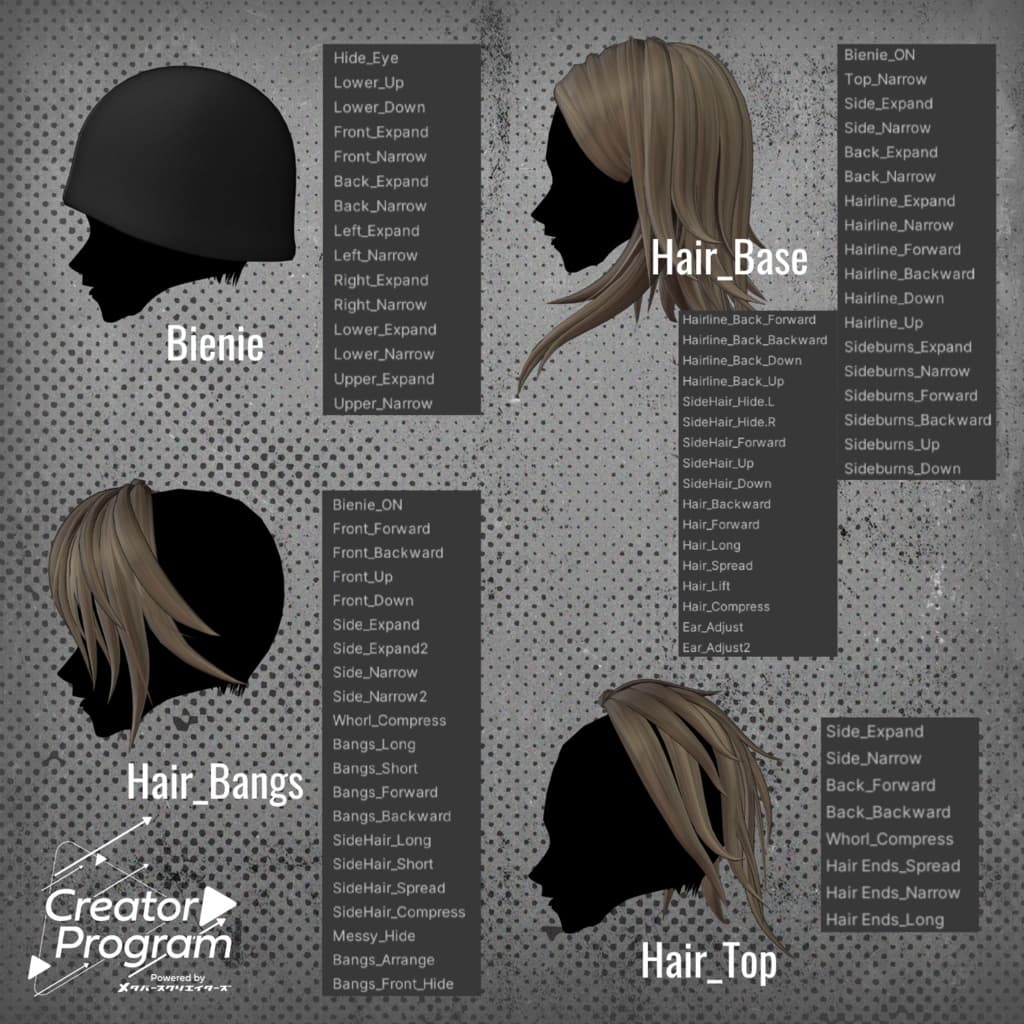
△ Total Polygons: 18,747 ├ Beanie:1,848 ├ Hair_Base:8,550 ├ Hair_Bangs:4,754 └ Hair_Top:3,595
Meshes: 4 Materials: 3 PB Components: 3 PB Colliders: 1
In the Hierarchy, “Collider” includes VRC Phys Bone Colliders — please set the corresponding avatar bone as the Root Transform.
Import Folder: Assets > MetaverseCreators_CP > IMTHRA > Flipped-Out Bienie Hair
◆ Supported Avatars
Komano – Original 3D Model https://booth.pm/ja/items/5260363
Semi-Compatible Avatars (adjusted in Unity):
Komano – Original 3D Model https://booth.pm/ja/items/5260363
Minase – VRChat Avatar #Minase3D https://booth.pm/ja/items/4013951
Kuuta – Original 3D Model #Kuuta3D https://booth.pm/ja/items/4897493
Turanari-san (Tinmeshitei Common Body) https://booth.pm/ja/items/5498540
Bokusai (PlusHead Body) https://booth.pm/ja/items/5727810
Hyakko – by Niyami https://booth.pm/ja/items/6328134
Includes numerous shape keys for adjusting size and position. Some combinations of shape keys may cause distortion — please adjust as needed.
◆ Installation Instructions
Set the latest VRC SDK in VCC.
In VCC, install required assets (liltoon, Modular Avatar).
Import the latest package of your avatar.
Import this product’s package.
Drag and drop your avatar (or customization prefab) into the Scene Hierarchy.
Hide unnecessary parts (default hair, attached ears, etc.) and set them to Editor Only.
Drag and drop the appropriate prefab (ItemName◯◯_AvatarName.Prefab) directly under your avatar.
Adjust the scale, position, and shape key values to fit the avatar. (If a pre-adjusted prefab is included, this step is unnecessary.)
Upload the avatar through VRC SDK.
※ The “Base Prefab” folder contains raw prefabs without variation adjustments. These are not needed for standard outfit application but can be used for scaling all variants at once if necessary.
◆ Recoloring
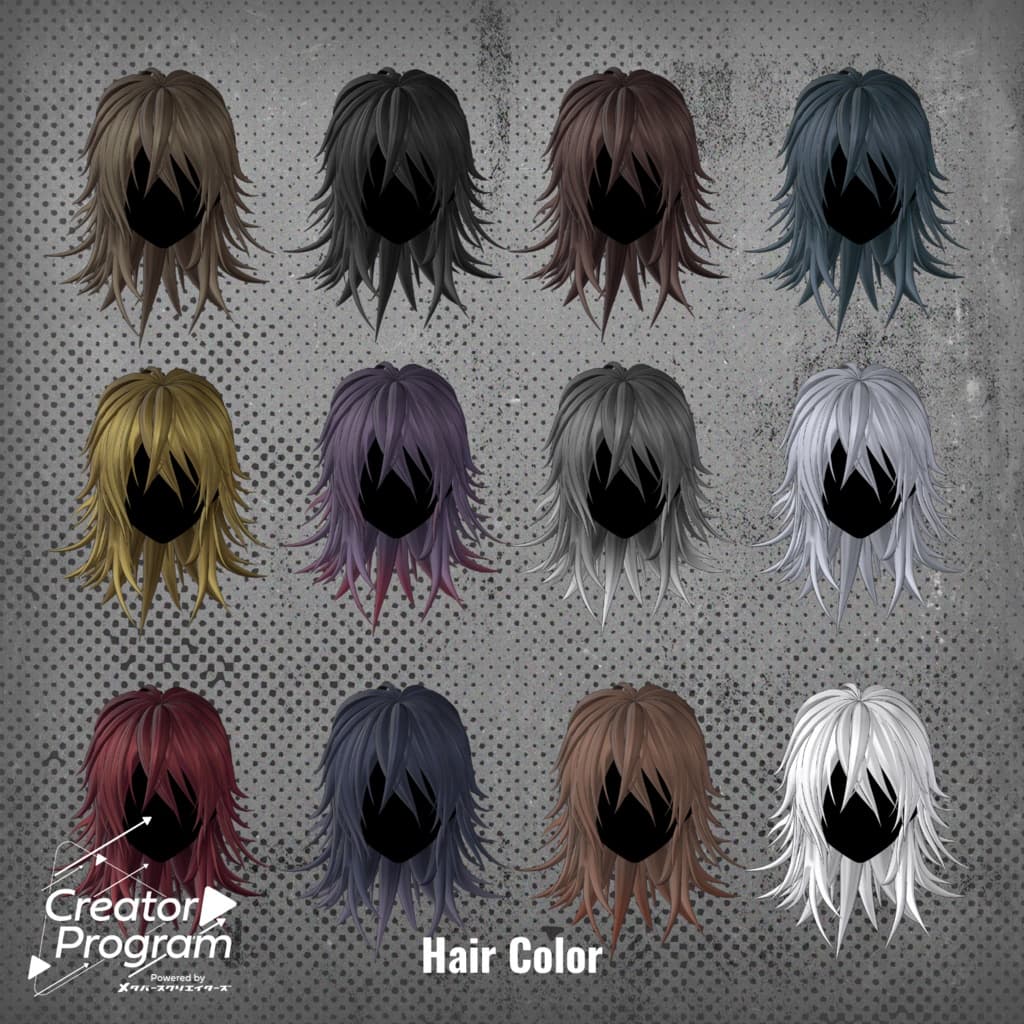
Replace the materials in Common > Material with those for your desired color variation. You can also customize colors using the included PSD file. Some color-change masks are included — apply them to Main Color 2nd/3rd Mask slots in liltoon to use them.
◆ Terms of Use
https://drive.google.com/drive/folders/1qRMXoIxM1ZgacBPfwOigQRtXP1vCbNMn?usp=sharing
Please follow the base avatar’s terms of use when using this product.
◆ Production Environment
Modeling: Blender Ver4.2.8 Texturing: Substance 3D Painter, Photoshop Setup: Unity Ver2022.3.22f1 VRChat SDK - Avatars Ver3.8.1(VCC) liltoon 1.10.3 ModularAvatar 1.12.5
◆ Credits
Creator: imya X (Twitter): https://x.com/i_16Ya8
BOOTH: https://i16ya8.booth.pm/(Personal BOOTH)
Support / Inquiries: https://discord.gg/bmw3PWE37M