

Beast Ear Hair - VRChat Hair / CP26
 MetaCreatorsTYO EN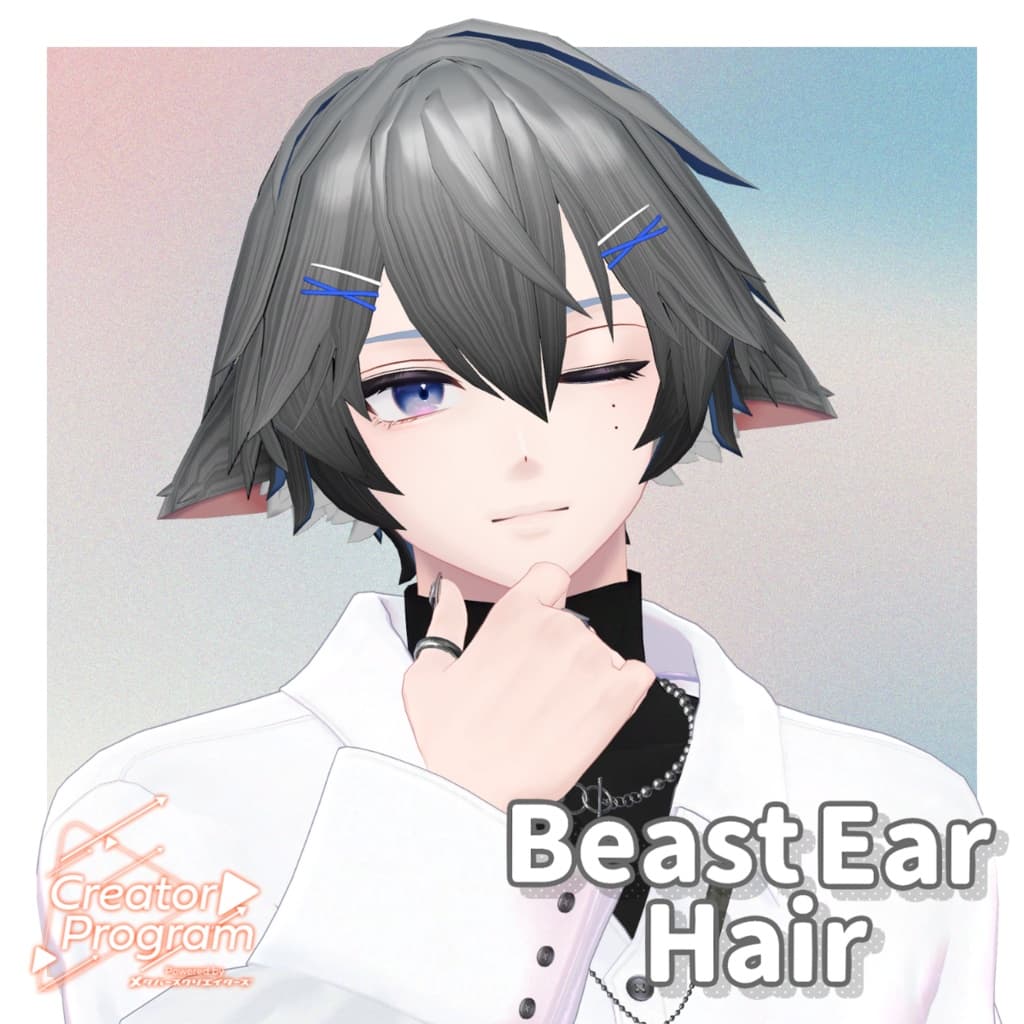
説明
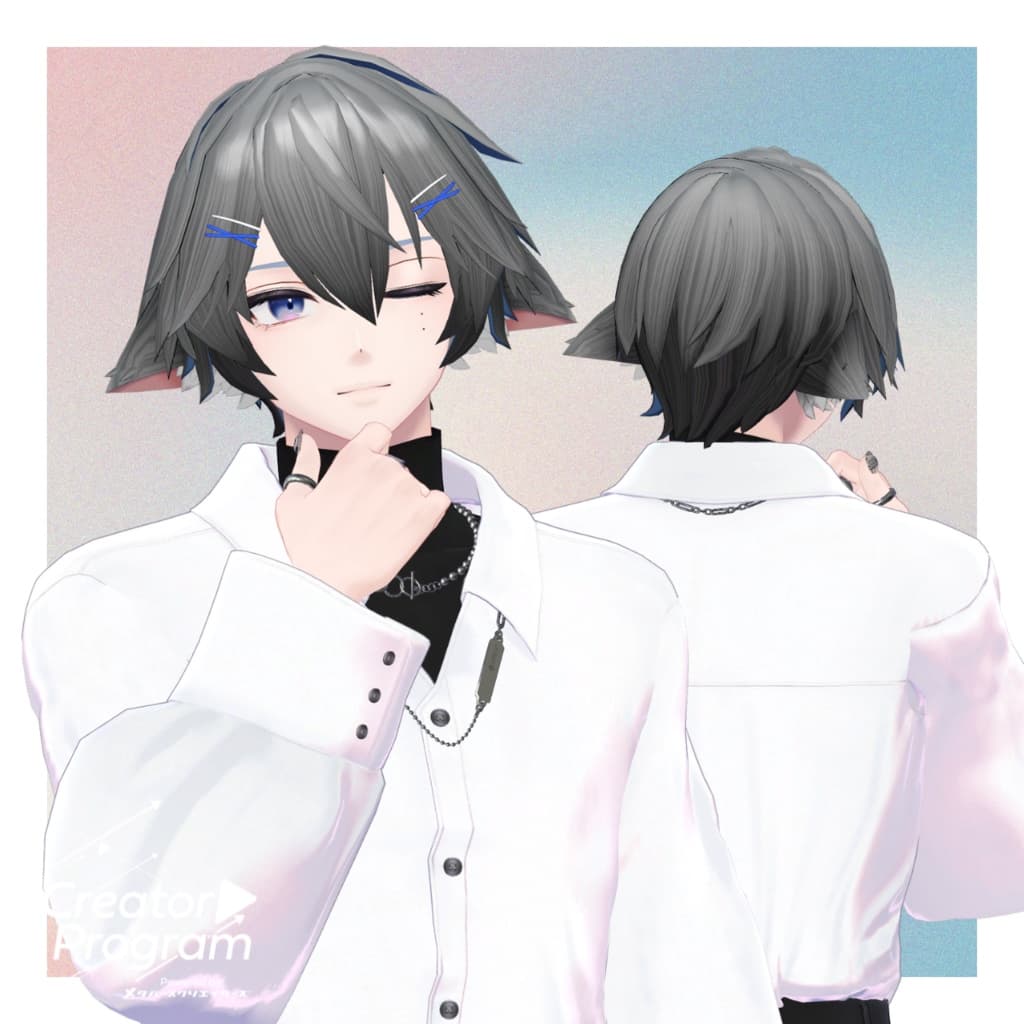
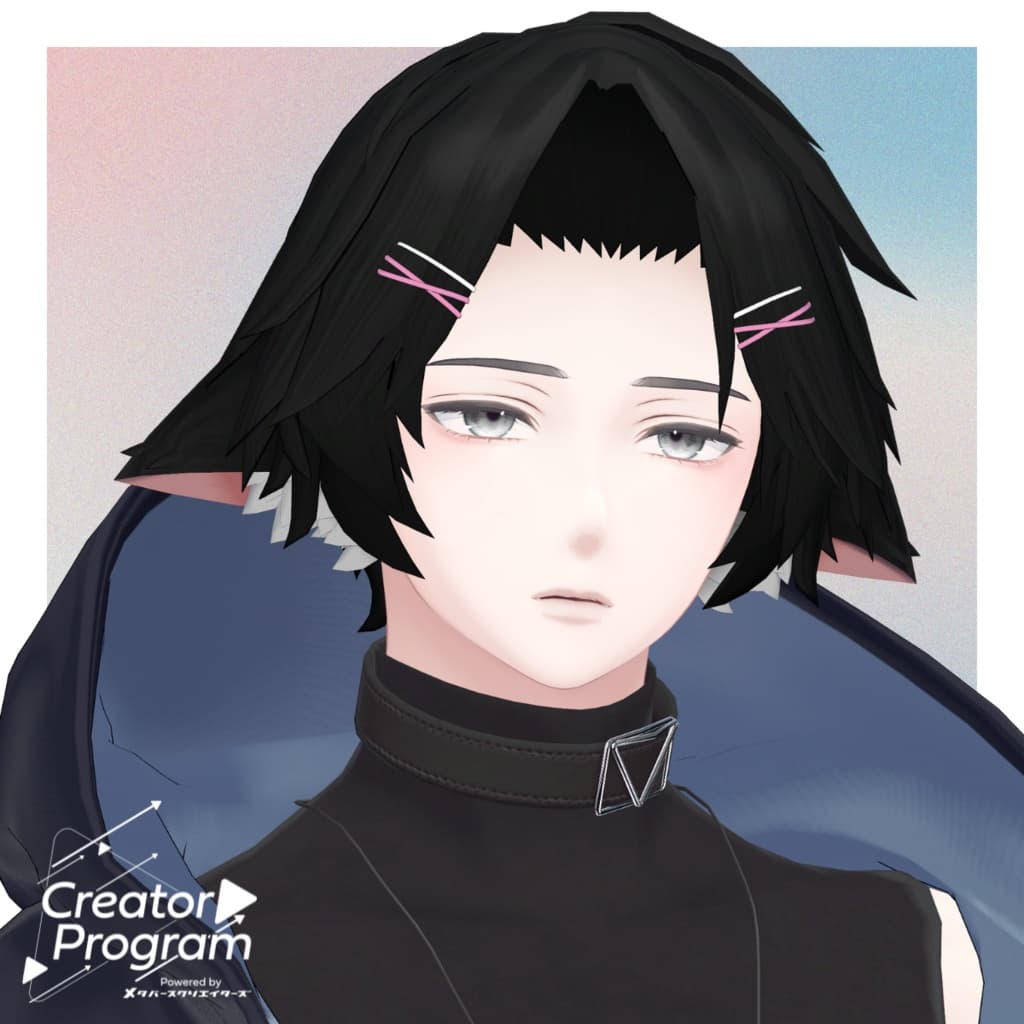
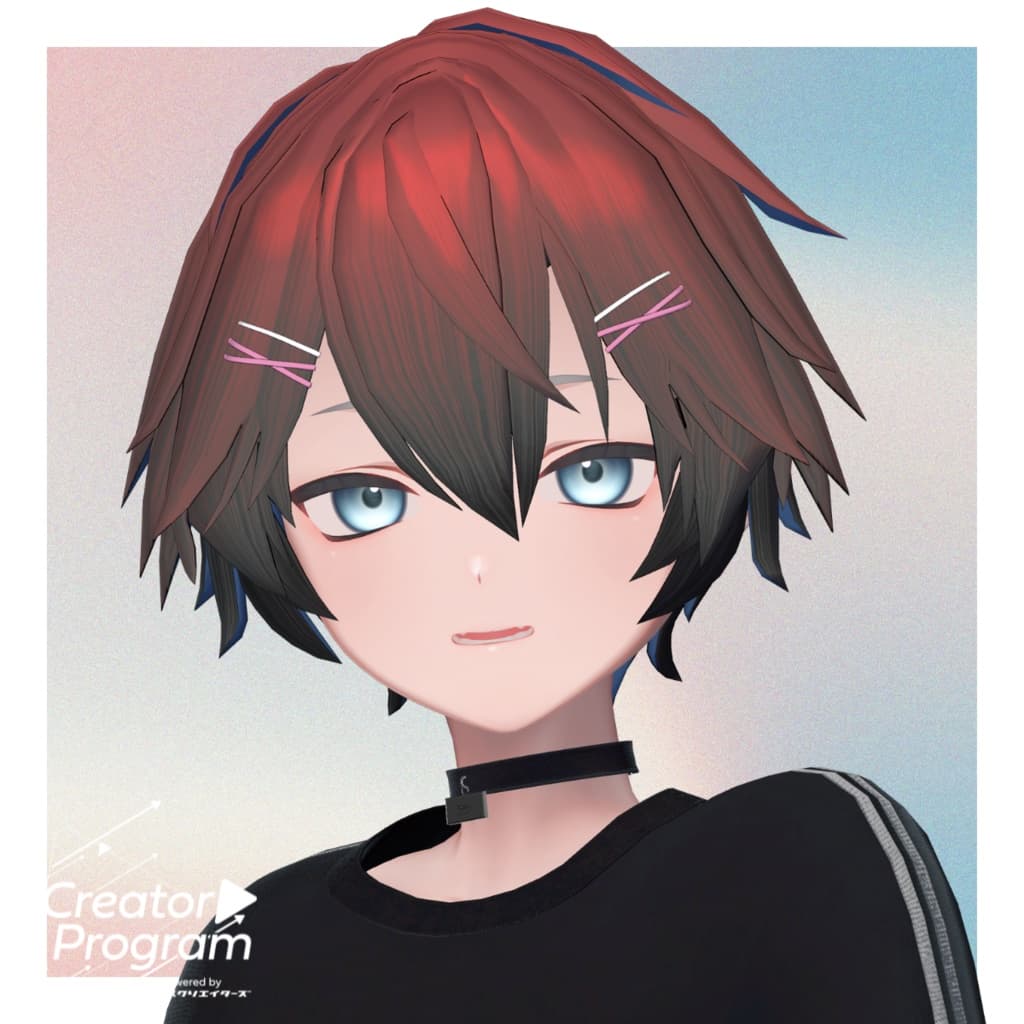
◆ Beast Ear Hair ◆
Creator: kaitakuJP
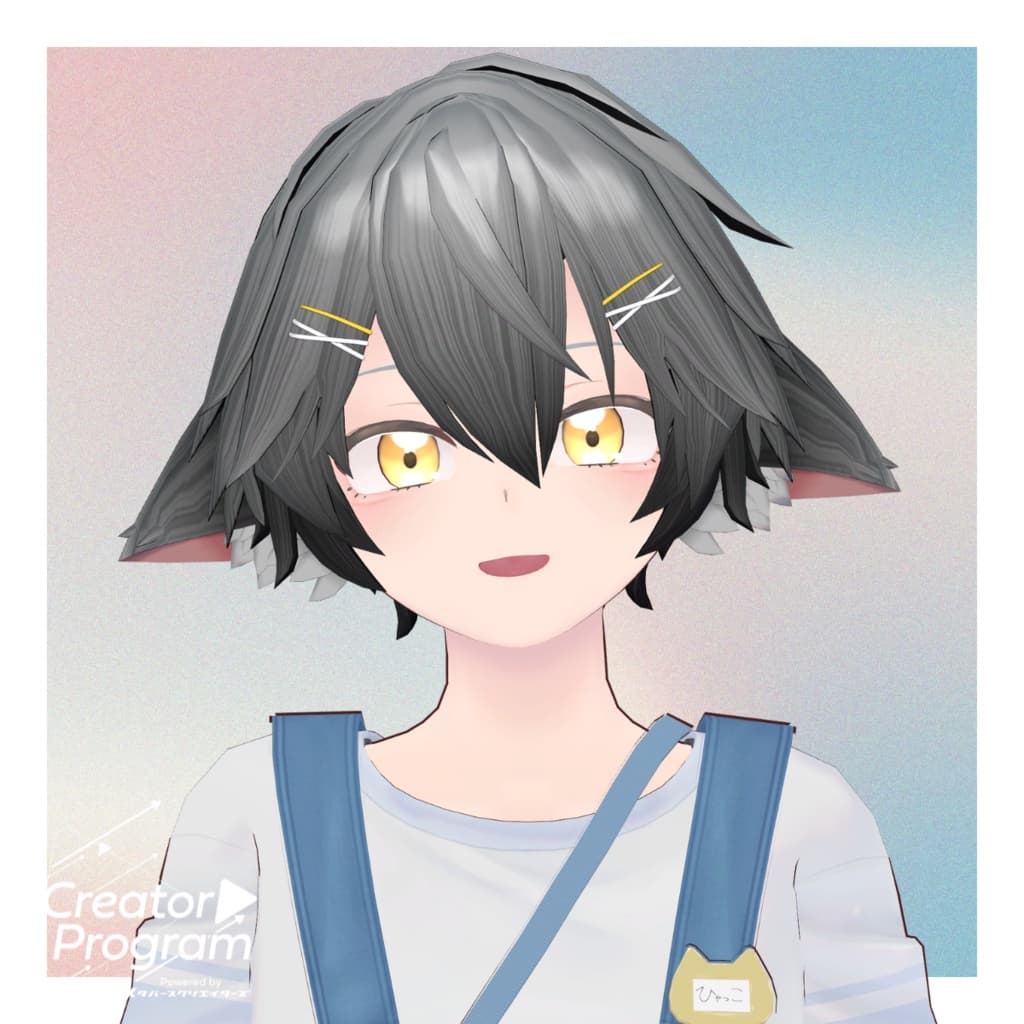
A hairstyle featuring beast ears for a cute and wild look.
⚠️ Notes
This product is a hairstyle model for avatars. The avatar body itself is not included.
Due to the nature of digital products, returns and refunds cannot be accepted. Please review the product description and terms of use before purchasing.
◆ Item Overview ● Contents
PackageName.Unitypackage
FBX
Textures (PNG files)
PSD file for customization
ReadMe.txt (this document)
● Shader Used
liltoon https://lilxyzw.booth.pm/items/3087170
● Required Asset
Modular Avatar https://modular-avatar.nadena.dev/ja/docs/intro
● Model Data
△ Total Polygons: 6,231 ├ Hair_Front:356 ├ Hair_Side:3,158 ├ mimi (ears):2,860 └ Hair_Back:1,220
Meshes: 4 Materials: 4 PB Components: 13 PB Colliders: 1
Import Folder: Assets > MetaverseCreators_CP > kaitakuJP > Beast Ear Hair
◆ Supported Avatars
Komano – Original 3D Model https://booth.pm/ja/items/5260363
Semi-Compatible Avatars (adjusted from the base model in Unity):
Hyakko – by Niyami https://booth.pm/ja/items/6328134
Minase – VRChat Avatar #Minase3D https://booth.pm/ja/items/4013951
Kuuta – Original 3D Model #Kuuta3D https://booth.pm/ja/items/4897493
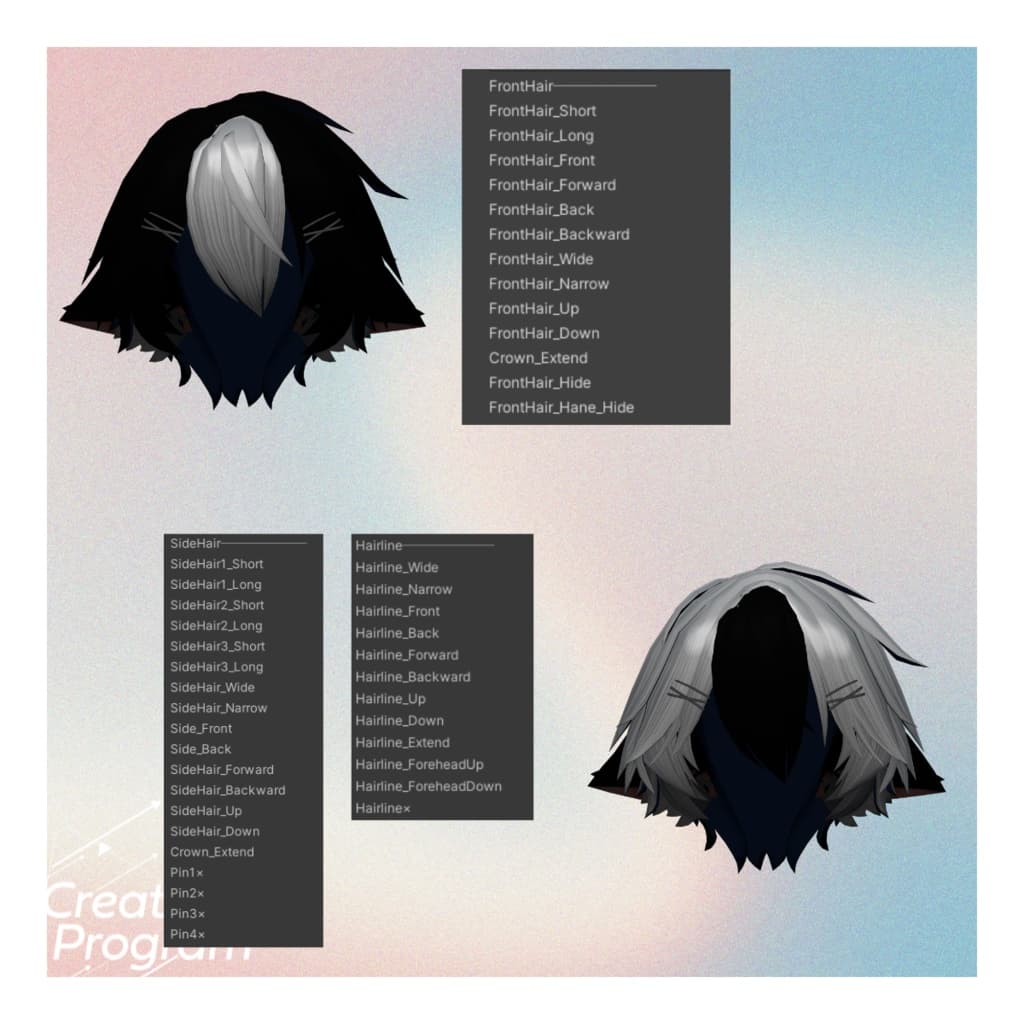
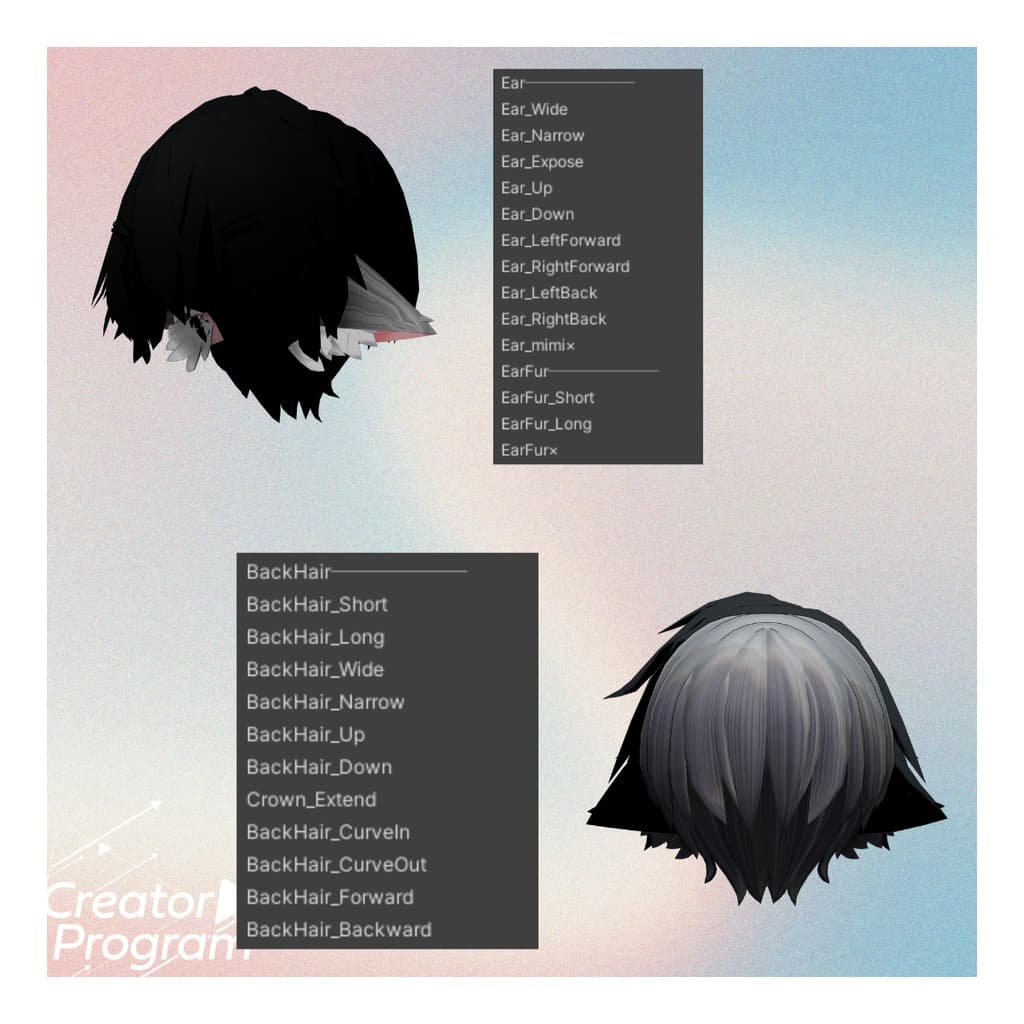
A number of shape keys are included to help adjust size and position. Feel free to try applying it to avatars not listed as supported.
※ When objects share the same shape key names, use identical values to keep adjustments clean and symmetrical.
◆ Installation Instructions
Set up the latest VRC SDK in VCC.
In VCC, install the required assets (liltoon, Modular Avatar).
Import the latest package of your avatar.
Import this package.
Drag and drop your avatar (or outfit prefab) into the Scene Hierarchy.
Hide any unnecessary parts (default hair, ears, etc.). For Komano, hair/ear/piercing hiding shape keys are preset to OFF via Modular Avatar.
From Beast Ear Hair > Prefab folder, drag AvatarName_Hair.Prefab directly under your avatar.
Adjust scale, position, and shape key values as needed to fit your avatar. (If a pre-adjusted prefab is included, this step can be skipped.)
Upload your avatar through VRC SDK.
◆ Recoloring
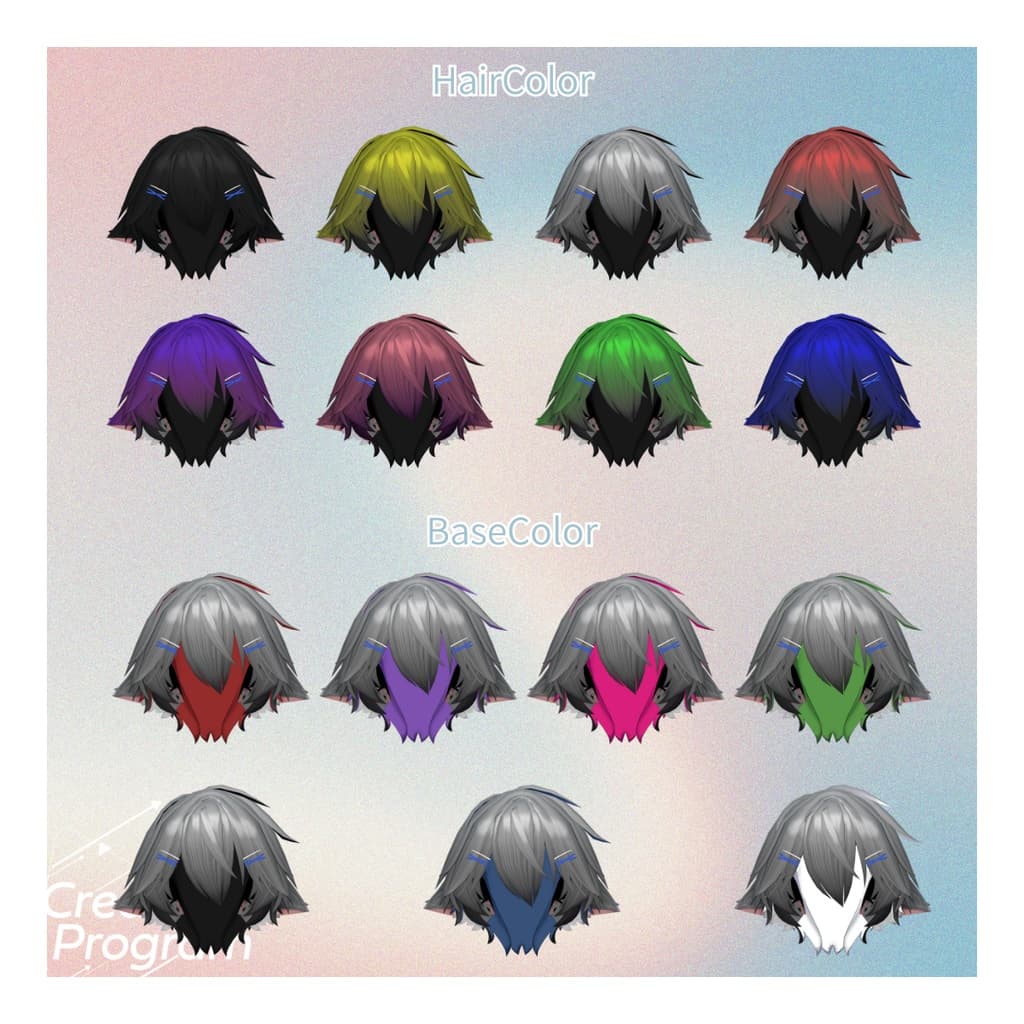
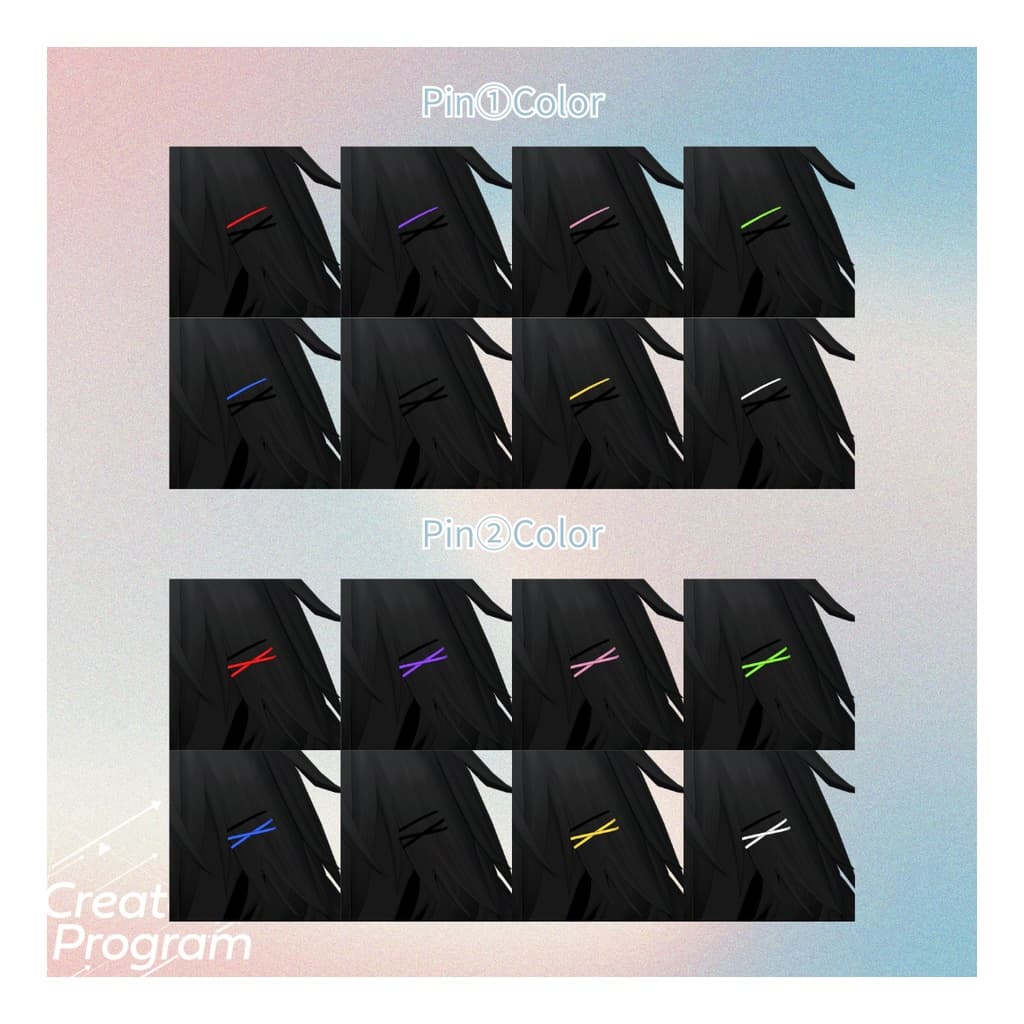
Replace materials in Common > Material with your chosen variation textures from Common > TEX.
◆ Terms of Use
https://drive.google.com/drive/folders/1qRMXoIxM1ZgacBPfwOigQRtXP1vCbNMn?usp=sharing
Please follow the terms of the original base avatar when using this product.
◆ Production Environment
Modeling: Blender Ver4.5.2 Texturing: Substance 3D Painter Setup: Unity Ver2022.3.22f1 VRChat SDK - Avatars Ver3.8.2(VCC) liltoon 2.1.10 ModularAvatar 1.13.4
◆ Credits
Creator: kaitakuJP X (Twitter): https://x.com/kaitaku_VRC
BOOTH: https://kaitaku98.booth.pm/
Support / Inquiries: https://discord.gg/bmw3PWE37M