

NocturneCoat - VRChat Men's Clothing / CP1
 MetaCreatorsTYO EN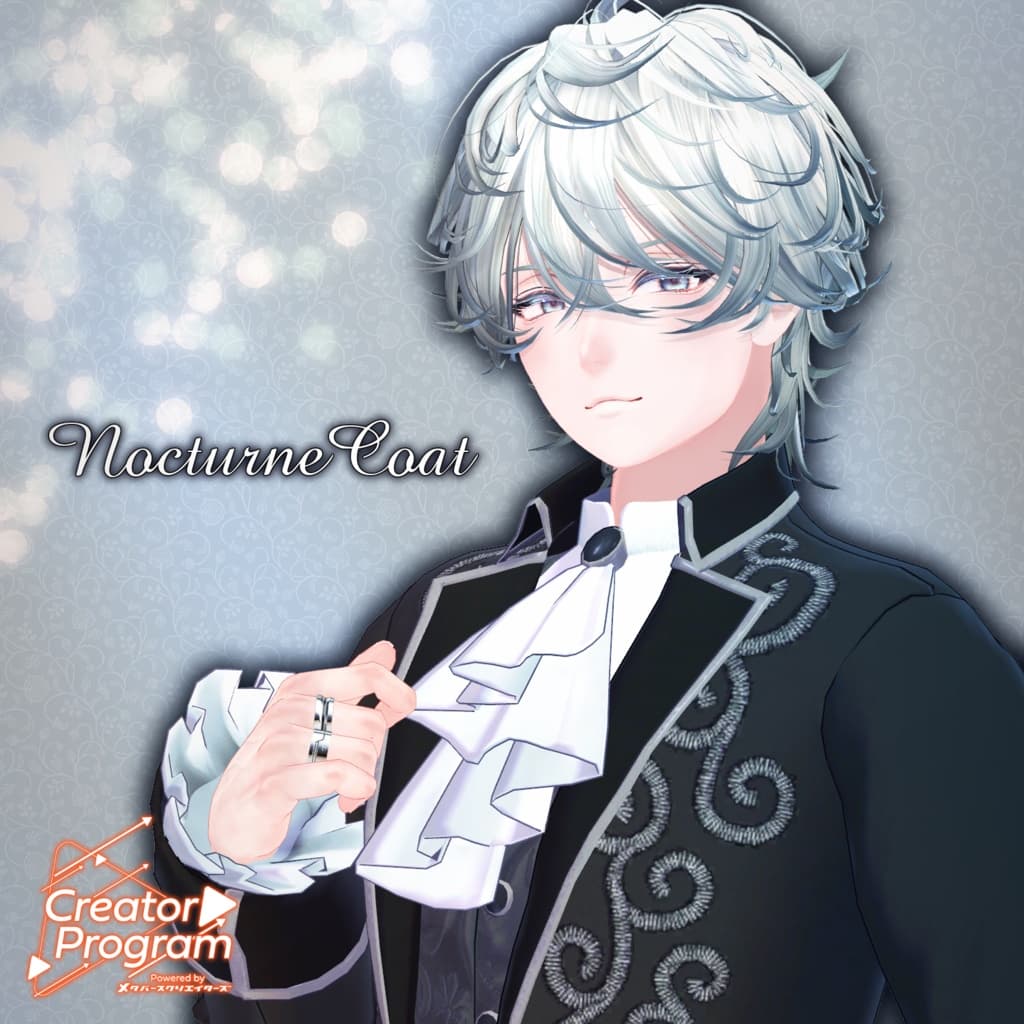
説明
◆ Nocturne Coat ◆
Creator: Takeru
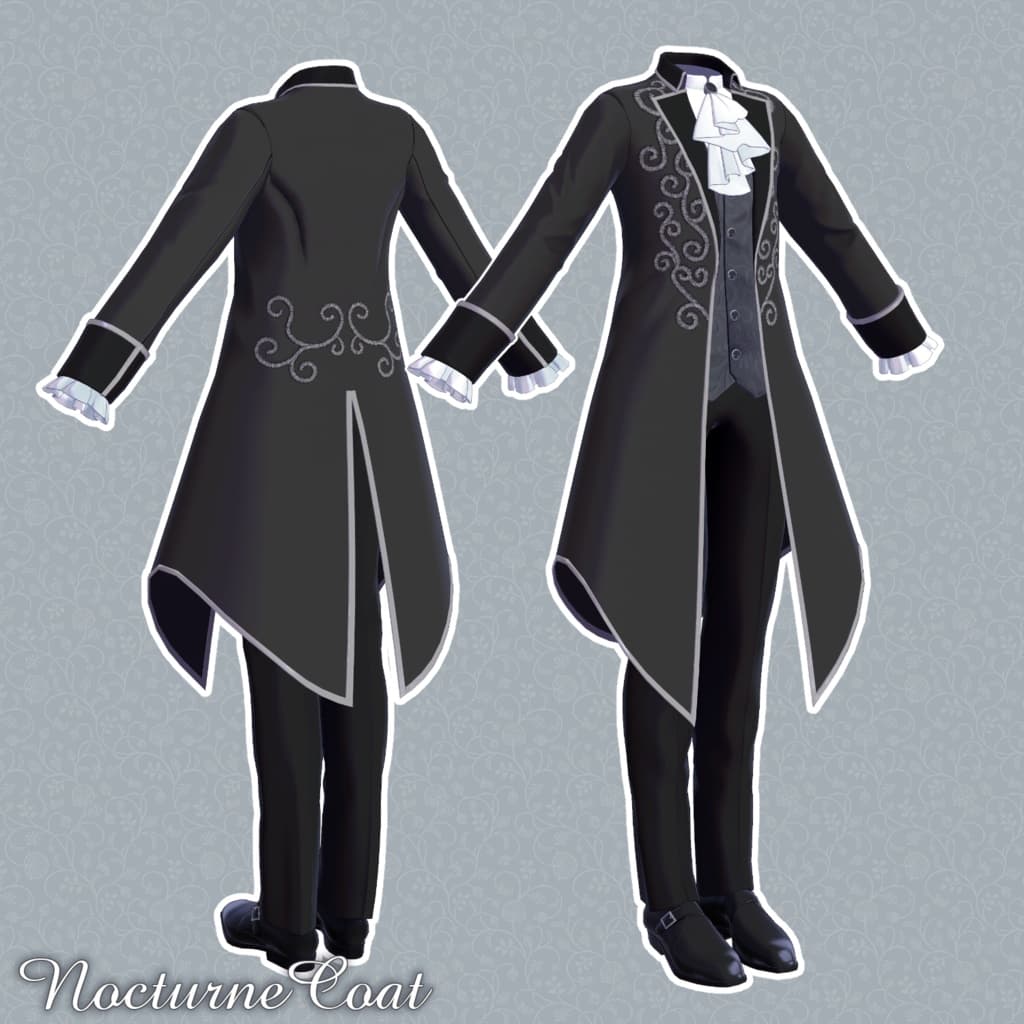
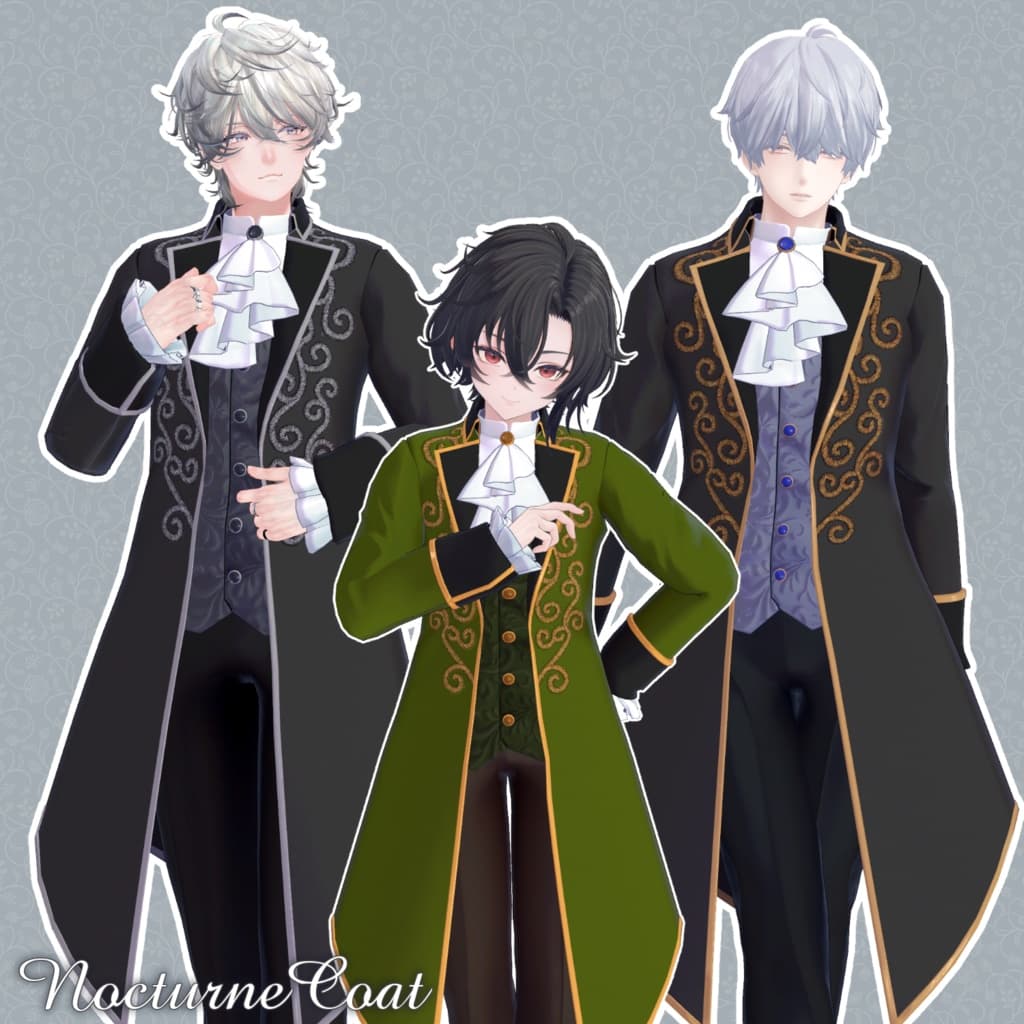
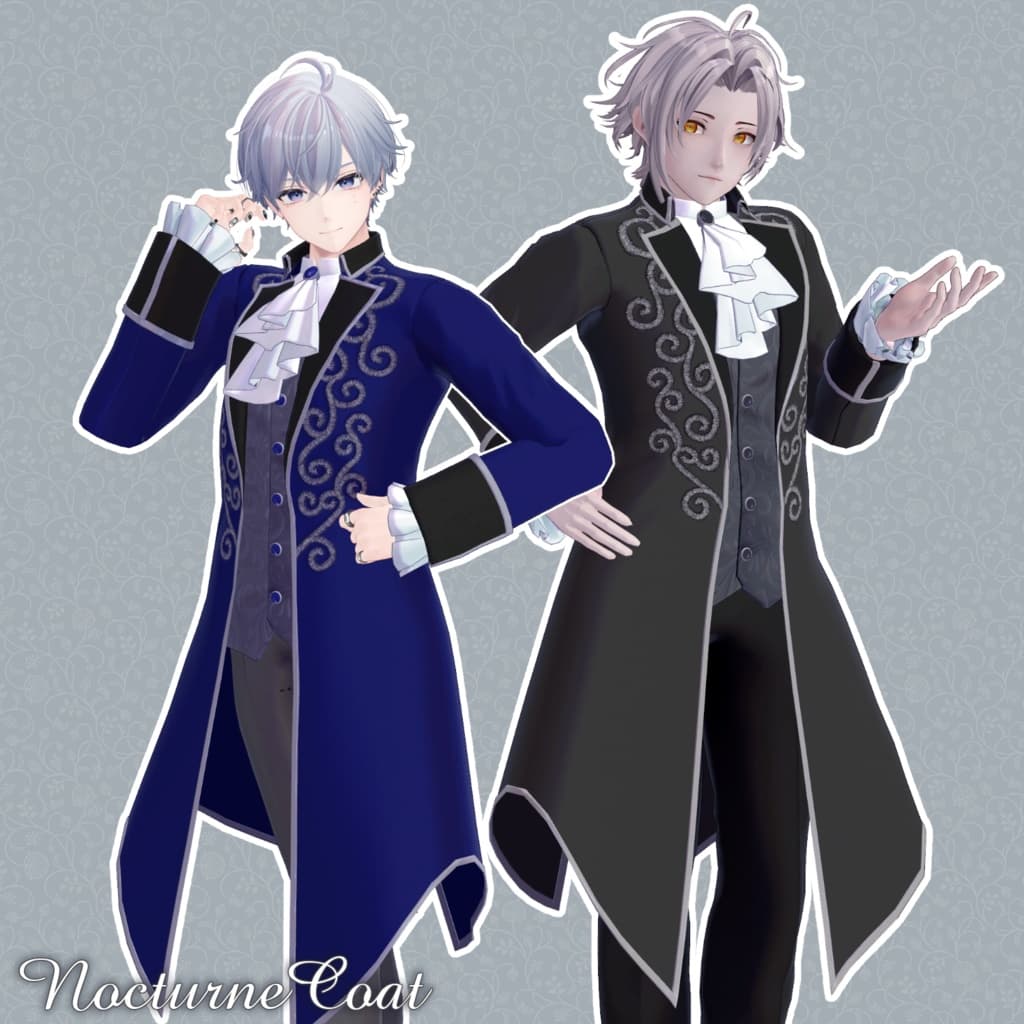
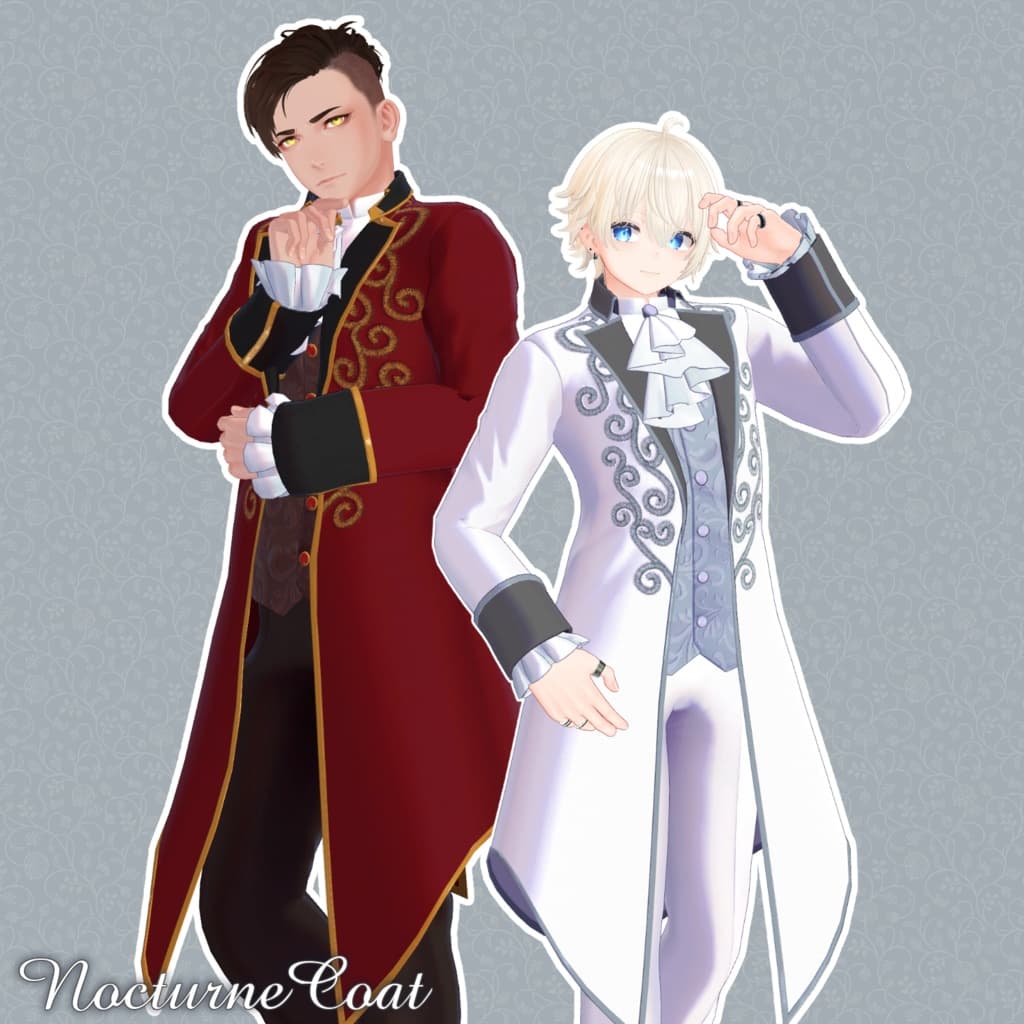
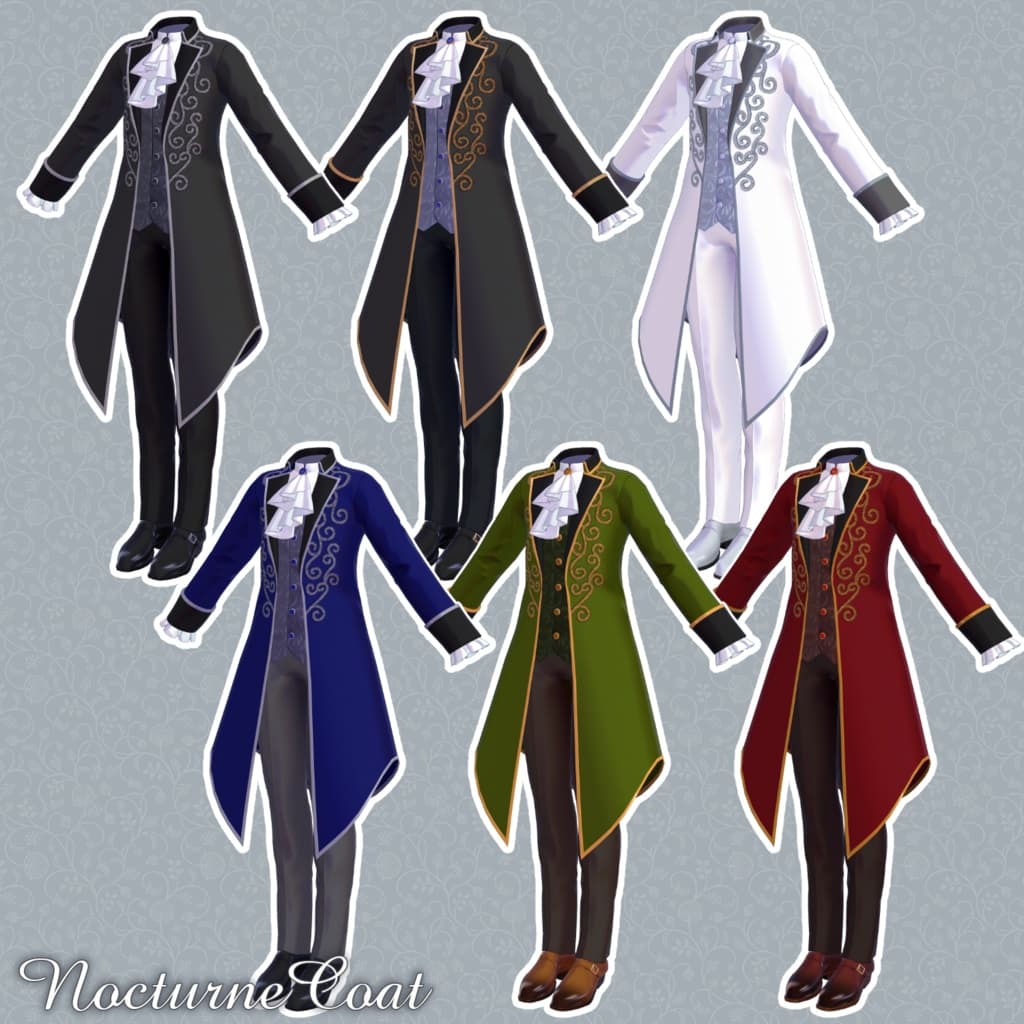
An elegant coat outfit featuring delicate embroidery on the chest and waist that catches the eye with a subtle sparkle. The jabot and coat hem flutter gracefully with PB components. Perfect for a refined look on a special occasion.
⚠️ Notes
This product is a clothing model for avatars. The avatar body itself is not included.
Due to the nature of digital products, returns and refunds cannot be accepted. Please review the product description and terms of use before purchasing.
This outfit cannot be worn with only the inner shirt; the coat must remain on.
◆ Item Overview ● Contents
NocturneCoat_◯◯.Unitypackage (◯◯ indicates variation name)
FBX
Textures
PSD/CLIP files for customization
ReadMe.txt (this document)
● Shader Used
liltoon https://lilxyzw.booth.pm/items/3087170
● Required Asset
Modular Avatar https://modular-avatar.nadena.dev/ja/docs/intro
● Model Data
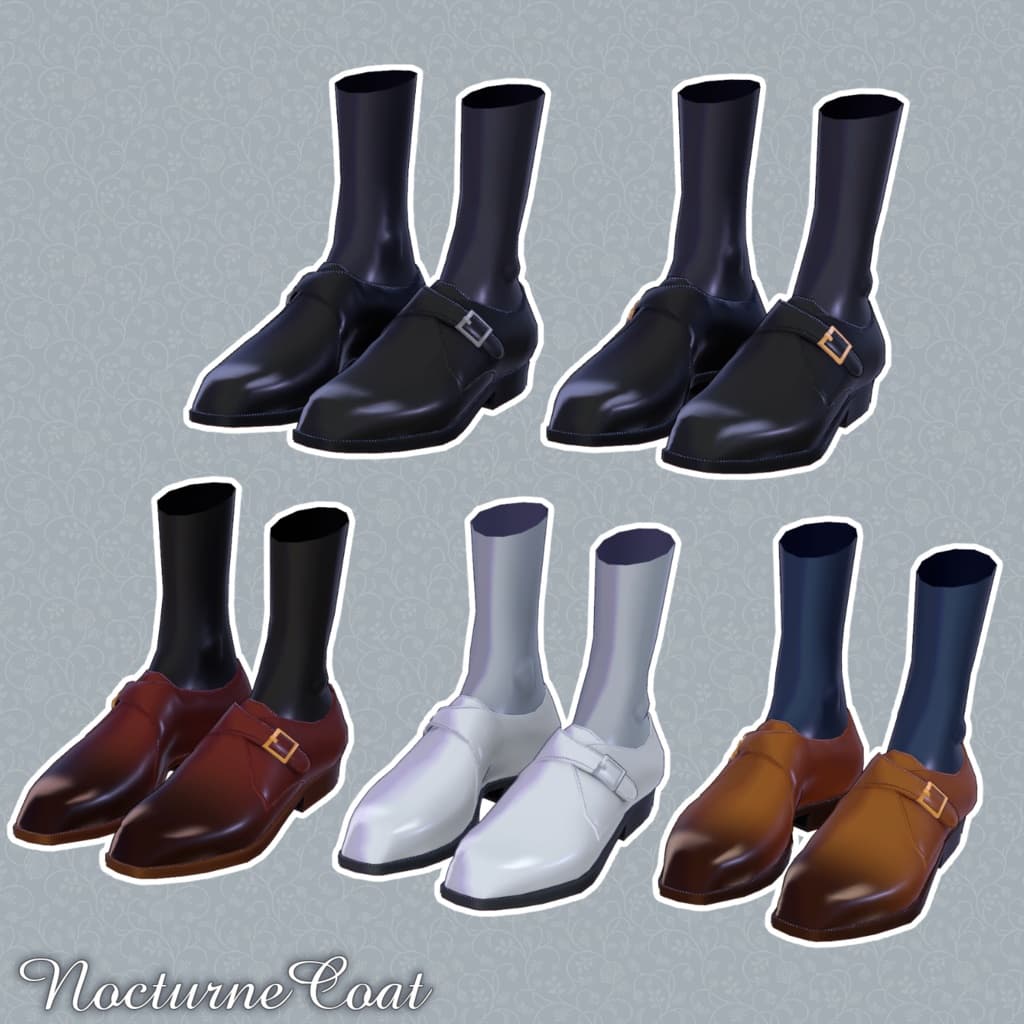
△ Total Polygon Count: 16,376 ├ Inner:4,974 ├ Jacket:5,304 ├ Pants:3,512 └ Shoes:2,586
Meshes: 4 Materials: 2 PB Components: 2
Import Folder: Assets > MetaverseCreators_CP > Takeru_Airgreen > NocturneCoat
◆ Supported Avatars
Minase – VRChat Avatar #Minase3D https://booth.pm/ja/items/4013951
Komano – Original 3D Model https://booth.pm/ja/items/5260363
Turanari-san (Tinmeshitei Common Body) https://booth.pm/ja/items/5498540
Bokusai (PlusHead Body) https://booth.pm/ja/items/5727810
Kanata & Konata – #BLUESTELLA https://bluestella1127.booth.pm/items/6813995
Hanka – Original 3D Model https://studioyono.booth.pm/items/6970249
Licht – Original 3D Model #Licht3D https://booth.pm/ja/items/7430852
※ When dressing the outfit, shape keys that hide the body (making the base rod-like) are used.
About the Airgreen Package: Prefabs compatible with six Takeru-style avatars have been built from a single FBX. You may also use this for avatars outside the listed dedicated types by adjusting it as needed.
◆ Installation Instructions
Set the latest VRC SDK version in VCC.
In VCC, install the required assets (liltoon, Modular Avatar).
Import the latest package of your target avatar.
Import this outfit package.
Drag and drop your avatar (or the customization prefab) into the Scene Hierarchy.
Hide unnecessary clothing (default outfit or underwear) and set them to Editor Only.
Drag and drop NocturneCoat_AvatarName.Prefab directly under your avatar.
Upload the avatar through VRC SDK.
The outfit uses ModularAvatar’s “MA Shape Changer” function. When you drag the outfit prefab directly under the avatar, the body’s shape keys automatically adjust — the body slims down or hidden mesh parts disappear, preventing clipping. If you do not need this function, you may delete or modify the component as desired.
※ For “+Head” avatars, mesh names may differ. (This model’s mesh names are set to PlusHead.) If components do not work correctly, adjust the body mesh name or manually move the shape keys as needed.
※ If parts of the avatar appear unintentionally thinned after dressing, reset those shape keys to 0 to restore visibility.
◆ Recoloring
You can replace materials for each color variation directly by dragging and dropping from: NocturneCoat > Common > Material You can also modify the colors using the included PSD or CLIP files.
◆ Terms of Use
https://drive.google.com/drive/folders/1qRMXoIxM1ZgacBPfwOigQRtXP1vCbNMn?usp=sharing
Please follow the original base avatar’s terms when using this product.
◆ Production Environment
Modeling: Blender Ver3.6.5 Texturing: Substance 3D Painter 2024, CLIP STUDIO PAINT Setup: Unity Ver2022.3.22f1 VRChat SDK - Avatars Ver3.9.0(VCC) liltoon 2.3.1 ModularAvatar 1.14.3
◆ Credits
Creator: Takeru https://www.airgreen.net/
https://airgreen.booth.pm/ (Personal BOOTH)
Support / Inquiries: https://discord.gg/bmw3PWE37M