

Cottagecore Vest Outfit - VRChat Men's Clothing / CP3
 MetaCreatorsTYO EN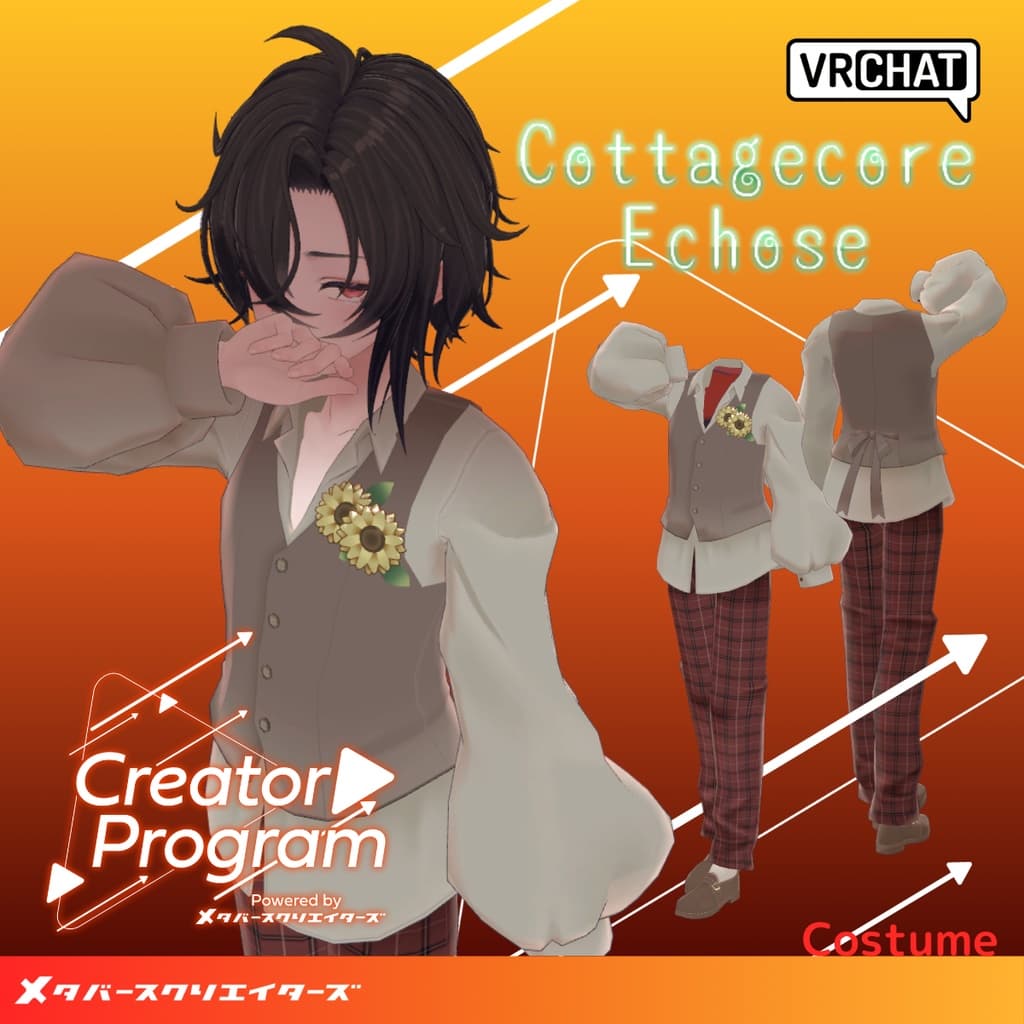
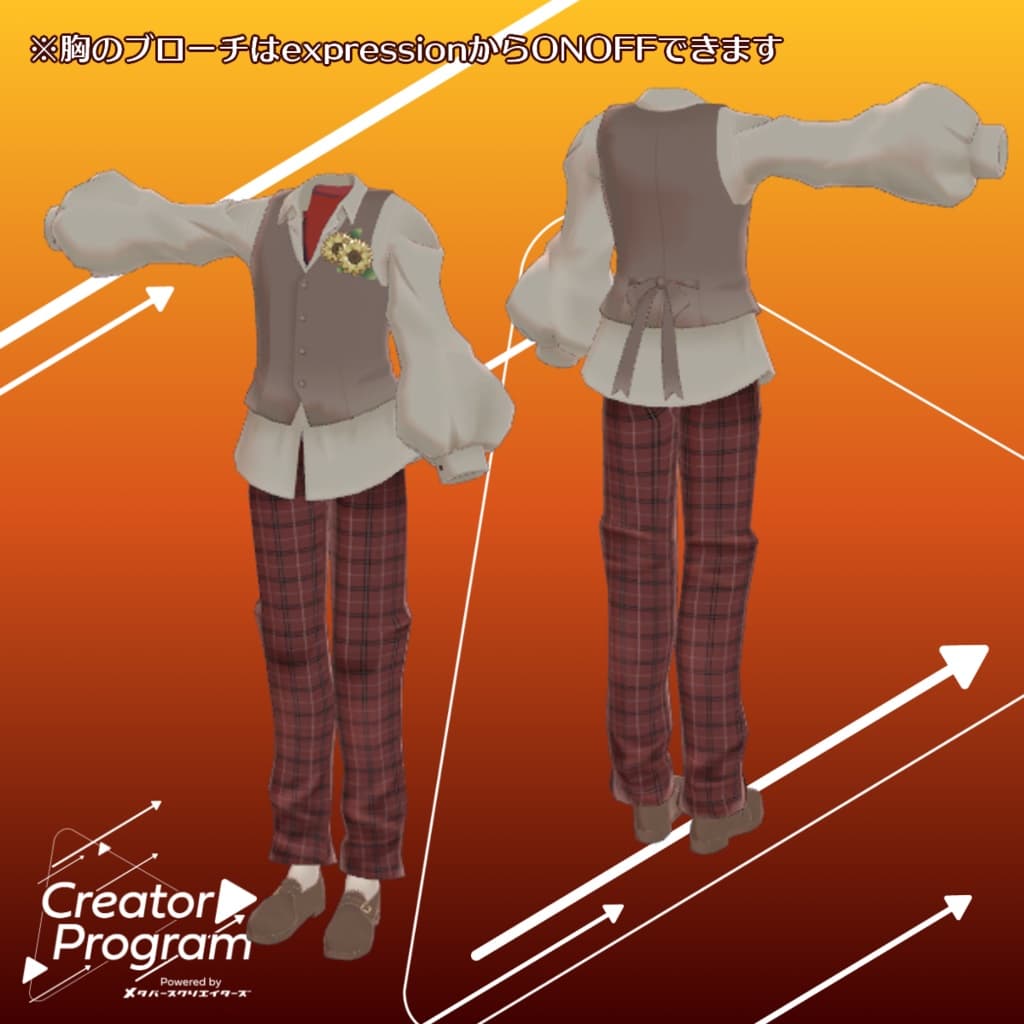
説明
◆ Cottagecore_Echose ◆
Creator: Virtual Garo Roromi
“Guided by the voice that echoes from deep within, let’s go in search of the memories we’ve lost along the way.”
A soft, nostalgic cottagecore-inspired outfit for avatars, designed with a warm, rustic charm.
Note:
This product is a clothing model for avatars. It does not include the avatar body.
Due to the nature of digital products, returns and refunds are not available. Please review and agree to the product description and terms of use before purchasing.
◆ Item Overview ● Contents
CCvest_◯◯.Unitypackage (◯◯ indicates variation name)
FBX
Textures
PSD file for customization
ReadMe.txt (this document)
● Shader Used
liltoon https://lilxyzw.booth.pm/items/3087170
● Required Asset
Modular Avatar https://modular-avatar.nadena.dev/ja/docs/intro
● Model Data
Total polygons: 7,738
Meshes: 1
Materials: 1
PB Components: 4
PB Colliders: 2
Import folder path: Assets > MetaverseCreators_CP > 663_chanSHOP > Cottagecore_vest
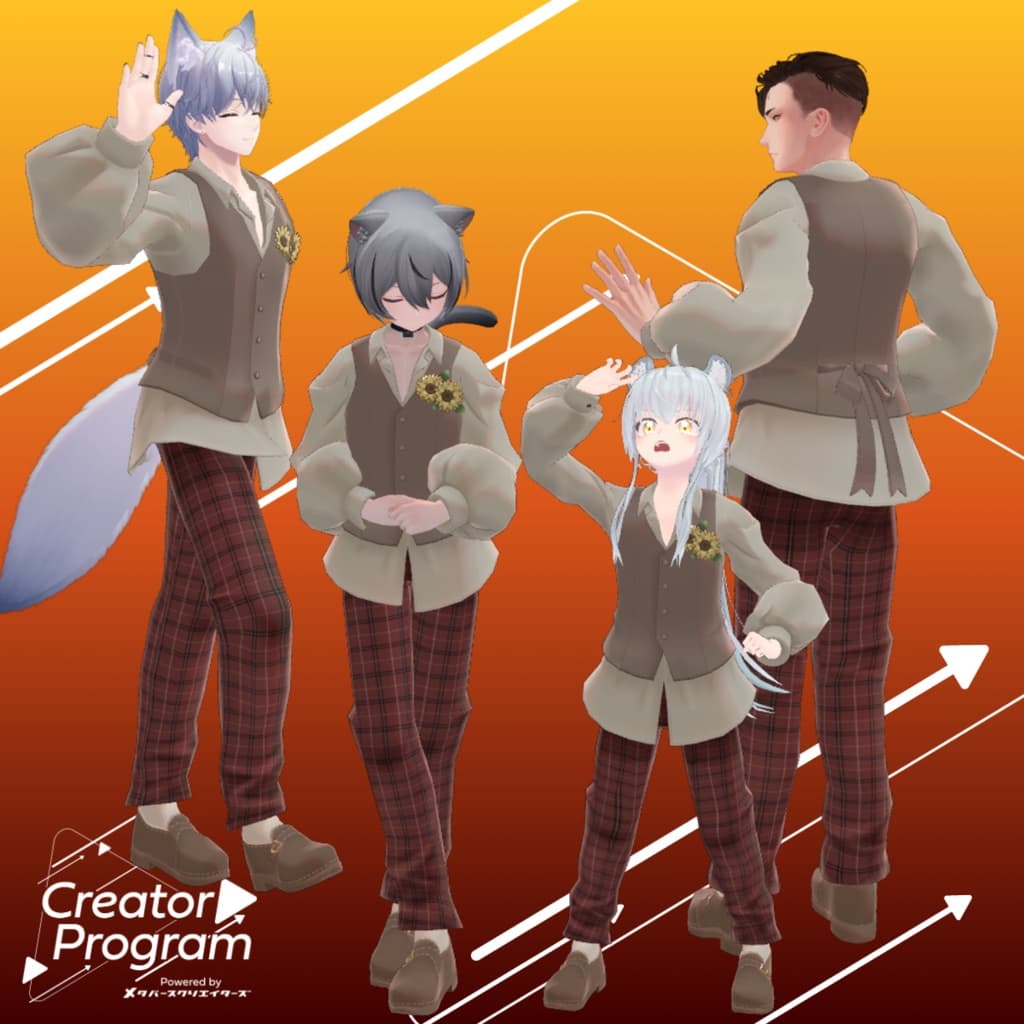
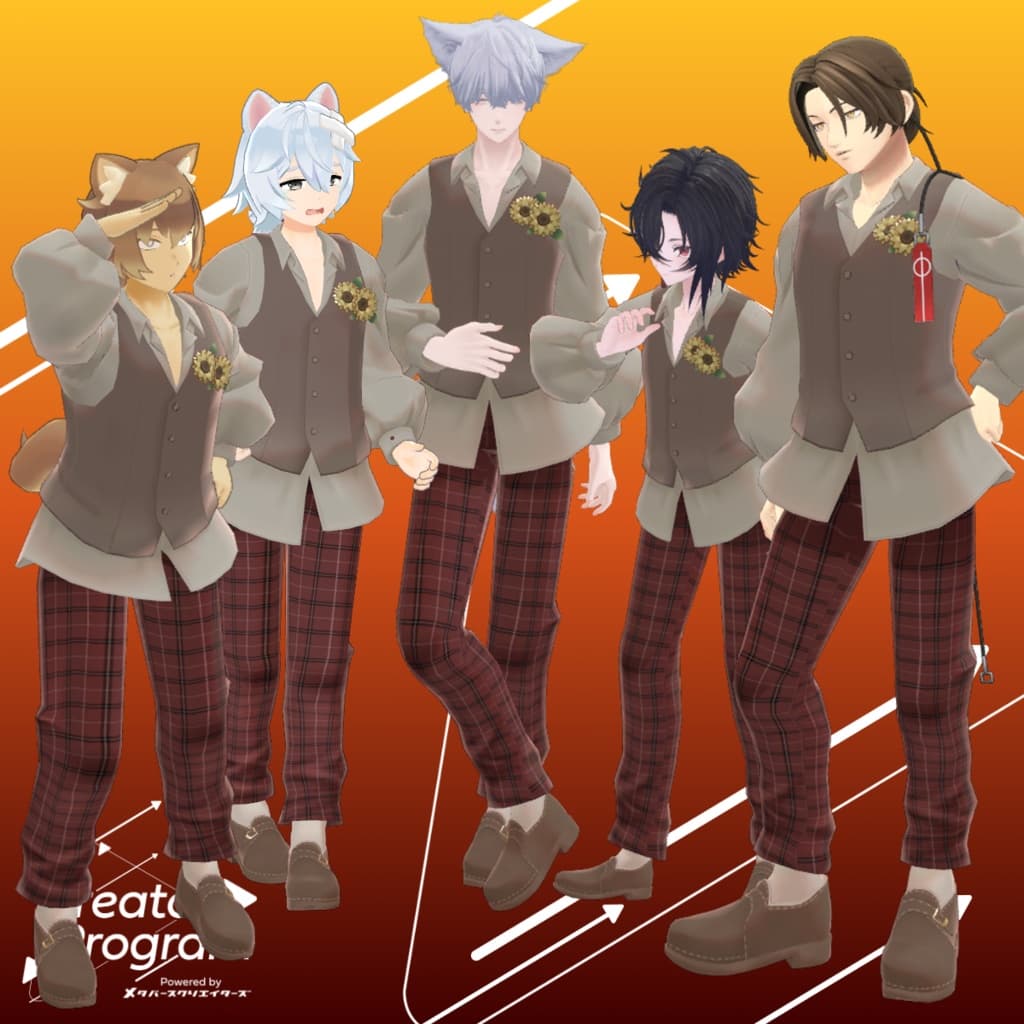
◆ Supported Avatars
Minase – VRChat Avatar #Minase3D https://booth.pm/ja/items/4013951
Komano – Original 3D Model https://booth.pm/ja/items/5260363
Kuuta – Original 3D Model #Kuuta3D https://booth.pm/ja/items/4897493
Company Slave Turanari-san (Tinmeshitei Common Body) https://booth.pm/ja/items/5498540
Bokusei (PlusHead Body) – Original 3D Model https://booth.pm/ja/items/5727810
Hyakko – by Niyami https://booth.pm/ja/items/6328134
Erion – Original 3D Model https://booth.pm/ja/items/4640002
Sasato Yuki – Original 3D Model (Quest Ready, PC only) https://663-chanshop.booth.pm/items/4351466
Wanta – Original 3D Model (Quest Ready) https://663-chanshop.booth.pm/items/6712612
Note: When dressing the avatar, a shape key that hides the base body (making it rod-like) is used.
◆ Installation Instructions
Set up the latest version of the VRC SDK in VCC.
In VCC, install the required assets (liltoon and Modular Avatar).
Import the latest package of your avatar.
Import this outfit’s package.
Drag and drop your avatar (or the customization prefab) into the Scene Hierarchy.
Hide any unnecessary clothing (default outfit or underwear) by setting them to “Editor Only.”
Drag and drop the outfit prefab directly under your avatar.
Upload your avatar via the VRC SDK.
■ About Modular Avatar Configuration
This outfit uses Modular Avatar’s “MA Shape Changer” feature. When placed under the avatar, it automatically adjusts shape keys on the body—making it slimmer or hiding overlapping mesh areas—so that the outfit fits seamlessly without clipping.
If you wish to use only part of the outfit, you can delete unnecessary MA Shape Changer components attached to the parent object.
For +Head avatars: Some avatars may use different body mesh names (this outfit’s mesh is set to “PlusHead”). If the component doesn’t function correctly, rename the mesh or manually adjust the shape keys.
If parts of the body become unintentionally thin after dressing, set the relevant shape keys back to 0 and check the display.
◆ Recoloring
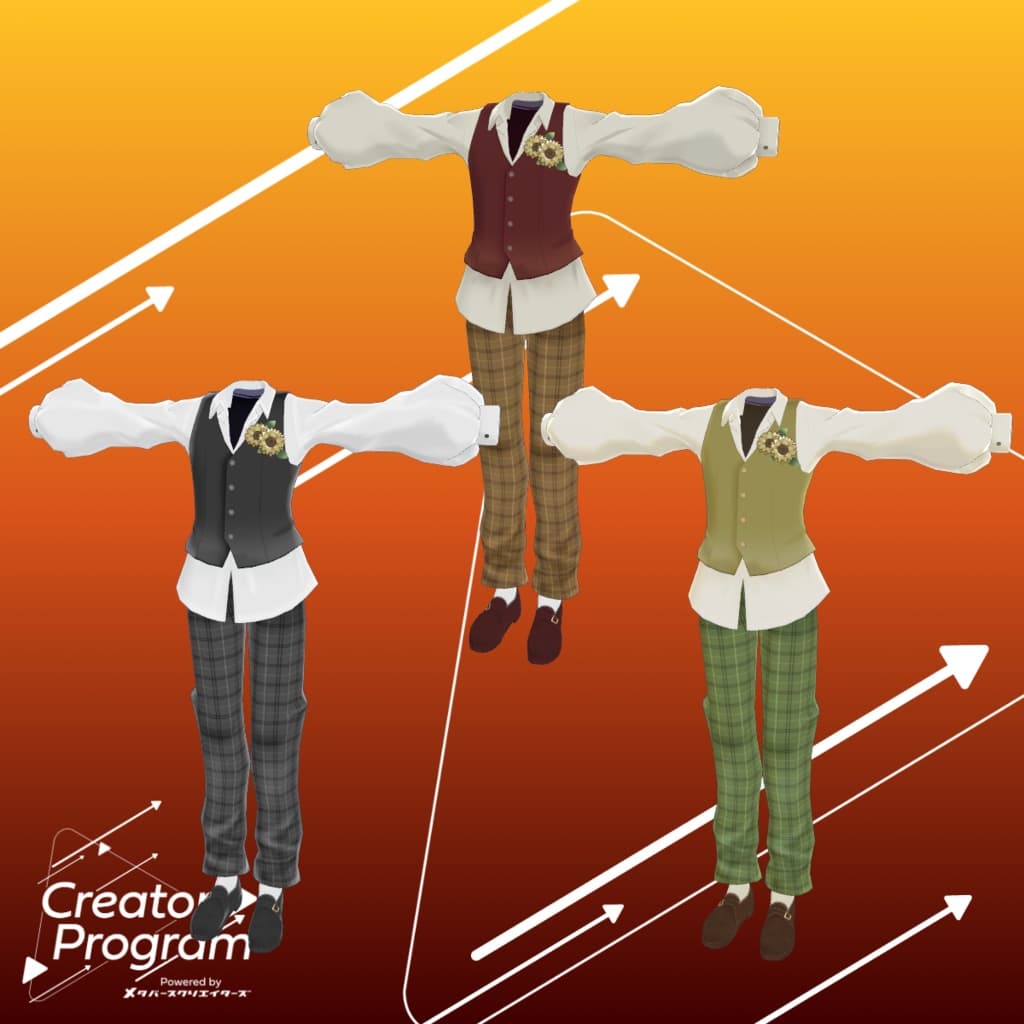
Replace the materials in Common > Material with the color variation materials included. You can also use the provided PSD file to freely recolor the outfit in your preferred palette.
◆ Terms of Use
https://drive.google.com/drive/folders/1qRMXoIxM1ZgacBPfwOigQRtXP1vCbNMn?usp=sharing
Please follow the terms of the base avatar when using this product.
◆ Production Environment
Modeling: Blender Ver. 3.6
Texturing: CLIP STUDIO PAINT
Setup: Unity Ver. 2022.3.22f1
VRChat SDK - Avatars Ver. 3.7.5 (VCC)
liltoon 1.8.5
ModularAvatar 1.11.7
◆ Credits
Creator: Virtual Garo Roromi
Twitter (X)
BOOTH Store
Support / Inquiries: https://discord.gg/bmw3PWE37M