

UI+ VRChat Shader
 z3y
z3y
説明
=== UI+ ===
UI Shader for VRChat Worlds
--- Features ---
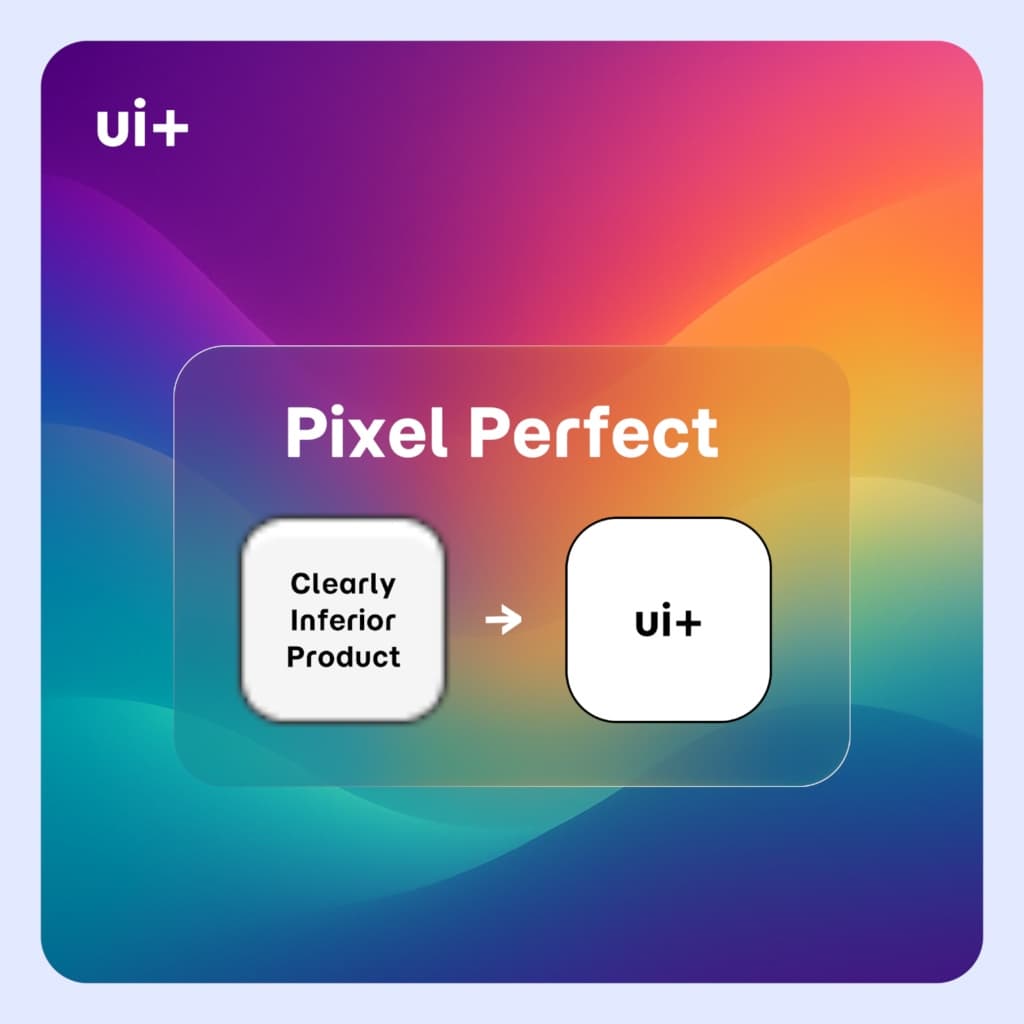
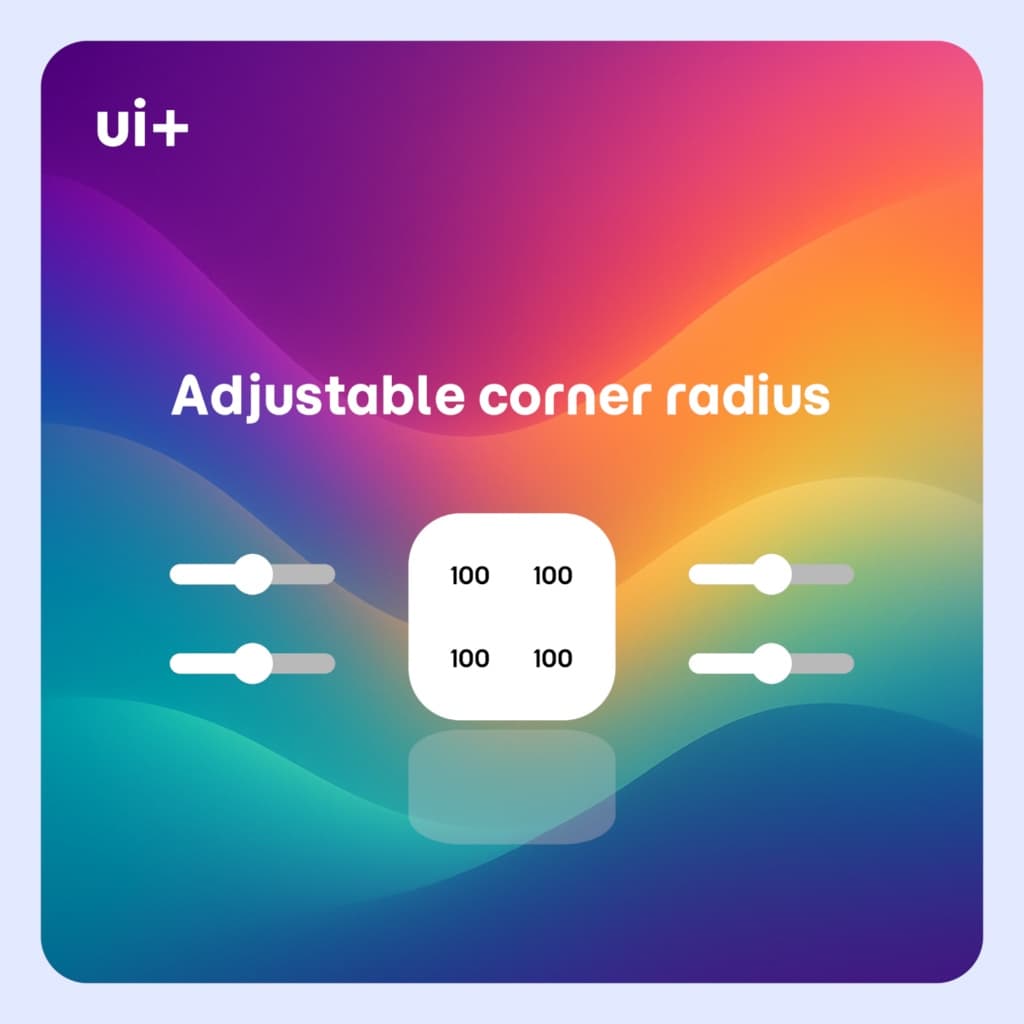
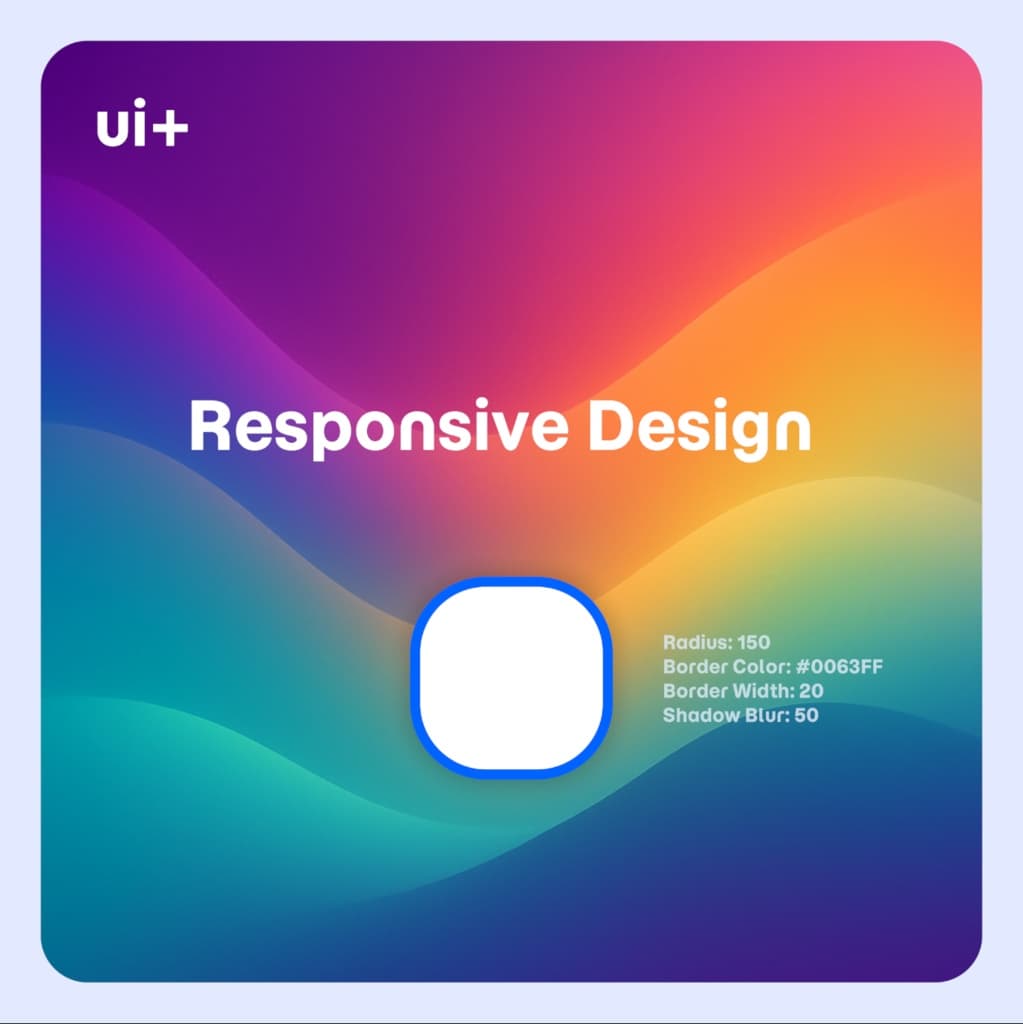
- Anti-Aliased rounded corners
- Border Width, Color and Blur
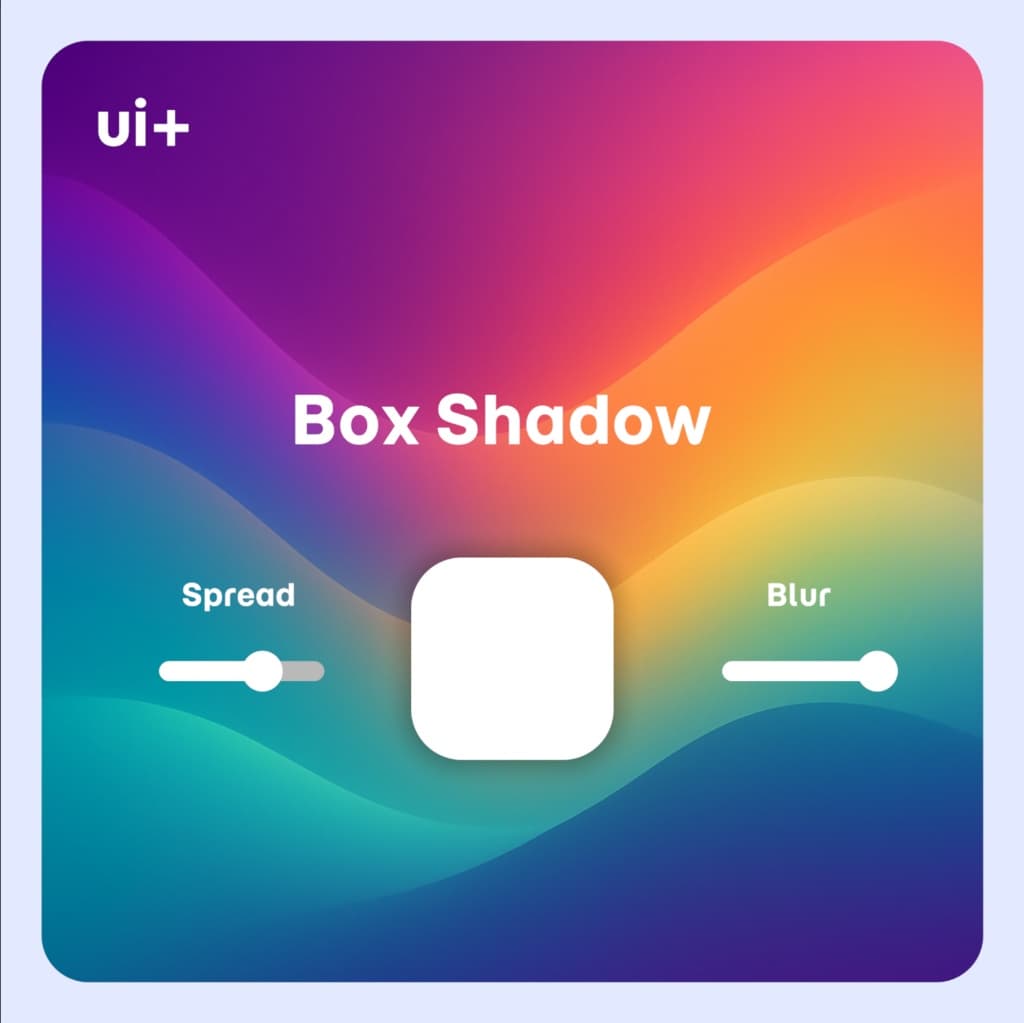
- Box Shadow Spread and Offset
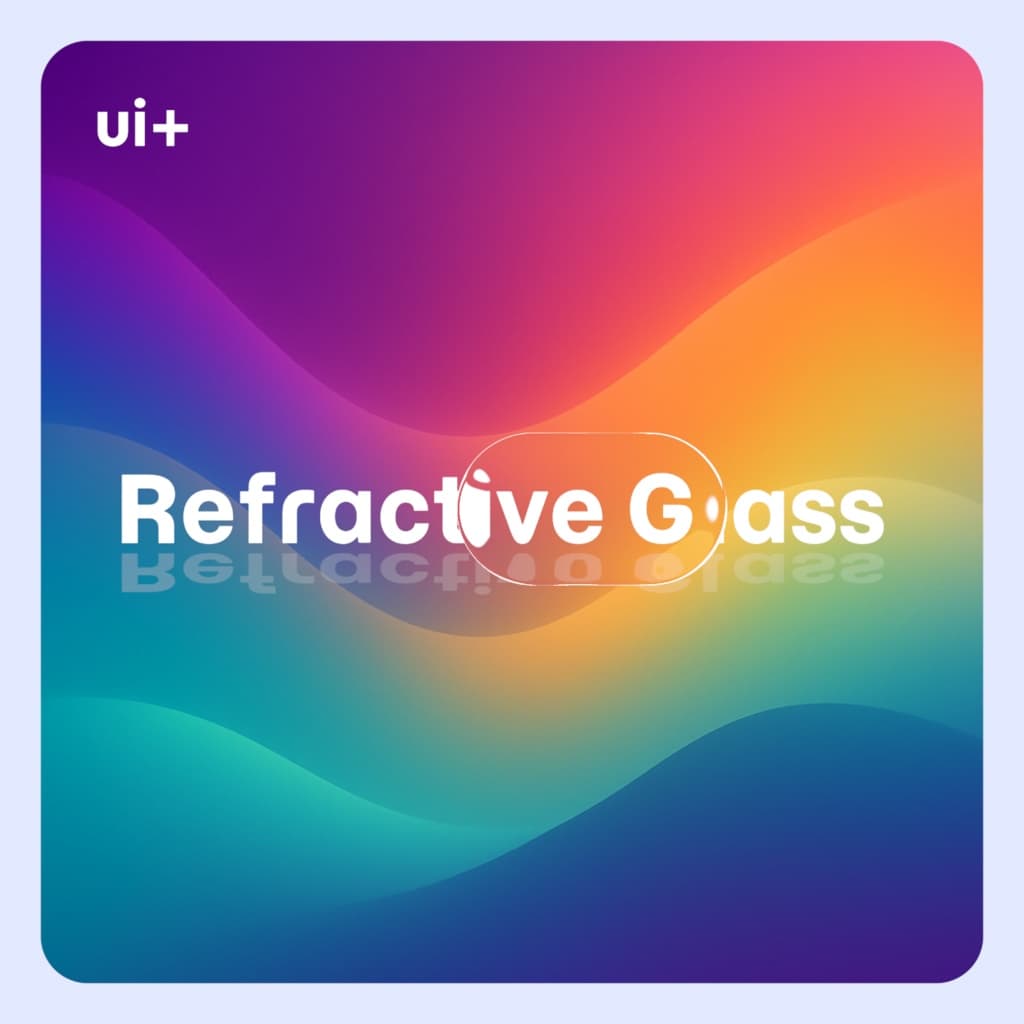
- Refractive Glass (2 Modes - Static Texture or Grabpass)
- Multi-channel SDF Textures
- Super Sampling
- Gradient (Radial, Linear)
- Parallax Depth
--- Usage ---
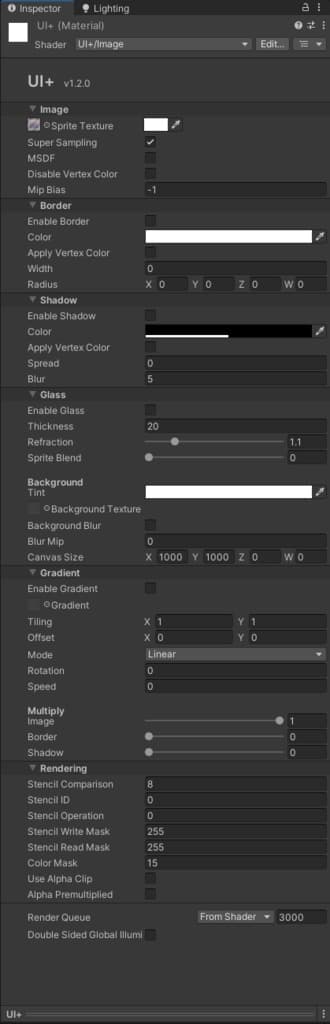
- Create a new Material with the ""UI+/Image"" Shader
- Assign it an Image component on a Canvas
- Add Component "PositionAsUV1" to the Image GameObject (Important)
For additional help reference the included sample scene
- Refractive Glass *
- Regular Mode (Recommended): Set a canvas background texture and adjust the canvas size (the image will cover the portion of the background where its positioned on the canvas)
- Grabpass Mode: Uses a Grabpass instead for the background (requires manually managing render queues, no blur option)
- Highlight rotation with the canvas transform
- MSDF *
- Supports MSDF textures generated with msdfgen (https://github.com/Chlumsky/msdfgen)
- Disable sRGB on MSDF textures and enable high quality (use the included texture importer preset)
- This allows sharper images with lower resolution (similar to TextMeshPro fonts but for an image)
- Gradient *
- Applies a gradient texture to the image, border or the shadow layer
- Radial and Linear UVs with rotation and tiling with time
--- Contents ---
- UI Shader for Canvas Image or RawImage components: ""UI+/Image"" and ""UI+/Image Grabpass""
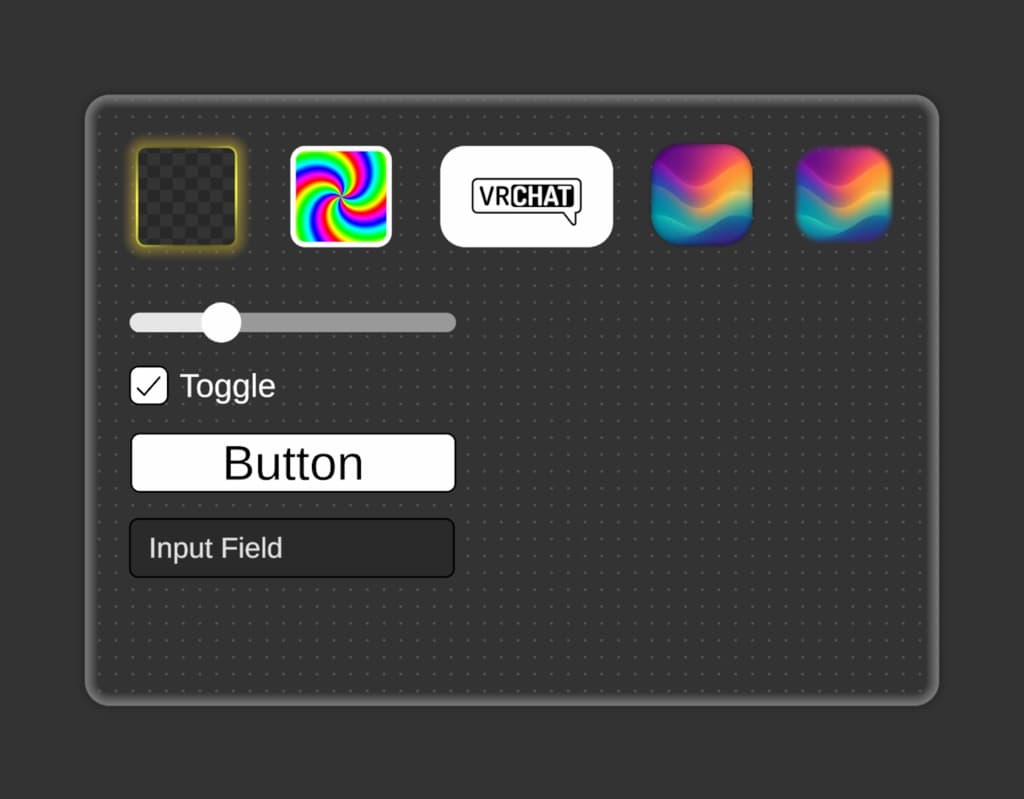
- Example Scene (all of the images were taken in Unity)
--- Additional Info ---
- Every Image requires a "PositionAsUV1" component (Add Component -> UI -> Effects -> Position As UV1). This component sets additional vertex attributes that are required for certain shader features to work properly
- Additional shader channels "TexCoord1", "Normal", and "Tangent" are required on the Canvas component (On by default on VRChat UI)
- Shader is only meant for the UI (mesh renderers are not supported)
- The vertex color alpha has multiply all the individual layers in order for canvas group alpha to function. To keep borders, shadow and other layers visible use a transparent sprite instead or set the alpha on the material color property
- To only apply vertex colors (Image Component Color) to other layers like the shadow, border without affecting the image, disable image tint and enable tint on the specific layer
- The shader itself does not have any dependencies on VRChat itself and can be used in a standalone Unity application with the Built-In or Universal Render Pipeline as well (excluding the example scene), however theres better ways to do this with proper C# scripting
- Some effects automatically enable the rounded box SDF, the corner radius gets applied even if the border is disabled
- As an alternative to the "PositionAsUV1" you can enable Sliced Mode and set the "white-sliced-mode" sprite to adjust the radius with a pixel pre unit multiplier on the image component, however it will behave differently as the additional vertex data is missing
--- Limitations ---
This shader was created with certain VRChat limitations, due to lack of full C# scripting: - Only Image Type "Simple" is supported with borders/shadows, most the features were made to replace the need for sliced images. Sprite atlas is also still supported - Changing the Rect Transform Pivot is not supported with all features (changing the pivot of a parent Rect Transform works however) - The shadow feature does not work with non uniform transform scaling currently - Wide shadow distance effects might have issues with culling and sorting (the mesh gets extruded) - Managing the Render Queue can be harder with the Refractive Glass Grabpass shader - An attempt was made to make the shader compatible with UI as much as possible, but I can not guarantee it works with every Unity feature
--- Prefabs using UI+ ---
- https://github.com/z3y/ZPlayer
--- Changelog ---
- [1.4.2] - 2025-12-4 *
- Applied texture aspect ratio to parallax to fix stretching
- [1.4.1] - 2025-12-2 *
- Parallax depth for the background glass texture
- Tested and confirmed support in URP (Works in BasisVR)
- Fixed material color getting disabled when vertex color is disabled
- Added optional fog
- Added cull mode
- Added a special use case for sliced mode
- [1.4.0] - 2025-11-27 *
- Glass highlight min max adjustment
- Border blur is now adjustable for glass and regular border
- Shadow fill toggle
- Added more samples
- Fixed sample incorrect TMP component
- [1.3.1] - 2025-11-26 *
- Added glass highlight rotation
- [1.3.0] - 2025-11-25 *
- Added parallax depth effect for the sprite texture
- Improved Anti-Aliasing
- Added Anti-Aliasing offset property which can help remove the gap between UI Images
- Invert corners toggle
- Scene with few more examples
- [1.2.0] - 2025-11-19 *
- New shader inspector
- Fix buttons for faster setup
- [1.1.0] - 2025-11-18 *
- Added Gradients
- Fixed Shadow not working without borders enabled
- Added options to tint individual layers with vertex colors
- [1.0.0] - 2025-11-11 *
- Initial Release
--- Example ---
Example VRChat World - https://vrchat.com/home/world/wrld_d86c4cca-1d13-49f6-af79-5ce997179a7c/info
--- Contact ---
https://discord.gg/bw46tKgRFT
--- Terms of use ---
You are permitted to use and modify the shader for public or private VRChat worlds, or any other Unity application, without including the shader source code.