

ALTERN KNEE-So - VRChat Men's Clothing / CP5
 MetaCreatorsTYO EN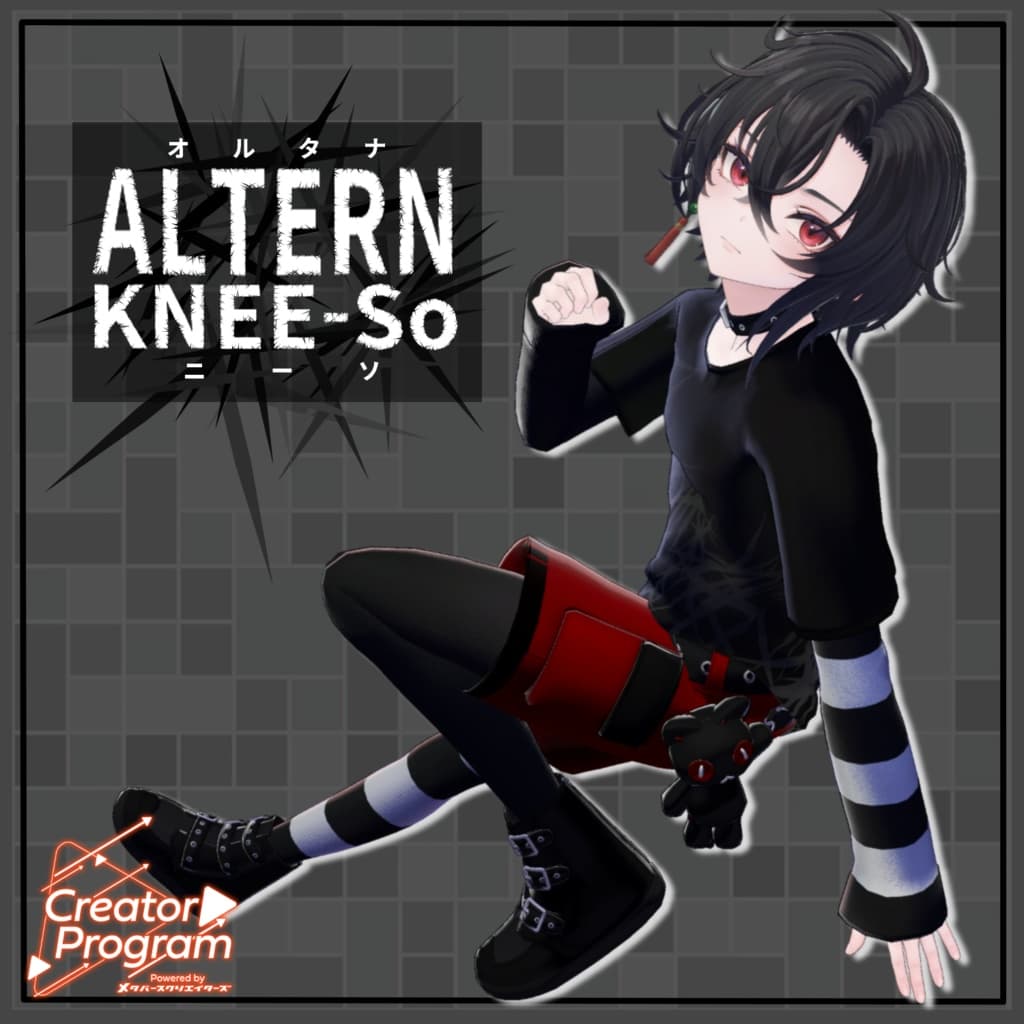
説明
◆ Alterna Knee-Highs ◆
Creator: Ritsushita Awa (Sora no Atelier)
Flavor Text
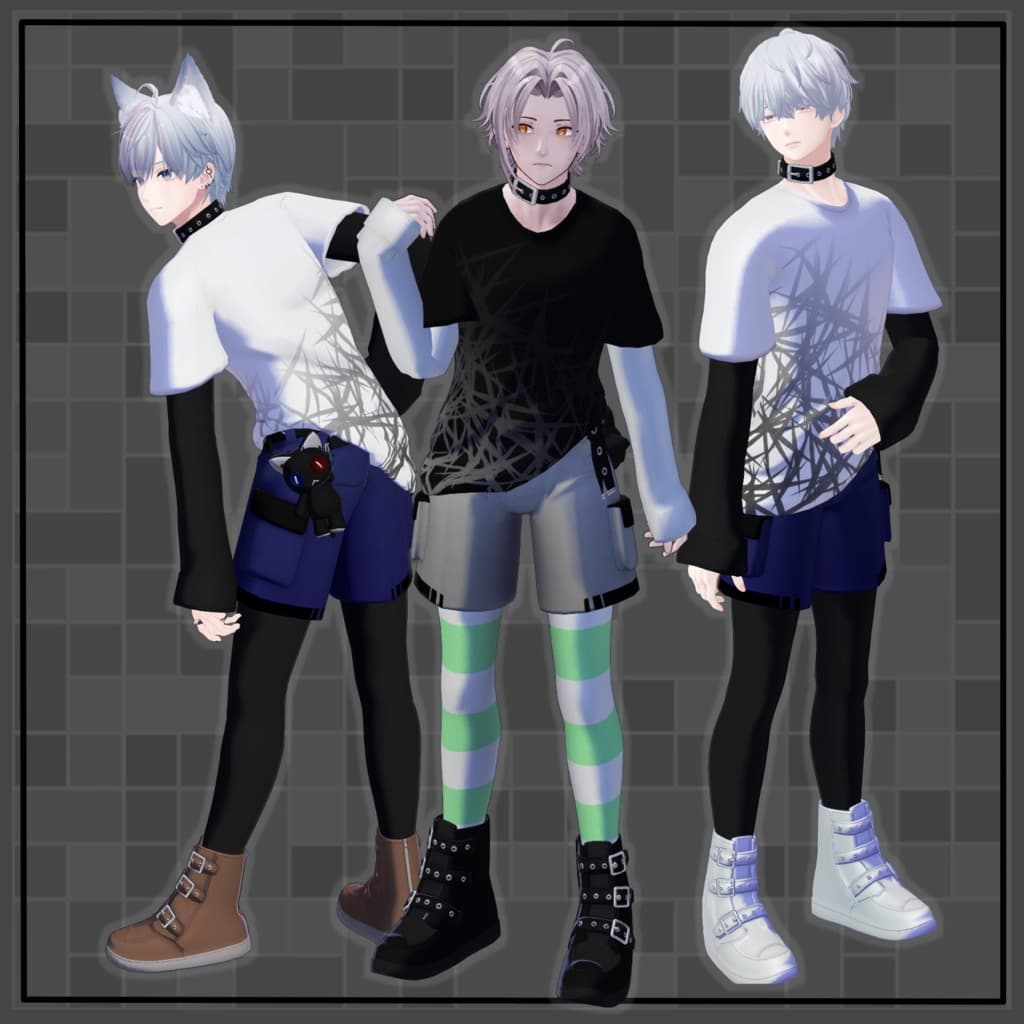
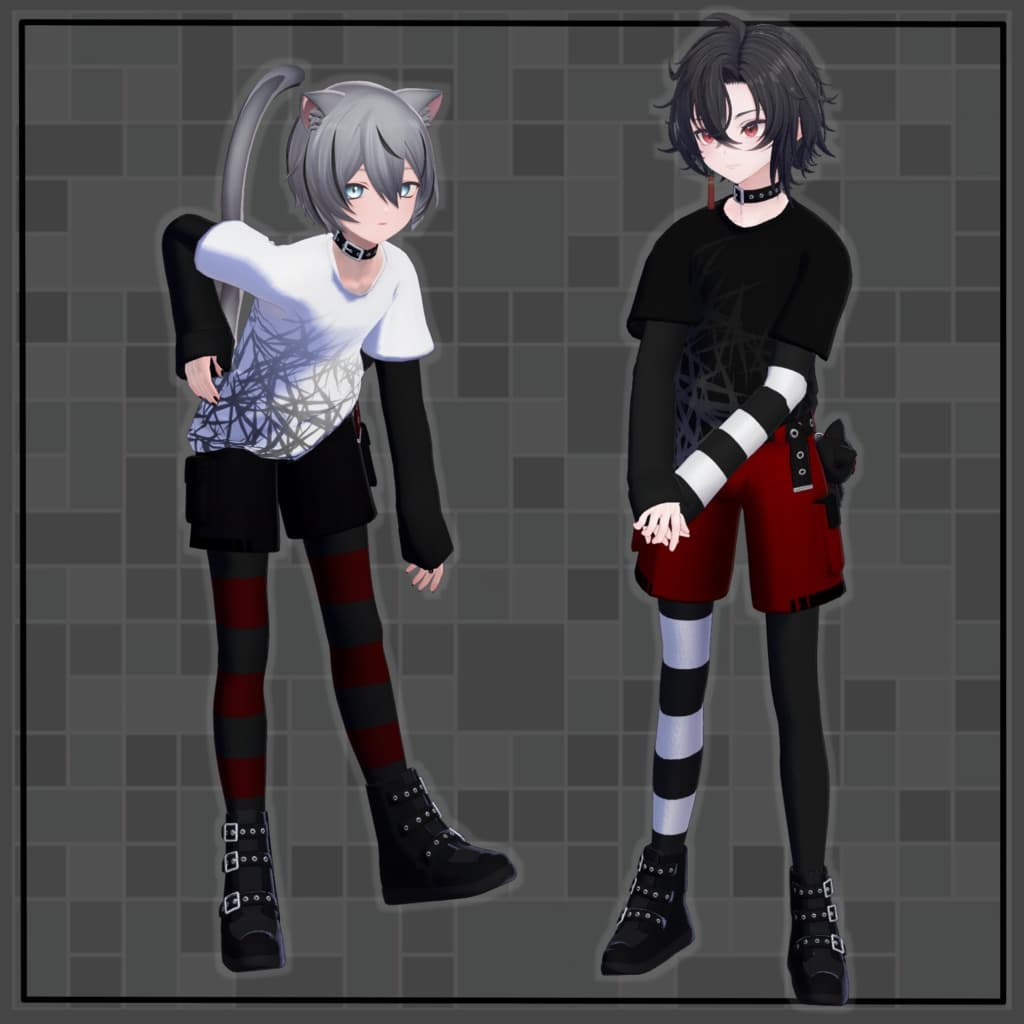
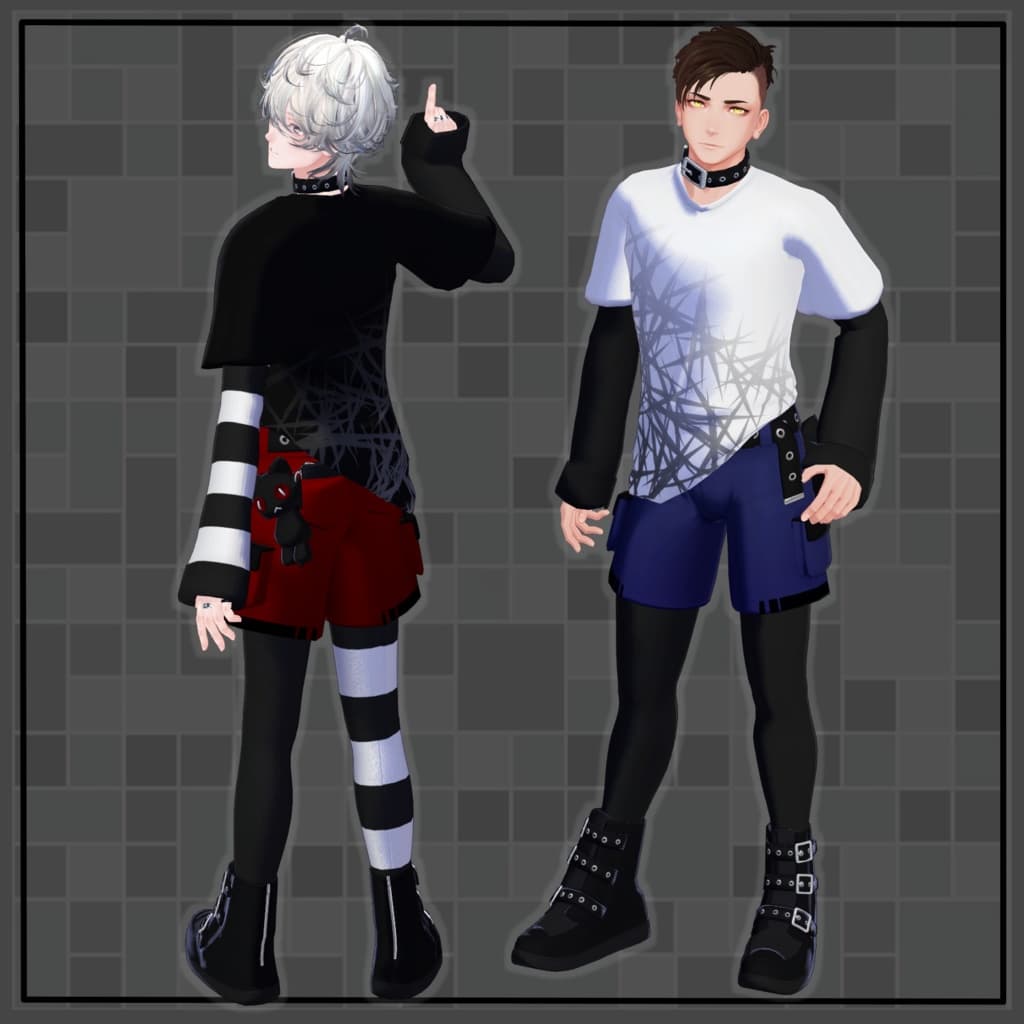
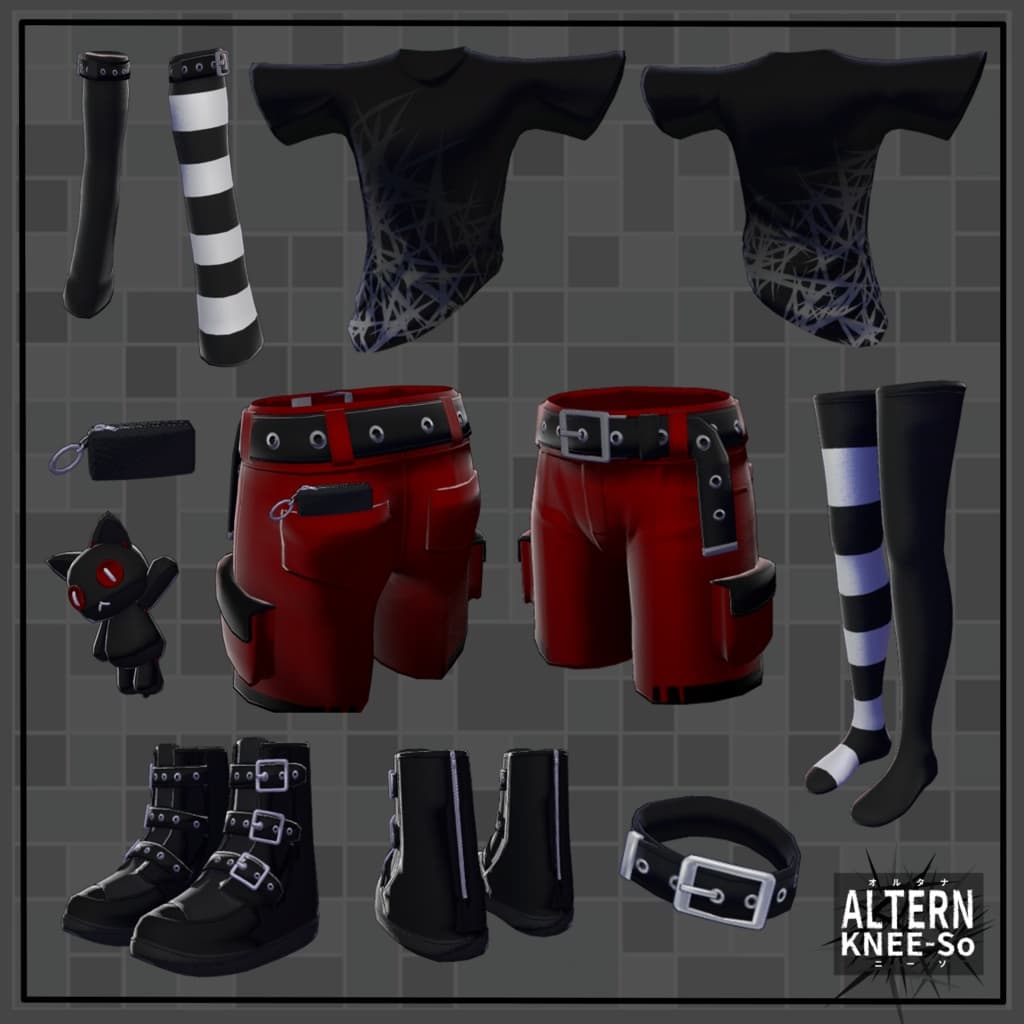
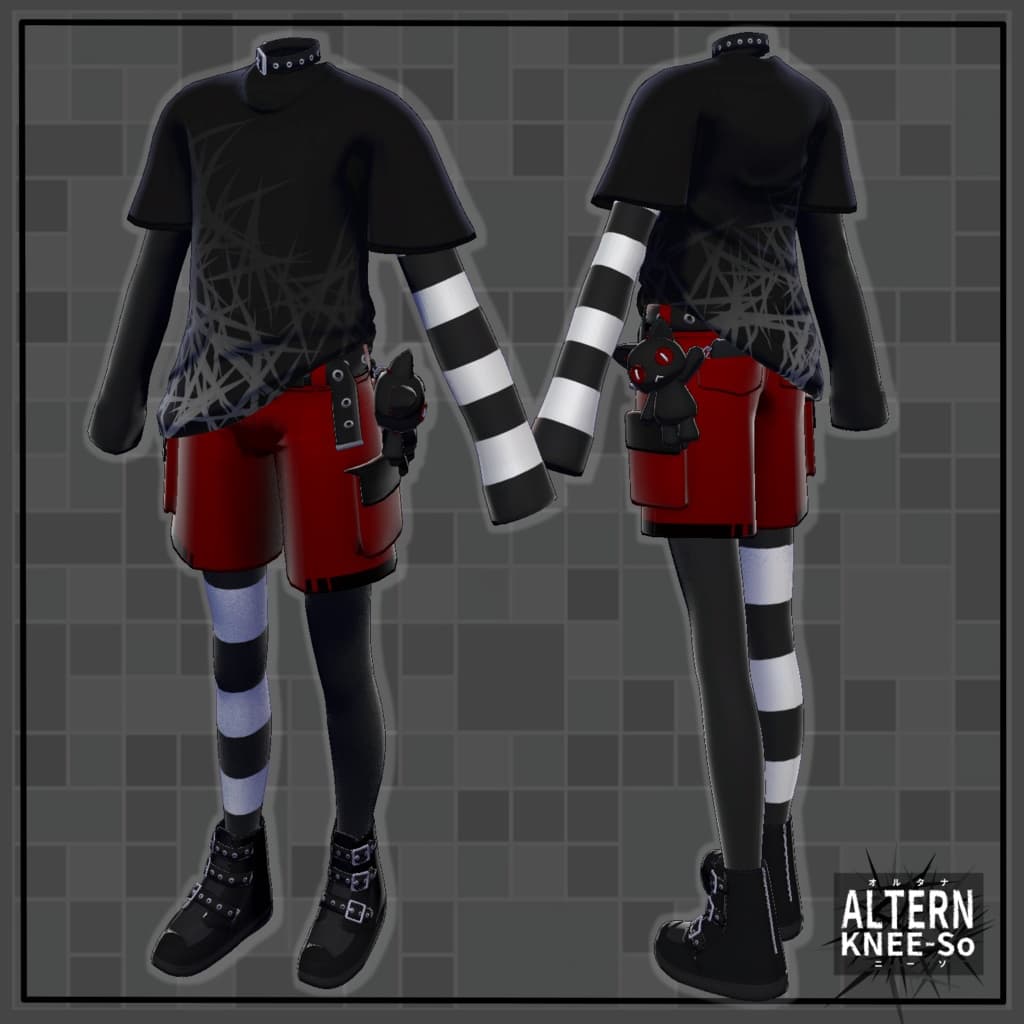
For some reason, I imagined striped men’s knee-high socks, so I decided to make them. I think it turned out quite cute overall. The knee-high socks and arm covers are separate objects, so you can mix and match them with other outfits for customization or outfit modifications. You can’t really see it from the front, but there is a hidden "absolute zone" area.
Note:
This outfit was configured for Minase v1.4.1. If you’re using v1.3.2, you’ll need to manually adjust the body shape keys or fine-tune the MA Shape Changer settings.
This product is a clothing model for avatars. It does not include avatar body data.
Due to the nature of digital downloads, returns and refunds are not possible. Please read and agree to the product description and terms of use before purchasing.
◆ Item Overview ● Contents
A_KneeSo_AvatarName.Unitypackage
FBX
Textures
PSD file for customization
ReadMe.txt (this document)
● Shader Used
liltoon https://lilxyzw.booth.pm/items/3087170
● Required Asset
Modular Avatar https://modular-avatar.nadena.dev/ja/docs/intro
● Model Data
Total polygons: 23,278
arm_sleeve: 3,080 polygons
choker: 532 polygons
pants: 3,164 polygons
shoes: 6,708 polygons
stuffed_toy: 2,464 polygons
T_shirt: 2,738 polygons
tights: 3,340 polygons
wallet: 1,252 polygons
Meshes: 8
Materials: 3
PB Components: 2
Import folder path: Assets > MetaverseCreators_CP > Empty-atelier > A_KneeSo
◆ Supported Avatars
Minase – VRChat Avatar #Minase3D https://booth.pm/ja/items/4013951
Komano – Original 3D Model https://booth.pm/ja/items/5260363
Kuuta – Original 3D Model #Kuuta3D https://booth.pm/ja/items/4897493
Company Slave Turanari-san (Tinmeshitei Common Body) https://booth.pm/ja/items/5498540
Bokusei (PlusHead Body) https://booth.pm/ja/items/5727810
Hanka (斑霞) – Original 3D Model https://studioyono.booth.pm/items/6970249
Licht (凛仁) – Male Avatar #Licht3D https://metacreatorstyo.booth.pm/items/7430852
Note: When dressing the avatar, use the shape key that hides the base body (which makes the body rod-like).
◆ Installation Instructions
Set up the latest version of the VRC SDK in VCC.
Install the required assets (liltoon, Modular Avatar) in VCC.
Import the latest package of your avatar.
Import this outfit’s package.
Drag and drop your avatar (or a prefab for customization/modification) into the Scene Hierarchy.
Hide or set to “Editor Only” any unwanted default clothing (such as default outfits or underwear).
Drag and drop A_KneeSo_AvatarName.Prefab directly under your avatar.
Upload your avatar from the VRC SDK.
Note: This outfit uses Modular Avatar’s “MA Shape Changer” feature. When you drag and drop the outfit under your avatar, it automatically activates the avatar’s shape keys—making the body slimmer or hiding overlapping mesh areas—so the outfit fits naturally without clipping.
If “MA Shape Changer” is not needed, you can delete or adjust it freely.
For avatars using the +Head version: Some avatars may use different body mesh names (this model’s mesh name is set as “PlusHead”), which may prevent the component from functioning correctly. If that happens, rename the mesh or manually adjust the shape keys.
If parts of the body appear unintentionally thin after dressing, set the affected shape keys back to 0 and check that the body displays correctly.
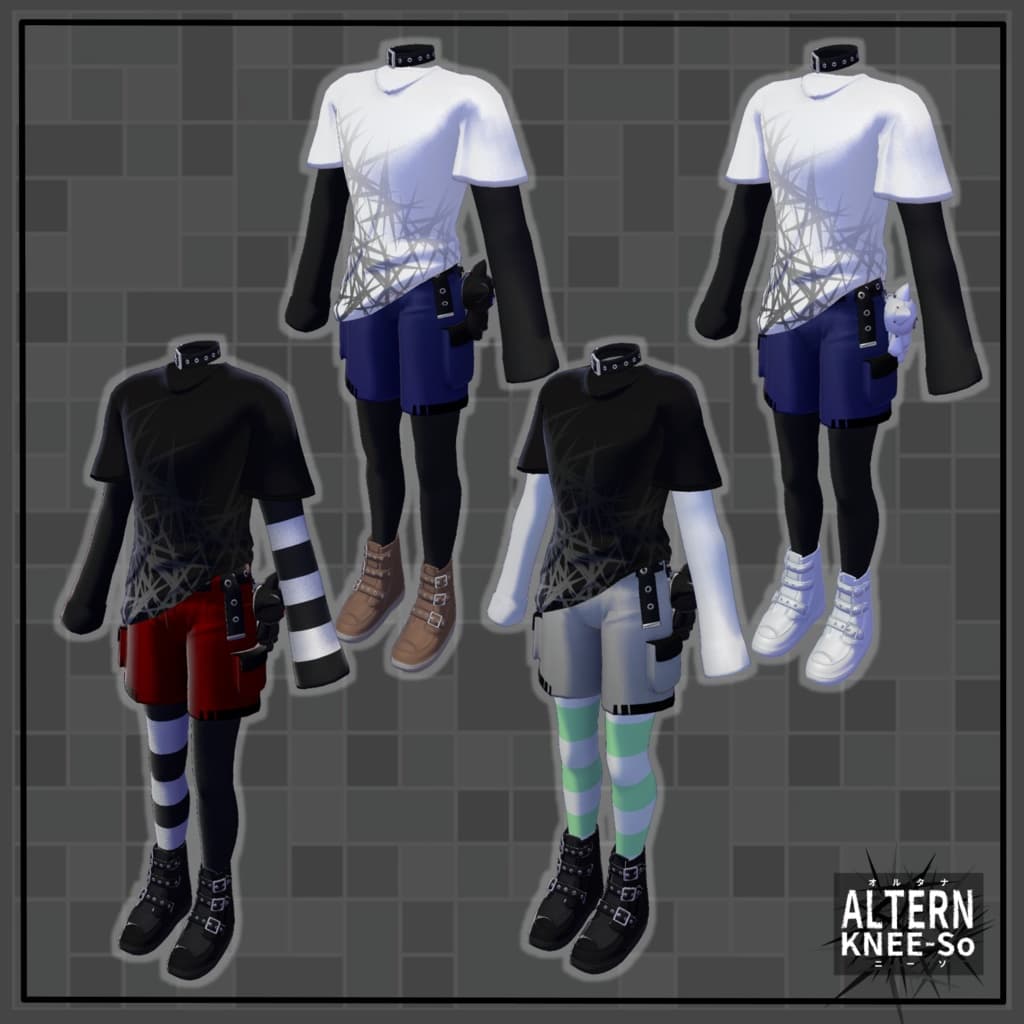
◆ Recoloring
You can replace materials in the Common > Material folder to use color variations. You can also use the included PSD or CLIP STUDIO PAINT files to recolor the outfit. Note: The top layer in the PSD file is a solid black dummy layer used to reduce file size—please hide it before editing.
◆ Terms of Use
https://drive.google.com/drive/folders/1qRMXoIxM1ZgacBPfwOigQRtXP1vCbNMn?usp=sharing
Please comply with the terms of the base avatar when using this product.
◆ Production Environment
Modeling: Blender Ver. 3.6.1
Texturing: CLIP STUDIO PAINT
Setup: Unity Ver. 2022.3.22f1
VRChat SDK - Avatars Ver. 3.8.0 (VCC)
liltoon 2.2.1
ModularAvatar 1.14.2
◆ Credits
Creator: Ritsushita Awa
X (Twitter): @Aw_ritsushitA
BOOTH (Sora no Atelier): https://kara-no-atelier.booth.pm/
Support / Inquiries: https://discord.gg/bmw3PWE37M