

Wolf-hair Alpha Fringe - VRChat Hair / CP13
 MetaCreatorsTYO EN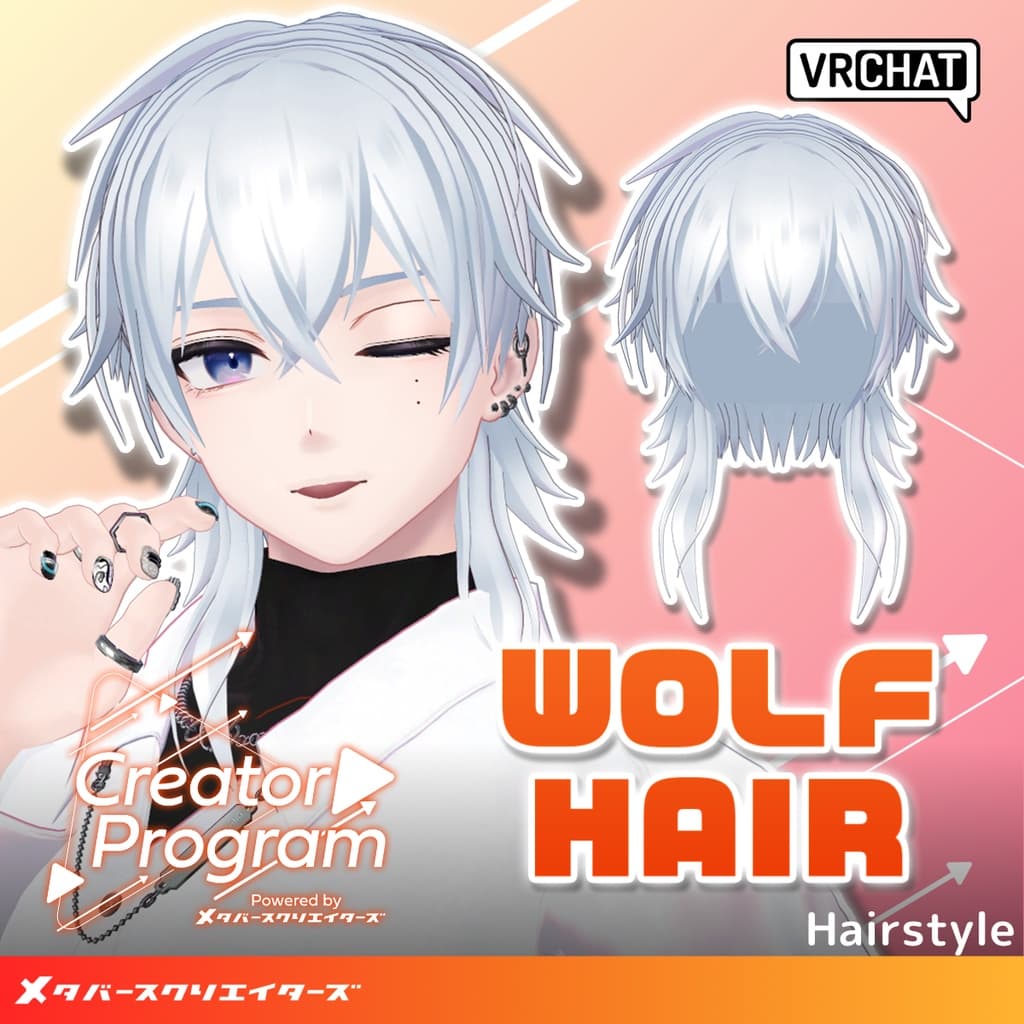
説明
◆ amane_wolfhair ◆
Creator: Gosatouya (Amane Fuyu)
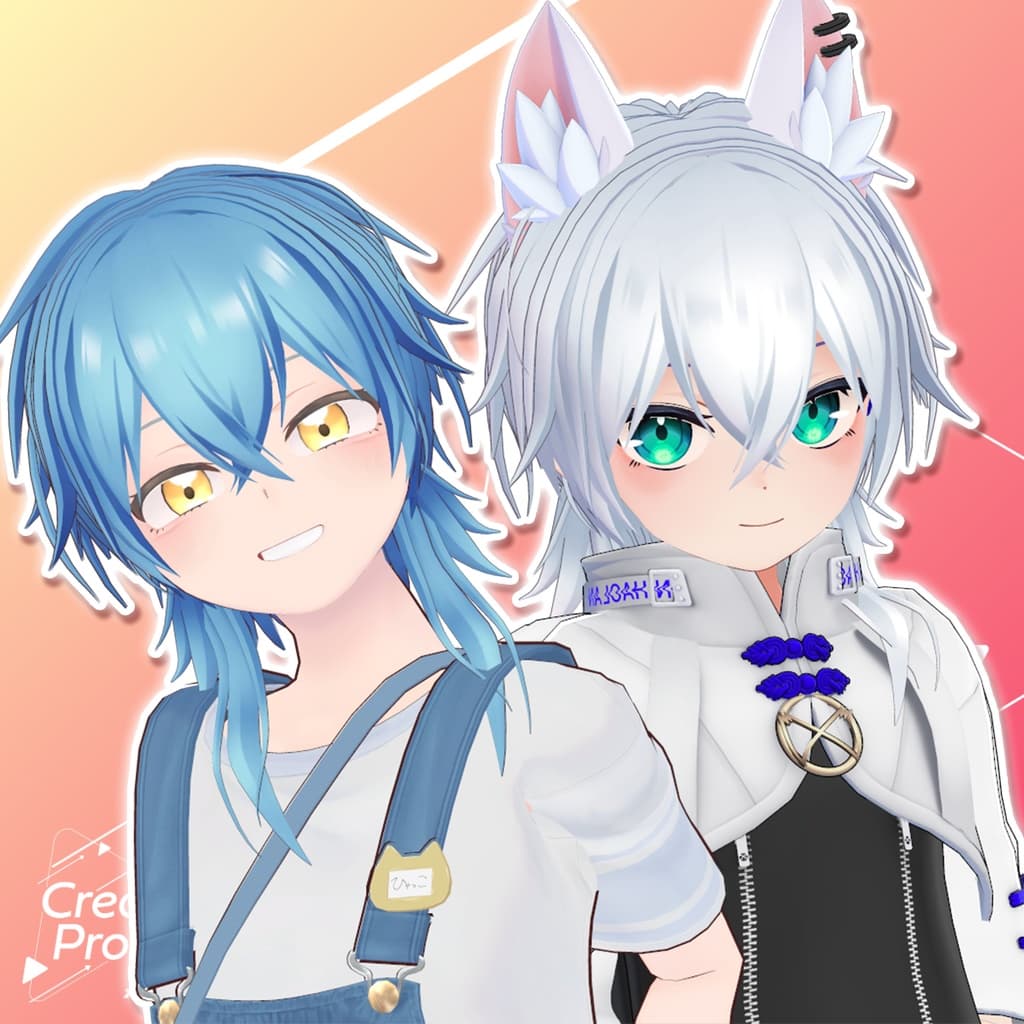
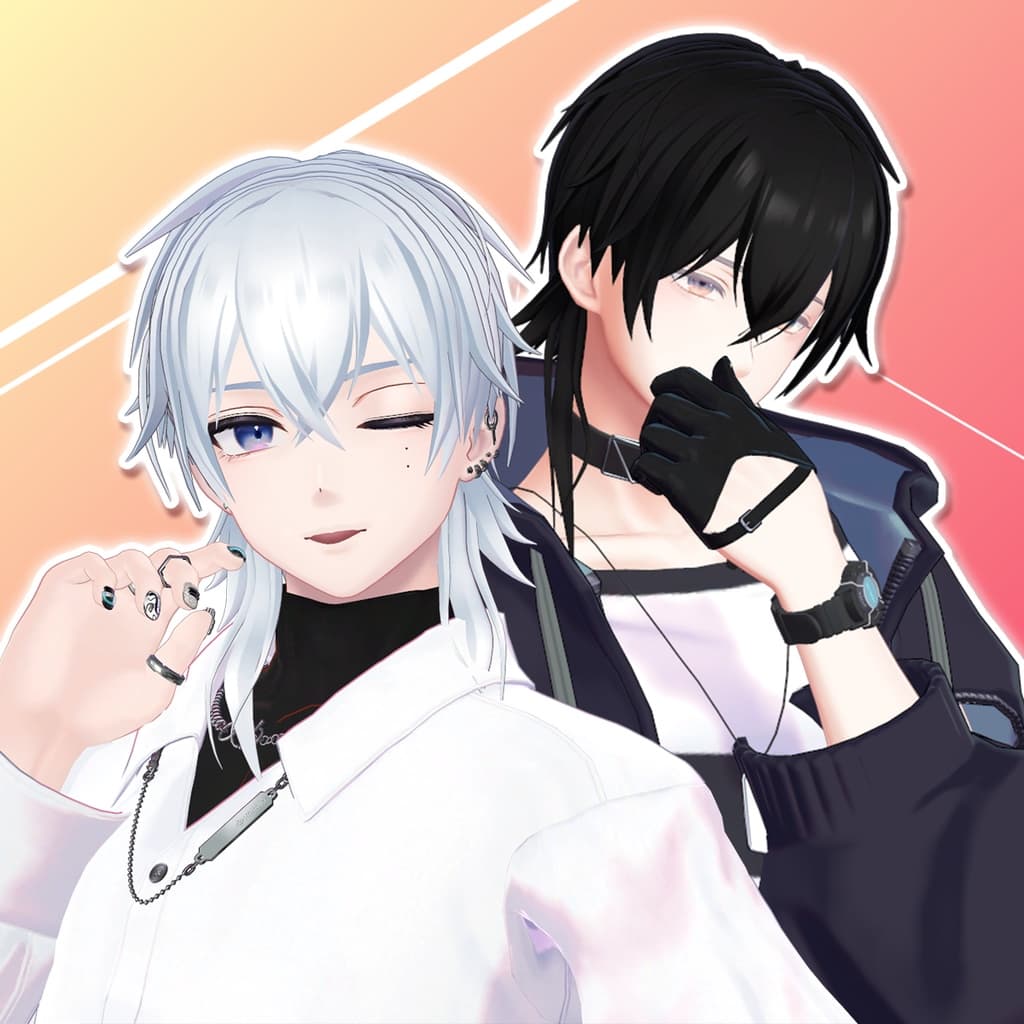
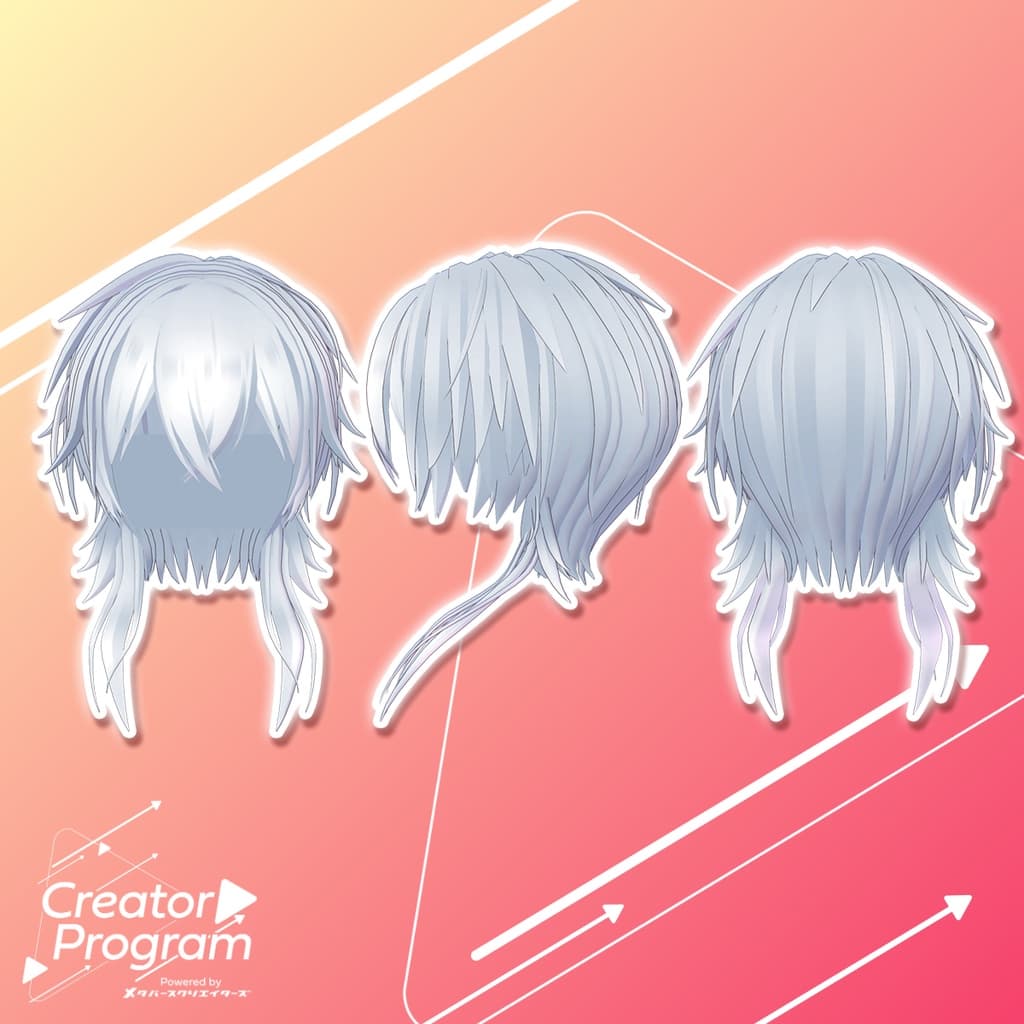
A classic M-shaped fringe hairstyle. By adding the included hair extensions, it becomes a wolf-style haircut.
Note:
This product is a hairstyle model for avatars. It does not include avatar body data.
Due to the nature of digital downloads, returns and refunds are not possible. Please review and agree to the product description and terms of use before purchasing.
◆ Item Overview ● Contents
amane_wolfhair.Unitypackage
FBX
Textures
ReadMe.txt (this document)
● Shader Used
liltoon https://lilxyzw.booth.pm/items/3087170
● Required Asset
Modular Avatar https://modular-avatar.nadena.dev/ja/docs/intro
● Model Data
Total polygons: 9,517
Hair_base: 7,485 polygons
Hair_wolf: 1,696 polygons
Hair_hyde: 336 polygons
Meshes: 3
Materials: 11
PB Components: 4
Import folder path: Assets > MetaverseCreators_CP > amane > Item_wolfhair
◆ Supported Avatars
Komano – Original 3D Model https://booth.pm/ja/items/5260363
Semi-supported avatars (adjusted in Unity based on the base model):
Minase – VRChat Avatar #Minase3D https://booth.pm/ja/items/4013951
Hyakko – by Niyami https://booth.pm/ja/items/6328134
Haolan – Original 3D Model https://booth.pm/ja/items/3818504
This hairstyle includes many shape keys to adjust its overall size and position, allowing it to fit various avatars. Feel free to try it on avatars not listed as supported.
Tip: If different objects share the same shape key name, setting the same value for each will help maintain a clean appearance.
● Model Structure Overview
Hair_base: The base hairstyle
Hair_hyde: Side hair near the ears (keep hidden when using an avatar with ears)
Hair_wolf: Hair extension for the wolf style
● Shape Key Overview
Hair_base:
X_big → Expand in X direction
Y_big → Expand in Y direction
Z_big → Expand in Z direction
front_long → Lengthen bangs
side_long → Lengthen side hair
under_small → Shorten the nape hair
under_long → Lengthen the nape hair
under_big → Widen the nape area
Hair_hyde:
X_big → Expand in X direction
X_move → Move outward along the X axis
Hair_wolf:
Zbig → Expand in Z direction
Zsmall → Shrink in Z direction
UP → Move upward
Xmove → Move outward in X direction
Xmove2 → Move inward in X direction
◆ Installation Instructions
Set up the latest version of the VRC SDK in VCC.
Install the required assets (liltoon, Modular Avatar) in VCC.
Import the latest version of your avatar’s package.
Import this package.
Drag and drop your avatar (or a prefab for customization/modification) into the Scene Hierarchy.
If necessary, hide or set to “Editor Only” any unwanted hair parts or accessories (like built-in hair or animal ears).
Drag and drop wolfhair_AvatarName.Prefab directly under your avatar.
Adjust the scale, position, and shape keys to fit your avatar (if a pre-adjusted prefab is included, this step may not be needed).
Upload your avatar from the VRC SDK.
◆ Recoloring
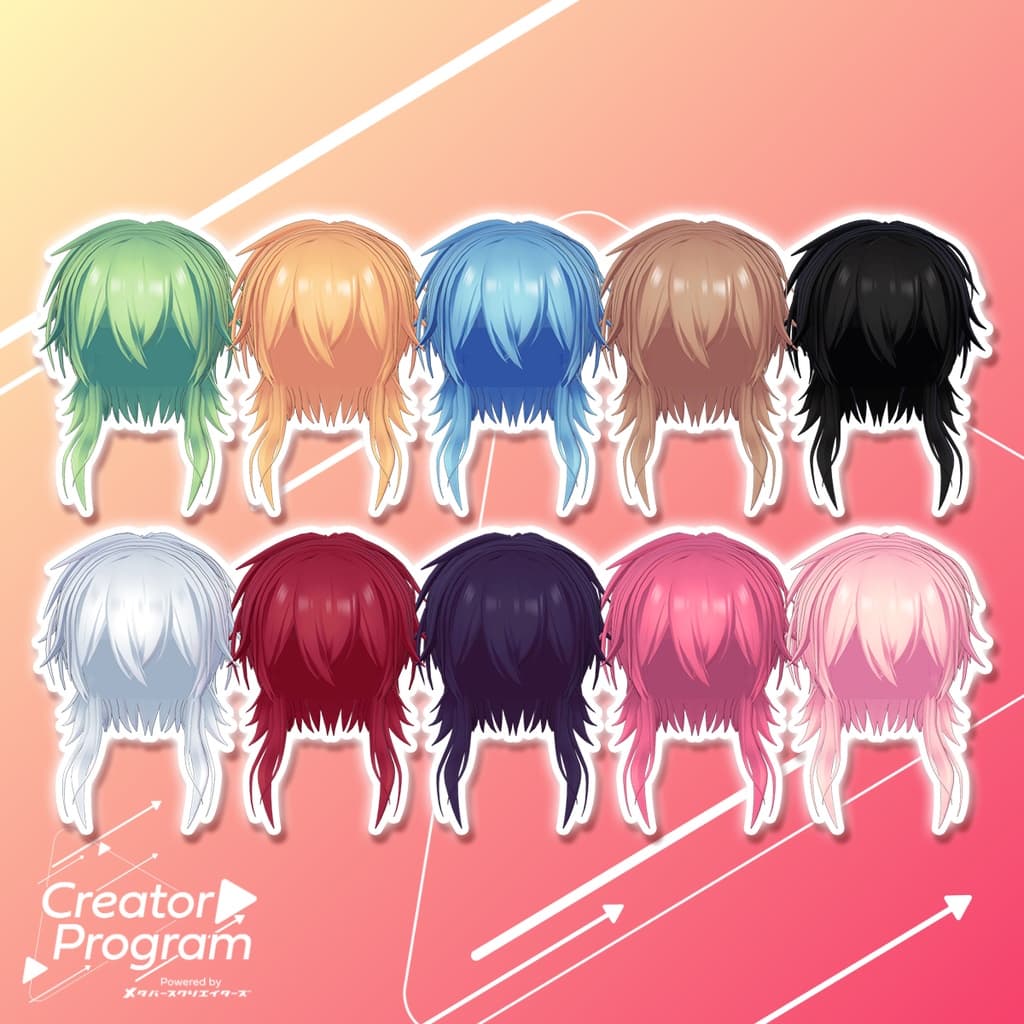
You can replace materials in the Common > Material folder to use different color variations. The ForGradationMap texture is grayscale—use it as a gradient map if you wish to apply color changes via gradient mapping.
◆ Terms of Use
https://drive.google.com/drive/folders/1qRMXoIxM1ZgacBPfwOigQRtXP1vCbNMn?usp=sharing
Please comply with the terms of the base avatar when using this product.
◆ Production Environment
Modeling: Blender Ver. 2.93.18
Texturing: FireAlpaca
Setup: Unity Ver. 2022.3.22f1
VRChat SDK - Avatars Ver. 3.7.3 (VCC)
liltoon 1.8.5
ModularAvatar 1.11.7
◆ Credits
Creator: Gosatouya (Amane Fuyu)
BOOTH
Support / Inquiries: https://discord.gg/bmw3PWE37M