

GJacketSet - VRChat Men's Clothing / CP1
 MetaCreatorsTYO EN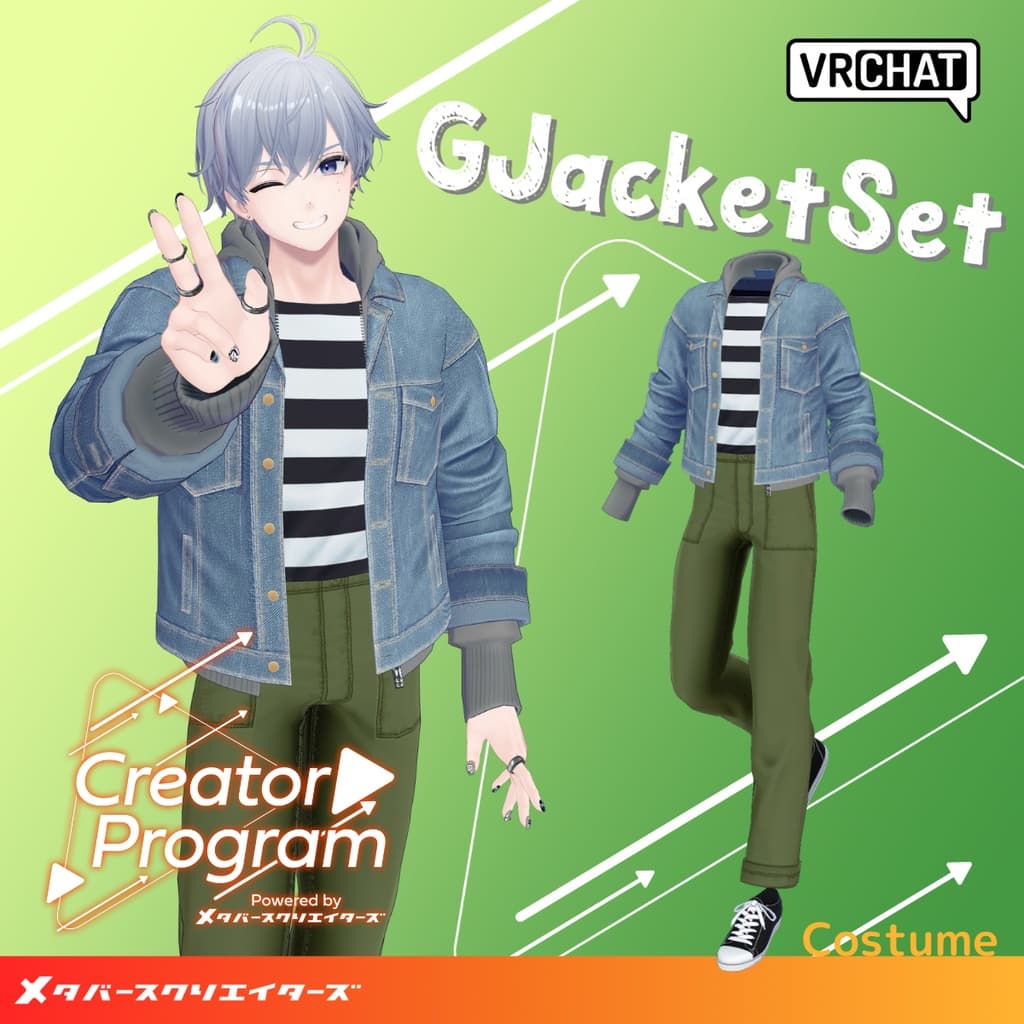
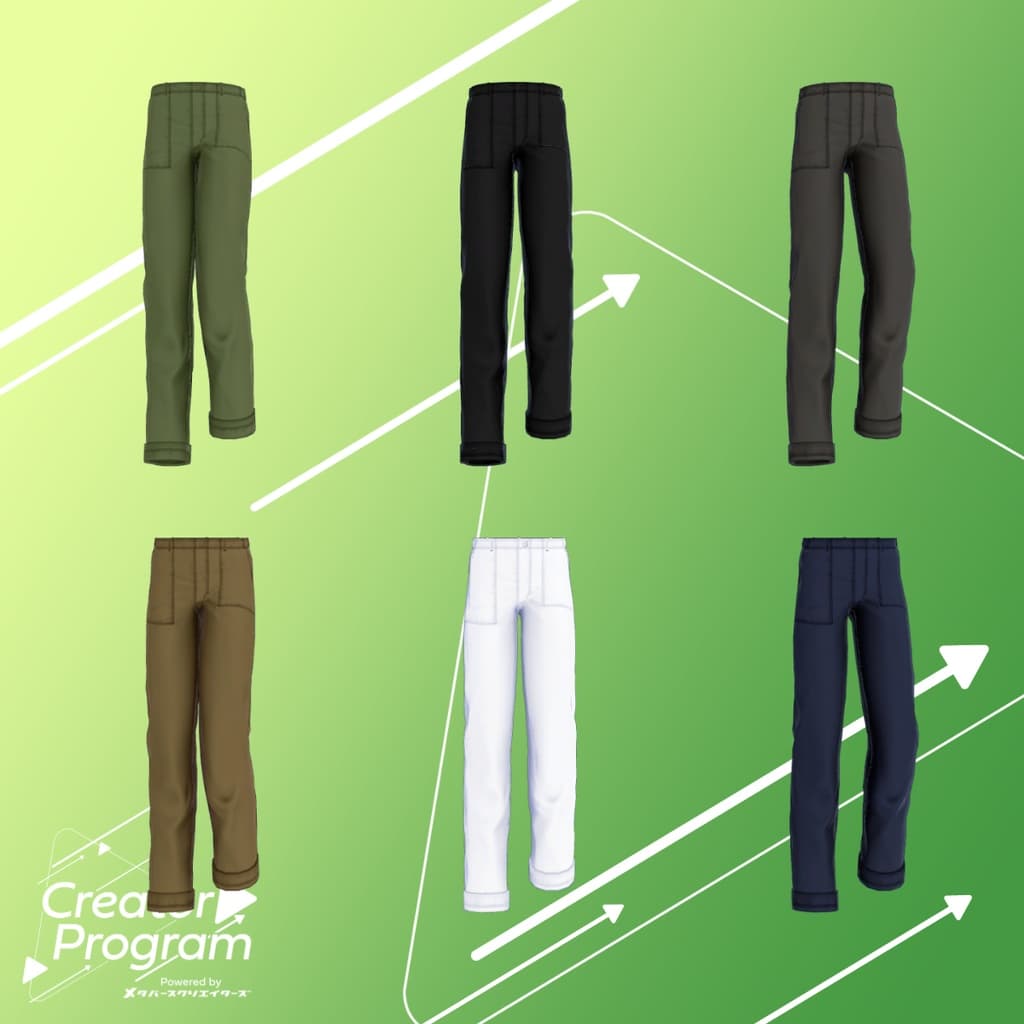
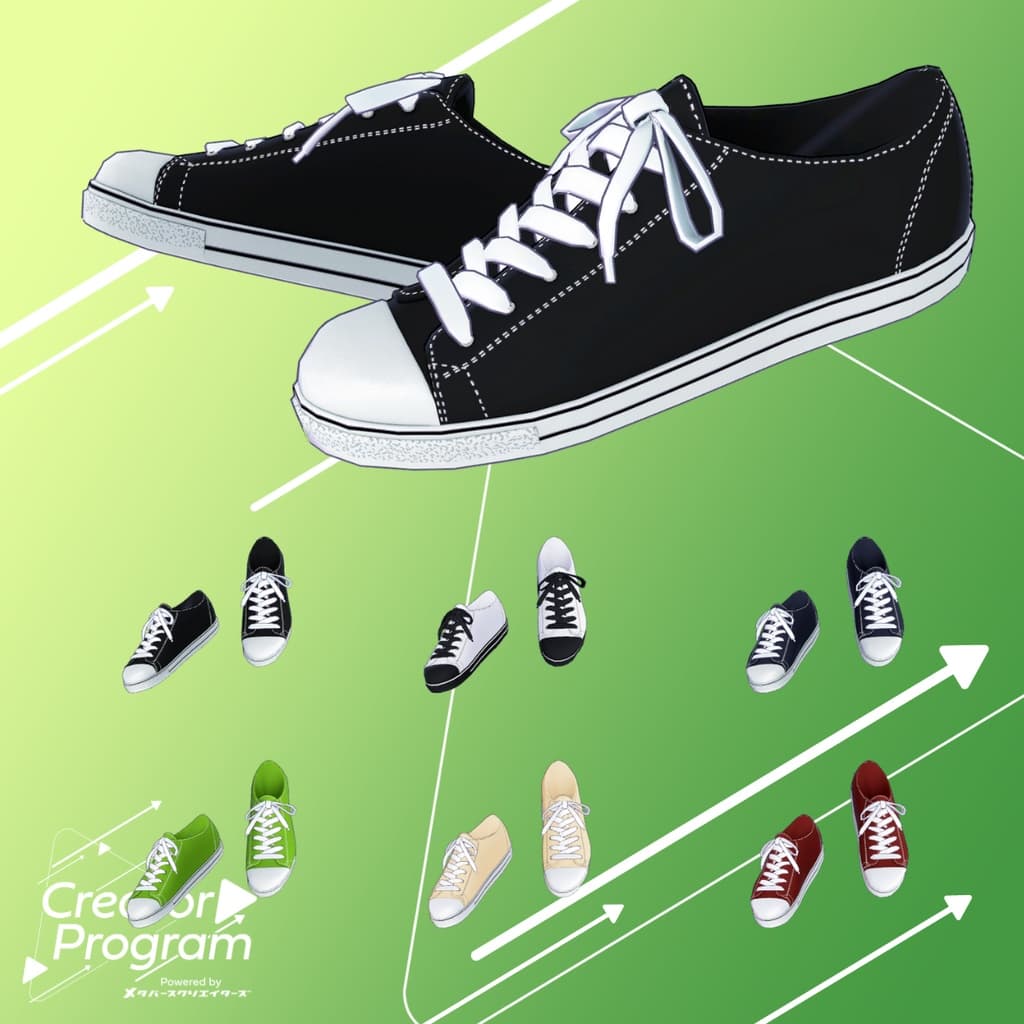
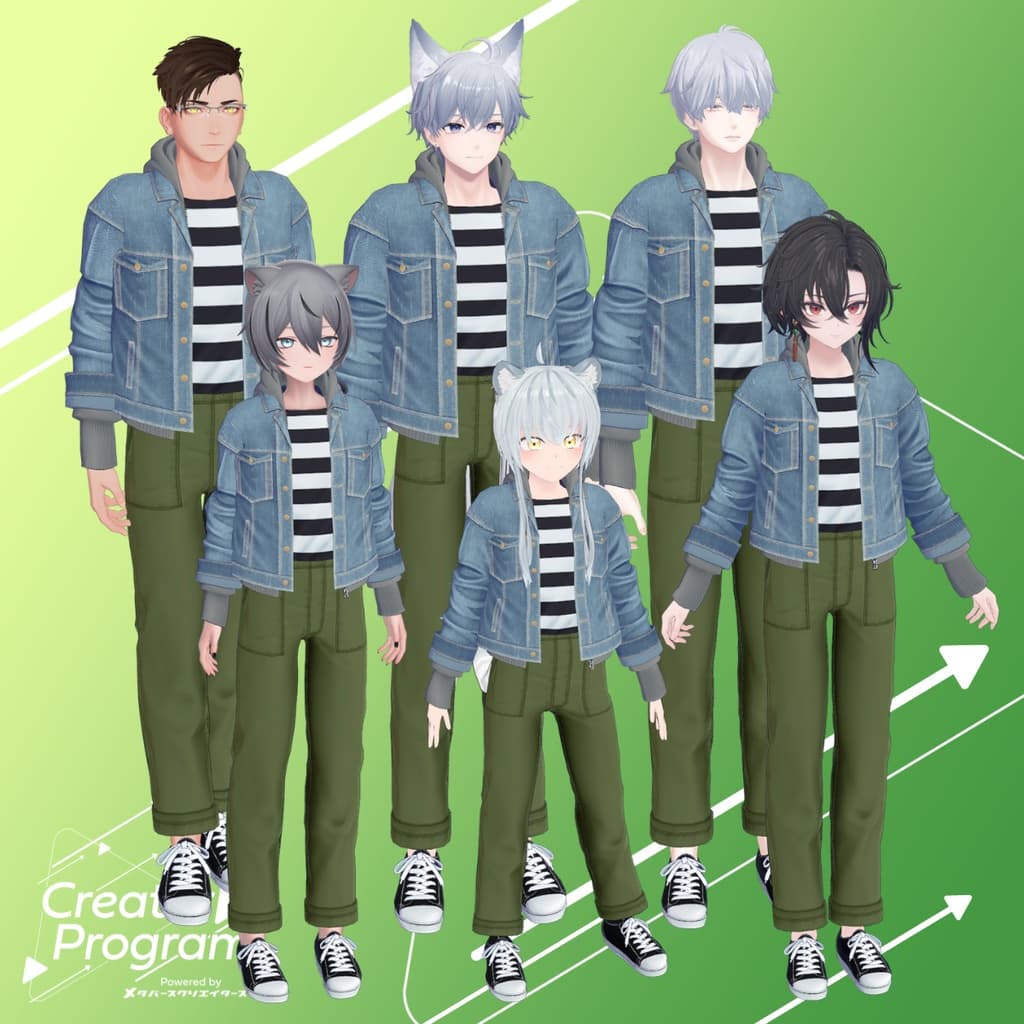
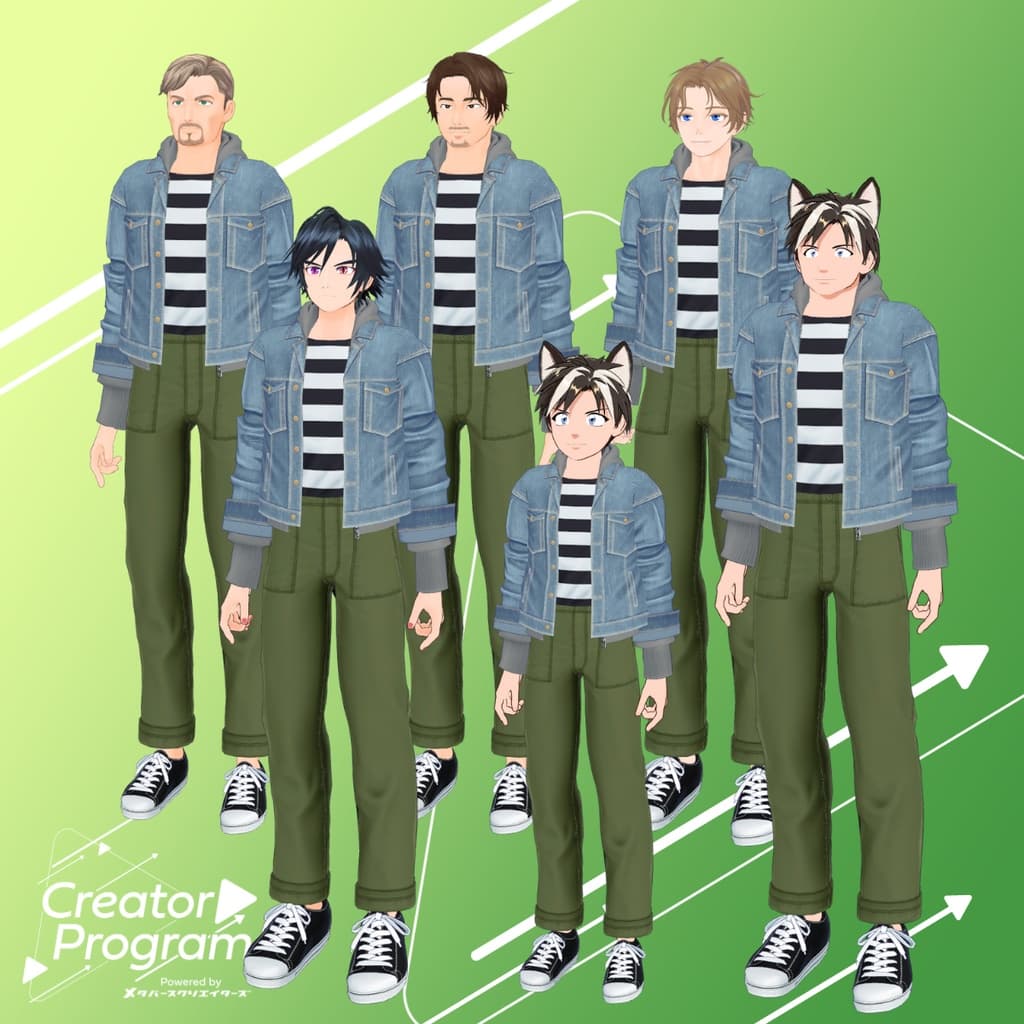
説明
◆ GJacket Set ◆
Creator: Takeru
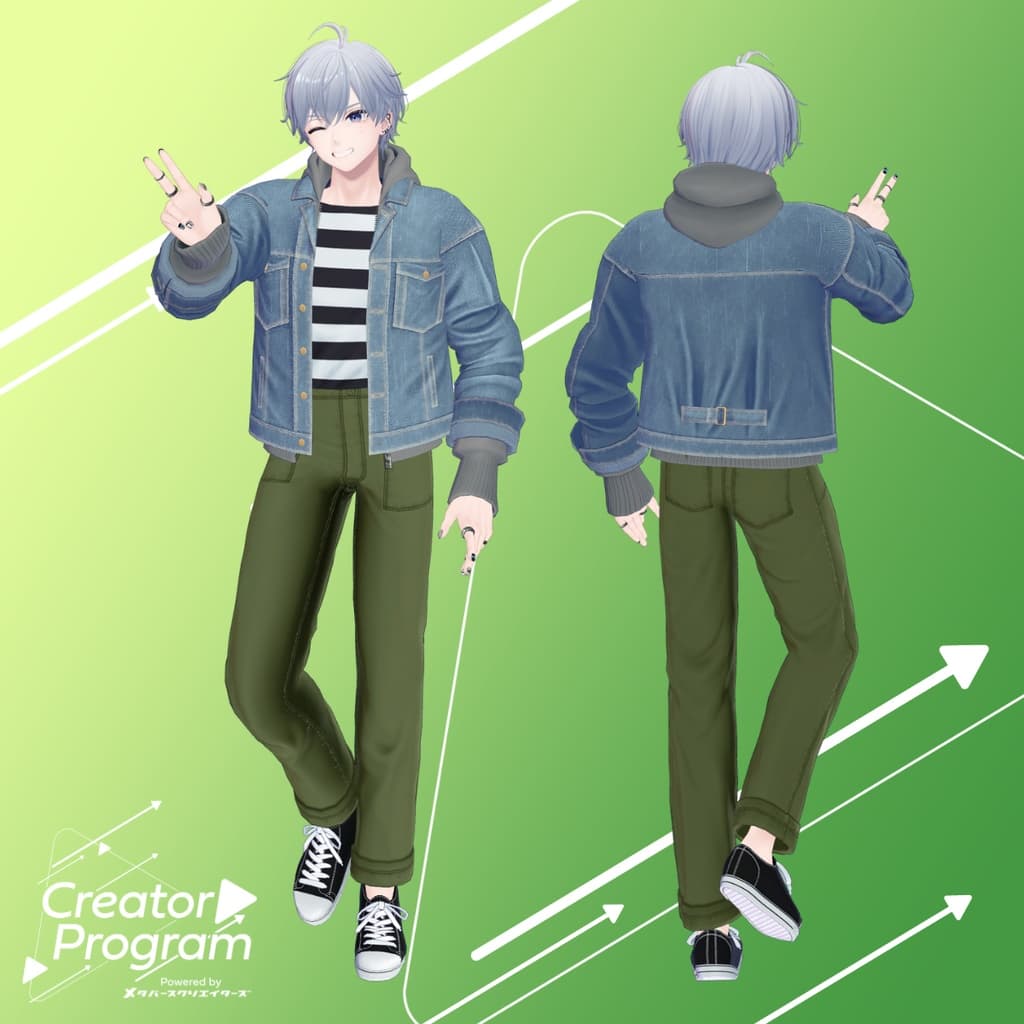
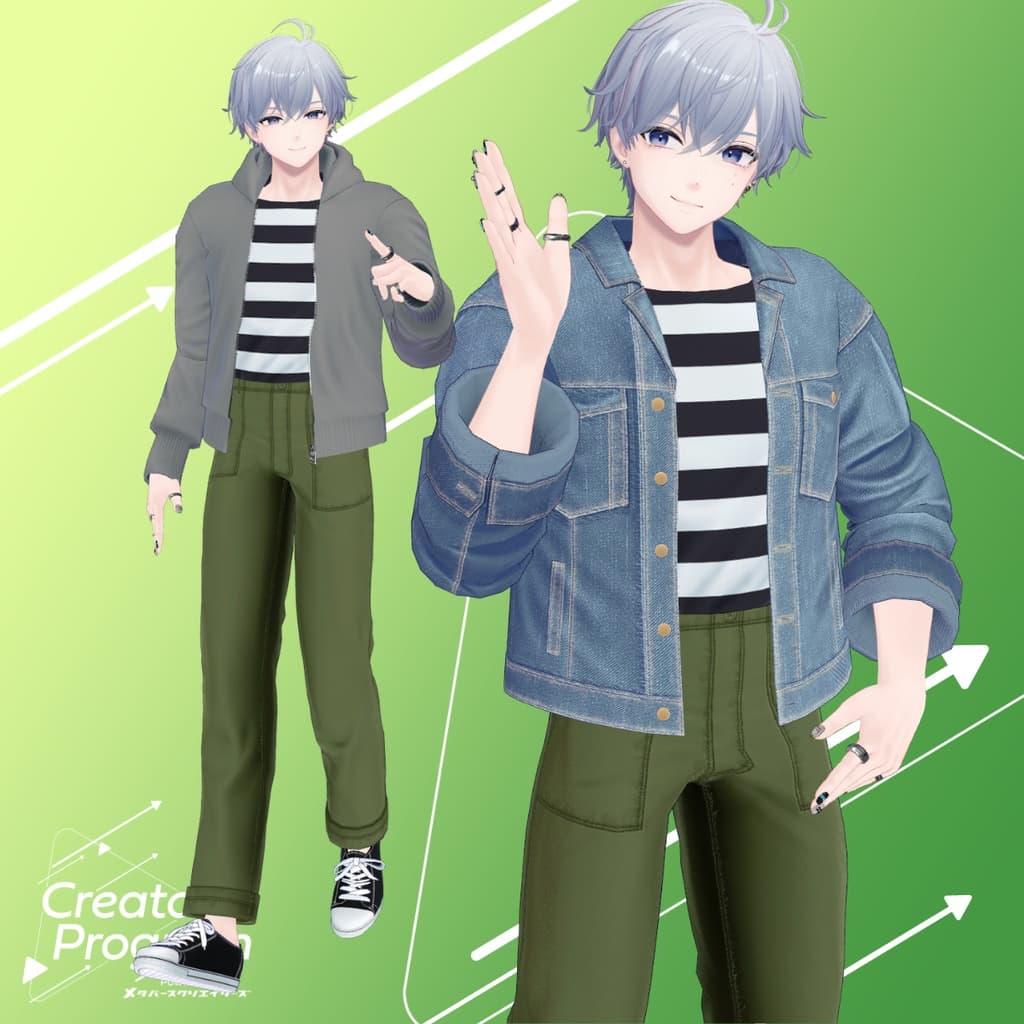
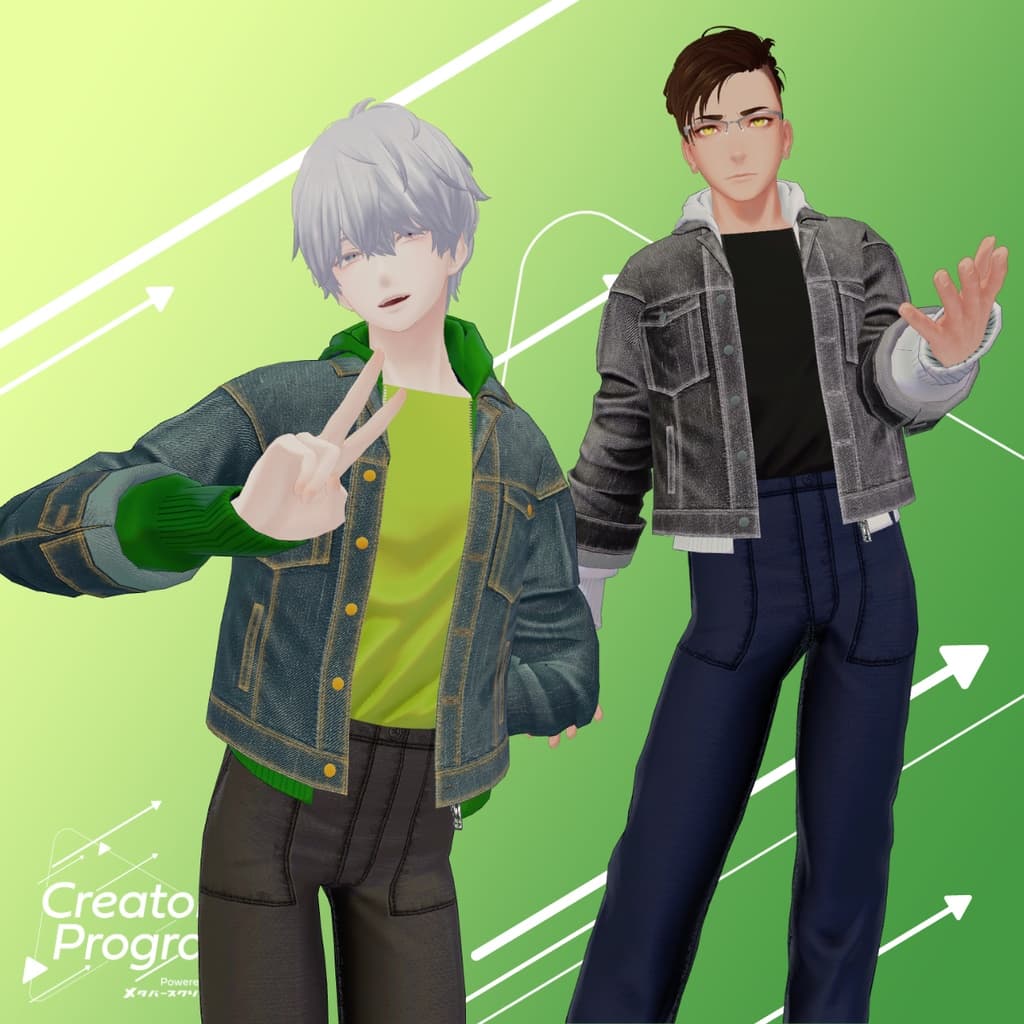
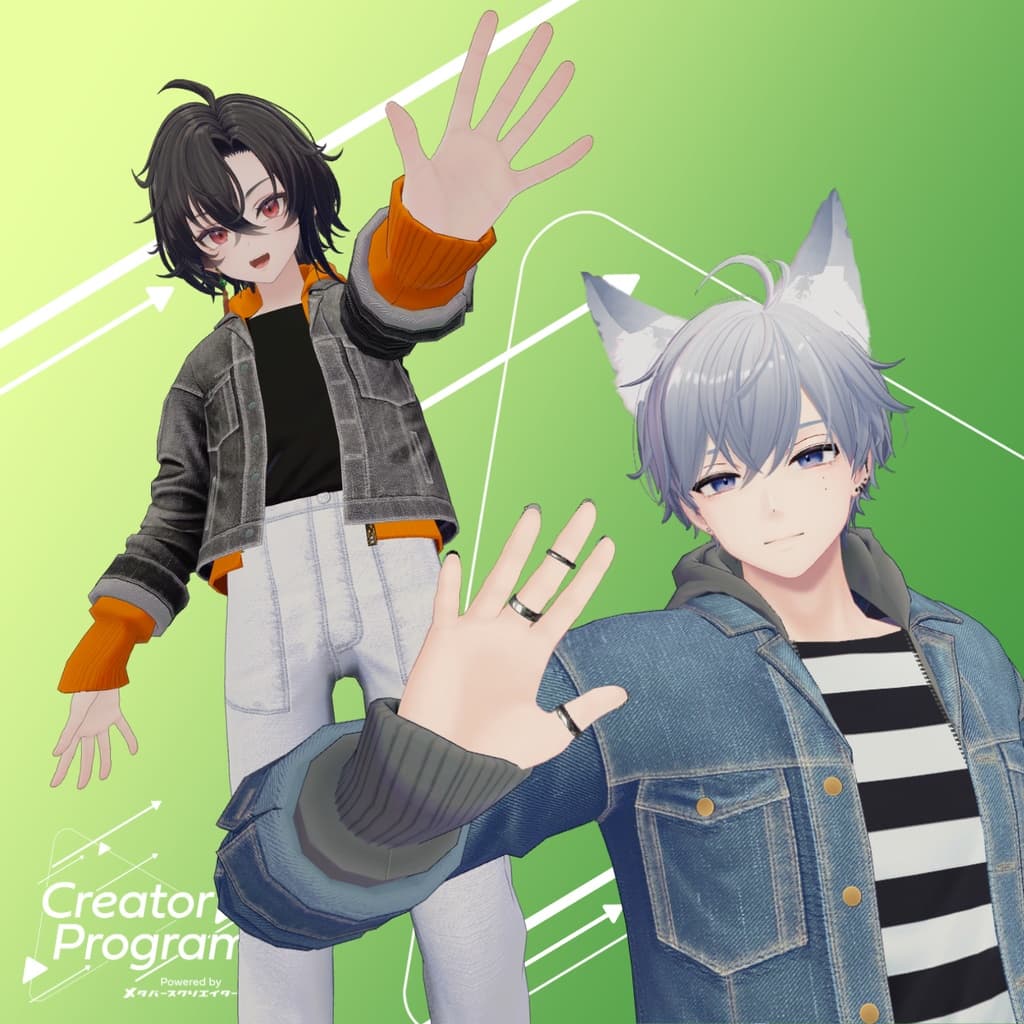
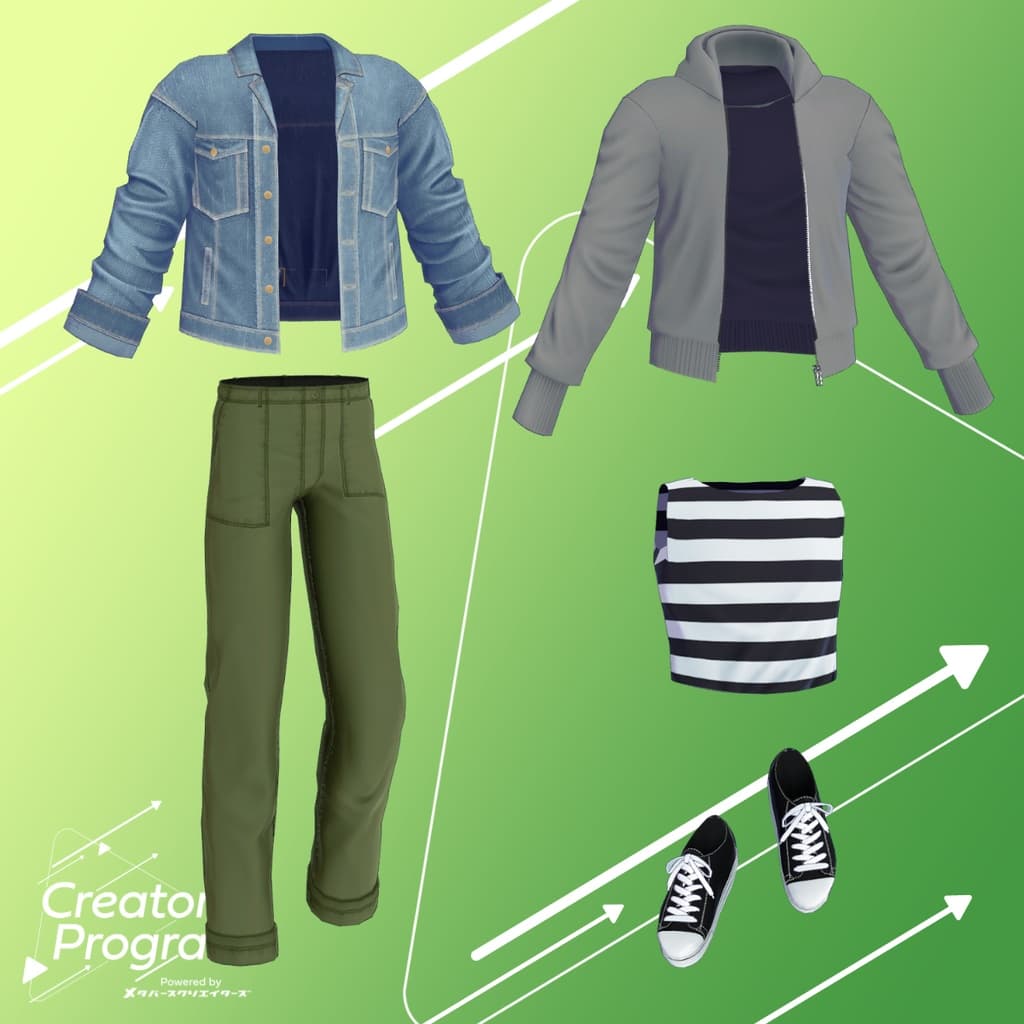
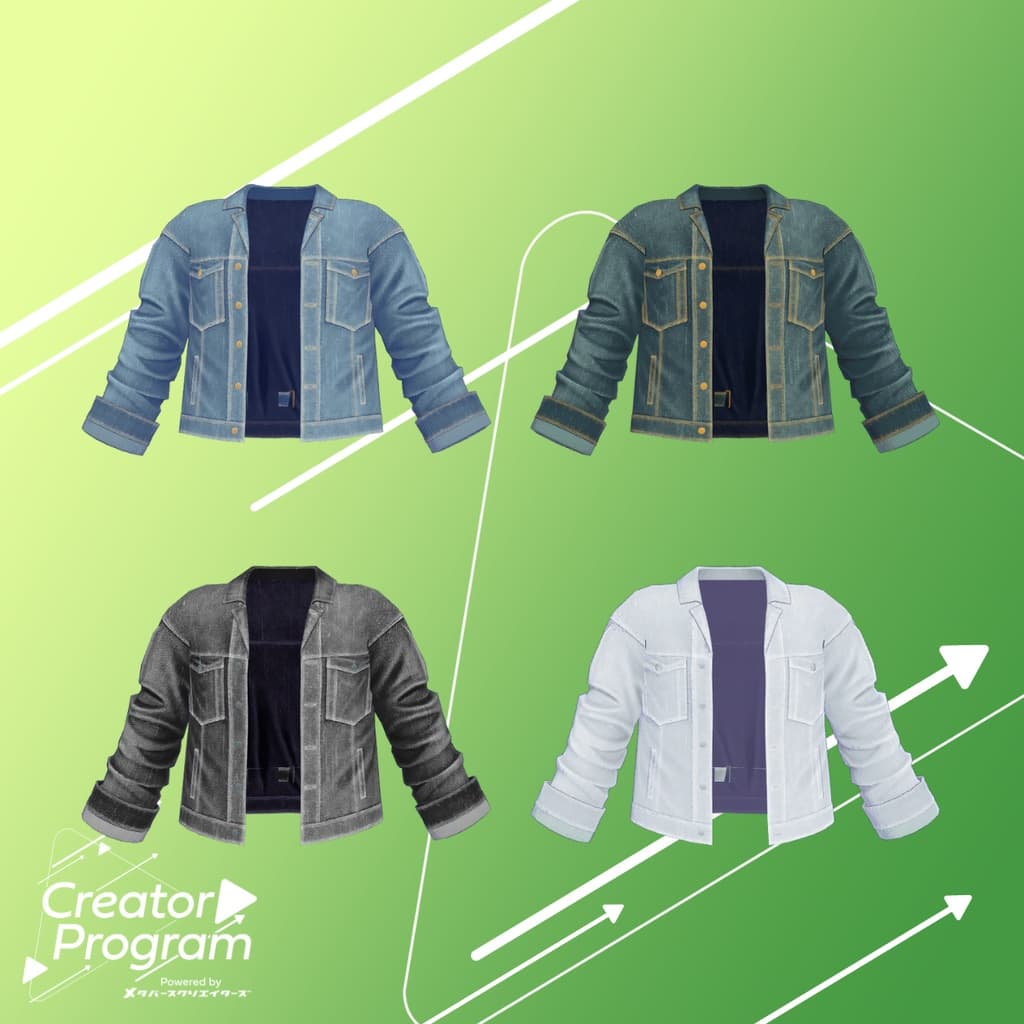
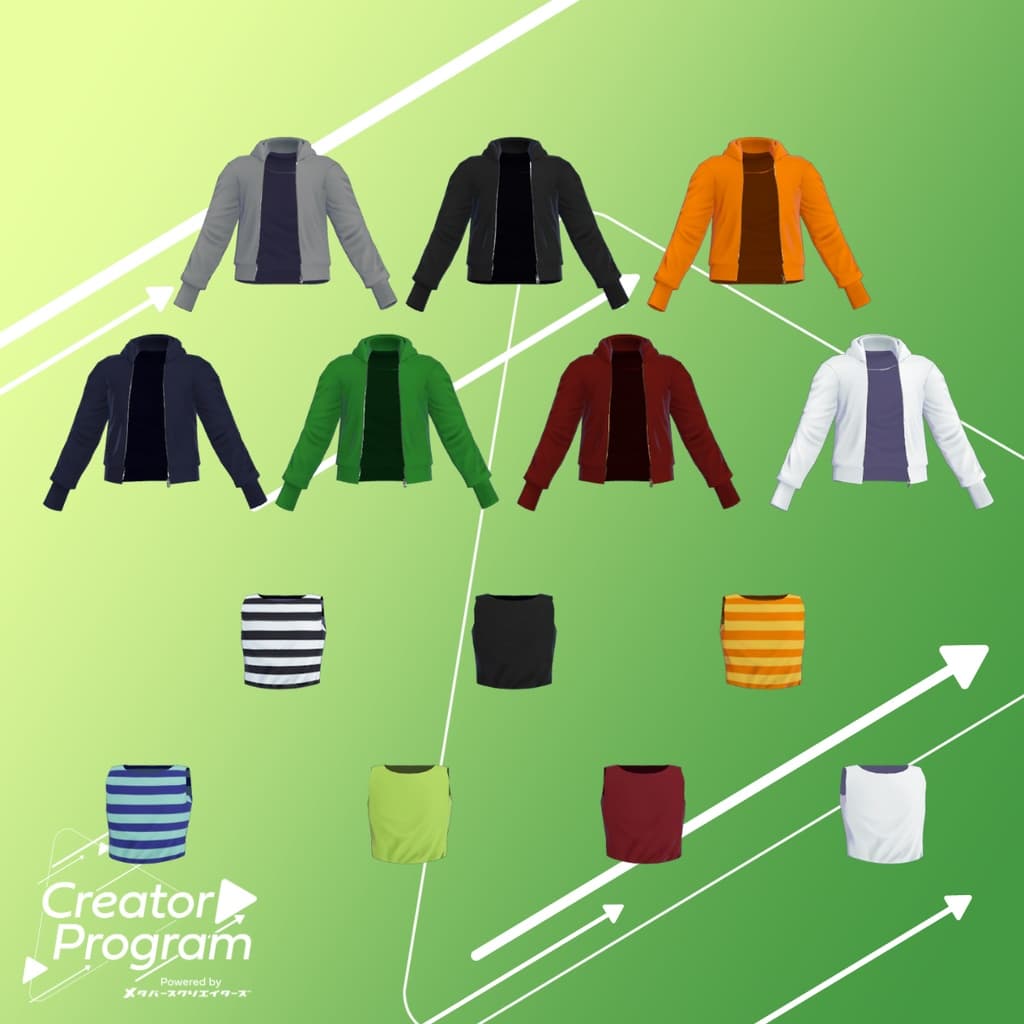
A casual outfit set featuring a light denim jacket coordination! The hoodie includes shape keys designed for layering with the denim jacket. You can remove the jacket to wear just the hoodie, or take off the hoodie to style the denim jacket alone—enjoy mixing and matching to create your own look! Color variation materials and PSD (converted from clip files) for recoloring are included, so you can easily customize the colors to your liking.
Note:
This product is a clothing model for avatars. It does not include avatar body data.
Due to the nature of digital downloads, returns and refunds are not possible. Please review and agree to the product description and terms of use before purchasing.
◆ Item Overview ● Contents
GJacketSet_◯◯.Unitypackage (◯◯ indicates the variation name)
FBX
Textures
PSD/clip files for customization
Blender file (created in Ver. 3.6.5)
ReadMe.txt (this document)
● Shader Used
liltoon https://lilxyzw.booth.pm/items/3087170
● Required Asset
Modular Avatar https://modular-avatar.nadena.dev/ja/docs/intro
● Model Data
Total polygons: 21,234
Food: 2,886
G_Jacket: 2,686
Inner: 914
Panz: 3,672
Shoes: 8,788
Meshes: 5
Materials: 5
PB Components: 2
Import folder path: Assets > MetaverseCreators_CP > Takeru_Airgreen > GJacketSet
◆ Supported Avatars
Minase – VRChat Avatar #Minase3D https://booth.pm/ja/items/4013951
Komano – Original 3D Model https://booth.pm/ja/items/5260363
Kuuta – Original 3D Model #Kuuta3D https://booth.pm/ja/items/4897493
Company Slave Turanari-san (Tinmeshitei Common Body) https://booth.pm/ja/items/5498540
Bokusei (PlusHead Body) https://booth.pm/ja/items/5727810
Hyakko – by Niyami https://booth.pm/ja/items/6328134
For Airgreen Package (semi-compatible FBX base)
Prefabs created from a single FBX are available for six Takeru-style avatars:
Miharu (Takeru-style common male body) https://airgreen.booth.pm/items/6174478
Bertrand ReNew (Takeru-style common male body) https://airgreen.booth.pm/items/6084131
Eschlan https://airgreen.booth.pm/items/5025863
Adult Balt https://airgreen.booth.pm/items/5091727
Balt https://airgreen.booth.pm/items/4555823
Yoritsuna https://booth.pm/ja/items/3940398
Note: When dressing the avatar, use the shape key that hides the body (making it rod-like).
About the For_Airgreen Package: A single FBX provides compatible prefabs for six Takeru-style avatars. You can also use it for avatars outside these specific types.
◆ Installation Instructions
Set up the latest version of the VRC SDK in VCC.
Install the required assets (liltoon, Modular Avatar) in VCC.
Import the latest version of your avatar’s package.
Import this outfit’s package.
Drag and drop your avatar (or a prefab for customization/modification) into the Scene Hierarchy.
If necessary, hide or set to “Editor Only” any unwanted default clothing (such as default outfits or underwear).
Drag and drop GSet_For_AvatarName.Prefab directly under your avatar.
Upload your avatar from the VRC SDK.
Note: This outfit uses Modular Avatar’s “MA Shape Changer” feature. When you drag and drop the outfit under your avatar, it automatically activates the avatar’s shape keys—making the body slimmer or hiding overlapping mesh parts—so the outfit fits smoothly without clipping.
If you do not need “MA Shape Changer,” you can delete or adjust it as desired.
For avatars using the +Head version: Depending on the avatar, the mesh name of the body may differ (this model’s mesh name is set as “PlusHead”), which may cause the component to malfunction. In that case, rename the mesh or manually adjust the shape keys.
If parts of the body become unintentionally thin after dressing, set the corresponding shape keys back to 0 and verify that the body displays correctly.
◆ Recoloring
Swap materials from the Common > Material folder to use different color variations. You can also use the included PSD or clip files to recolor and customize the outfit.
◆ Mixing Outfit Parts
The outfit’s “Food” (hood) and “G_Jacket” objects are separate, allowing you to mix and match styles— you can wear the hoodie alone, or hide the hood to wear only the denim jacket. The “Food” object has an “Inner” shape key you can adjust to fit your preference.
Note: Wearing the “Inner” object alone is not recommended, as parts of the avatar’s body may clip through or disappear due to the MA Shape Changer settings.
◆ Terms of Use
https://drive.google.com/drive/folders/1qRMXoIxM1ZgacBPfwOigQRtXP1vCbNMn?usp=sharing
Please comply with the terms of the base avatar when using this product.
◆ Production Environment
Modeling: Blender Ver. 3.6.5
Texturing: Substance 3D Painter 2024, CLIP STUDIO PAINT
Setup: Unity Ver. 2022.3.22f1
VRChat SDK - Avatars Ver. 3.7.5 (VCC)
liltoon 1.8.5
ModularAvatar 1.11.2
◆ Credits
Creator: Takeru
Website: https://www.airgreen.net/
BOOTH: https://airgreen.booth.pm/
Support / Inquiries: https://discord.gg/bmw3PWE37M