

Biker Jacket Set - VRChat Women's Clothing / CP4
 MetaCreatorsTYO EN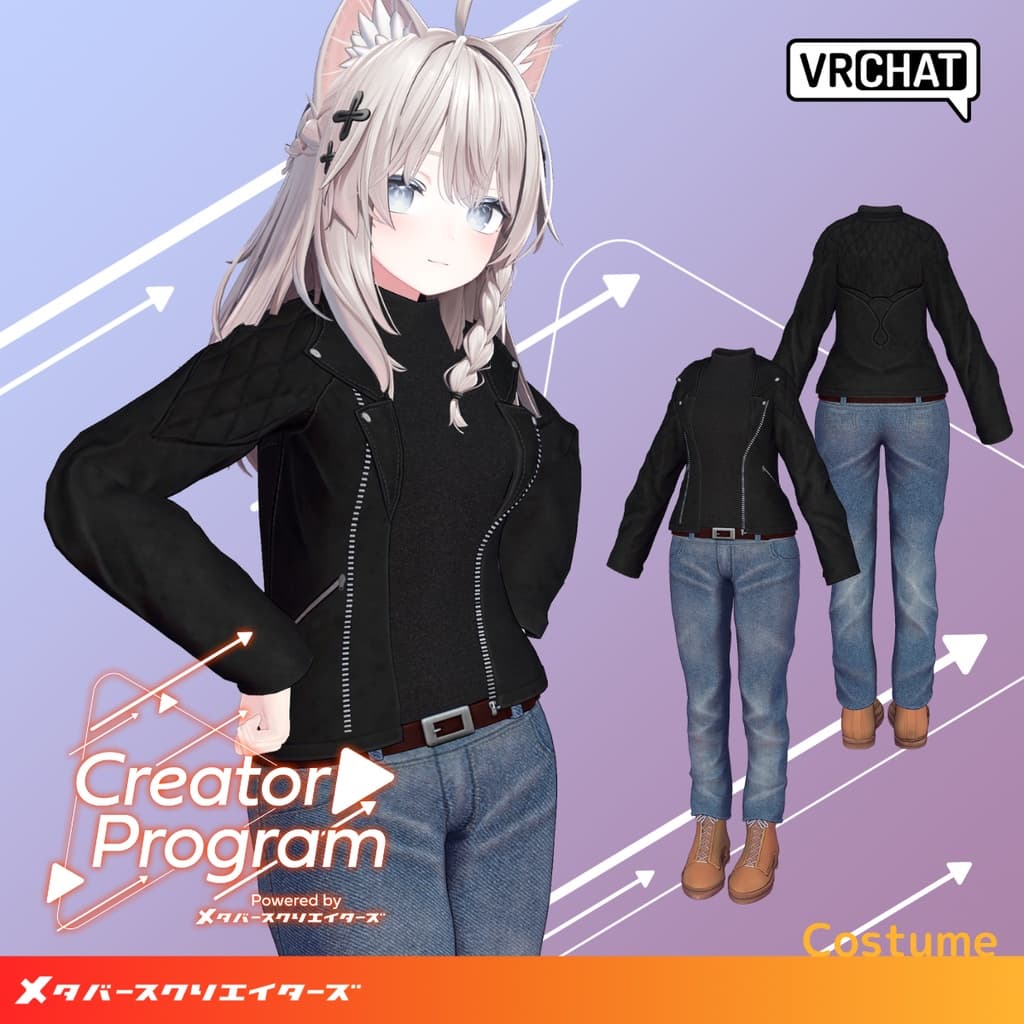
説明
◆ Biker Jacket Set ◆
Creator: Inomoto Kazura
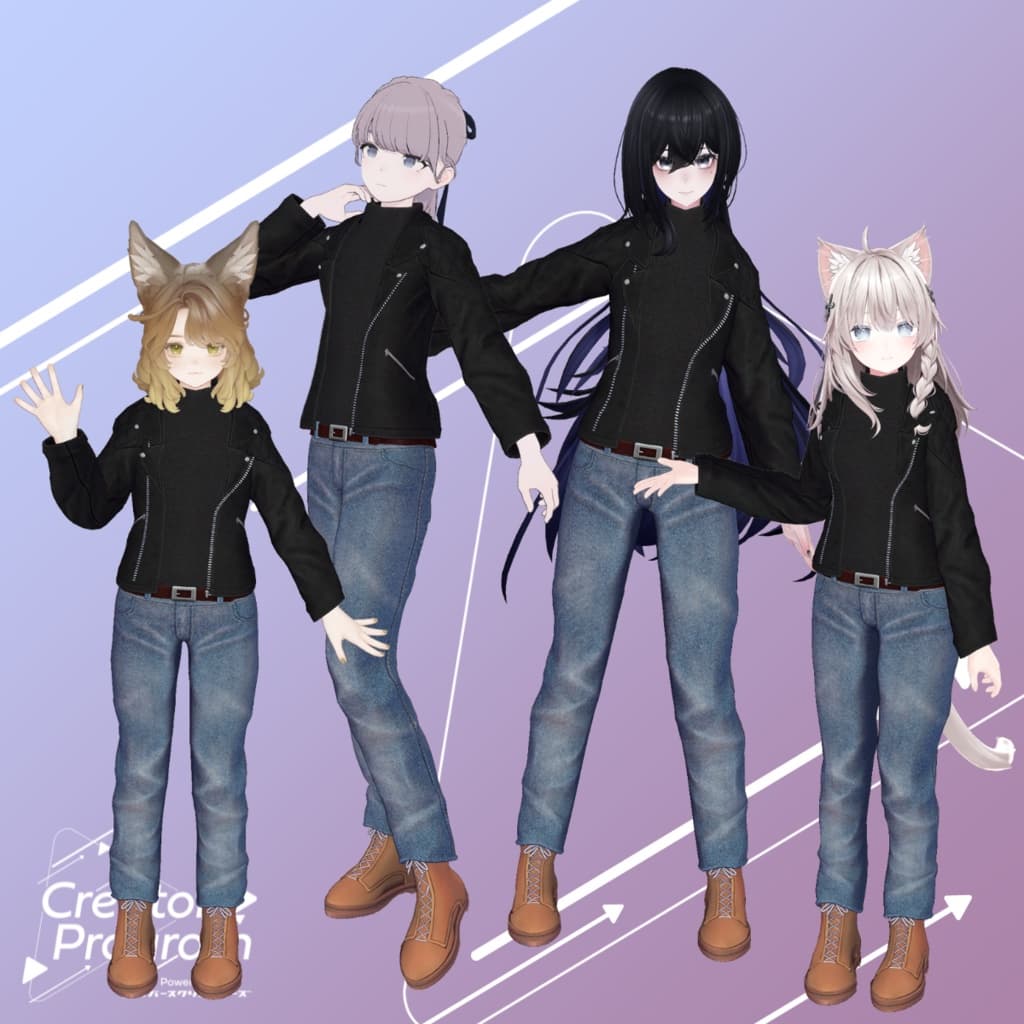
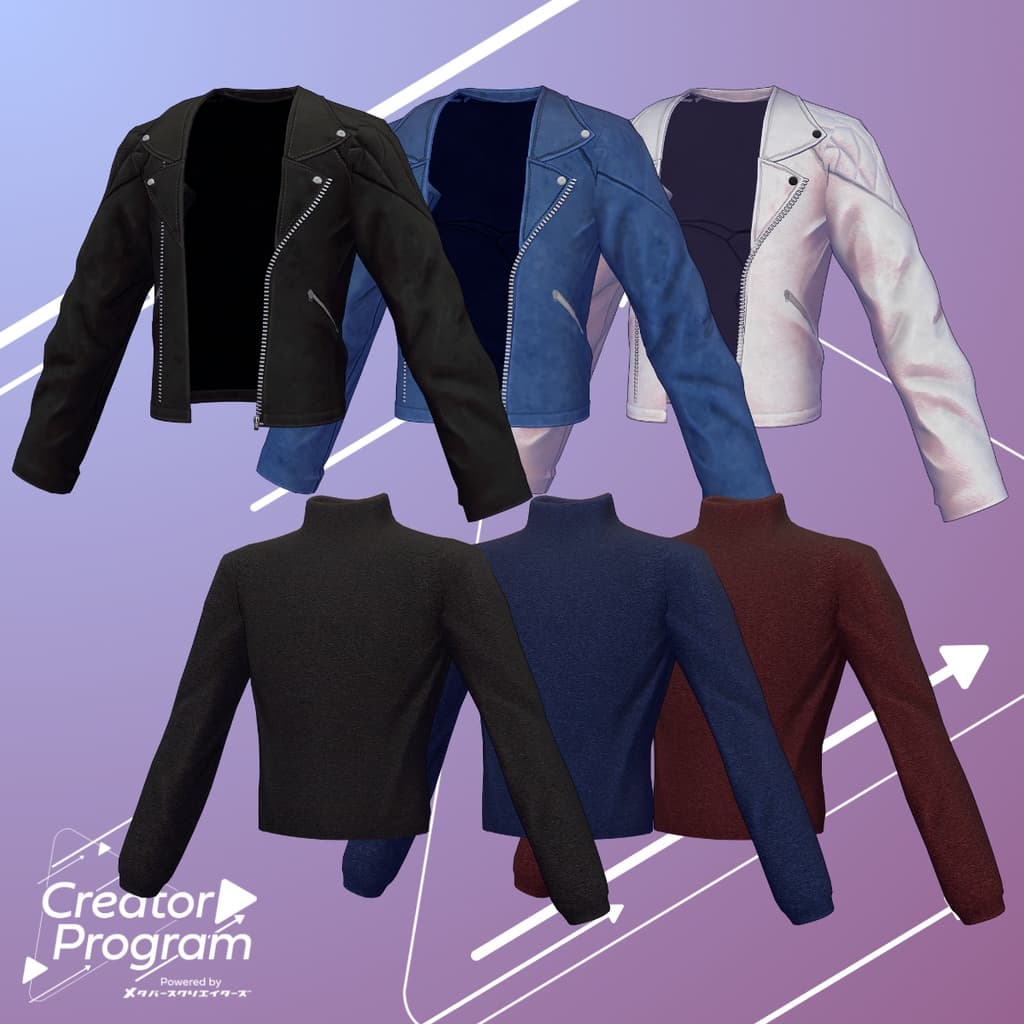
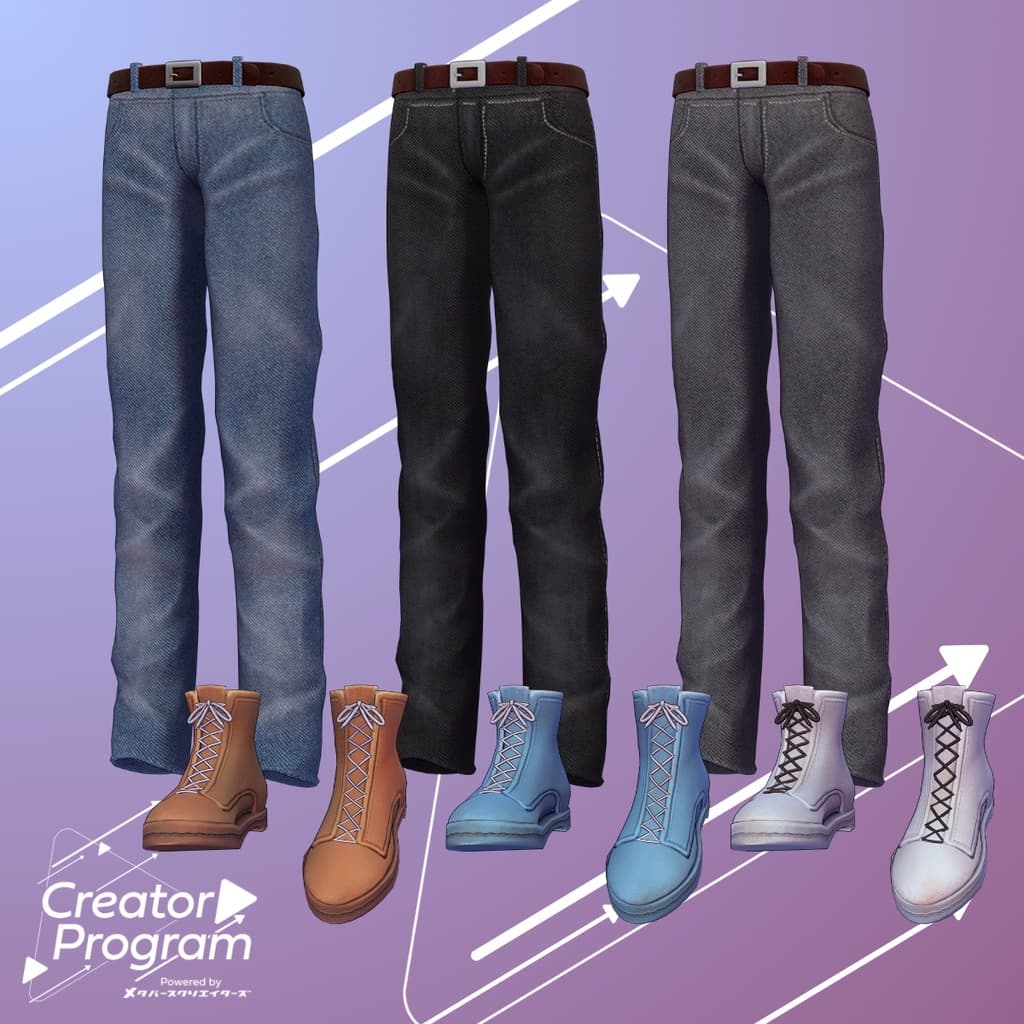
This outfit was created as part of the “Creator Program” project. A simple yet stylish coordination featuring a rider’s jacket and denim pants. You can easily customize the colors by replacing the materials to suit your preferred look.
Note:
This product is a clothing model for avatars. It does not include the avatar body data.
Due to the nature of digital downloads, returns and refunds are not possible. Please read and agree to the product description and terms of use before purchasing.
◆ Item Overview ● Contents
BJSet_◯◯.Unitypackage (◯◯ indicates the variation name)
PSD file for customization
ReadMe.txt (this document)
● Shader Used
liltoon https://lilxyzw.booth.pm/items/3087170
● Required Asset
Modular Avatar https://modular-avatar.nadena.dev/ja/docs/intro
● Model Data
Total polygons: 30,400
Jacket: 12,058 polygons
Inner: 2,700 polygons
Bottom: 5,684 polygons
Shoes: 9,958 polygons
Meshes: 4
Materials: 4
PB Components: 0
Import folder path: Assets > MetaverseCreators_CP > INOMOTOHANTEN > ItemName
◆ Supported Avatars
Shinano – Original 3D Model https://ponderogen.booth.pm/items/6106863
Marycia – Original 3D Model #Marycia3D https://brn.booth.pm/items/6305948
Lapwing https://kujishift.booth.pm/items/4993931
Lasyusha – Original 3D Model https://keenooshop.booth.pm/items/4825073
Note: When dressing the avatar, use the shape key that hides the base body (which turns the body into a rod-like shape). This outfit does not support bust-size adjustment or physics.
◆ Installation Instructions
Set up the latest version of the VRC SDK in VCC.
Install the required assets (liltoon, Modular Avatar) in VCC.
Import the latest package of your avatar.
Import this outfit package.
Drag and drop your avatar (or a prefab for customization/modification) into the Scene Hierarchy.
If necessary, hide or set to “Editor Only” any unwanted default clothing (such as the default outfit or underwear).
Drag and drop BJSet_AvatarName.Prefab directly under your avatar.
Upload your avatar from the VRC SDK.
Note: This outfit uses Modular Avatar’s “MA Shape Changer” feature. When you drag and drop the outfit under your avatar, it automatically activates the avatar’s shape keys—making the body slimmer or hiding overlapping mesh areas—so the outfit fits naturally without clipping.
If you only wish to use part of the outfit, you can delete unnecessary sections of the “MA Shape Changer” component from the parent object as needed.
◆ Changing Colors
You can swap materials in the Common > Material folder to use different color variations. You can also use the included PSD file to modify and recolor the outfit as you like.
◆ Terms of Use
https://drive.google.com/drive/folders/1qRMXoIxM1ZgacBPfwOigQRtXP1vCbNMn?usp=sharing
Please comply with the terms of the base avatar when using this product.
◆ Production Environment
Modeling: Blender Ver. 4.0.2
Textures: Adobe Substance 3D Painter 9.1
Setup: Unity Ver. 2022.3.22f1
VRChat SDK - Avatars Ver. 3.7.3 (VCC)
liltoon 1.8.5
ModularAvatar 1.11.1
◆ Credits
Creator: Inomoto Kazura
Portfolio: https://inomotokazura.myportfolio.com/
BOOTH: https://inomotokazura.booth.pm/
Support / Inquiries: https://discord.gg/bmw3PWE37M