

RoughUtilitySet - VRChat Men's Clothing / CP11
 MetaCreatorsTYO EN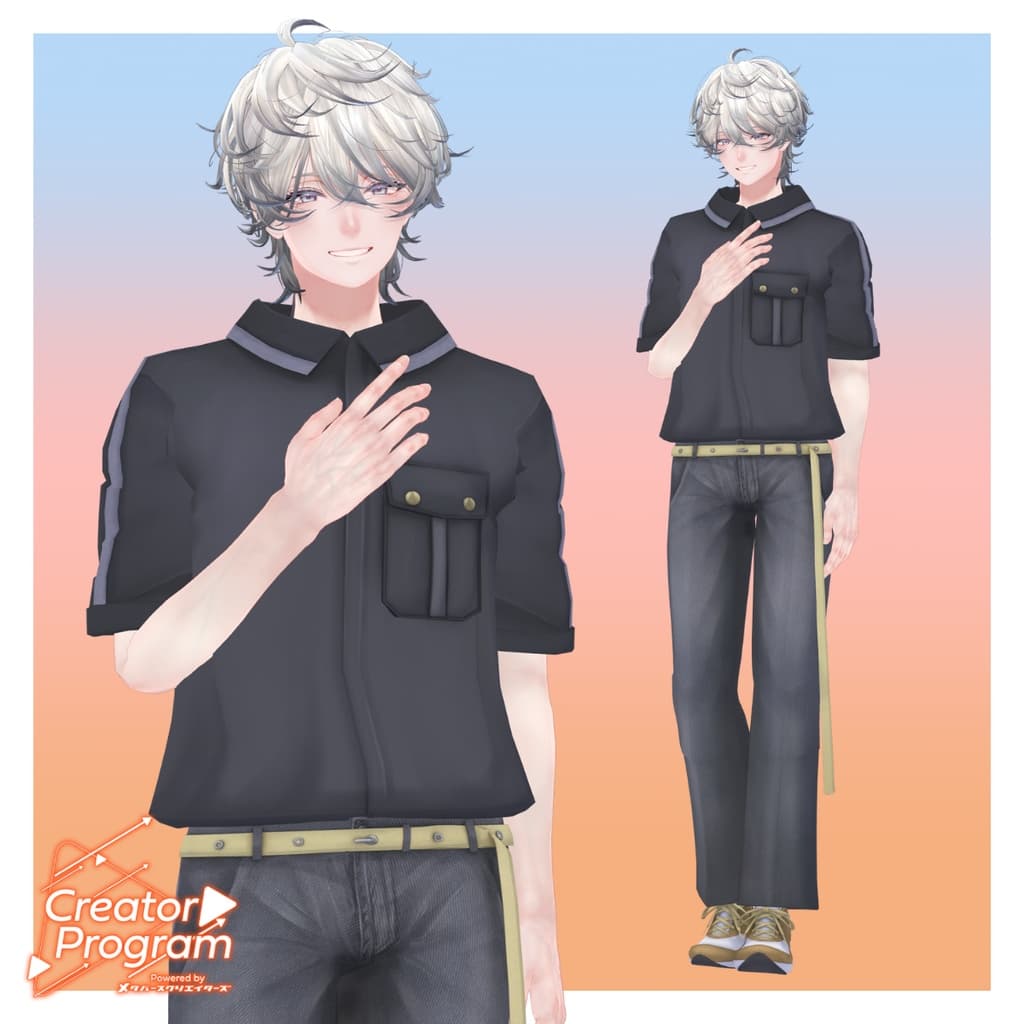
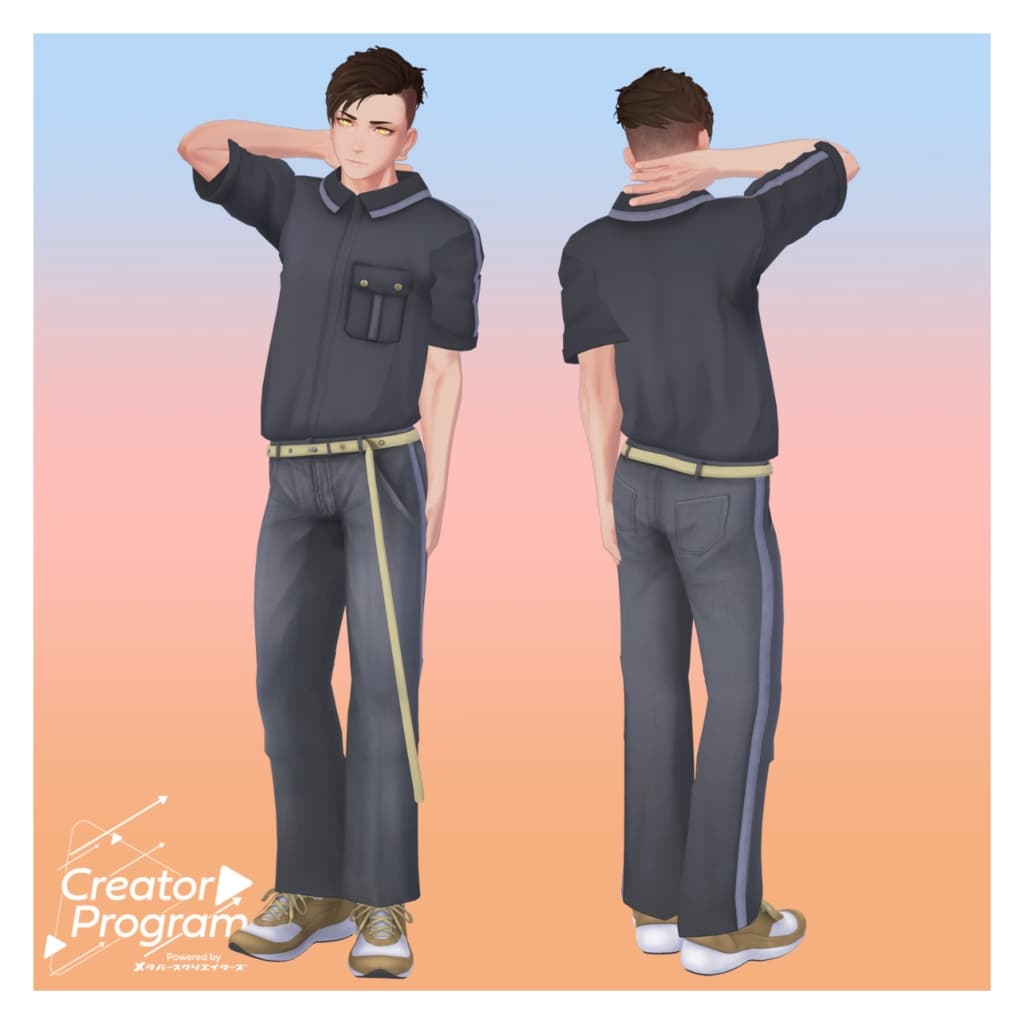
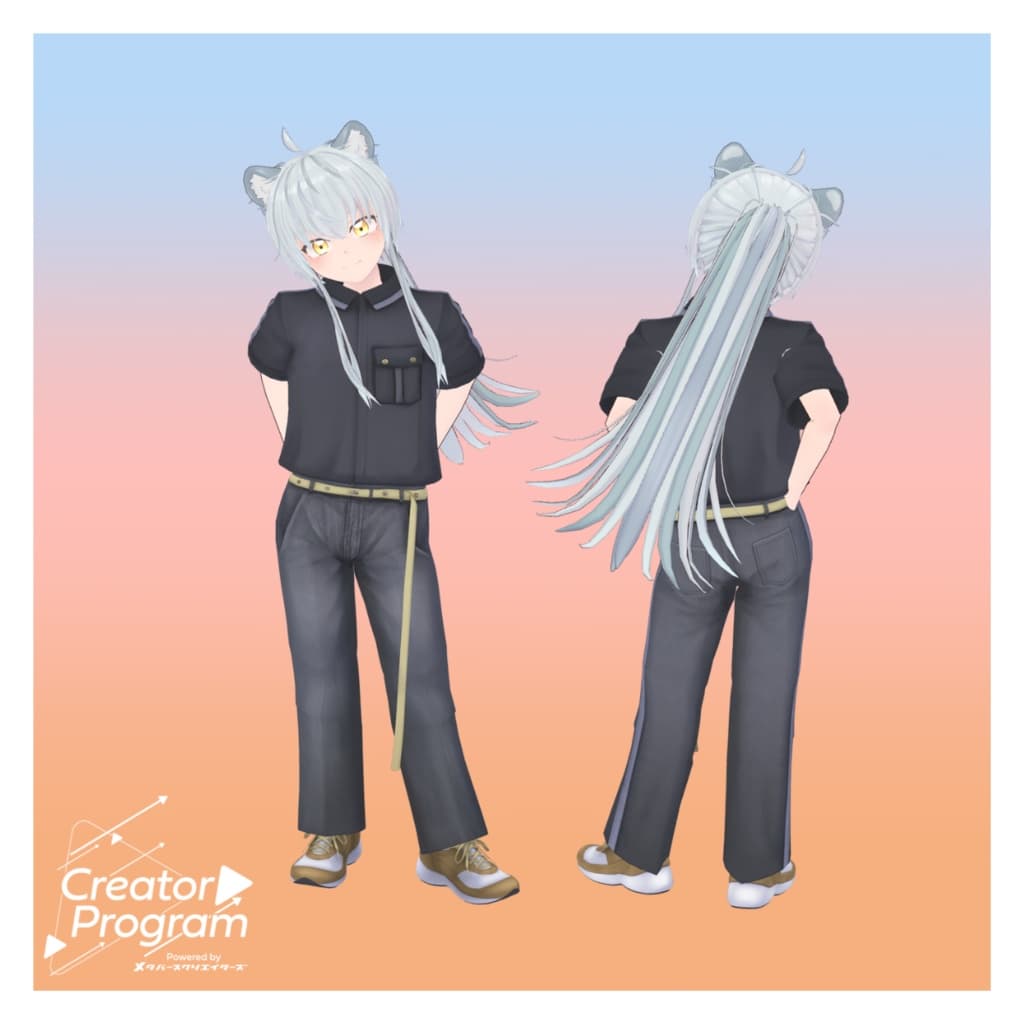
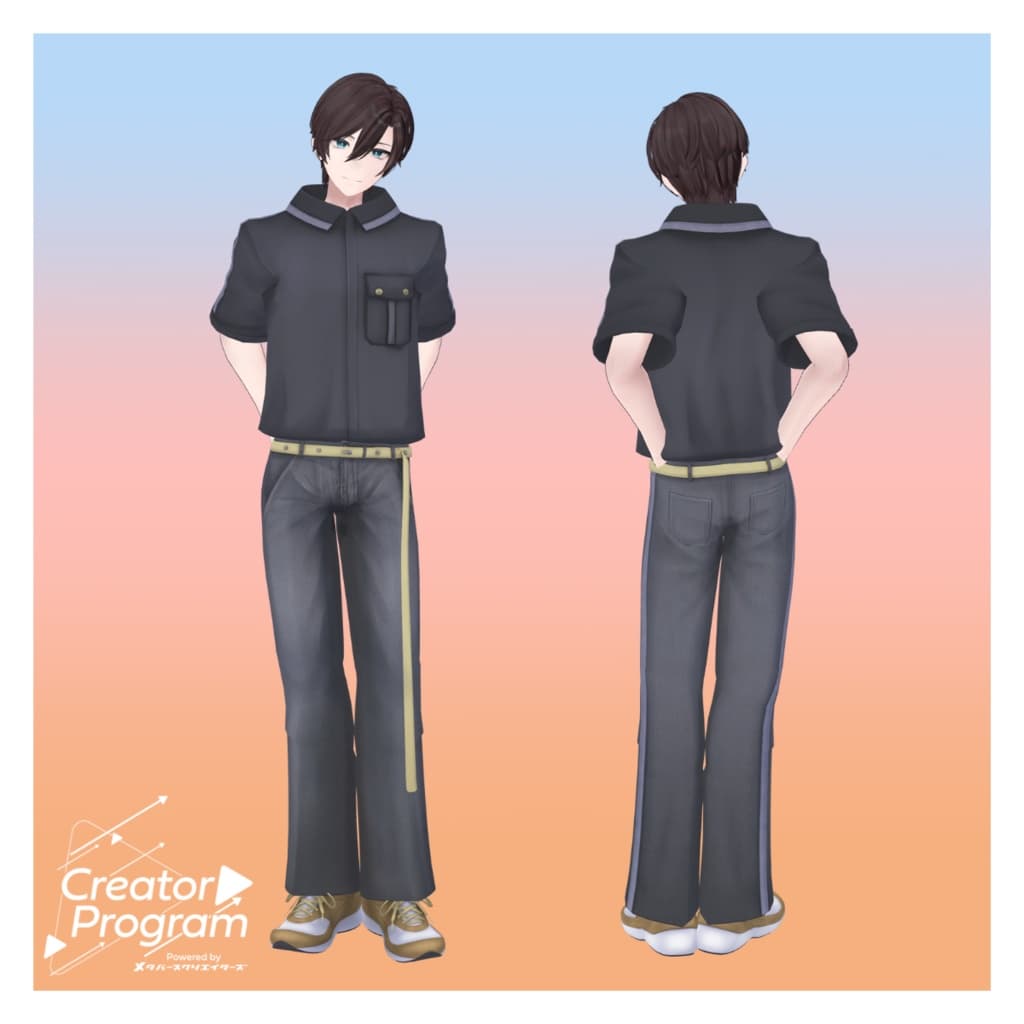
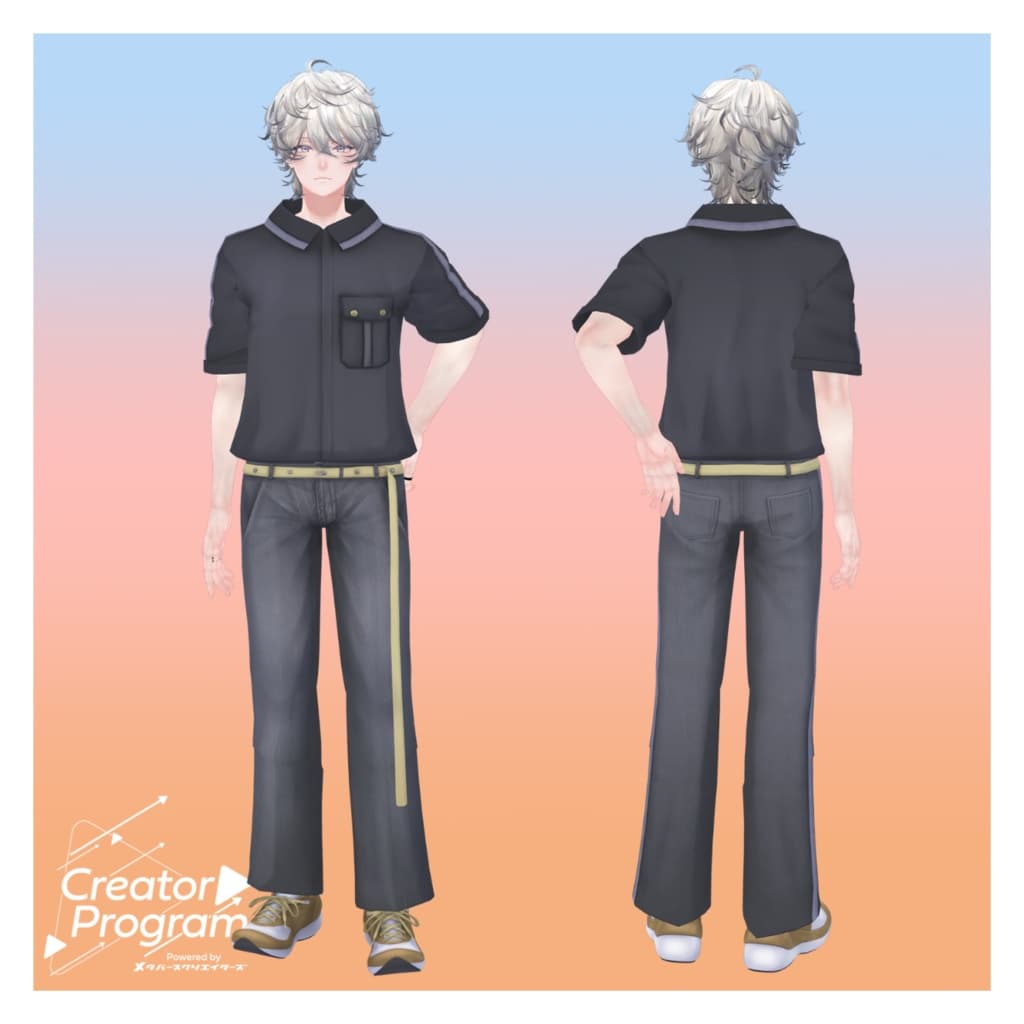
説明
◆ Rough Utility Set ◆
Creator: Aburi Melami
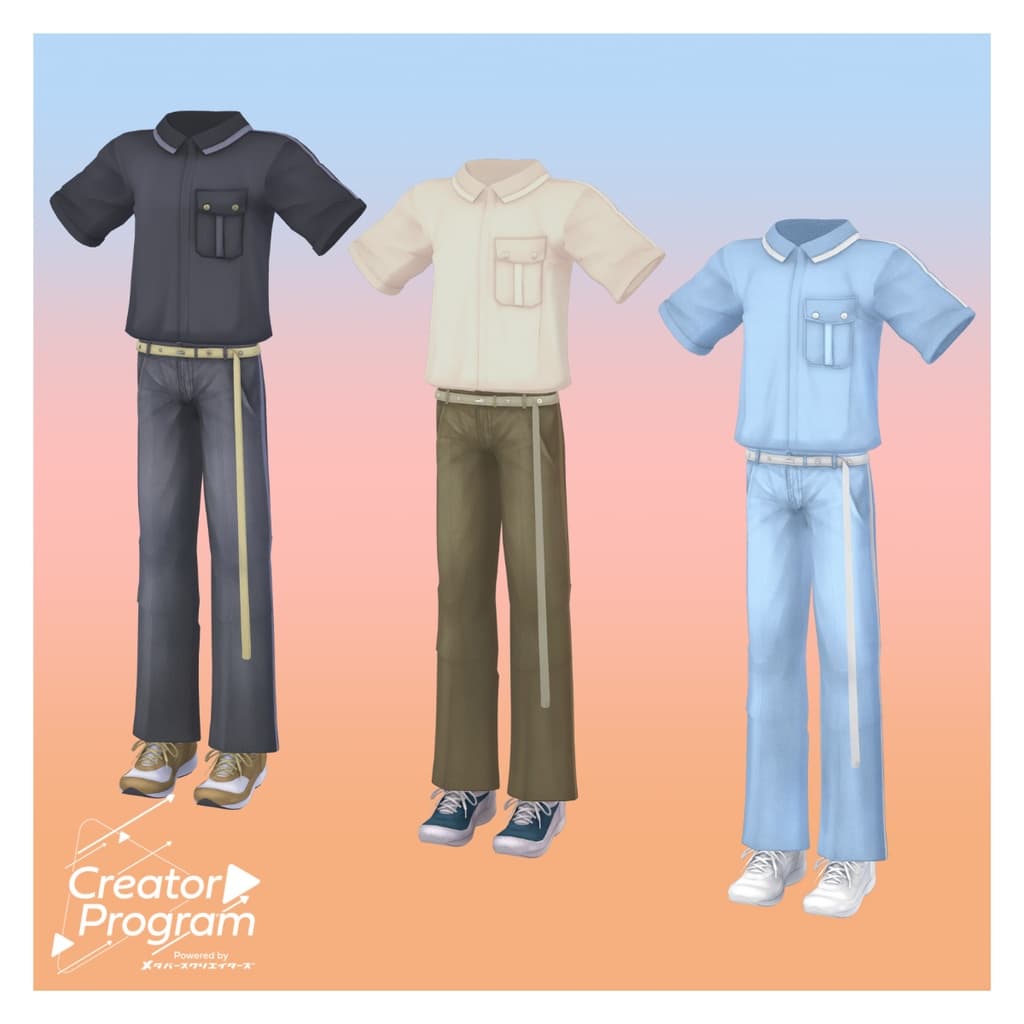
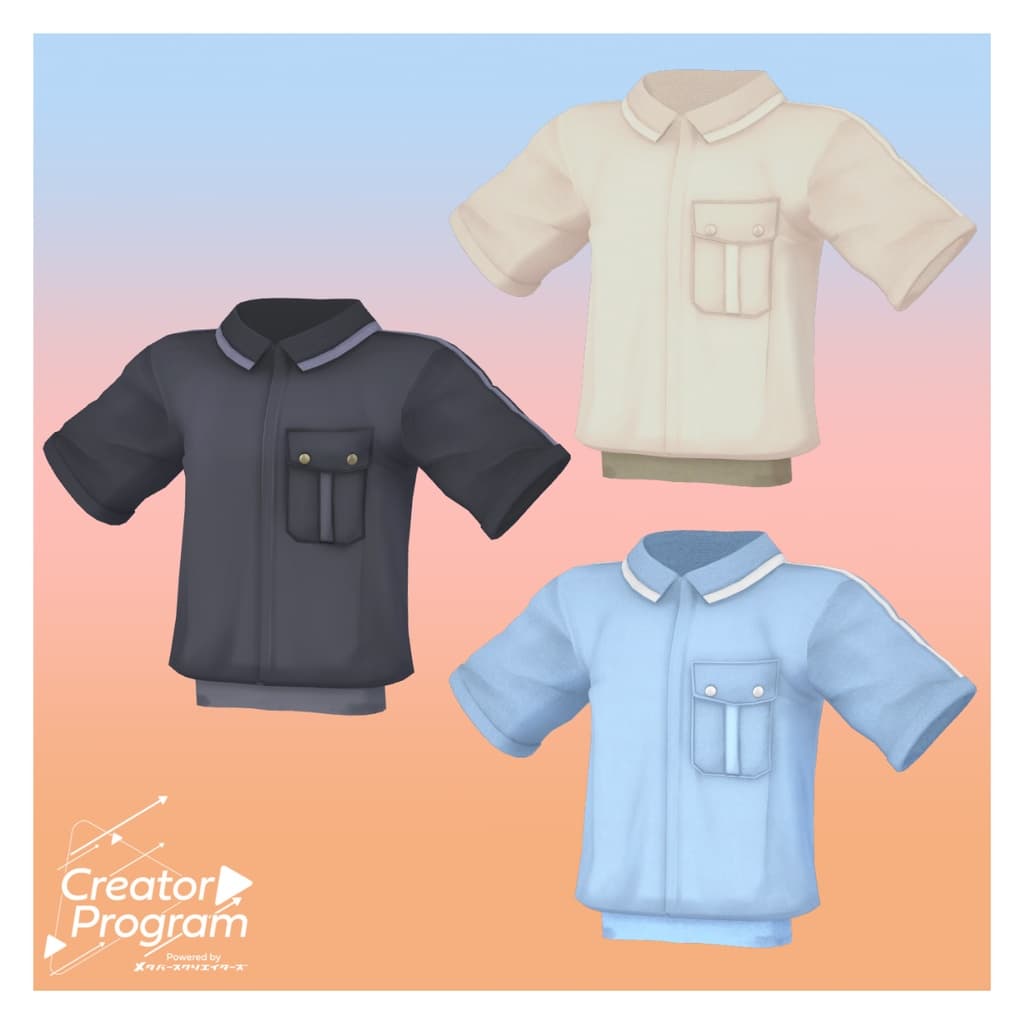
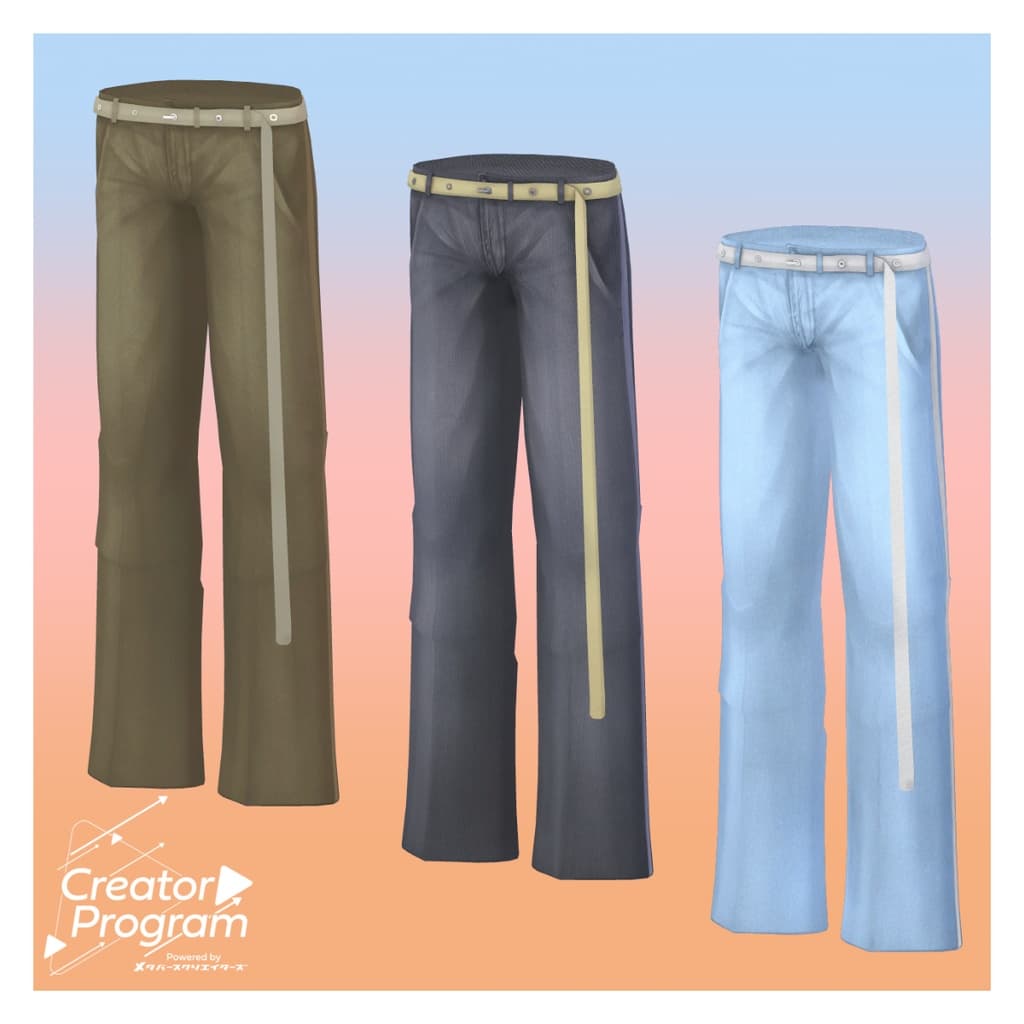
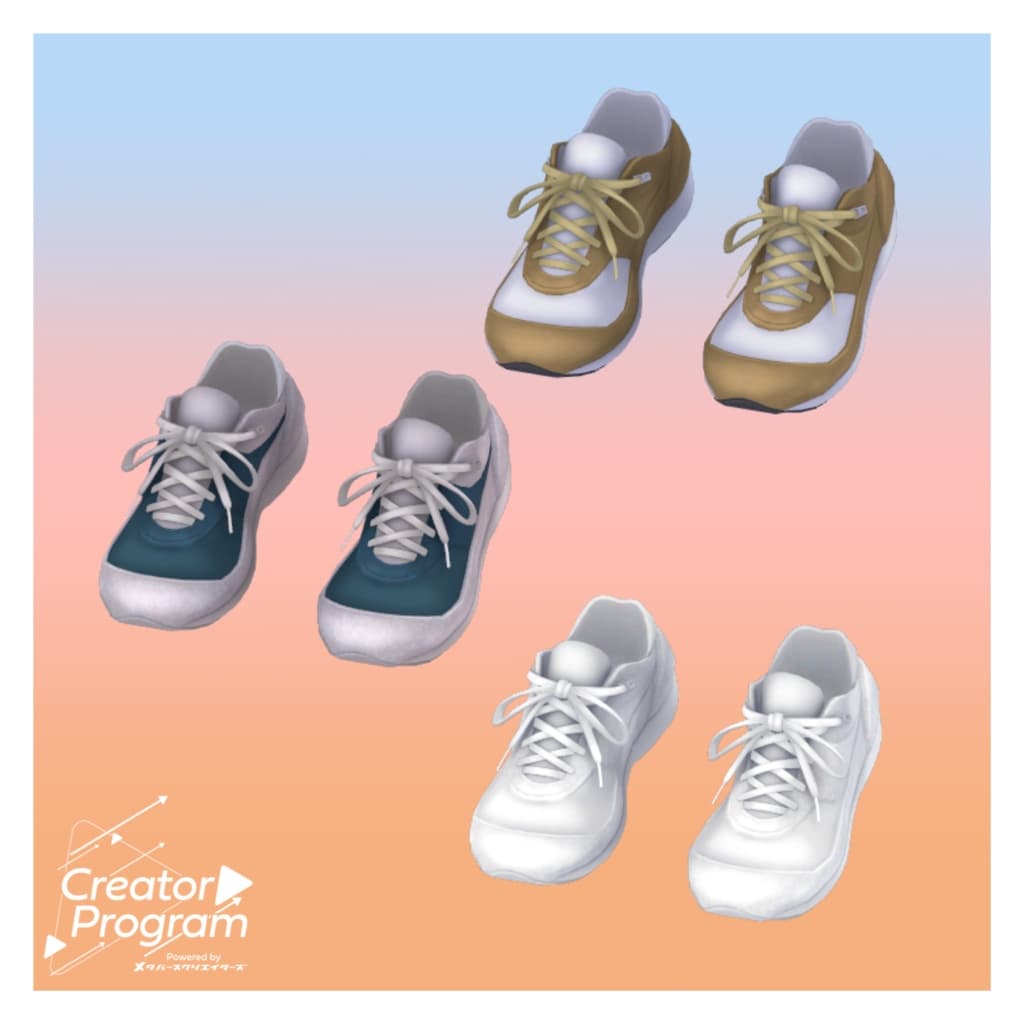
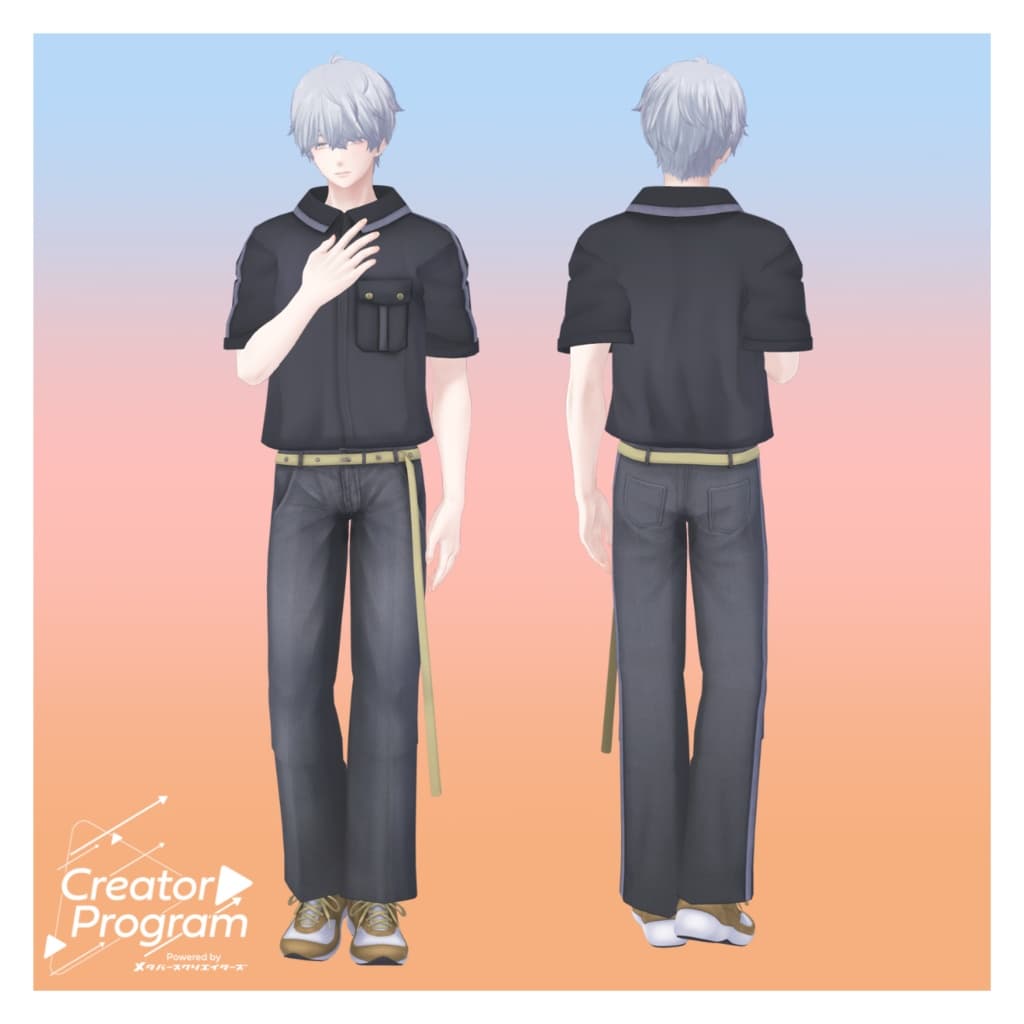
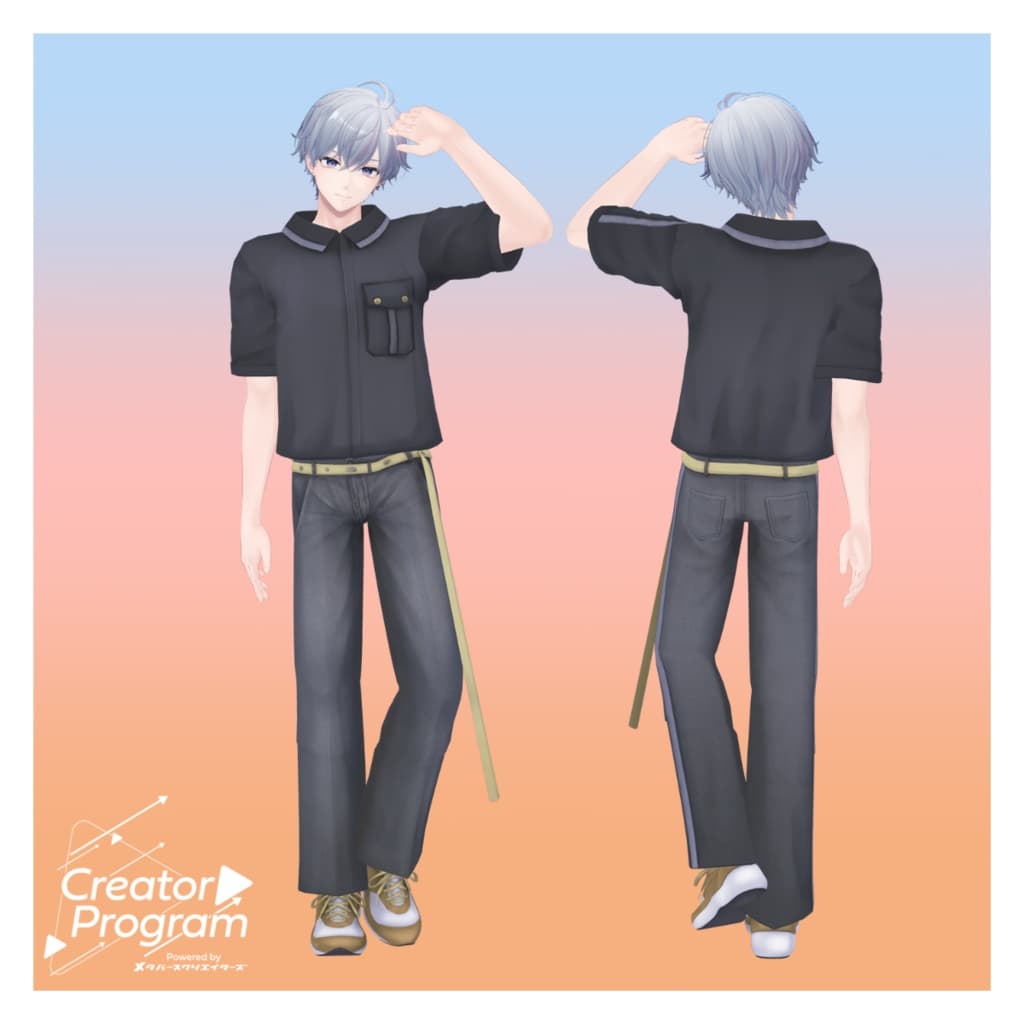
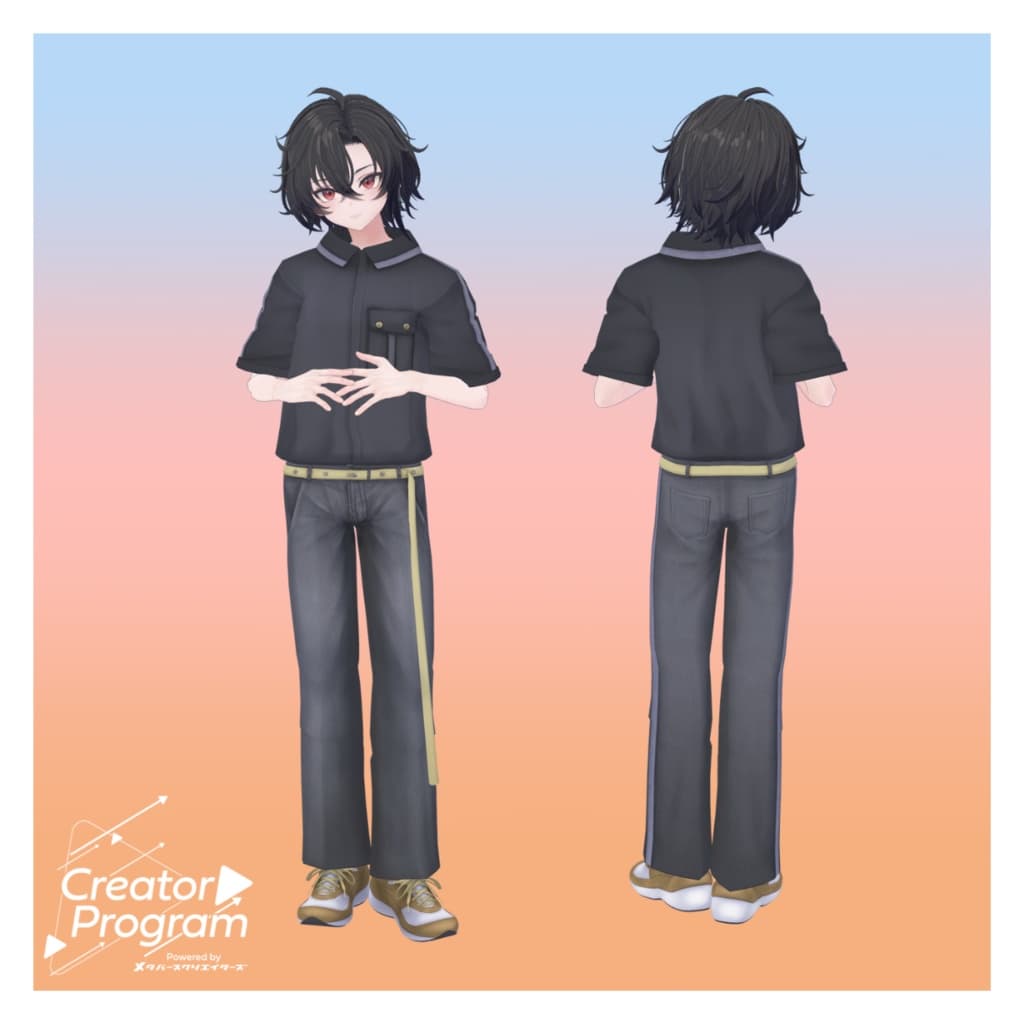
A simple, everyday outfit combining a practical utility shirt with relaxed wide denim pants. Available in three colors: Gray / Light Denim / Beige.
Note:
This product is a clothing model for avatars. It does not include the avatar body data.
Due to the nature of digital downloads, returns and refunds are not possible. Please read and agree to the product description and terms of use before purchasing.
◆ Item Overview ● Contents
RoughUtilitySet_◯◯.unitypackage (◯◯ indicates the variation name)
ReadMe.txt (this document)
● Shader Used
liltoon https://lilxyzw.booth.pm/items/3087170
● Required Asset
Modular Avatar https://modular-avatar.nadena.dev/ja/docs/intro
● Model Data
Total polygons: 21,421
Tops: 4,796 polygons
Bottom: 3,917 polygons
Shoes: 12,708 polygons
Meshes: 3
Materials: 1
PB Components: 1
Import folder path: Assets > MetaverseCreators_CP > AbuliMelami > RoughUtilitySet
◆ Supported Avatars
Minase – VRChat Avatar #Minase3D https://booth.pm/ja/items/4013951
Komano – Original 3D Model https://booth.pm/ja/items/5260363
Kuuta – Original 3D Model #Kuuta3D https://booth.pm/ja/items/4897493
Company Slave Turanari-san – (Tinmeshitei Common Body) https://booth.pm/ja/items/5498540
Bokusei – (PlusHead Body) https://booth.pm/ja/items/5727810
Hyakko – by Niyami https://booth.pm/ja/items/6328134
Maki (碼希) – Original 3D Model https://booth.pm/ja/items/3162696
Hanka (斑霞) – Original 3D Model https://booth.pm/ja/items/6970249
Note: When dressing the avatar, use the shape key that hides the base body (turning it into a rod-like shape).
◆ Installation Instructions
Set up the latest version of the VRC SDK in VCC.
Install the required assets (liltoon, Modular Avatar) in VCC.
Import the latest package of your avatar.
Import this outfit package.
Drag and drop your avatar (or a prefab for customization/modification) into the Scene Hierarchy.
If necessary, hide or set to “Editor Only” any unwanted default clothing (such as the default outfit or underwear).
Drag and drop AirFlowWorkSetUp_AvatarName.Prefab directly under your avatar.
Upload your avatar from the VRC SDK.
Note: This outfit uses Modular Avatar’s “MA Shape Changer” feature. When you drag and drop the outfit under your avatar, it automatically activates the avatar’s shape keys—making the body slimmer or hiding parts of the mesh—so the outfit fits neatly without clipping.
If you do not wish to use “MA Shape Changer,” you can delete it or adjust it as desired.
For avatars using the +Head version: Depending on the avatar, the body mesh name may differ (this model’s mesh name is set to “PlusHead”), which may prevent proper operation. In that case, rename the body mesh or manually adjust the shape keys.
If some parts of the body appear unintentionally thin after dressing, set the corresponding shape keys back to 0 and verify that the body displays correctly.
◆ Changing Colors
You can swap materials in the Common > Material folder to use different color variations.
◆ Terms of Use
https://drive.google.com/drive/folders/1qRMXoIxM1ZgacBPfwOigQRtXP1vCbNMn?usp=sharing
Please comply with the terms of the base avatar when using this product.
◆ Production Environment
Modeling: Maya 2023
Textures: Adobe Substance 3D Painter
Setup: Unity Ver. 2022.3.22f1
VRChat SDK - Avatars Ver. 3.7.6 (VCC)
liltoon 1.9.0
ModularAvatar 1.12.5
◆ Credits
Creator: Aburi Melami
X (Twitter): https://x.com/AbuliMelami
Support / Inquiries: https://discord.gg/bmw3PWE37M