

Angel's Relic (Wing Accessory) - VRChat Gimmicky Avatar Accessory / CP19
 MetaCreatorsTYO EN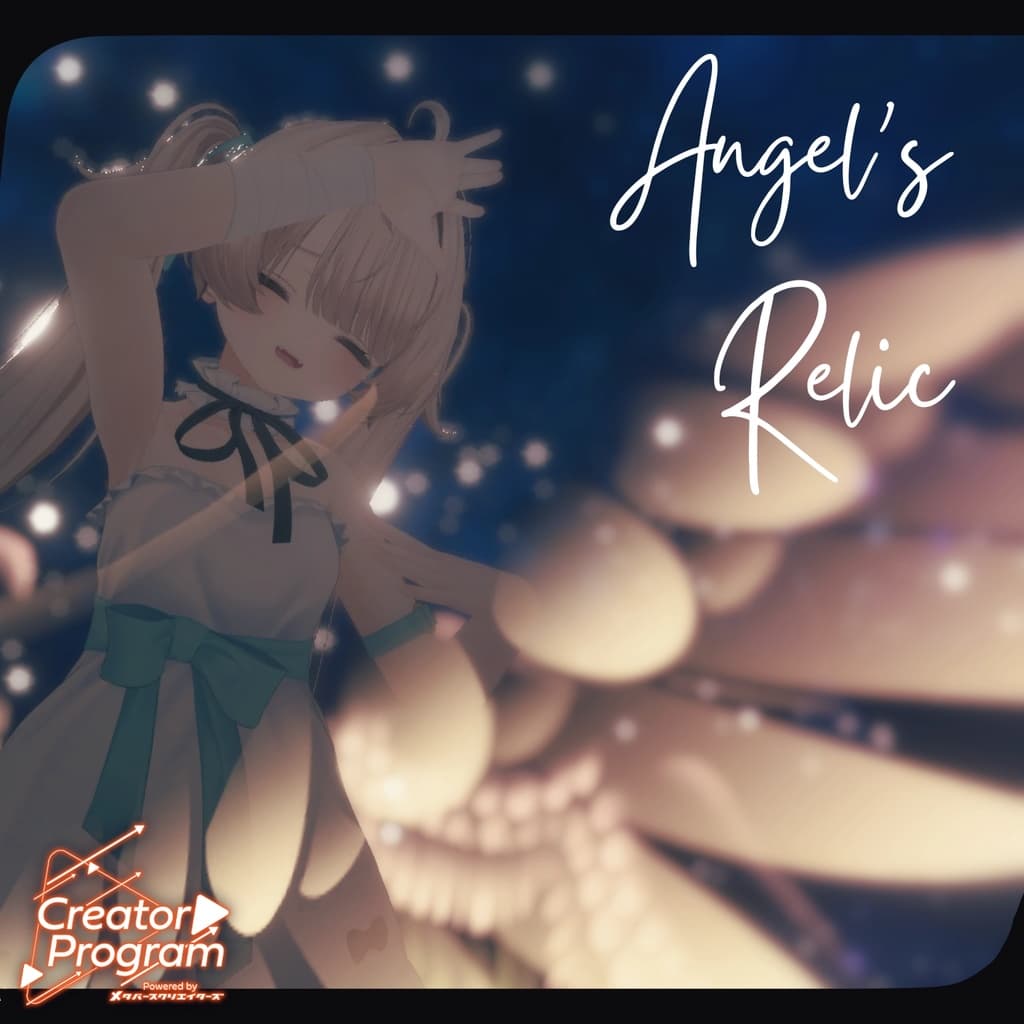
説明
◆ Angel's Relic ◆ Creator: Umorunba Kobo
What kind of wings were seen at the end of a long, cherished memory?
*This product is a 3D model for avatars. It does not include the avatar's main data. *Due to the nature of a digital download, returns and refunds are not possible. Please confirm and agree to the product description and terms of use before purchasing.
◆ Item Overview ● Contents
AngWing.Unitypackage
FBX
Textures
.psd files for modifications
.Blend file (created with ver 4.3.1)
ReadMe.txt (main text)
● EX Menu
AngWingMenu ①
Wing_ON ②
Wing_Front ③
① Main menu item
② Toggle wings on/off
③ Move wings to the front
Shaders Used:
liltoon
https://lilxyzw.booth.pm/items/3087170
Required Assets:
Modular Avatar
https://modular-avatar.nadena.dev/ja/docs/intro
● Model Data
△ Polygon Count: Total 1124 polygons
Mesh Count: 562
Material Count: 1
PB Component Count: 12
◆ Installation Instructions Set up the latest version of the VRC SDK in VCC.
Install the necessary assets (liltoon, Modular Avatar) within VCC.
Import the latest package for the avatar.
Import this data's package.
Drag and drop the avatar (or the dressing/modification prefab, if available) into the Scene Hierarchy.
Drag and drop the "AngWing.Prefab" directly under the avatar in the hierarchy.
Adjust the position as needed for the avatar.
Upload the avatar using the VRC SDK.
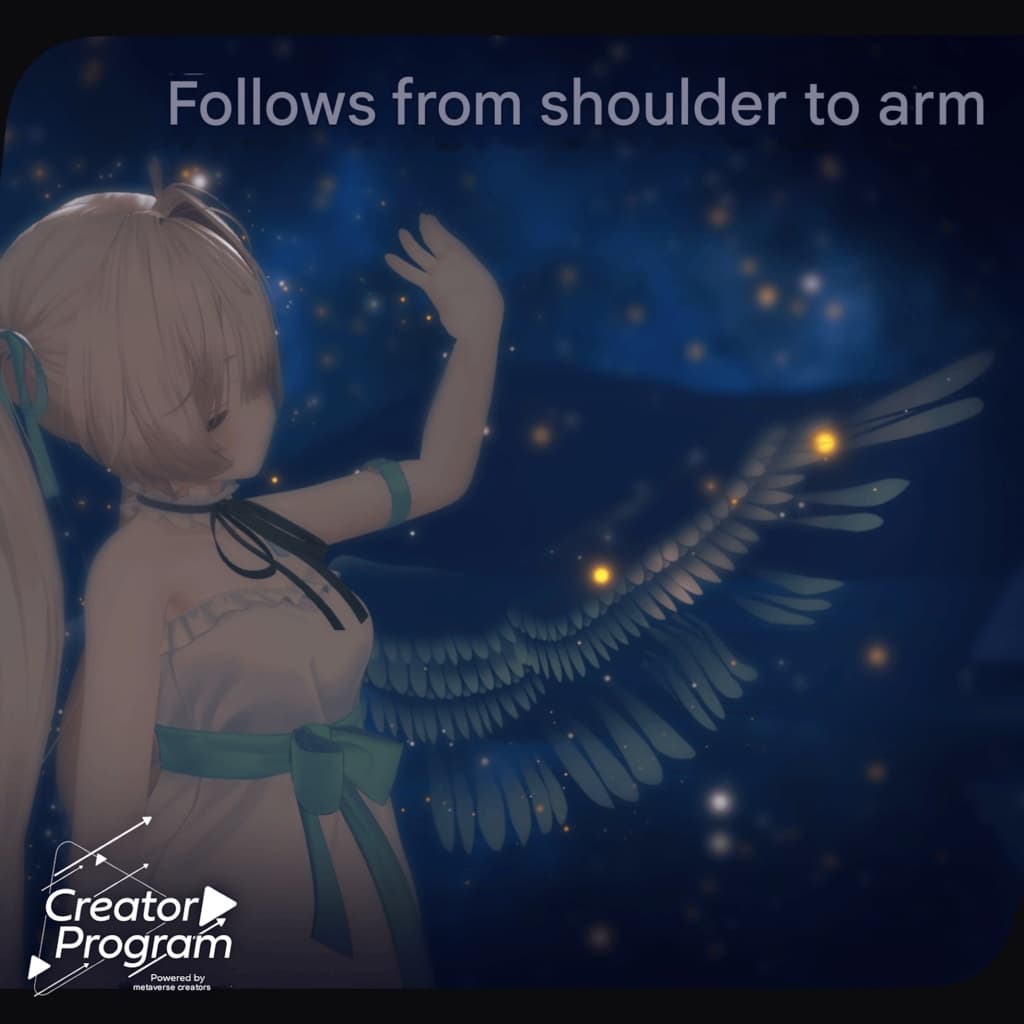
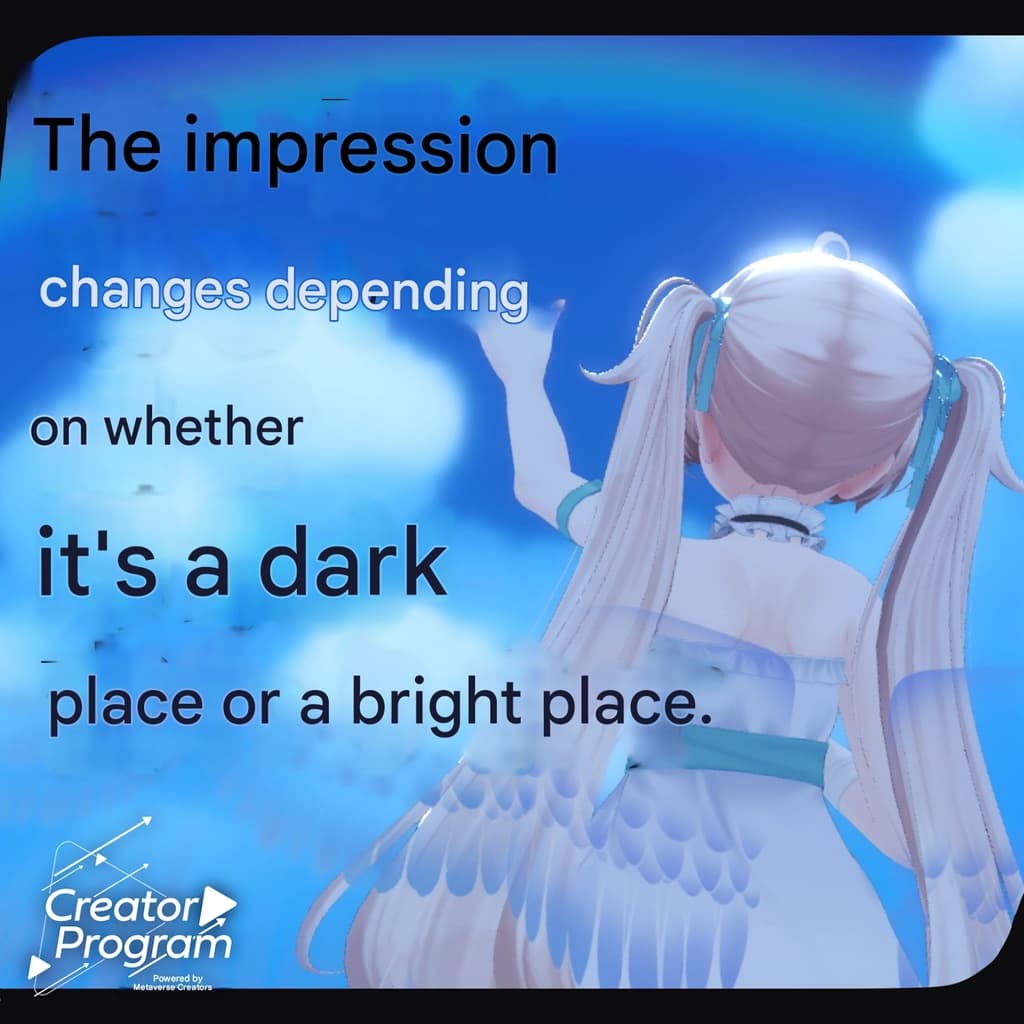
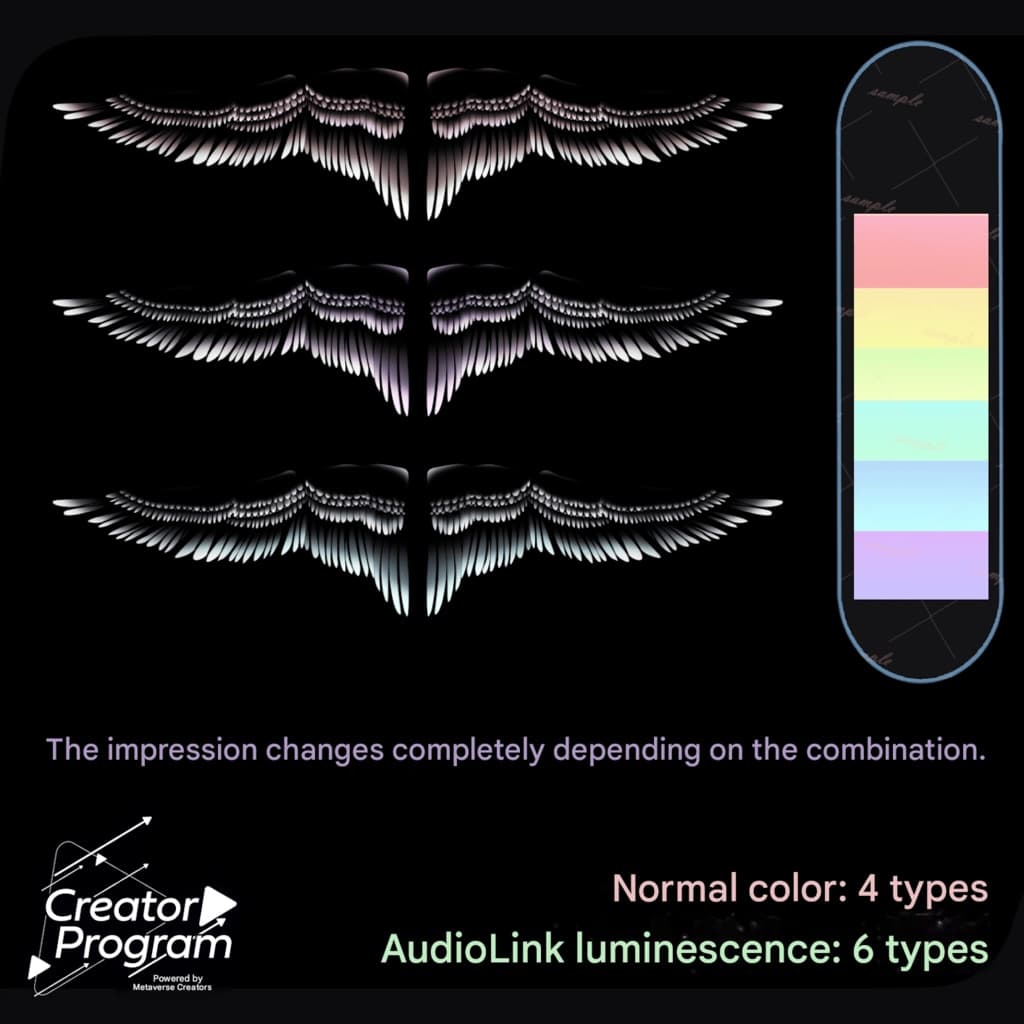
◆ About AudioLink The wings will light up in response to sound in compatible worlds. In non-compatible worlds, they will pulsate automatically. *Depending on the version of liltoon, the check box within the material may be automatically turned off. In that case, please try switching it back on.
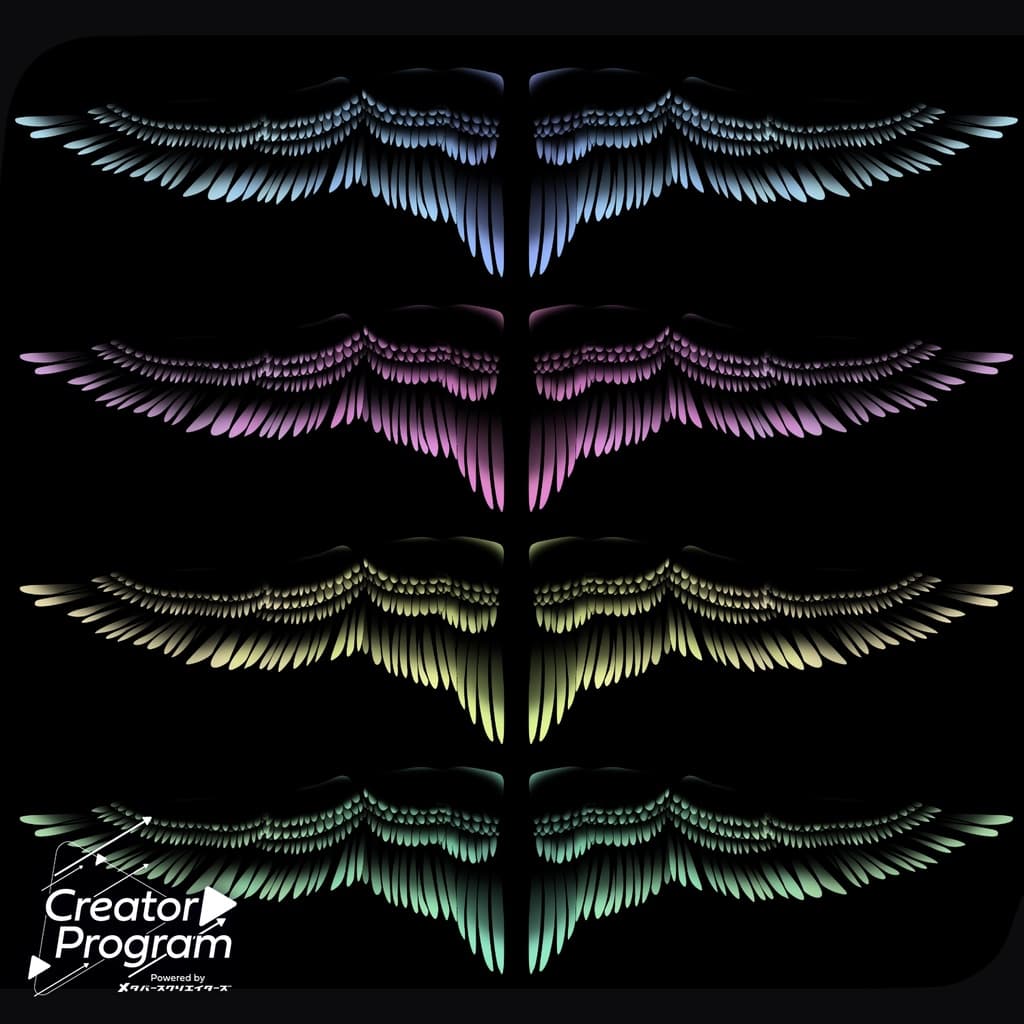
◆ About Color Changes You can change the color to your liking using the included .psd or .clip files.
◆ Terms of Use https://drive.google.com/drive/folders/1qRMXoIxM1ZgacBPfwOigQRtXP1vCbNMn?usp=sharing
Please use this in accordance with the terms of the original avatar.
◆ Production Environment Modeling: Blender Ver 4.3.1
Textures: CLIP STUDIO PAINT
Setup: Unity Ver 2022.3.22f1
VRChat SDK - Avatars Ver 3.8.2 (VCC)
liltoon 2.1.4
ModularAvatar 1.13.0
◆ Credits Creator: Umorunba Kobo
URL: https://umorunba.booth.pm/
Support Inquiries: https://discord.gg/bmw3PWE37M