

Asymmetry Pleats Coat Outfit - VRChat Men's Clothing / CP11
 MetaCreatorsTYO EN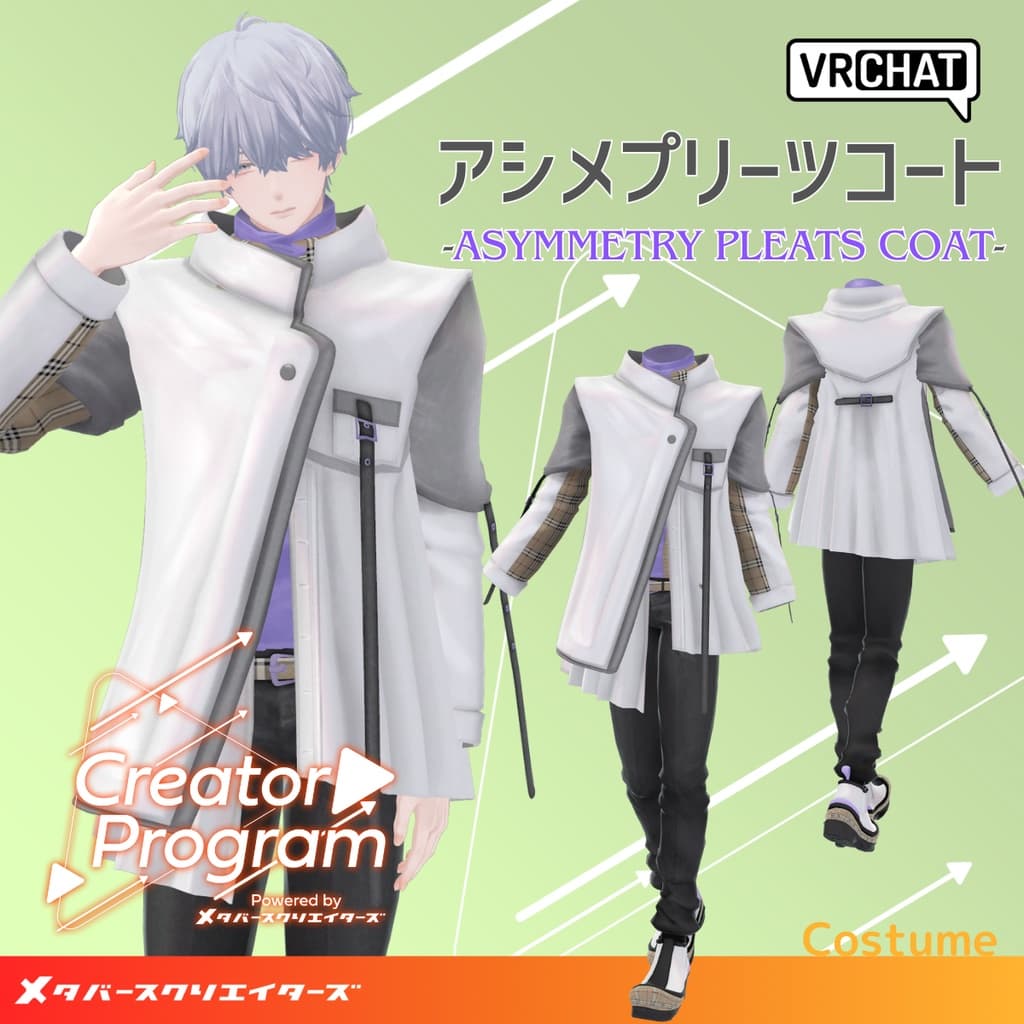
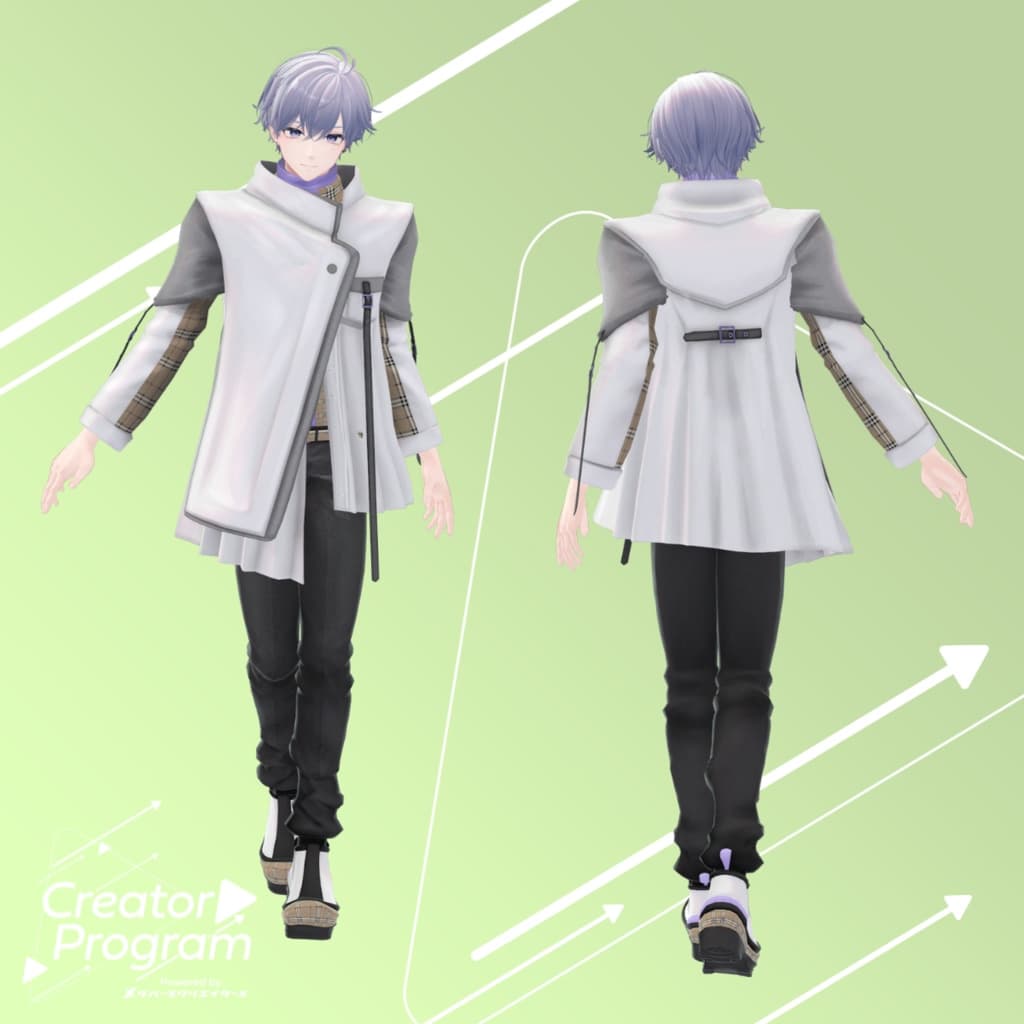
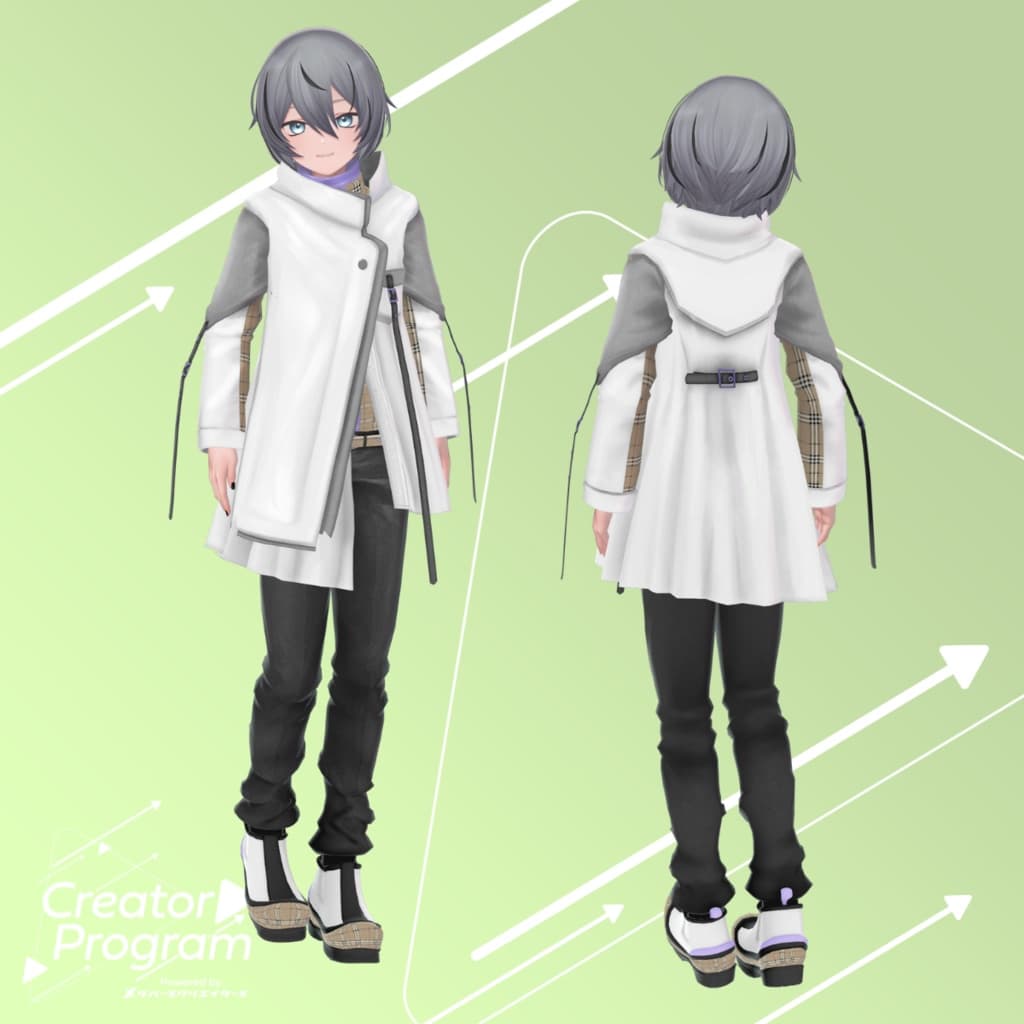
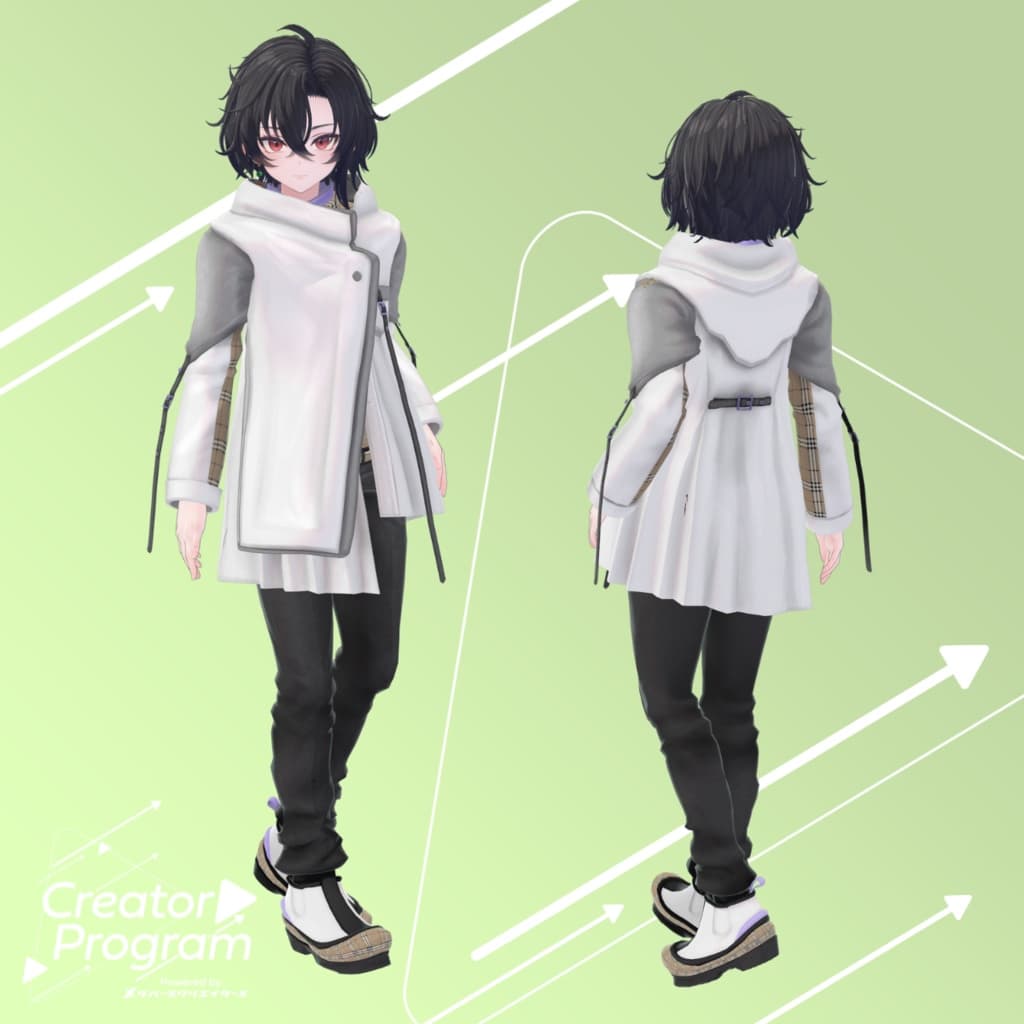
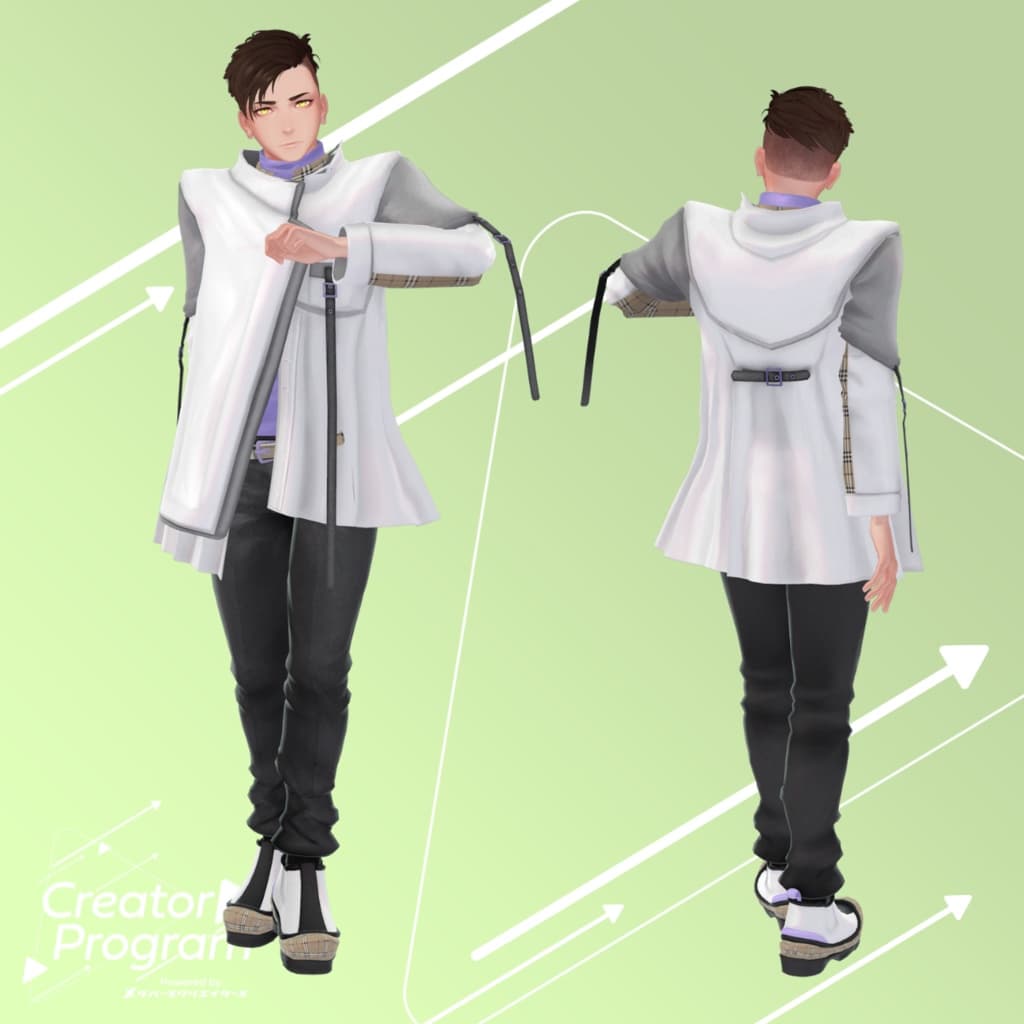
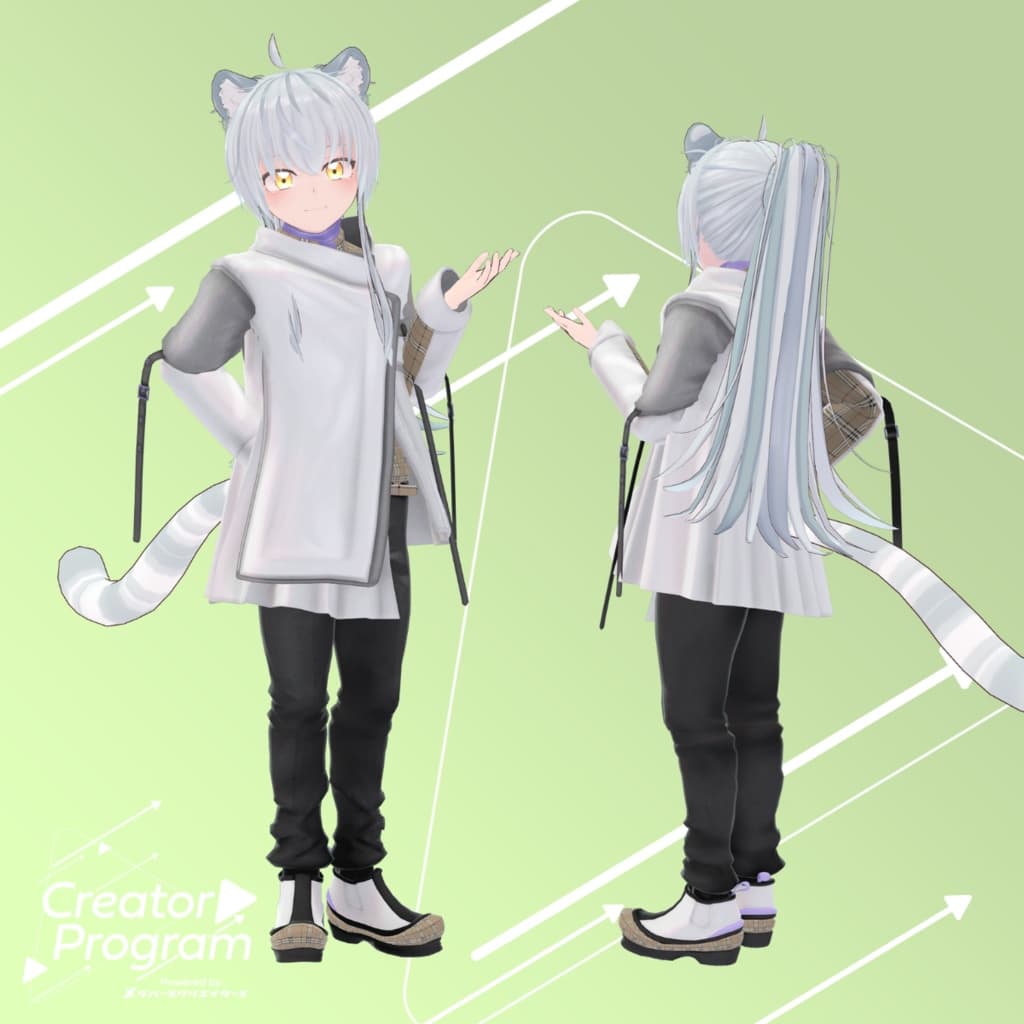
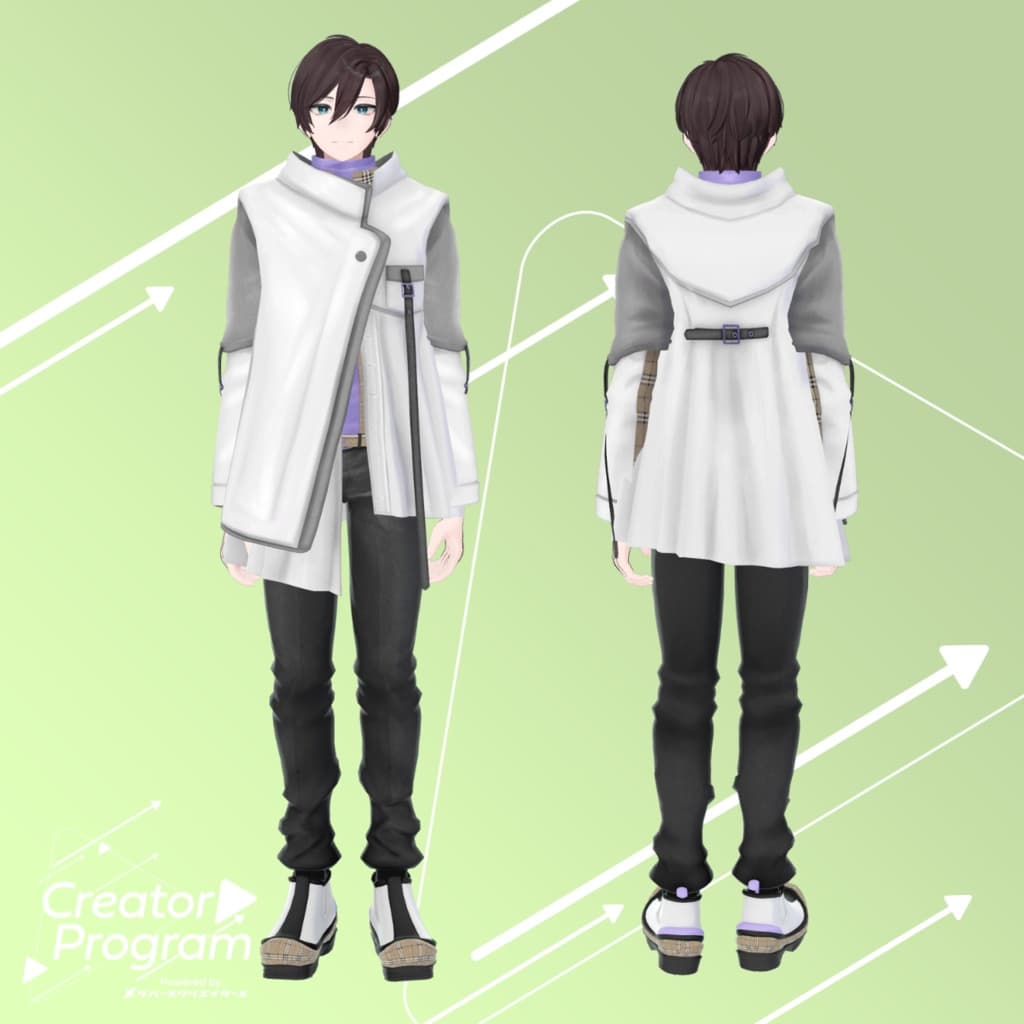
説明
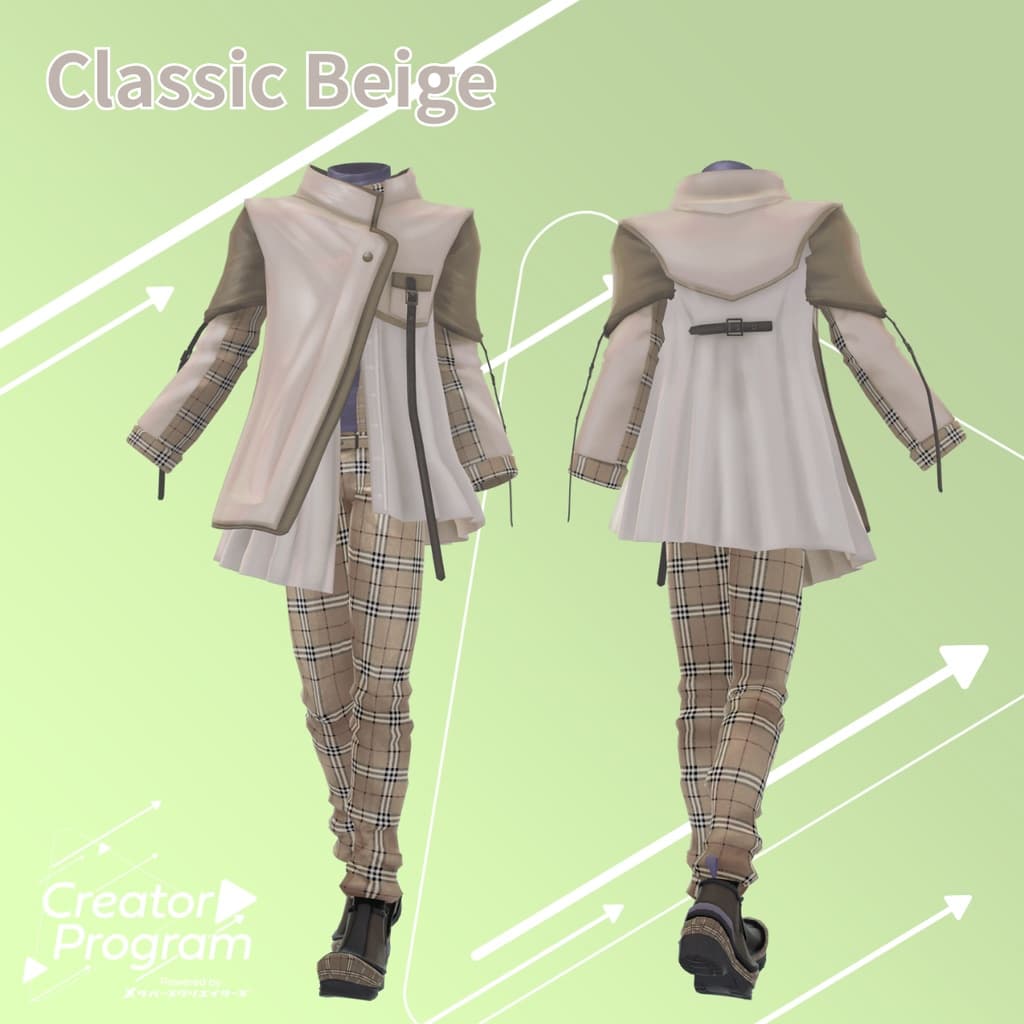
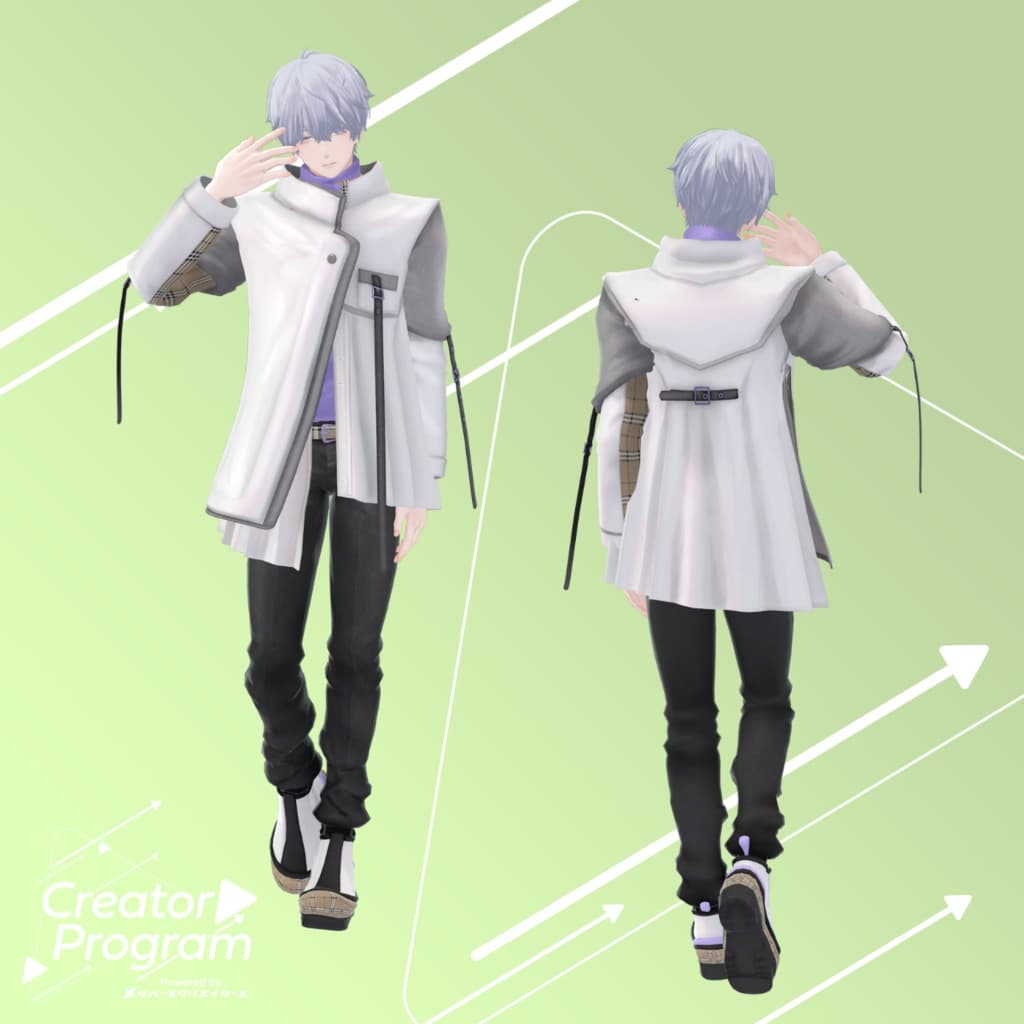
◆ Asymmetry Pleats Coat ◆
Creator: Aburi Melami
Description
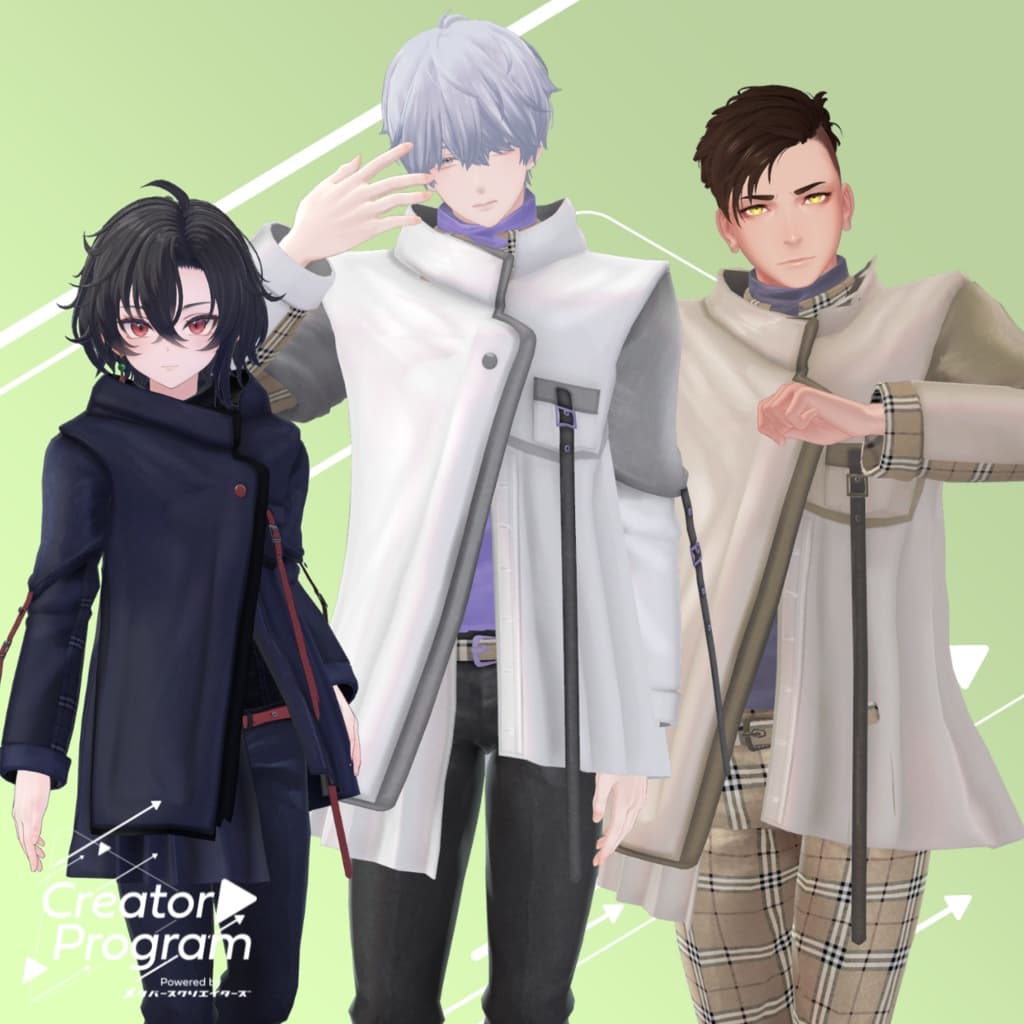
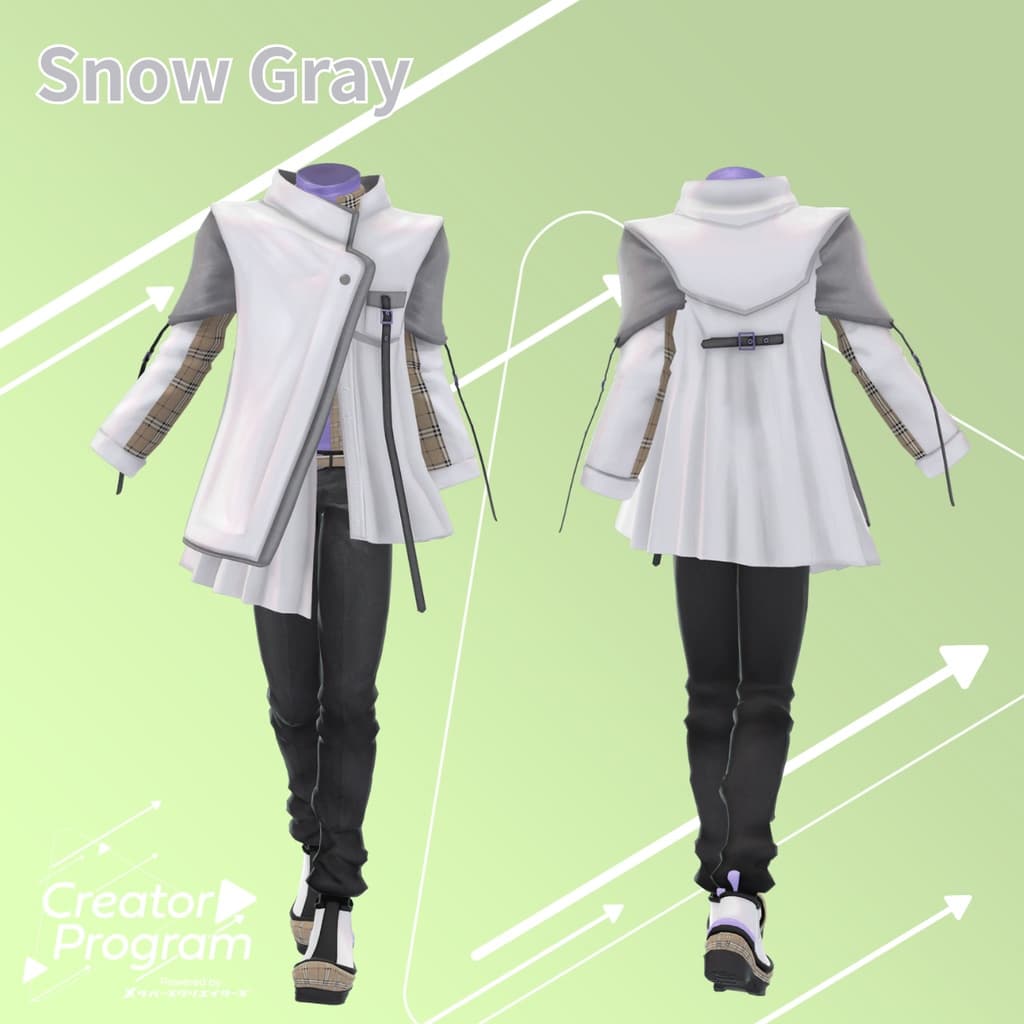
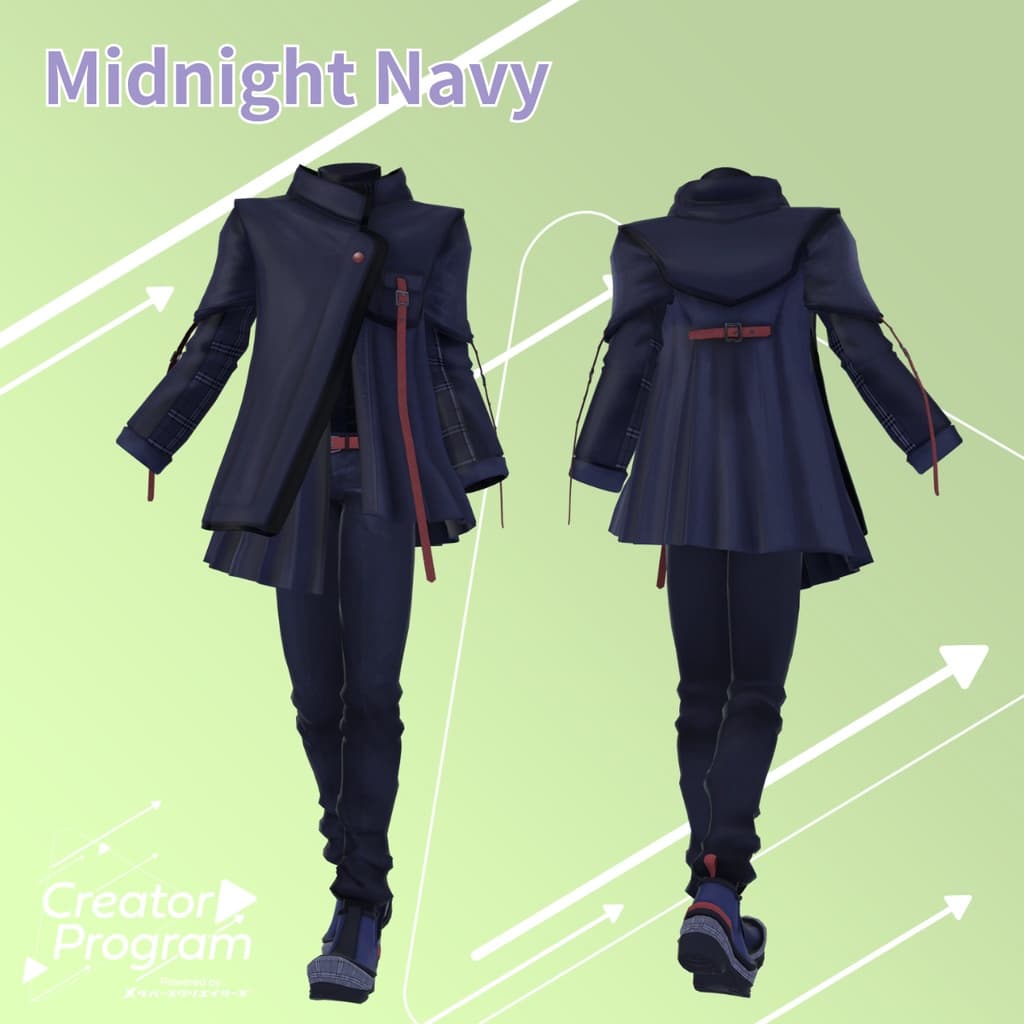
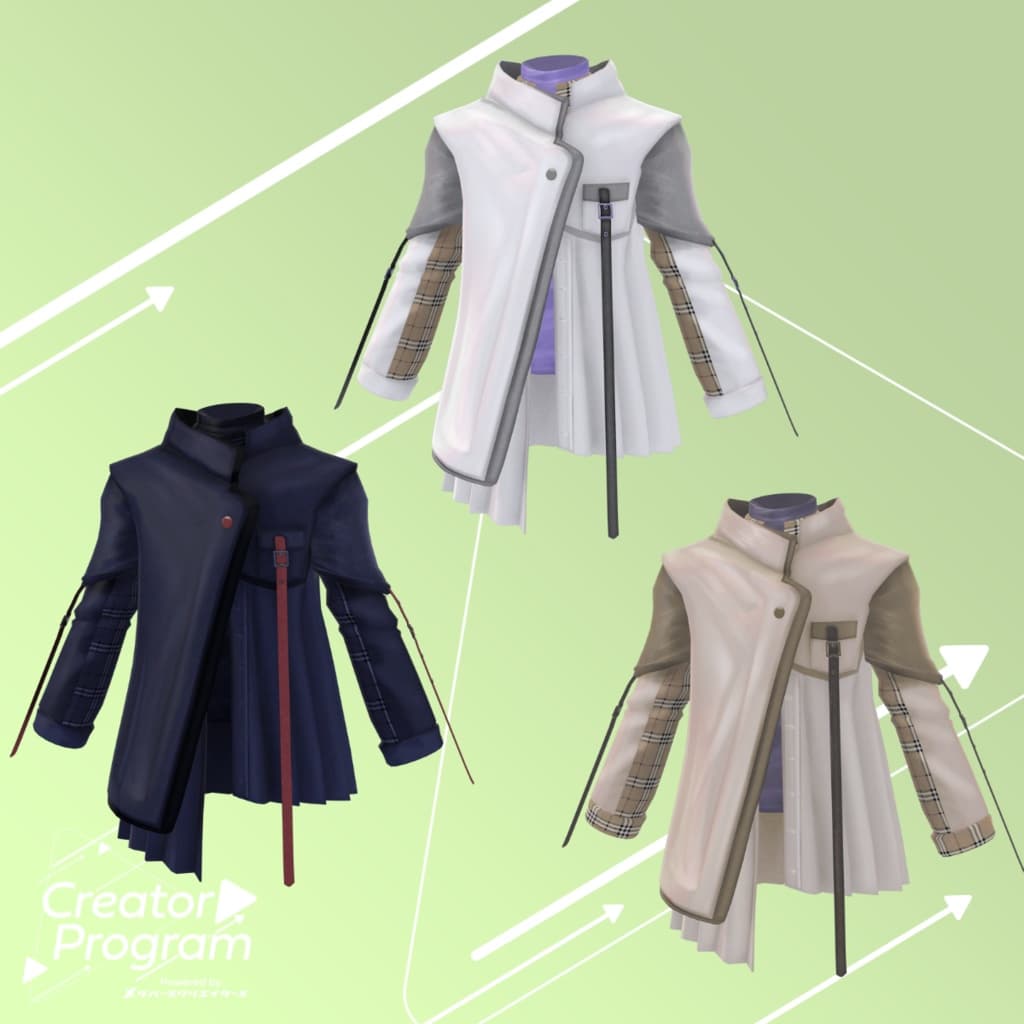
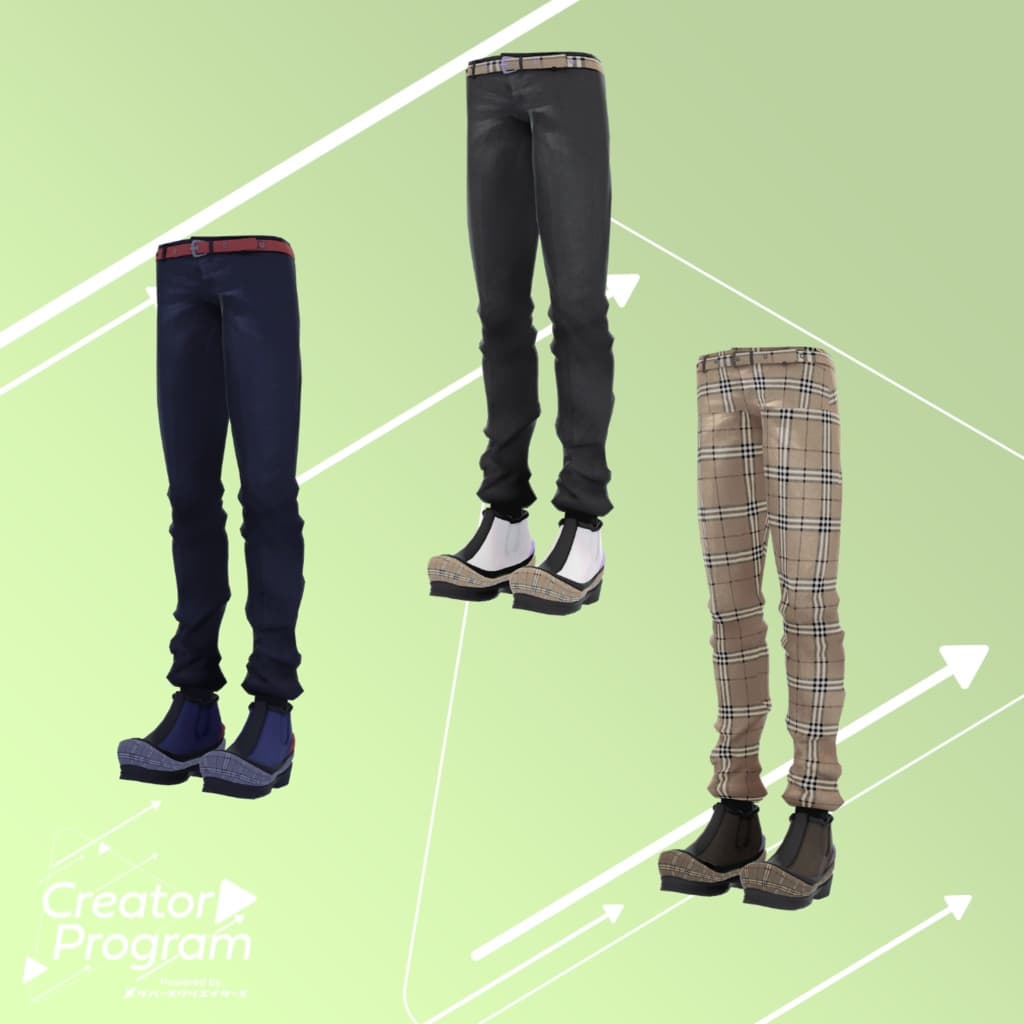
This outfit features a relaxed silhouette coat with elegant pleats, paired with slim-fit bottoms and chunky shoes. The overall style combines a formal, refined look with a light and sporty aesthetic. Available in three colors: Snow Gray, Midnight Navy, and Classic Beige.
This product is a clothing model for VRChat avatars. The avatar body is not included. As this is a digital download, refunds and returns cannot be accepted. Please read and agree to the product description and Terms of Use before purchasing.
Item Overview
Contents
AsymmetryPleatsCoat_〇〇.unitypackage (〇〇 indicates the color variation name)
ReadMe.txt
Shader Used
liltoon https://lilxyzw.booth.pm/items/3087170
Required Asset
Modular Avatar https://modular-avatar.nadena.dev/ja/docs/intro
Model Data Component Polygons Tops 16,318 Bottoms 12,079 Total 28,397
Meshes: 2
Materials: 4
PB Components: 4
Import Folder: Assets > MetaverseCreators_CP > AbuliMelami > AsymmetryPleatsCoat
Compatible Avatars
Minase (VRChat Avatar) #Minase3D https://booth.pm/ja/items/4013951
Komano (Original 3D Model) https://booth.pm/ja/items/5260363
Kuuta (Original 3D Model) #Kuuta3D https://booth.pm/ja/items/4897493
Tsuranari-san the Corporate Slave (Chin-Hantei Common Body) https://booth.pm/ja/items/5498540
Bokusei (PlusHead Body) https://booth.pm/ja/items/5727810
Hyakko by Niyami https://booth.pm/ja/items/6328134
Maki (Original 3D Model) https://booth.pm/ja/items/3162696
This outfit uses shape keys to hide the avatar’s base body (turning it into a simplified rod-like shape while dressing).
Installation Guide
Set up the latest VRC SDK in VCC.
In VCC, install the required assets (liltoon, Modular Avatar).
Import the latest version of your avatar package.
Import this outfit package.
Drag and drop your avatar (or its customization prefab) into the Scene Hierarchy.
Hide or set to “Editor Only” any unnecessary clothing (such as default outfits or underwear).
Drag and drop AsymmetryPleatsCoat_[AvatarName].Prefab directly under the avatar.
Upload the avatar using VRC SDK.
About MA Shape Changer
This outfit uses the Modular Avatar feature MA Shape Changer. When the prefab is placed directly under your avatar, the body’s shape keys automatically activate, hiding or slimming the avatar’s mesh. This allows the outfit to fit properly without clipping or mesh interference.
If you do not require the included MA Shape Changer setup, you may remove or modify it as needed.
Note for +Head (PlusHead) avatars: If the avatar’s body mesh names differ (this outfit is configured for “PlusHead”), the component may not function correctly. In that case, rename the mesh or adjust the shape keys manually.
If parts of the base body appear unintentionally slimmed after dressing, set the affected shape keys back to 0 and verify the mesh visibility.
Recoloring
To change colors, replace the material inside Common > Material with your preferred color variant.
Terms of Use
https://drive.google.com/drive/folders/1qRMXoIxM1ZgacBPfwOigQRtXP1vCbNMn?usp=sharing
Please also comply with the terms of use for the base avatar when using this outfit.
Production Environment
Modeling: Maya 2023
Texturing: Adobe Substance 3D Painter
Setup: Unity Ver. 2022.3.6f1
VRChat SDK - Avatars Ver. 3.7.6 (VCC)
liltoon 1.7.3
Modular Avatar 1.11.7
Credits
Creator: Aburi Melami
X (Twitter): https://x.com/AbuliMelami
Support / Inquiries: Discord: https://discord.gg/bmw3PWE37M