

Chocomint Salopette - VRChat Men's Clothing / CP4
 MetaCreatorsTYO EN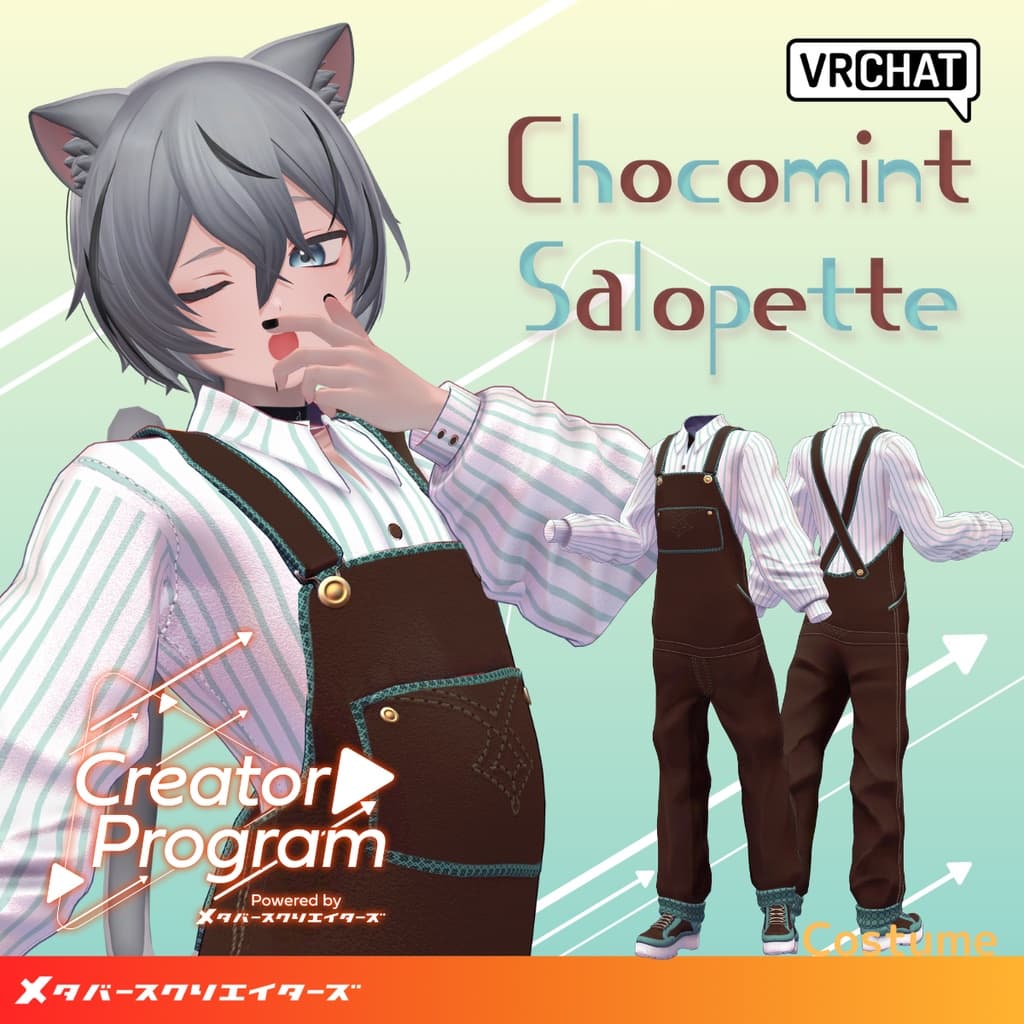
説明
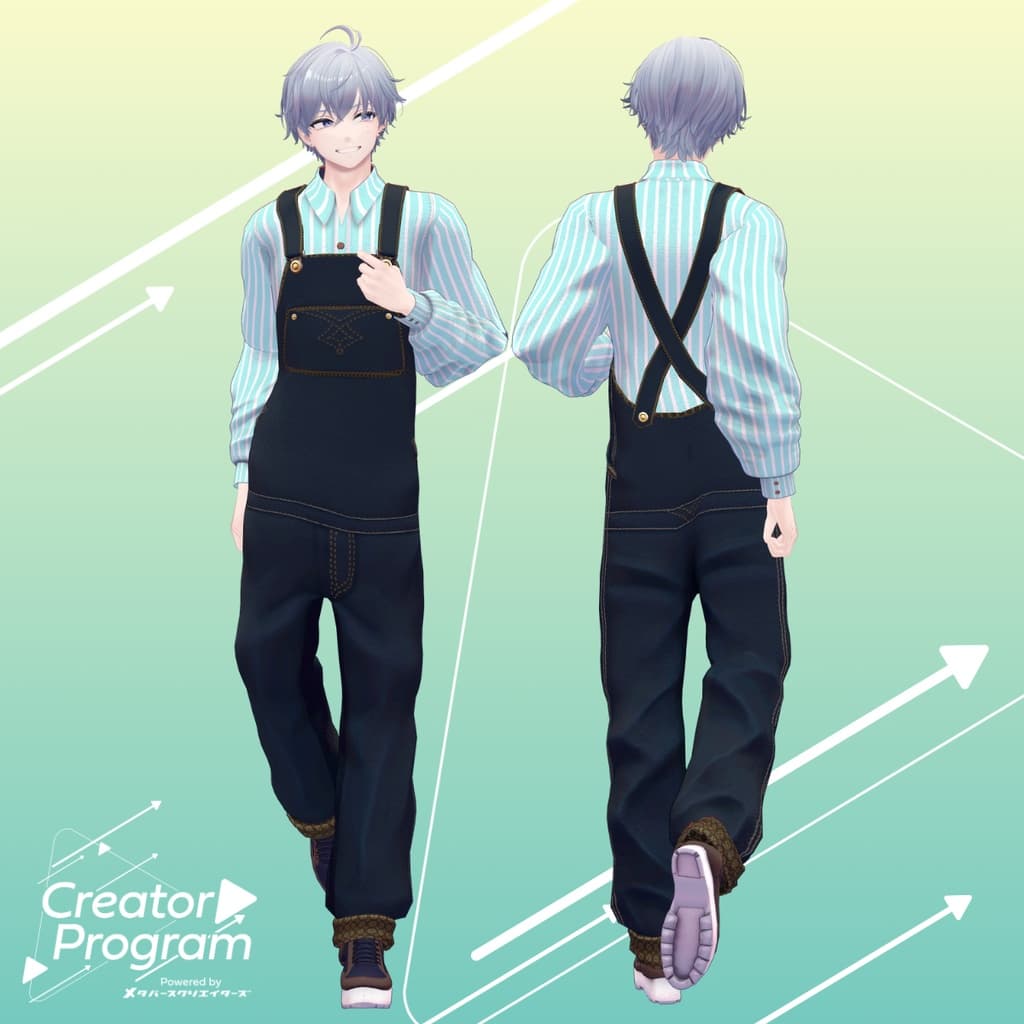
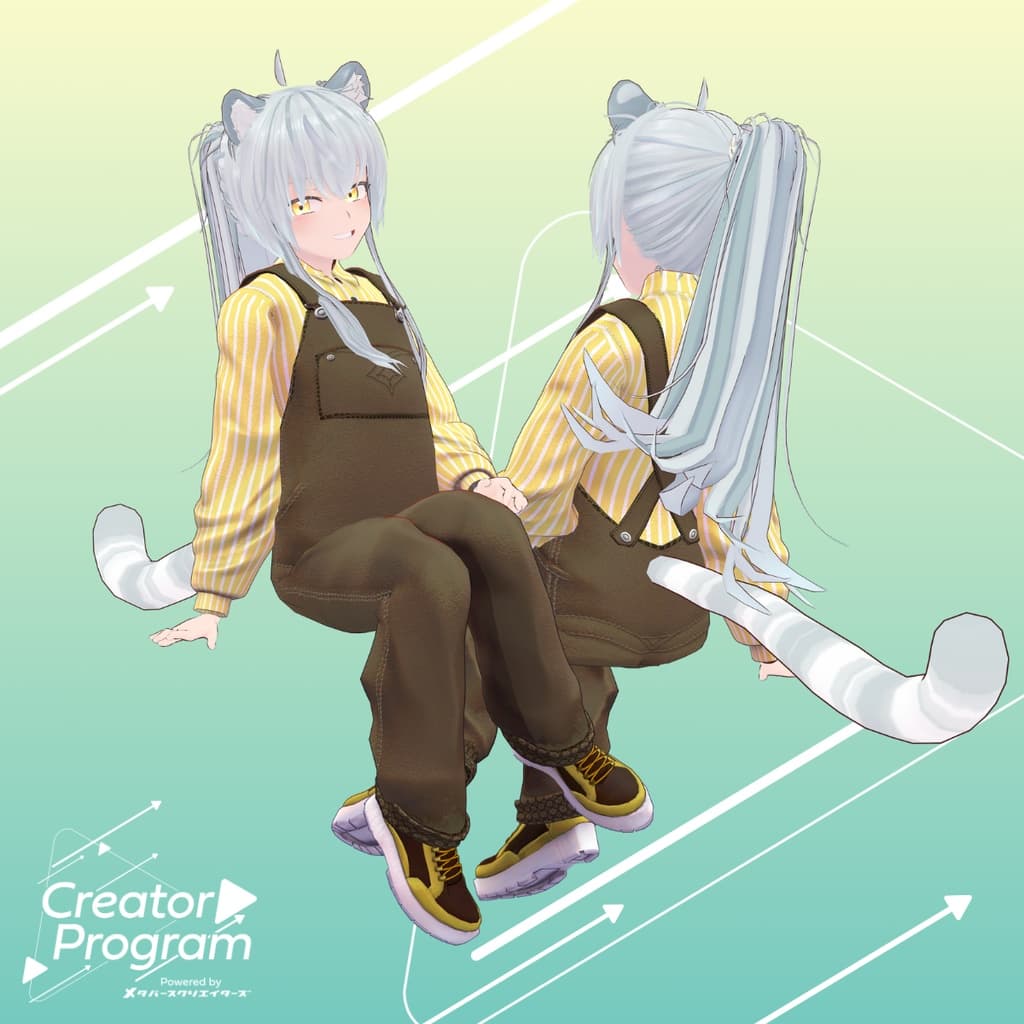
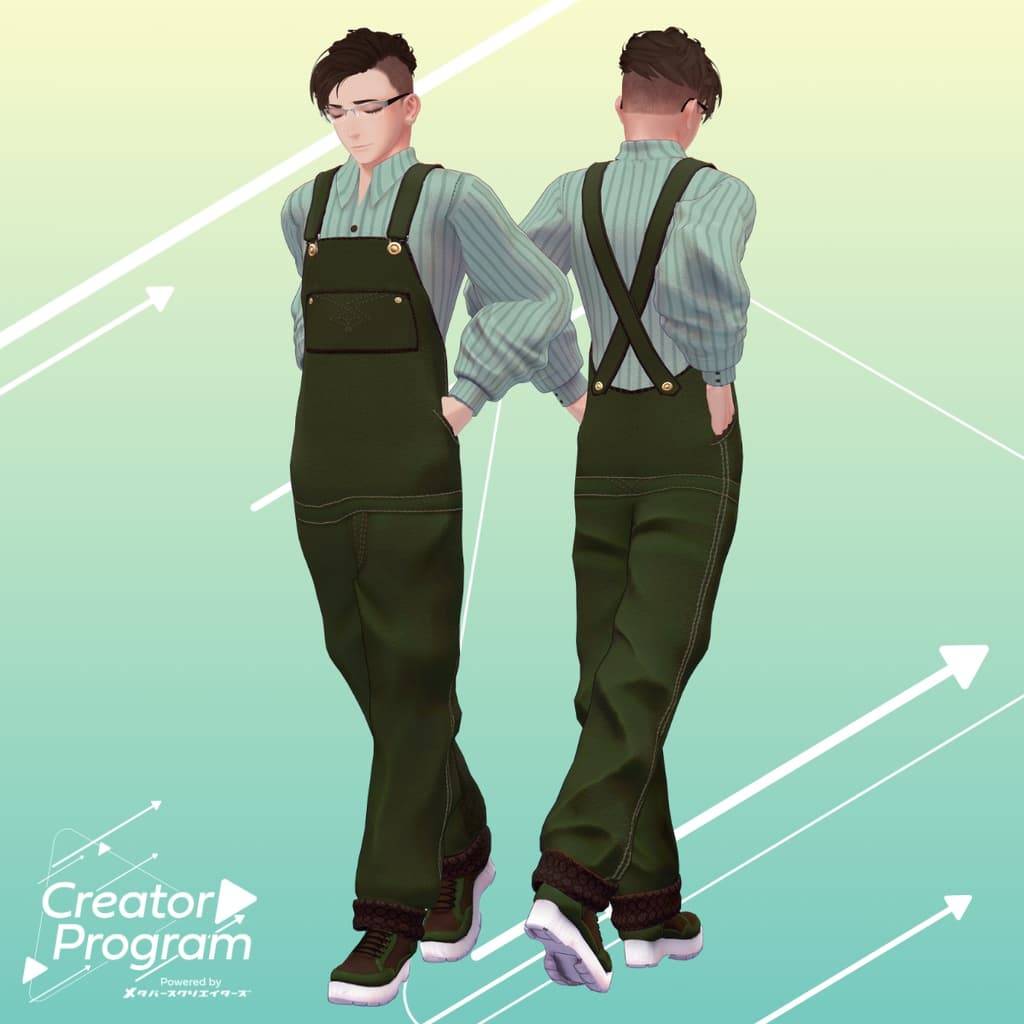
◆ Chocomint Salopette Set ◆
Creator: Kazura Inomoto (伊ノ本カズラ)
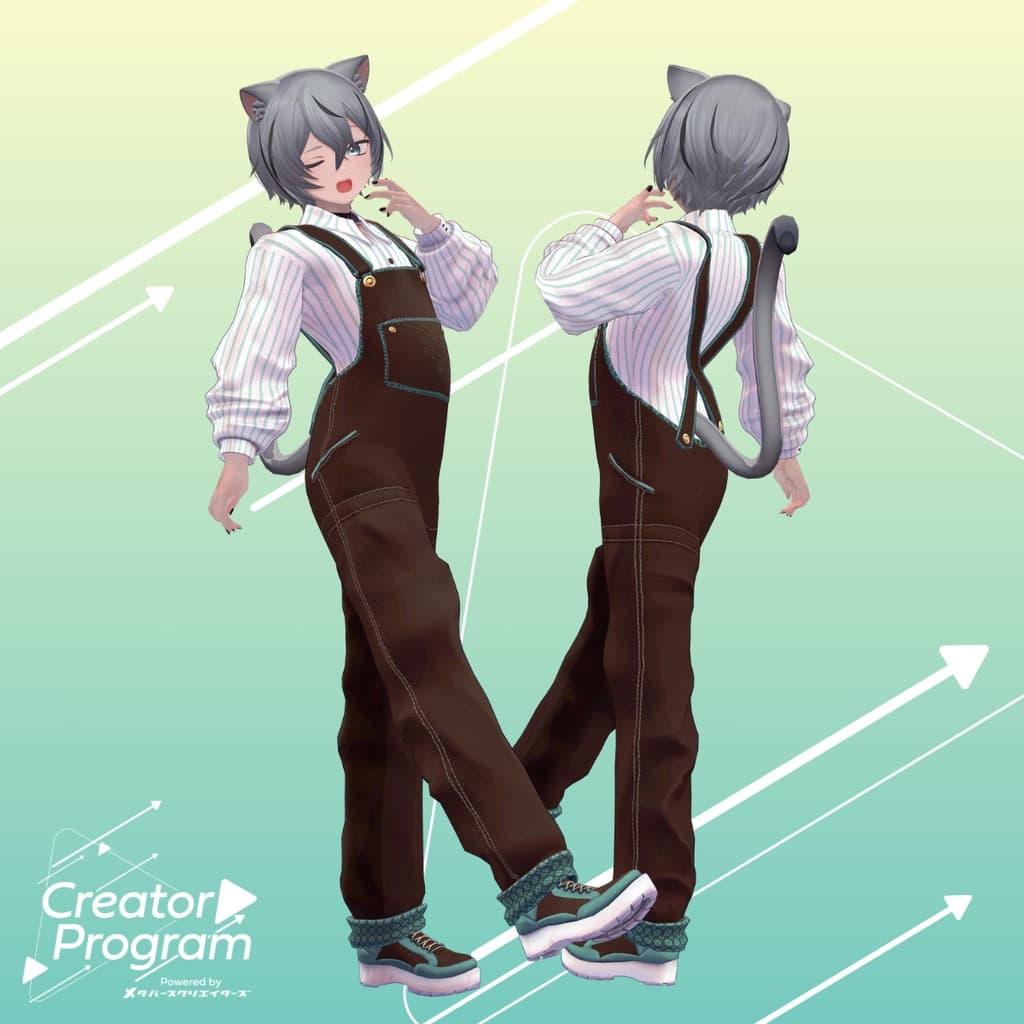
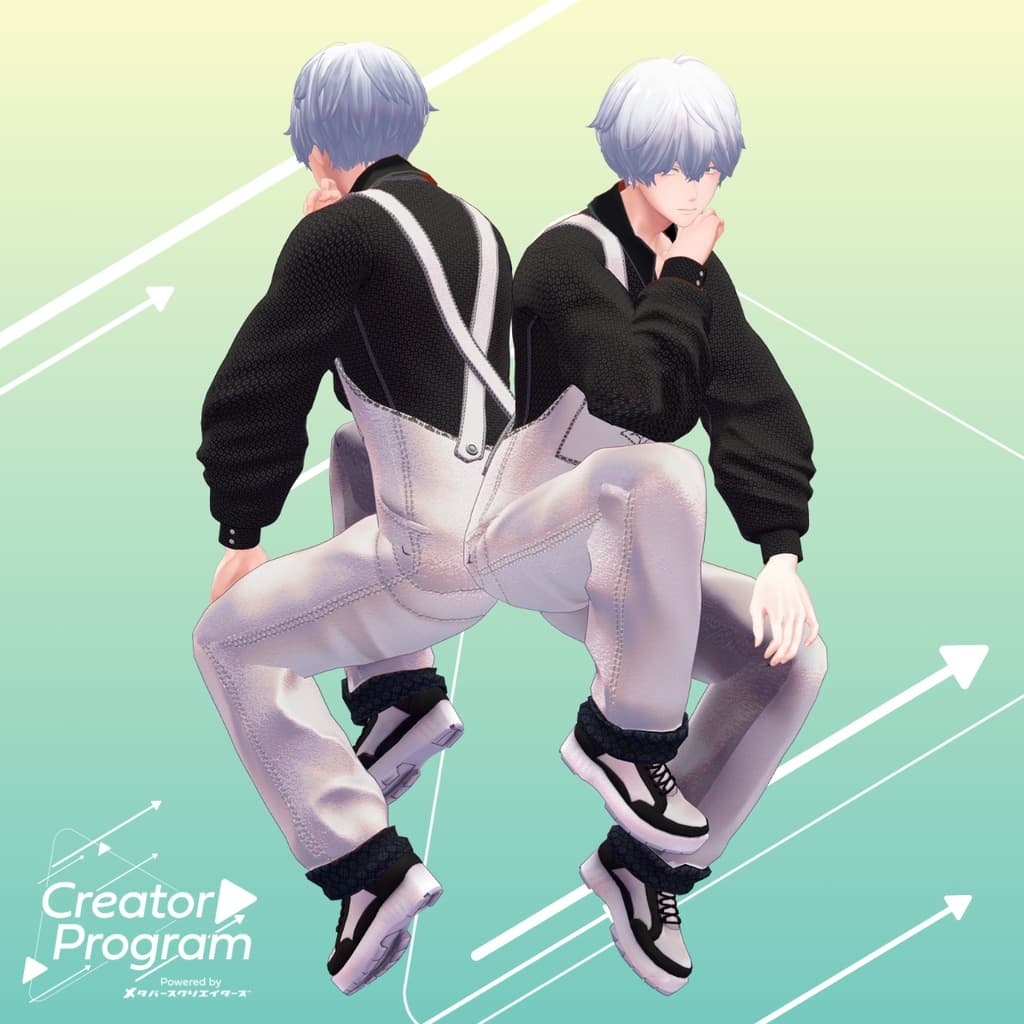
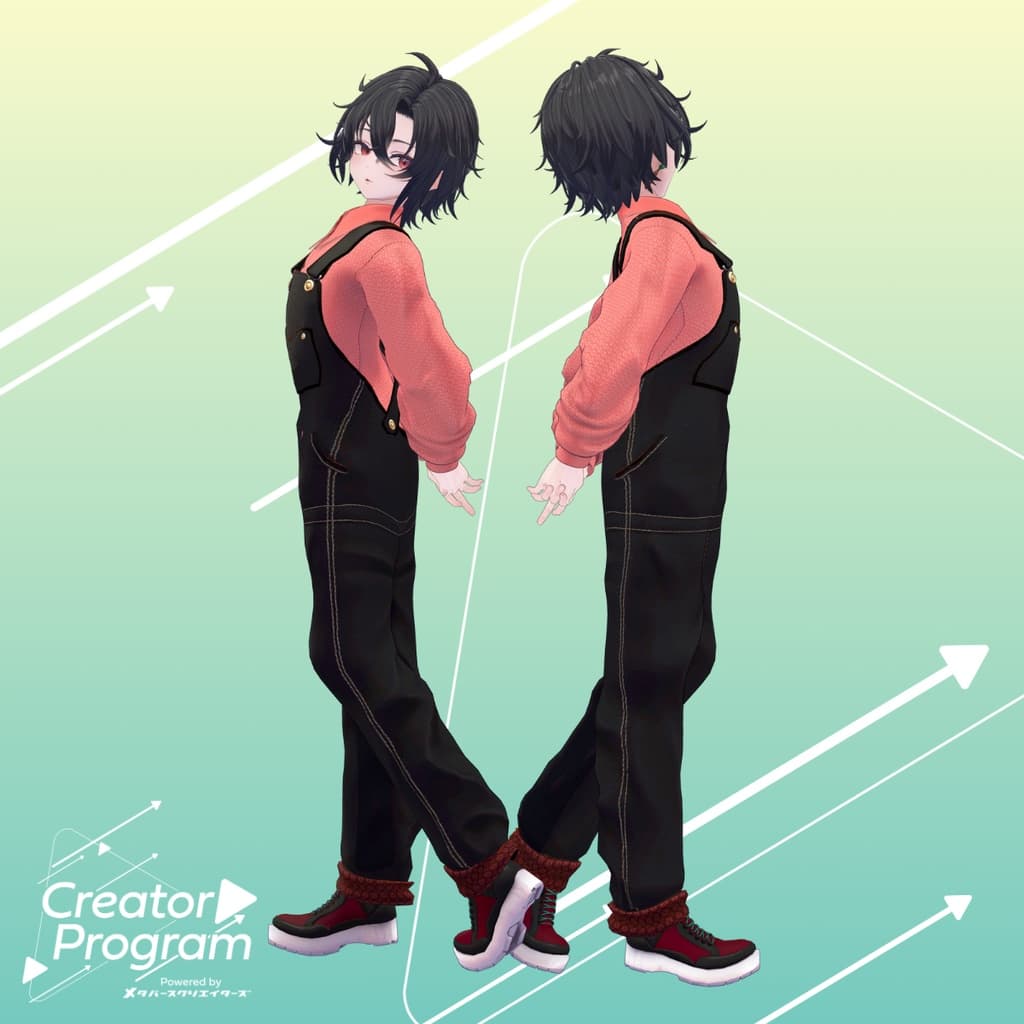
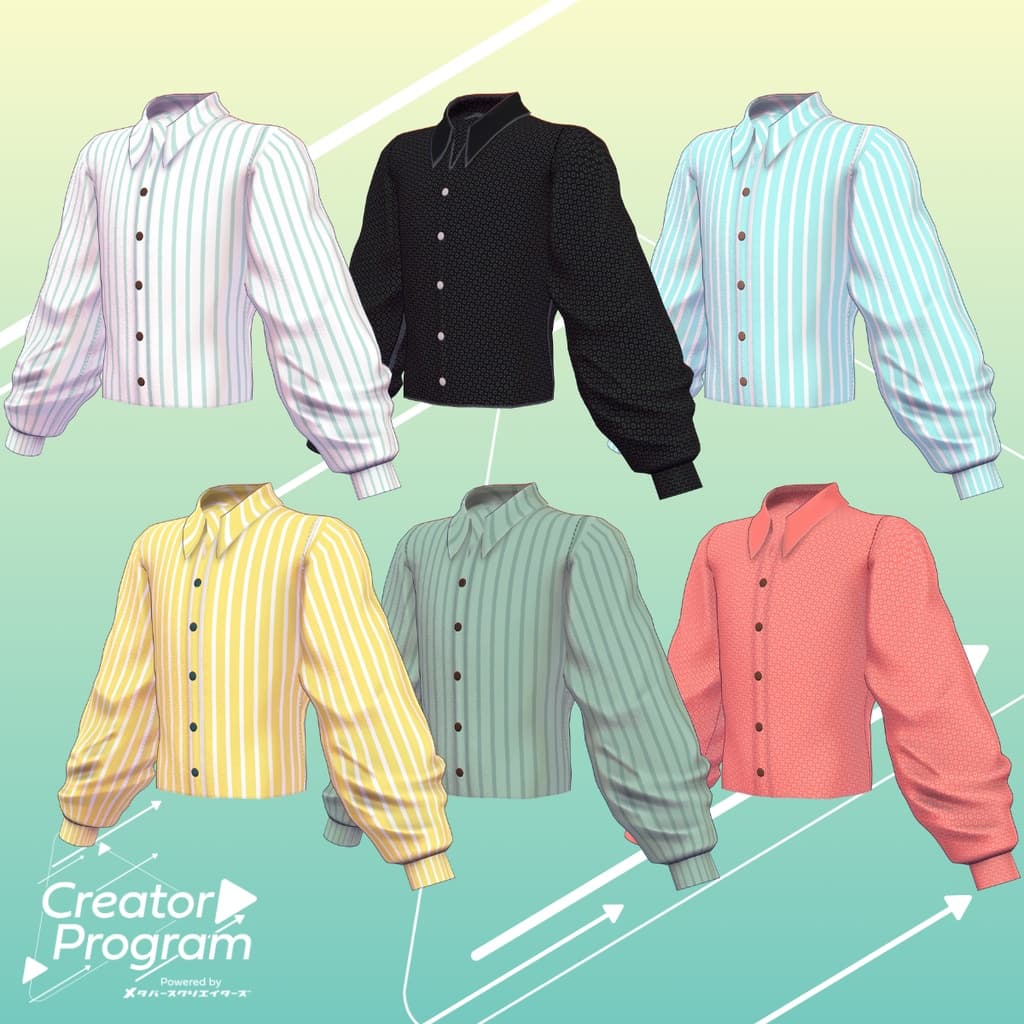
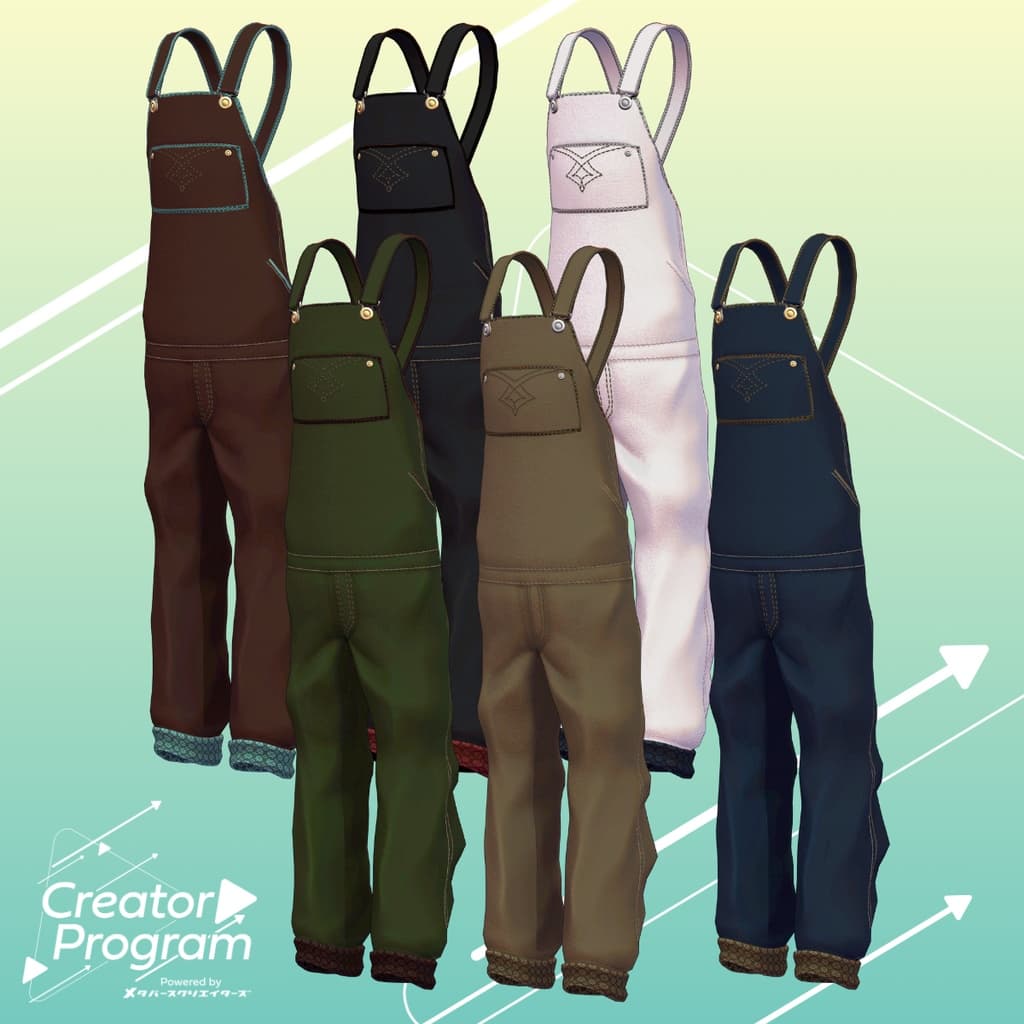
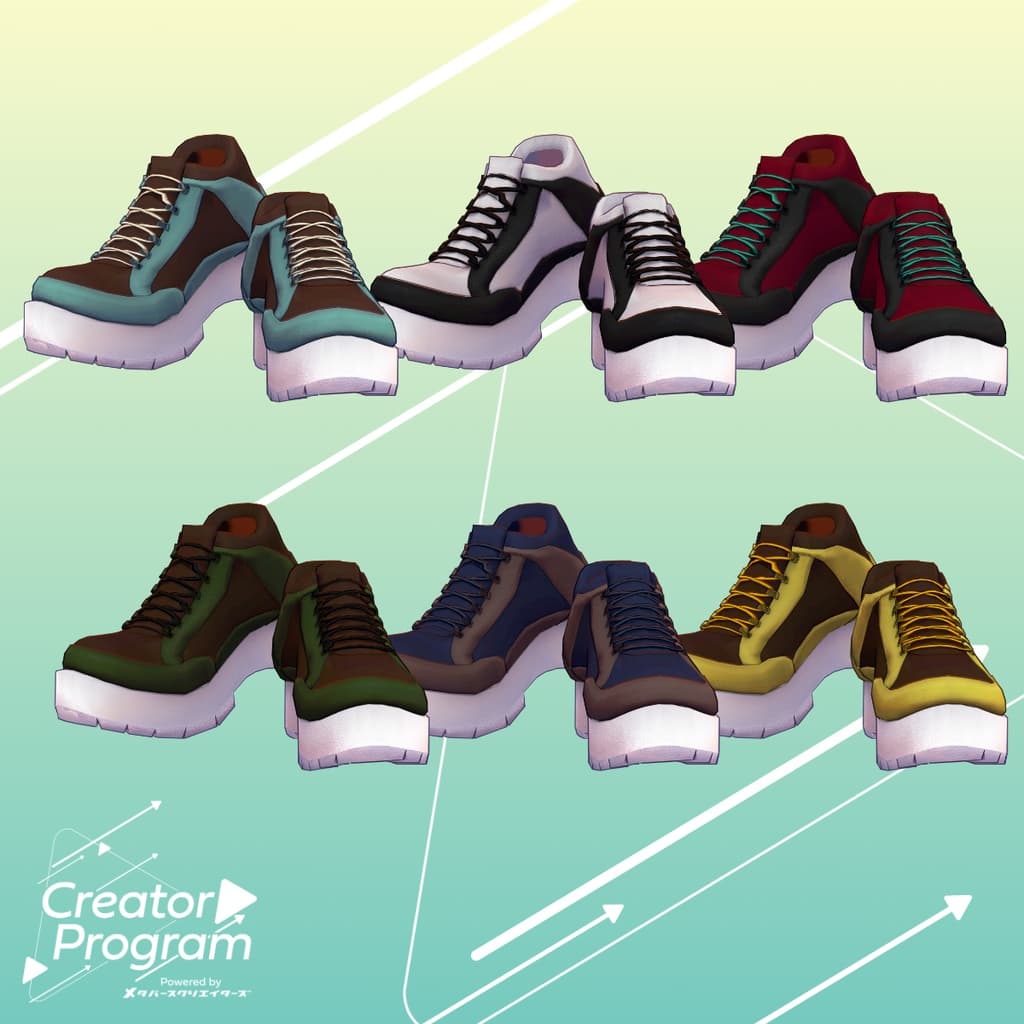
A stylish outfit set featuring a chocomint-colored theme and a loosely oversized shirt silhouette. You can easily customize the color combination by replacing the materials.
⚠️ This product is a clothing model for VRChat avatars. The avatar body itself is not included. As this is a digital download, refunds and returns are not available. Please read and agree to the product description and Terms of Use before purchase.
◆ Item Overview
● Contents
ChocomintSalopette_〇〇.Unitypackage (“〇〇” indicates the variation name)
PSD file for customization
ReadMe.txt (this document)
Shader Used
liltoon https://lilxyzw.booth.pm/items/3087170
Required Asset
Modular Avatar https://modular-avatar.nadena.dev/ja/docs/intro
● Model Data Component Polygon Count Salopette 6,762 Shirt 8,408 Shoes 8,302 Total 23,472
Meshes: 3
Materials: 3
PB Components: 0
Import Folder: Assets > MetaverseCreators_CP > INOMOTOHANTEN > [Item Name]
◆ Compatible Avatars
Minase (VRChat Avatar) #Minase3D https://booth.pm/ja/items/4013951
Komano (Original 3D Model) https://booth.pm/ja/items/5260363
Kuuta (Original 3D Model) #Kuuta3D https://booth.pm/ja/items/4897493
Tsuranari-san the Corporate Slave (Common ChinHantei Body) https://booth.pm/ja/items/5498540
Bokusei (PlusHead Body) https://booth.pm/ja/items/5727810
Hyakko by Niyami https://booth.pm/ja/items/6328134
⚠️ When dressing the avatar, this outfit uses shape keys to hide the base body (the avatar body becomes simplified or rod-like).
◆ Installation Instructions
Set up the latest VRC SDK in VCC.
In VCC, install the required assets (liltoon, Modular Avatar).
Import the latest version of your avatar package.
Import this outfit package.
Drag and drop the avatar (or its prefab for customization) into the Scene Hierarchy.
Hide or set to “Editor Only” any unnecessary clothing on the avatar (e.g. default outfit, underwear).
Drag and drop the BJSet_[AvatarName].Prefab directly under the avatar in the hierarchy.
Upload the avatar using VRC SDK.
◆ About MA Shape Changer (Modular Avatar Feature)
This outfit uses MA Shape Changer, a feature of Modular Avatar.
When you drag and drop the outfit prefab directly under the avatar, the body’s shape keys automatically activate, slimming or hiding parts of the body mesh. This prevents clipping and allows the outfit to fit smoothly.
If you wish to use only part of the outfit, you can delete unnecessary sections from the MA Shape Changer component attached to the parent object.
⚠️ For avatars using +Head (PlusHead) meshes, if mesh names differ (the data is configured for “PlusHead”), the Shape Changer may not work correctly. In such cases, please adjust manually by renaming meshes or toggling shape keys by hand.
◆ Recoloring
You can change colors easily by replacing materials in Common > Material folder with the desired color variant. You can also edit the included PSD file to create custom colors.
◆ Terms of Use
https://drive.google.com/drive/folders/1qRMXoIxM1ZgacBPfwOigQRtXP1vCbNMn?usp=sharing
Please comply with the usage terms of the base avatar when using this outfit.
◆ Production Environment
Modeling: Blender Ver. 4.0.2
Texturing: Adobe Substance 3D Painter 9.1
Setup: Unity Ver. 2022.3.22f1
VRChat SDK - Avatars Ver. 3.7.3 (VCC)
liltoon 1.8.5
Modular Avatar 1.11.1
◆ Credits
Creator: Kazura Inomoto (伊ノ本カズラ)
Portfolio: https://inomotokazura.myportfolio.com/
BOOTH: https://inomotokazura.booth.pm/
Support / Inquiries: Discord: https://discord.gg/bmw3PWE37M