

ArrangeRingHair - VRChat Hair / CP10
 MetaCreatorsTYO EN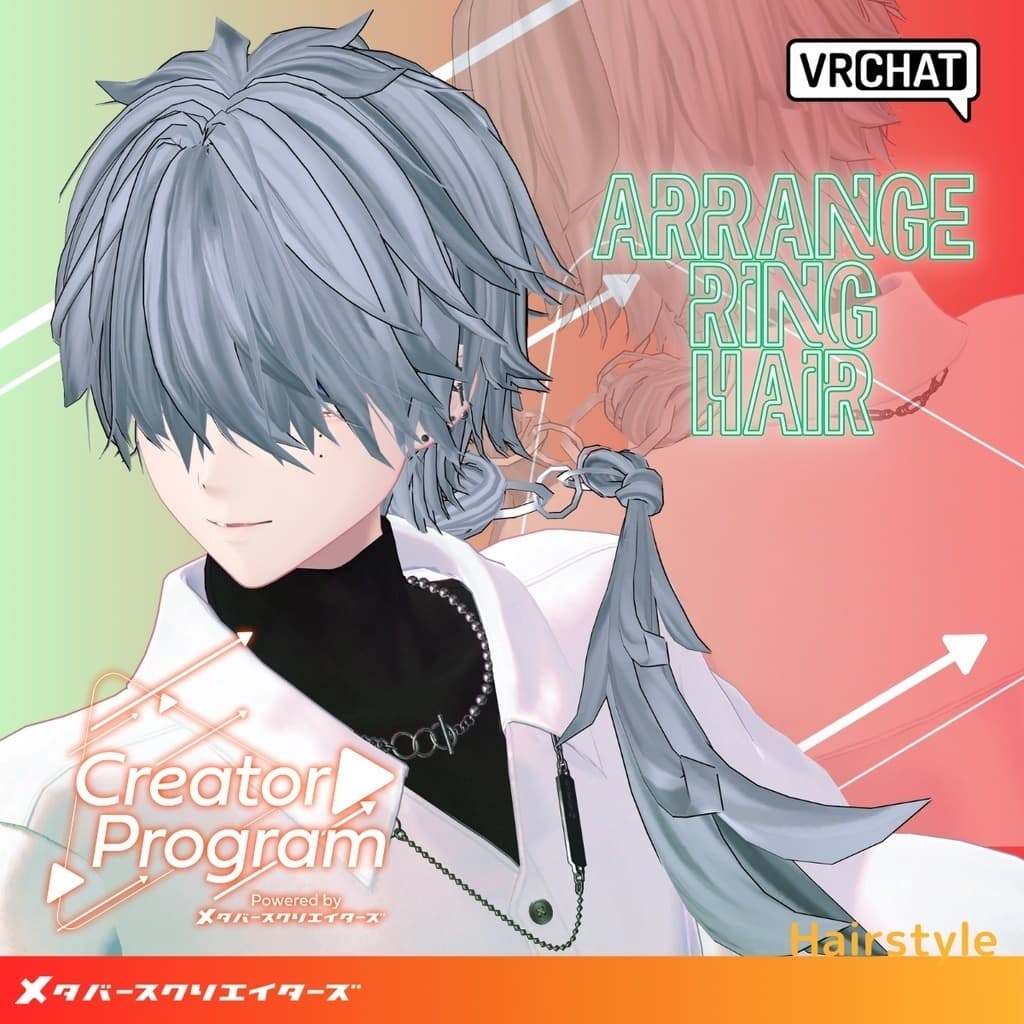
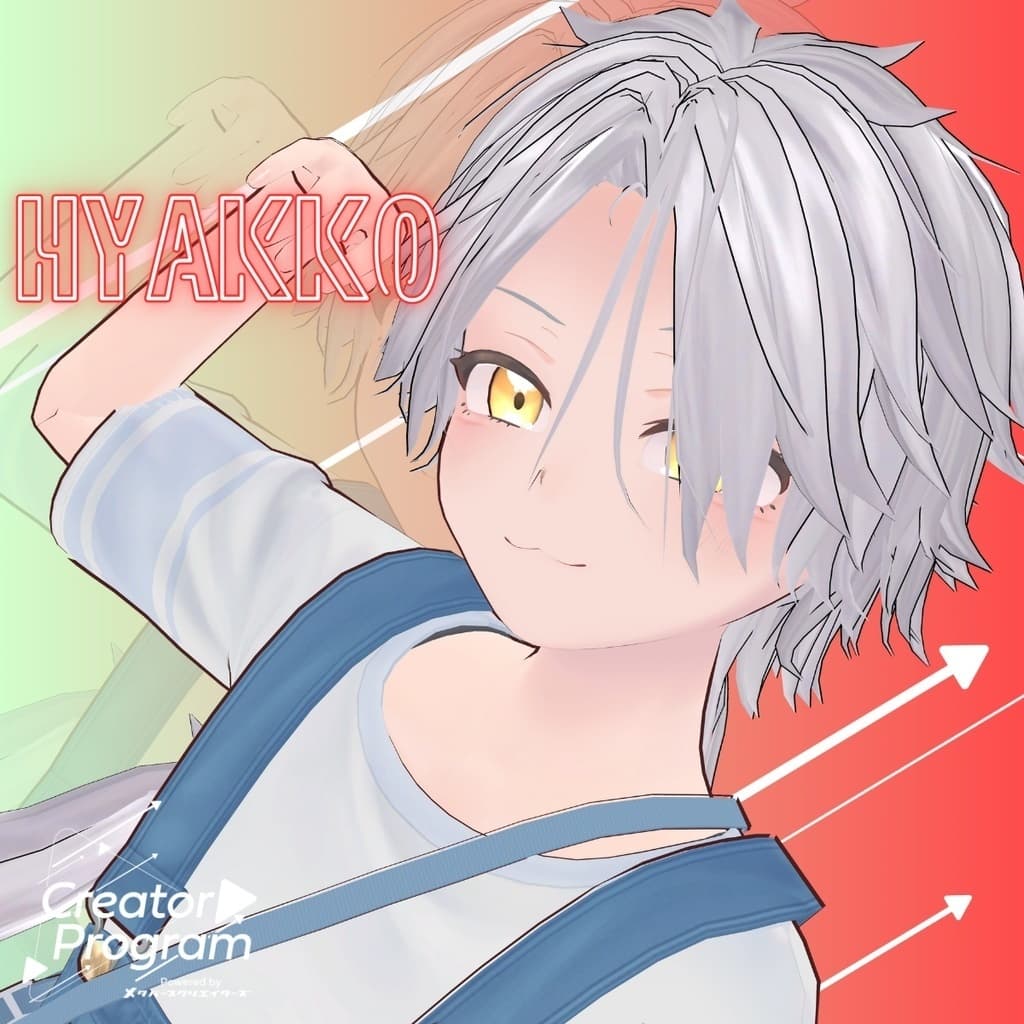
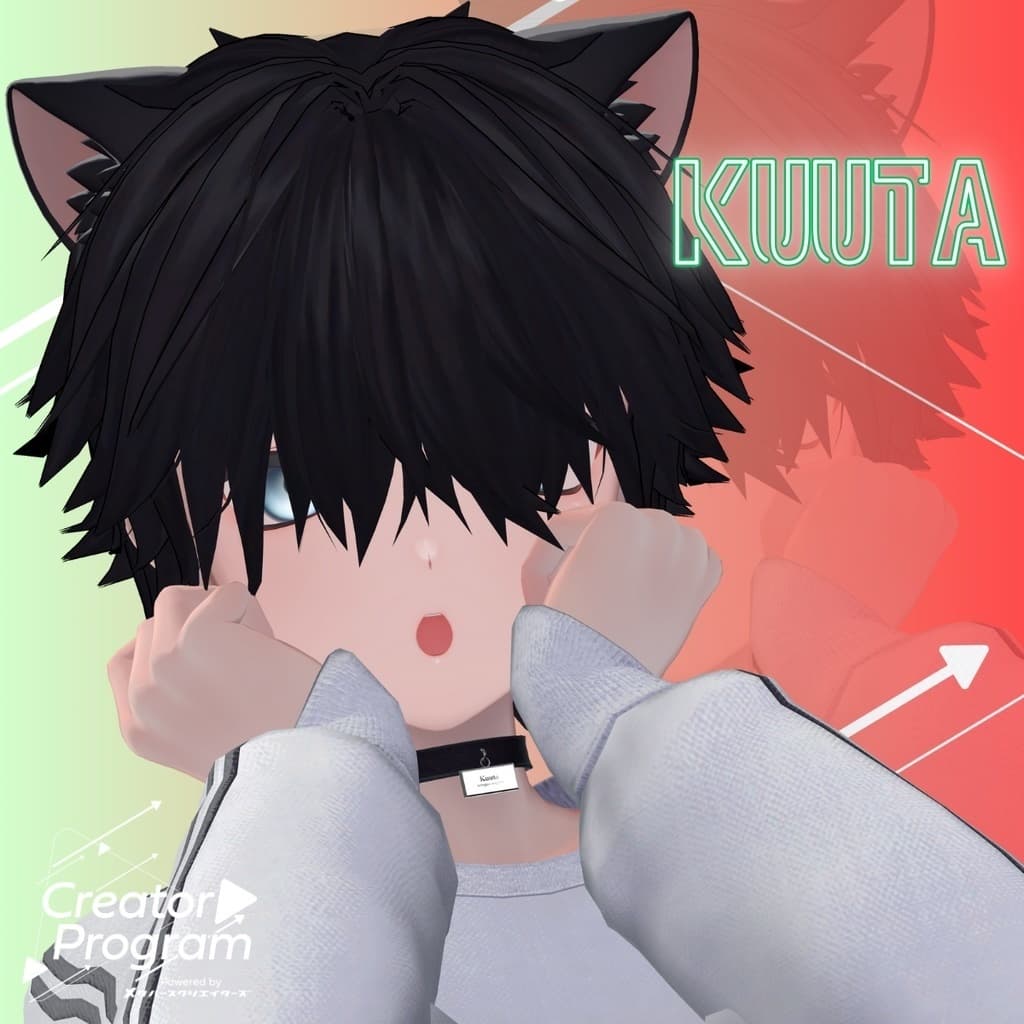
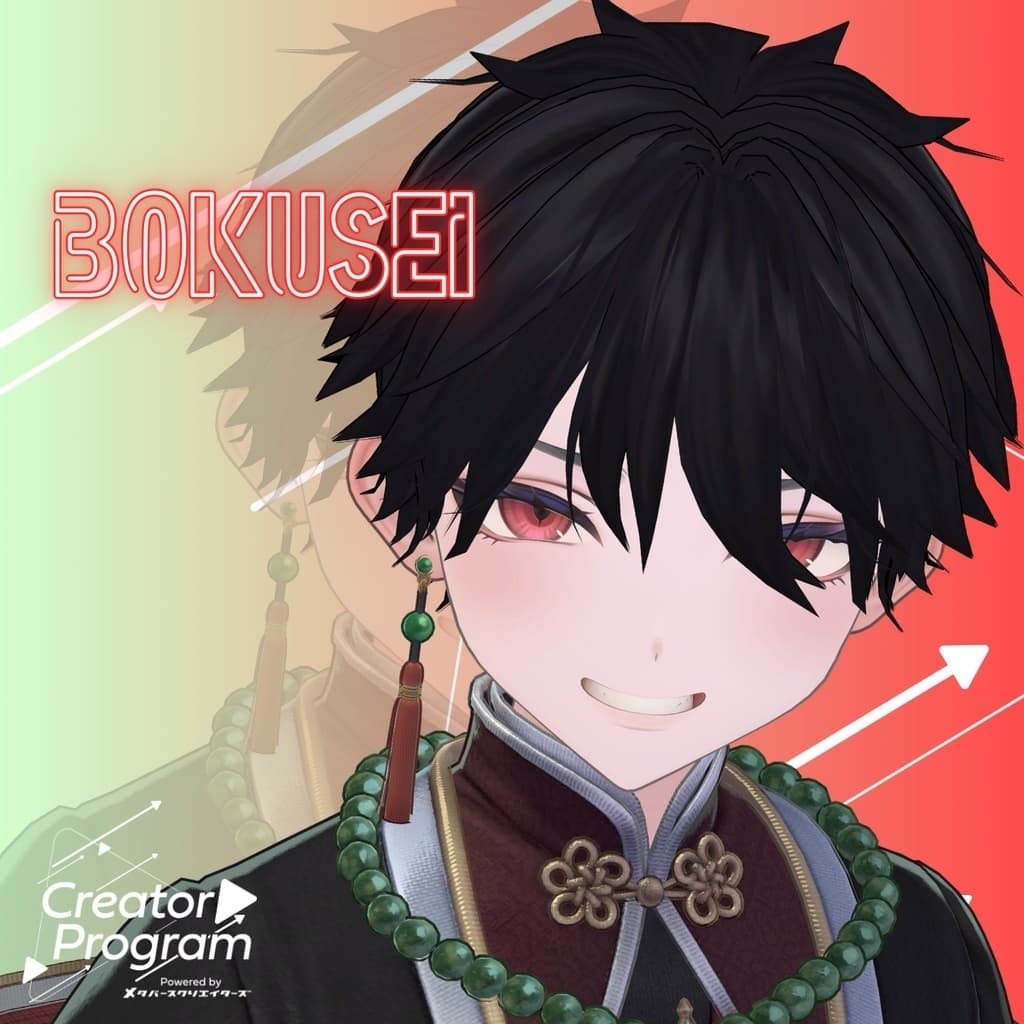
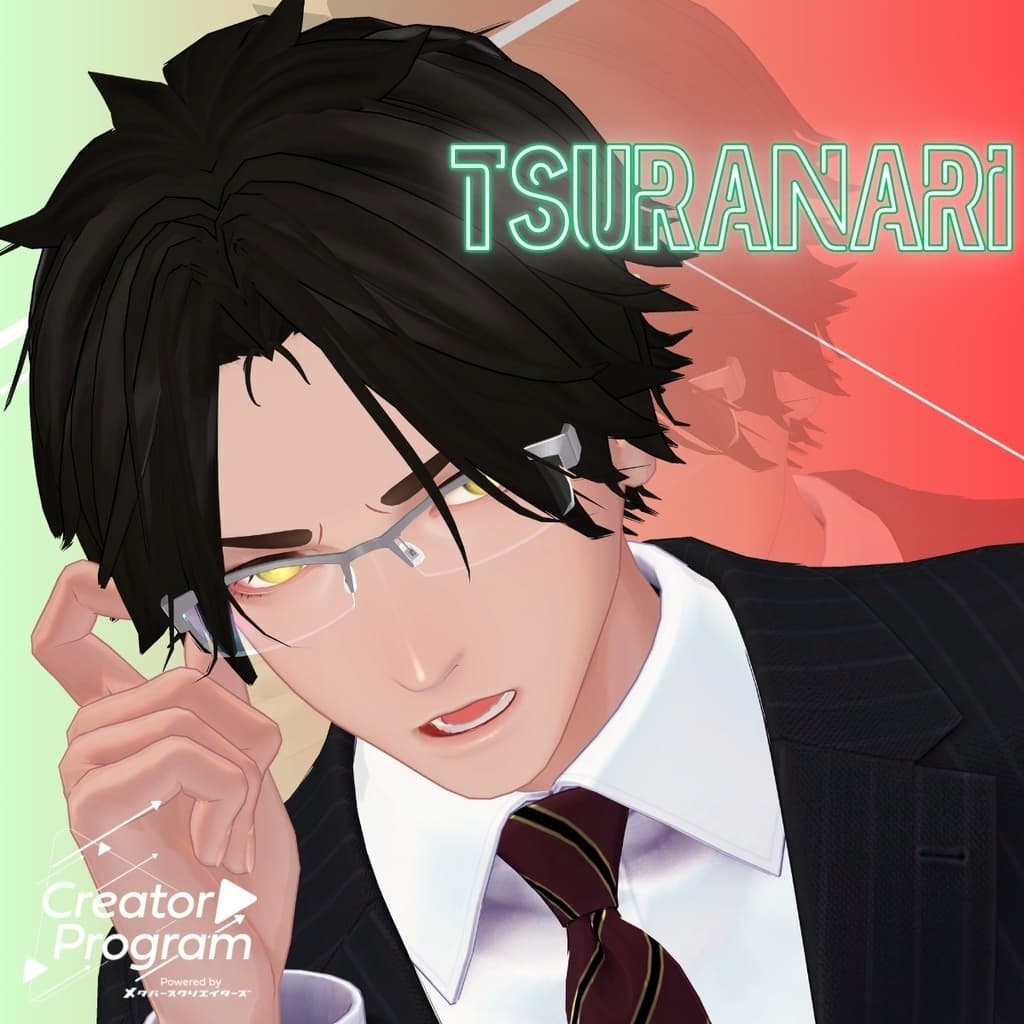
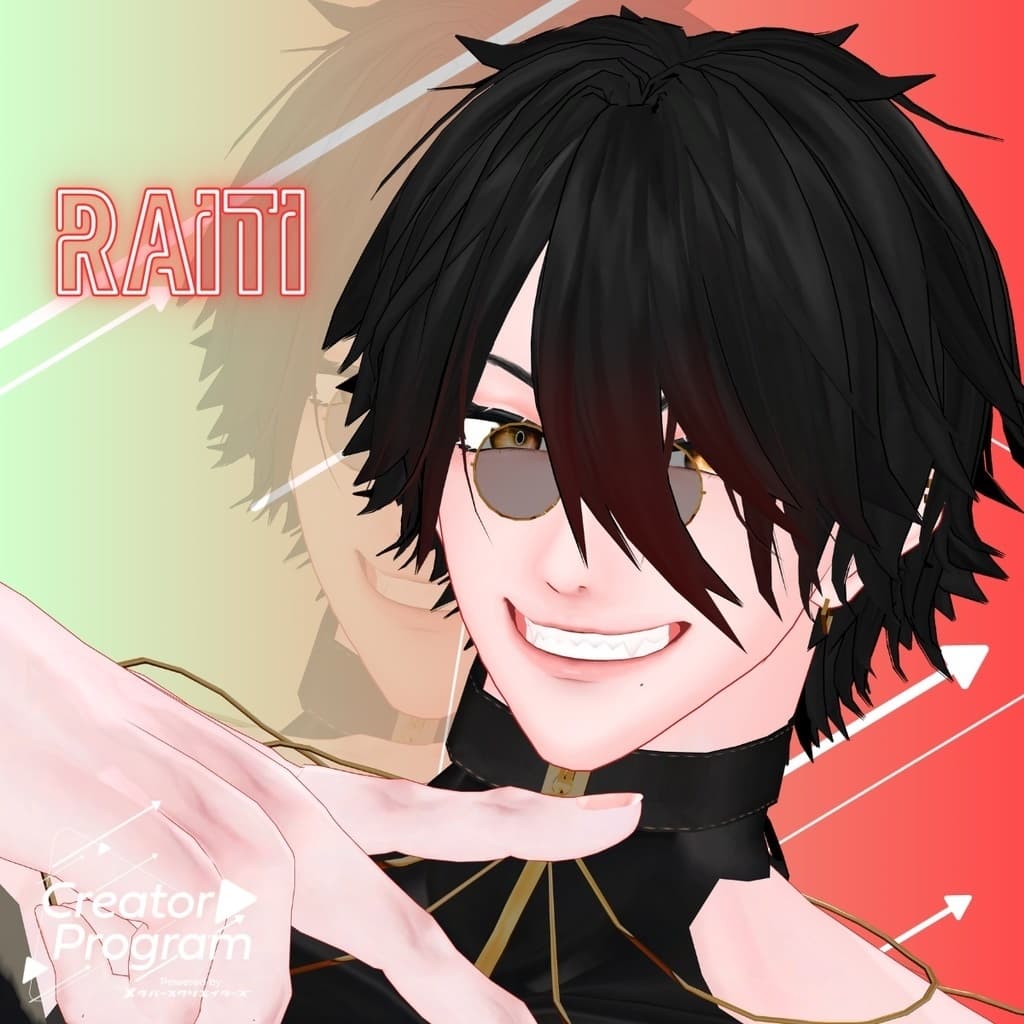
説明
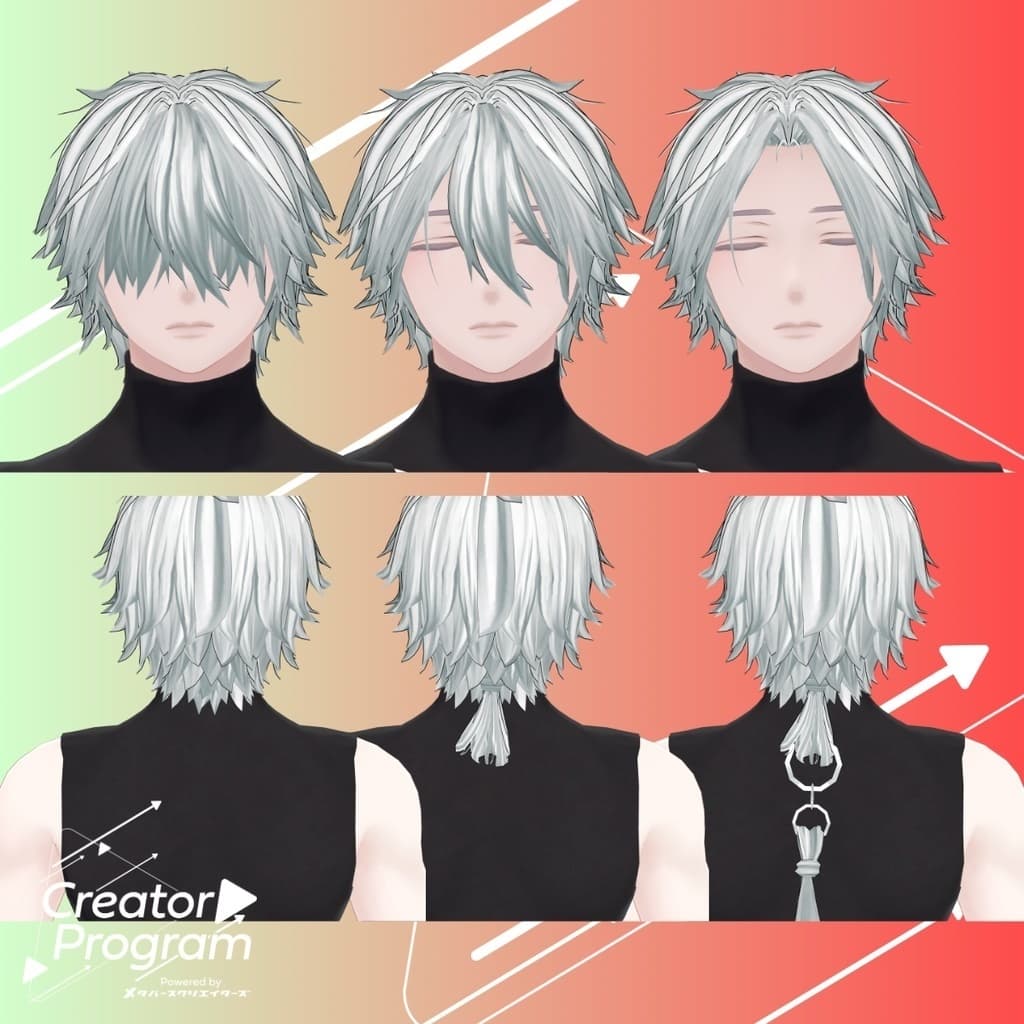
◆ ArrangeRingHair ◆
Creator: psk (Unprocessed Meat Sales Site)
A perfect companion for your suspiciously stylish, Chinese-inspired avatar.
⚠️ This product is a hairstyle model for avatars. The avatar body itself is not included. Because this is a digital download, no refunds or returns can be made. Please read and agree to the product description and terms of use before purchasing.
◆ Item Overview
● Contents
ArrangeRingHair.Unitypackage
PSD/CLIP files for customization
ReadMe.txt (main documentation)
Shader Used
liltoon https://lilxyzw.booth.pm/items/3087170
● Model Data
Polygon count: 14,734
Meshes: 6
Materials: 1
PB Components: 7
Import Folder Path: Assets > MetaverseCreators_CP > MKK_ONK > ArrangeRingHair
◆ Compatible Avatars
“Hyakko” by Niyami https://booth.pm/ja/items/6328134
◆ Semi-Compatible Avatars
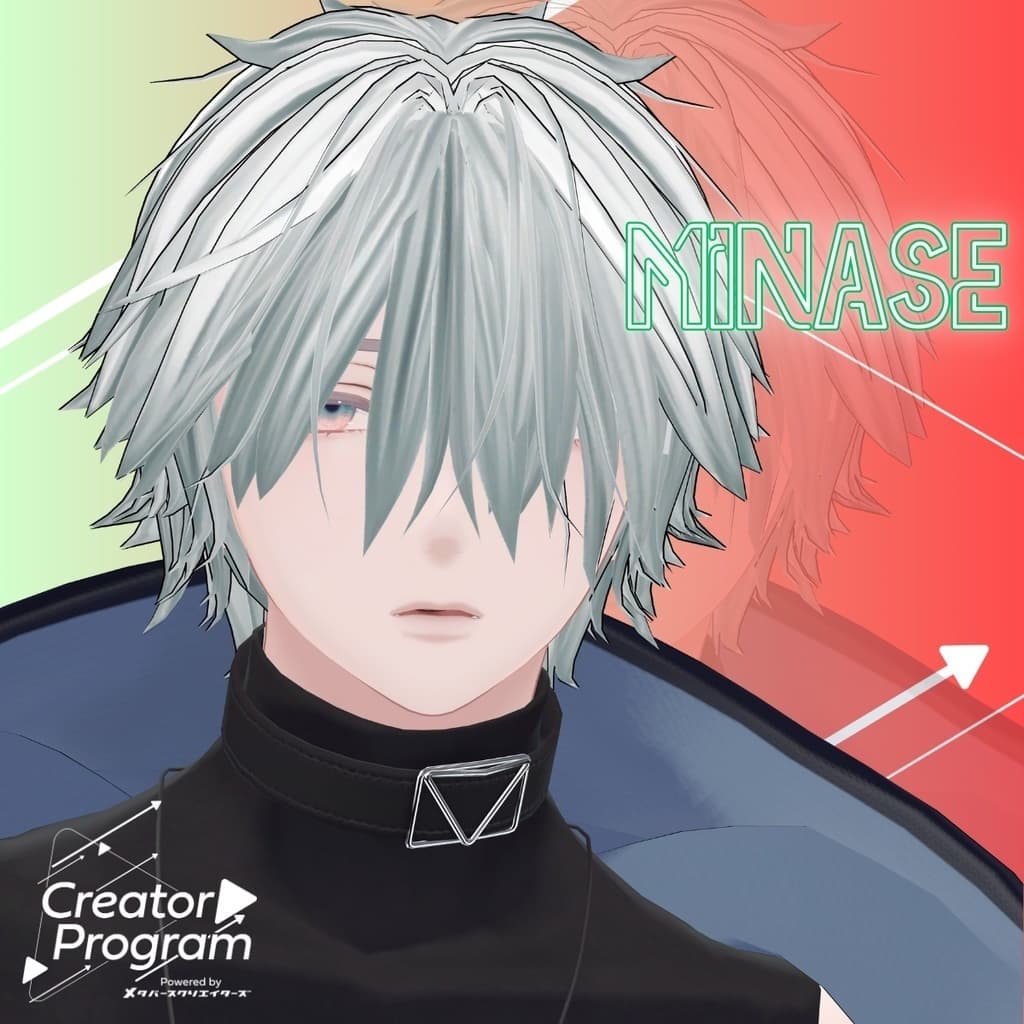
Minase (for VRChat) #Minase3D https://booth.pm/ja/items/4013951
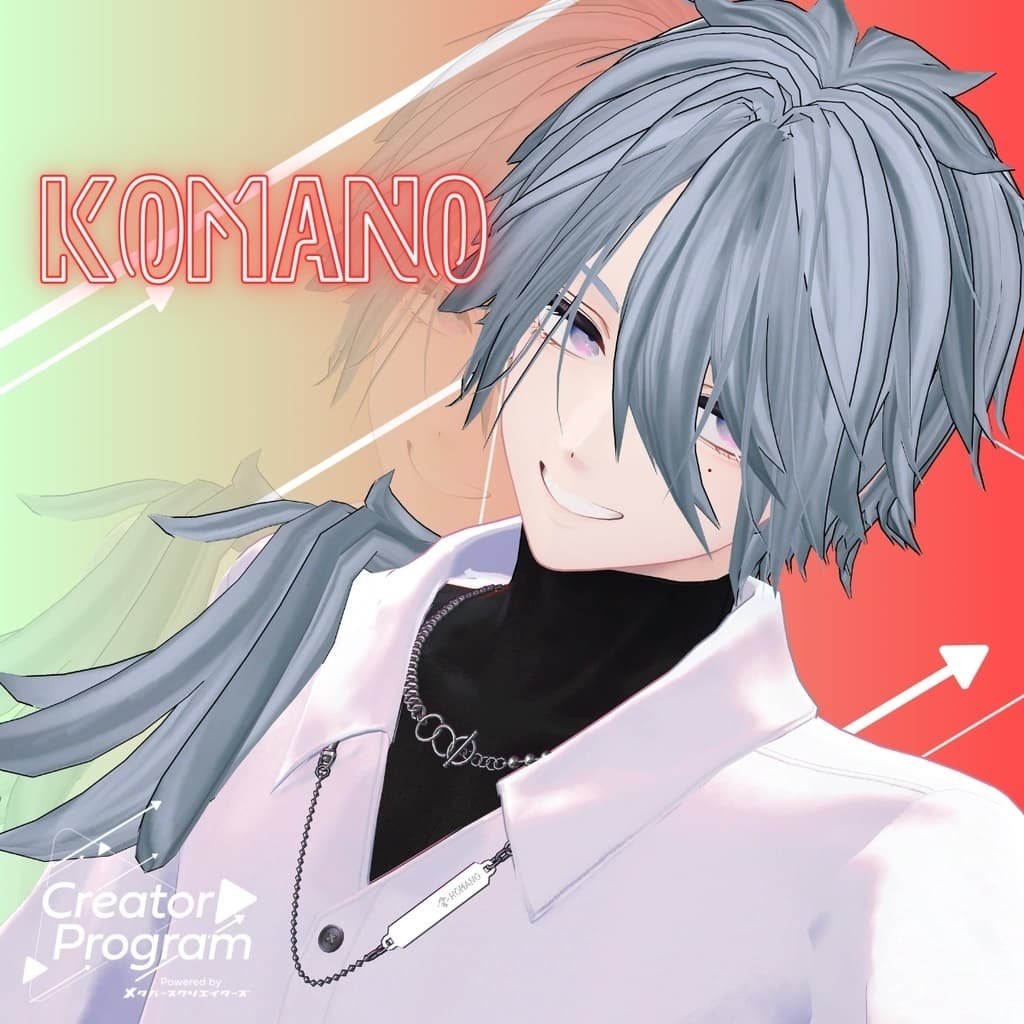
Komano (Original 3D Model) https://booth.pm/ja/items/5260363
Kuuta (Original 3D Model) #Kuuta3D https://booth.pm/ja/items/4897493
Rensei-san the Corporate Slave (Common “Chin-Han-Tei” body) https://booth.pm/ja/items/5498540
Bokusei (PlusHead Body) https://booth.pm/ja/items/5727810
Raiichi (Original 3D Model) https://666meatcenter.booth.pm/items/6314101
◆ Installation Steps
Set up the latest VRC SDK using VCC.
Install required assets (liltoon, Modular Avatar) through VCC.
Import the latest avatar package for your target avatar.
Import this hair model package.
Drag and drop your avatar (or prefab for customization/clothing changes) into the Scene Hierarchy.
If needed, hide or mark as “Editor Only” the avatar’s default hair. Then drag and drop ArrangeRingHair_[AvatarName].Prefab Variant directly under the avatar.
Upload the avatar using VRC SDK.
⚠️ For some avatars, setting the scale to 100 may cause the hair or head mesh to clip or intersect.
◆ Changing Colors
Replace the material in the ArrangeRingHair > Material folder with the desired color variant. You can also use the included PSD or CLIP files to freely edit and recolor the hair to your liking.
◆ Terms of Use
https://drive.google.com/drive/folders/1qRMXoIxM1ZgacBPfwOigQRtXP1vCbNMn?usp=sharing
Please comply with the terms of use of the base avatar as well when using this product.
◆ Production Environment
Modeling: Blender Ver. 4.4.0
Texture: CLIP STUDIO PAINT
Setup: Unity Ver. 2022.3.22f1
VRChat SDK - Avatars Ver. 3.7.4 (VCC)
liltoon 1.8.5
◆ Credits
Creator: psk (Unprocessed Meat Sales Site)
Personal X account (Twitter)
Shop X account
BOOTH page
◆ Support & Inquiries
Discord: https://discord.gg/bmw3PWE37M