

Biker Jacket Set - VRChat Men's Clothing / CP4
 MetaCreatorsTYO EN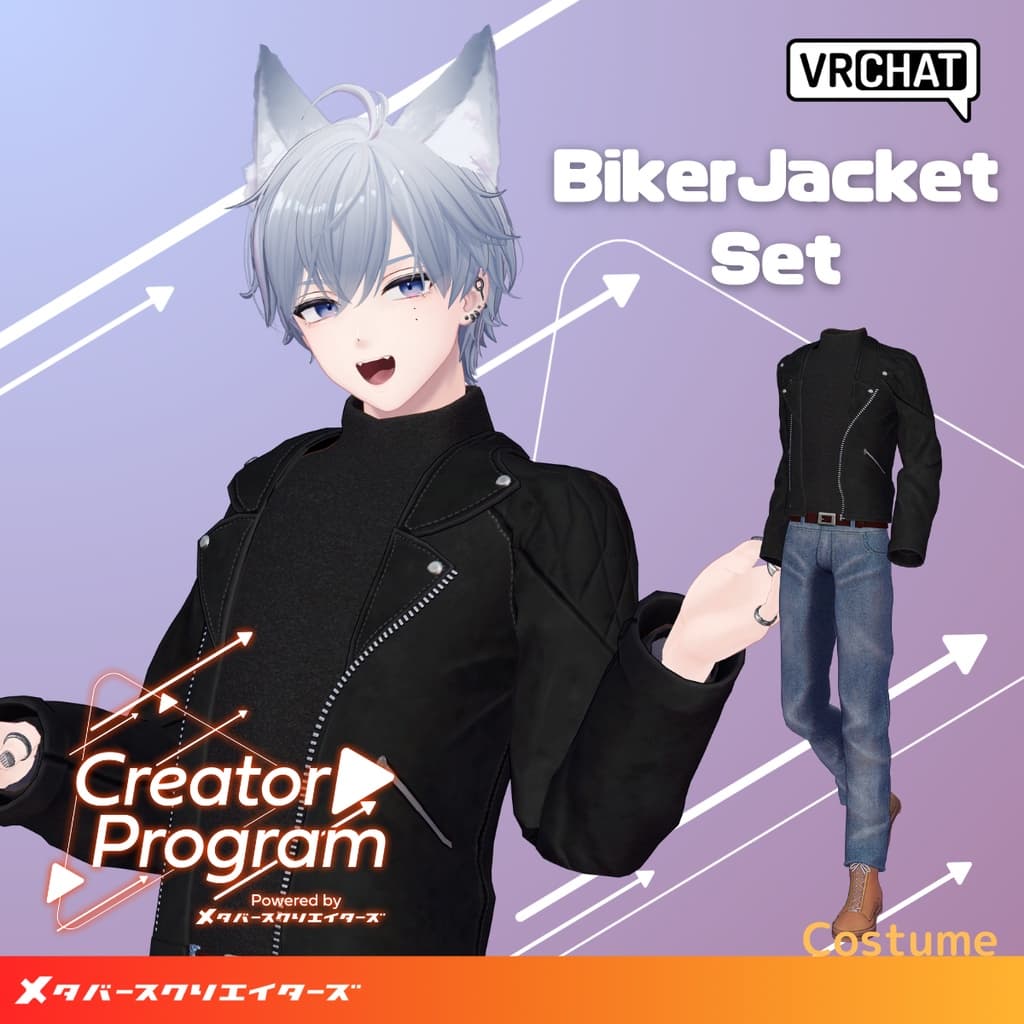
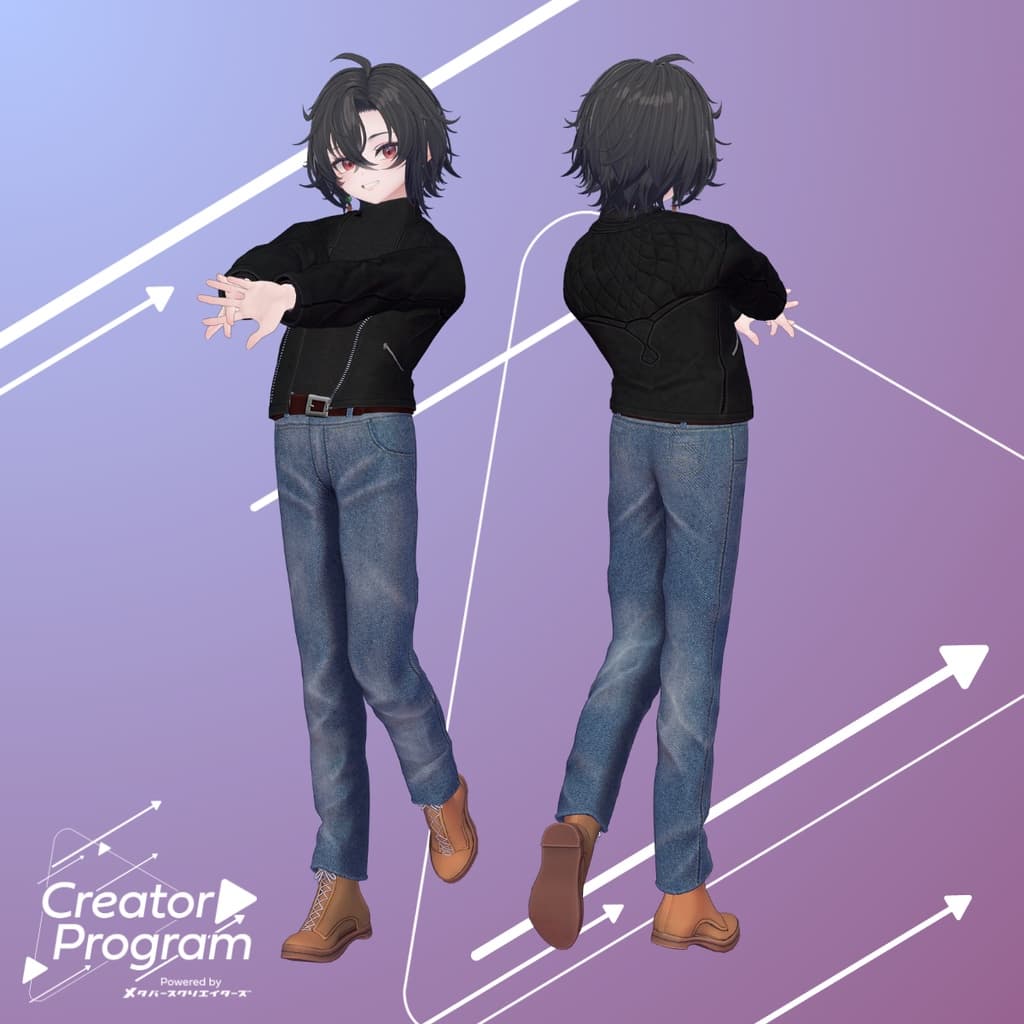
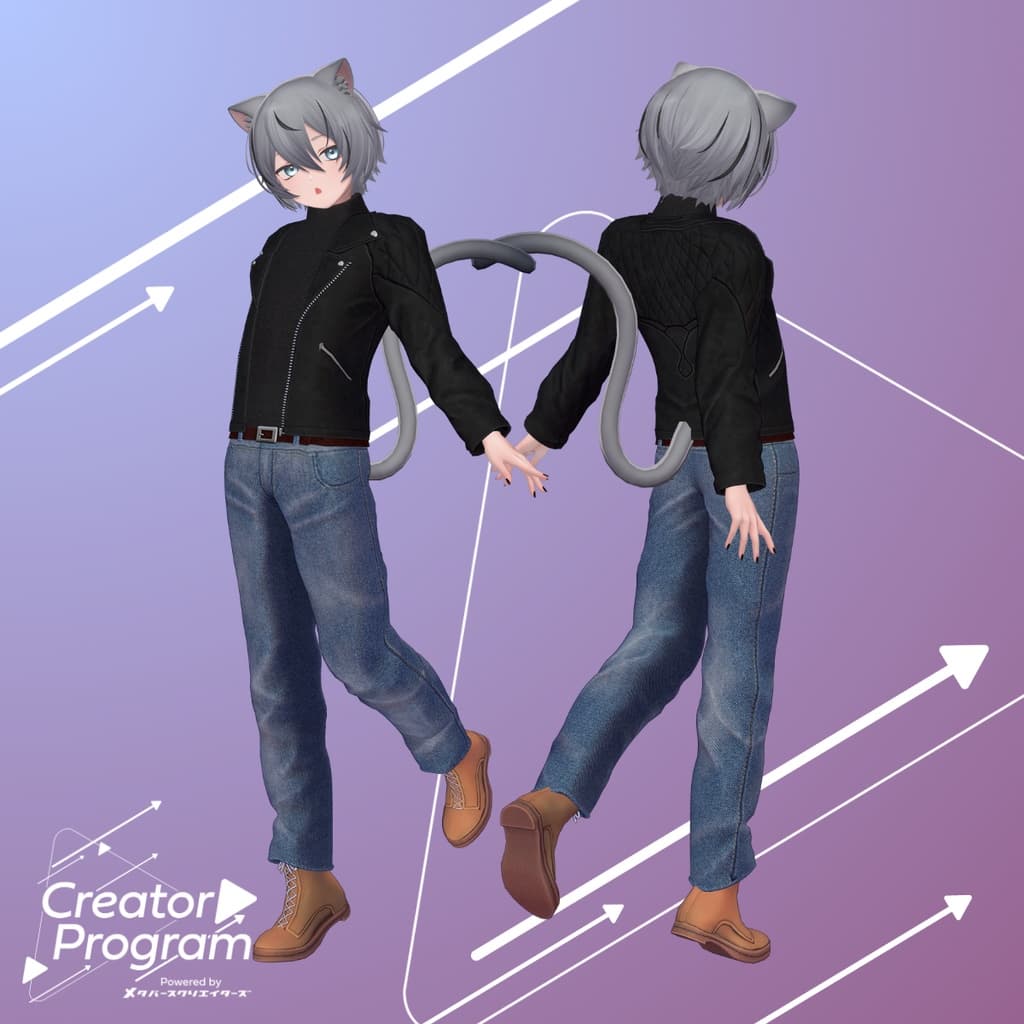
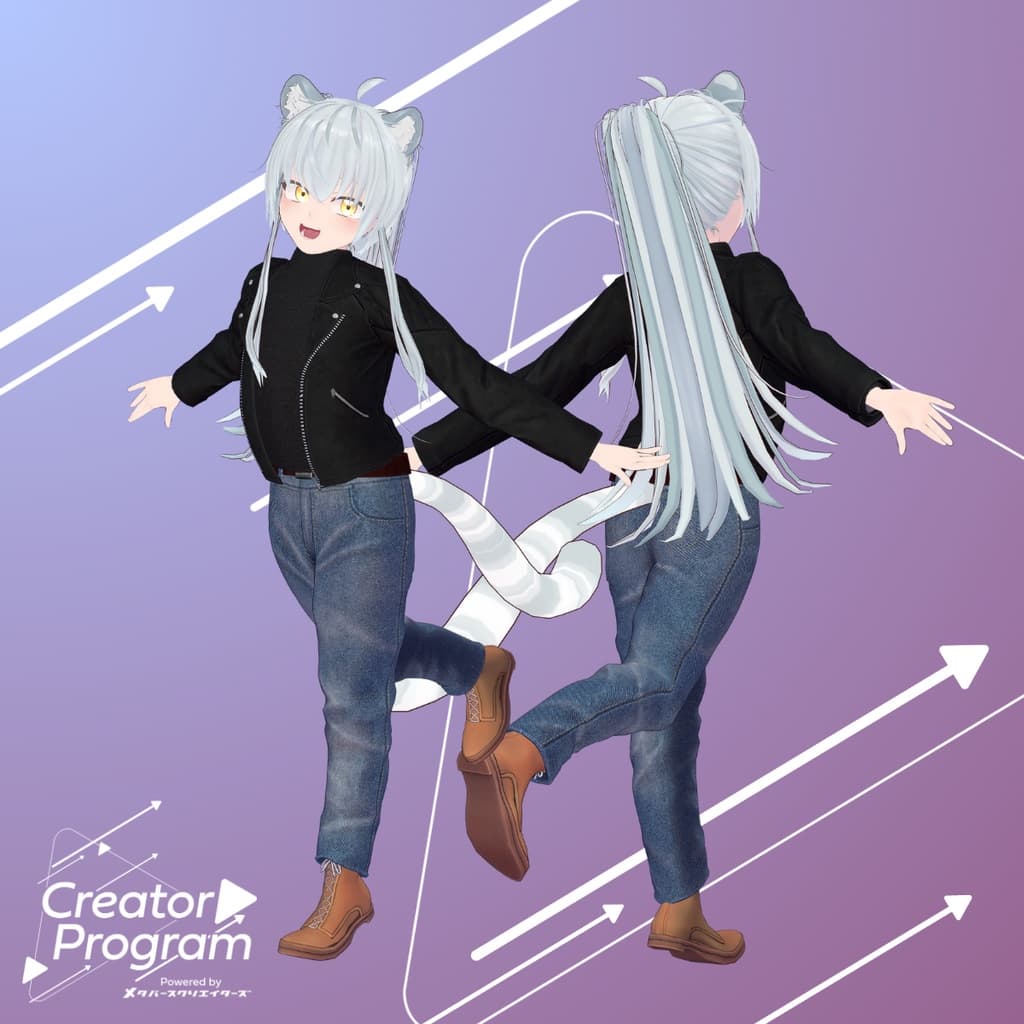
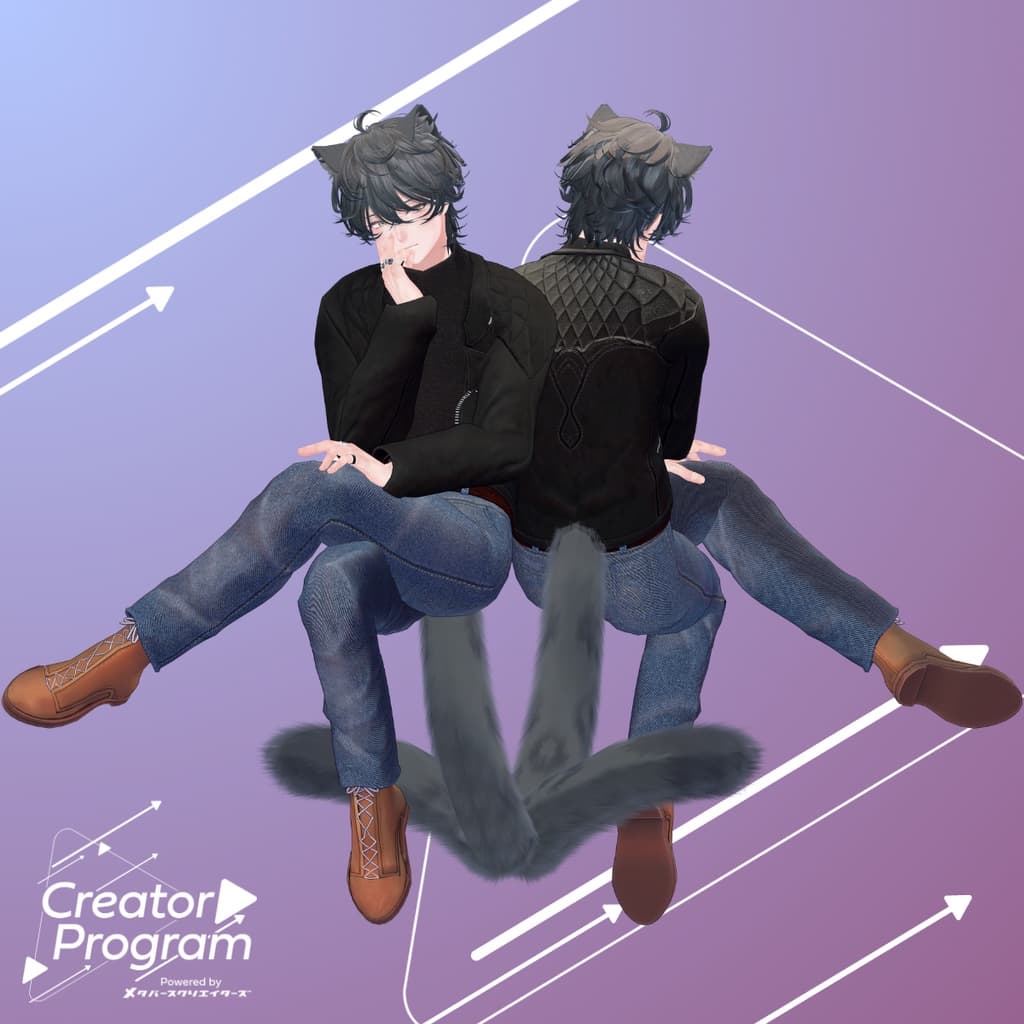
説明
◆Biker Jacket Set ◆
Creator: Kazura Inomoto
Overview
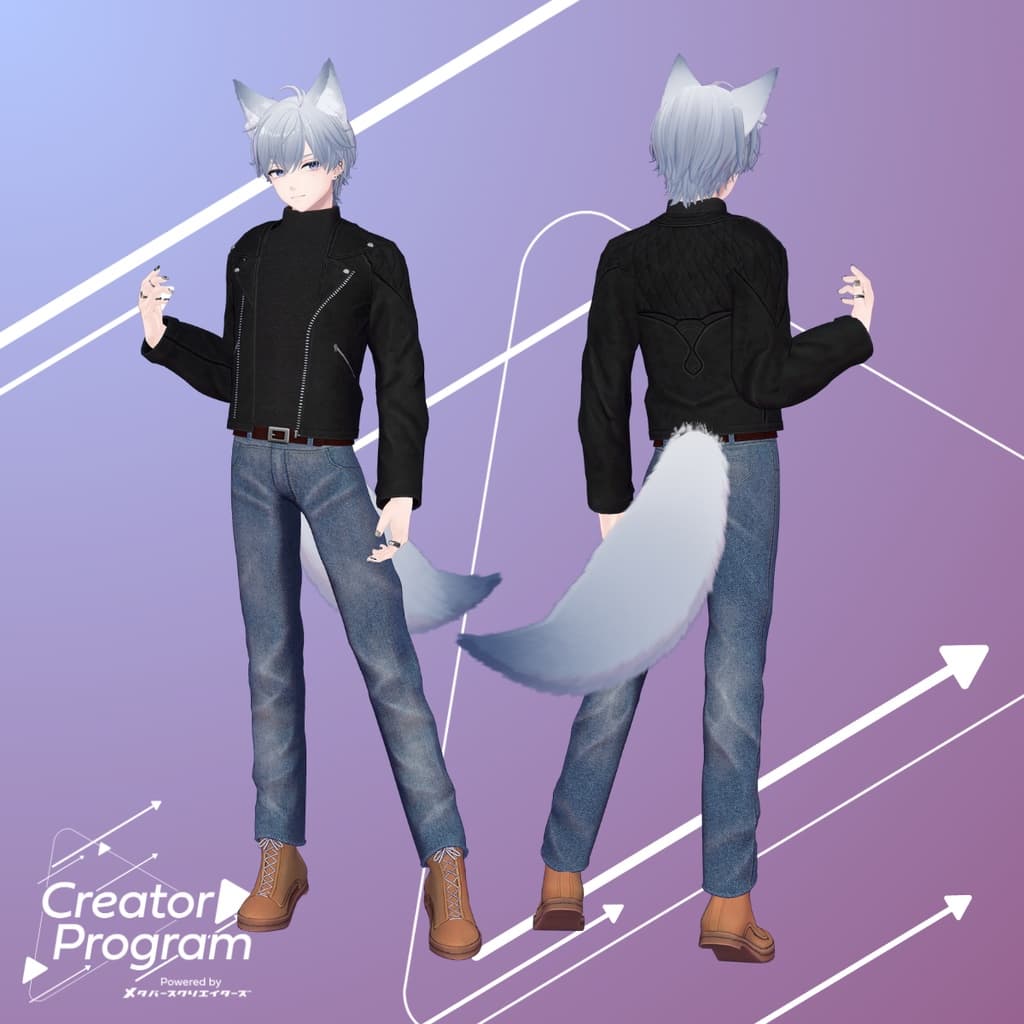
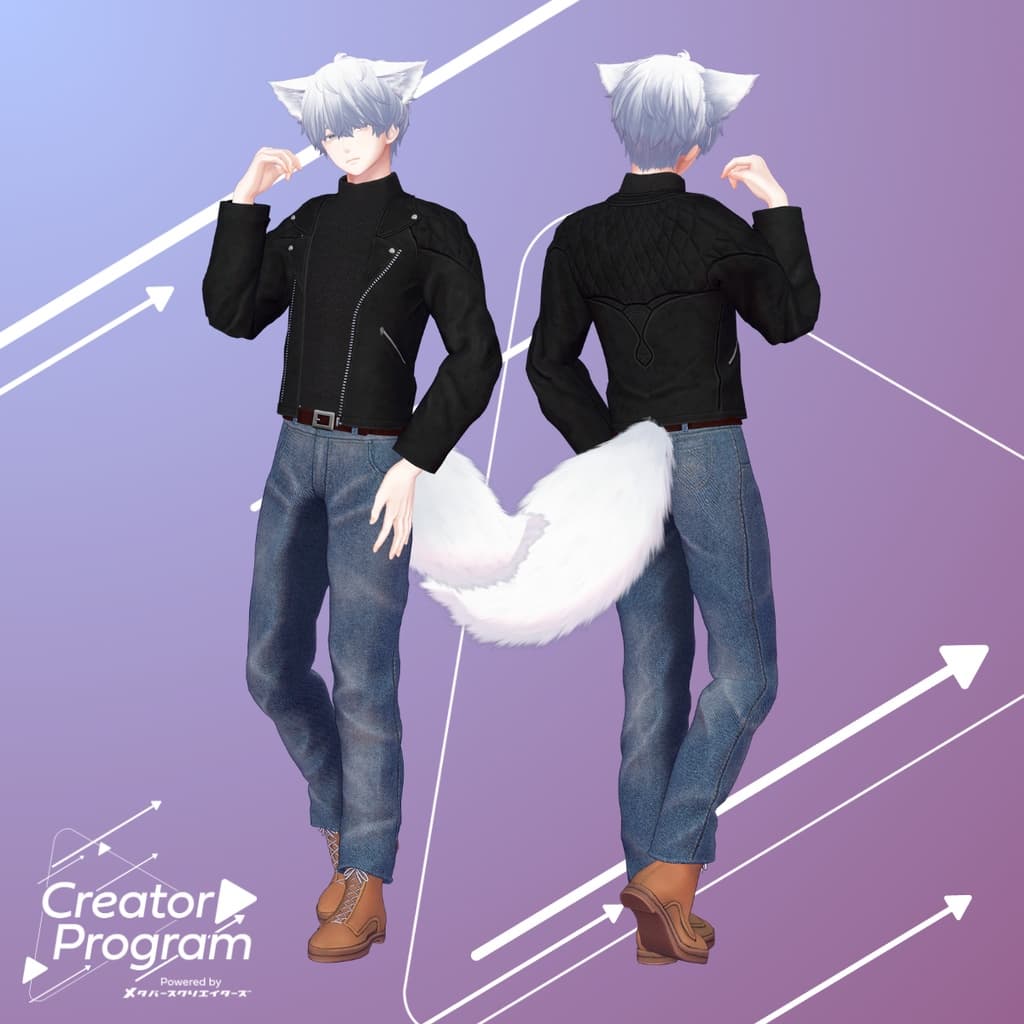
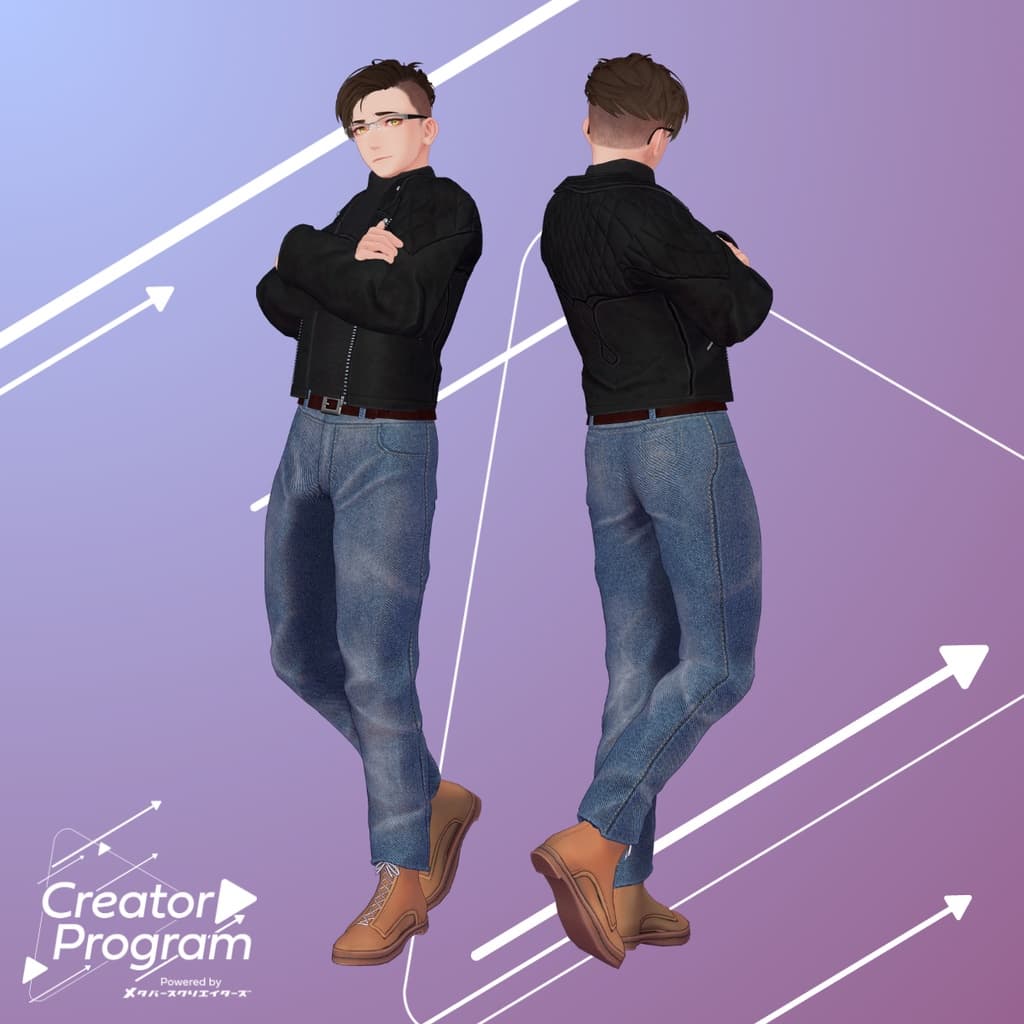
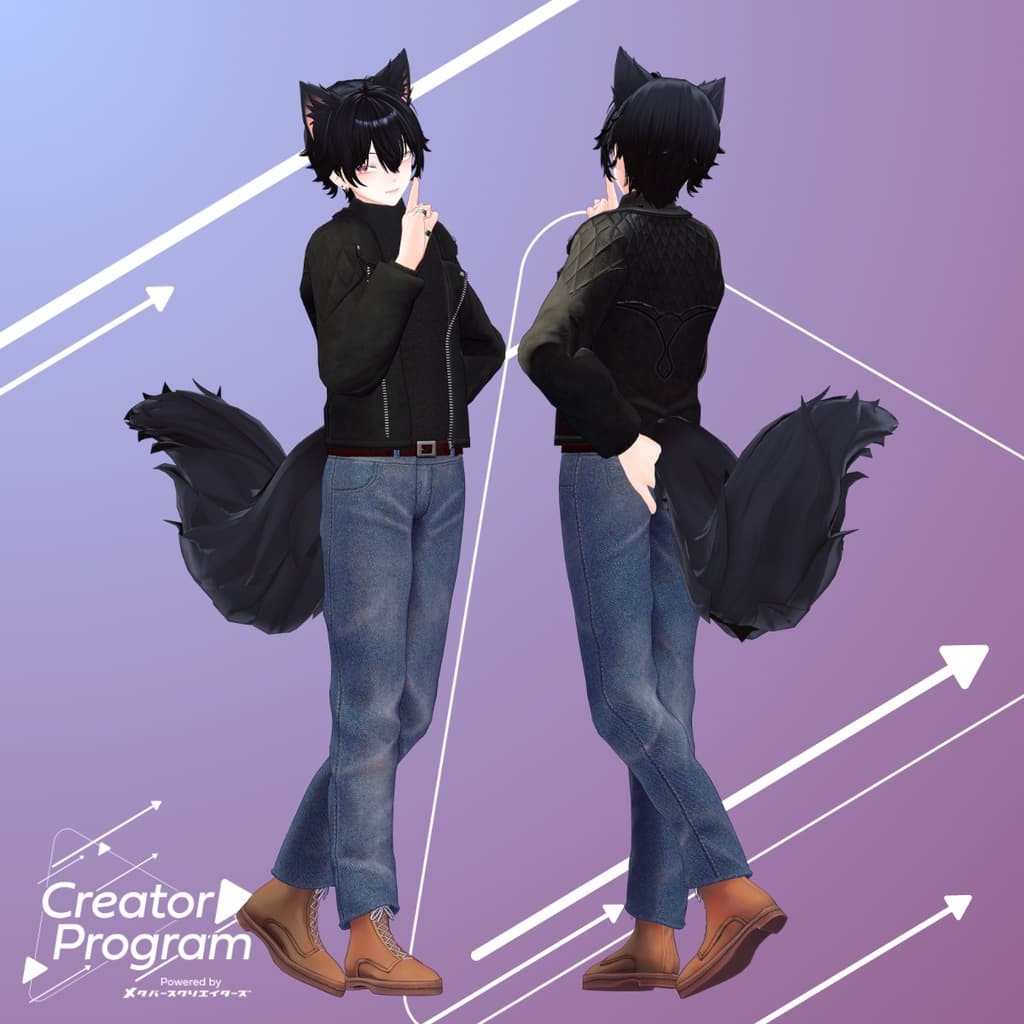
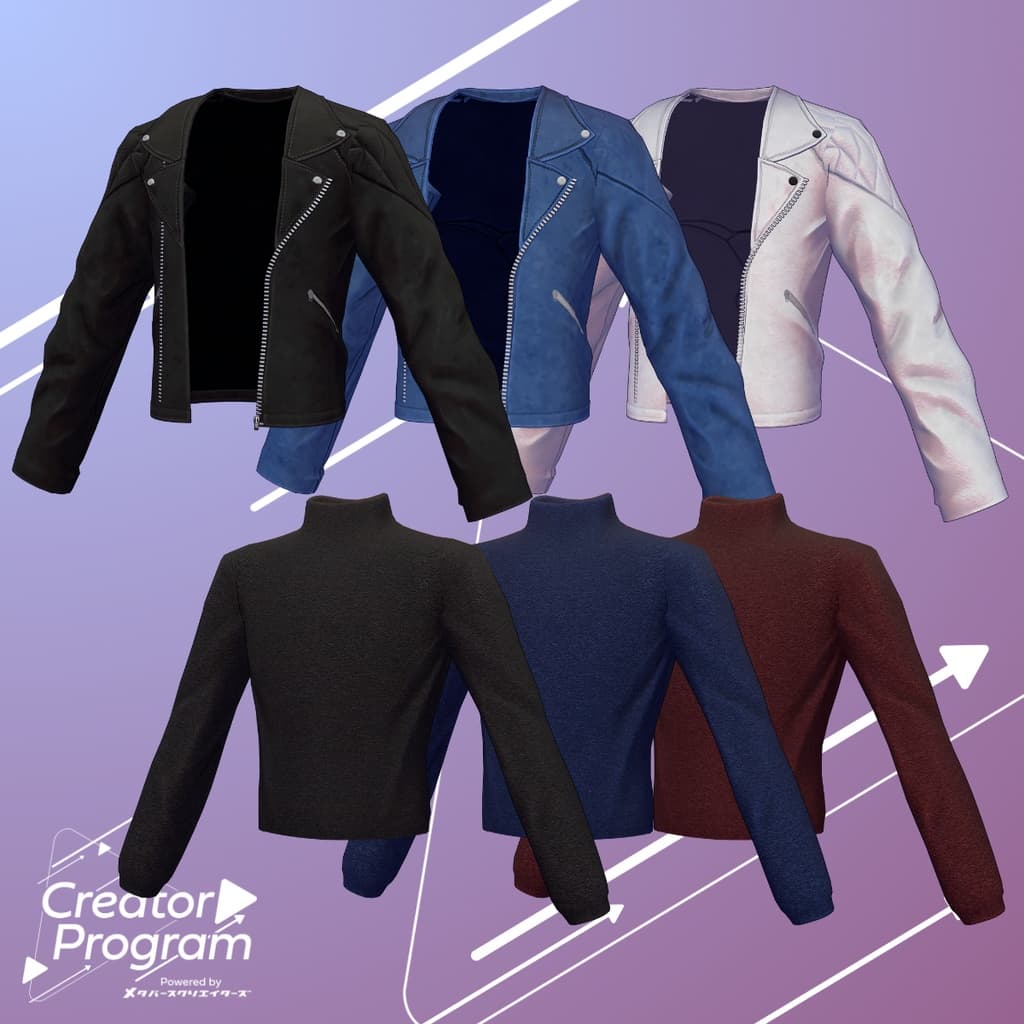
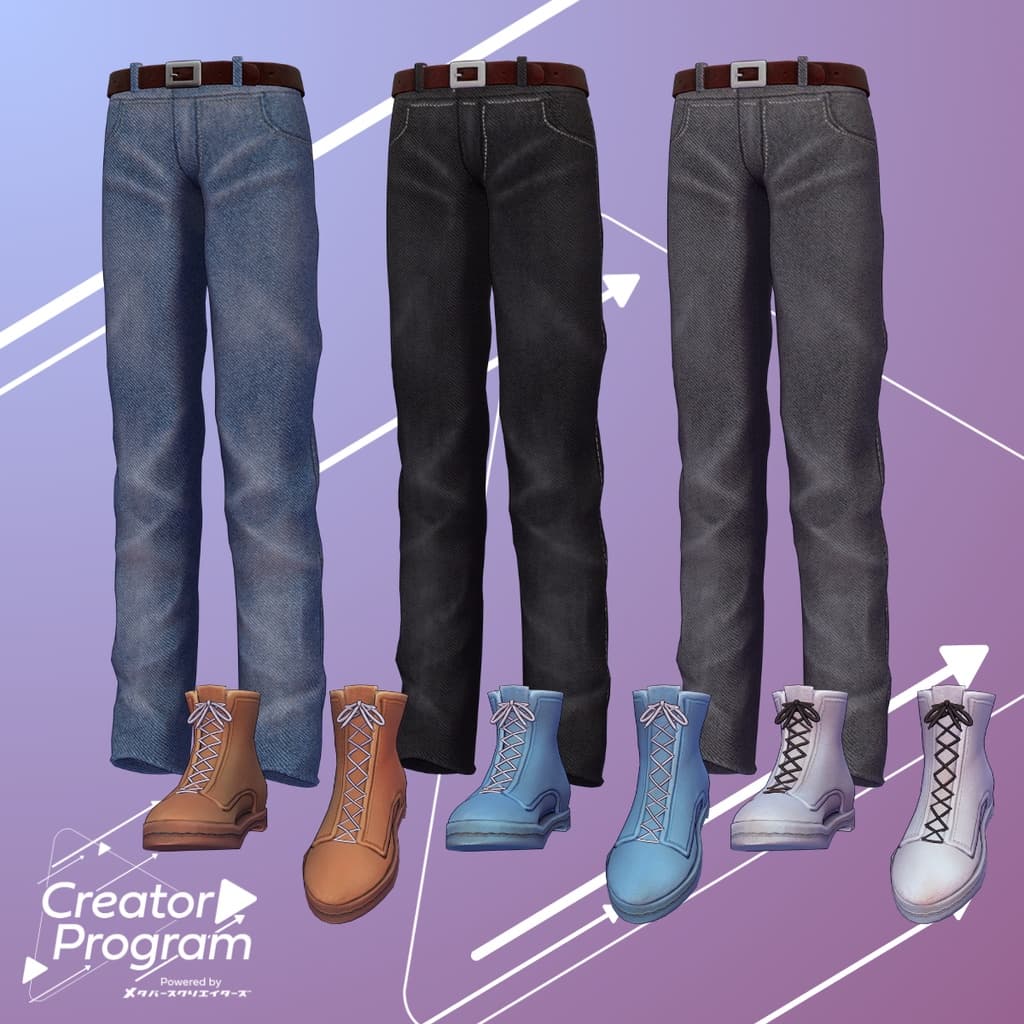
A simple yet stylish outfit set featuring a rider’s jacket paired with denim pants. The color scheme can easily be customized by replacing materials, allowing you to adapt the look to your personal taste.
Note:
This product is a clothing model for avatars. The base avatar data is not included.
Due to the nature of downloadable content, returns and refunds are not accepted. Please review and agree to the product description and Terms of Use before purchasing.
◆ About the Creator Program
The Creator Program is a creator support initiative by Metaverse Creators. The first phase features six creators under the theme “Outfits for Male Avatars.” More creators will be invited to participate in future program releases.
◆ Item Overview ● Contents
BJSet_[VariationName].Unitypackage
PSD file for editing
ReadMe.txt (this document)
Shader Used
liltoon https://lilxyzw.booth.pm/items/3087170
Required Asset
Modular Avatar https://modular-avatar.nadena.dev/ja/docs/intro
● Model Data
Total Polygons: 30,400 ├ Jacket: 12,058 ├ Inner: 2,700 ├ Bottom: 5,684 └ Shoes: 9,958
Meshes: 4
Materials: 4
PB Components: 0
Import Folder: Assets > MetaverseCreators_CP > INOMOTOHANTEN > [ItemName]
◆ Supported Avatars
Minase (for VRChat) #Minase3D https://booth.pm/ja/items/4013951
Komano (Original 3D Model) https://booth.pm/ja/items/5260363
Kuuta (Original 3D Model) #Kuuta3D https://booth.pm/ja/items/4897493
Tsuranari the Corporate Slave (Chinhan-tei shared body) https://booth.pm/ja/items/5498540
Bokusei (PlusHead body) https://booth.pm/ja/items/5727810
Hyakko – by Niyami https://booth.pm/ja/items/6328134
Kanata & Konata #BLUESTELLA https://bluestella1127.booth.pm/items/6813995
Hanka – by Studio YONO https://studioyono.booth.pm/items/6970249
When dressing the avatar, a shape key that hides the base body (making it appear stick-like) is used.
◆ Installation Instructions
Set up the latest VRC SDK using VCC.
Install the required assets (liltoon, Modular Avatar) via VCC.
Import the latest version of your avatar’s base package.
Import this outfit package.
Drag and drop the avatar (or its customization/outfit-change prefab) into the Scene’s Hierarchy.
Hide or mark as Editor Only any unnecessary clothing (e.g., default outfit or underwear).
Drag and drop BJSet_For_[AvatarName].Prefab directly under the avatar.
Upload the avatar using VRC SDK.
Note: This outfit uses Modular Avatar’s “MA Shape Changer” feature. When placed under the avatar, the outfit automatically activates body shape keys — slimming the body or hiding parts of the mesh — to ensure the outfit and body do not clip.
If you wish to use only certain parts of the outfit, you can remove unnecessary “MA Shape Changer” components attached to the parent object.
For +Head avatars, the mesh names may differ (this data uses “PlusHead”). If the component doesn’t work correctly, please rename the avatar’s mesh or adjust the shape keys manually.
If, after dressing, parts of the body appear unintentionally thinned, reset the relevant shape keys to 0 to restore the correct display.
When using Komano’s outfit-change prefab, please hide the “Trunks” object before use.
◆ Color Customization
You can switch color variations by replacing the materials in: Common > Material folder. You may also use the included PSD or CLIP files to edit and create your own custom color schemes.
◆ Terms of Use
https://drive.google.com/drive/folders/1qRMXoIxM1ZgacBPfwOigQRtXP1vCbNMn?usp=sharing
Please follow the terms of use of the base avatar when applying this outfit.
◎ Special Note
This outfit can be converted into merchandise within the “MyAvatarGoods” world.
◆ Production Environment
Modeling: Blender Ver. 4.0.2
Texturing: Adobe Substance 3D Painter 9.1
Setup: Unity Ver. 2022.3.22f1
VRChat SDK – Avatars Ver. 3.7.3 (VCC)
liltoon 1.8.5
Modular Avatar 1.11.1
◆ Credits
Creator: Kazura Inomoto
Portfolio: https://inomotokazura.myportfolio.com/
Personal BOOTH: https://inomotokazura.booth.pm/
Support / Inquiries: Discord: https://discord.gg/bmw3PWE37M