

THE Gakuseifuku Schoolwear - VRChat Men's Clothing / CP6
 MetaCreatorsTYO EN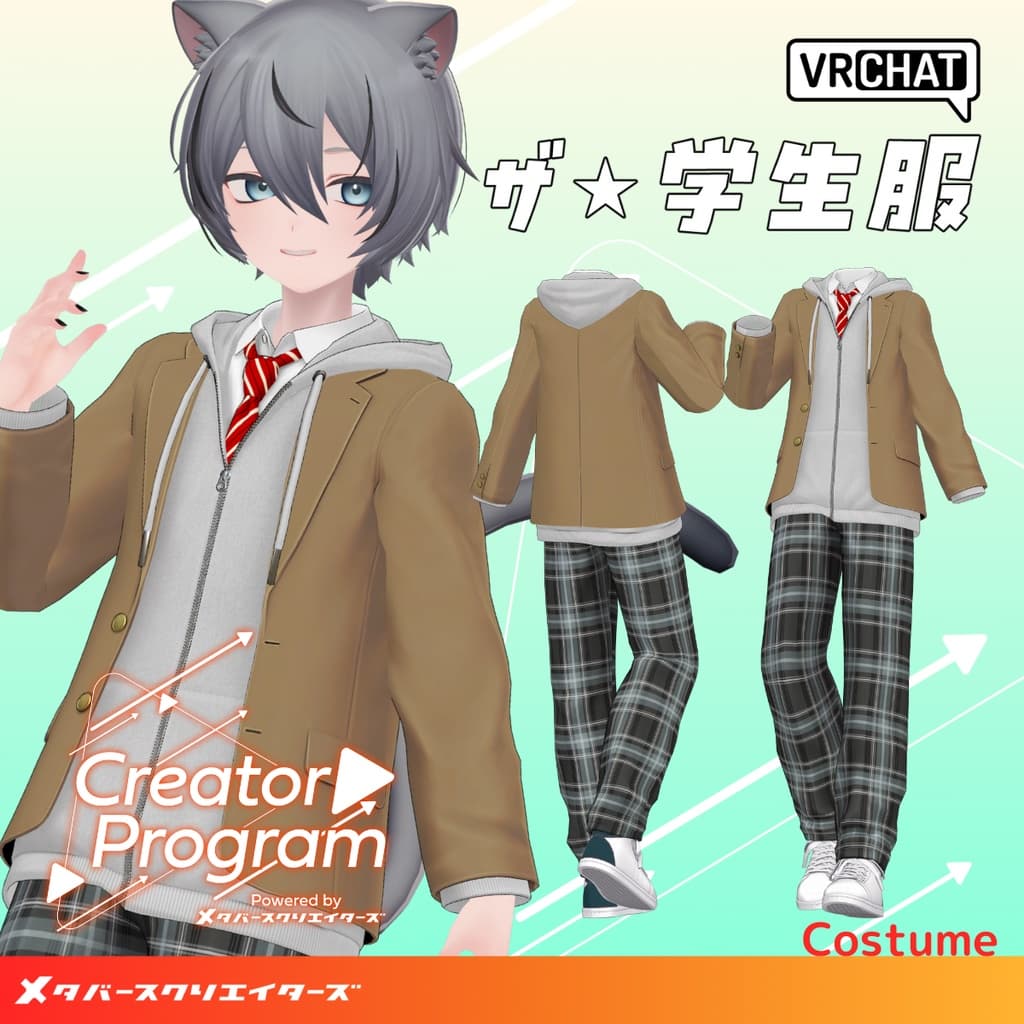
説明
◆ theGAKUSEIFUKU ◆
Creator: Mikejin
Overview
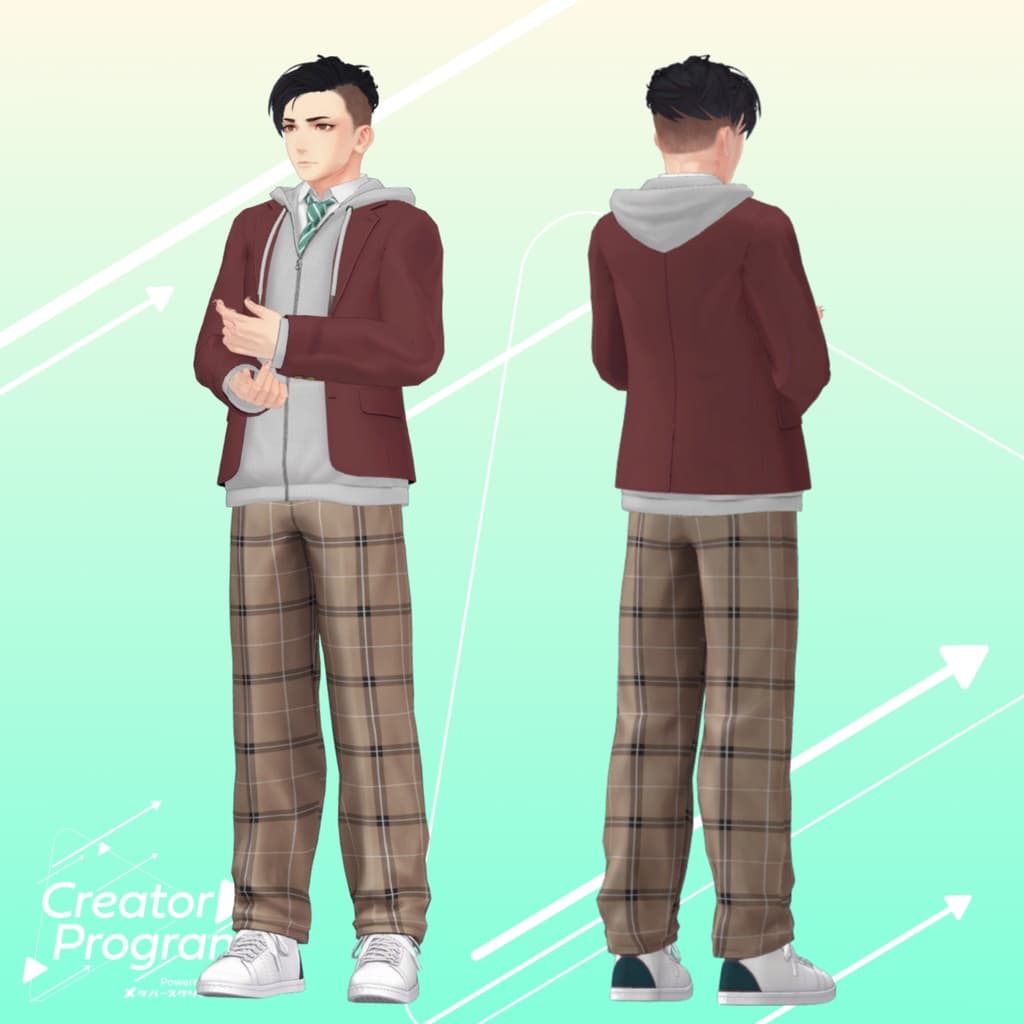
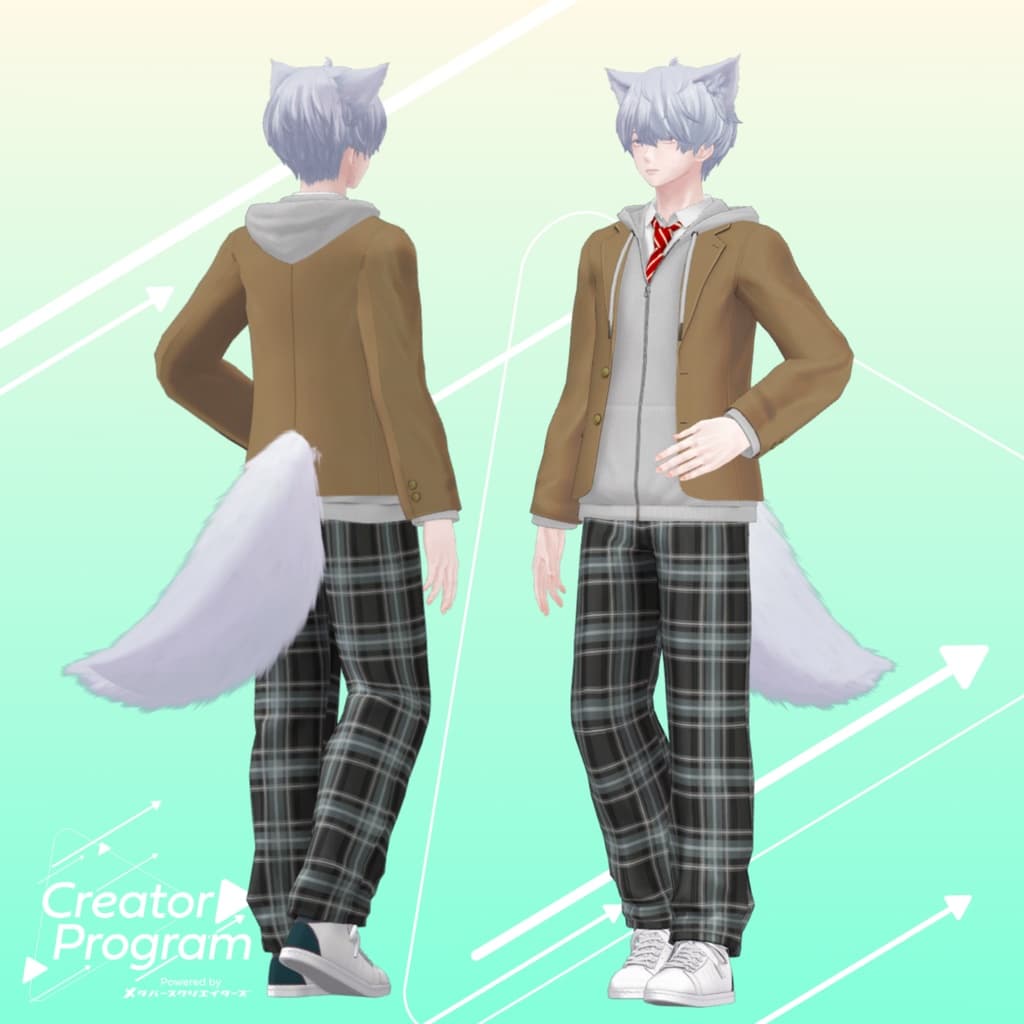
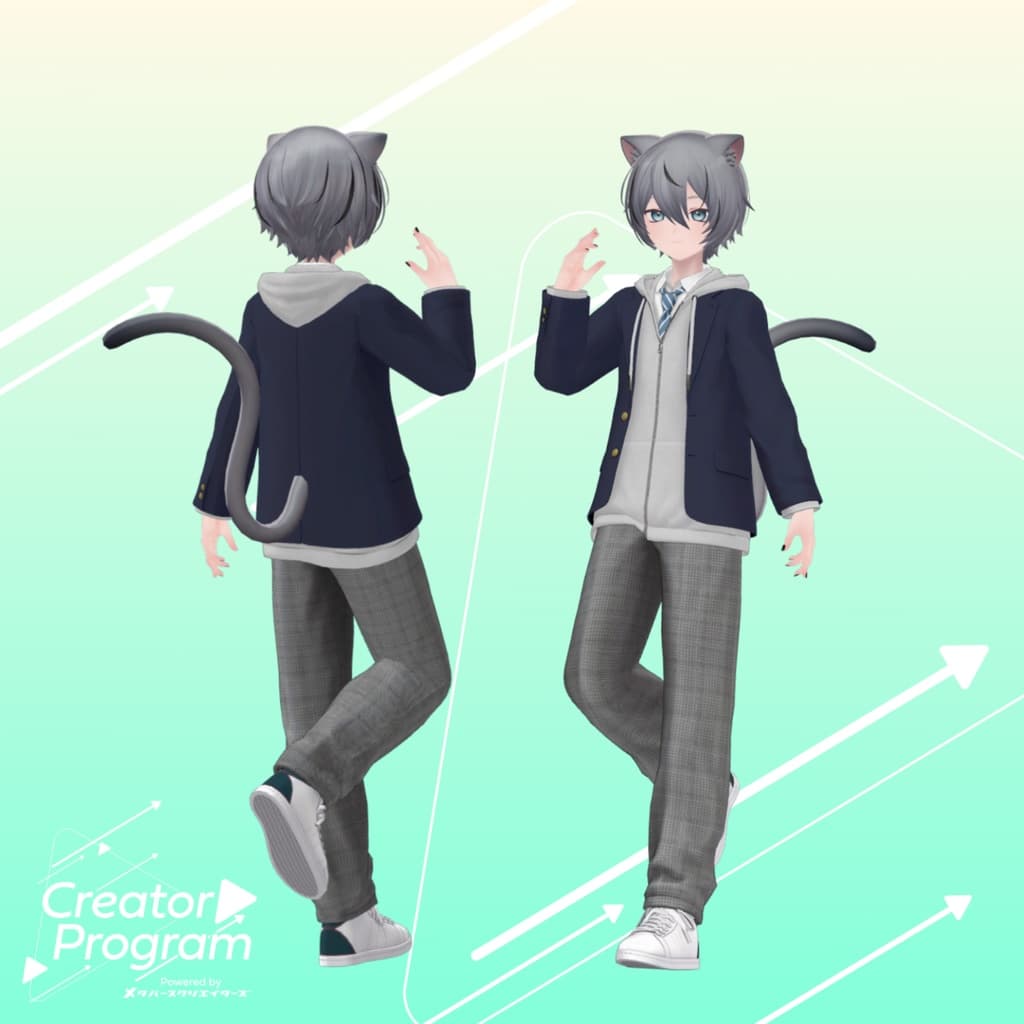
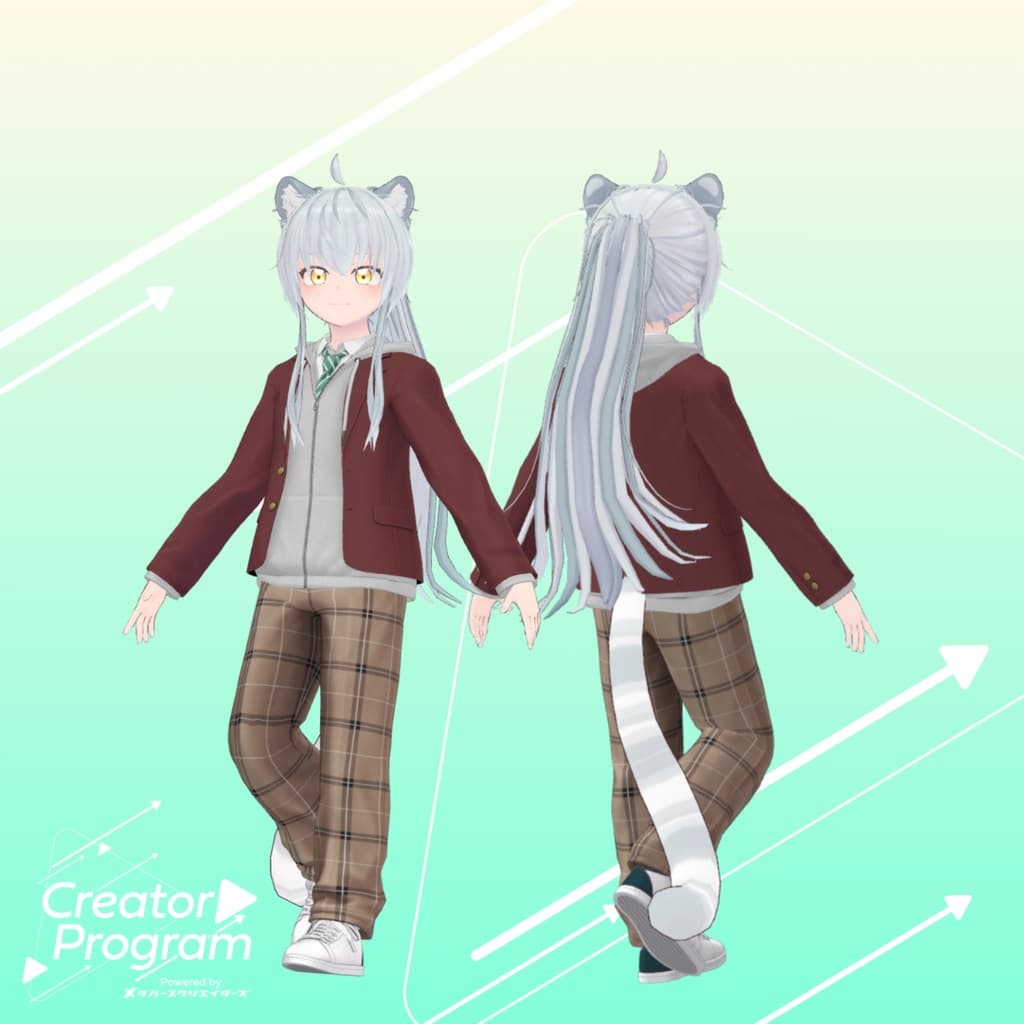
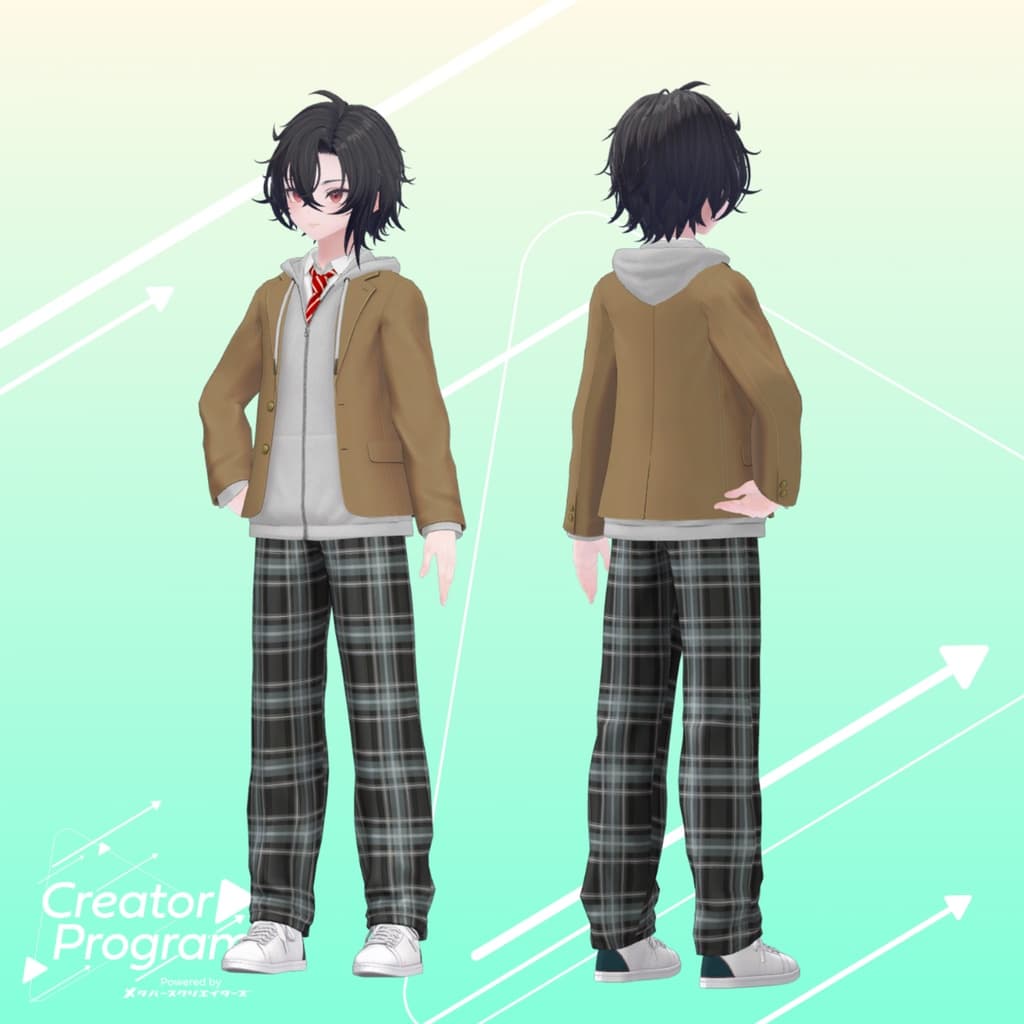
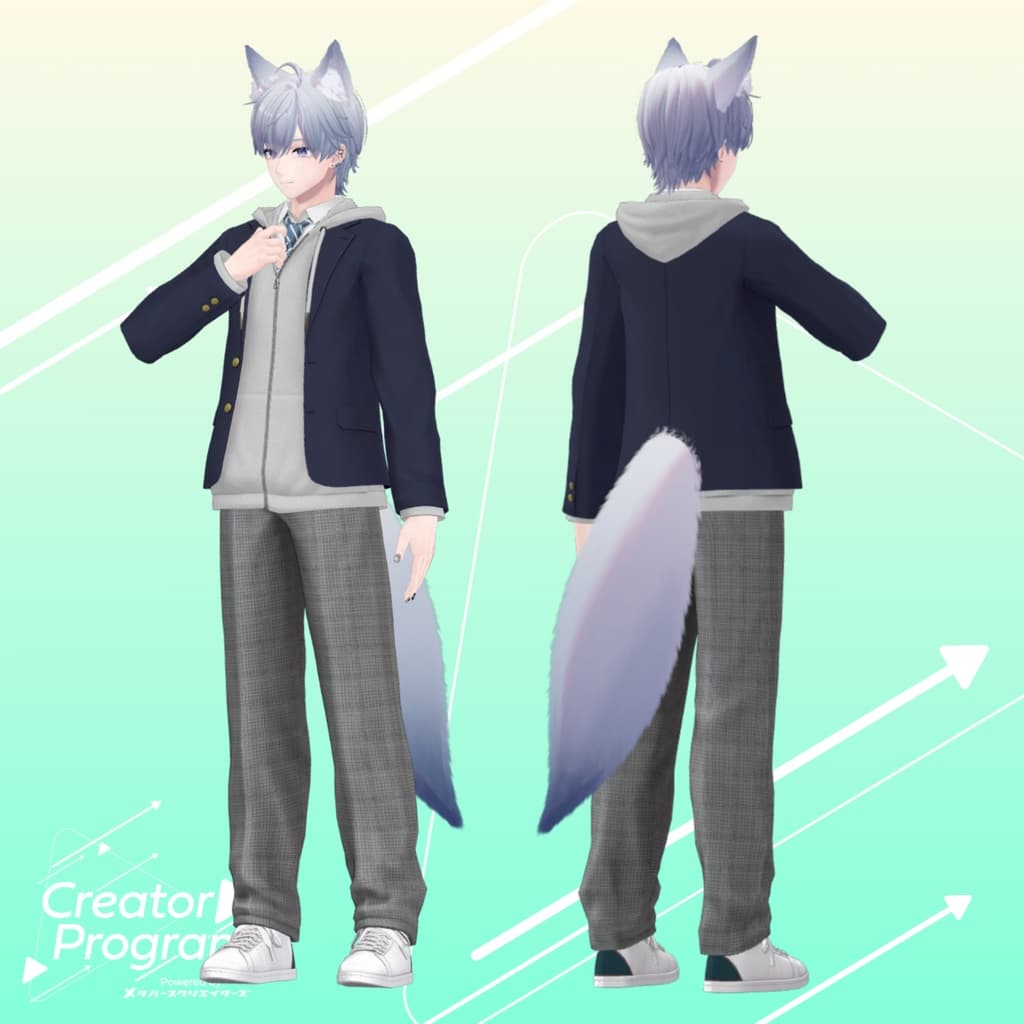
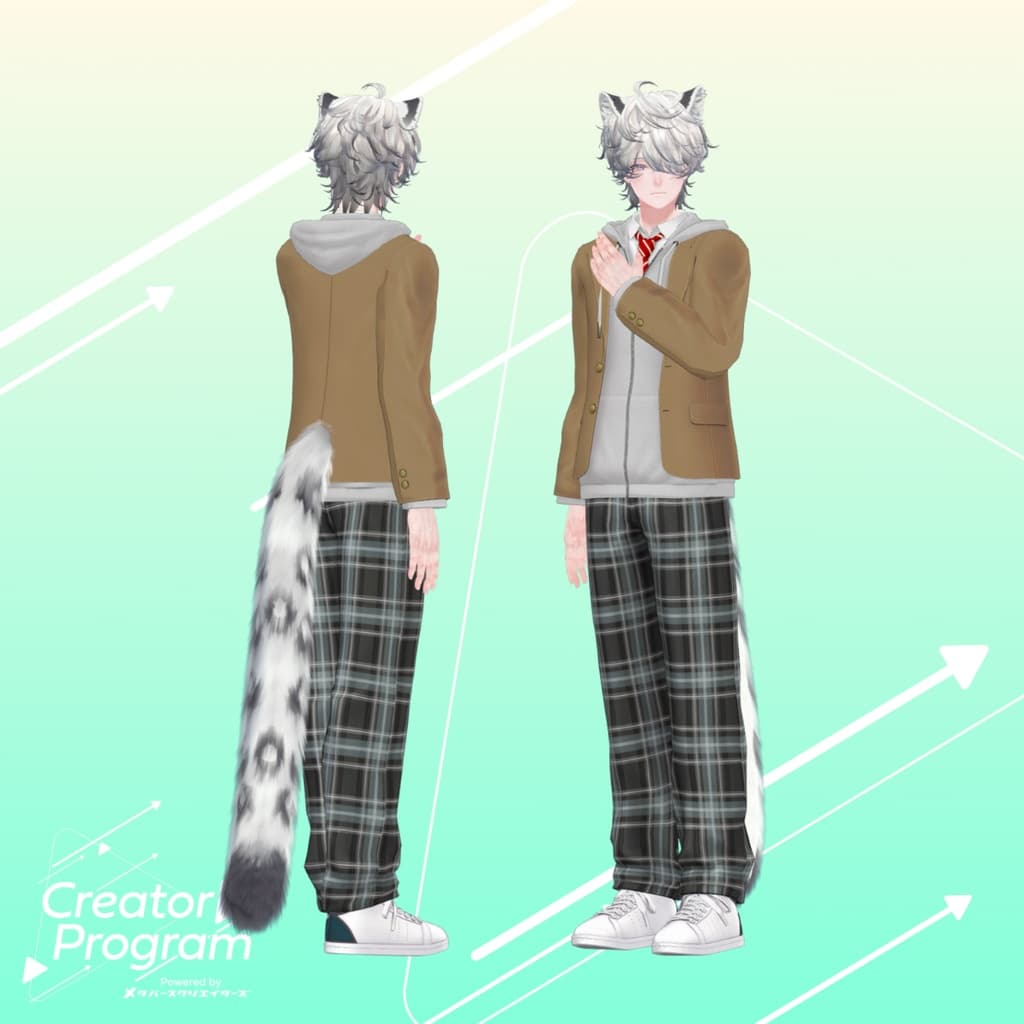
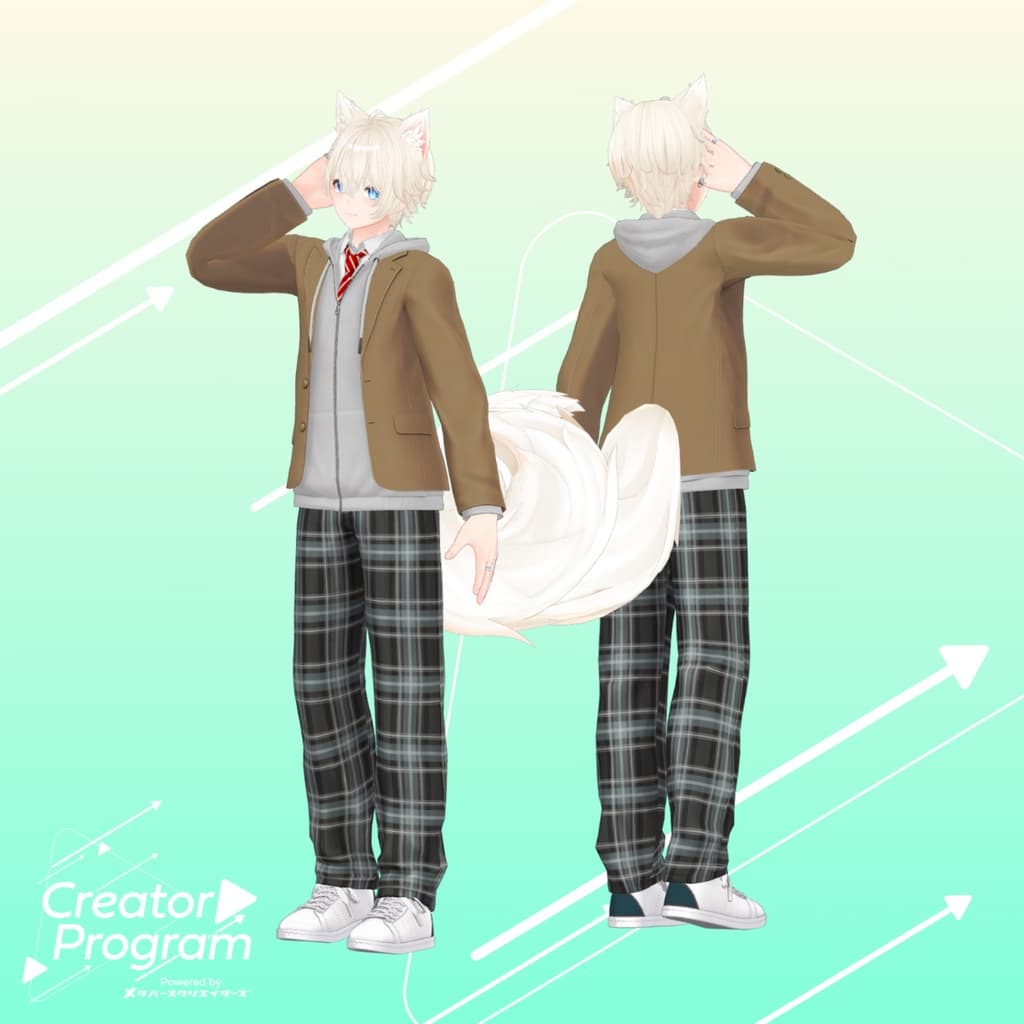
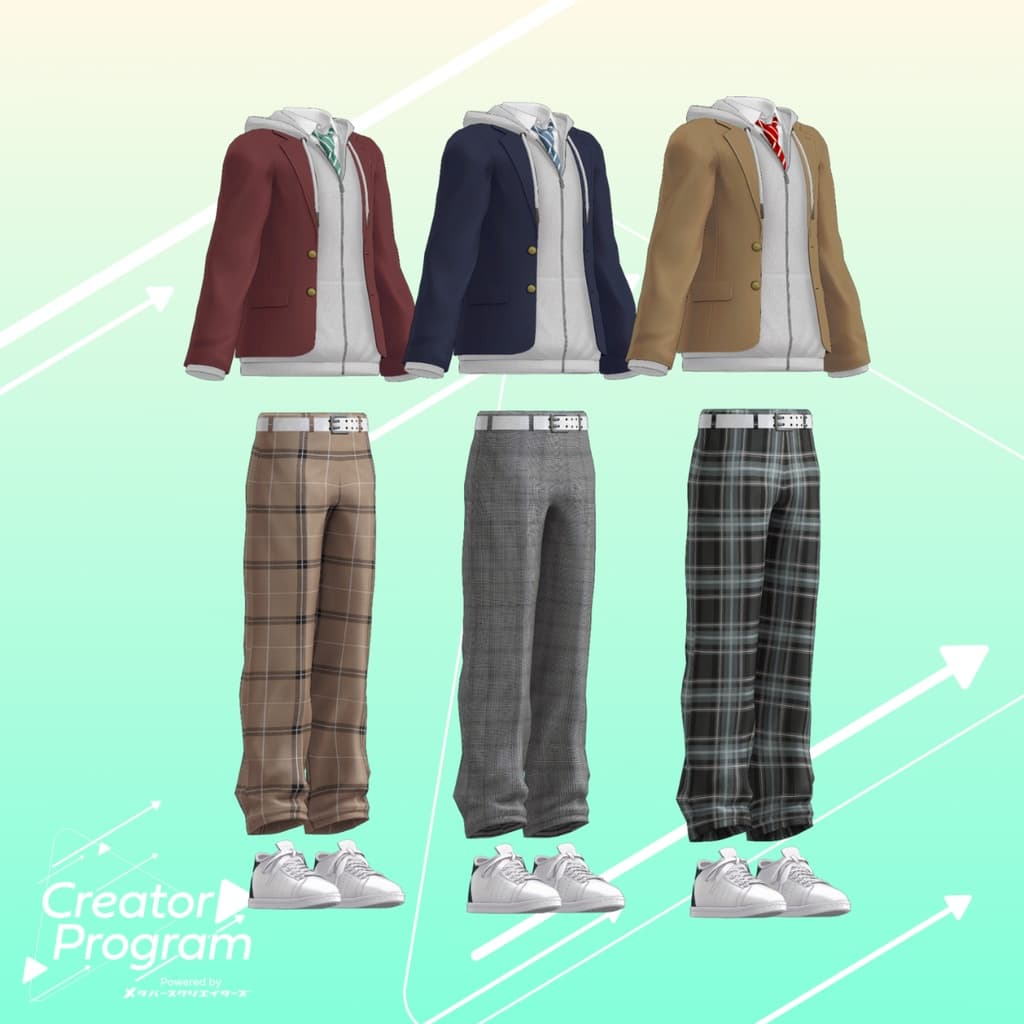
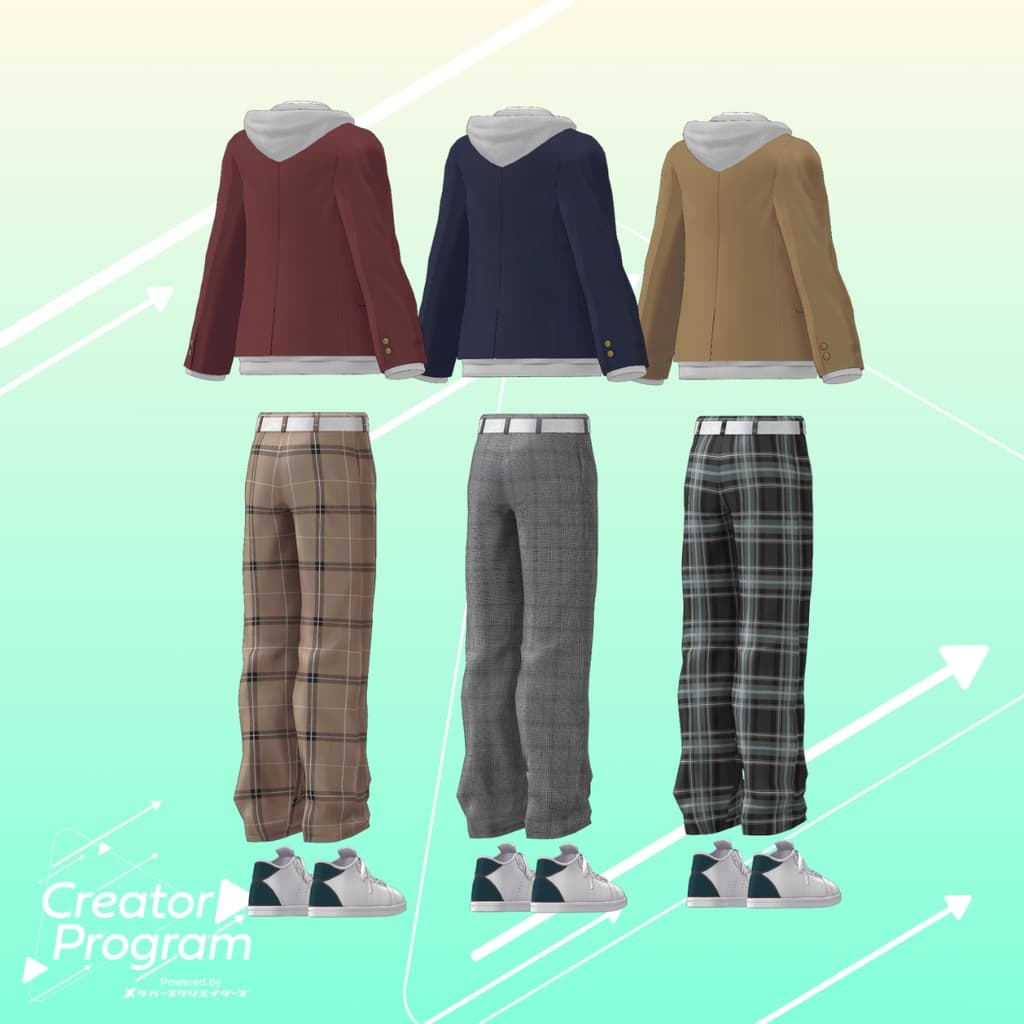
A classic yet modern student uniform designed for a comfortable and stylish V-Academy life. The premium blazer creates a clean and elegant silhouette, while the hoodie adds a playful casual touch. The check-pattern pants serve as a modern accent that completes the look.
Note:
This product is a clothing model for avatars. The base avatar data is not included.
Due to the nature of downloadable products, returns and refunds cannot be accepted. Please review and agree to the product description and Terms of Use before purchasing.
◆ Item Overview ● Contents
theGAKUSEIFUKU_[VariationName].Unitypackage
PSD/CLIP files for editing
ReadMe.txt (this document)
Shader Used
liltoon https://lilxyzw.booth.pm/items/3087170
Required Asset
Modular Avatar https://modular-avatar.nadena.dev/ja/docs/intro
● Model Data
Total Polygons: 31,146 ├ Blazer: 7,068 ├ Tops (Hoodie & White Shirt): 9,252 ├ Bottoms: 5,550 └ Sneakers: 9,276
Meshes: 4
Materials: 4
PB Components: 1
Import Folder: Assets > MetaverseCreators_CP > Mikejin_MIKEYA3D > theGAKUSEIFUKU
◆ Supported Avatars
Minase (for VRChat) #Minase3D https://booth.pm/ja/items/4013951
Komano (Original 3D Model) https://booth.pm/ja/items/5260363
Kuuta (Original 3D Model) #Kuuta3D https://booth.pm/ja/items/4897493
Tsuranari the Corporate Slave (Chinhan-tei shared body) https://booth.pm/ja/items/5498540
Bokusei (PlusHead body) https://booth.pm/ja/items/5727810
Hyakko – by Niyami https://booth.pm/ja/items/6328134
When dressing the avatar, a shape key that hides the body (making it appear stick-like) is used.
◆ Installation Instructions
Set up the latest VRC SDK using VCC.
Install the required assets (liltoon, Modular Avatar) via VCC.
Import the latest package of the avatar base model.
Import the theGAKUSEIFUKU Unity package.
Drag and drop the avatar (or its outfit/customization prefab) into the Scene’s Hierarchy.
Hide or mark as Editor Only any unnecessary clothing (e.g., default outfit or underwear).
Drag and drop theGAKUSEIFUKU_[AvatarName].Prefab directly under the avatar.
Upload the avatar using VRC SDK.
Note: This outfit uses Modular Avatar’s “MA Shape Changer” feature. When the outfit is placed under the avatar, the avatar’s body shape keys automatically activate — either slimming the body or hiding certain mesh parts — allowing the outfit to fit naturally without clipping.
If you wish to use only parts of the outfit, you can delete unnecessary “MA Shape Changer” components from the parent object.
For +Head avatars, body mesh names may differ (this package uses “PlusHead”). If the component does not work correctly, please rename the body mesh or manually adjust the shape keys.
◆ Terms of Use
https://drive.google.com/drive/folders/1qRMXoIxM1ZgacBPfwOigQRtXP1vCbNMn?usp=sharing
Please follow the usage terms of the base avatar when using this outfit.
◆ Production Environment
Modeling: Blender Ver. 4.1.0
Texturing: CLIP STUDIO PAINT
Setup: Unity Ver. 2022.3.22f1
VRChat SDK – Avatars Ver. 3.7.3 (VCC)
liltoon 1.8.5
Modular Avatar 1.11.1
◆ Credits
Creator: Mikejin
Website: https://www.mikeya3d.com/
Personal BOOTH: https://powermohumohu.booth.pm/
Alternate BOOTH: https://powermofumofu.booth.pm/
Font Used: Some textures in this outfit utilize fonts created by Yuta ONE (X: @yuta_ptv) https://booth.pm/ja/items/2909722
Support / Inquiries: Discord: https://discord.gg/bmw3PWE37M