

Elegant Drape Shoulder Suit Set - VRChat Women's Clothing / CP1
 MetaCreatorsTYO EN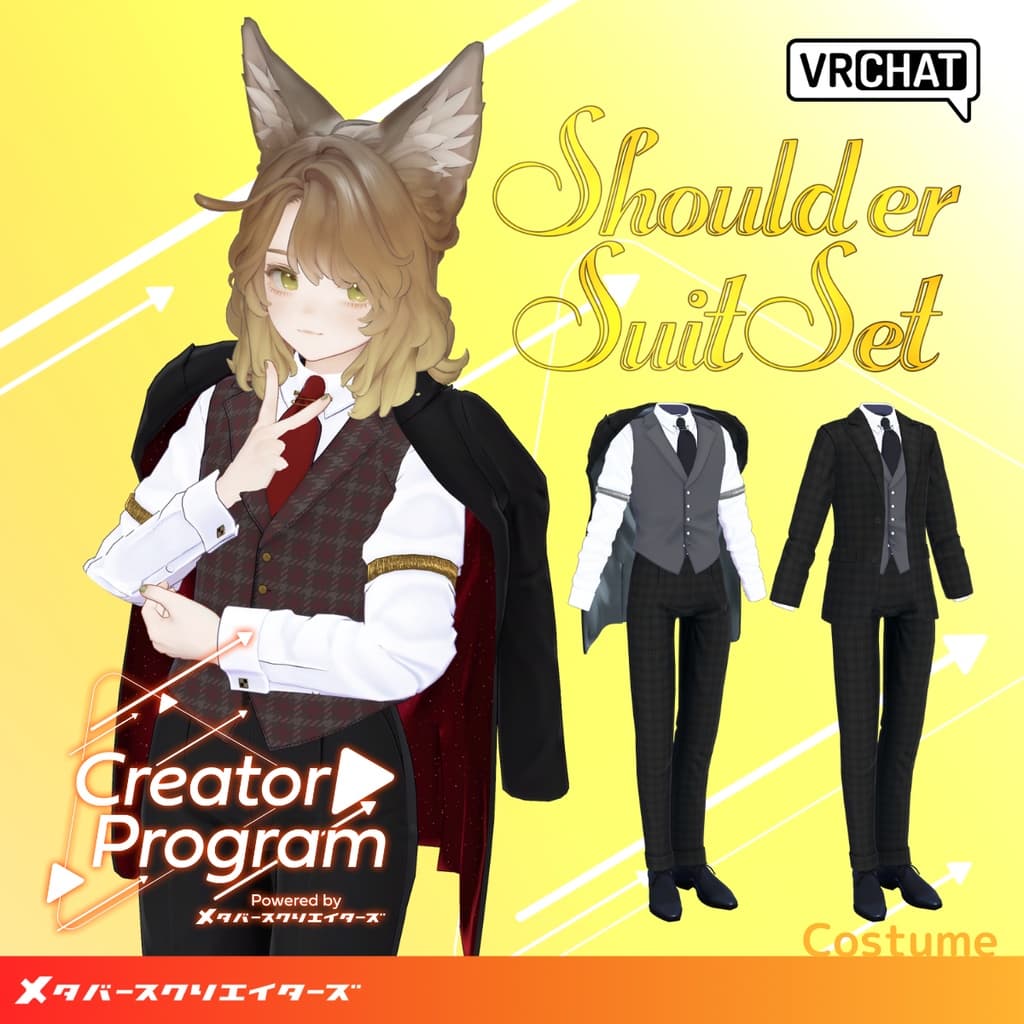
説明
◆Elegant Drape Shoulder Suit Set ◆
Creator: Takeru
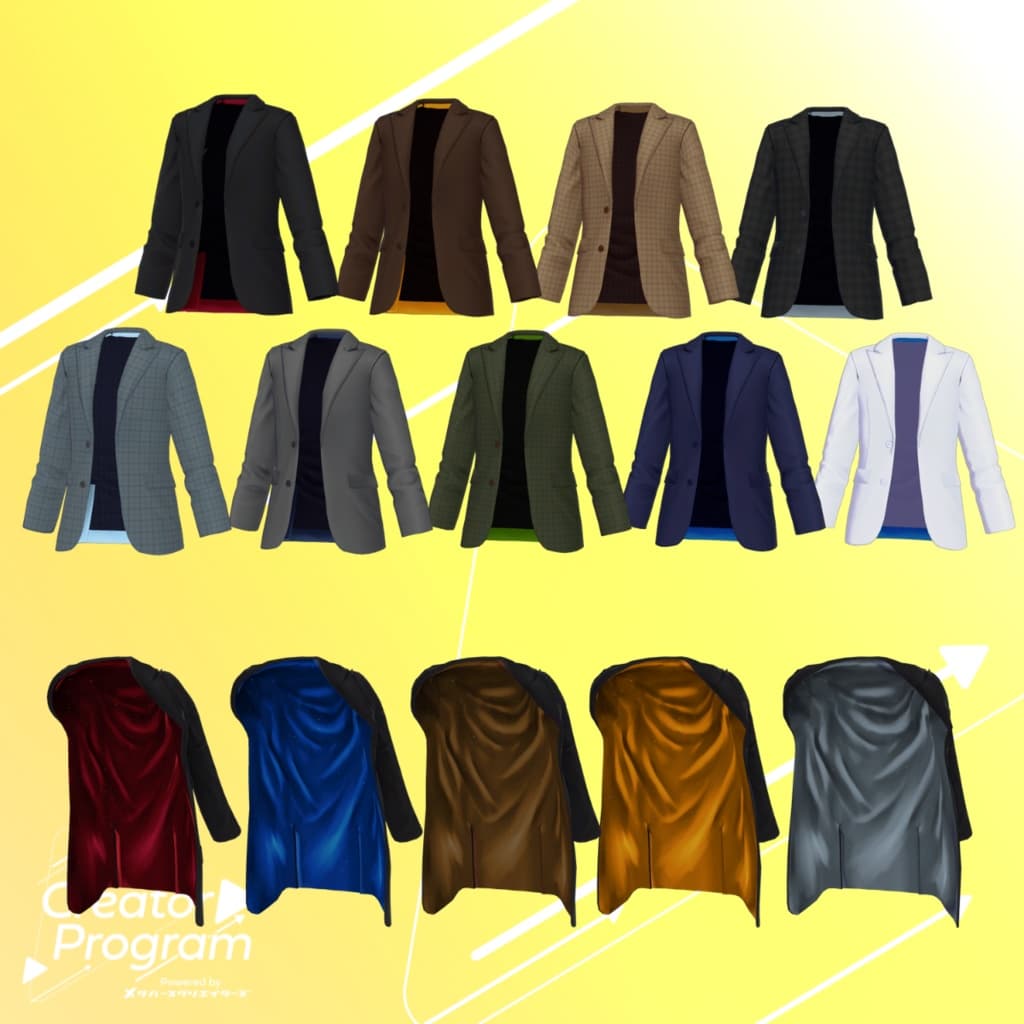
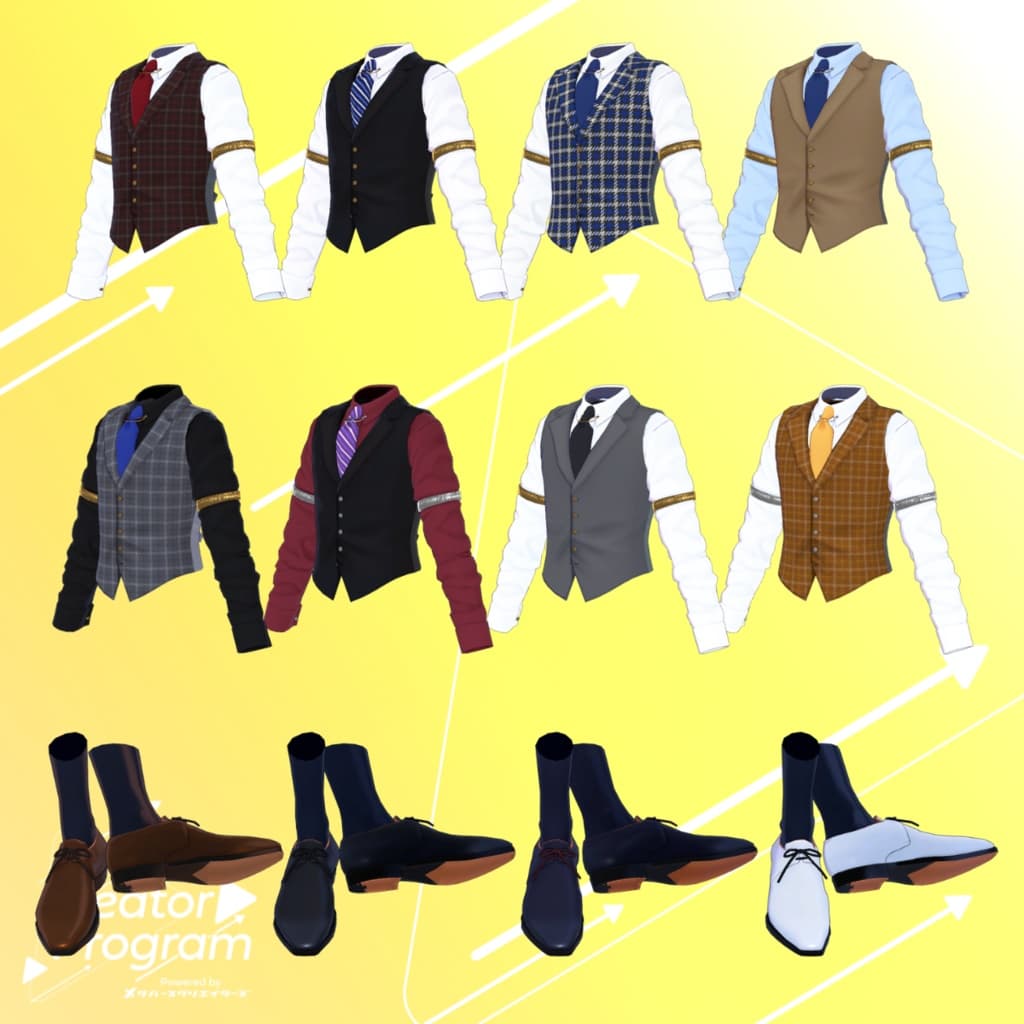
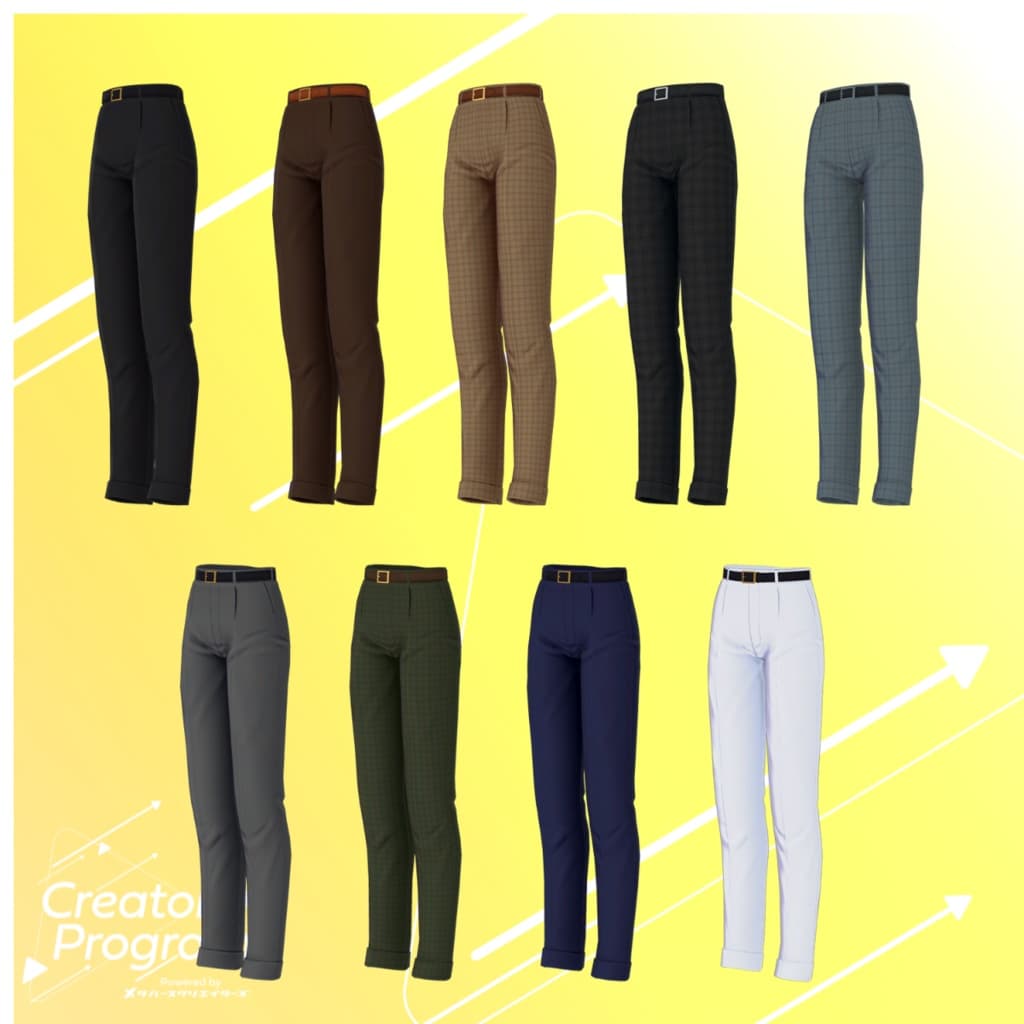
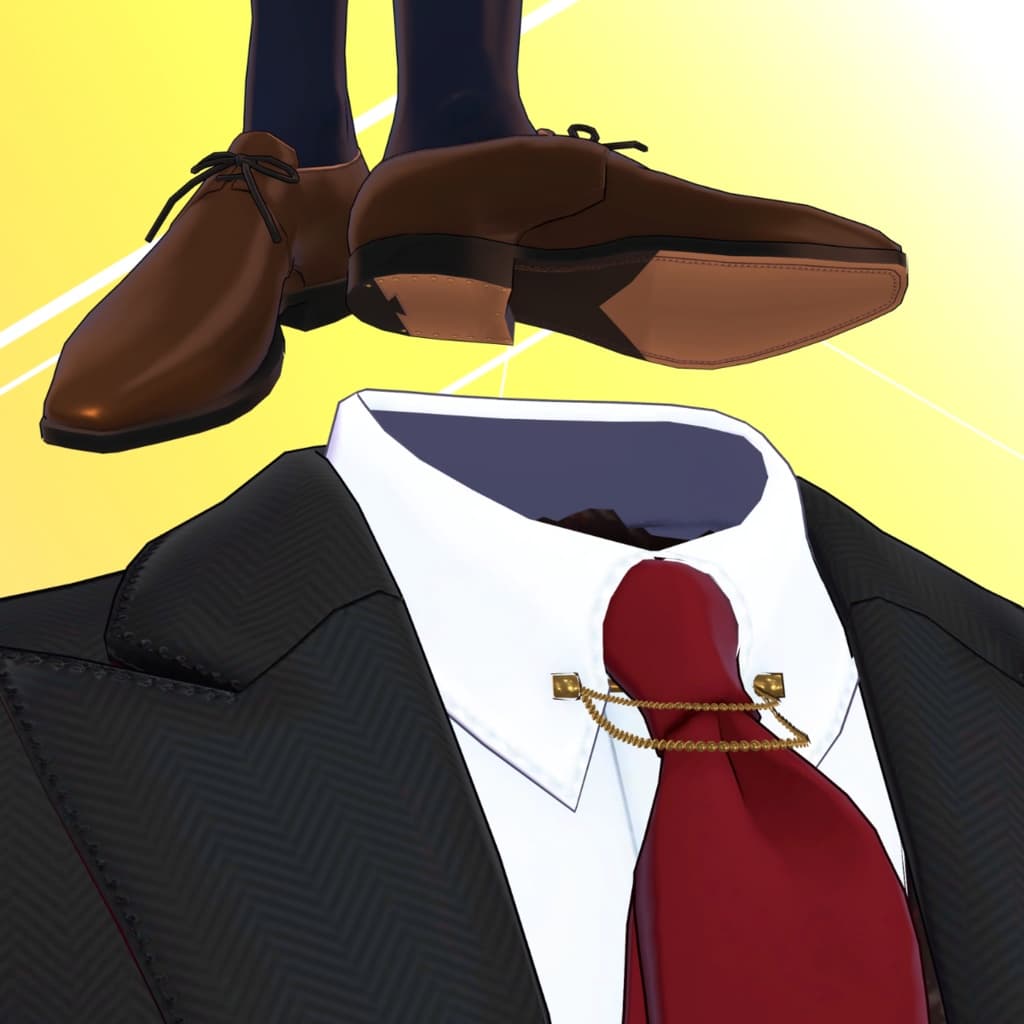
A cool suit set with a jacket that can be switched to a shoulder-draped style via the EXMenu. Every time the shimmering, glitter-lined inner fabric flutters, it’s sure to catch the eye. With its wide variety of color variations, you can style it elegantly or give it a more casual, country feel. A PSD file (converted from CLIP) for recoloring is also included, so you can easily customize the suit with your favorite colors and patterns.
⚠️ Notes:
This product is an avatar clothing model. The avatar body itself is not included.
Due to the nature of digital downloads, returns and refunds are not possible. Please review and agree to the product description and Terms of Use before purchase.
◆ Item Overview
Contents
ShoulderSuitSet_◯◯.Unitypackage (◯◯ = variation name)
FBX file
Textures
PSD/CLIP files for editing
ReadMe.txt (this document)
Shader Used
liltoon
Required Assets
Modular Avatar
Model Data
△ Polygon Count: 24,478 total ├ Bottoms: 3,178 ├ Inner Vest: 7,148 ├ Jacket: 5,388 ├ Over Jacket: 4,816 └ Shoes: 3,948
Mesh Count: 5
Material Count: 5
PB Components: 6
Constraints: 4
Import Folder Path Assets > MetaverseCreators_CP > Takeru_Airgreen > ShoulderSuitSet
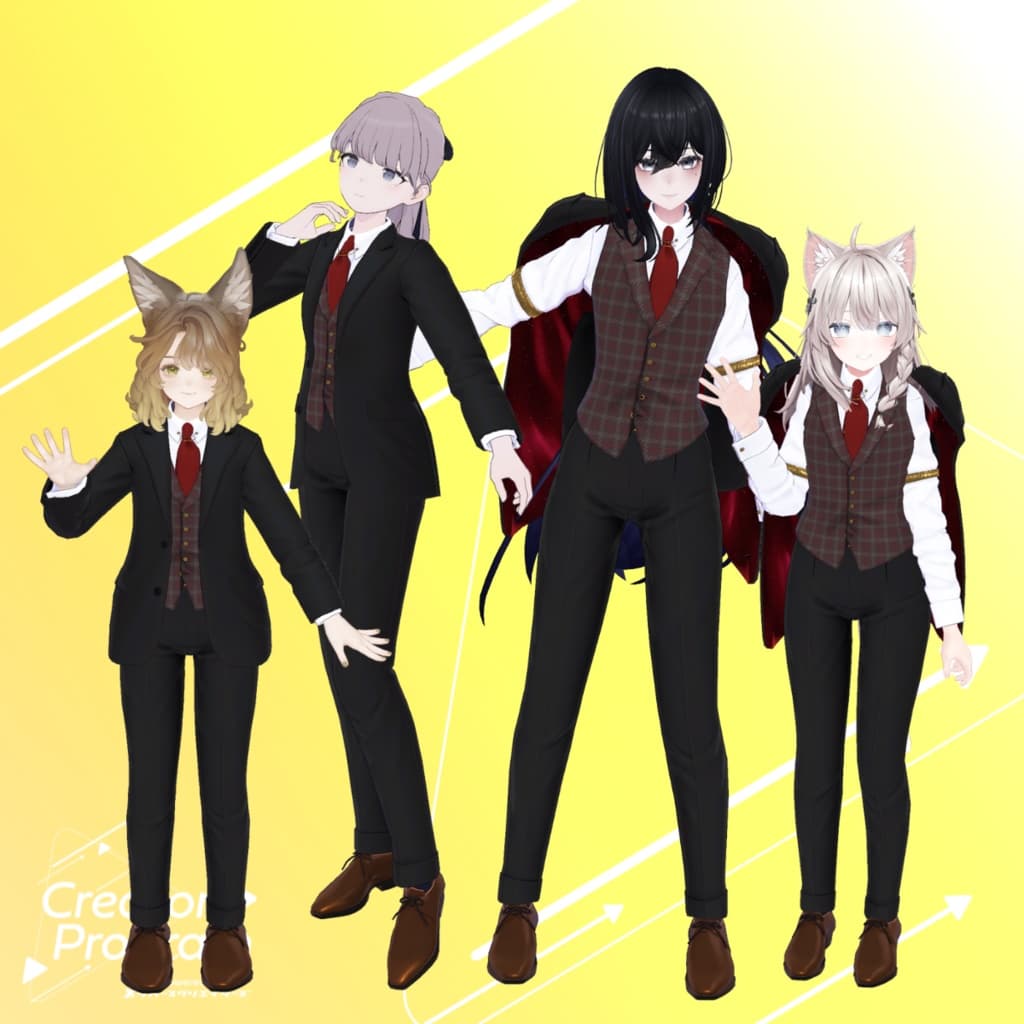
◆ Supported Avatars
Original 3D Model “Shinano” https://ponderogen.booth.pm/items/6106863
Marycia – Original 3D Model #Marycia3D https://brn.booth.pm/items/6305948
Lapwing https://kujishift.booth.pm/items/4993931
Original 3D Model Lasyusha https://keenooshop.booth.pm/items/4825073
⚠️ Notes:
Uses shape keys to hide the avatar body (making it rod-like).
This outfit does not support chest size adjustments or jiggle physics.
◆ Installation Steps
Set up the latest VRC SDK in VCC.
Install required assets (liltoon, Modular Avatar) via VCC.
Import the latest package of the target avatar.
Import this clothing package.
Drag and drop the avatar (or prefab for customization/wardrobe change if available) into the Scene Hierarchy.
Hide or set to Editor Only any unnecessary clothing (default outfits, underwear, etc.).
Drag and drop ShoulderSuitSet_[AvatarName].Prefab under the avatar in the Hierarchy.
Upload the avatar via the VRChat SDK.
⚠️ This outfit uses the MA Shape Changer function from Modular Avatar.
When placed under the avatar, it automatically activates the shape keys, slimming the body or hiding mesh parts to prevent clipping.
If the MA Shape Changer settings are not needed, you may delete them from the outfit mesh.
⚠️ If parts of the body appear unintentionally slimmed after setup, set the affected shape key value back to 0 and confirm the base body display.
◆ Color Customization
Replace materials for each color variation directly by dragging them from: ShoulderSuitSet > Common > Material
You may also customize colors using the included PSD or CLIP files.
◆ EXMenu Clothing Toggle
The outfit prefab includes EXMenu integration via Modular Avatar.
In VRChat, open the EXMenu and toggle the OverJacket option to switch the jacket to a shoulder-draped style.
◆ Terms of Use
Usage Policy
Please also comply with the terms of the base avatar model.
◆ Production Environment
Modeling: Blender Ver3.6.5
Texturing: Substance 3D Painter 2024 / CLIP STUDIO PAINT
Setup: Unity Ver2022.3.22f1 VRChat SDK - Avatars Ver3.7.6 (VCC) liltoon Ver1.8.5 Modular Avatar Ver1.11.7
◆ Credits
Creator: Takeru
Website: https://www.airgreen.net/
BOOTH: https://airgreen.booth.pm/
Support / Inquiries https://discord.gg/bmw3PWE37M