

Stylish Café Uniform (Plate and Pudding included) - VRChat Men's Clothing/ CP3
 MetaCreatorsTYO EN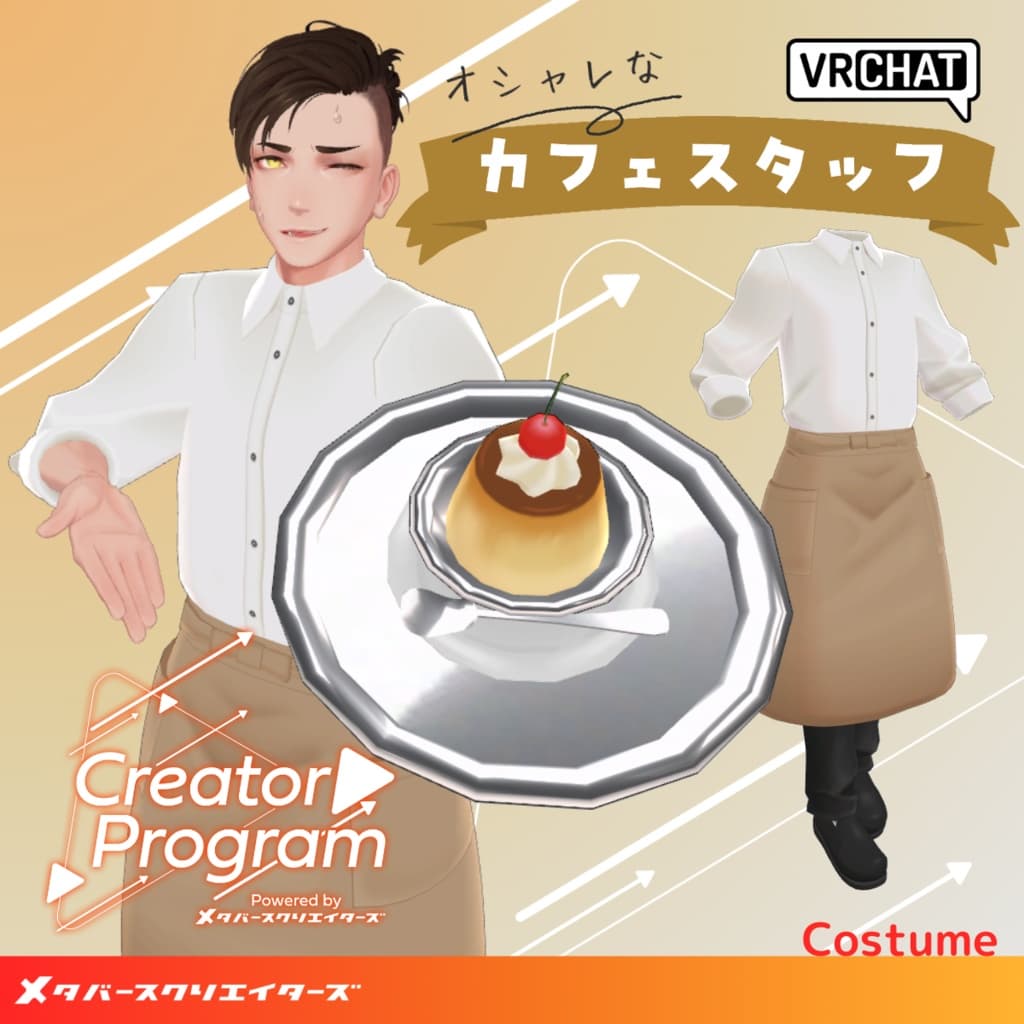
説明
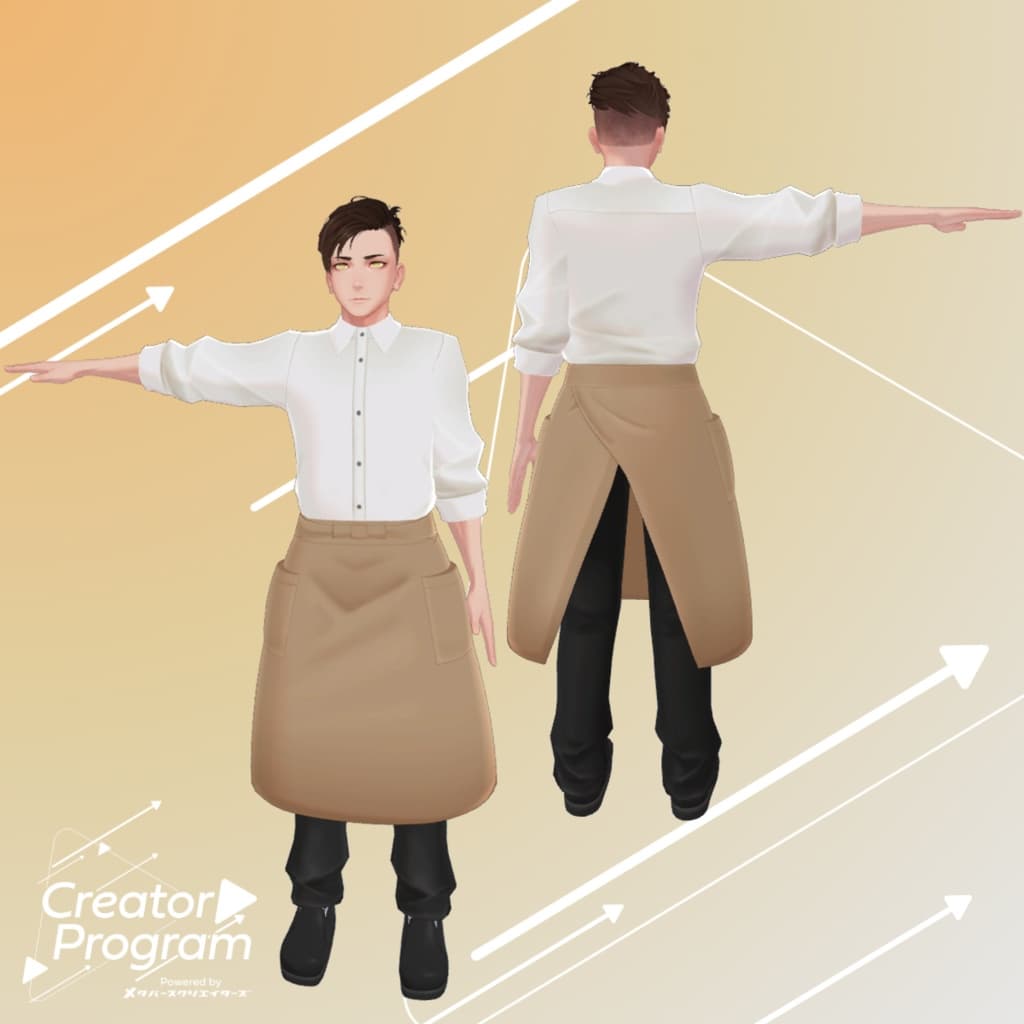
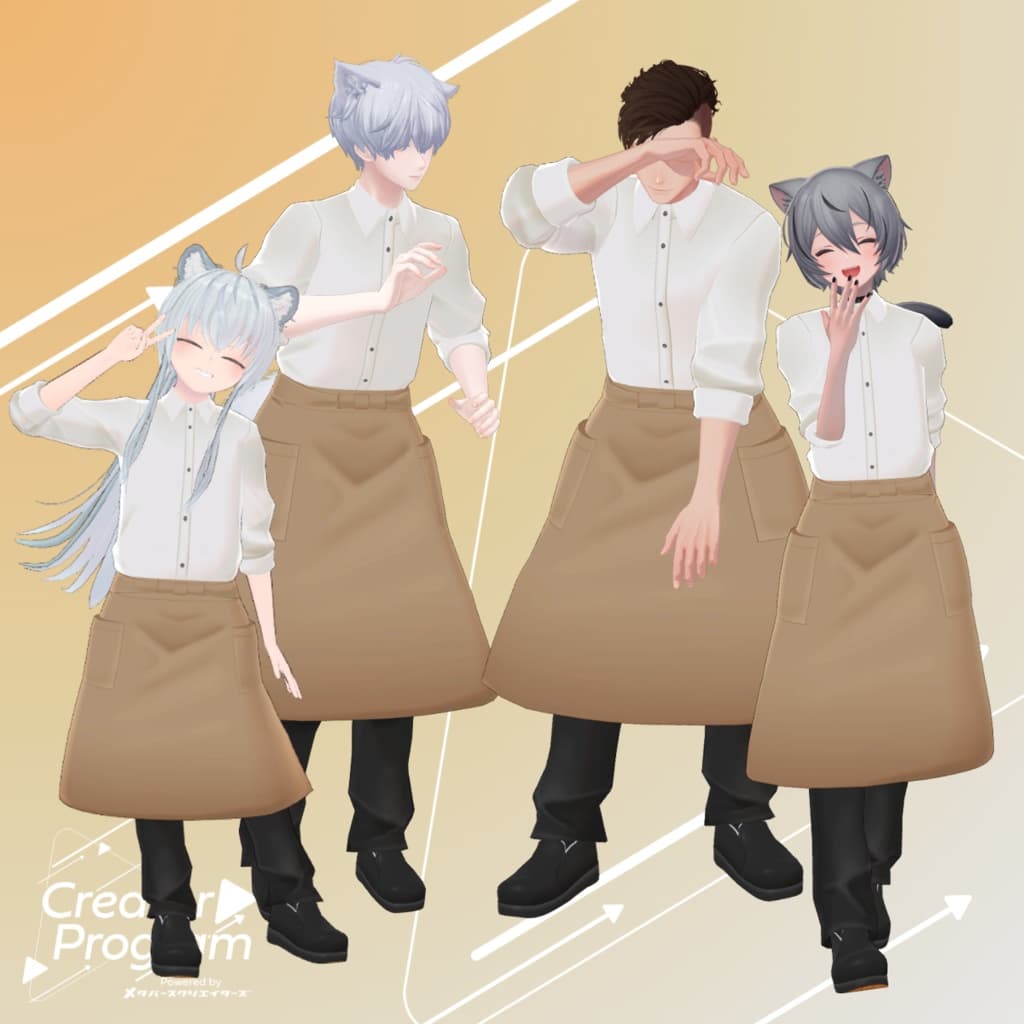
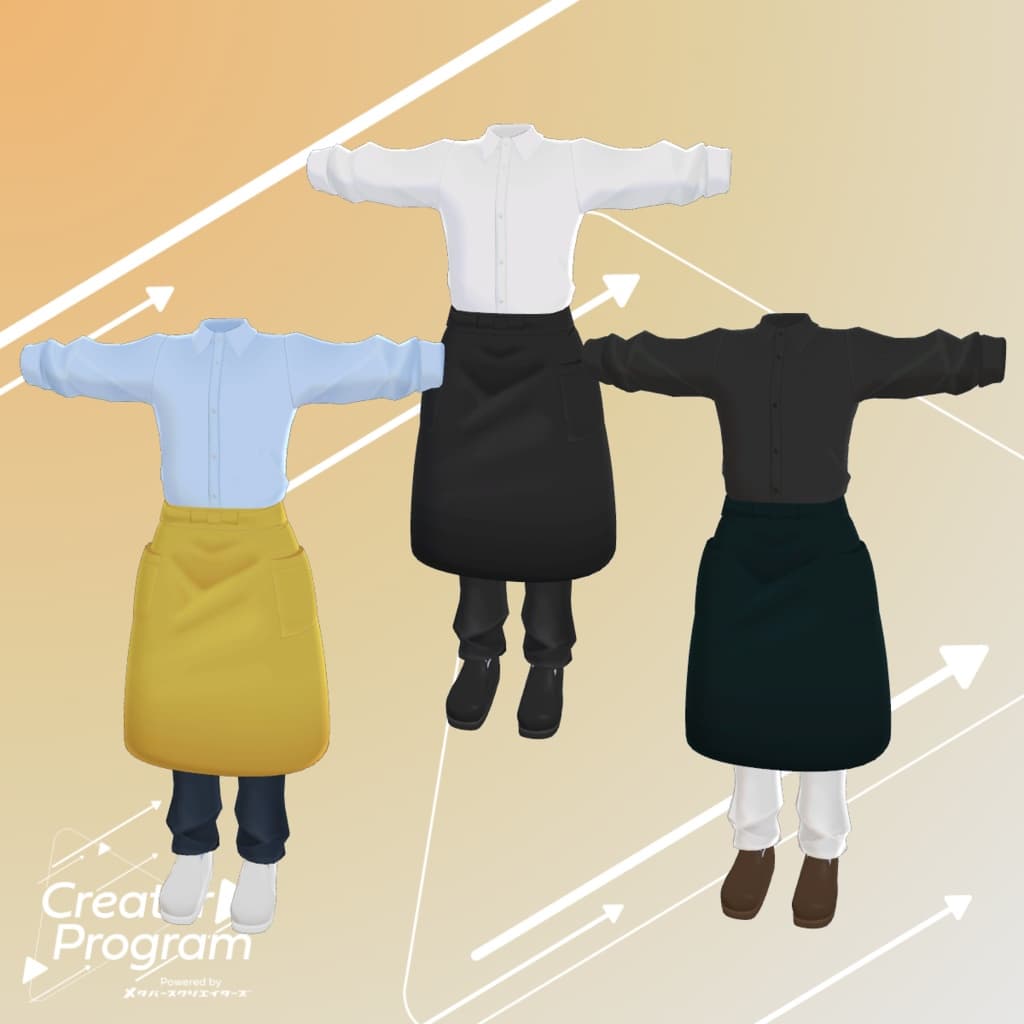
◆ Stylish Café Uniform ◆
Creator: Virtual Garou Roromi
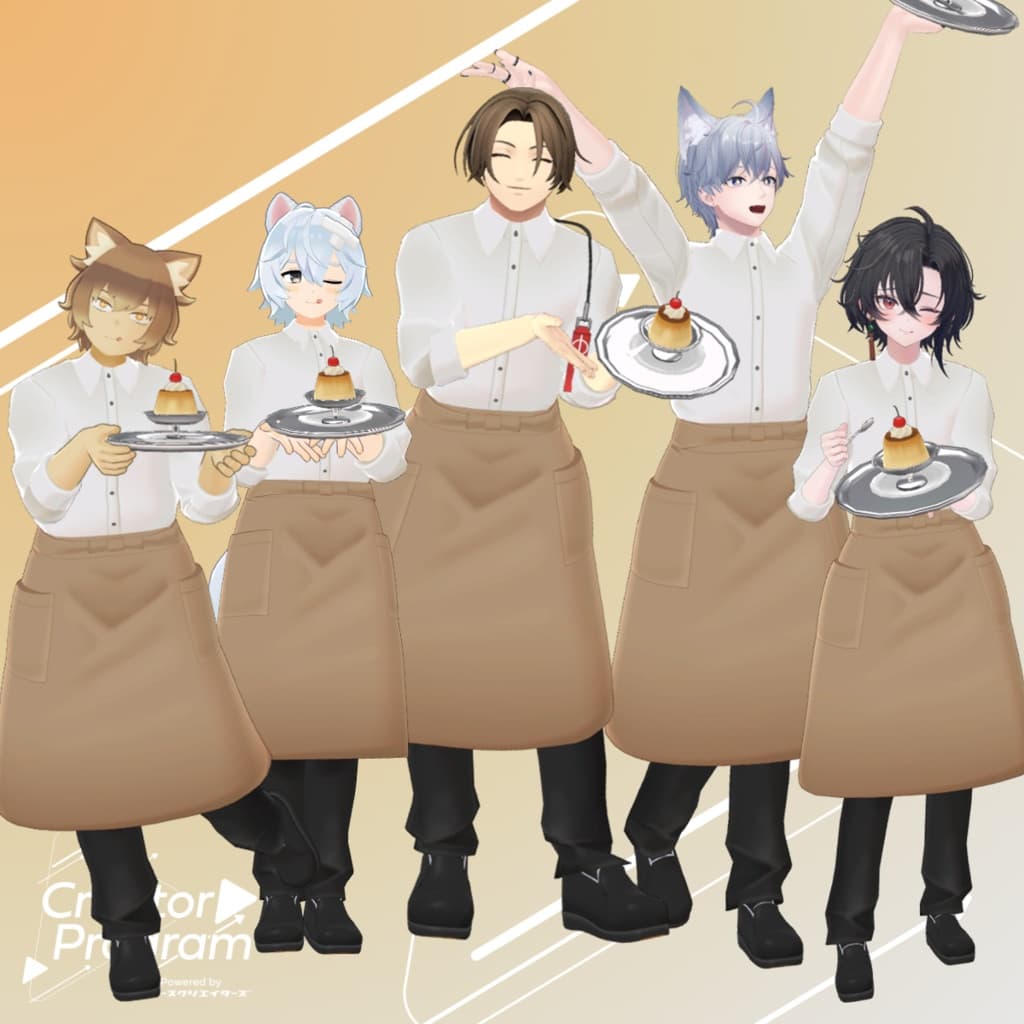
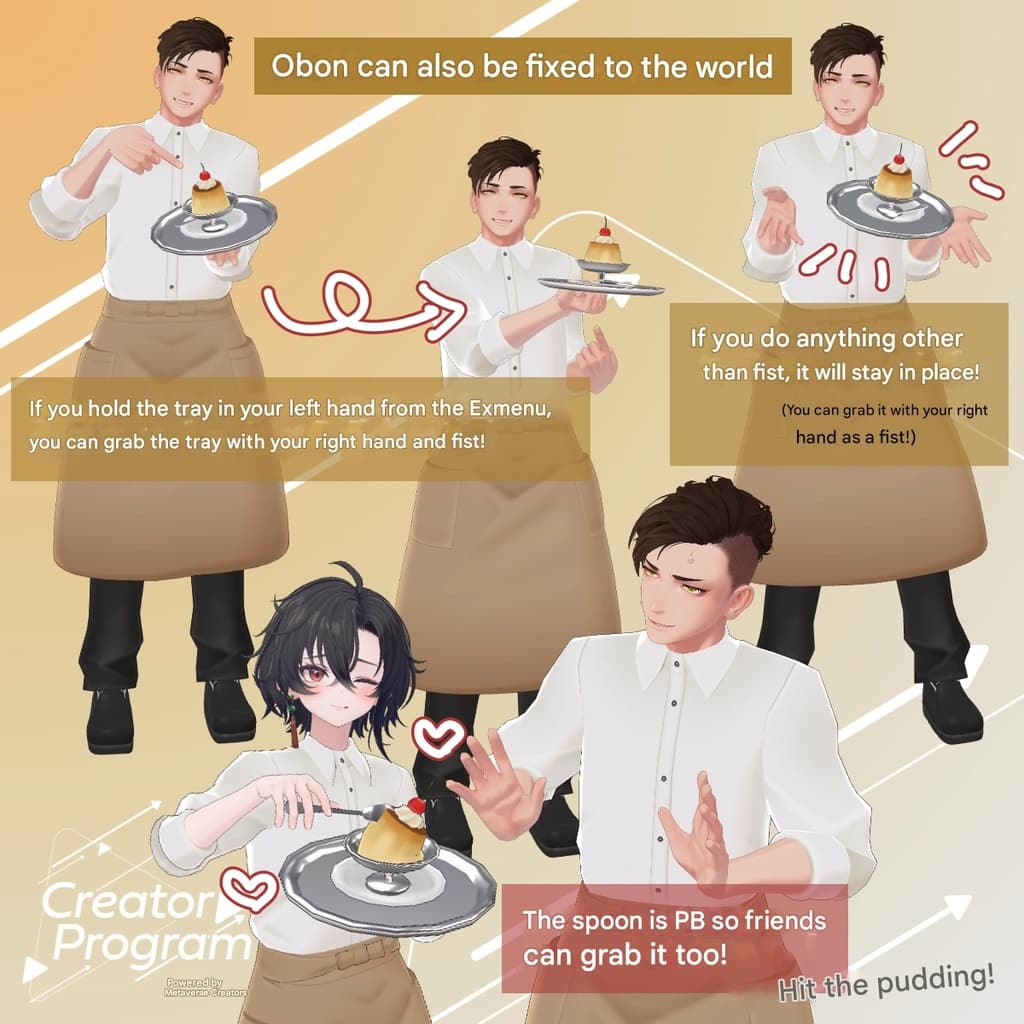
This outfit is essentially a salon apron. Deliver a wobbly pudding to your friends! 🍮
You can show or hide the tray with pudding on it via the Expression Menu.
The spoon can be grabbed and used to tap the pudding! Since it’s PB, even your friends can grab the spoon.
The tray uses a contact gimmick: grab it by making a Fist with your right hand, and release it (switch out of Fist) to fix it in the world.
To return it to your left hand, turn the tray OFF once from the Expression Menu, then turn it ON again.
⚠️ Notes:
This product is an avatar clothing model. The avatar body itself is not included.
Due to the nature of digital downloads, returns and refunds are not possible. Please confirm and agree to the product description and Terms of Use before purchase.
◆ Item Overview
Contents
Capron_◯◯.Unitypackage (◯◯ indicates variation name)
FBX file
Textures
PSD file for editing
ReadMe.txt (this document)
Shader Used
liltoon
Required Assets
Modular Avatar
Model Data
△ Polygon Count: 10,659
Mesh Count: 1
Material Count: 1
PB Components: 3
PB Colliders: 7
Constraints: 30
Contacts: 1
Import Folder Path Assets > MetaverseCreators_CP > 663_chanSHOP > Cafe_apron
◆ Supported Avatars
Minase (for VRChat) #Minase3D https://booth.pm/ja/items/4013951
Original 3D Model: Komano https://booth.pm/ja/items/5260363
Original 3D Model: Kuuta #Kuuta3D https://booth.pm/ja/items/4897493
Original 3D Model: “Shachiku no Tsuranari-san” (Chinshokutei shared body) https://booth.pm/ja/items/5498540
Original 3D Model: Bokusei (PlusHead body) https://booth.pm/ja/items/5727810
Original 3D Model: Hyakko - by Niyami https://booth.pm/ja/items/6328134
Original 3D Model: Elion https://booth.pm/ja/items/4640002
Original 3D Model: Sasato Yuki (Quest-compatible) ※Not Quest-compatible in this package https://663-chanshop.booth.pm/items/4351466
Original 3D Model: Wanta (Quest-compatible) https://663-chanshop.booth.pm/items/6712612
⚠️ When equipping, a shape key that hides the avatar body (making it rod-like) is used.
◆ Installation Steps
Set the latest VRC SDK in VCC.
Install required assets (liltoon, Modular Avatar) via VCC.
Import the latest package of the target avatar.
Import this outfit package.
Drag and drop the avatar (or prefab for customization/wardrobe change if available) into the Scene Hierarchy.
Hide or set to Editor Only any unnecessary clothing on the avatar (default outfits, underwear, etc.).
Drag and drop the outfit prefab under the avatar in the Hierarchy.
Upload the avatar via the VRChat SDK.
⚠️ This outfit uses the “MA Shape Changer” feature from Modular Avatar.
When placed under the avatar, the body’s shape key automatically activates to slim the body or hide meshes in specific areas, preventing clipping.
To use only part of the outfit, delete unnecessary “MA Shape Changer” entries from the parent object.
⚠️ For +Head avatars, the MA Shape Changer may not function correctly if body mesh names differ (this data is set to “PlusHead”). If that happens, adjust manually by renaming the body mesh or toggling shape keys.
◆ Color Customization
Replace the materials for each color variation found in Common > Material. You can also edit the included PSD file to create custom colors.
◆ Terms of Use
Usage Policy
Please also comply with the terms of the base avatar model.
◆ Production Environment
Modeling: Blender Ver3.6
Texturing: CLIP STUDIO PAINT
Setup: Unity Ver2022.3.22f1 VRChat SDK - Avatars Ver3.7.5 (VCC) liltoon Ver1.8.5 Modular Avatar Ver1.11.4
◆ Credits
Creator: Virtual Garou Roromi
Twitter: https://twitter.com/vgaro663
BOOTH (personal): https://663-chanshop.booth.pm/
Support / Inquiries https://discord.gg/bmw3PWE37M