

Elegant Drape Shoulder Suit Set - VRChat Men's Clothing / CP1
 MetaCreatorsTYO EN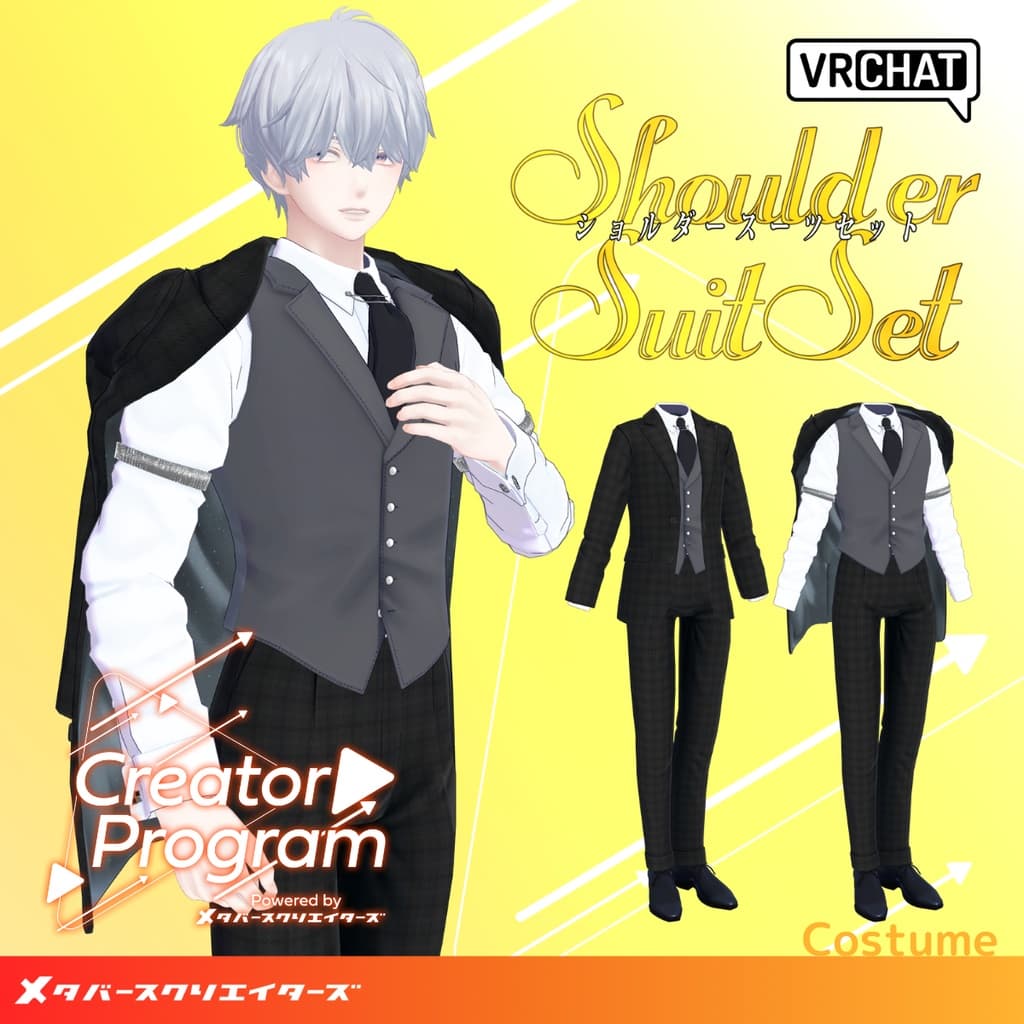
説明
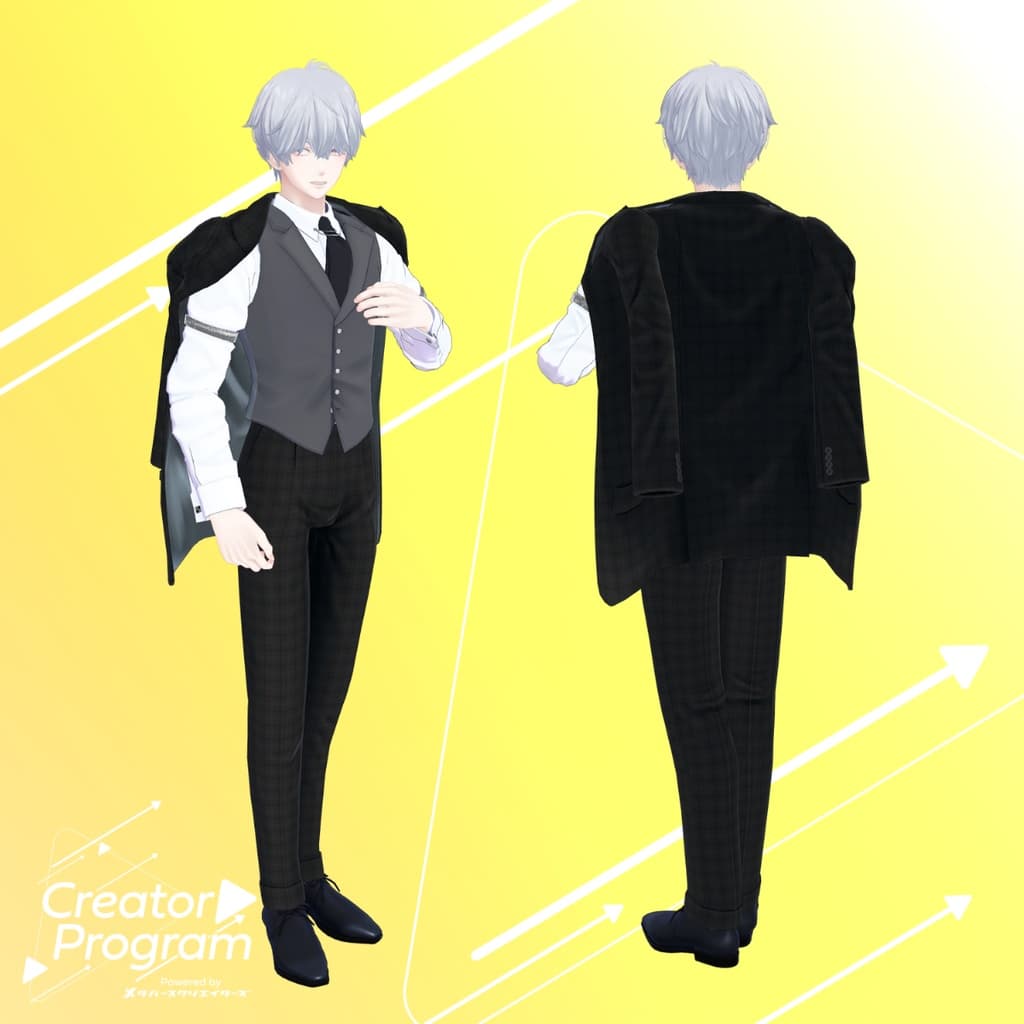
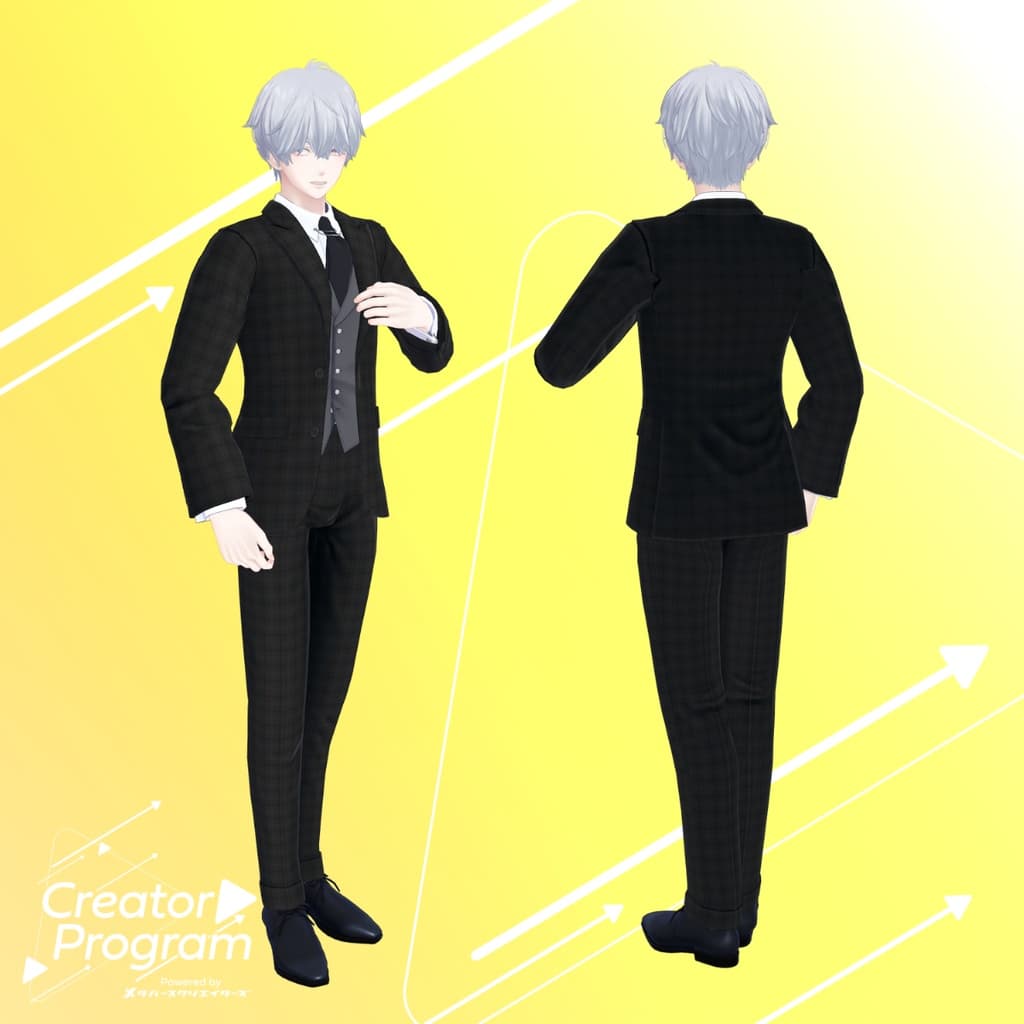
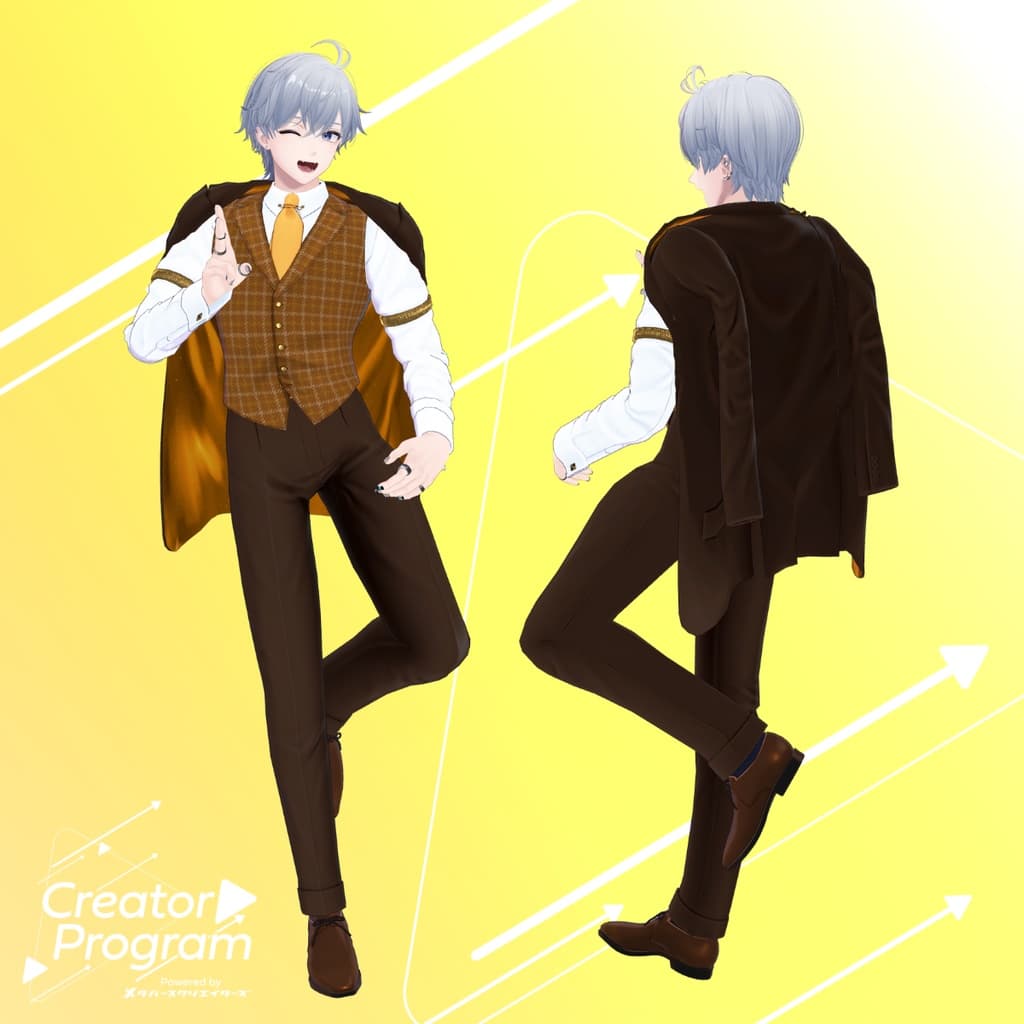
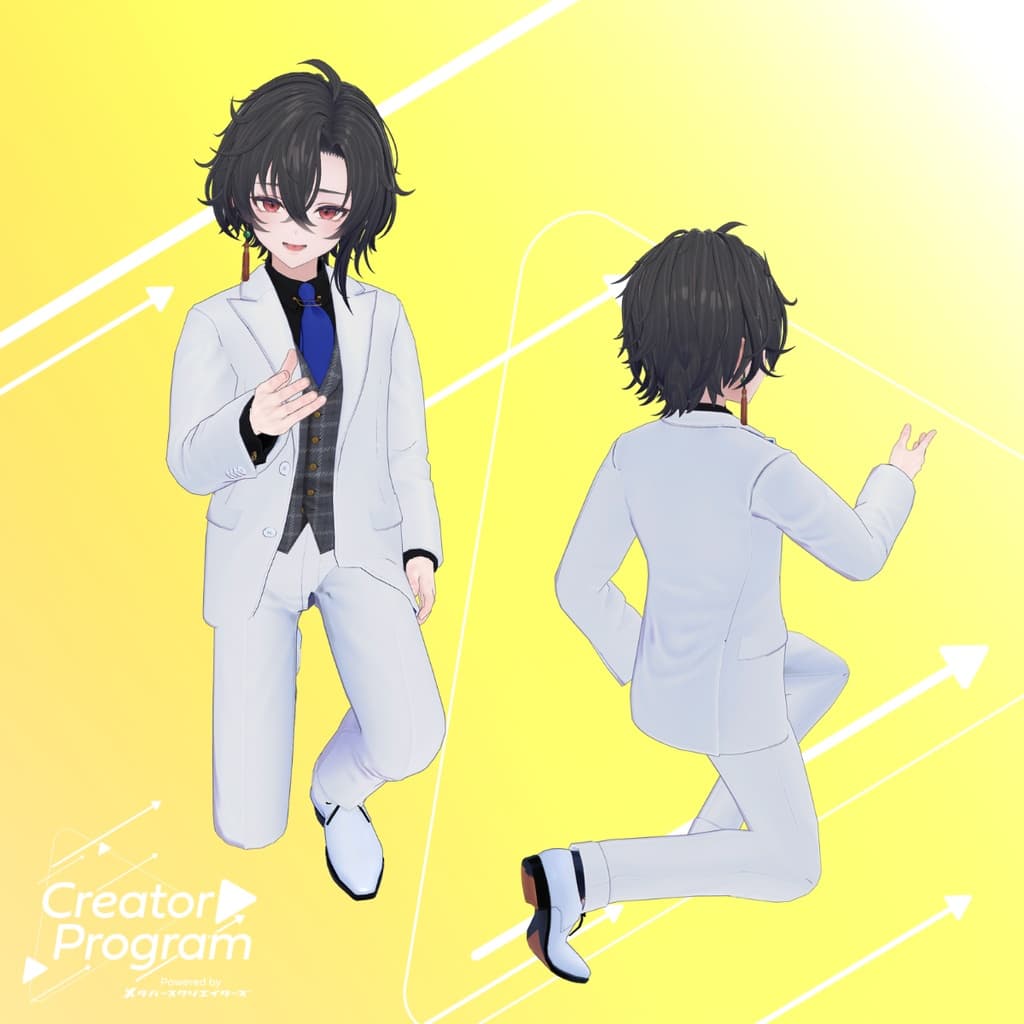
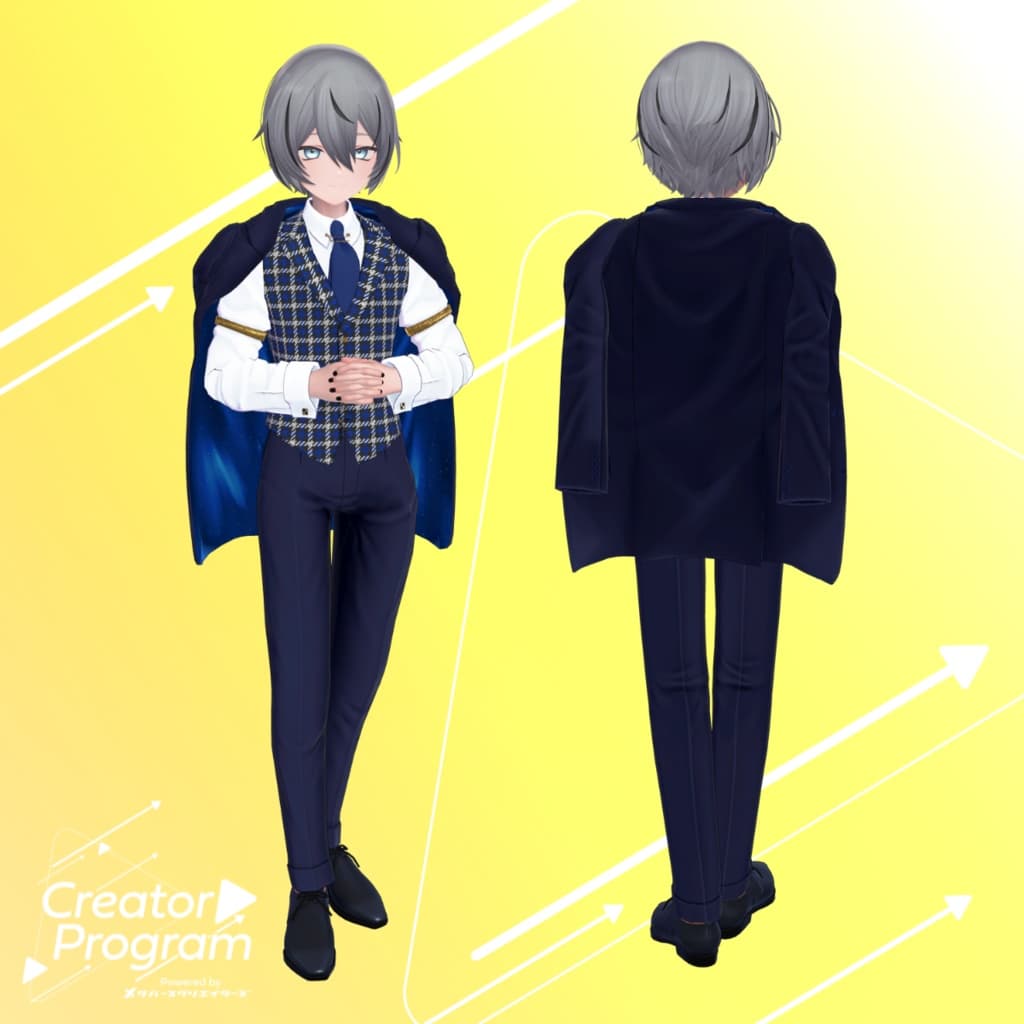
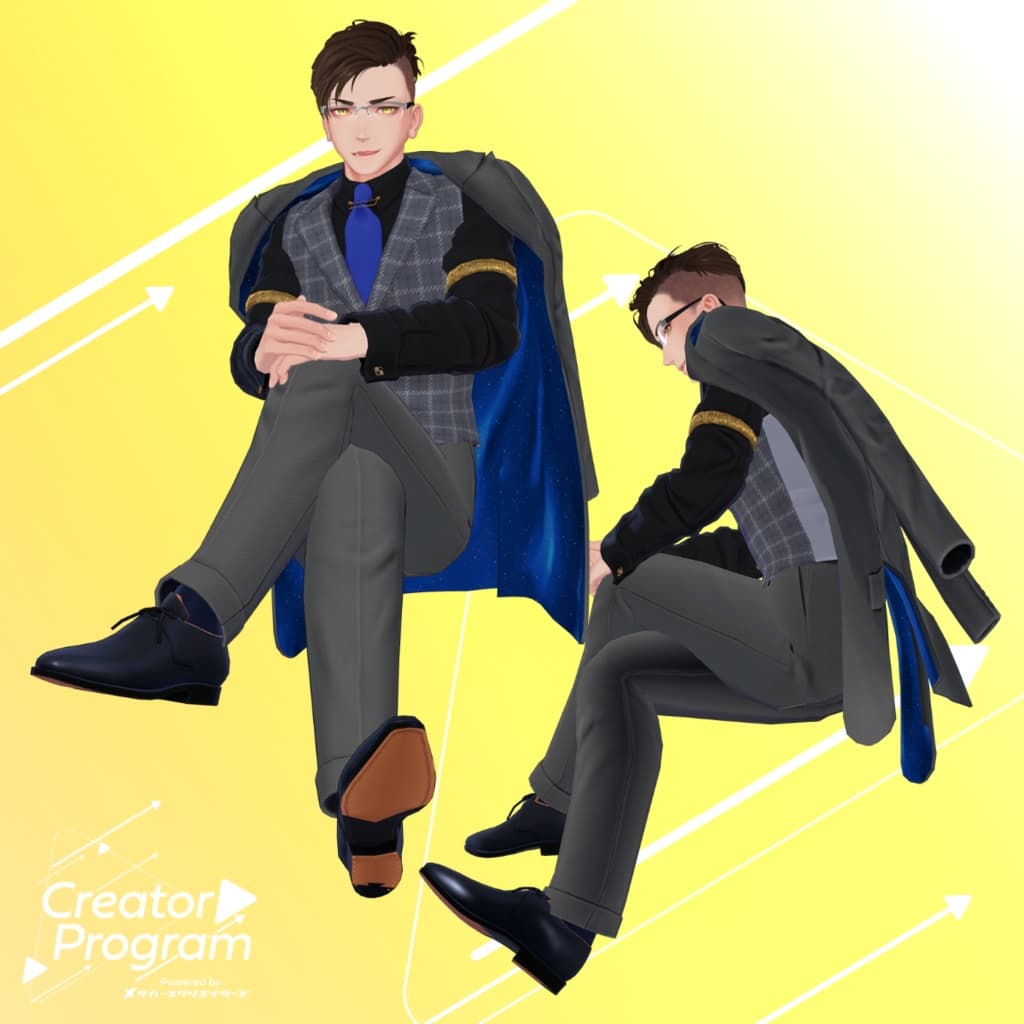
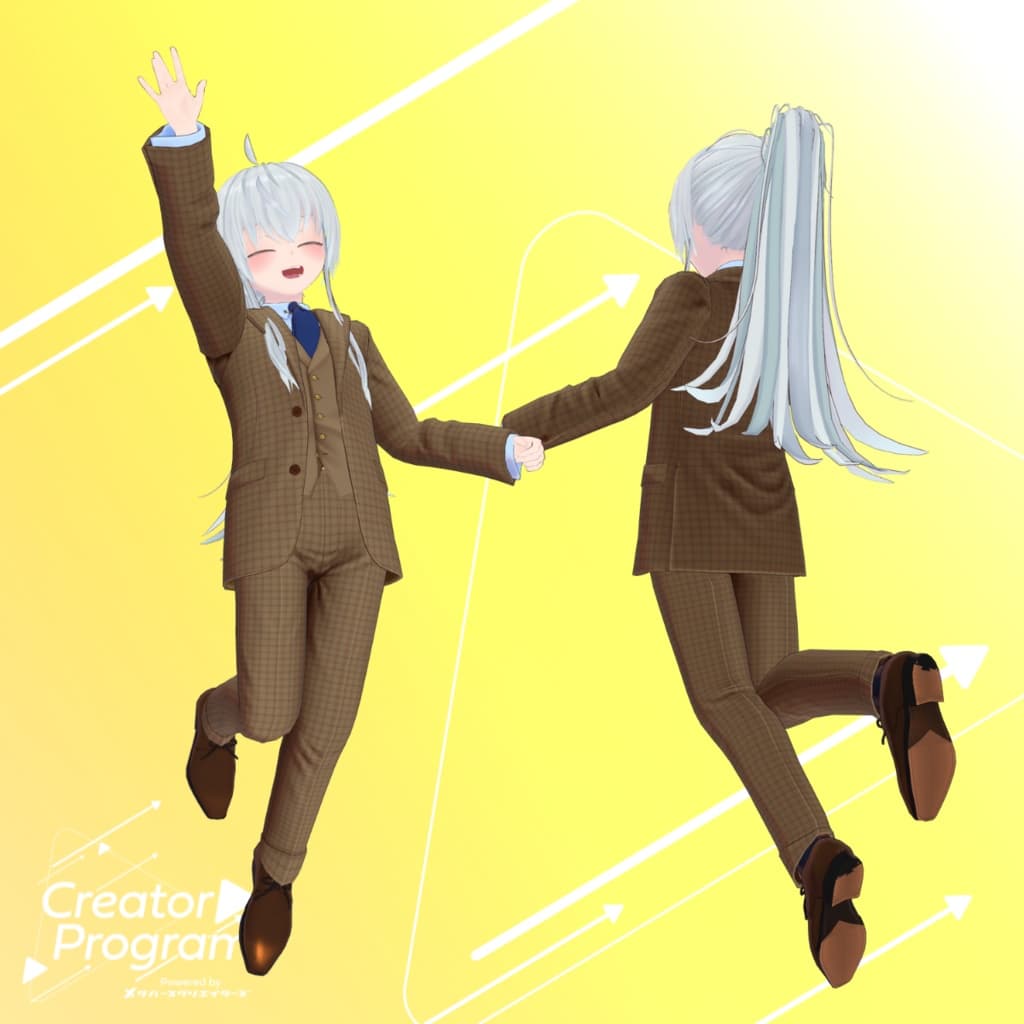
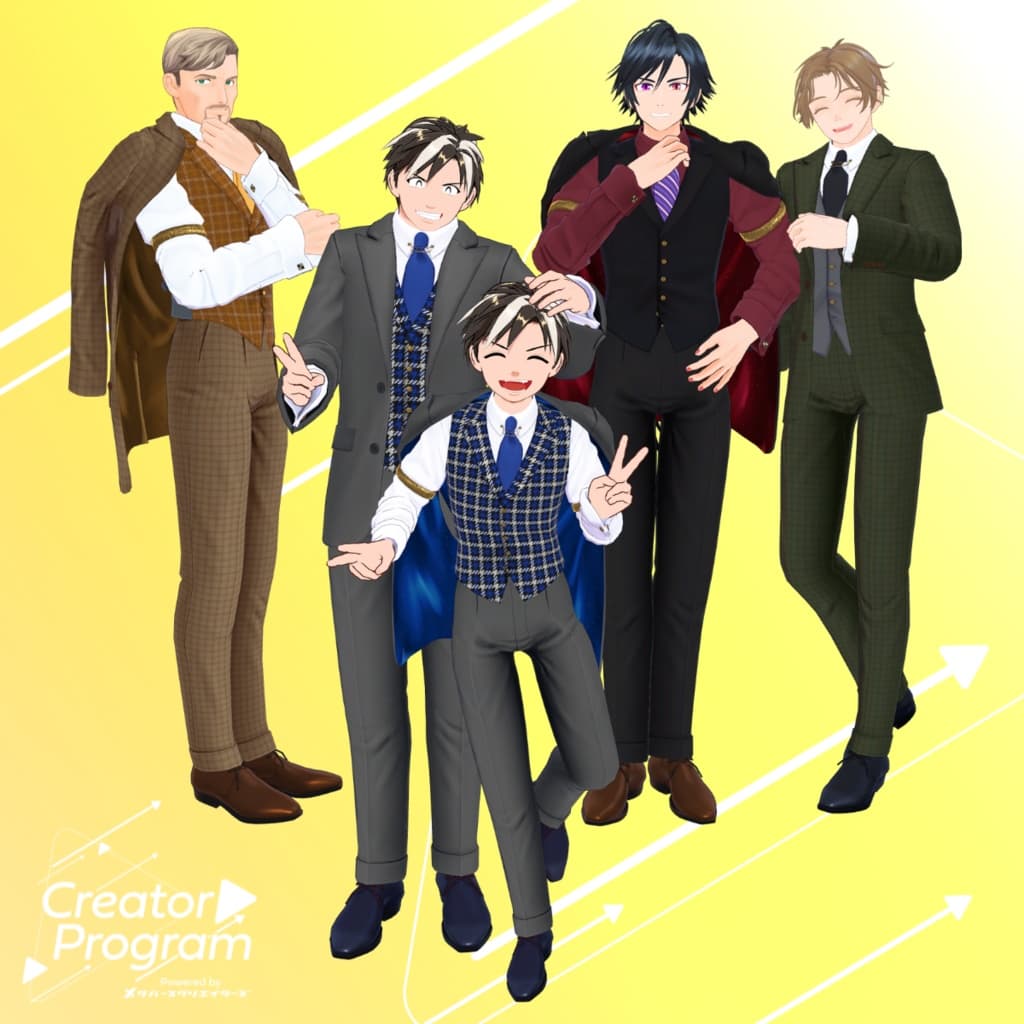
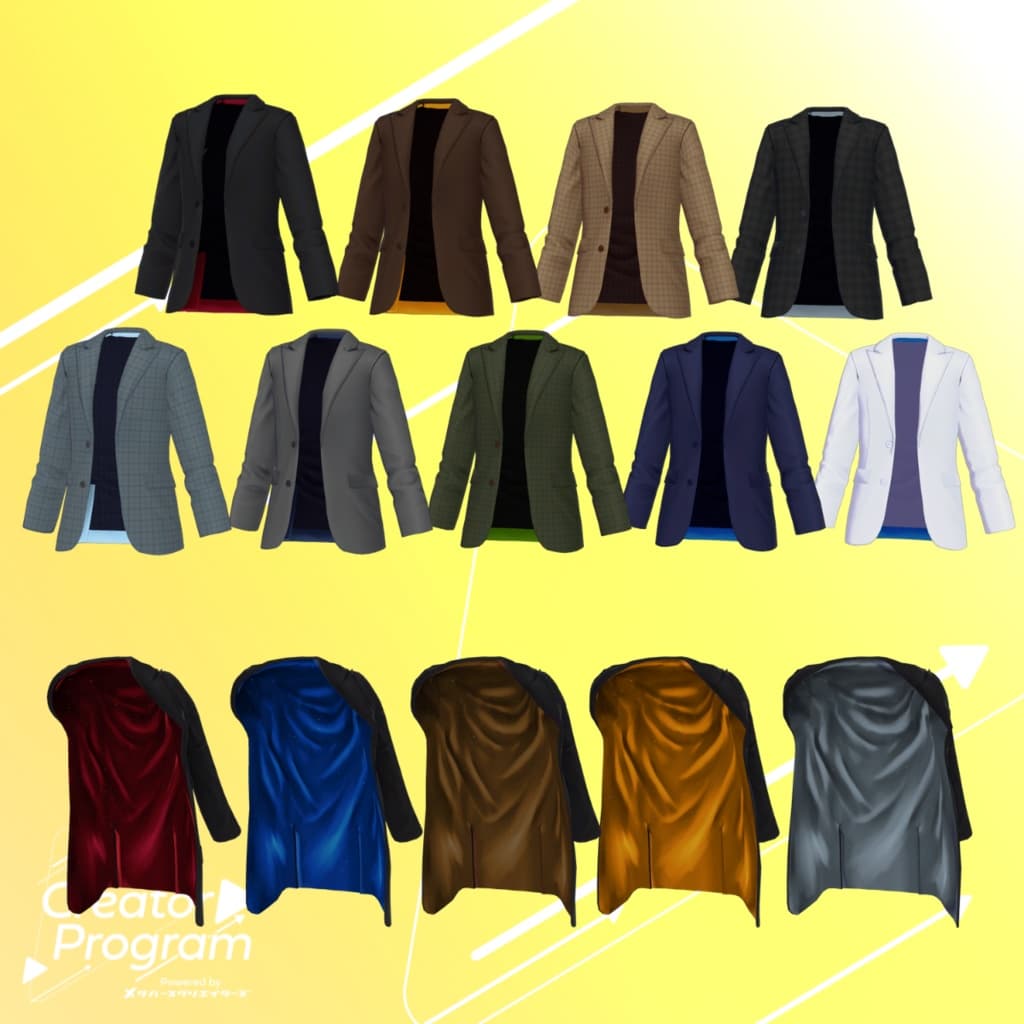
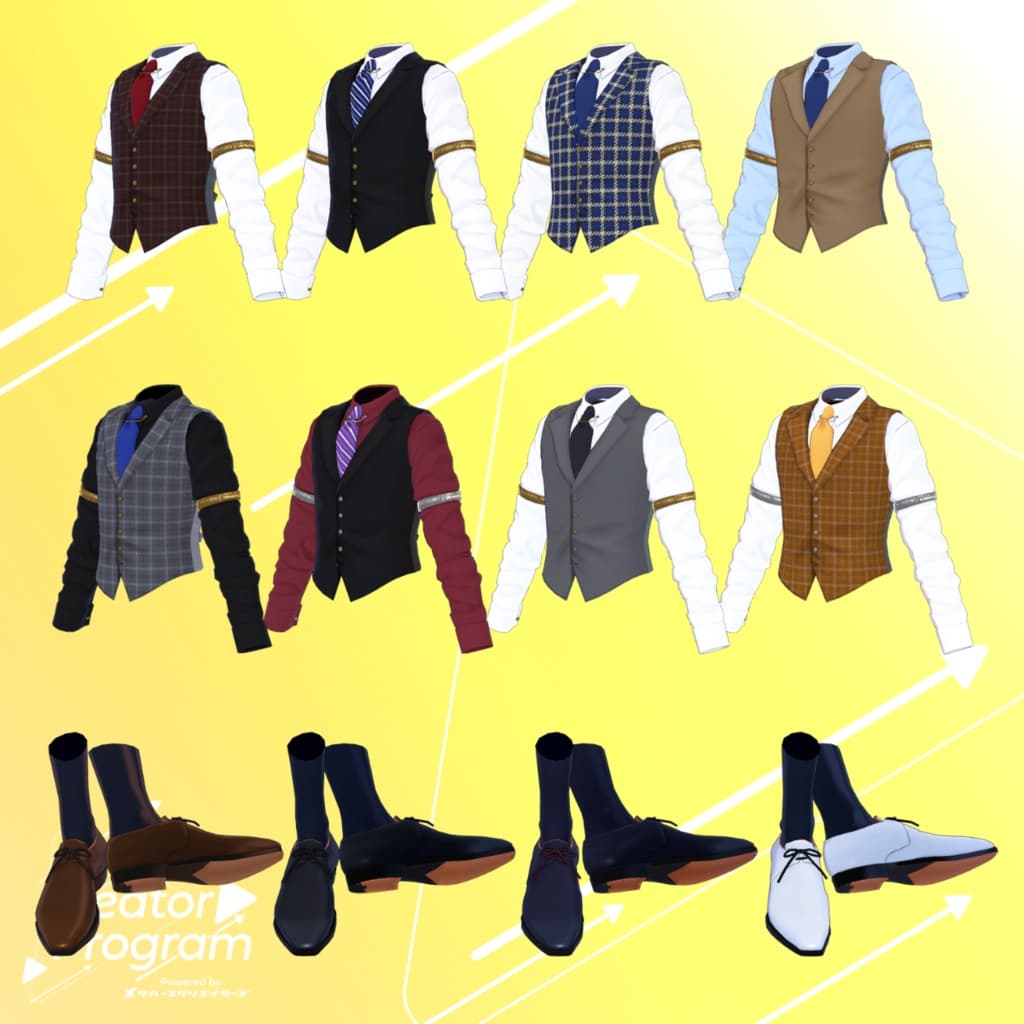
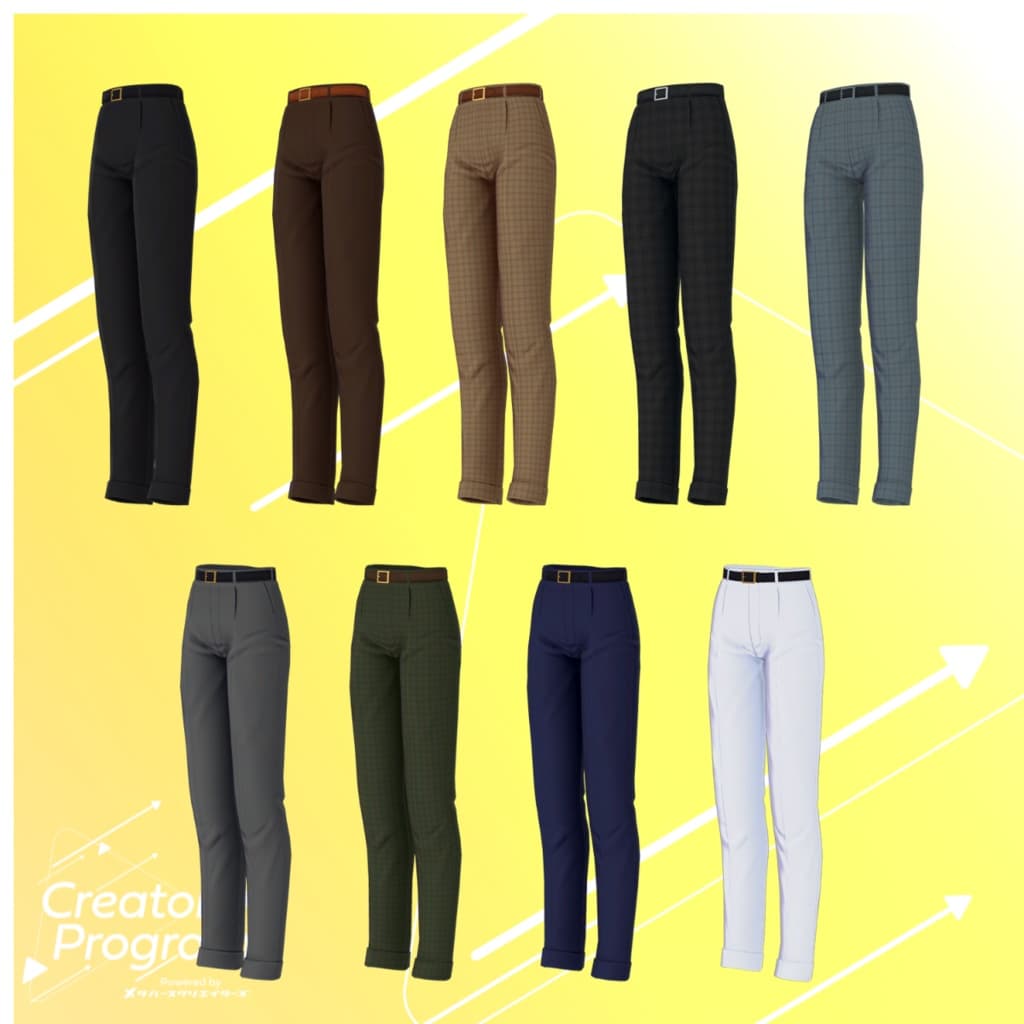
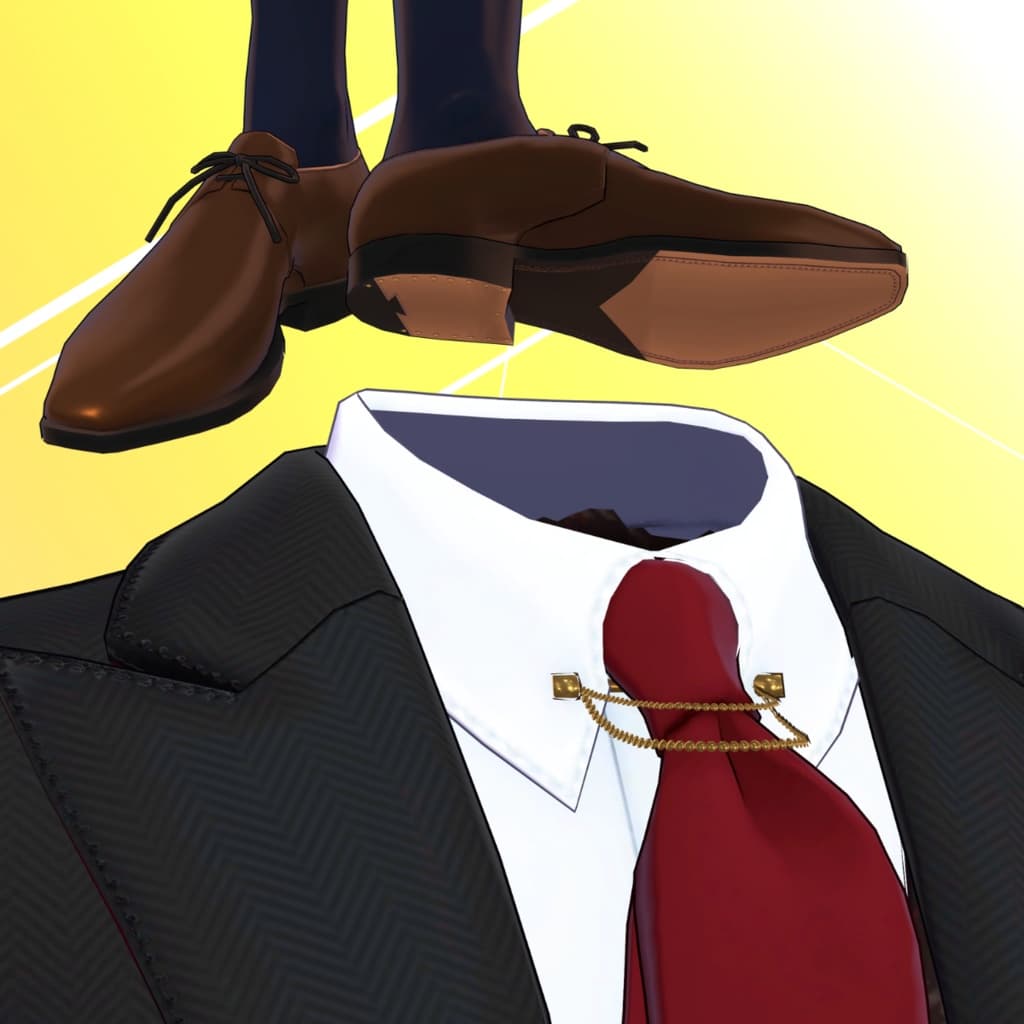
This is a cool suit set with a jacket that can be switched to a shoulder-draped style from the EXMenu. The glamorous glitter lining will catch people’s eyes every time it flutters. With a wide variety of color variations, it can be styled in both a fashionable or country look. A PSD file (converted from a clip file) for recoloring is also included, making it easy to customize with your own preferred colors and patterns!
※This product is a clothing model for avatars. The avatar body itself is not included. ※Due to the nature of downloadable products, returns and refunds are not possible. Please check and agree to the product description and terms of use before purchasing.
◆What is the Creator Program?
It is a creator support program by Metaverse Creators. In the first round, six creators participated under the theme of "Men’s Avatar Outfits" (more creators will be recruited for future rounds).
◆Item Overview
Contents
ShoulderSuitSet_◯◯.Unitypackage (◯◯ will contain the variation name)
FBX
Textures
PSD/clip files for modification
ReadMe.txt (this document)
Shader Used
liltoon https://lilxyzw.booth.pm/items/3087170
Required Asset
Modular Avatar https://modular-avatar.nadena.dev/ja/docs/intro
Model Data
△Polygon count: total 24,478 polygons ├Bottom: 3,178 polygons ├Inner_Vest: 7,148 polygons ├Jacket: 5,388 polygons ├Over_Jacket: 4,816 polygons └Shoes: 3,948 polygons
Meshes: 5
Materials: 5
PB components: 6
Constraints: 4
Import folder Assets > MetaverseCreators_CP > Takeru_Airgreen > ShoulderSuitSet
◆Compatible Avatars
Minase VRChat Avatar #Minase3D https://booth.pm/ja/items/4013951
【Original 3D Model】Komano https://booth.pm/ja/items/5260363
【Kuuta】Original 3D Model #Kuuta3D https://booth.pm/ja/items/4897493
Original 3D Model "Shachiku no Tsuranari-san" (Chinmeshitei Common Body) https://booth.pm/ja/items/5498540
【Original 3D Model】Bokusei (PlusHead Body) https://booth.pm/ja/items/5727810
“Hyakko” - by Niyami https://booth.pm/ja/items/6328134
For_Airgreen Package (FBX semi-shared compatibility) Takeryu-style Original 3D Model "Miharu" (Takeryu-style Ojisan Common Body) https://airgreen.booth.pm/items/6174478
Takeryu-style Original 3D Model "Bertrand ReNew" (Takeryu-style Ojisan Common Body) https://airgreen.booth.pm/items/6084131
Takeryu-style Original 3D Model "Eshuran" https://airgreen.booth.pm/items/5025863
Takeryu-style Original 3D Model "Adult Dog Barto" https://airgreen.booth.pm/items/5091727
Takeryu-style Original 3D Model "Barto" https://airgreen.booth.pm/items/4555823
Takeryu-style Original 3D Model "Yoritsuna" https://booth.pm/ja/items/3940398
※About the For_Airgreen package: Prefab support for six Takeryu-style avatars is created from a single FBX. This can also be used if you want to dress avatars outside of the dedicated types.
※When dressing the outfit, shape keys that hide the body (making it rod-like) are used.
◆Installation Steps
Set the latest VRC SDK via VCC.
Install the required assets (liltoon, Modular Avatar) in VCC.
Import the latest package of each avatar body.
Import this outfit’s package.
Drag and drop the avatar (or the outfit/customization prefab, if available) into the Scene Hierarchy.
As needed, hide or set to Editor Only any unnecessary default clothes/underwear of the avatar.
Drag and drop "ShoulderSuitSet_AvatarName.Prefab" directly under the avatar.
Upload the avatar via VRC SDK.
※The outfit uses Modular Avatar’s “MA Shape Changer.” When the outfit prefab is dragged under the avatar, the avatar’s shape keys will automatically activate: either slimming down the body or hiding mesh parts with shape keys. This prevents interference between the outfit and the body. If the “MA Shape Changer” preset on the outfit mesh is not needed, you may delete it or adjust it to your liking.
※For +Head avatars, due to differences in mesh names of body parts (this data is set as PlusHead), the component may not work correctly. In that case, adjust by renaming the mesh or manually toggling shape keys.
※If after dressing the outfit, unintended parts of the avatar body are slimmed down, reset the corresponding body shape key to 0 and check that the body is displayed correctly.
◆Recoloring
Replace materials in ShoulderSuitSet > Common > Material directly onto the outfit model by drag-and-drop. You can also edit the included PSD or clip files to customize colors to your liking.
◆Outfit Switching in EXMenu
The outfit prefab includes EXMenu functions via Modular Avatar. In VRChat, open EXMenu and switch the jacket to a shoulder-draped style via the “OverJacket” item.
◆Terms of Use
https://drive.google.com/drive/folders/1qRMXoIxM1ZgacBPfwOigQRtXP1vCbNMn?usp=sharing
※Please follow the terms of the base avatar when using.
◆Production Environment
Modeling: Blender Ver3.6.5
Texturing: Substance 3D Painter 2024, CLIP STUDIO PAINT
Setup: Unity Ver2022.3.22f1 VRChat SDK - Avatars Ver3.7.6 (VCC) liltoon 1.8.5 ModularAvatar 1.11.7
◆Credits
Creator: Takeru https://www.airgreen.net/
https://airgreen.booth.pm/ (Personal BOOTH page)
Support & Inquiries: https://discord.gg/bmw3PWE37M