

VRChat World - 美乃和/Minowa
 nexaverge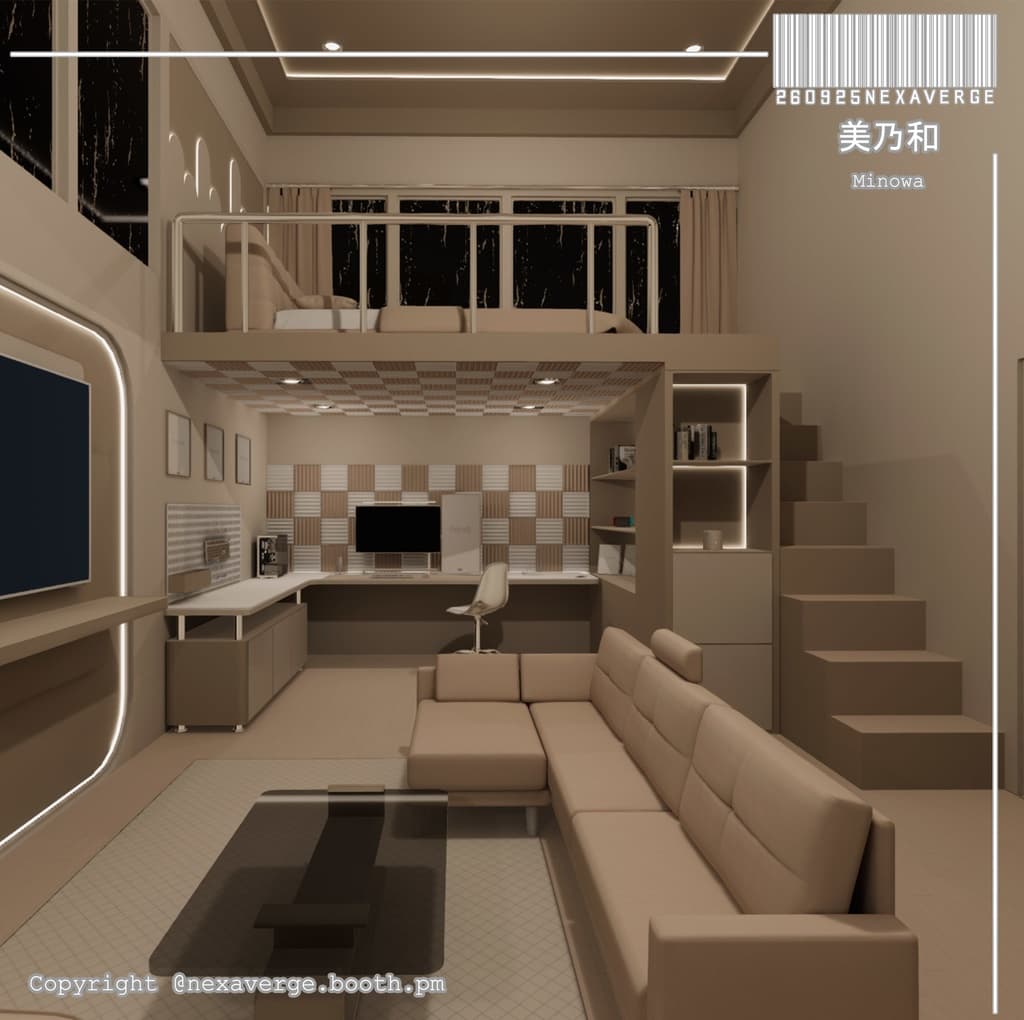
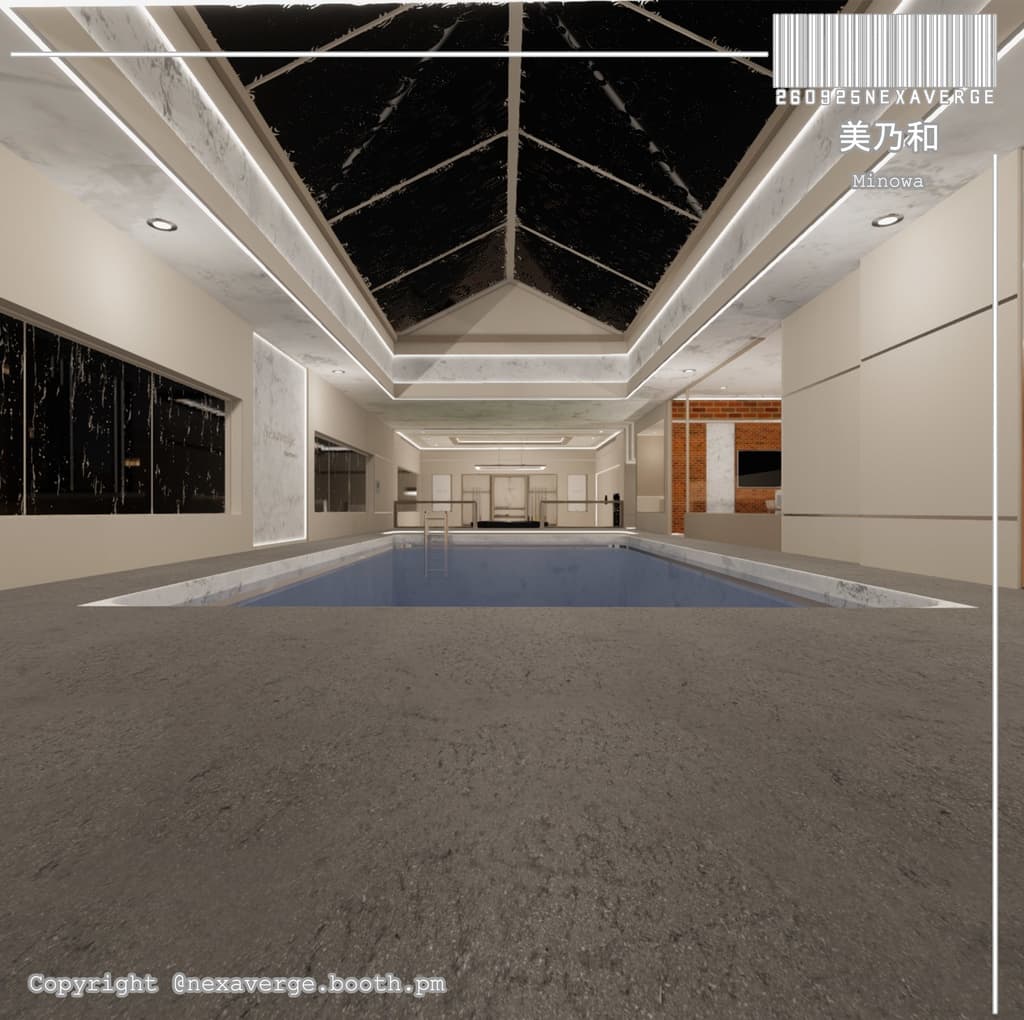
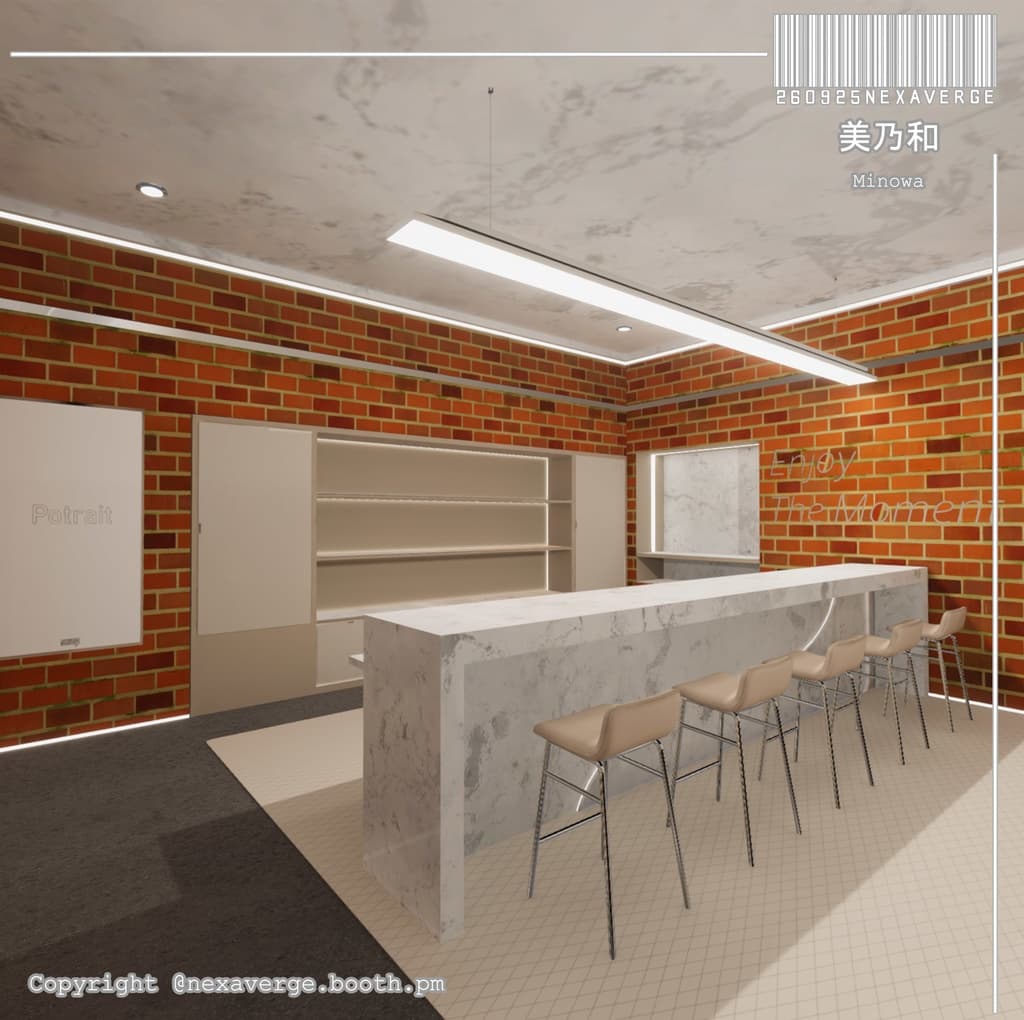
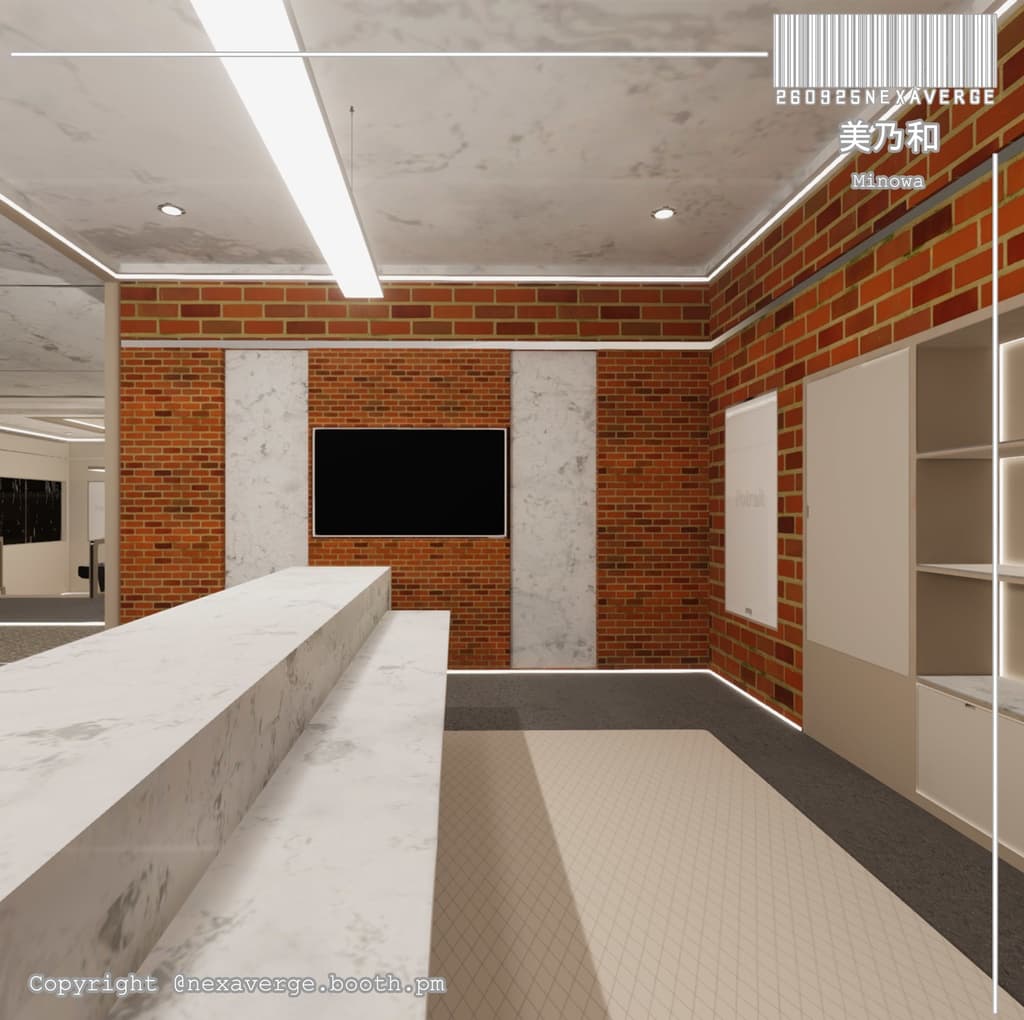
説明
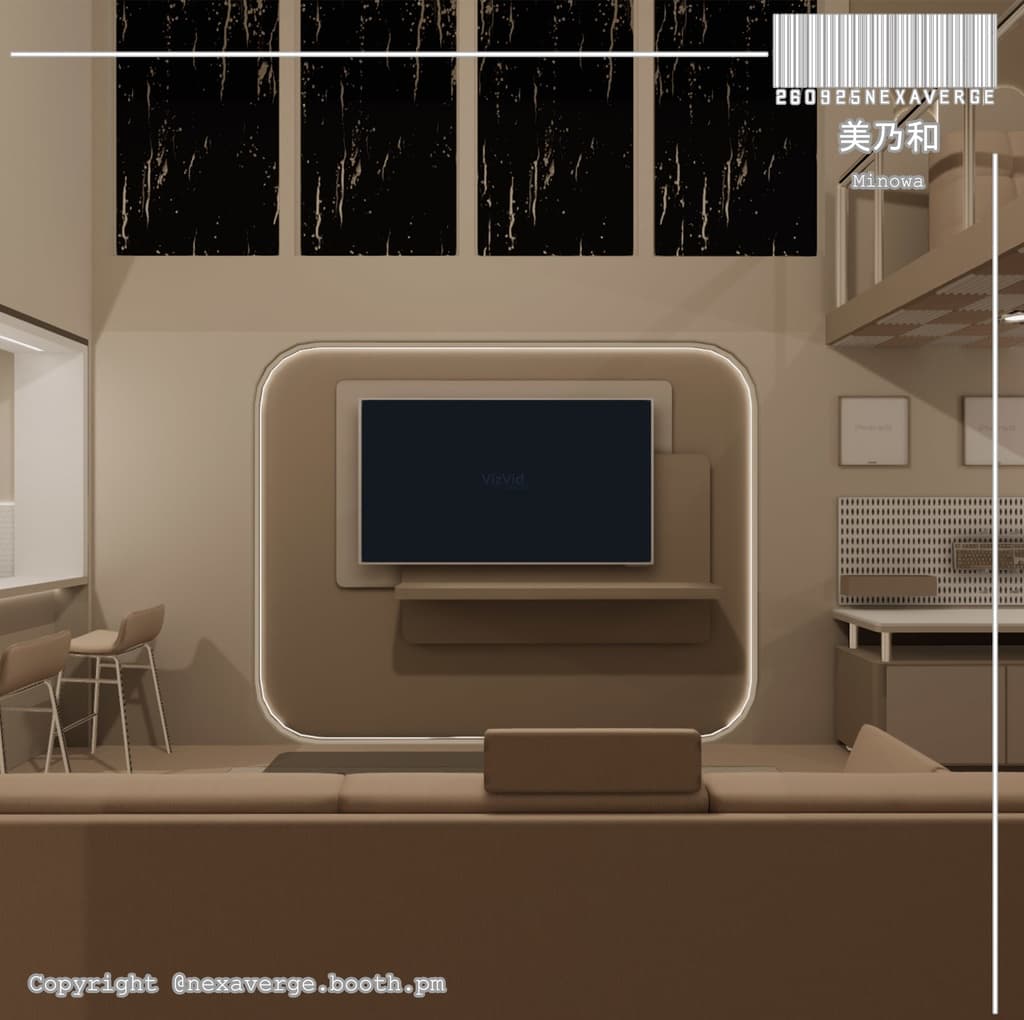
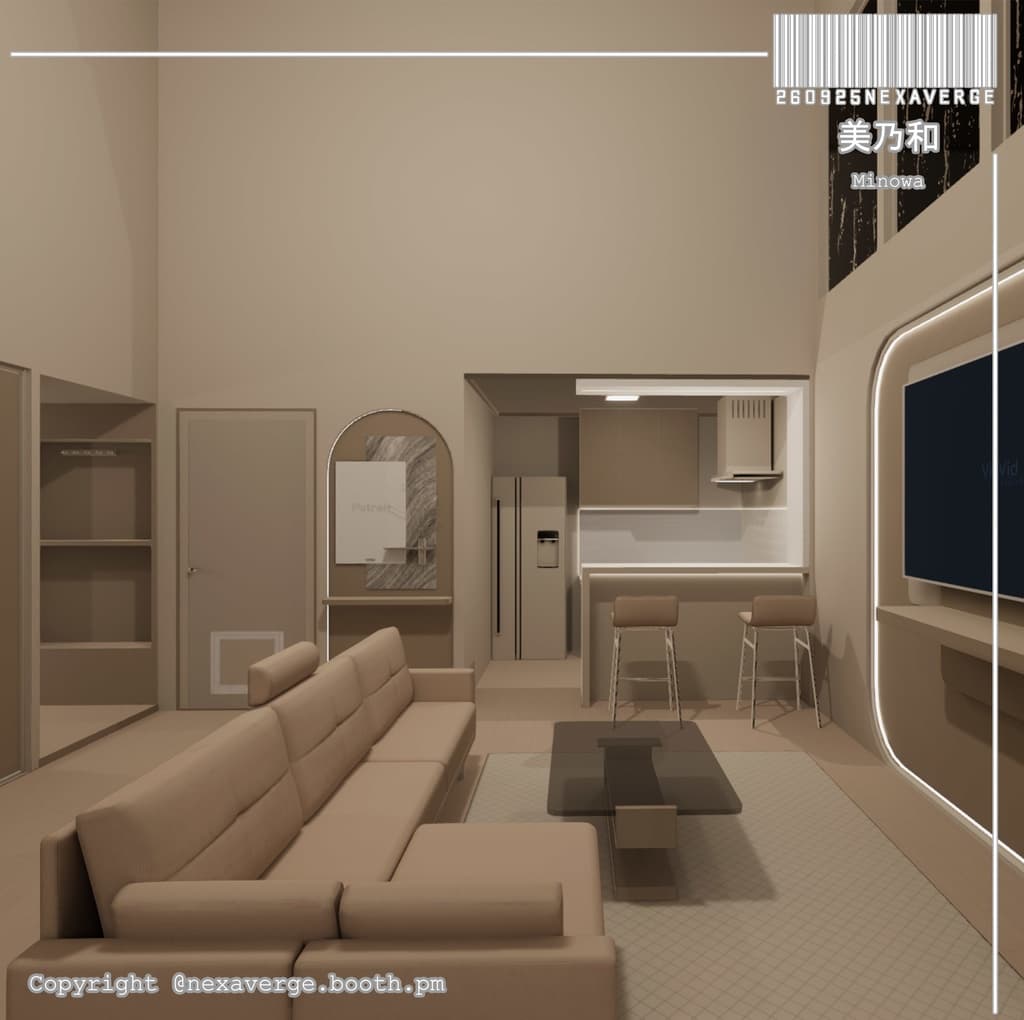
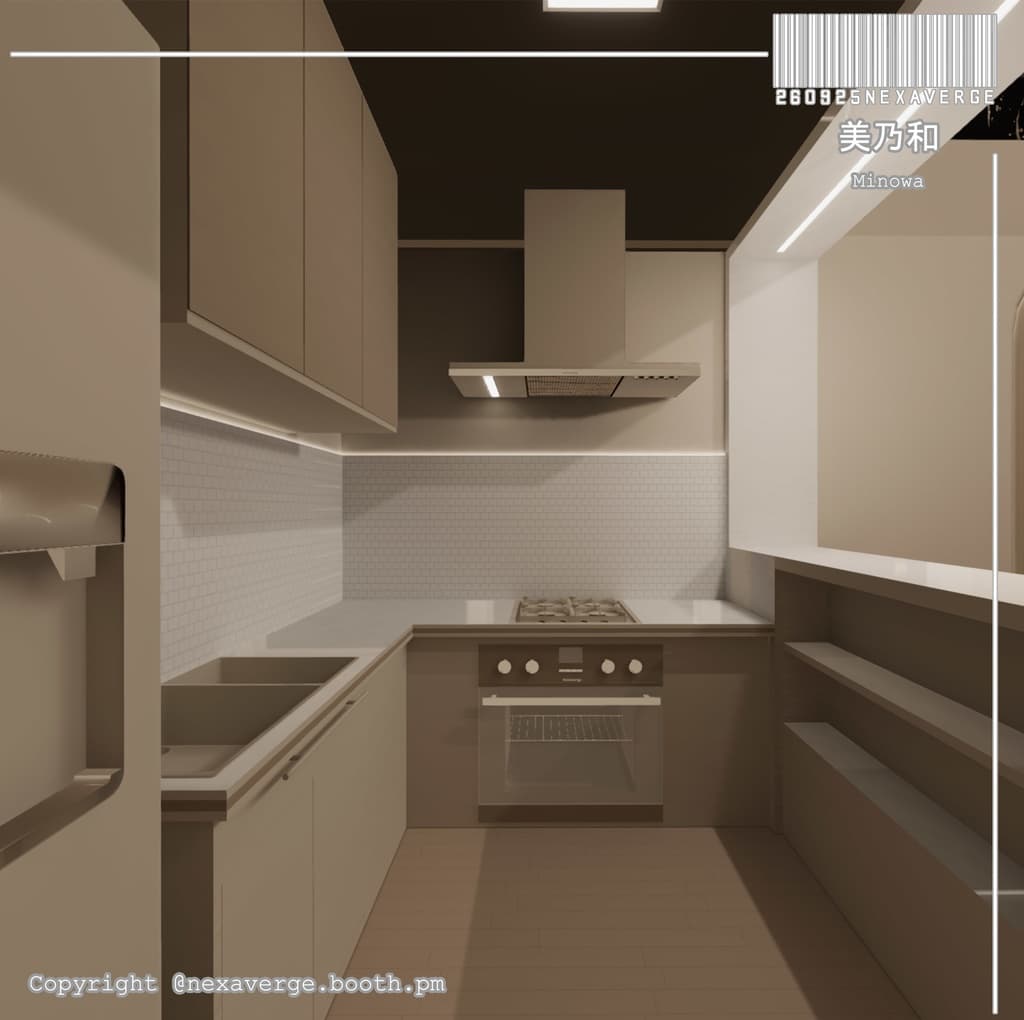
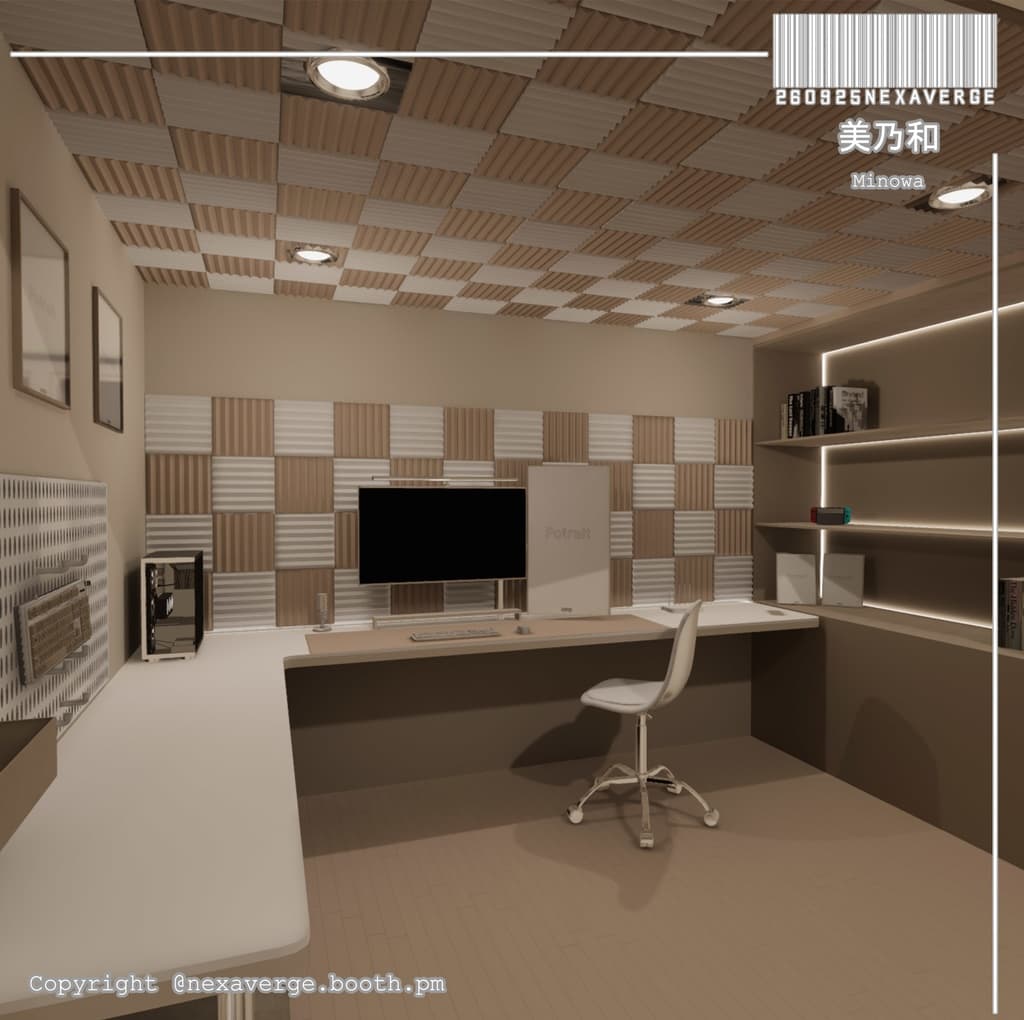
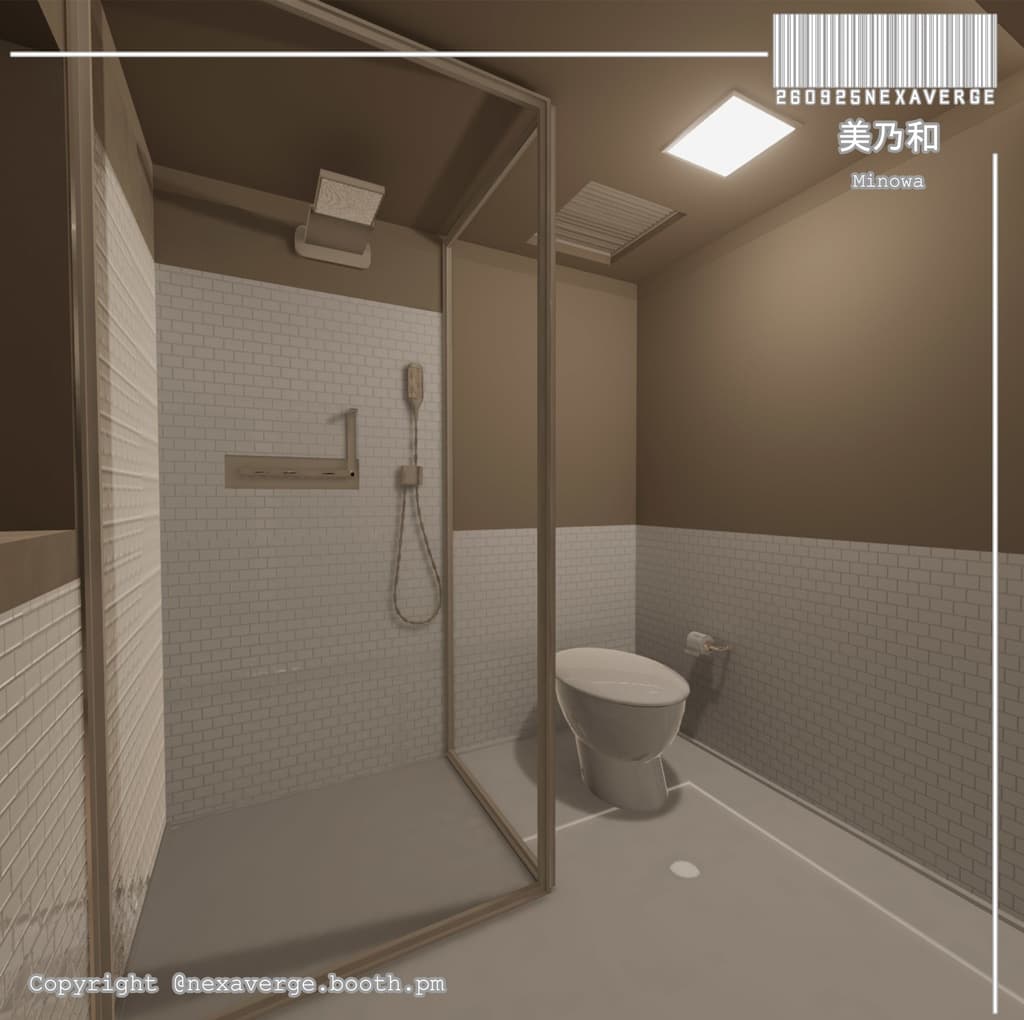
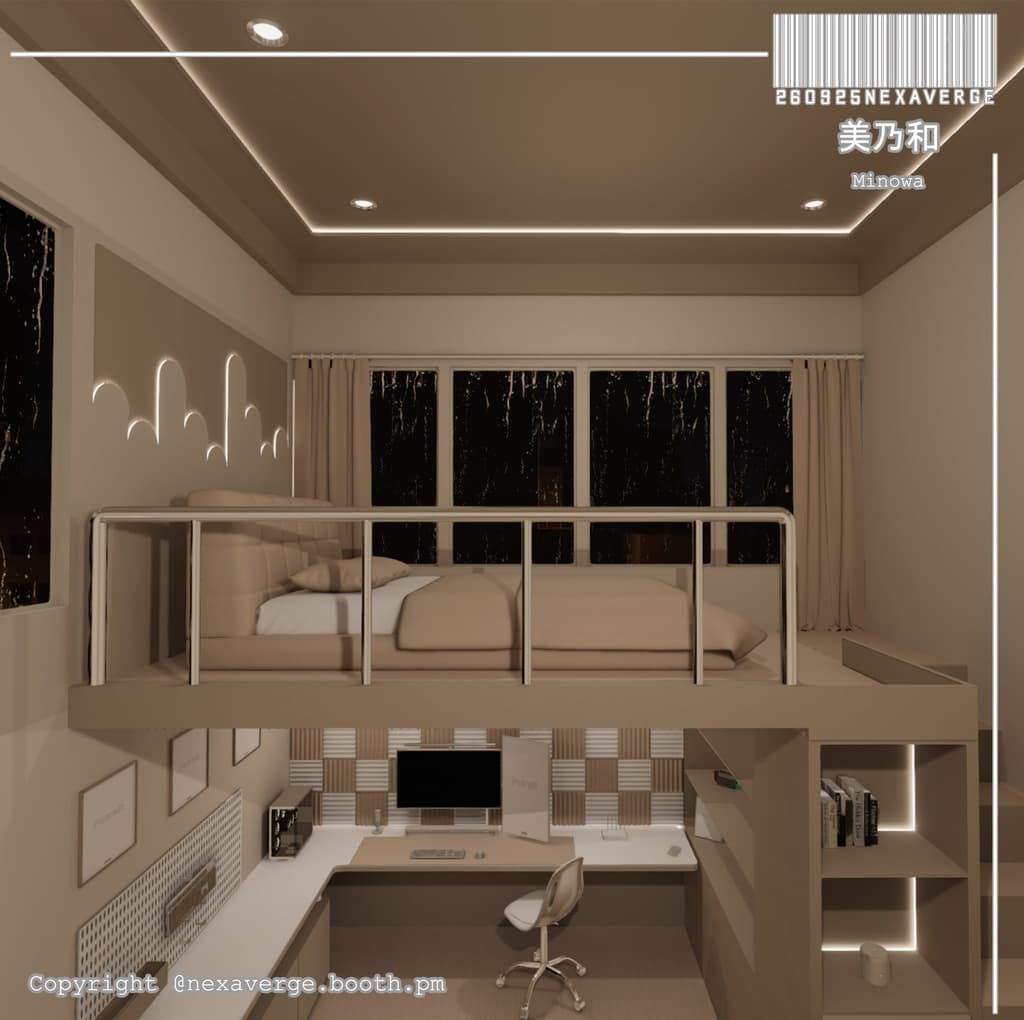
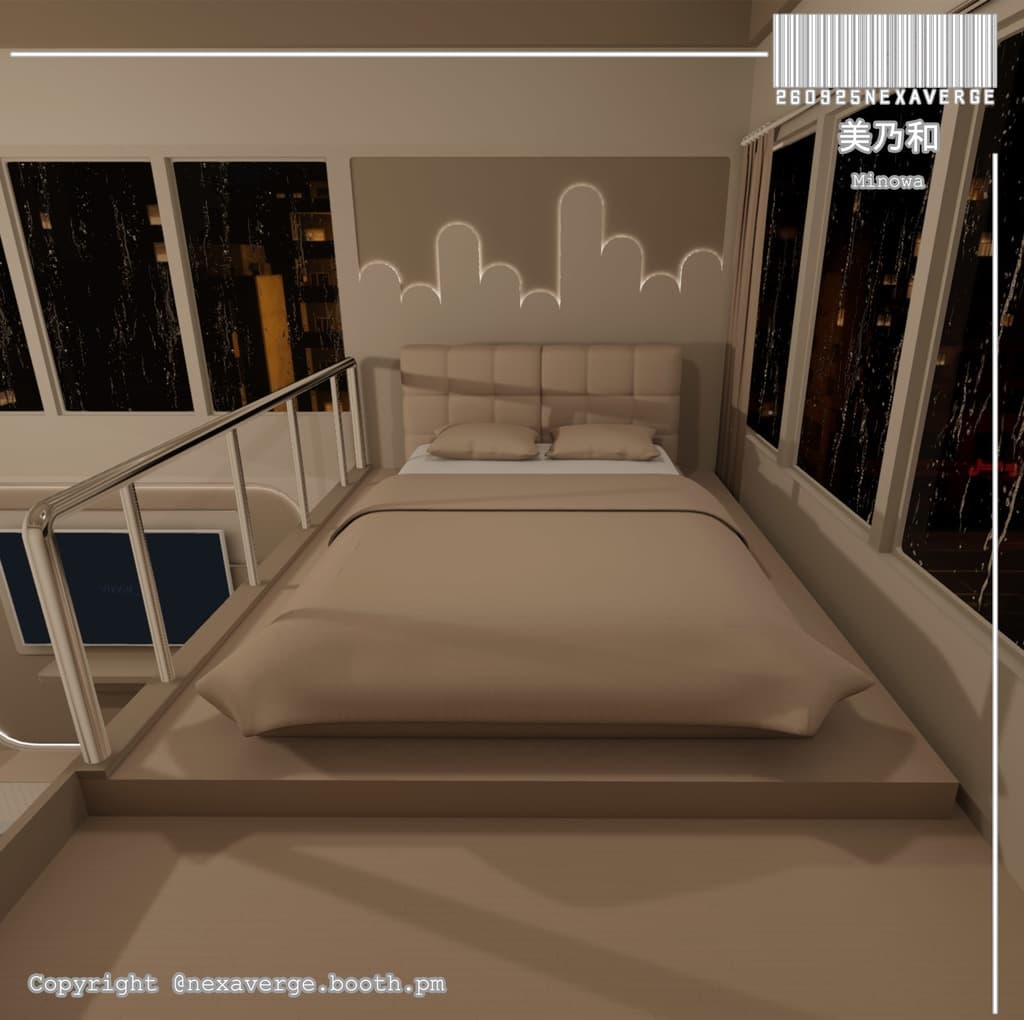
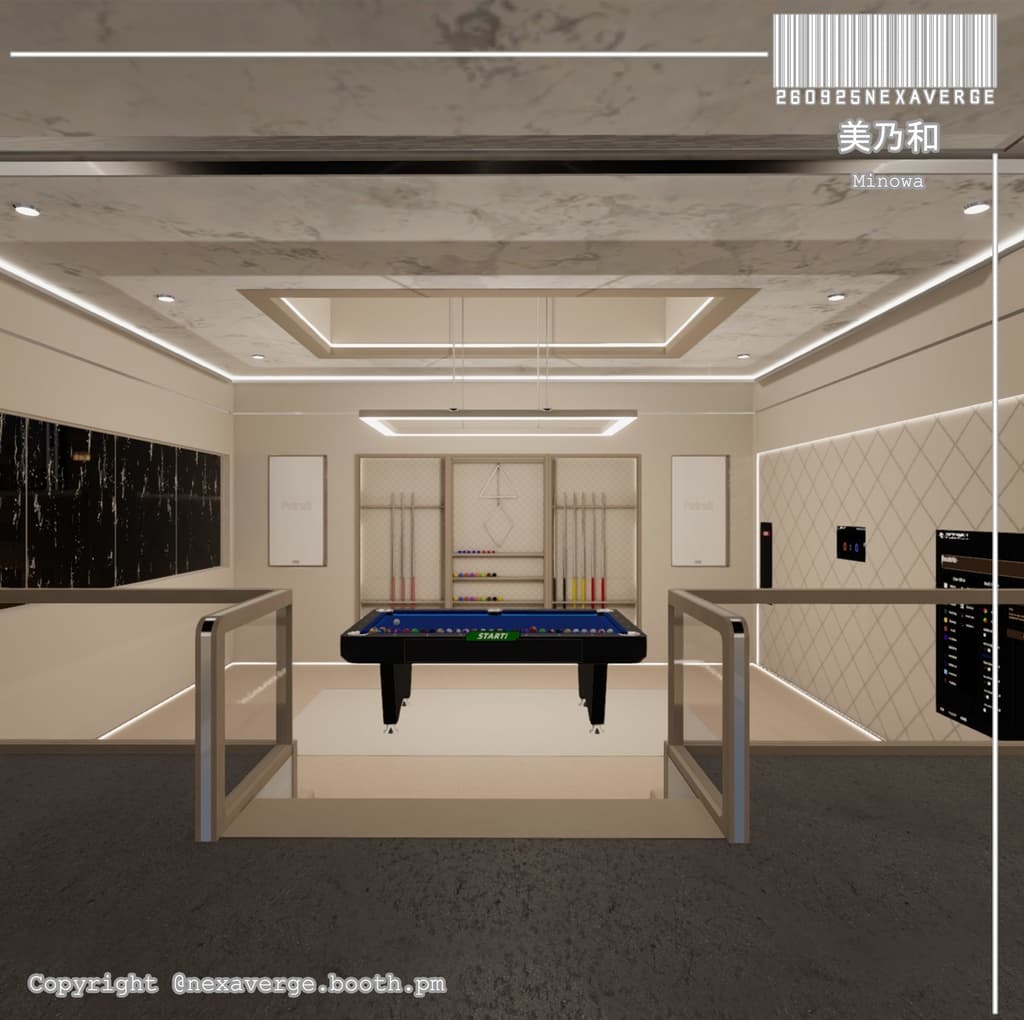
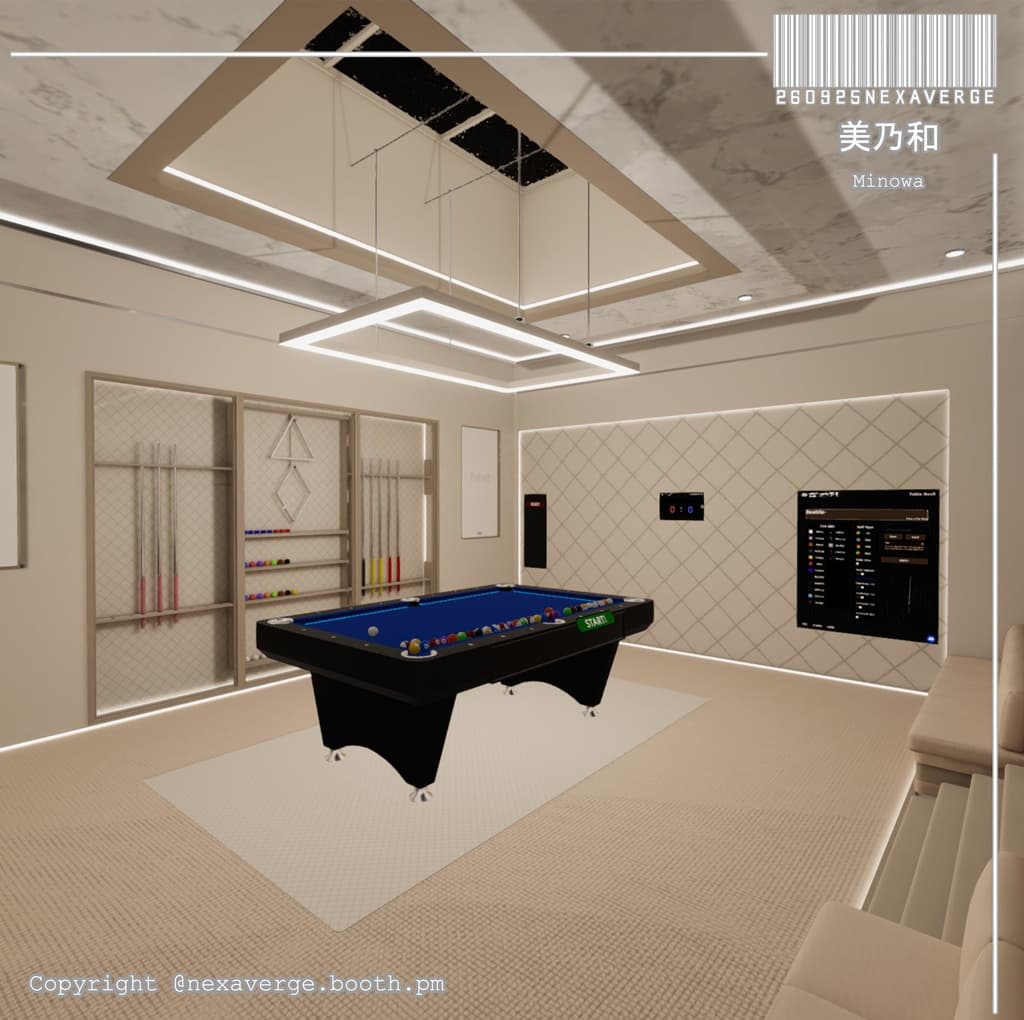
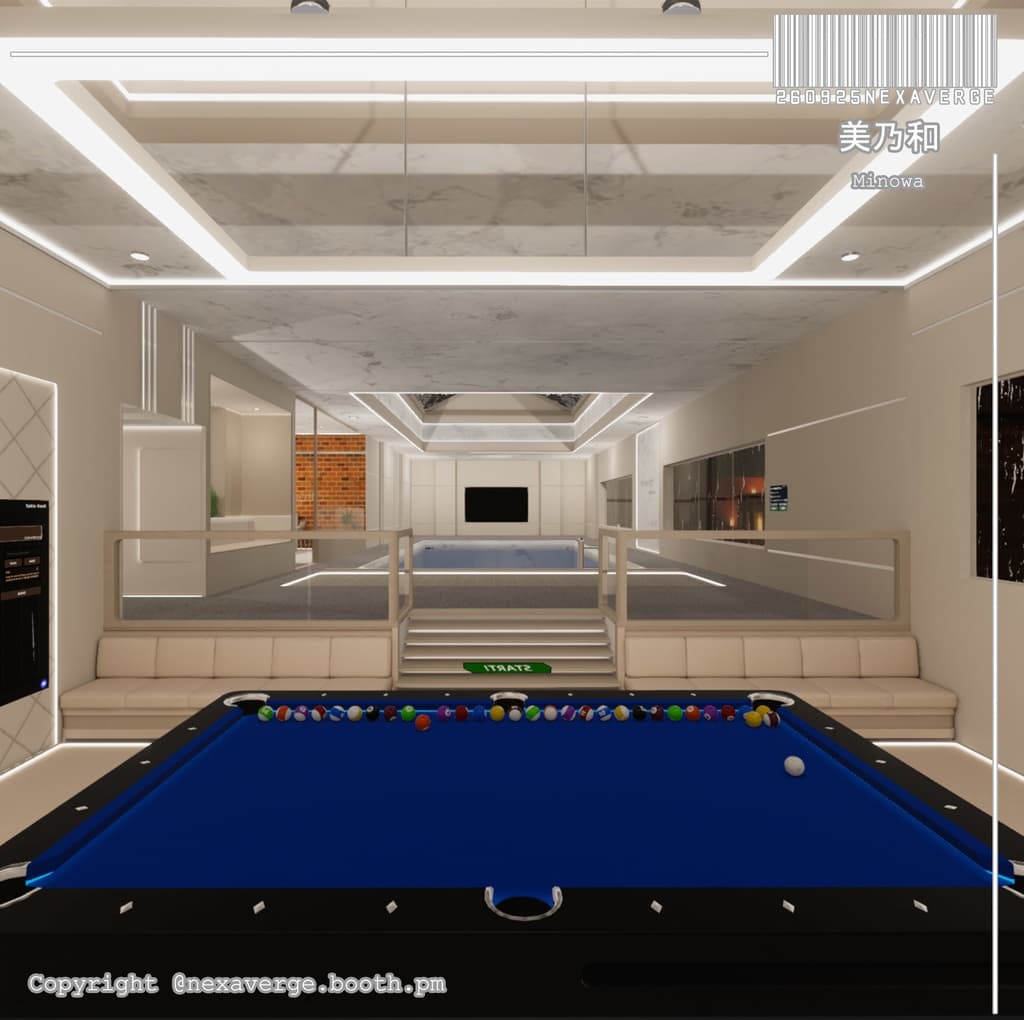
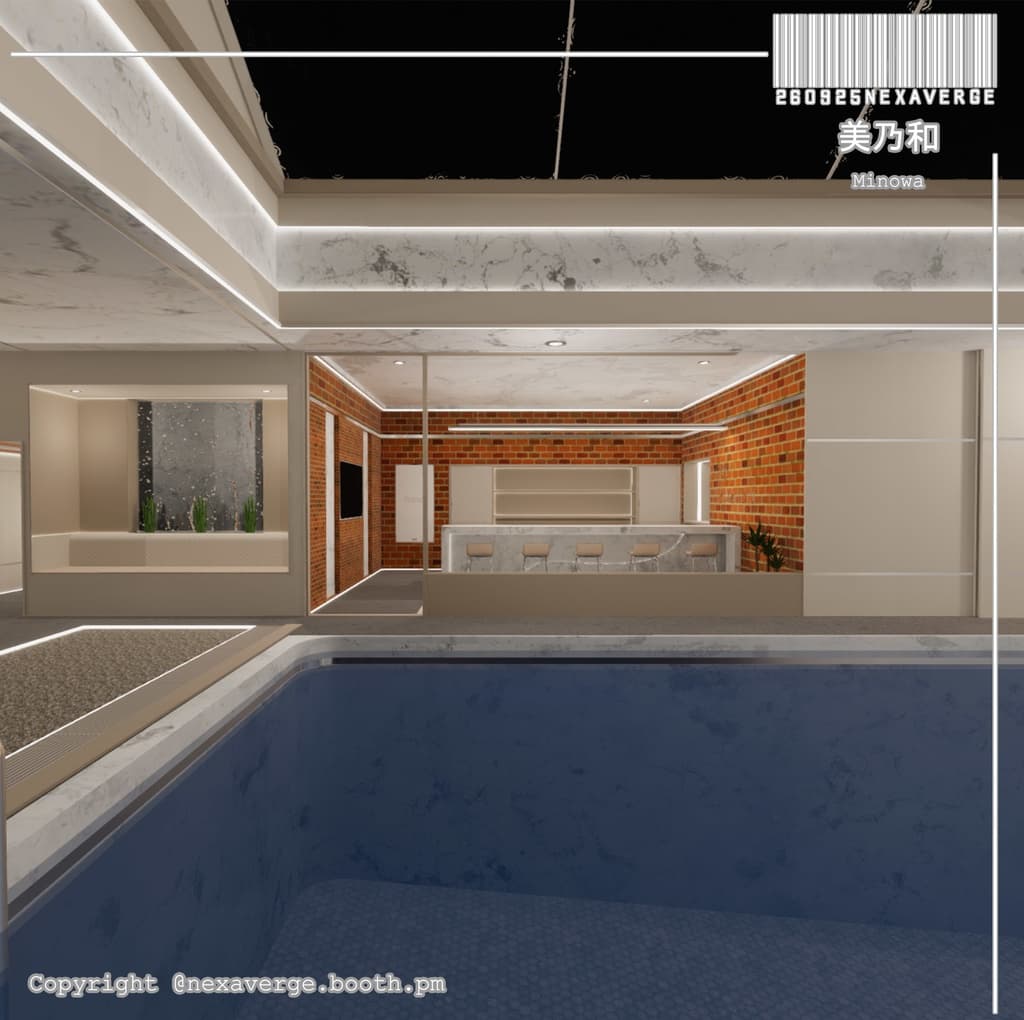
ミニマルデザインのアパートメント! エレベーター付きで、上階・下階への移動もラクラク✨ ビリヤードが好きな方や、自分だけのプールを持ちたい方にぴったりの空間です!
JP インストール方法 (以下の手順に従ってください)
1️⃣ VRChat Creator Companion を使用してください。 2️⃣ 新しい 2022 ワールドプロジェクトを作成してください。 3️⃣ Cyen Trigger をインストールしてください: https://booth.pm/ja/items/3194594 4️⃣ VizVid をインストールしてください: https://booth.pm/ja/items/5056077 5️⃣ Mochie Shader をインストールしてください: https://github.com/MochiesCode/Mochies-Unity-Shaders/releases/download/v1.64/Mochies.Unity.Shaders.v1.64.Free.unitypackage 6️⃣ ZIPファイルおよび Unity ワールドパッケージを解凍し、Unity シーンに追加してください。 7️⃣ 私たちのシーンを使用し、アップロードの準備をしてください。
📌 注意: 🔴 ガラスに問題が発生した場合は、次の手順に従ってください:
プロジェクト内の 「fake glass」 フォルダを削除してください。
次のリンクから再インストールしてください: https://booth.pm/en/items/2336731
🔴 インストール手順 1〜6 を順番通りに必ず実行してください。
手順を飛ばすと、進行状況に問題が発生する可能性があります。
🔴 正しくインストールすれば、ワールドは正常に動作することが確認されています。
⚠️ VRChatワールドのセットアップおよびUnityへのアップロードに関する基本的な知識も重要です!
KR 설치 방법 (아래 단계를 순서대로 따라주세요)
1️⃣ VRChat Creator Companion을 사용하세요. 2️⃣ 새로운 2022 월드 프로젝트를 생성하세요. 3️⃣ Cyen Trigger를 설치하세요: https://booth.pm/ko/items/3194594 4️⃣ VizVid를 설치하세요: https://booth.pm/ko/items/5056077 5️⃣ Mochie Shader를 설치하세요: https://github.com/MochiesCode/Mochies-Unity-Shaders/releases/download/v1.64/Mochies.Unity.Shaders.v1.64.Free.unitypackage 6️⃣ ZIP 파일과 Unity 월드 패키지를 압축 해제하여 Unity 씬에 추가하세요. 7️⃣ 저희의 씬을 사용하고 업로드를 준비하세요.
📌 주의: 🔴 유리에 문제가 발생할 경우, 아래 단계를 따라 주세요:
프로젝트에서 "fake glass" 폴더를 삭제하세요.
다음 링크에서 다시 설치하세요: https://booth.pm/en/items/2336731
🔴 설치 단계 1번부터 6번까지를 반드시 순서대로 진행하세요.
단계를 건너뛰면 진행 과정에 문제가 발생할 수 있습니다.
🔴 올바르게 설치하면, 월드는 정상적으로 작동함이 확인되었습니다.
⚠️ VRChat 월드 설정 및 Unity 업로드에 대한 기본 지식도 중요합니다!
EN How to Install (Please follow the steps below carefully)
1️⃣ Use VRChat Creator Companion. 2️⃣ Create a new 2022 world project. 3️⃣ Install Cyen Trigger: https://booth.pm/en/items/3194594 4️⃣ Install VizVid: https://booth.pm/en/items/5056077 5️⃣ Install Mochie Shader: https://github.com/MochiesCode/Mochies-Unity-Shaders/releases/download/v1.64/Mochies.Unity.Shaders.v1.64.Free.unitypackage 6️⃣ Extract the ZIP file and Unity world package, then add them to your Unity scene. 7️⃣ Use our scene and get ready to upload!
📌 Note: 🔴If you experience any issues with the glass, please follow these steps: Delete the folder named "fake glass" from your project. Reinstall it from this link: https://booth.pm/en/items/2336731
🔴 Make sure you follow the installation steps 1 through 6 in order. If you skip any steps, it may cause issues with your progress.
🔴 The world has been tested and confirmed to work when installed correctly.
⚠️ Basic knowledge of how to set up a VRChat world and upload it to Unity is also important!
System Requirements ■ VCC Compatible ■ Unity 2022.3.22f1 ■ VRCSDK3.8.2
Terms of use
- Can be modified
- Can be used for streaming
- Can be made public
- Redistribution or sale of product data is prohibited
利用ルール
自由に改変OK 公開しても大丈夫! データの再配布や販売は禁止だよ〜
Credits: Starlit Wanderings Fake Glass https://booth.pm/en/items/2336731 Mochie Shader https://github.com/MochiesCode ひらびきWORKS https://booth.pm/en/items/2127684 Explosive Theorem Lab. https://booth.pm/en/items/5056077 Coquelicotz_Plants https://coquelicotz.booth.pm/items/2634073 CQ_Books_5th https://coquelicotz.booth.pm/items/6164819
含まれていないアイテムです。別途購入が可能です。 Skybox: https://z08n.booth.pm/items/4922509 Billiard (FREE) : https://booth.pm/en/items/6092169
Version Information [2025.09.26: Ver1.0.0] Initial Release [2025.09.29: Ver1.1.0] Fixing mesh collider