

[オリジナル3Dモデル] PROTOTYPE [VRChat Avatar]
 VOXIE3D AVATARS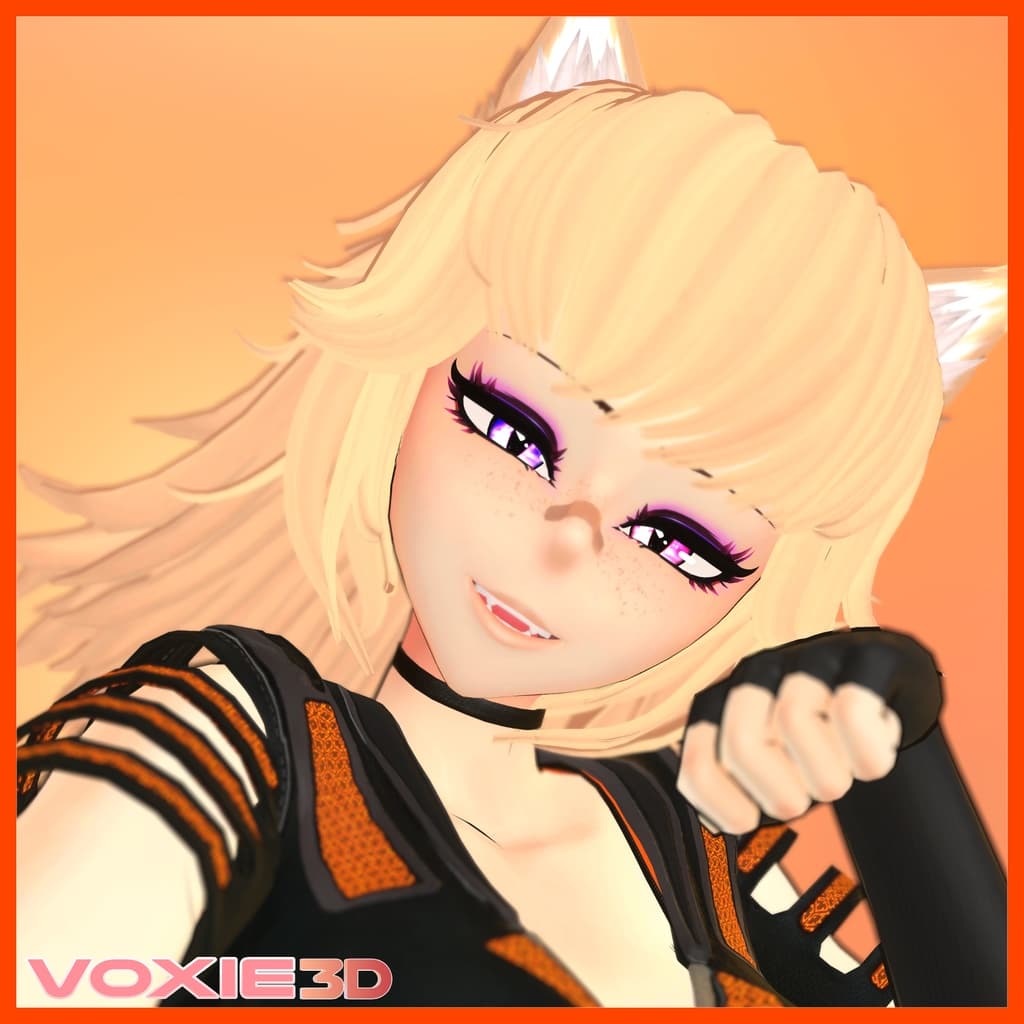
説明
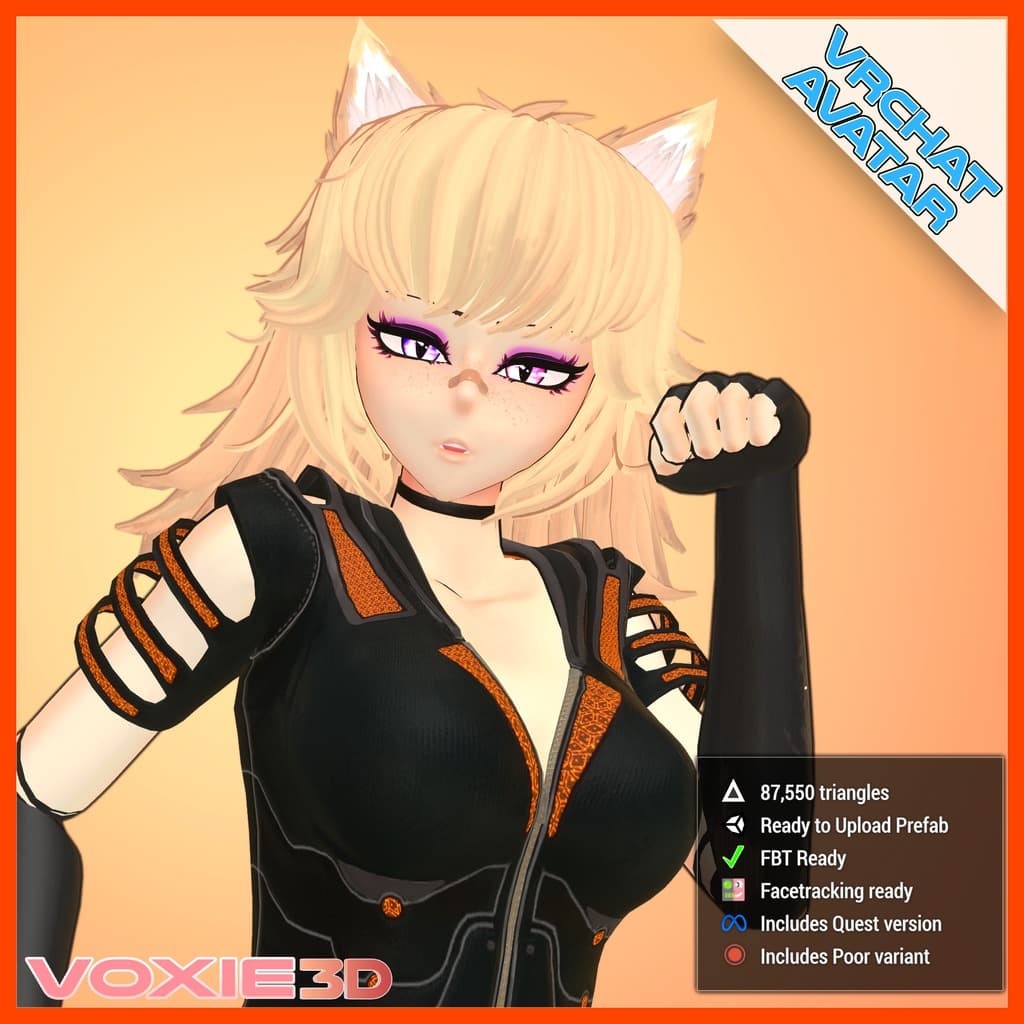
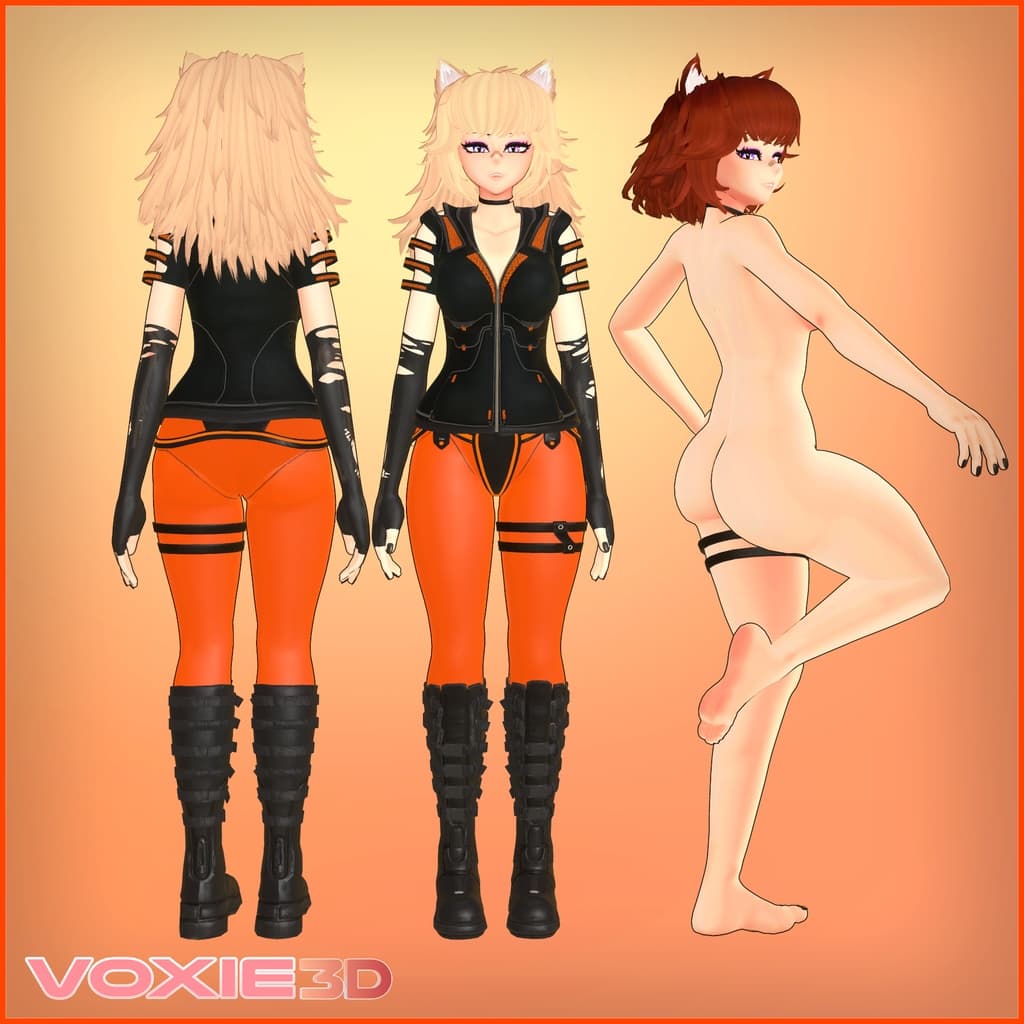
All images are taken directly in Unity with minimal/no editing; i.e. what you see is what you get
Visit the sample avatar world :
https://vrch.at/wrld_6a1e5c44-d617-49c3-b293-813af1016df1
Join my Discord server for updates and previews for upcoming releases:
https://www.voxie3d.com
https://discord.gg/yYrKXm9M6b
Avatar Title: Prototype
Version: v1.0.4 - VRC
Credits:
Designed, modeled and textured from scratch by voxie#6666
GoGo Loco by Franada - (https://franada.booth.pm)
Facetracking animator created using VRCFTGenerator by rrazgriz (https://github.com/rrazgriz/VRCFTGenerator)
OSCmooth by azmidi (https://github.com/regzo2/OSCmooth)
Terms of Use:
What you can do:
- You may upload private versions of the avatar

- You may upload public versions of the avatar provided:

   *  you credit VOXIE3D.com in a noticeable place (i.e. avatar thumbnail, radial menu)

   *  your public version of the avatar is edited in a noticeable way (i.e. don't upload the original version as public. Be creative!)

- You may commission others for edits of the avatar

- You may create and sell clothing items that fit this model as long as none of the assets from this package are in the package you sell

- Streaming or VTubing with this model is OK
What you can't do:
- Do not claim the original as your own

- Do not redistribute any of the files in this package

- Do not resell any of the assets in this package
If you are in need for a more permissive license, please contact me directly (voxie AT voxie3d.com).
Features:
-
Fully rigged with twist bones including full body mesh, facial rig
-
Blendshape based facial expressions and visemes
-
60+ face customization shape keys (180+ face shape keys total)
-
Multiple body customization shape keys (narrower waist, thicker thighs, bigger butt, wider hips, bigger/flatter chest)
-
SRanipal blendshapes for face-tracking included
-
Optimized PBR textures, detail normal maps, baked AO maps, and emission map textures
-
Includes several Performance Ranking versions
Very Poor PC Version: 87550 triangles, 7 skinned meshes, 10 material slots
Poor PC Version: 66078 triangles, 6 skinned meshes, 10 material slots
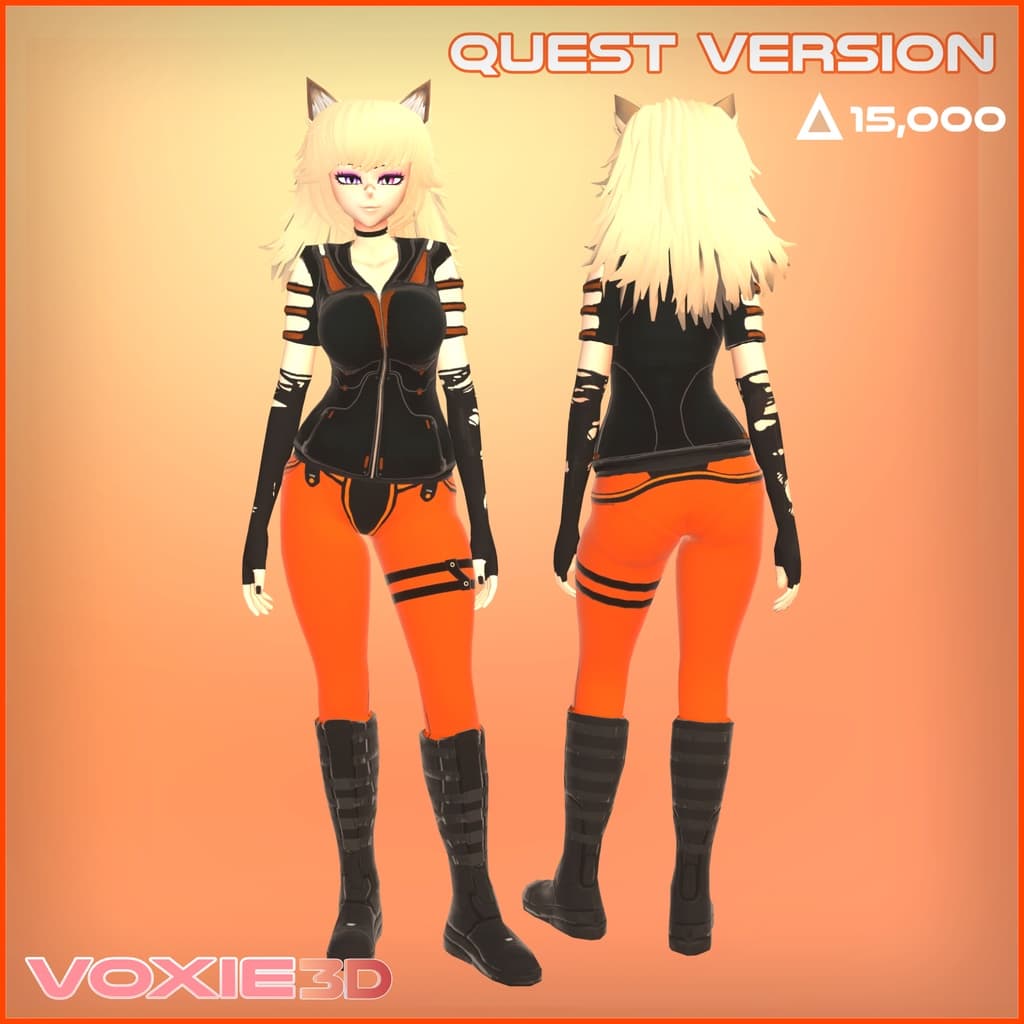
Medium Quest Version: 14963 triangles, 1 skinned mesh, 1 material slot
-
Includes ready-to-upload Avatars 3.0 prefab with pre-configured menus and animations
-
Includes Quest version
-
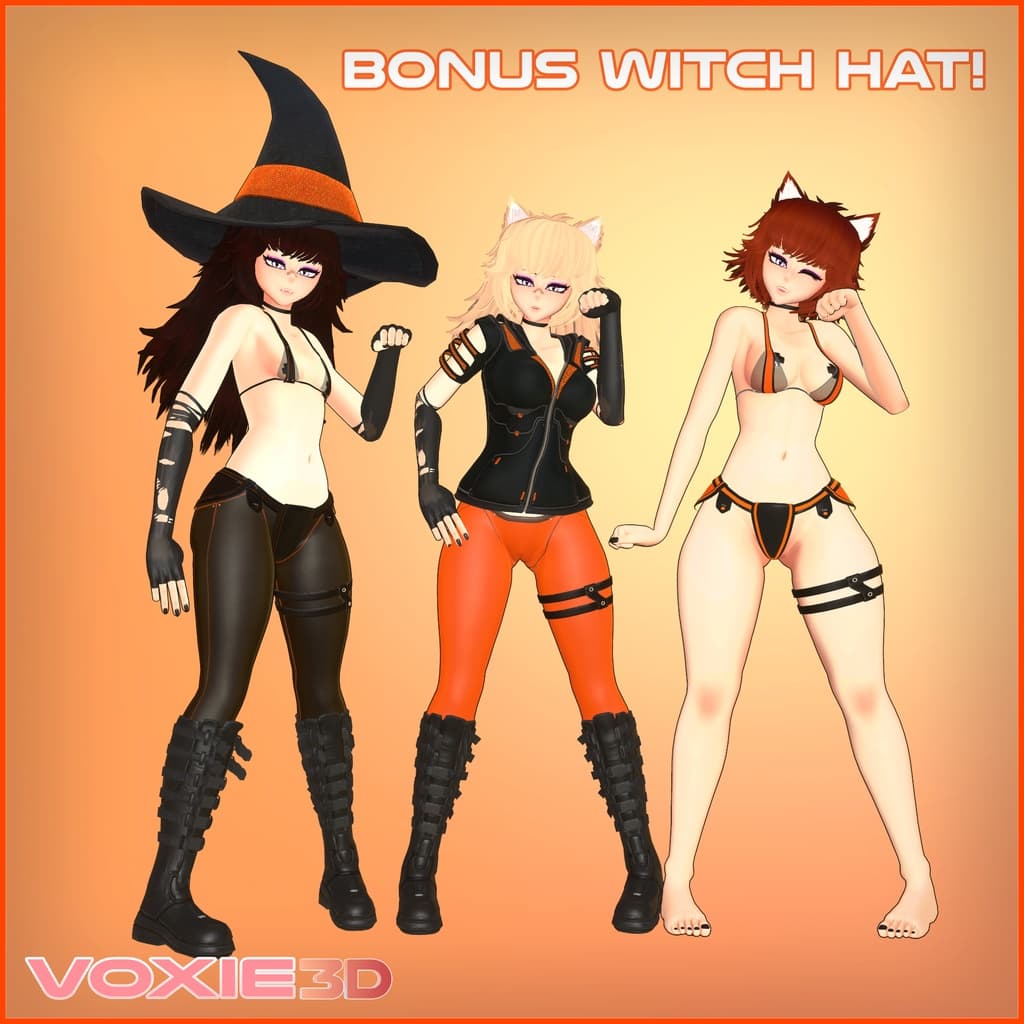
Includes bonus Witch Hat accessory (PC version only)
-
Includes PC and Quest prefabs ready for Facetracking through VRCFT (https://github.com/benaclejames/VRCFaceTracking)
-
Preconfigured hand gesture face expressions
-
Designed for Full-Body Tracking with twist bones in all major joints
-
Includes GoGo Loco locomotion controller for repositioning your body in 3-point VR or Desktop mode
-
Radial sliders for adjusting lighting / shadow strength ingame (PC version only)
-
Physbones in hair, breasts, belly, thighs, butt, and boots
-
Fully compatible with Non-VR (Desktop) mode
-
Eye/Facetracking is toggleable with fallbak to hand gesture animations when disabled
Toggles (PC only)
-
All clothing is toggleable
-
3 different hair colors (Brown, Blonde, Black)
-
3 hair lengths (Short, Medium, Long)
-
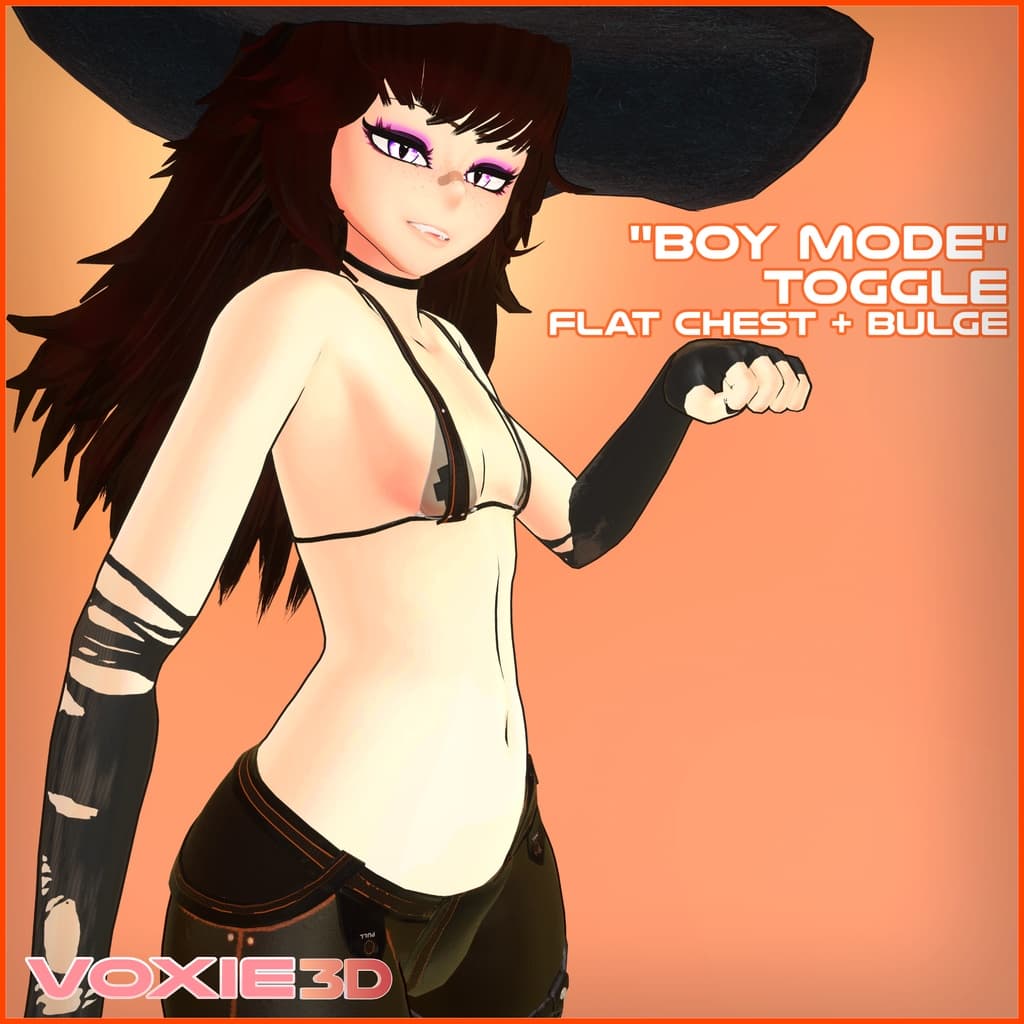
"Boy Mode" toggle (flattens chest + bulge)
-
Alternate black color scheme toggle
VRChat PC Upload Instructions
Prerequisites:
Poiyomi Toon Shader v8.0.426
Latest VRChat Creator Companion (https://vrchat.com/download/vcc)
-
Make a new project using VRChat Creator Companion (https://vrchat.com/download/vcc)
-
Add VRChat SDK3 - Avatars to your newly created project
-
Open the new project in Unity
-
Import Poiyomi Toon v8.0.426 unitypackage (https://github.com/poiyomi/PoiyomiToonShader/releases/tag/V8.0.426)
-
Open VoxieNewProtoWolfGirl scene in Assets/VoxieProtoWolfGirl/Scenes
-
Choose the avatar prefab that you want to upload. By default the full version without Facetracking is unhidden.
To upload a different version, enable the object in the Inspector window and hide the other objects.
-
Open the VRChat SDK menu found in the toolbar and log in
-
Press "Build & Publish for Windows" at the bottom of the Builder menu
-
Allow Poiyomi Toon Shader to lock the materials if not already locked (it will take a few minutes)
-
In the Game window, input a name for your upload, then press Upload
- If upload fails, check if the Pipeline Manager component has a Blueprint ID in it, and if it does, press Detach.
-
To upload for Quest, press the "Switch Build Target to Windows" button in the VRChat SDK Builder window
-
Unhide the Quest prefab you want to upload
-
In the Inspector window, paste the same avatar ID as your PC version into the Pipeline Manager component Blueprint ID field
-
Press "Build & Publish for Android" at the bottom of the builder menu
SUPPORT
If you have questions, need help with this model, or just want to chat, contact me on Discord: voxie#6666 or by e-mail (voxie AT voxie3d.com)