

[PB] Hua Hua Handle hats (Ear control) ふわふわした帽子
 JJONGSAEBYEOK (쫑새벽)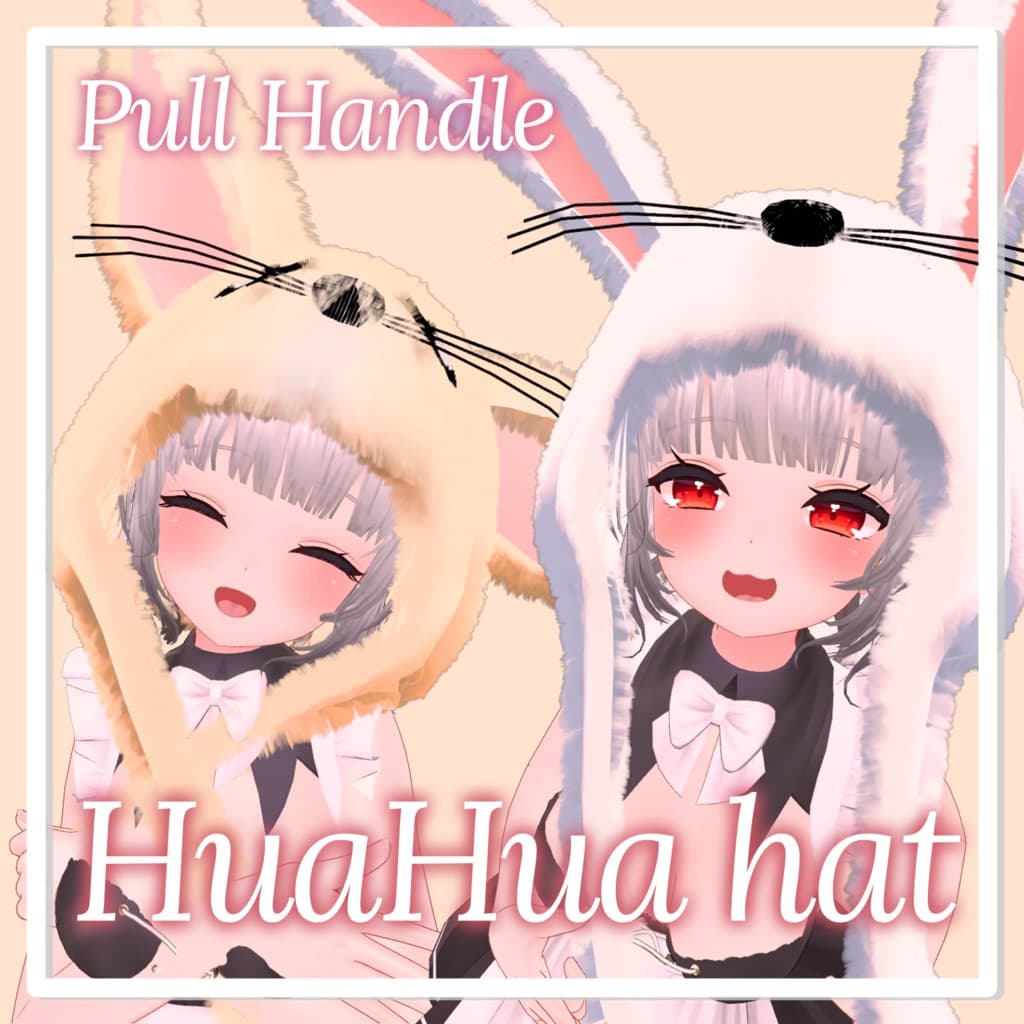
説明
[Yotube Preview] https://www.youtube.com/watch?v=HeSdFqPh1OY
[Easy Tutorial] https://www.youtube.com/watch?v=2KdcNGKvR3c
[Liltoon Shader] https://booth.pm/ko/items/3087170
[Avatars manager] https://github.com/VRLabs/Avatars-3.0-Manager
Update 1.3 첨부된 FX 의 애니메이션 Write Default를 활성화하였습니다.
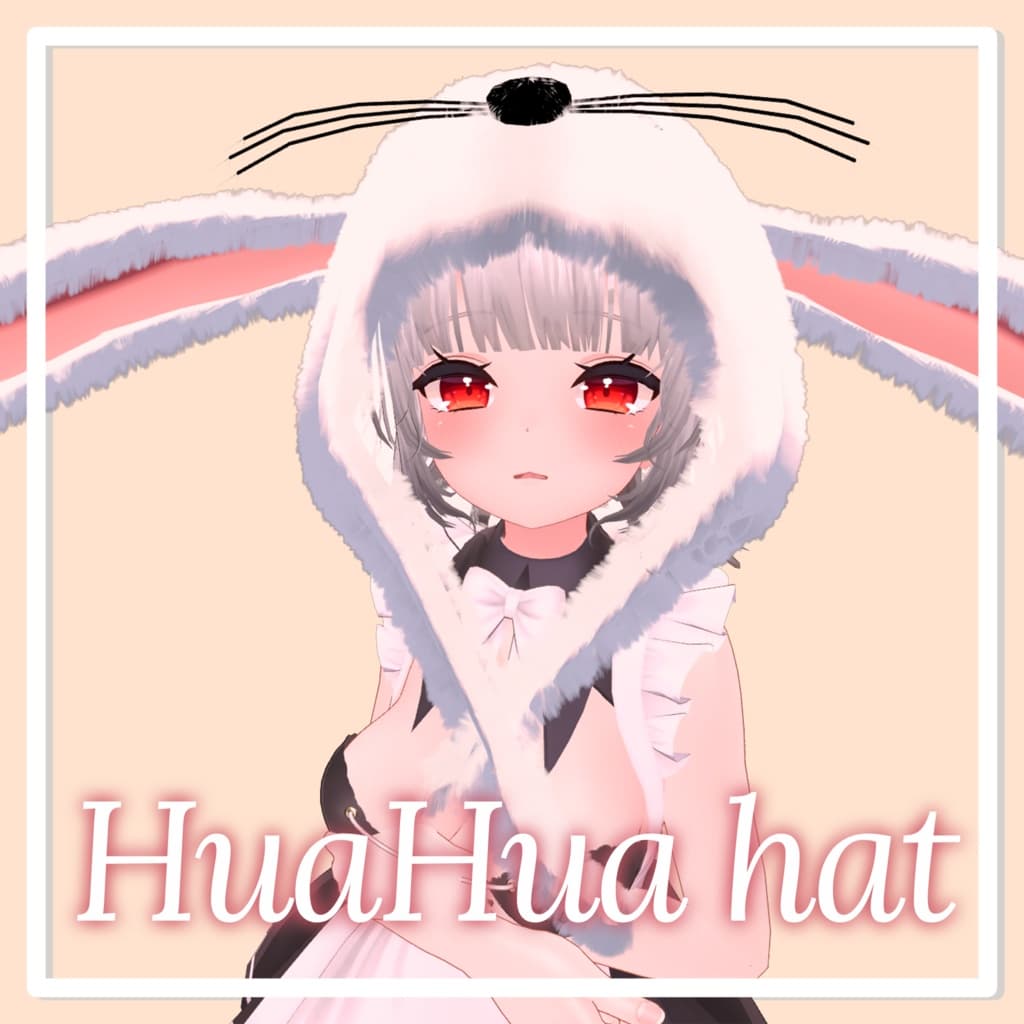
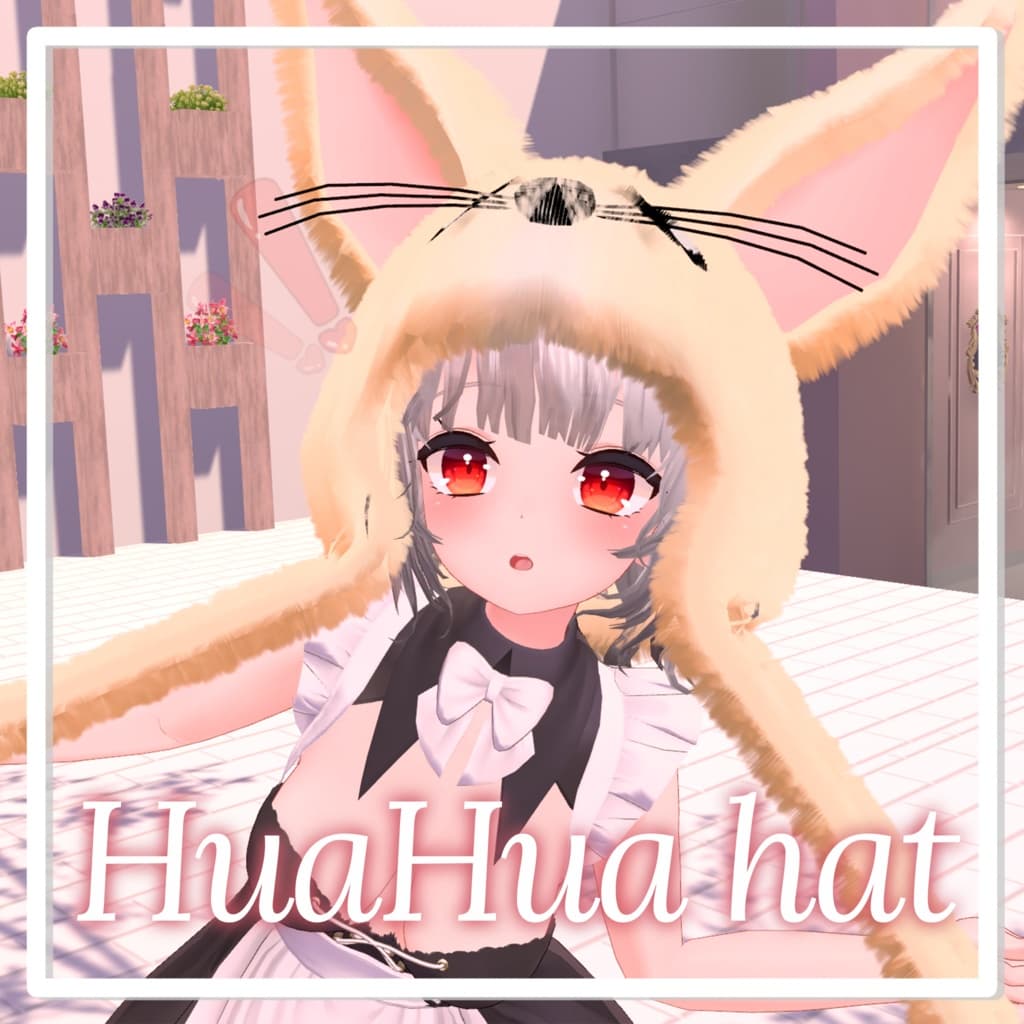
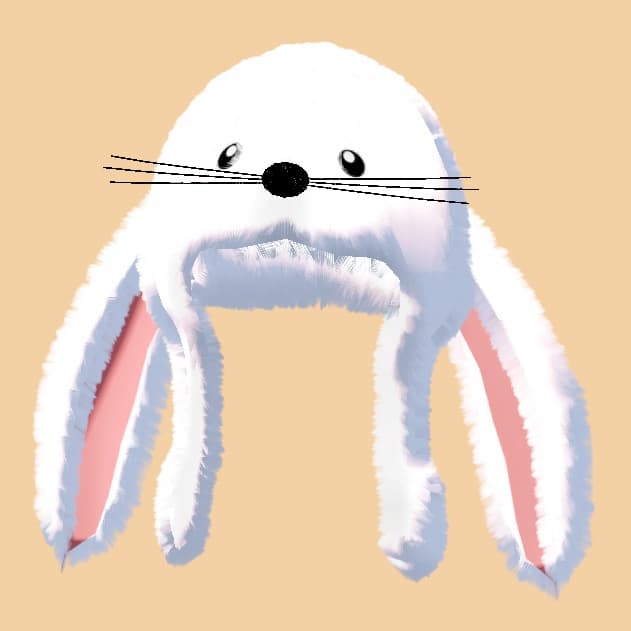
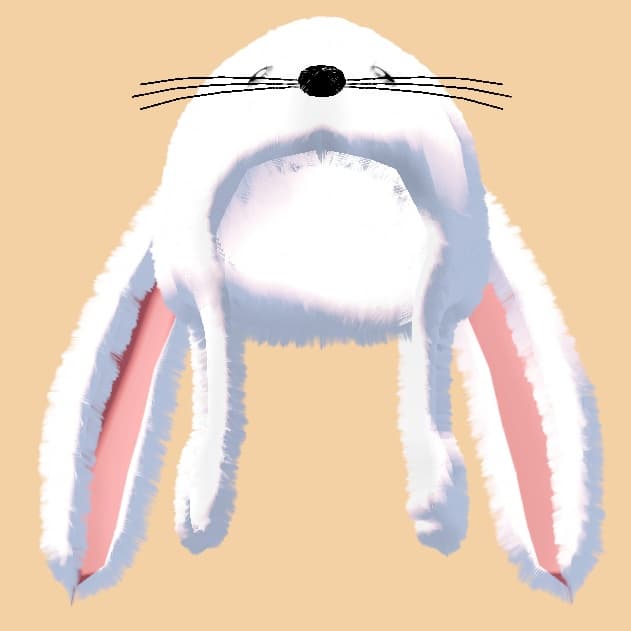
[KOR] 푹신푹신 부드러워 보이는 토끼모자, 사막여우 모자입니다.
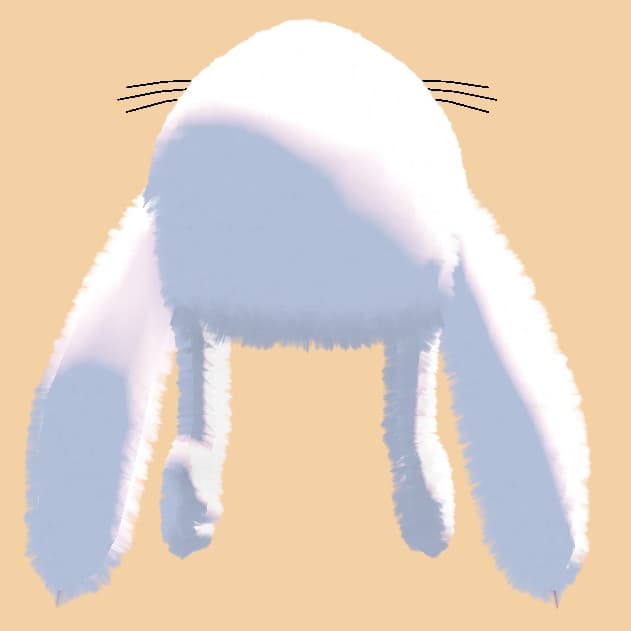
손잡이를 당기면 귀가 위로 움직입니다.
캐릭터 모델은 포함되어있지 않습니다.
- Physics bone과 Liltoon Shader를 사용하였습니다.
*이용방법 Easy tutorial 영상을 봐주세요
- 이 에셋을 도입하기 전에 Liltoon Shader와 VRCSDK3-AVATAR-2022.05.04.17.47_Public 이상, Avatar 3.0 Manager를 도입한다.
- 원하는 위치에 놓고 Hat root를 Head 안으로 옮긴다.
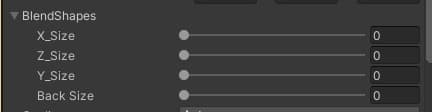
- 캐릭터에 맞도록 Blendshape key의 수치를 조절한다.
*주의사항
- 저작권은 jjongsaebyeok에게 있습니다.
- 텍스쳐 수정은 가능하지만 자신이 만들었다고 주장하지 마십시오.
- 타인과 파일공유금지
- 구매자외에 사용금지
- 해당모델을 수정하여 판매하는 행위 금지
- 이 모델의 사용으로 인해 발생하는 일에 대한 책임은 지지 않습니다.
- 퍼블릭아바타에 사용을 금지합니다
Update 1.3 添付されたFXのアニメーションWriteDefaultを有効化しました。
[JP]
ふわふわやわらかく見えるうさぎの帽子、砂漠キツネの帽子です。
取っ手を引っ張ると耳の上に動きます。
キャラクターモデルは含まれていません。
- PhysicsboneとLiltoonShaderを使用しています。
*ご利用方法です。 簡単なチュートリアルメディアをご覧ください 1。このアセットを導入する前に、LiltoonShaderとVRCSDK3-AVATAR-2022.05.04.17.47_Public, Avatar 3.0 Manager を導入します。 2.好きな位置に置いてHatrootをHeadの中に移します。 3.キャラクターに合うようにBlendshapekeyの数値を調節します。
*注意事項です
- 著作権はjjongsaebyeokにあります。
- テクスチャー修正は可能ですが、自分で作ったと主張しないでください。
- 他人とのファイル共有は禁止します。
- 購入者以外は使用禁止です。
- 該当モデルを修正して販売する行為は禁止します。
- このモデルの使用により発生することに対する責任は負いかねます。
- パブリックアバターへの使用は禁止します。
Update 1.3 I activated the attached FX animation Write Default.
[ENG]
It's a fluffy, soft-looking rabbit hat, a desert fox hat.
When you pull the handle, your ears move up.
Character models are not included.
- Physics bone and Lilton Shader were used.
*How to use it Watch easy tutorial media
- Before introducing this asset, we introduce Lilton Shader and VRCSDK3-AVATAR-2022.05.17.47_Public, Avatar 3.0 Manager.
- Place the hot root in the desired position and move it into the head.
- Adjust the value of the Blendshape key to match the character.
- Precautions
- The copyright belongs to jjongsaebyeok.
- Texture modifications are possible, but do not claim to have been made.
- Do not share files with others
- Do not use it except for buyers
- Do not modify the model and sell it
- We are not responsible for what happens with the use of this model.
- Do not use it on public avatars