

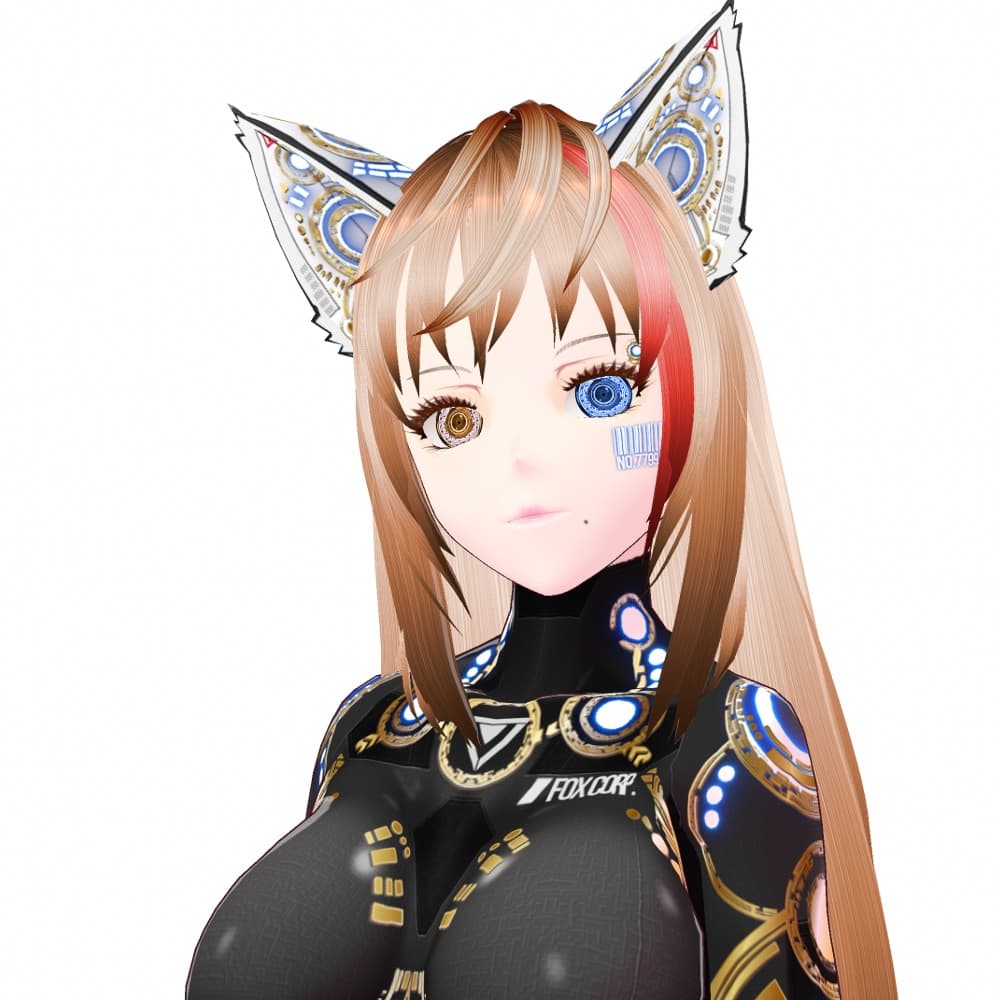
VRoid用 6色*4発光展開 サイバー猫耳 デザイン2 ホワイトバージョン - Cyber Cat Ear Design2 White Version
 Fox Corp.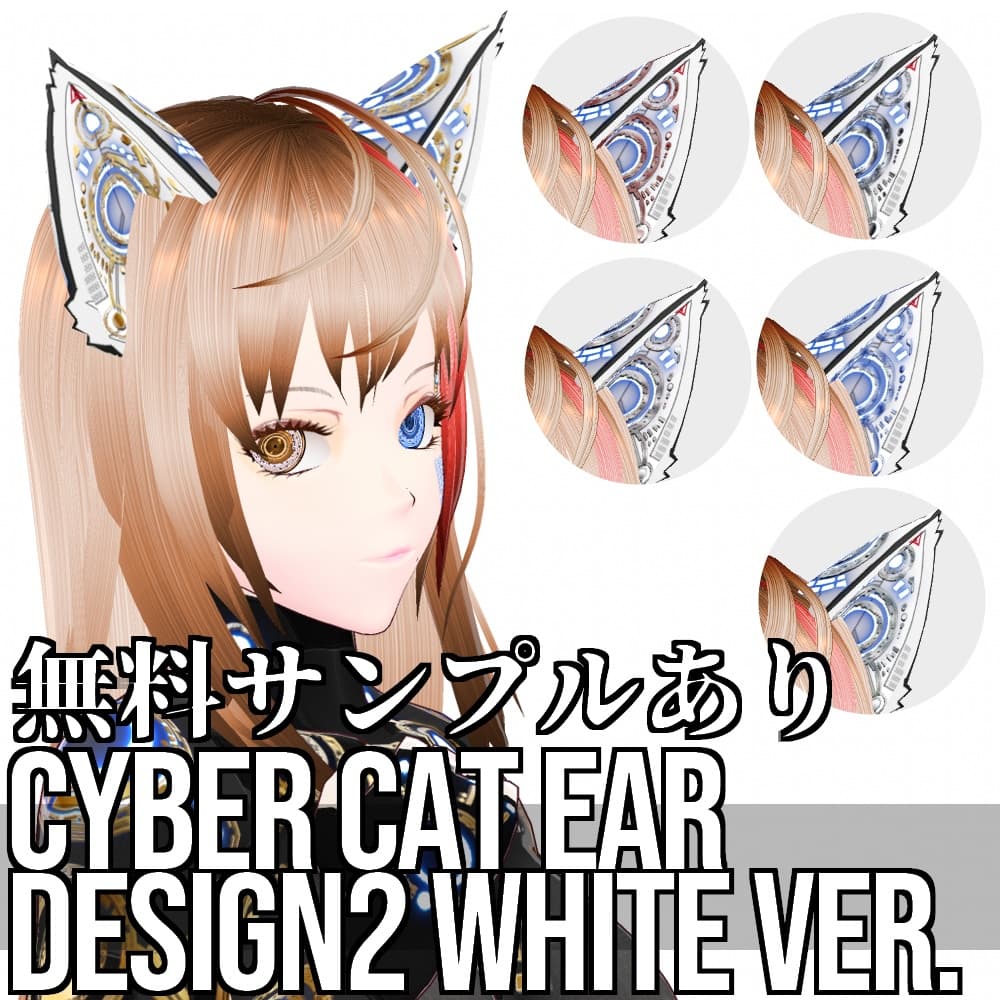
説明
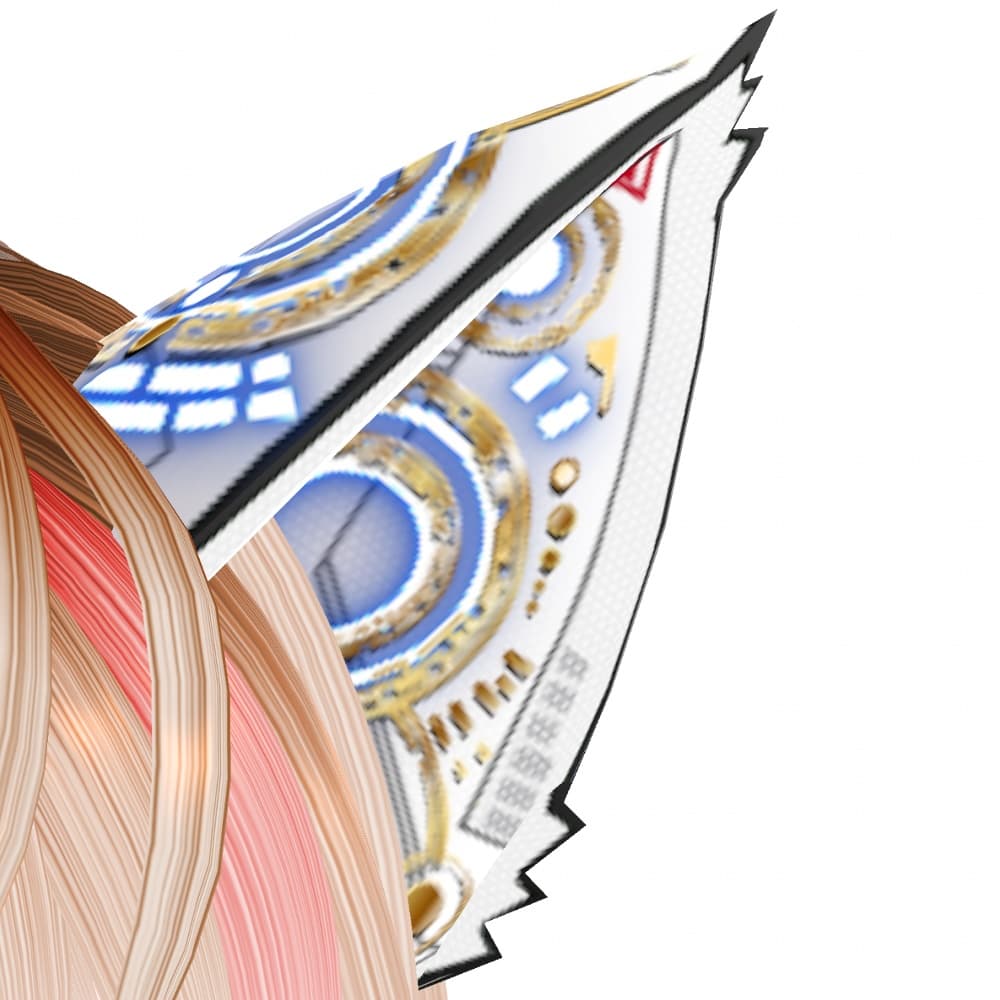
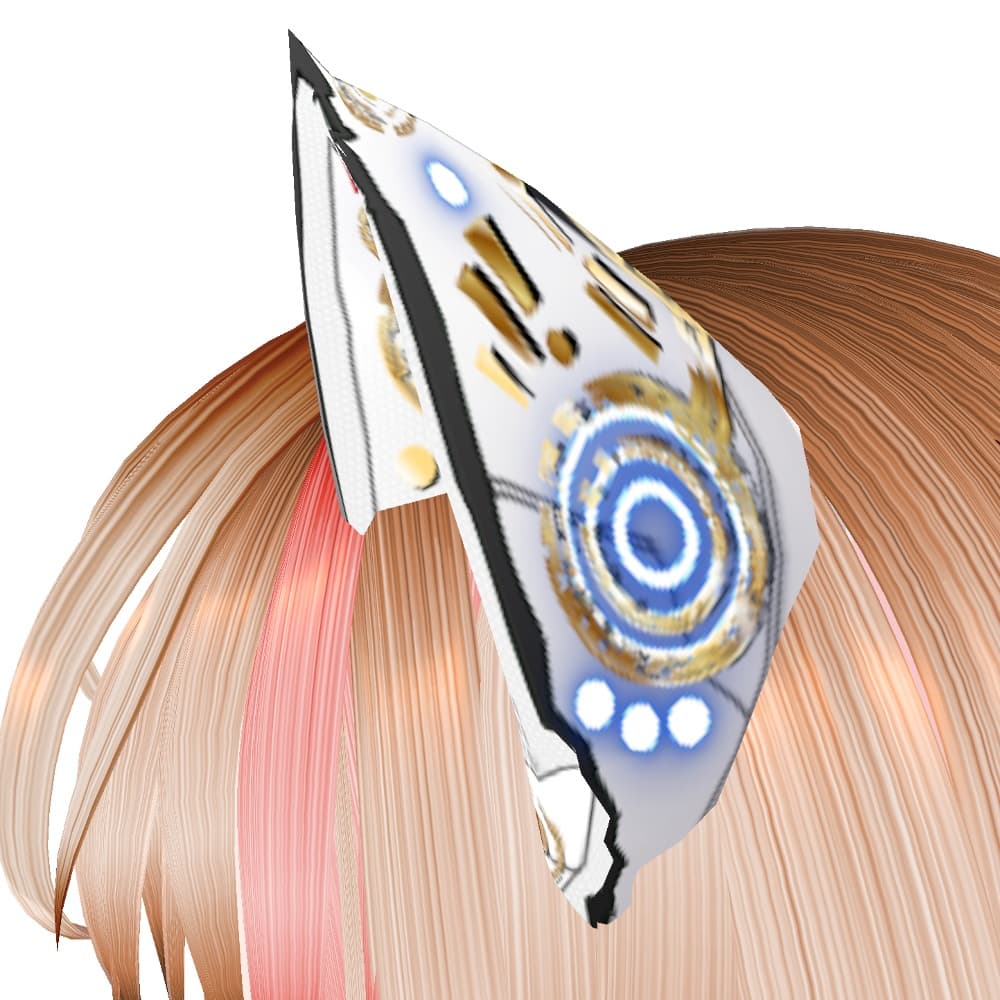
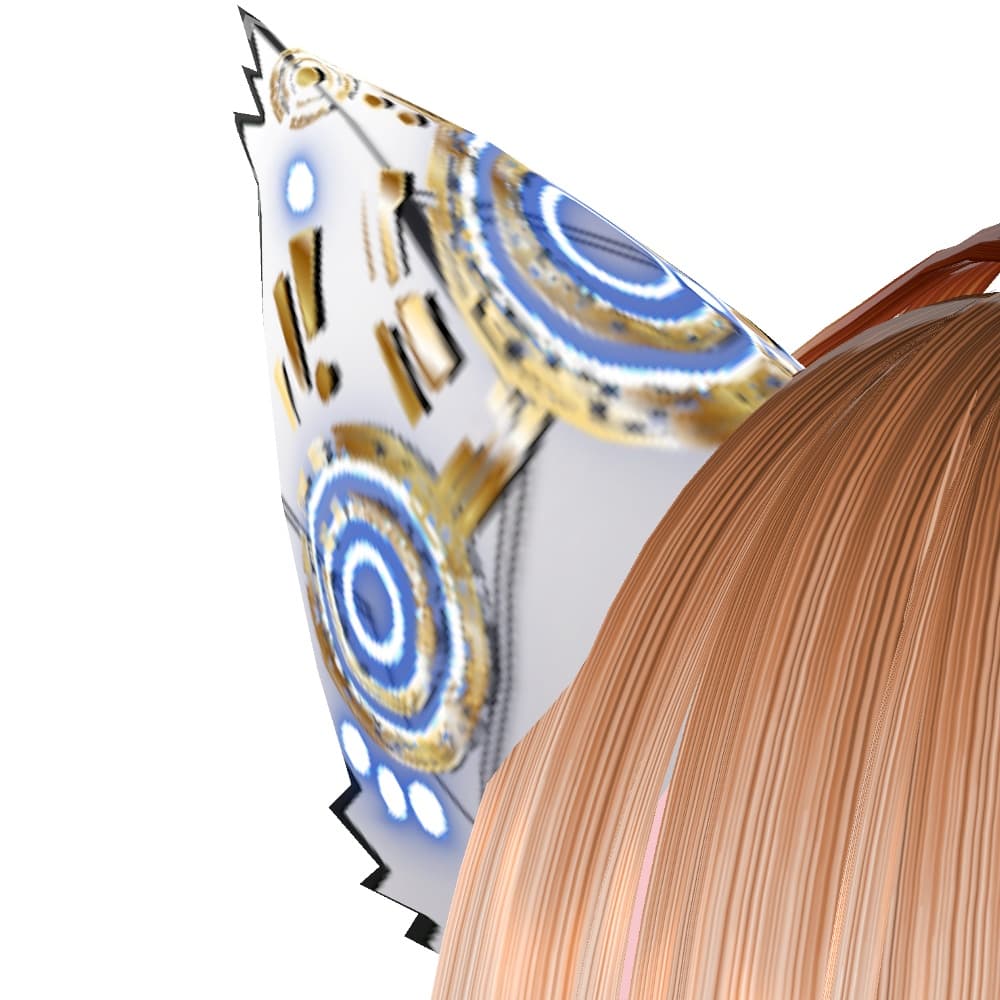
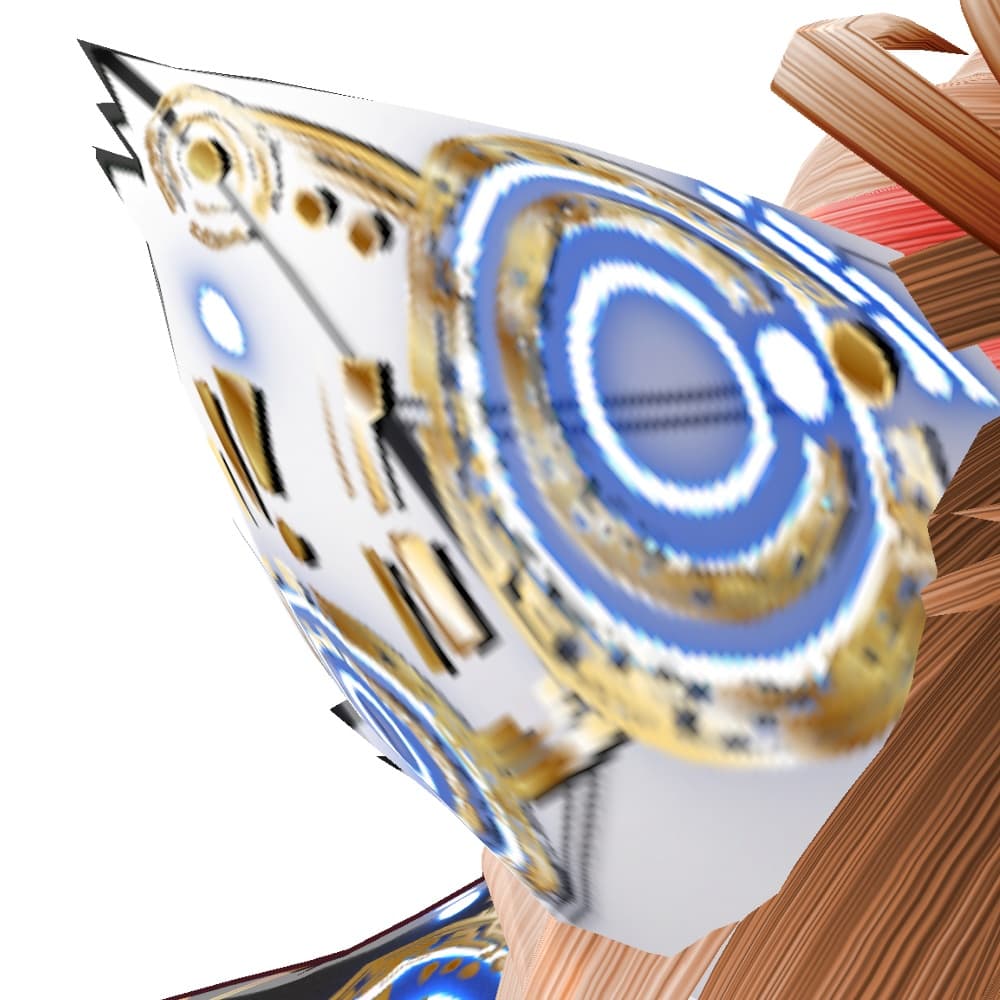
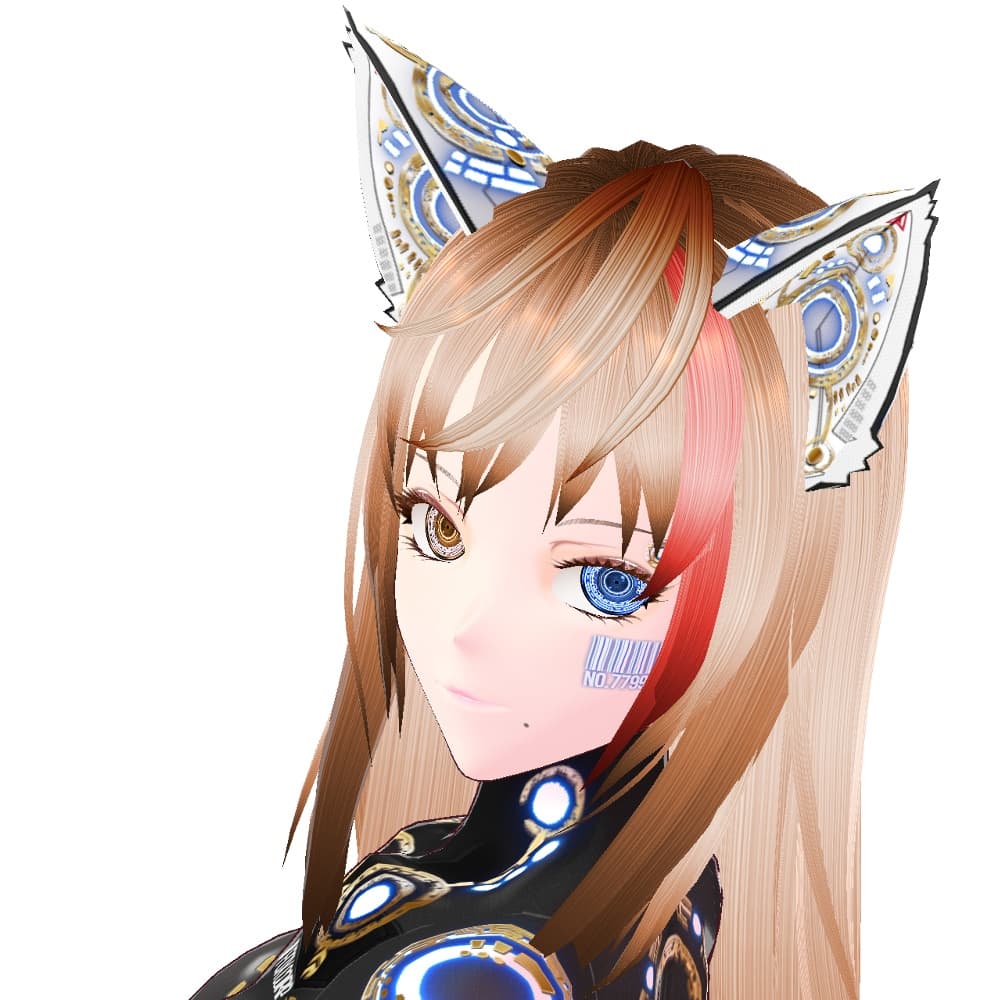
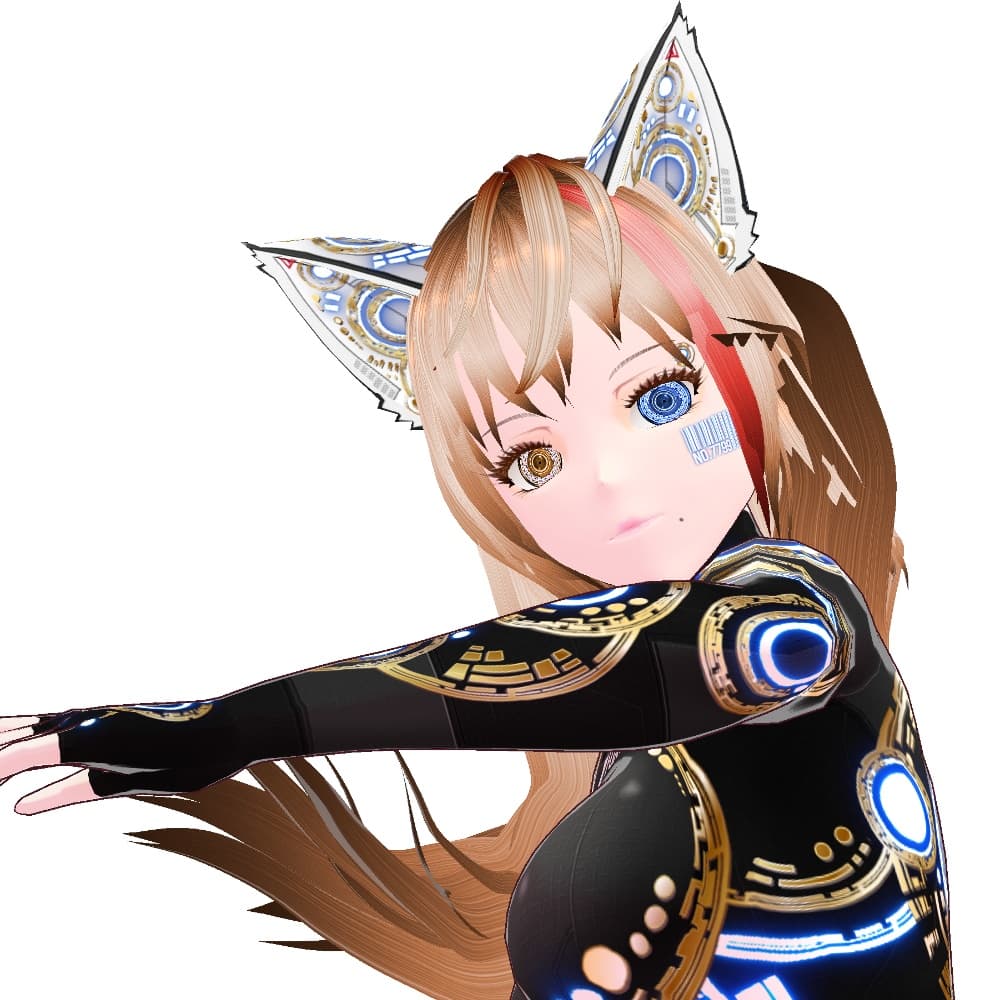
【説明】 ・サイバーデザインの猫耳です。内側の白い毛の部分はありません。天使、古代兵器をイメージしたサイバーアイ HD2、サイバーペイント エンジェルヘイローから続くシリーズで、同じデザインコンセプトになっています。以前作成したものの白バージョンのご要望がありましたので作成しました。黒バージョンはこちらです。
https://fox-corp.booth.pm/items/3842581
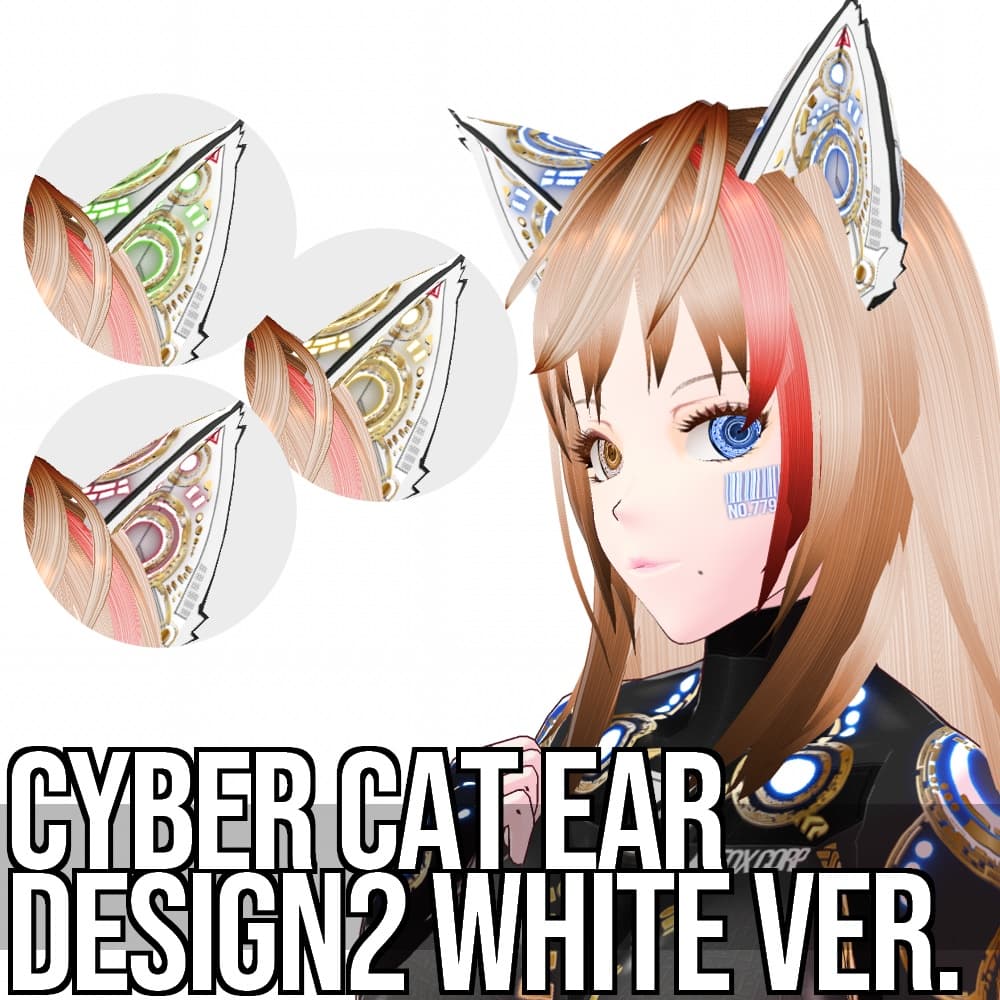
文様部分はゴールド、シルバー、プラチナ、ブラック、レッド、ブルーで6色、発光部分はブルー、イエロー、グリーン、レッドの4色展開です。
発光部分と文様部分が別レイヤーになっていますので、自由に組み合わせることが可能です。
構成内容は以下の通りです。
・CyberCatEar2_Base … ベース ・CyberCatEar2_HL_色名 … 発光部分 ・CyberCatEar2_Decal_色名 … 文様部分
アクセサリー>ネコミミのテクスチャに、レイヤーを3枚作成し、ベースを一番下に、その上に発光部、最上部に文様を設定後、カラーのチェック及びシェーダーカラーのチェックを外し、最後に大きさと位置を調整してください。
想定外ではありますが、ある程度VRoid内でカラー調整ができるかと思います。この場合、カラーのチェックをつけ、カラー設定をしてください。設定カラーに引っ張られる形でいろいろな部分の色が変色します。予めご了承ください。
・画像に使用されている衣装、髪の毛、まゆげ、まつげ、下まつげ及びまぶたのテクスチャは「含まれておりません」。お気に召しましたら、別途ご購入をご検討ください。
サイバーボディーペイント エンジェルヘイロー https://fox-corp.booth.pm/items/3835562
サイバースーツ OBS https://fox-corp.booth.pm/items/3801981
サイバーアイ HD2 https://fox-corp.booth.pm/items/3832442
ツヤラメメイクアップセット https://fox-corp.booth.pm/items/3755263 アイデコレーションセット https://fox-corp.booth.pm/items/3614814
ヘアテクスチャ https://fox-corp.booth.pm/items/3614511
・無償版はSAMPLEの透かしが入っています。まずはこちらで使用感をお試しください。
・有償版および作成支援版2種類には内容の違いはございません。
Description. Cat ears with cyber design. There is no inner white hair part. This series follows on from Cyber Eye HD2 and Cyber Paint Angel Halo, which were based on the image of angels and ancient weapons and have the same design concept. I have received requests for a white version of the one I previously created. The black version is here.
https://fox-corp.booth.pm/items/3842581
The pattern part is available in six colors: gold, silver, platinum, black, red, and blue, and the luminous part in four colors: blue, yellow, green, and red.
The luminous part and the patterned part are on separate layers, so they can be freely combined.
The composition is as follows.
CyberCatEar2_Base ... Base CyberCatEar2_HL_color name ... Luminous part CyberCatEar2_Decal_color_name ... patterned part
Create three layers in the Accessories > Nekomimi texture. Set the base at the bottom, the luminous area above it, and the pattern at the top, uncheck the color and shader color check boxes, and finally adjust the size and position.
Although it is not expected, I think it is possible to adjust the color within VRoid to some extent. In this case, please check the color check box and set the color settings. Please note that the color of the gold part will be changed to the color of the setting. Please understand this beforehand.
Textures of costumes, hair, eyebrows, eyelashes, lower eyelashes and eyelids used in the images are not included. If you like them, please consider purchasing them separately.
The free version has a SAMPLE watermark. Please try this first to get a feel for how it works.
There is no difference in content between the paid version and the two creation support versions.
Translated with www.DeepL.com/Translator (free version)