

VRoid 発光5色 サイバー猫耳 - Cyber Cat Ear
 Fox Corp.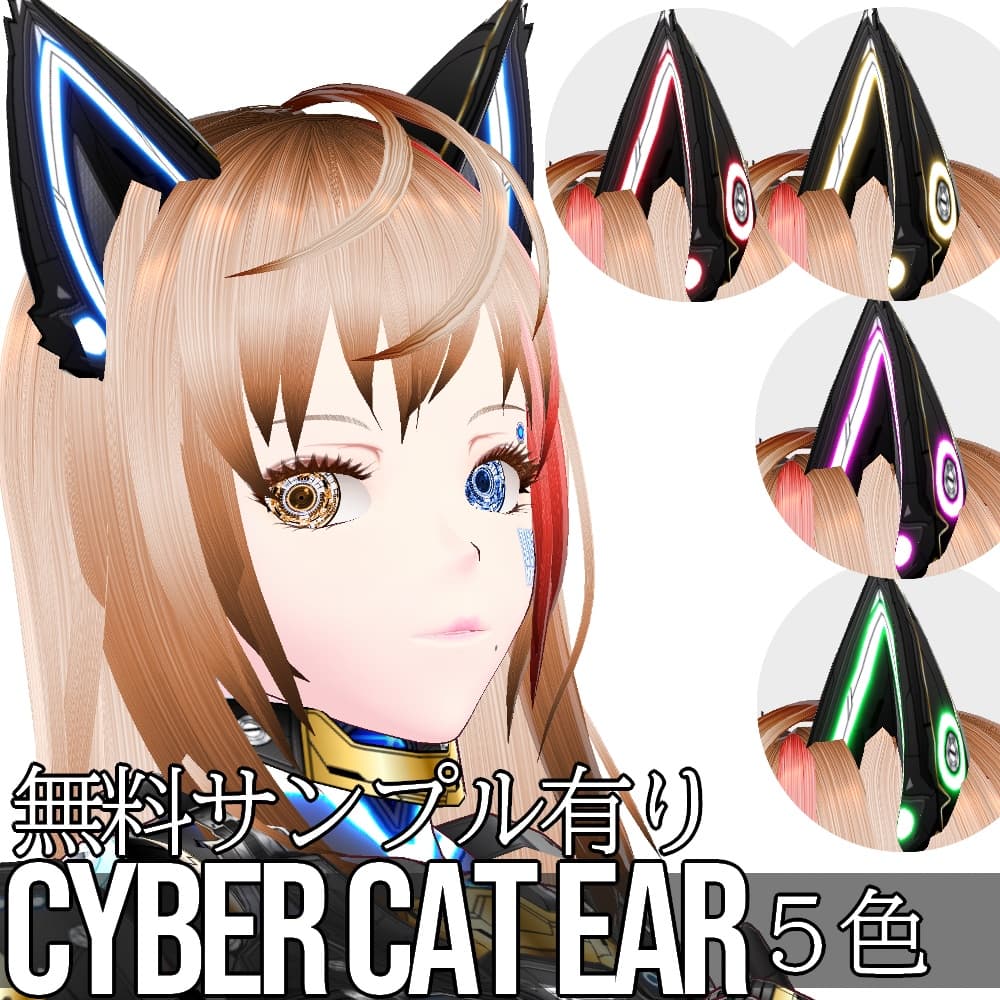
説明
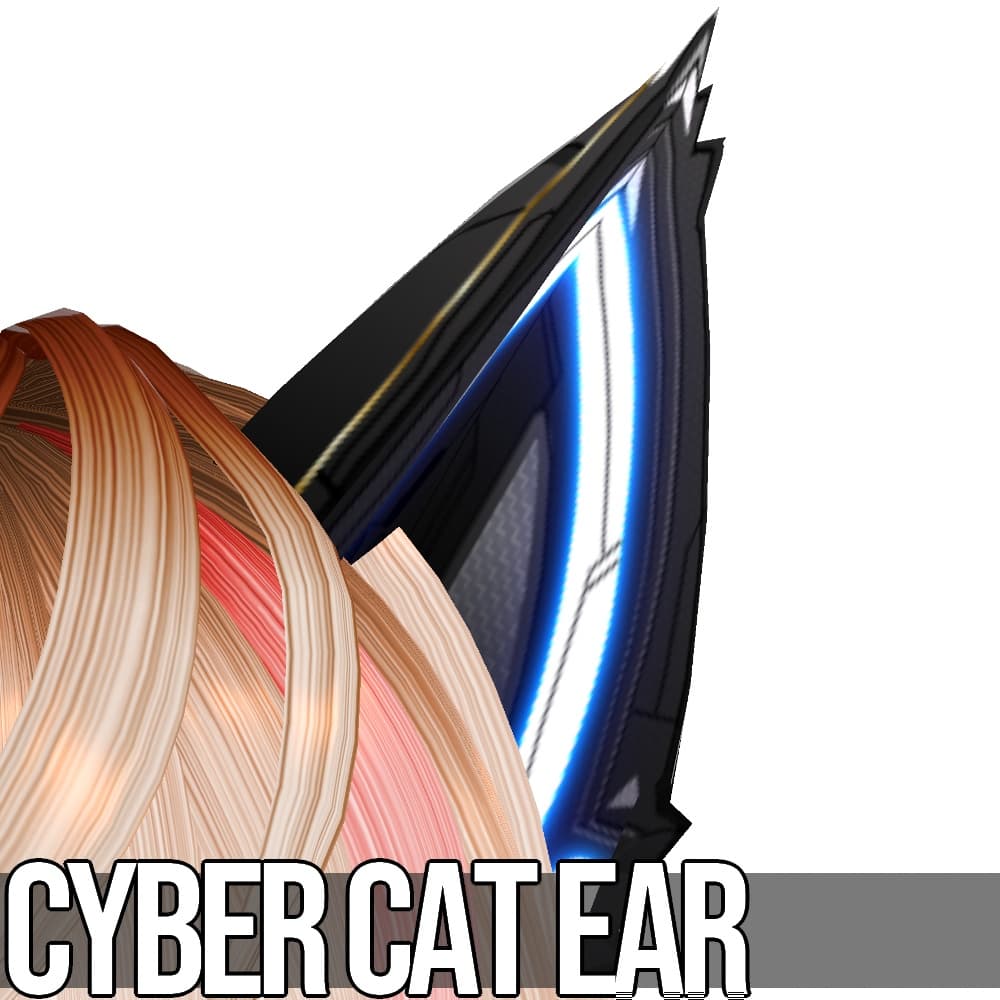
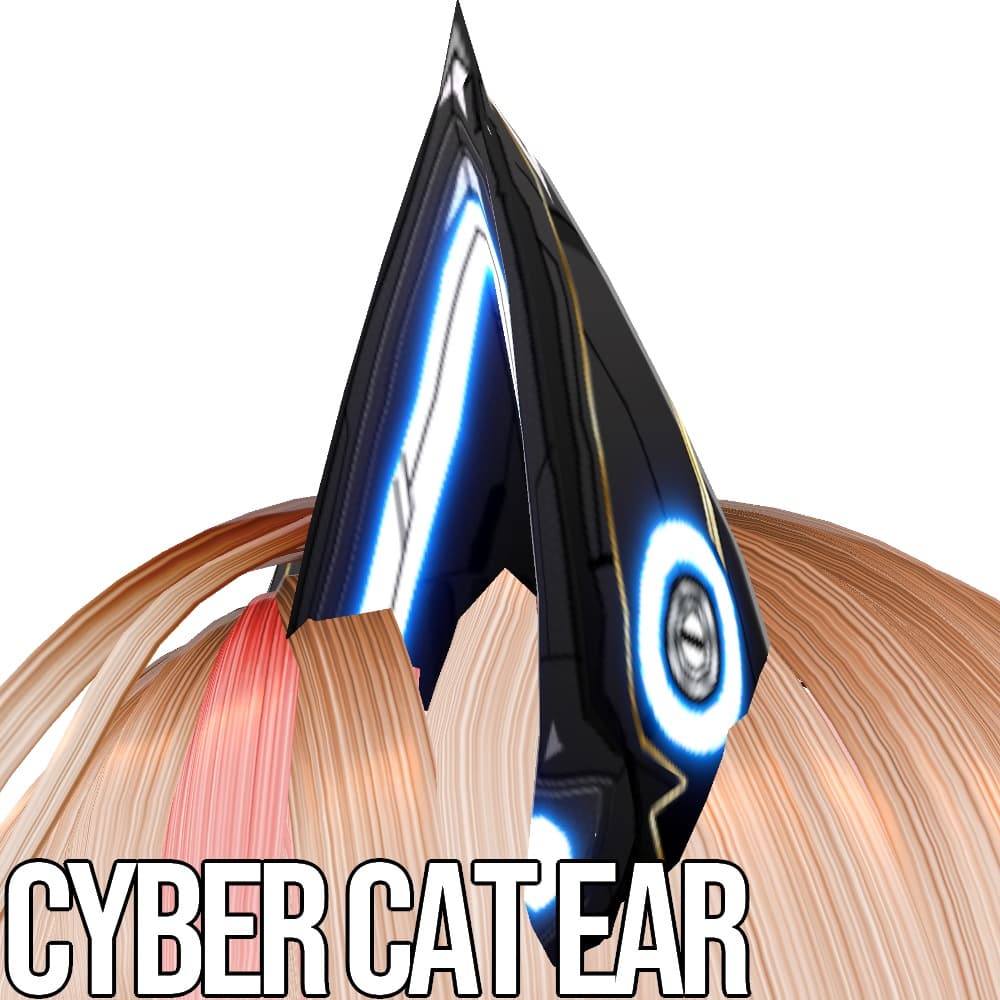
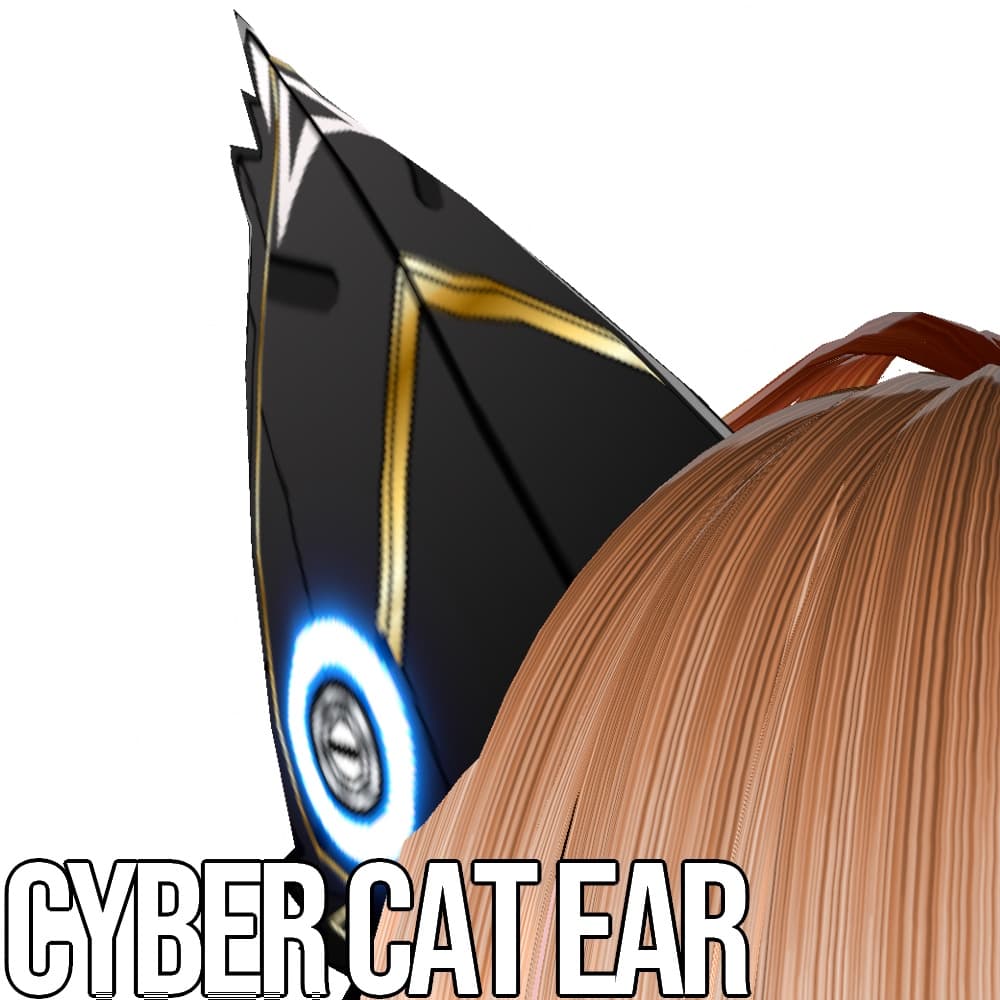
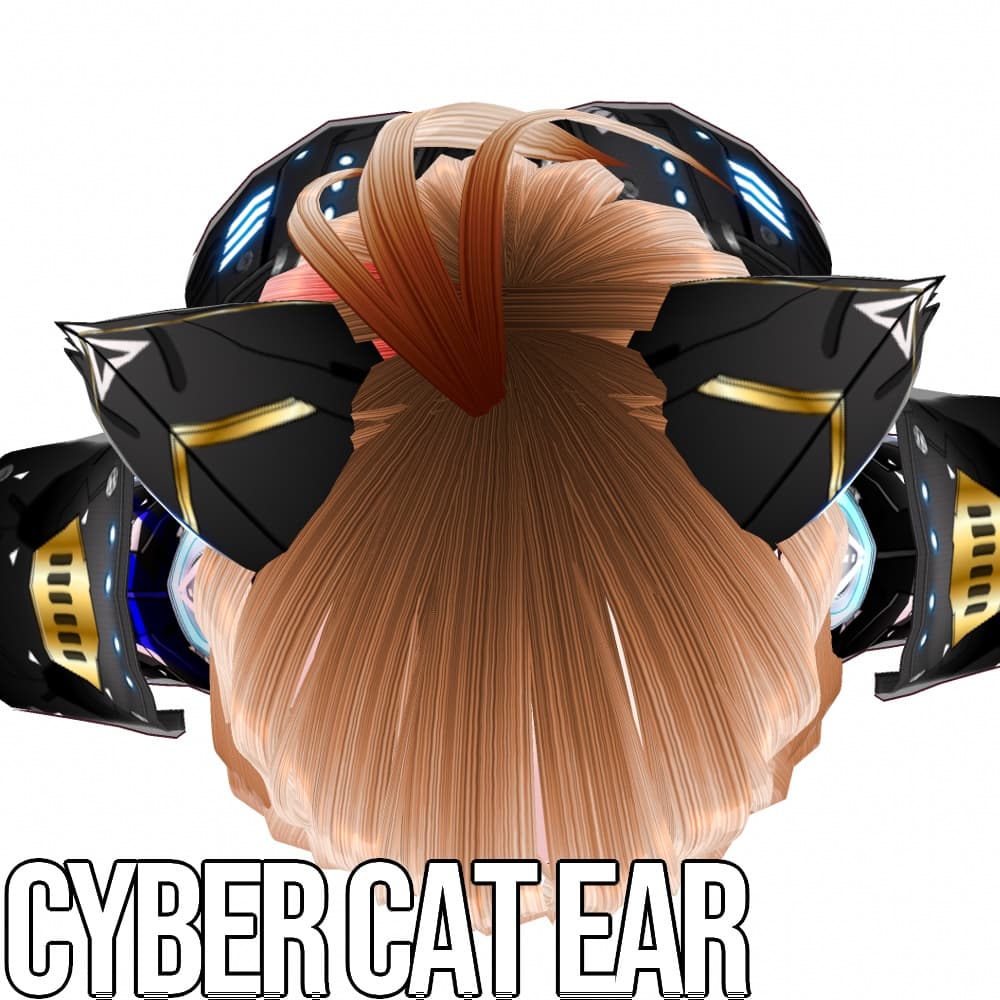
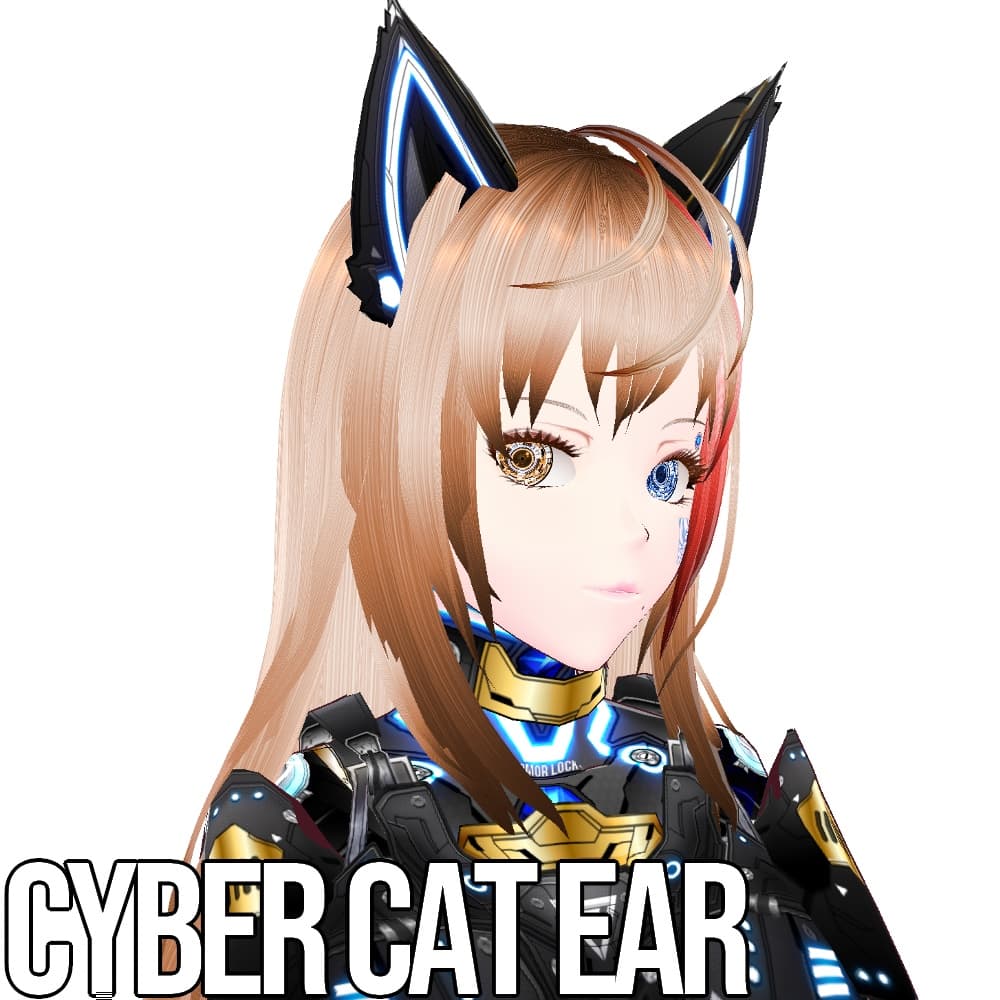
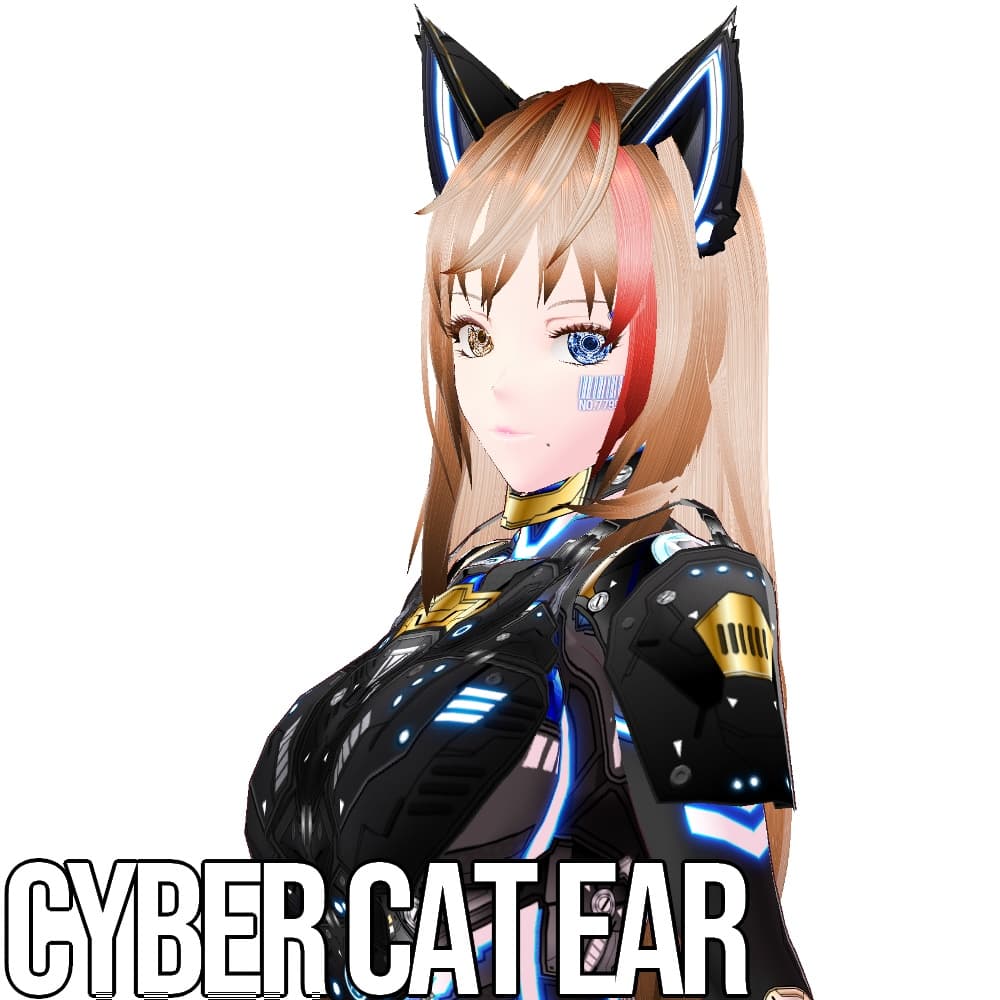
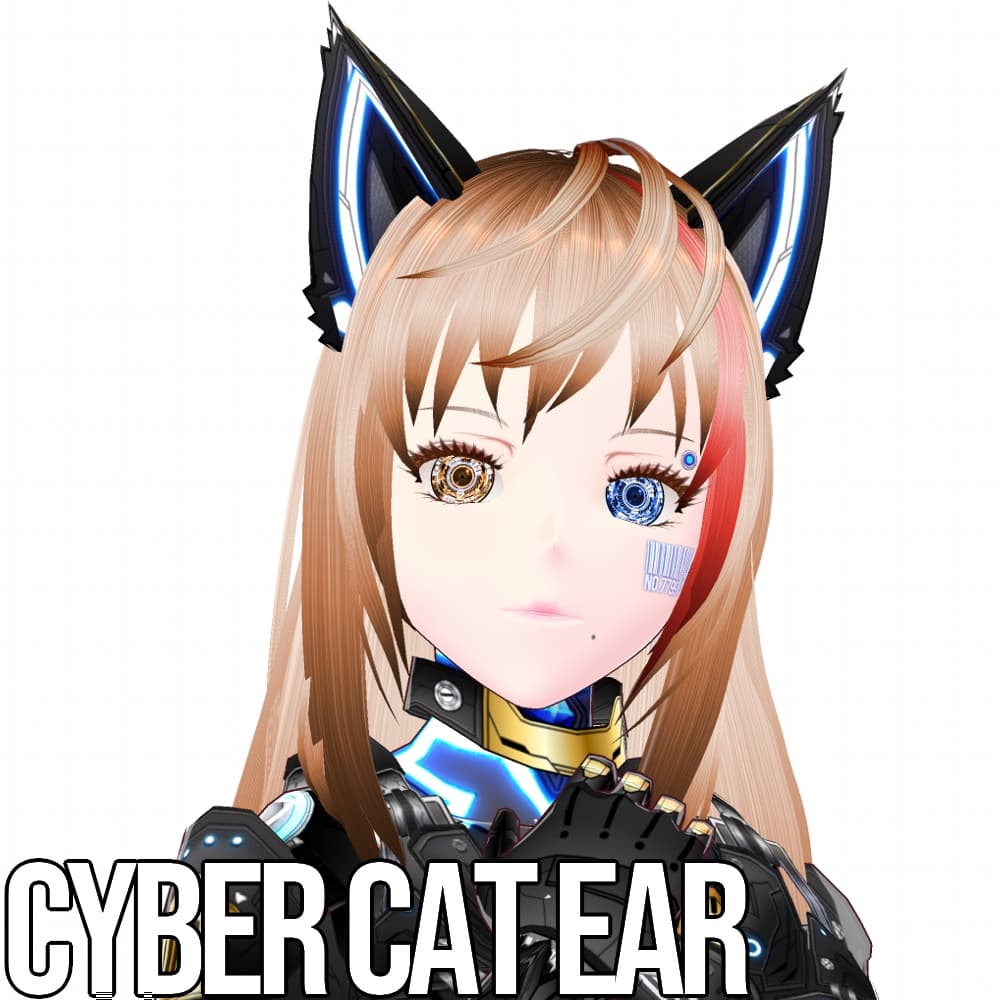
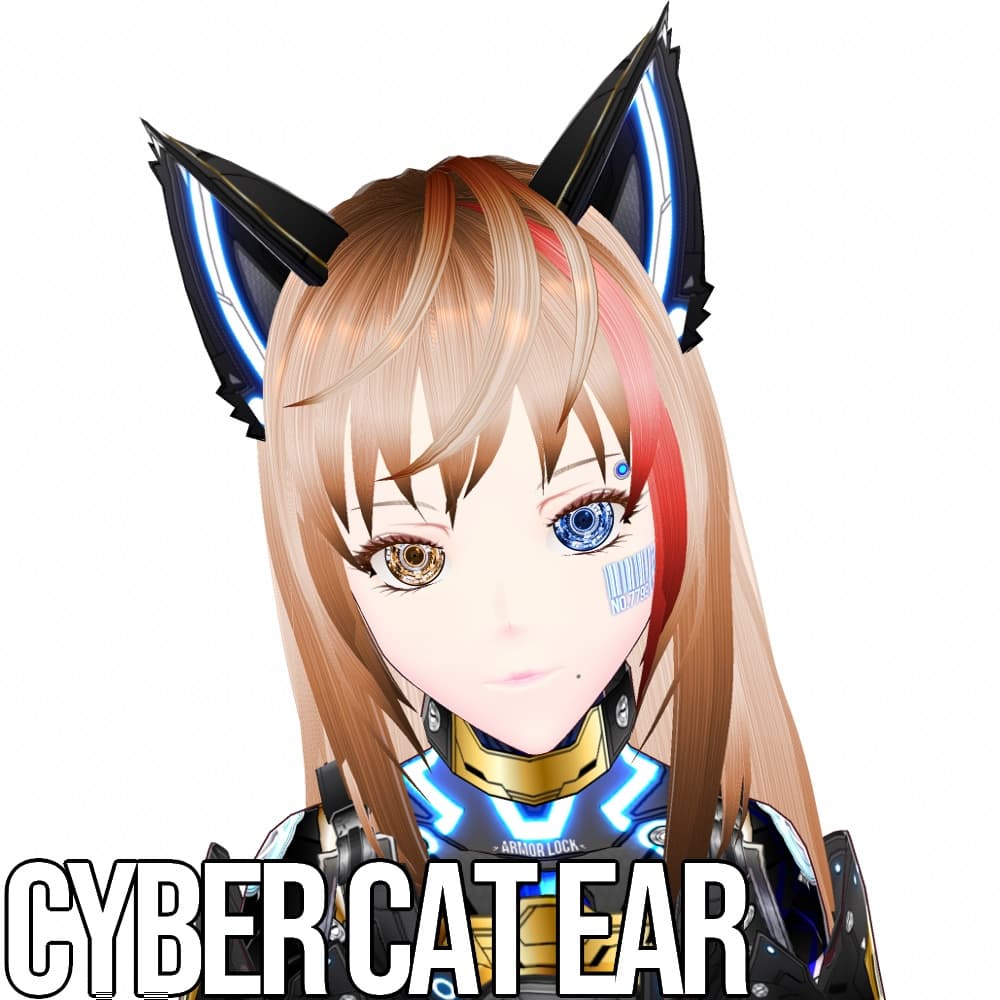
【説明】 ・サイバーデザインの猫耳です。内側の白い毛の部分はありません。発光部分は5色展開です。
こちらは旧作です。新作はこちら。 https://fox-corp.booth.pm/items/5455332
ホワイトバージョンもあります。 https://fox-corp.booth.pm/items/3820913
アクセサリー>ネコミミのテクスチャに設定後、カラーのチェック及びシェーダーカラーのチェックを外し、最後に大きさと位置を調整してください。なお、シェーダーカラーをONにしておくと陰影が強くなりますが、発光が鈍くなります。お好みでどうぞ。
想定外ではありますが、ある程度VRoid内でカラー調整ができるかと思います。この場合、カラーのチェックをつけ、カラー設定をしてください。設定カラーに引っ張られる形でボルトや金色部分の色が変色します。予めご了承ください。
・画像に使用されている衣装、髪の毛、まゆげ、まつげ、下まつげ及びまぶたのテクスチャは「含まれておりません」。お気に召しましたら、別途ご購入をご検討ください。
サイバー防弾ベスト https://fox-corp.booth.pm/items/3778409
サイバーアーマー 影狼 https://fox-corp.booth.pm/items/3712729
サイバーアイ HD https://fox-corp.booth.pm/items/3770321
ツヤラメメイクアップセット https://fox-corp.booth.pm/items/3755263 アイデコレーションセット https://fox-corp.booth.pm/items/3614814
ヘアテクスチャ https://fox-corp.booth.pm/items/3614511
・無償版はSAMPLEの透かしが入っています。まずはこちらで使用感をお試しください。
・有償版および作成支援版2種類には内容の違いはございません。
Description. Cat ears with cyber design. There is no inner white hair part. The luminous part is available in 5 colors.
White version is also available. https://fox-corp.booth.pm/items/3820913
After setting the texture to Accessory > Nekomimi, uncheck the color and shader color checkboxes, and finally adjust the size and position. If you turn on the shader color, the shading will be stronger, but the luminescence will be duller. Use your own preference.
Although it is not expected, you may be able to adjust the color within VRoid to some extent. In this case, check the color checkbox and set the color settings. The color of the bolt and gold parts will be changed according to the color setting. Please understand this beforehand.
Textures of costumes, hair, eyebrows, eyelashes, lower eyelashes and eyelids used in the images are not included. If you like them, please consider purchasing them separately.
The free version has a SAMPLE watermark. Please try this first to get a feel for how it works.
There is no difference in content between the paid version and the two creation support versions.