

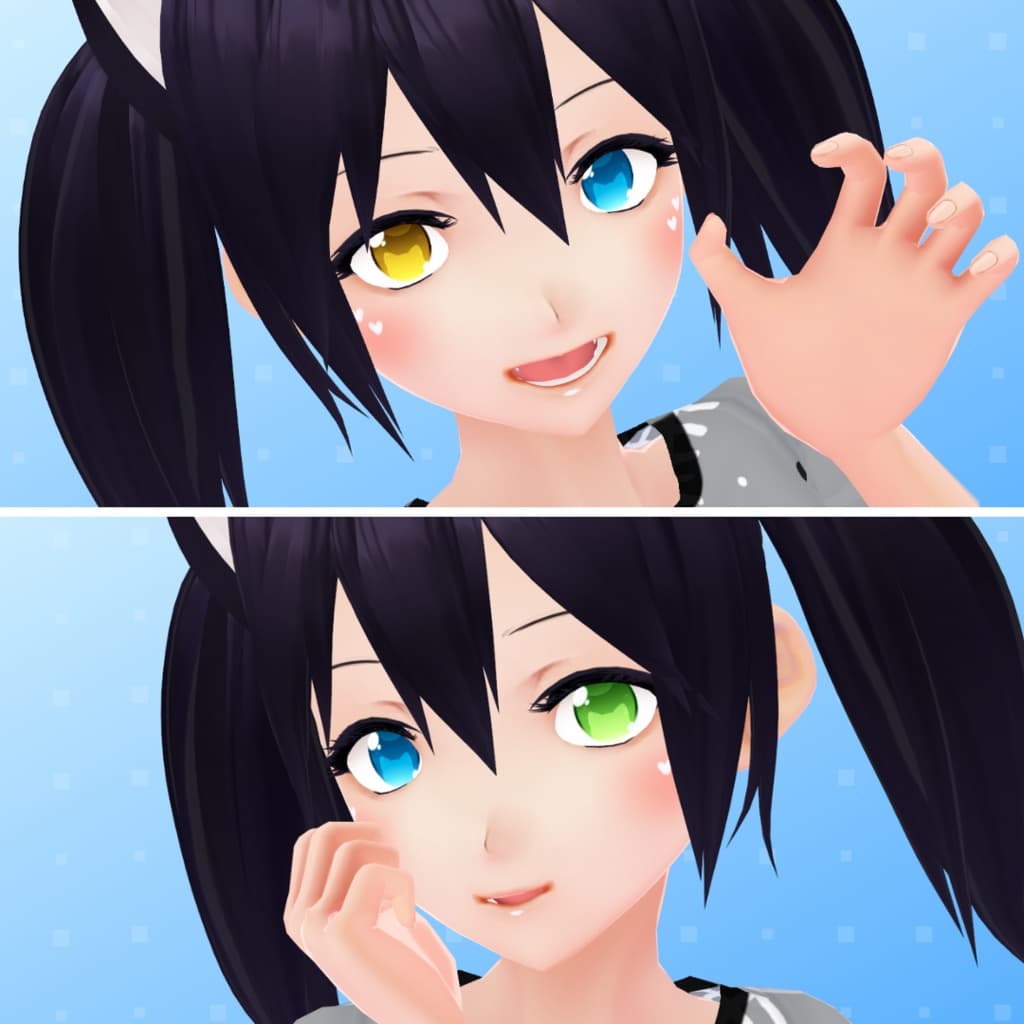
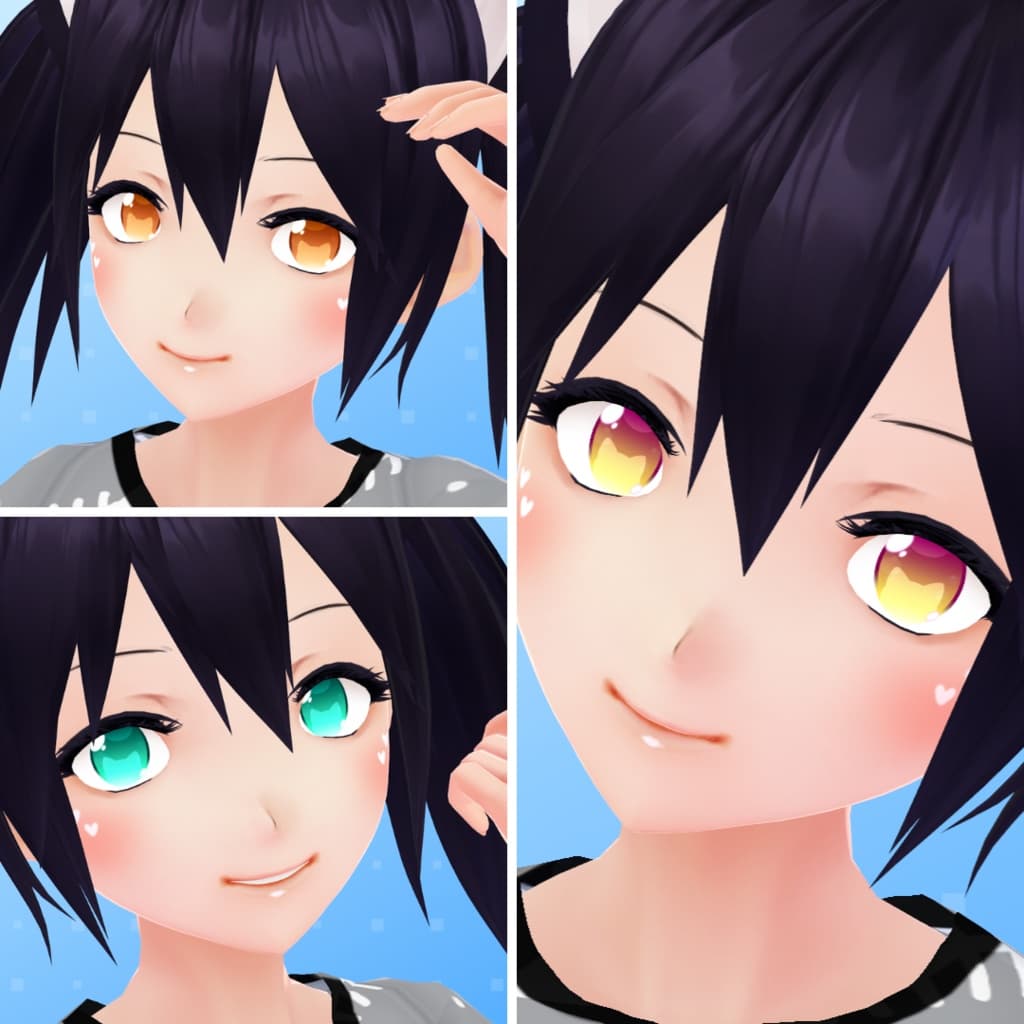
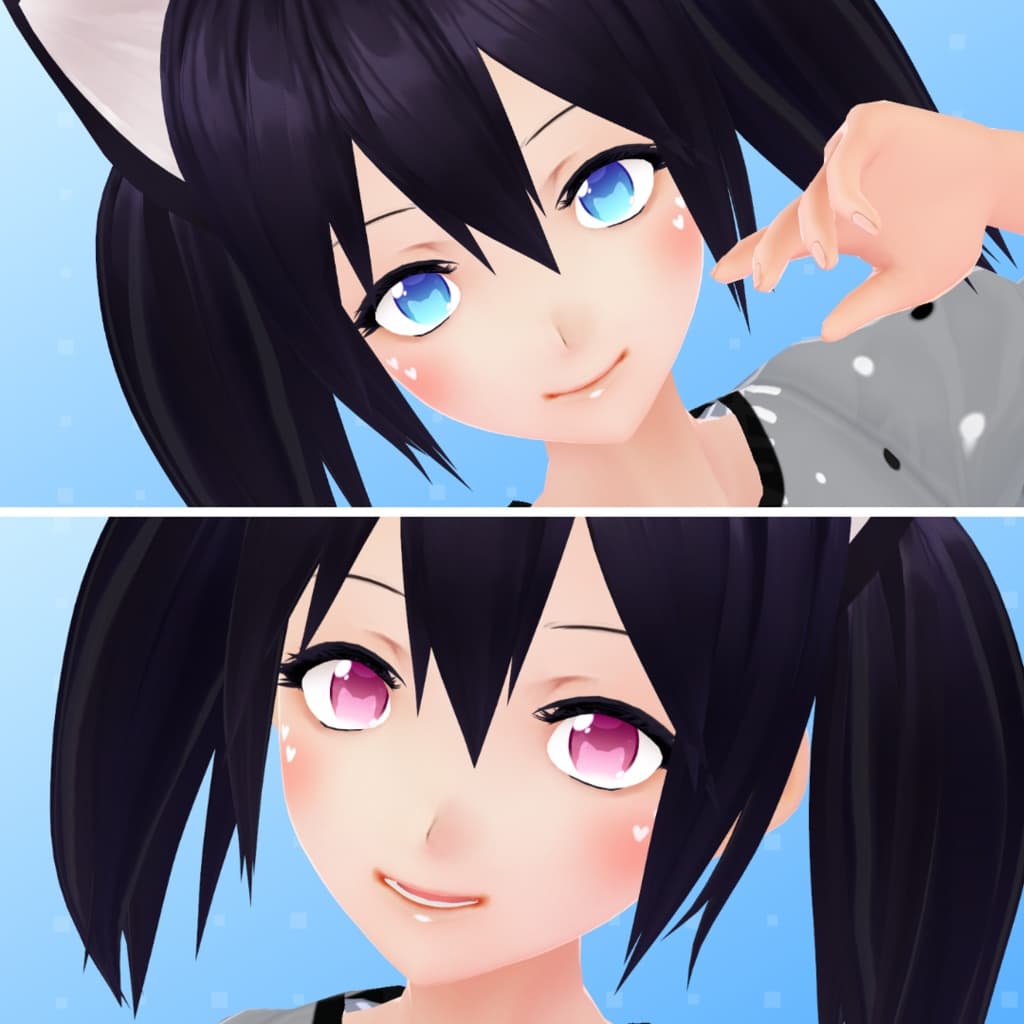
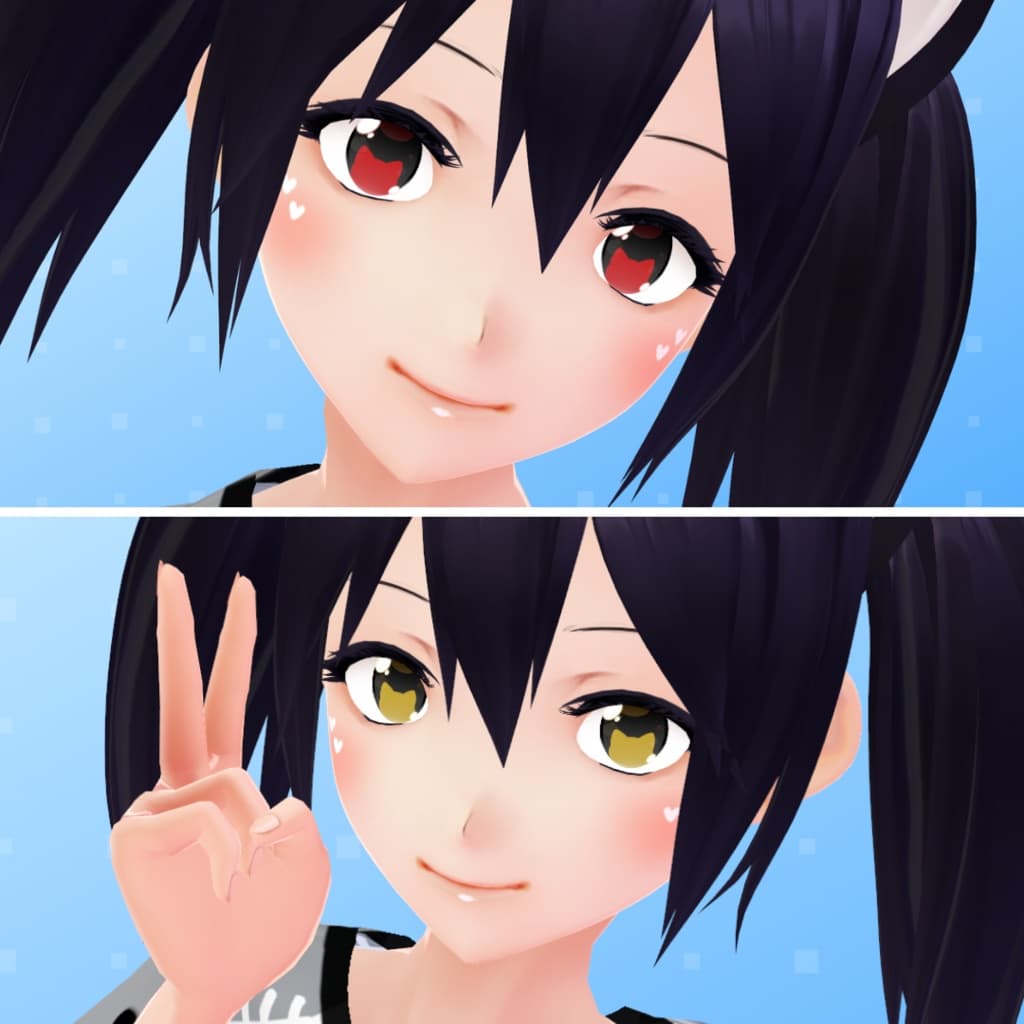
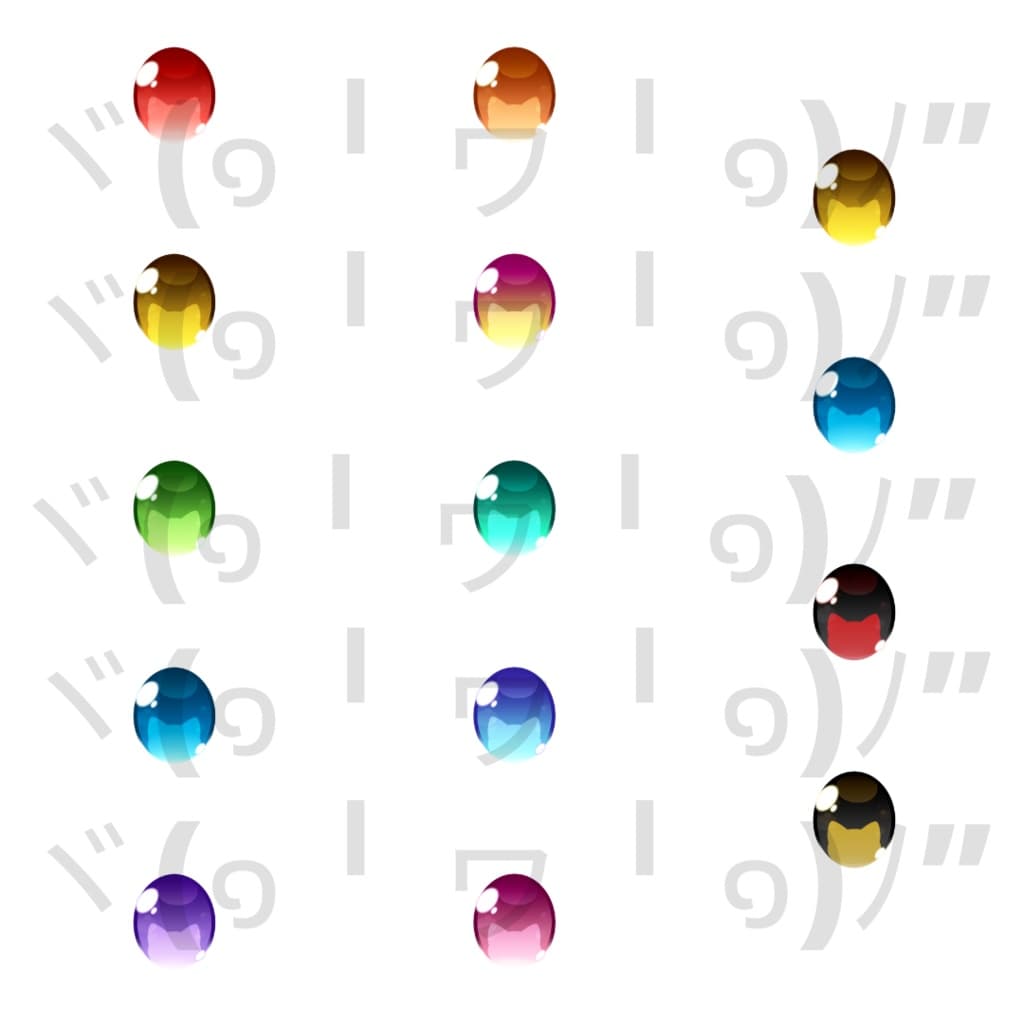
【VRoid】 Chubby Cat Eyes Set
 Rori Shop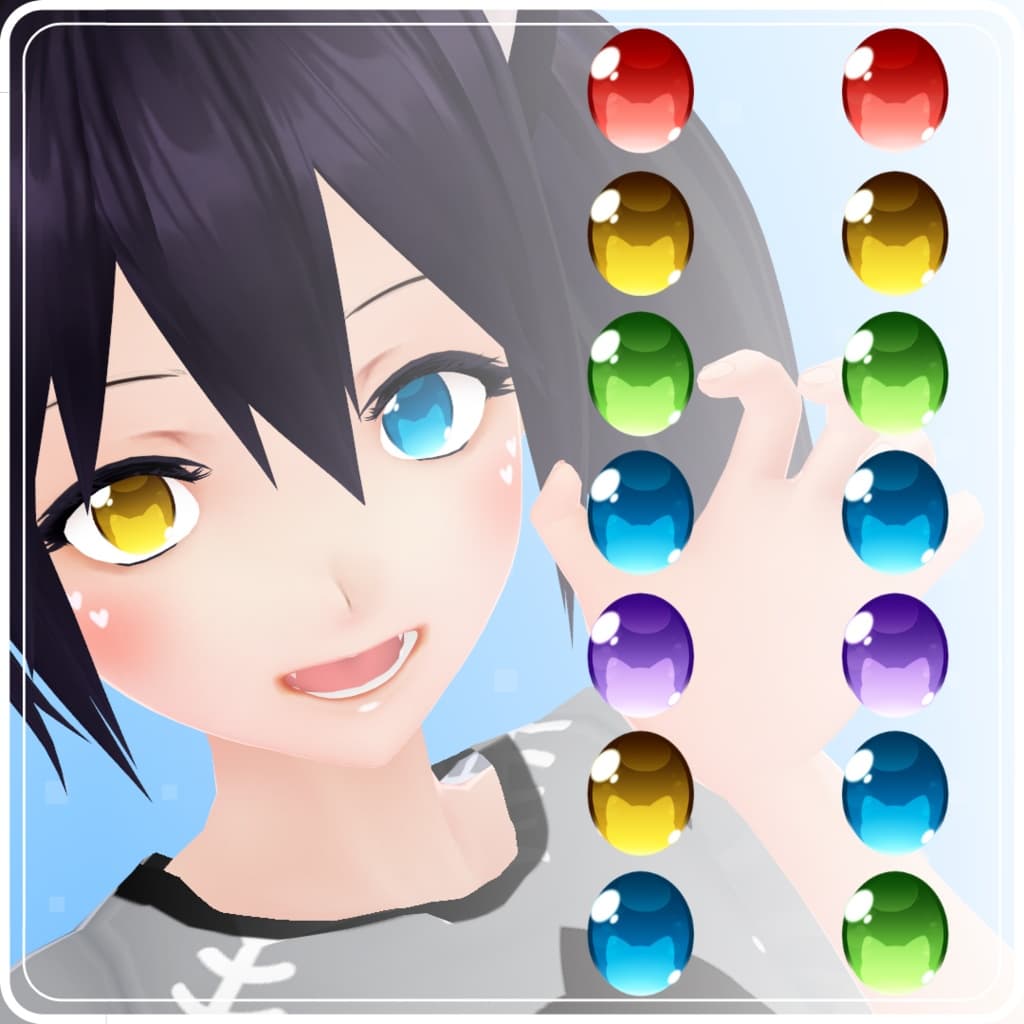
説明
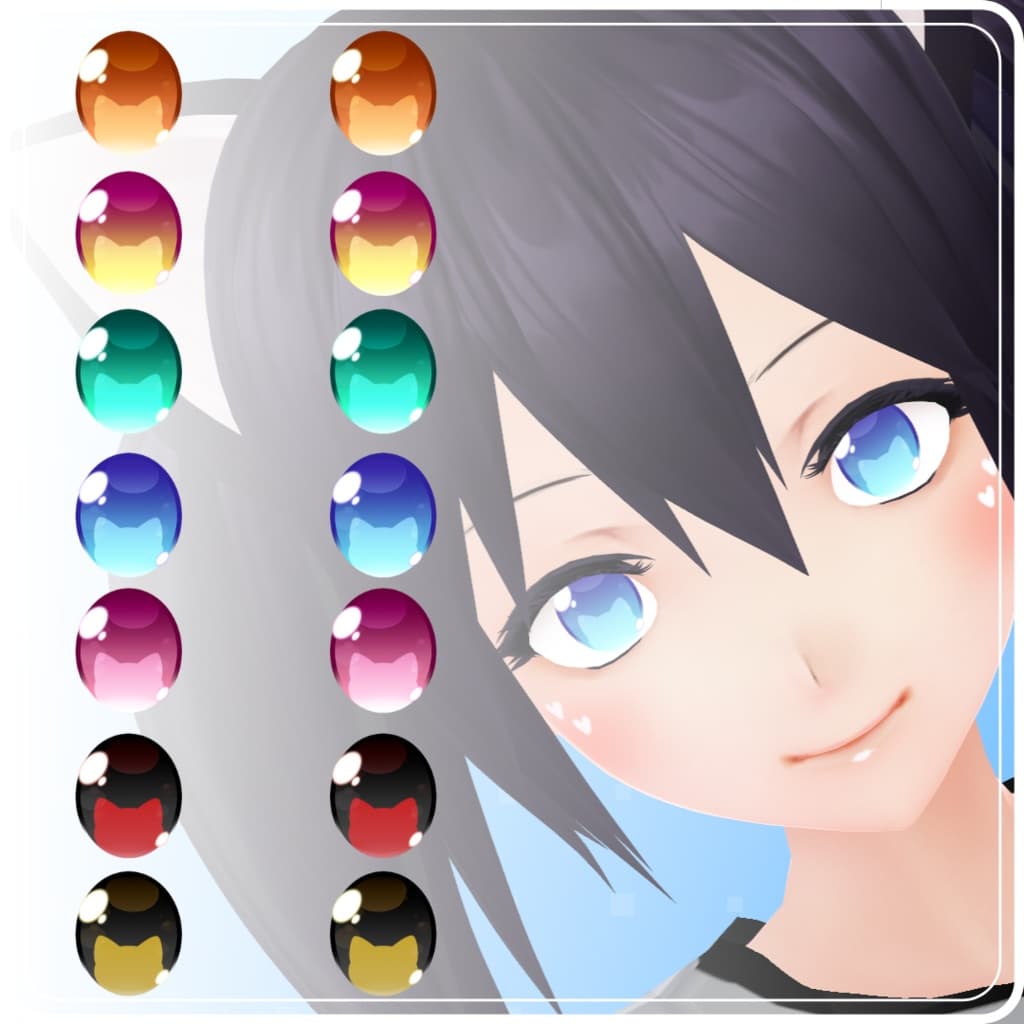
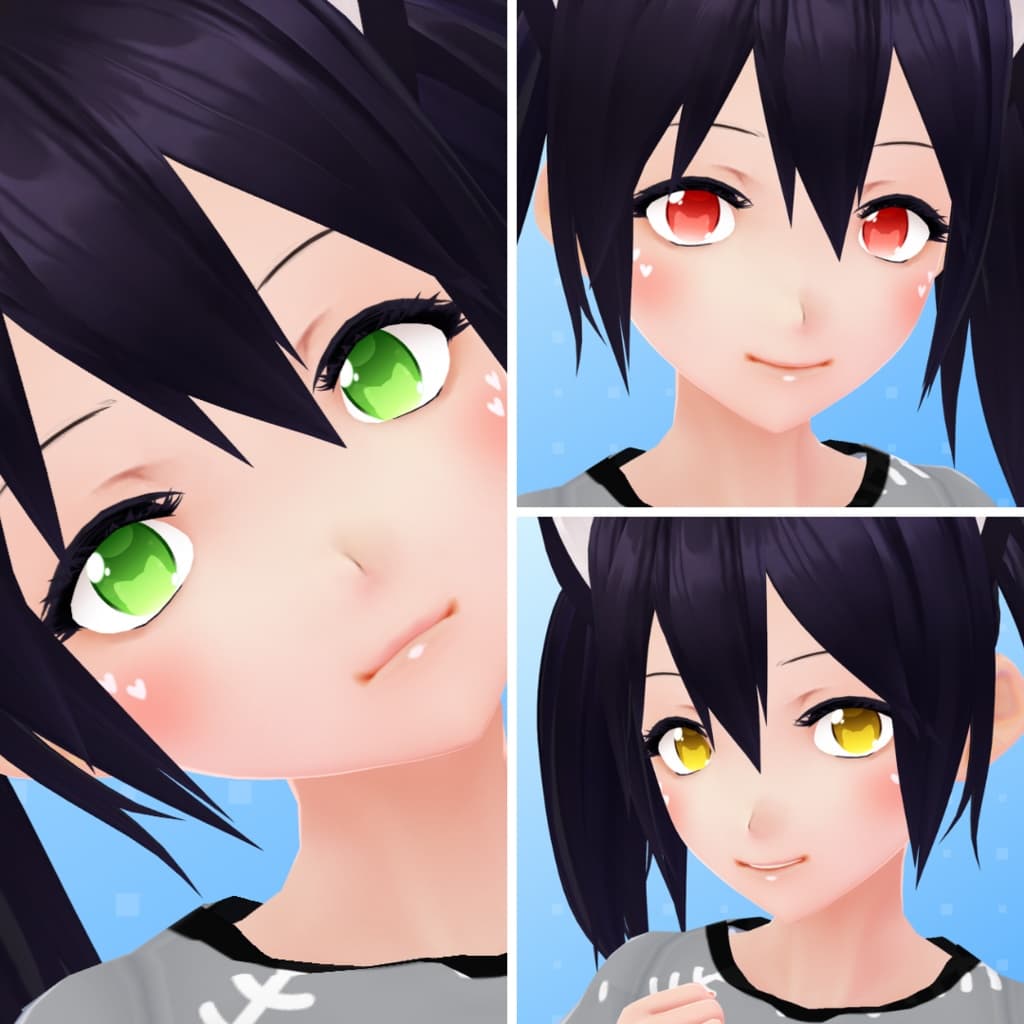
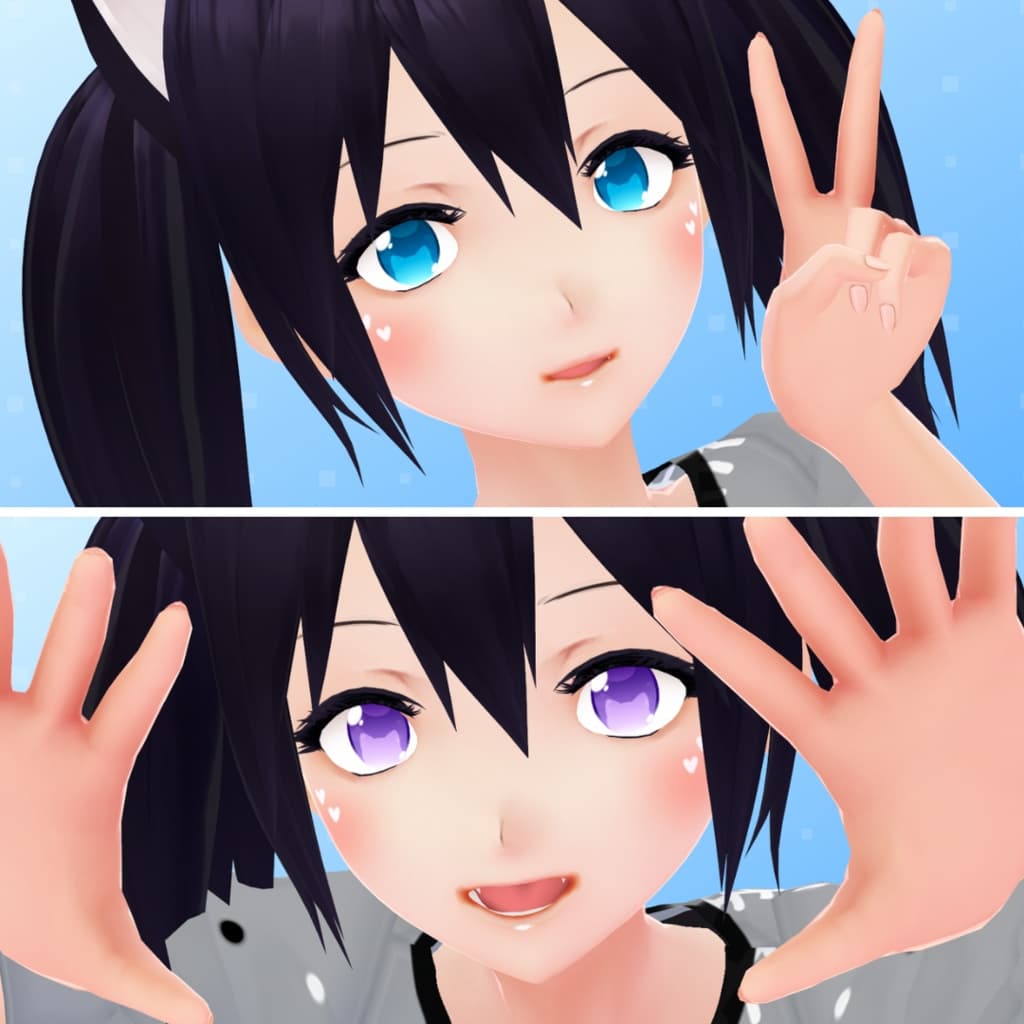
Chubby Cat Eyes Set, 14 color available with and without highlights.
** Makeup Not Included ** Source: https://lolishop.booth.pm/items/3647711
ヾ(๑╹ヮ╹๑)ノ” Other cat eyes in my shop: https://lolishop.booth.pm/items/2291504 https://lolishop.booth.pm/items/3066055 https://lolishop.booth.pm/items/2449327
❖ 【VRoid 1.0】 INSTRUCTIONS: • Face -> Irises -> Edit Texture -> Delete the current irises layer -> Create a new layer -> Right click on the new layer -> Import -> Choose the file you want. • IMPORTANT! If you use irises with highlights you need to remove the VRoid highlights: Go to Eye Highlights -> Presets -> Choose the option without highlights (it should be the first).
【VRoid Beta】 INSTRUCTIONS: • Face Editor -> Texture -> Irises -> Delete the current irises layer -> Create a new layer -> Right click on the new layer -> Import -> Choose the file you want. • IMPORTANT! If you use irises with highlights you need to remove the vroid highlights: Go to Eye Highlights -> Right click on the layer -> Toggle visibility.
--------------------- Terms of use --------------------- ➤ https://lolishop.booth.pm/items/3648797