

Room404 Check-In Confidential (Luggage cart & Keys included!) / CP9
 MetaCreatorsTYO EN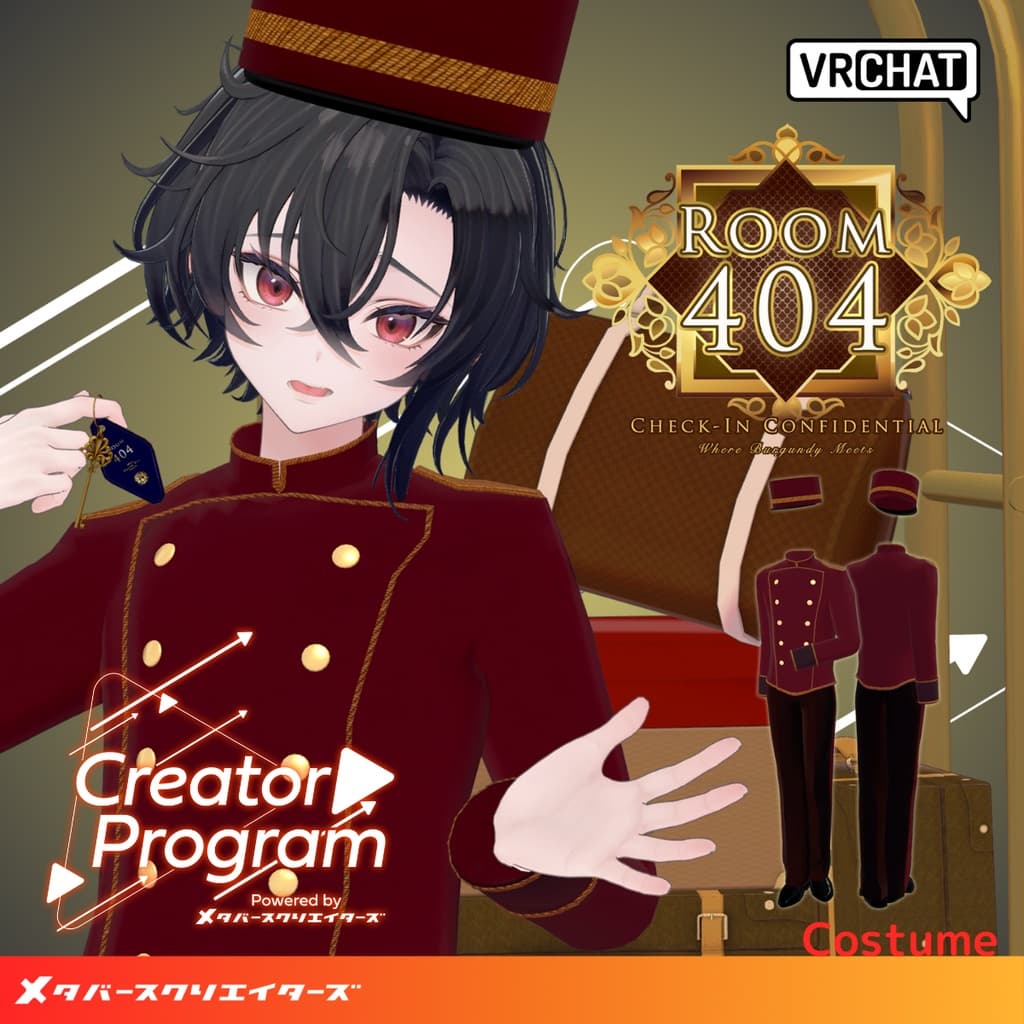
説明
◆ Room404 – Check-In Confidential ◆
Creator: marchmaru / Unclassics
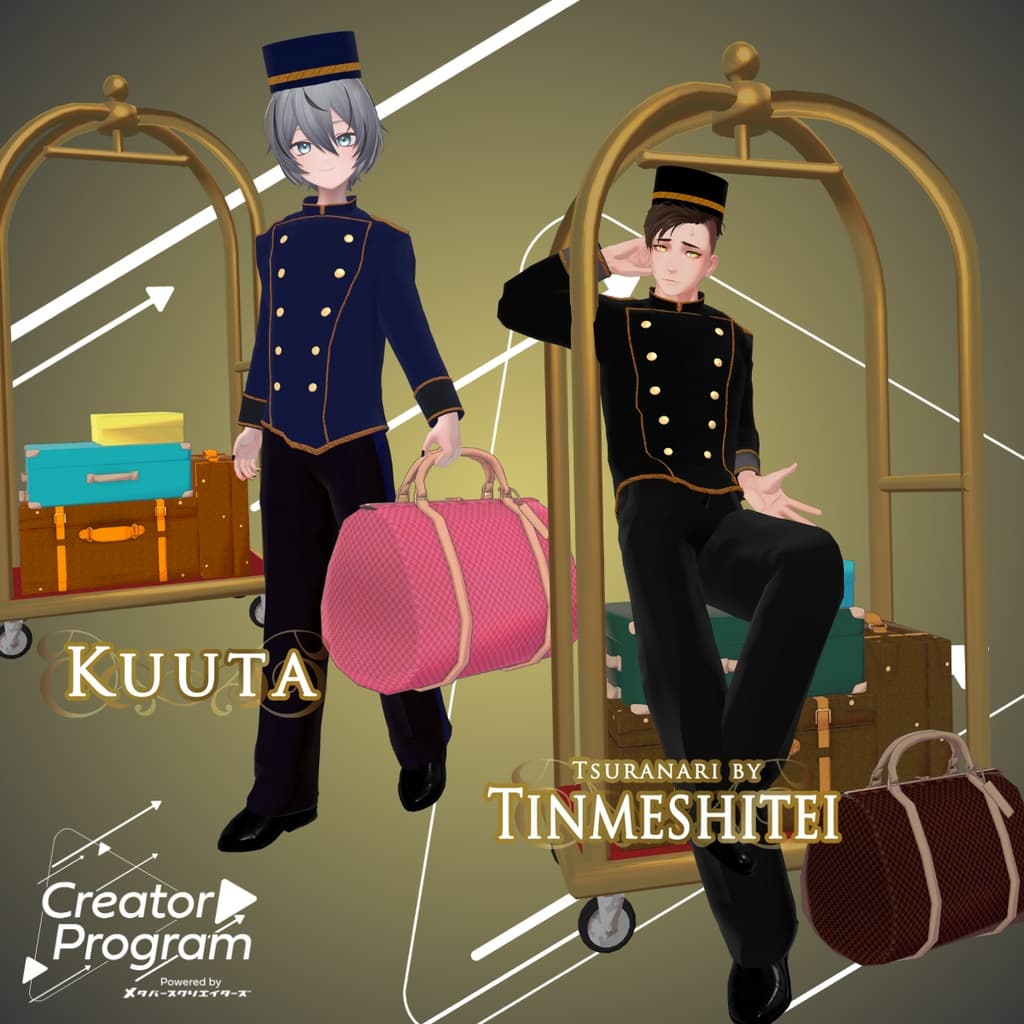
A bellboy-inspired outfit styled after hotel staff. Designed around the idea of getting caught up in strange events within a hotel—starting with Room No. 404, a nod to the infamous error code.
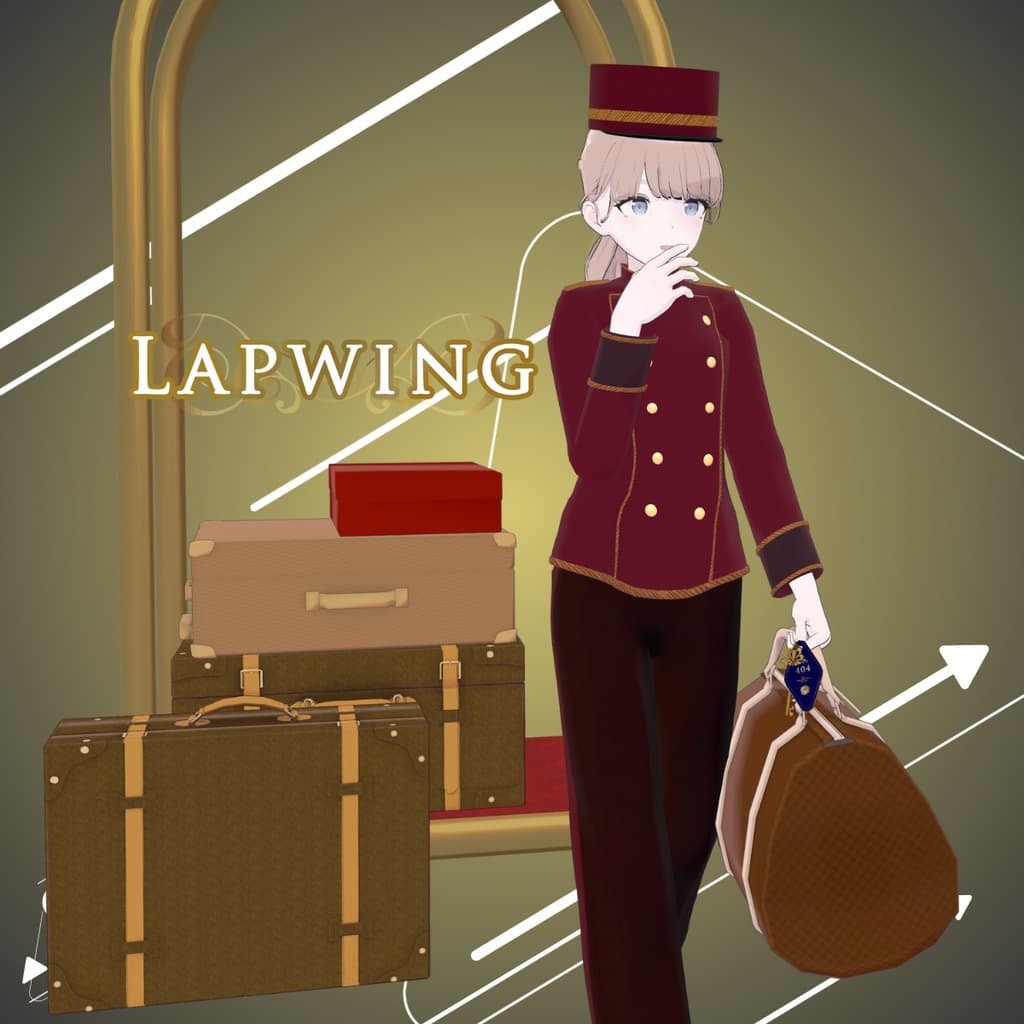
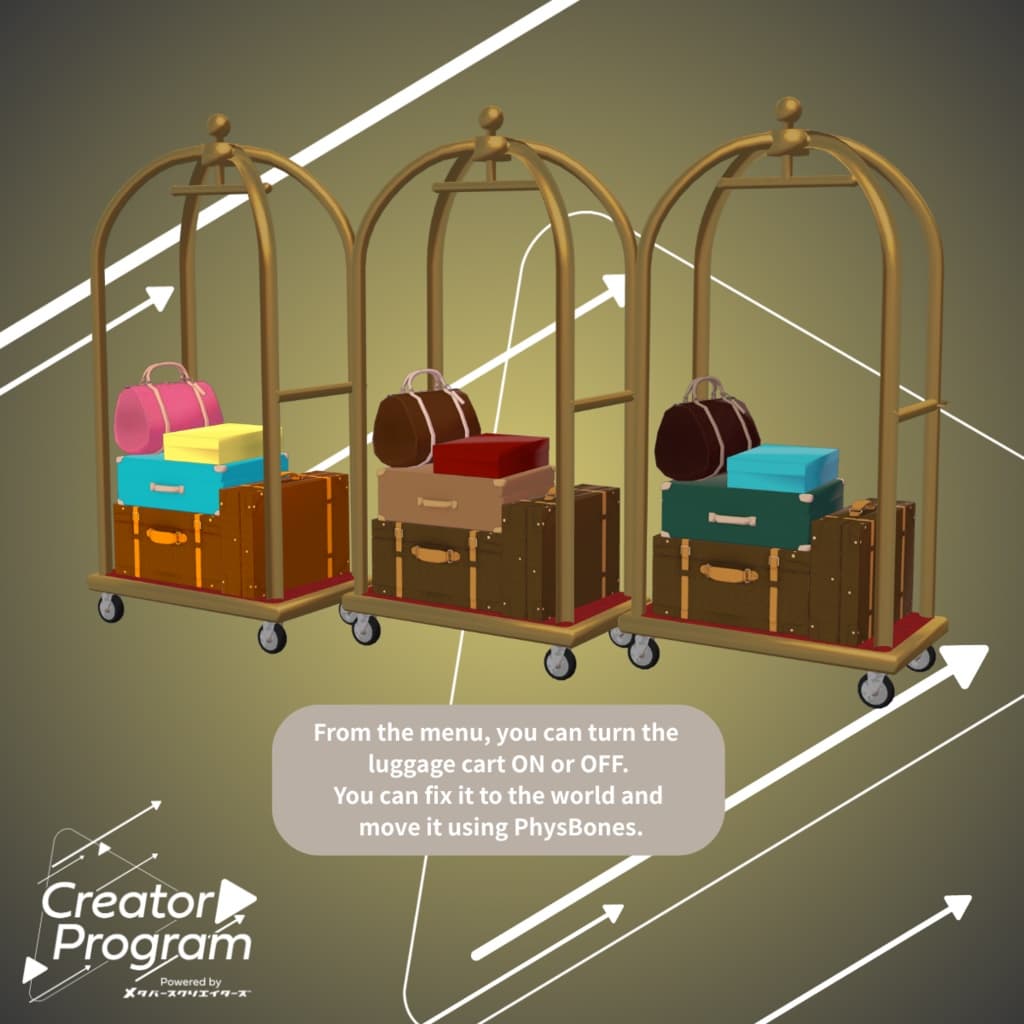
Includes a luggage cart and room key, both toggleable via the menu, making this set perfect for roleplay and photo shoots.
A noisy lobby. Mysterious room service. Housekeeping that shows up even when you didn’t call…
Step into the extraordinary world packed inside “Room 404” and play out its story yourself.
The moment you enter Room 404, everyday life throws an error. — Welcome to “Room 404.”
※ This product is a clothing model for VRChat avatars. The avatar itself is not included. ※ Due to the nature of digital downloads, returns and refunds are not available. Please review the product description and Terms of Use before purchasing.
◆ Item Overview ● Included Files
Room404_◯◯.Unitypackage (◯◯ indicates the variation name)
ReadMe.txt (this document)
PSD files for customization
Shader Used
liltoon https://lilxyzw.booth.pm/items/3087170
Required Assets
Modular Avatar https://modular-avatar.nadena.dev/ja/docs/intro
● Model Data
△ Total polygon count: 29,151
R404_tops: 5,945 polygons
R404_slacks: 4,876 polygons
R404_hat: 574 polygons
R404_shoes: 4,414 polygons
R404_key: 4,206 polygons
R404_cart: 9,136 polygons
Mesh count: 6 Material count: 8 PhysBone components: 4 Constraints: 2
Import Folder Assets > MetaverseCreators_CP > marchmaru_Unclassics > Room404
◆ Compatible Avatars
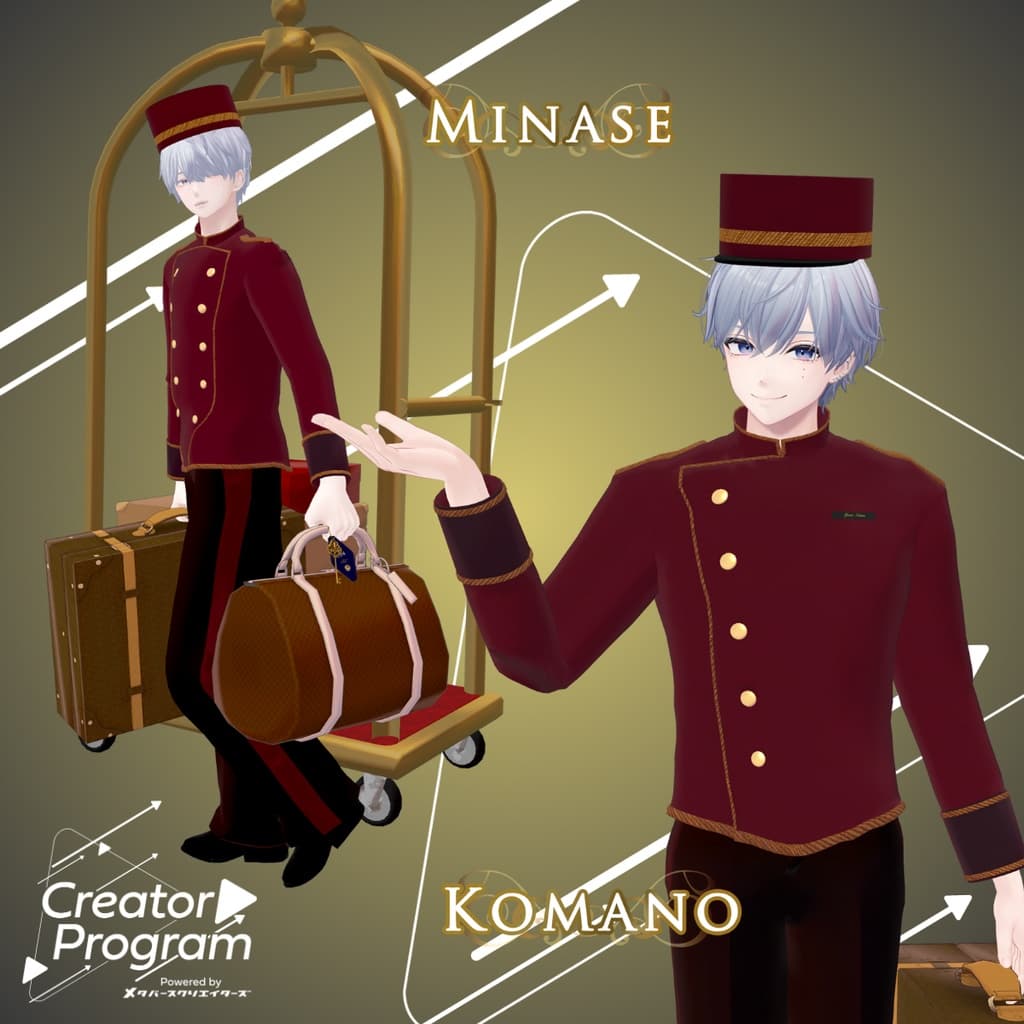
Minase – VRChat Avatar #Minase3D https://booth.pm/ja/items/4013951
Original 3D Model “Komano” https://booth.pm/ja/items/5260363
Kuuta – Original 3D Model #Kuuta3D https://booth.pm/ja/items/4897493
Turanari-san (Tinmeshitei Common Body) https://booth.pm/ja/items/5498540
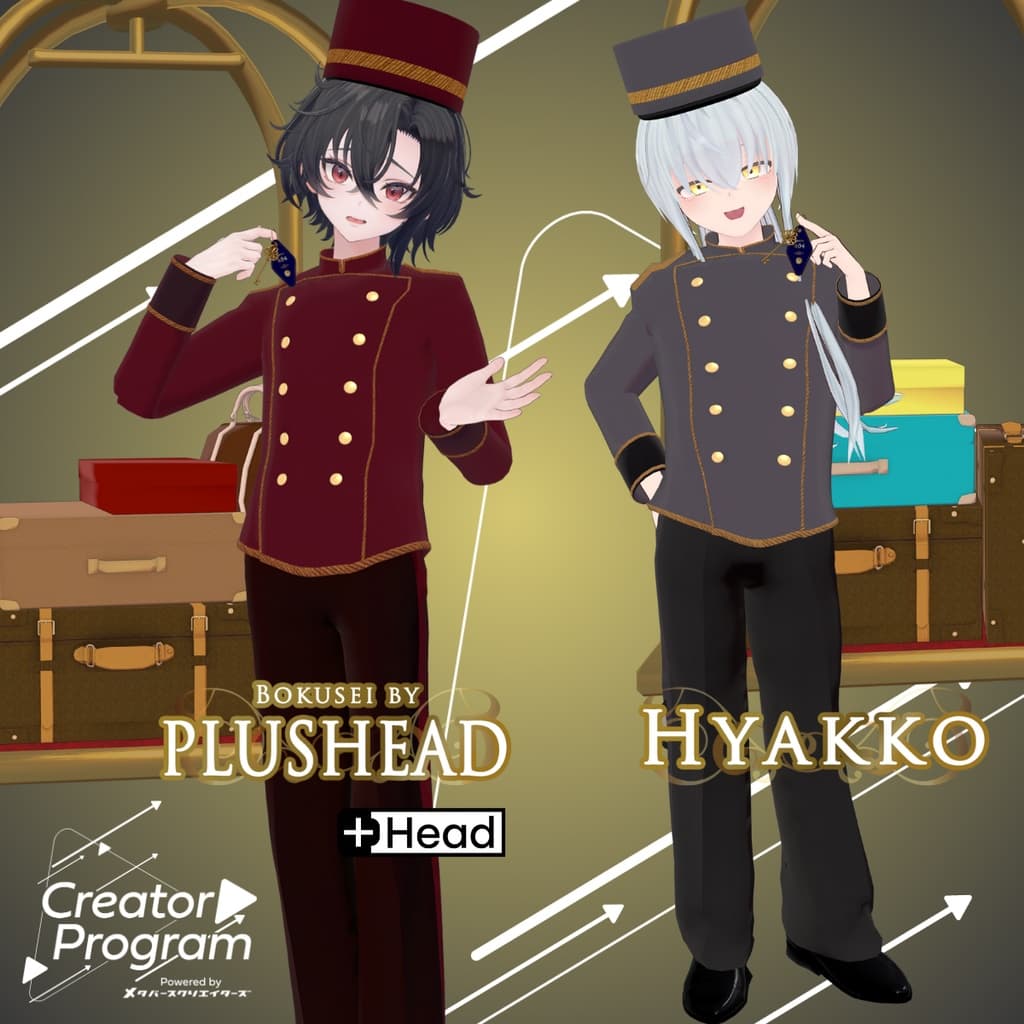
Bokusei (PlusHead body) https://booth.pm/ja/items/5727810
Hyakko – by Niyami https://booth.pm/ja/items/6328134
※ When equipping the outfit, shapekeys that hide the avatar’s base body (turning it into a simplified “stick form”) will be applied.
◆ Installation Guide
Set up the latest VRC SDK using VCC.
Install required assets (liltoon, Modular Avatar) via VCC.
Import the latest package for your avatar.
Import this product’s package.
Drag your avatar (and any clothing/editable prefab) into the Scene Hierarchy.
Hide or set to Editor Only any unnecessary clothing (default outfits, underwear, etc.).
Drag R404_[AvatarName].Prefab and Room404_Items directly under the avatar.
Upload the avatar using the VRC SDK.
◆ Notes on MA Shape Changer
This outfit includes Modular Avatar’s MA Shape Changer. When placed under the avatar, shapekeys automatically activate to slim or hide mesh areas that would otherwise clip with the clothing.
If the MA Shape Changer is not needed, you may remove it.
PlusHead avatars: Mesh names may differ (this outfit assumes PlusHead). If the component does not work correctly, rename meshes or adjust shapekeys manually.
If any part of the avatar appears unintentionally thin after fitting the outfit, reset the affected shapekey to 0 and confirm the base body’s appearance.
◆ Item Gimmicks
The luggage cart and room key can be toggled on/off via the Expression Menu, preconfigured using Modular Avatar.
The luggage cart’s horizontal bar and some bag/trunk handles can be grabbed and moved.
If grab points are hard to see or PhysBones become tangled, try enabling visualization via: Options → Config → Avatar Overlay → PhysBones / PhysBones Proximity
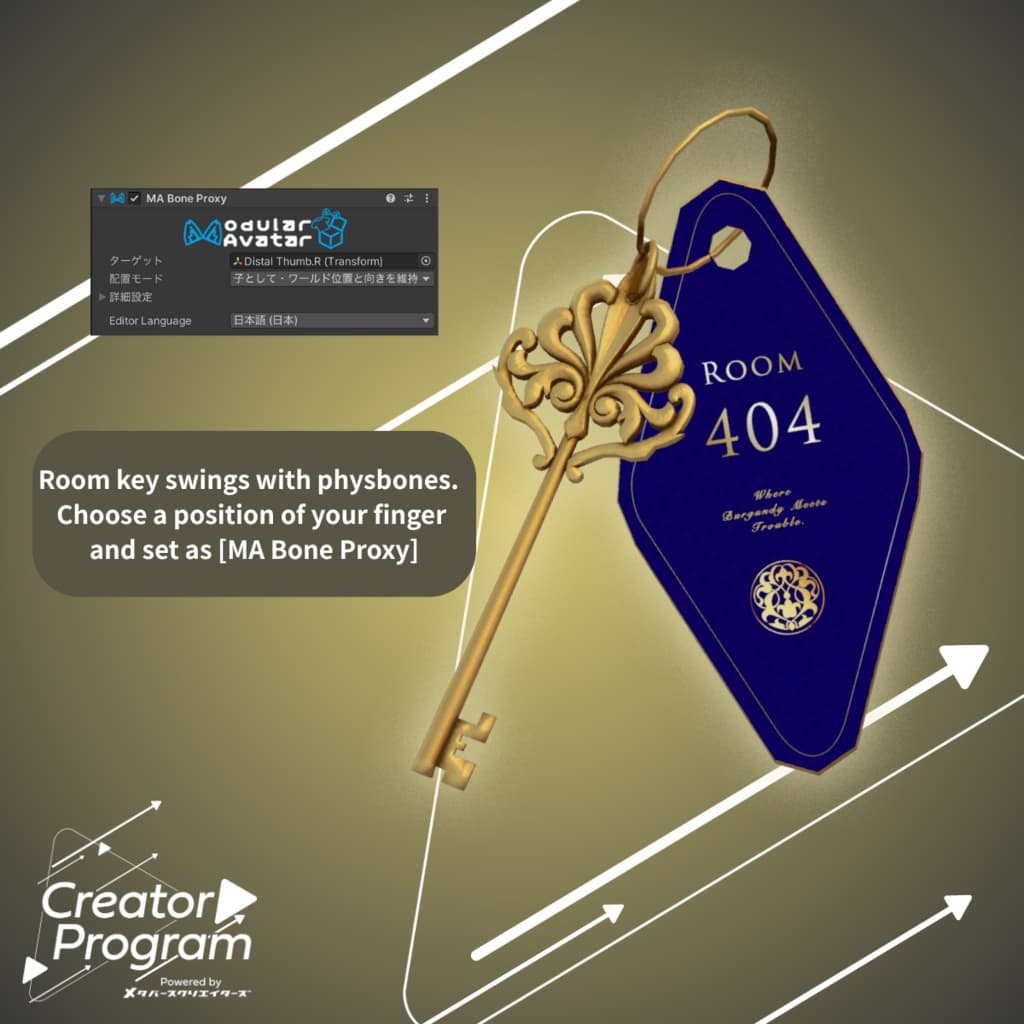
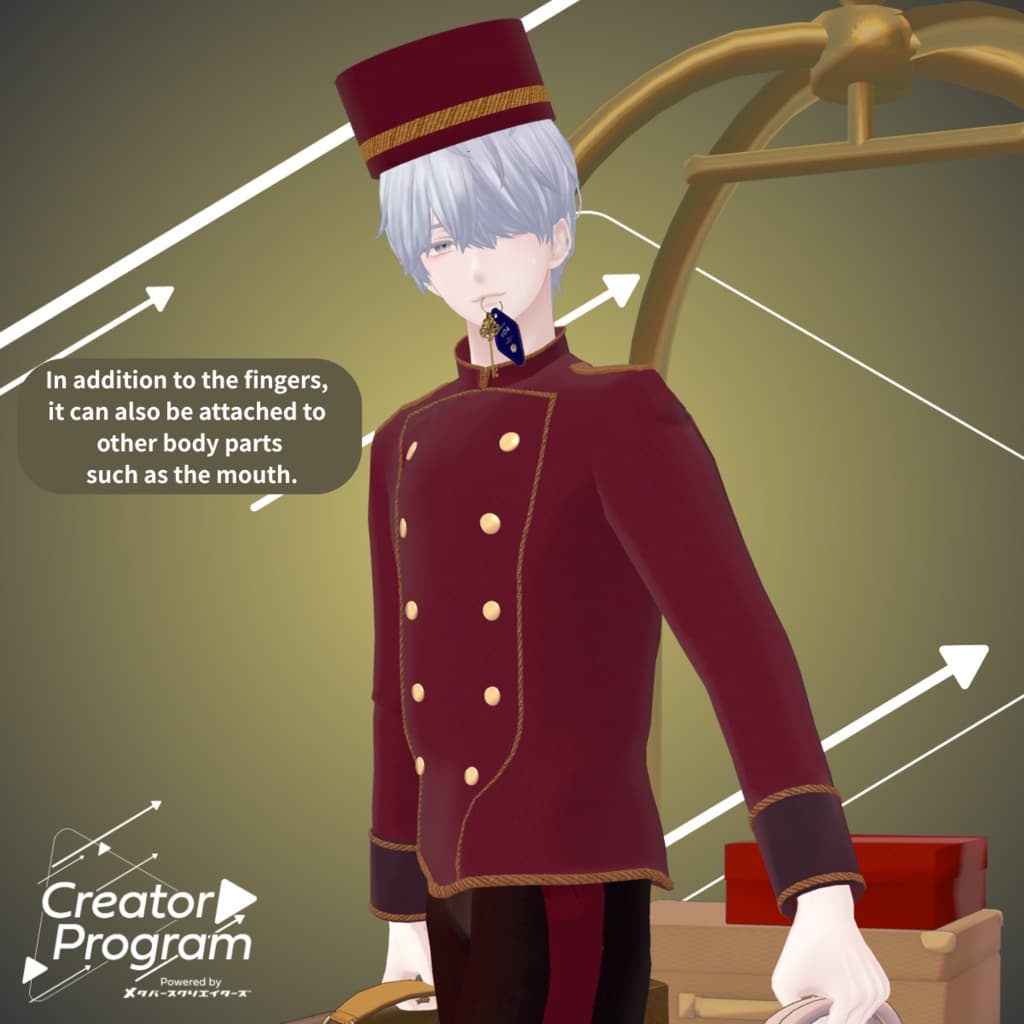
The room key follows the thumb tip by default. You can move it to another finger or location by setting the follow bone using MA Bone Proxy.
◆ Design Customization
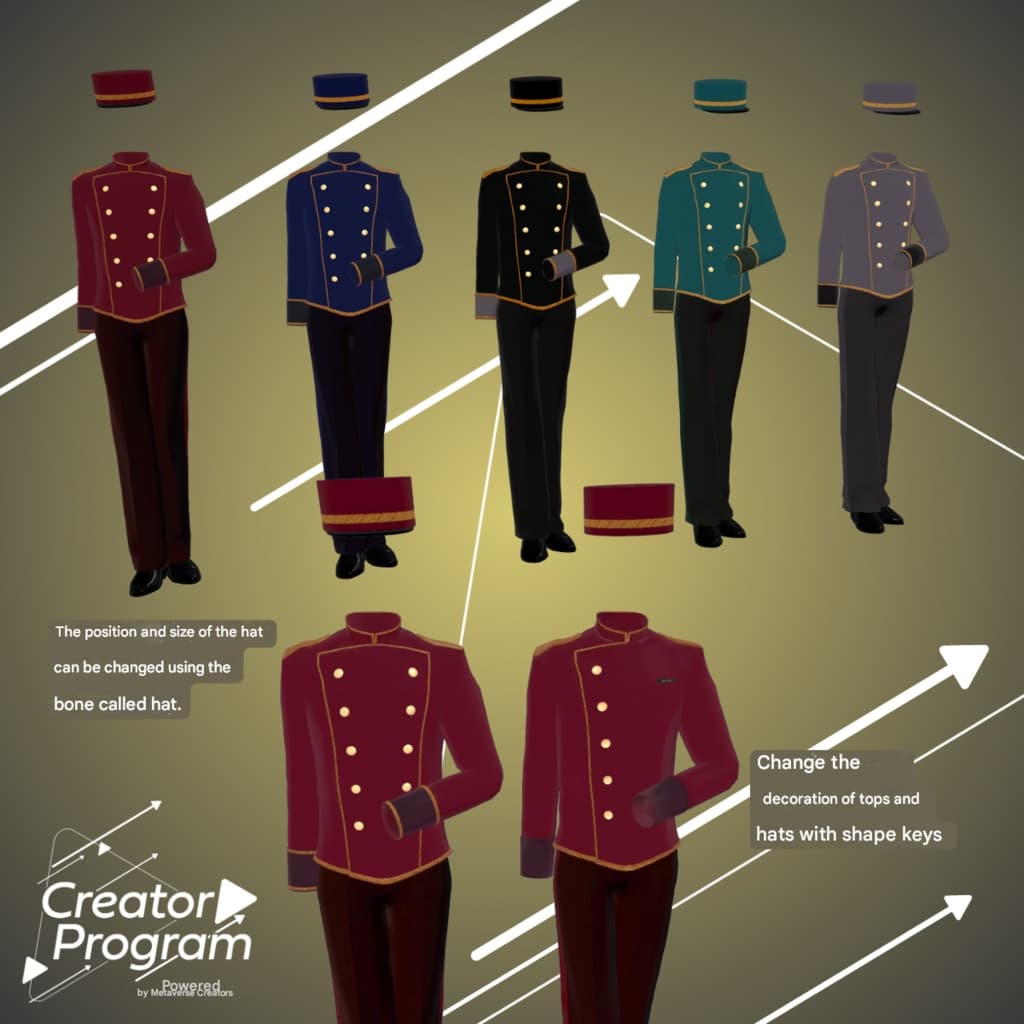
For the color variations shown in the thumbnails, replace materials found in:
Common > Material
You can further fine-tune colors using liltoon’s Main Color settings.
◆ Terms of Use
https://drive.google.com/drive/folders/1qRMXoIxM1ZgacBPfwOigQRtXP1vCbNMn?usp=sharing
※ Please also follow the Terms of Use for the base avatar used.
◆ Production Environment
Modeling: Blender Ver. 4.1.1 Textures: Photoshop 2024 Setup: Unity Ver. 2022.3.22f1
VRChat SDK – Avatars Ver. 3.7.0 (VCC)
liltoon 1.9.0
ModularAvatar 1.10.3
◆ Credits
Creator: marchmaru / Unclassics https://lit.link/marchmaru
https://unclassics.booth.pm/
Support / Inquiries
https://discord.gg/bmw3PWE37M