

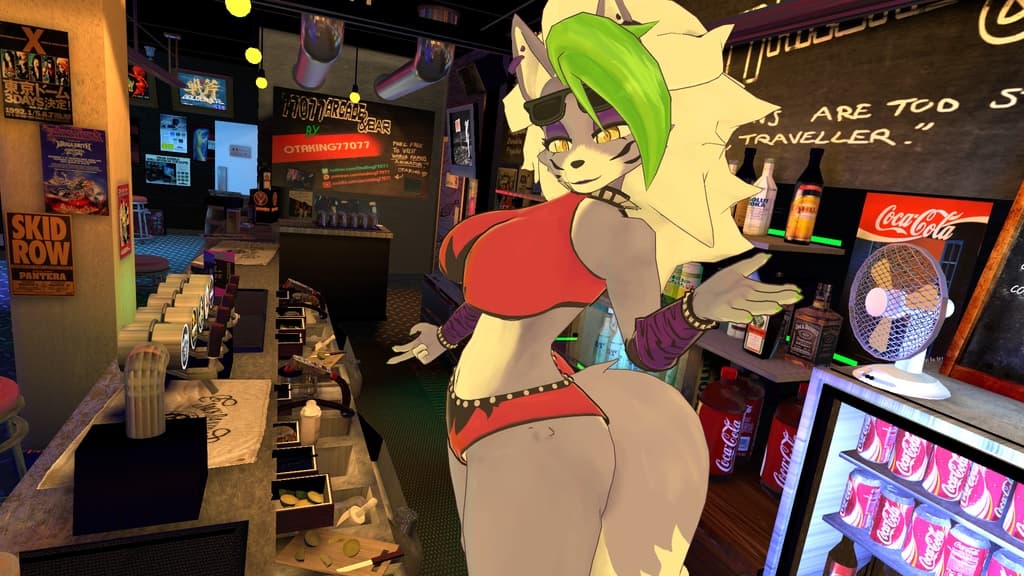
Roxanne Wolf (Roxy) VRChat Full Body Tracking 3D Model
 shadsterwolf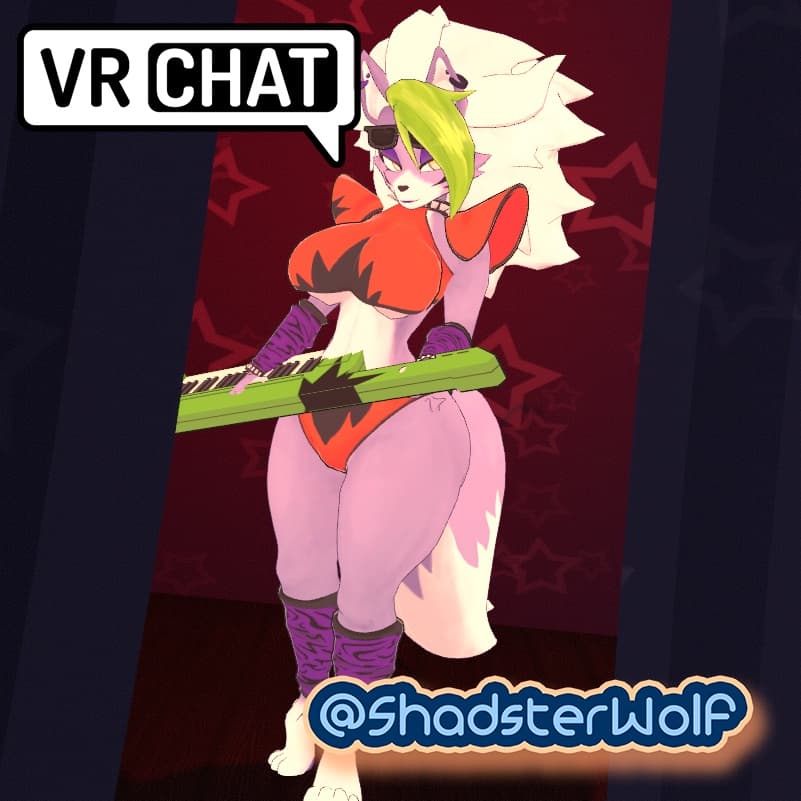
説明
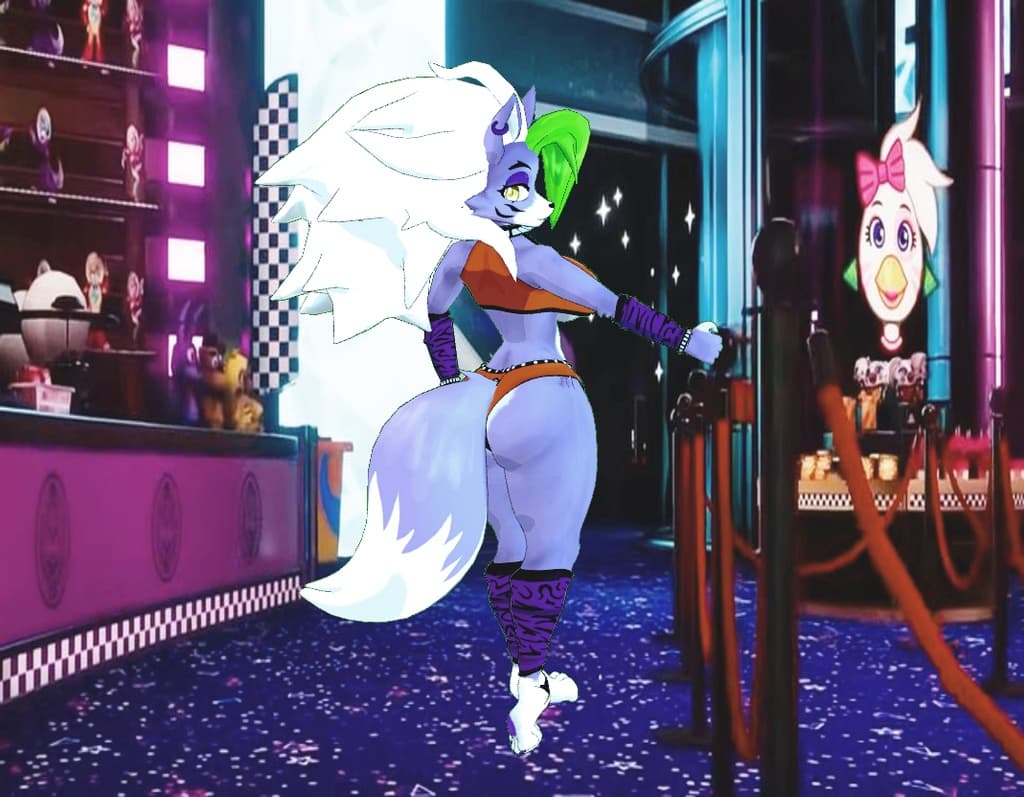
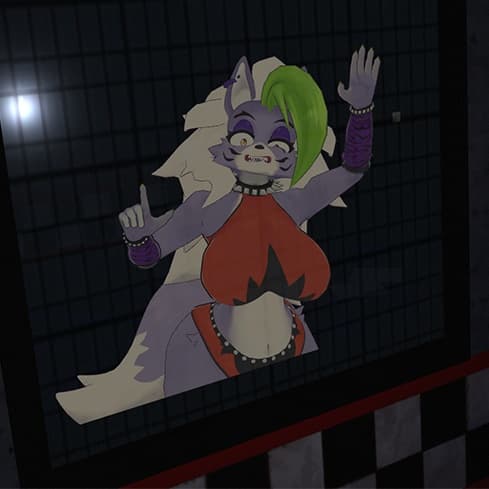
Roxy Model designed for VRChat!
NSFW model!
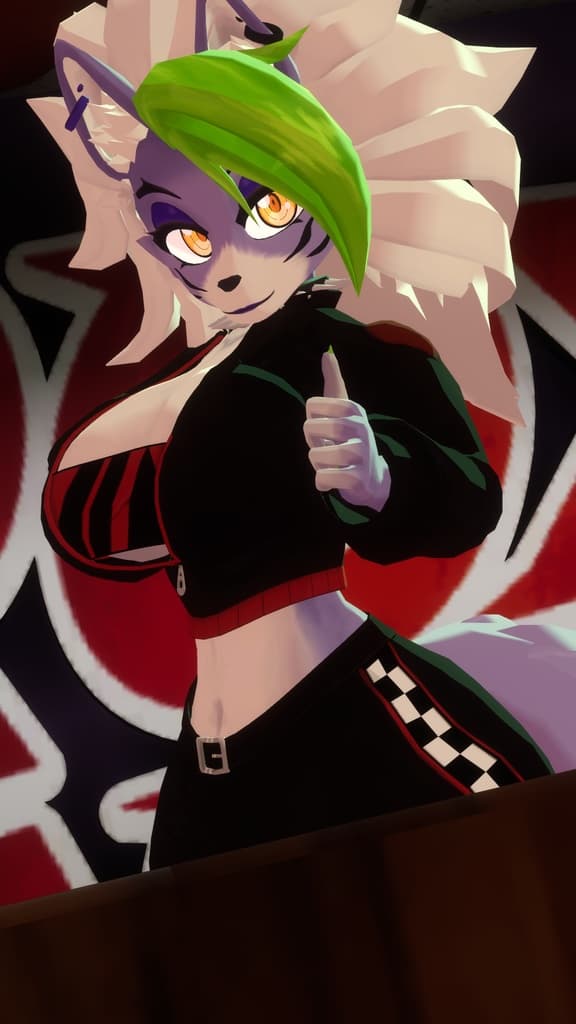
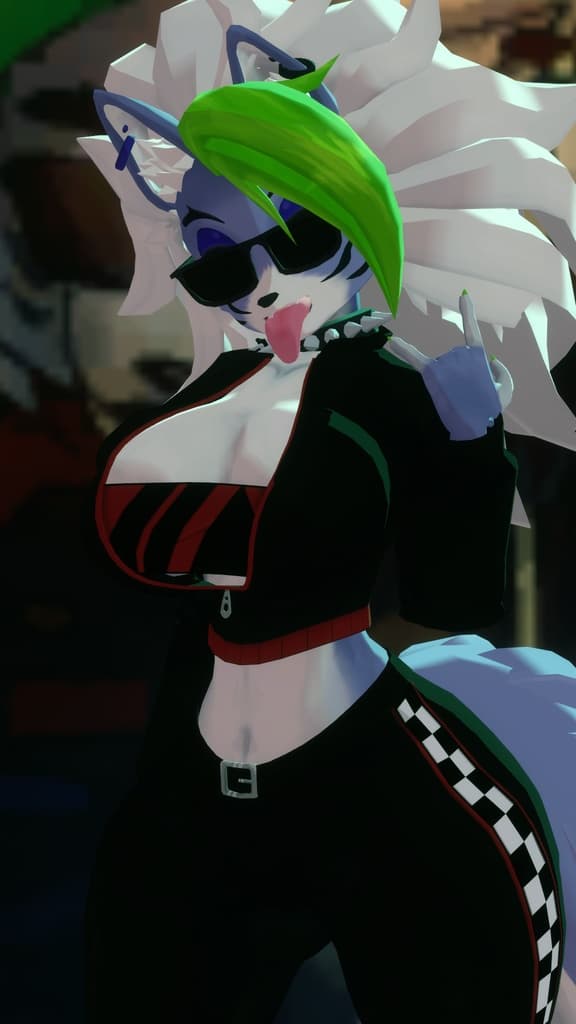
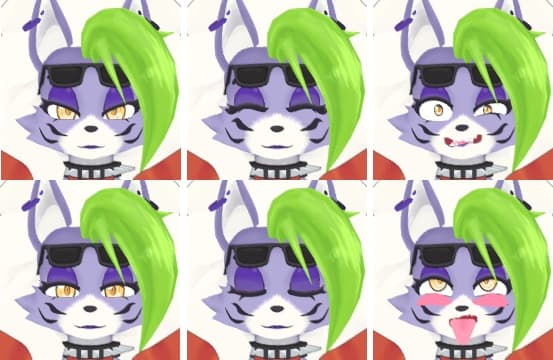
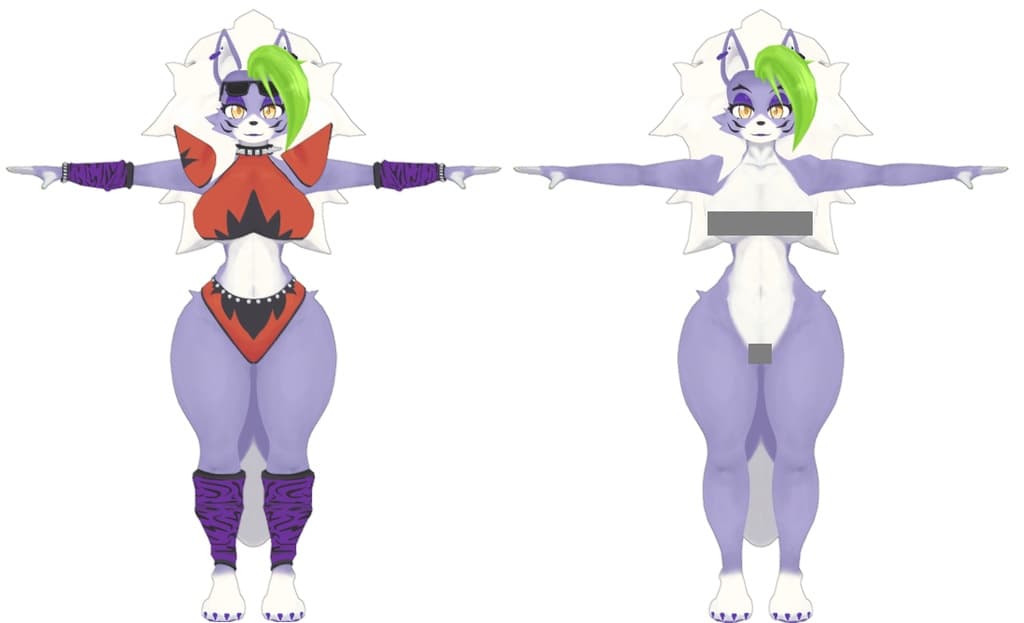
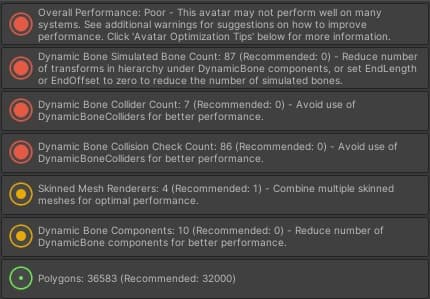
--Model Specs & Features-- 35k polys 3 Materials Full Body Tracking Physbones 6 Custom Facial Gestures Viseme Support Toggleable clothing Tail Sway Animation Breast Size Slider Thicc Size Slider Keyboard toggle SDK3 (+ Unity 2022) Poiyomi Toon Shader SPS Support
--Files Included-- Blender Raw File (4.2) Textures (PNG only, hand drawn in Blender) Unity Package (2022.3.6f1) with Scene, FBX, animations, and effects. All setup and ready for upload!
--Change Log-- 2.0.0 - Reworked Hair and Tail, Added new Racing Outfit, Improvements to original mesh and rig, Added SPS support 2.0.1 - Fixed issue with tail sway animation, updated new banner icon, fixed minor clipping with racing outfit 2.1.0 - Updated GogoLoco to 1.8.6, fixed issue missing SFX prefab 2.2.0 - Updated Quest Shader to Toon Standard, Fixed shoelace mesh on Racing outfit 2.3.0 - Added Pirate Outfit, slight change to body mesh legs and abs
--Instructions for VRChat PC--
- Download Unity Hub: https://unity.com/download
- Make a new Avatar project with VRChat Creator Companion (VCC) https://vrchat.com/home/download
- (Optional) Import Poiyomi Toon Shader (8.1): https://github.com/poiyomi/PoiyomiToonShader/releases
- Import my provided .unitypackage file Open Avatar.scene, login using the VRchat SDK, build & upload!
--Instructions for VRChat Quest (Cont.)--
- Copy the Avatar ID that generated after uploading to PC (In the VRChat SDK, click on the Content Manager tab, you'll see "Copy ID")
- Click on the _Quest avatar and attach/paste the Avatar ID (In the Inspector, on the Pipeline Manager component, you'll see "Blueprint ID", then click Attach)
- Click on File > Build Settings... > Android > Switch Platform (Delete _PoiyomiShaders folder if you imported to help speed up the process)
- Open the VRChat SDK and build & upload again! (If "Build & Publish for Android" is gray, delete/inactive the PC avatar)
Please do not make public Please do not redistribute
Contact Twitter: https://twitter.com/Shadsterwolf
すみません、にほんご はなせません。(╯°□°)╯︵ ┻━┻