

『PAK4散弾銃』射撃パーティクル付き VRC
 bwackx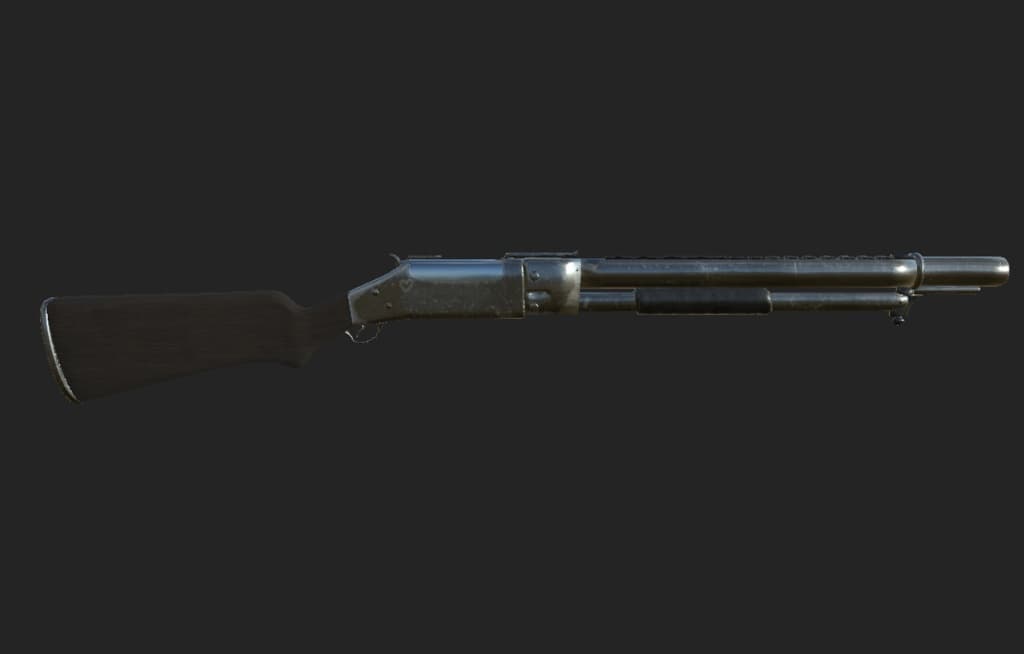
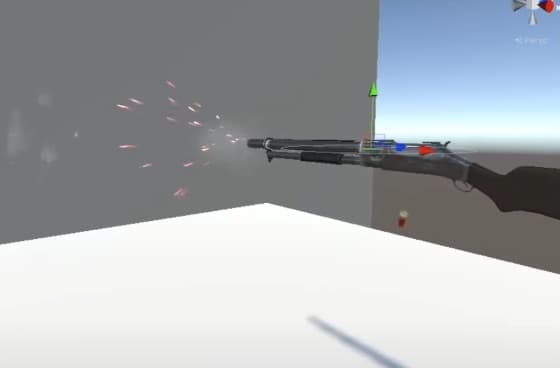
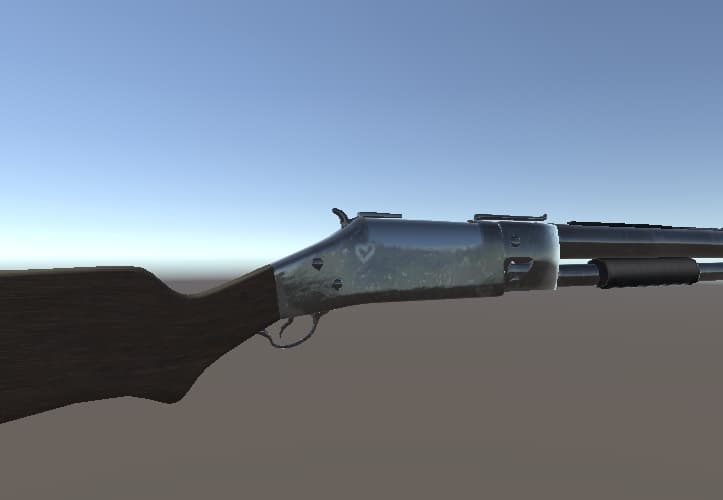
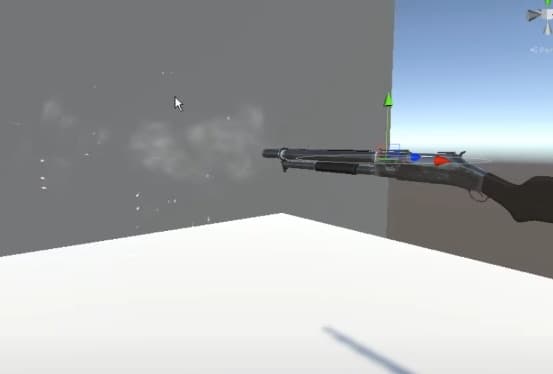
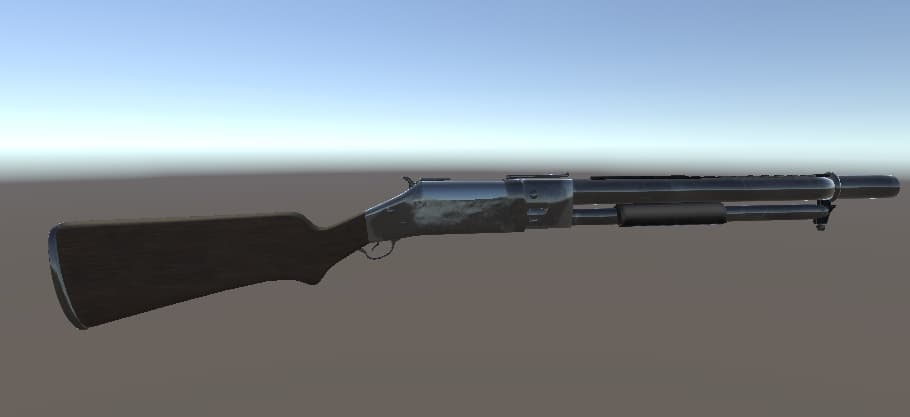
説明
TERMS OF SERVICE:
You are not allowed to do these under any circumstances:
-Redistributing this model or any assets included in any form, that includes but is not limited to on any social media platform or file sharing service.
-Reselling the files
-Claiming as own, all credits go to "Bwackx" on booth
いかなる状況においても、これらを行うことは許可されていません。
-このモデルまたは任意のフォームに含まれる任意のアセット(ソーシャルメディアプラットフォームを含む)を再配布します。
-ファイルの再販
-自分で主張し、すべてのクレジットはブースの「Bwackx」に送られます .-.-.-.-.-.-.-.-.-.-.-.-.-.-.-.-.-.-.-.-.-.-.-.-.-.-.-.- Software Used:Blender,Substance Painter
Shaders:
arktoon: https://github.com/esetomo/Arktoon-Shaders
Mochies Free Unity Shaders: https://github.com/MochiesCode/Mochies-Unity-Shaders/releases
Particles/AlphaBlendedIntensify .-.-.-.-.-.-.-.-.-.-.-.-.-.-.-.-.-.-.-.-.-.-.-.-.-.-.-.- INSTRUCTIONS: 1.Drag folder into unity 2.Open up Scene 3.Scale and Drag both shotguns onto hand 4.Drag gameobject out of shotgun onto hand 5.Create 2 animations, one will enable the default state shotgun and one will enable the shotgun with the animation, enable the 2 items in "Use for animation" in the second animation. 6. Add a audio source of your liking onto it and enable in the second animation if you so please. 7. All done!
手順: 1.フォルダーをUnityにドラッグします 2.シーンを開く 3.両方のショットガンをスケーリングして手にドラッグします 4.ゲームオブジェクトをショットガンから手にドラッグします 5. 2つのアニメーションを作成します。1つはデフォルト状態のショットガンを有効にし、もう1つはアニメーションでショットガンを有効にし、2番目のアニメーションの「アニメーションに使用」の2つの項目を有効にします。 6.好みのオーディオソースを追加し、必要に応じて2番目のアニメーションで有効にします。 7.すべて完了です。
.-.-.-.-.-.-.-.-.-.-.-.-.-.-.-.-.-.-.-.-.-.-.-.-.-.-.-.- UPDATES: V1.2: Added Muzzle flash with point light
.-.-.-.-.-.-.-.-.-.-.-.-.-.-.-.-.-.-.-.-.-.-.-.-.-.-.-.- Contact me through discord if you need any help or have any questions: Bwackx#0001
ヘルプが必要な場合や質問がある場合は、不和を通じて私に連絡してください。 Bwackx#0001