

Natsu - Avatar 3.0 - Free*
 shugan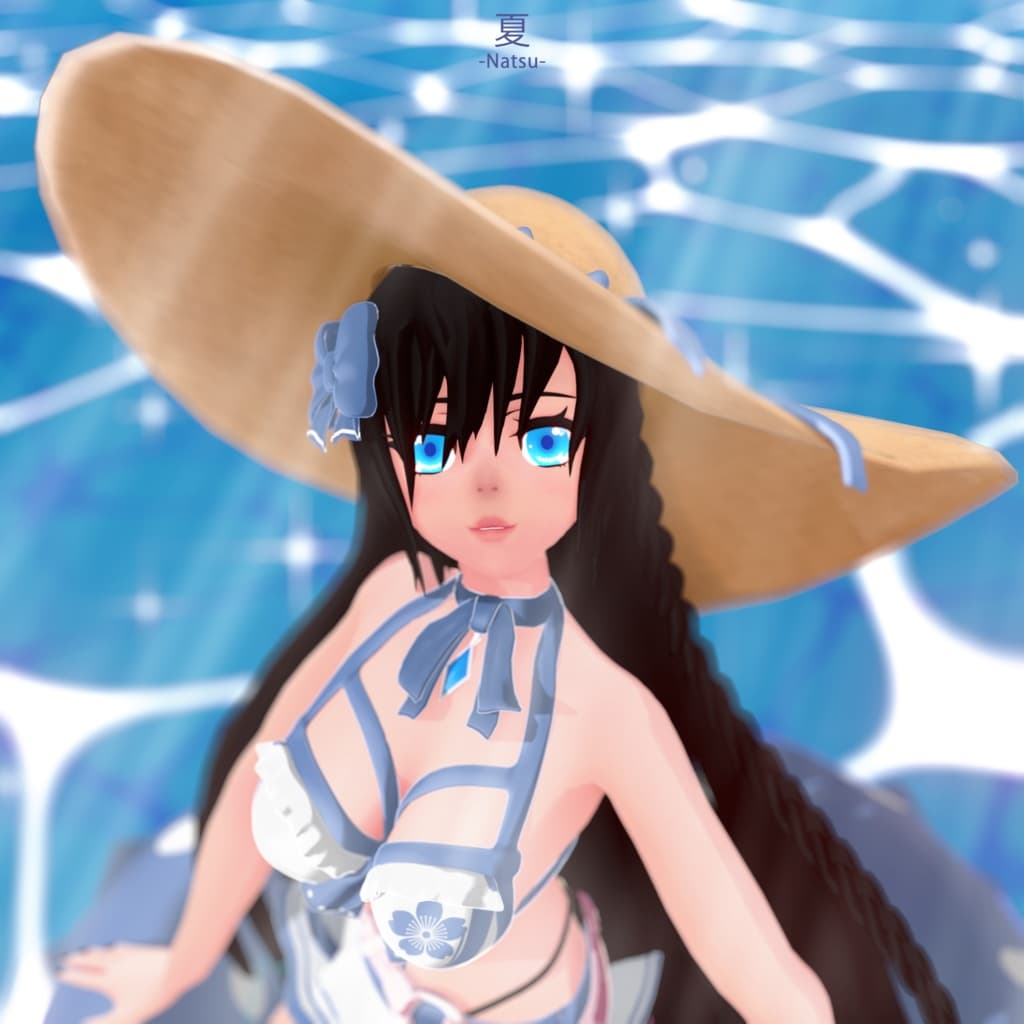
説明
Avatar made fully from scratch by Shugan
Natsu - Avatar 3.0 - Free*
-
SFW
-
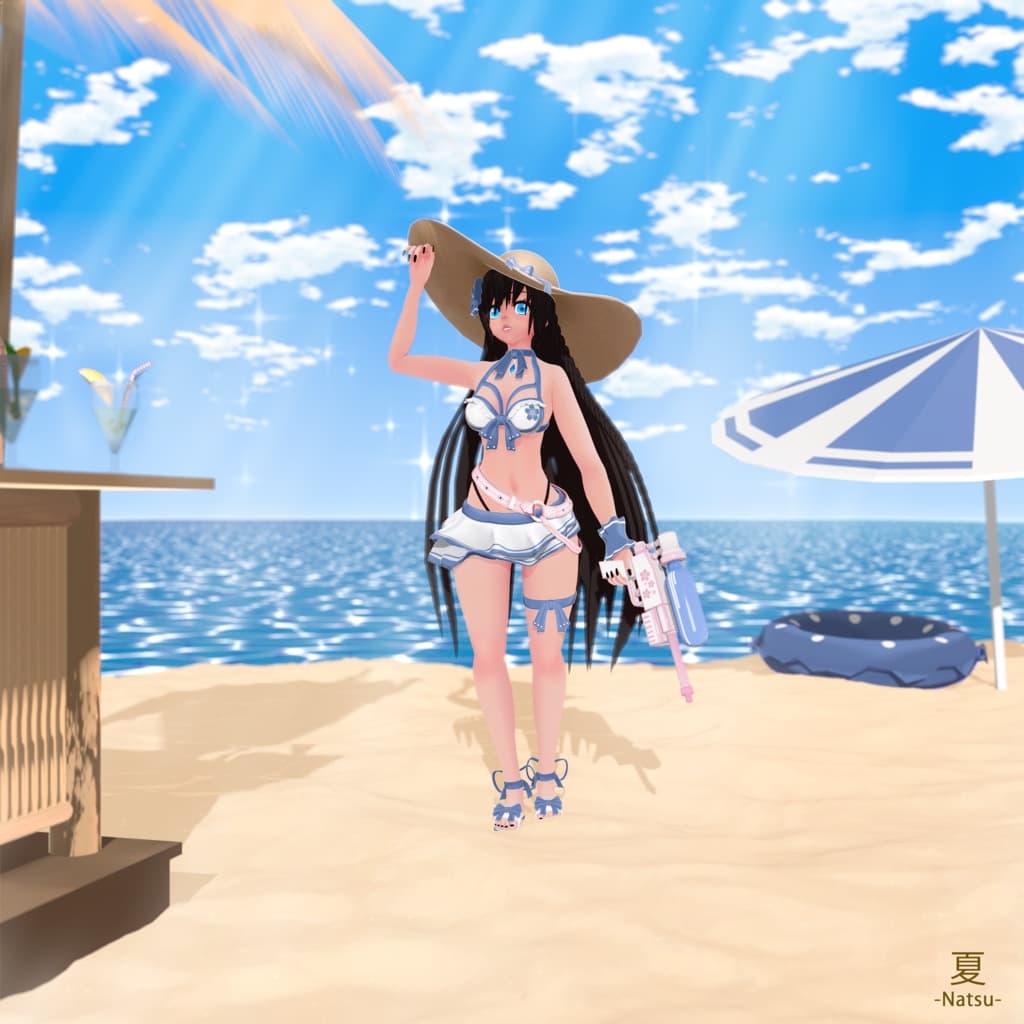
1 Outfit (see first picture)
-
Feet Control With Fingers
-
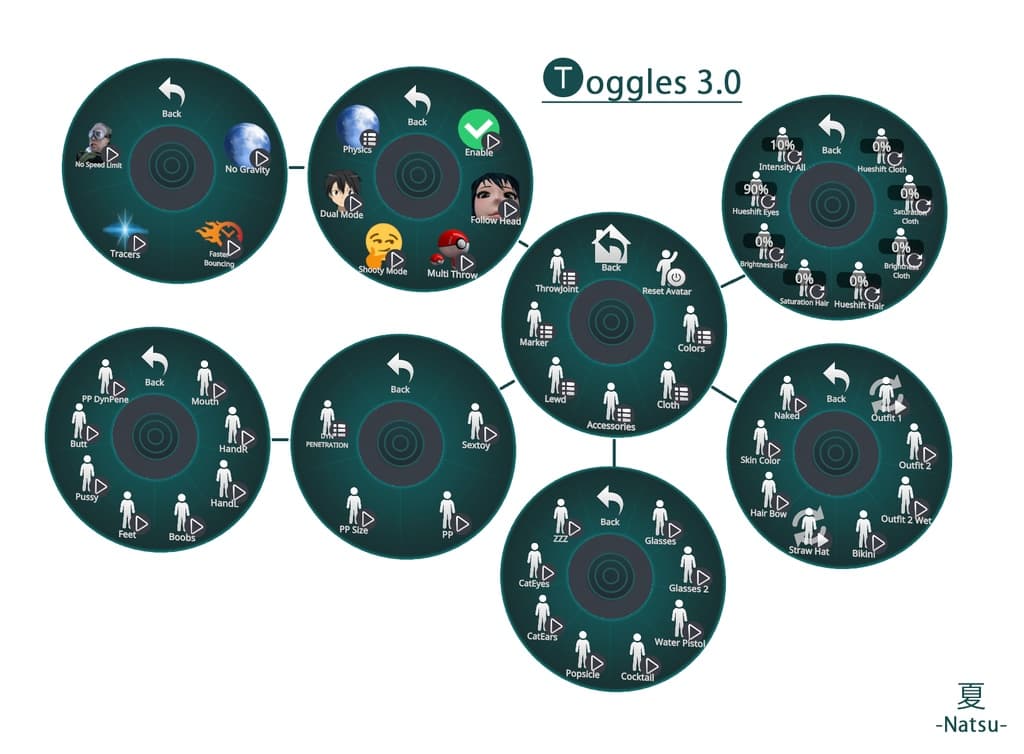
Toggles 3.0 Limited
Natsu - Avatar 3.0 - Supporter Edition
-
NSFW/DPS (Include PP, Animations, Sextoy, Orifices)
-
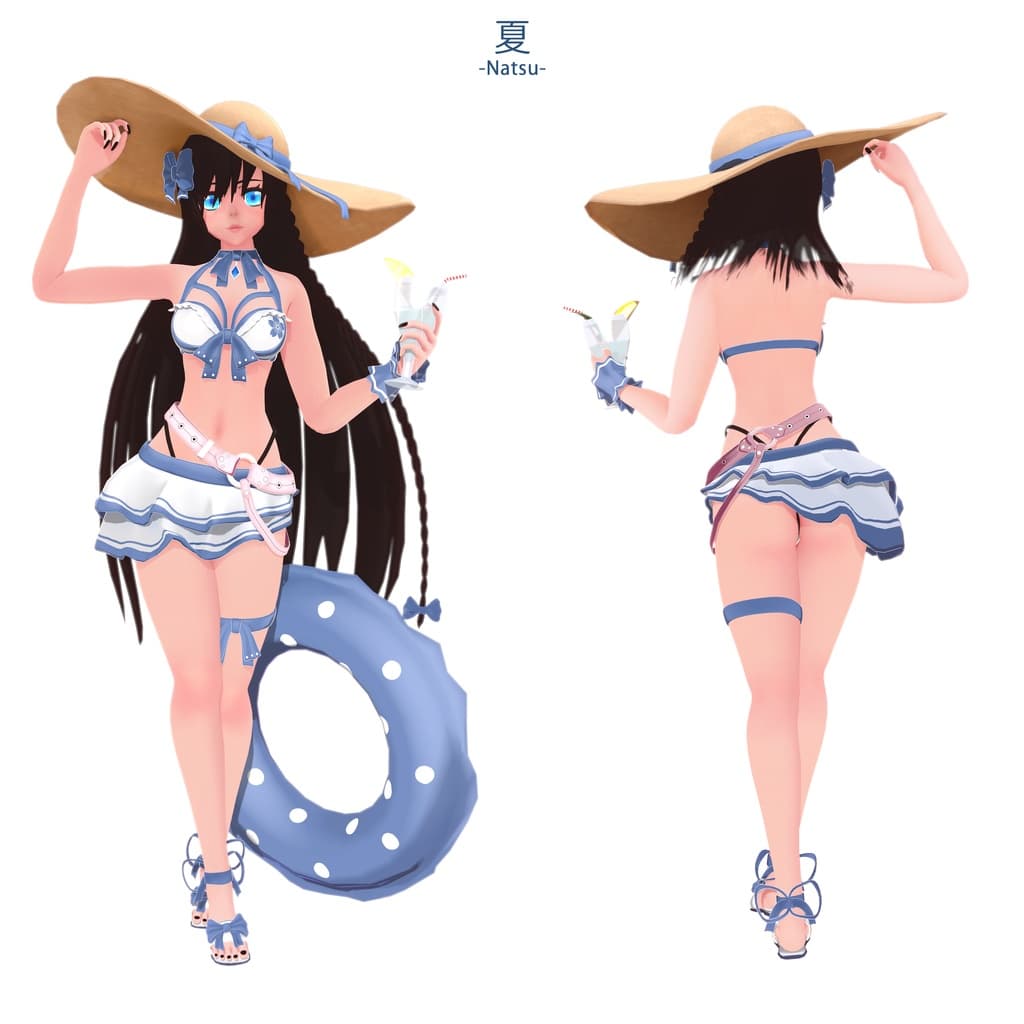
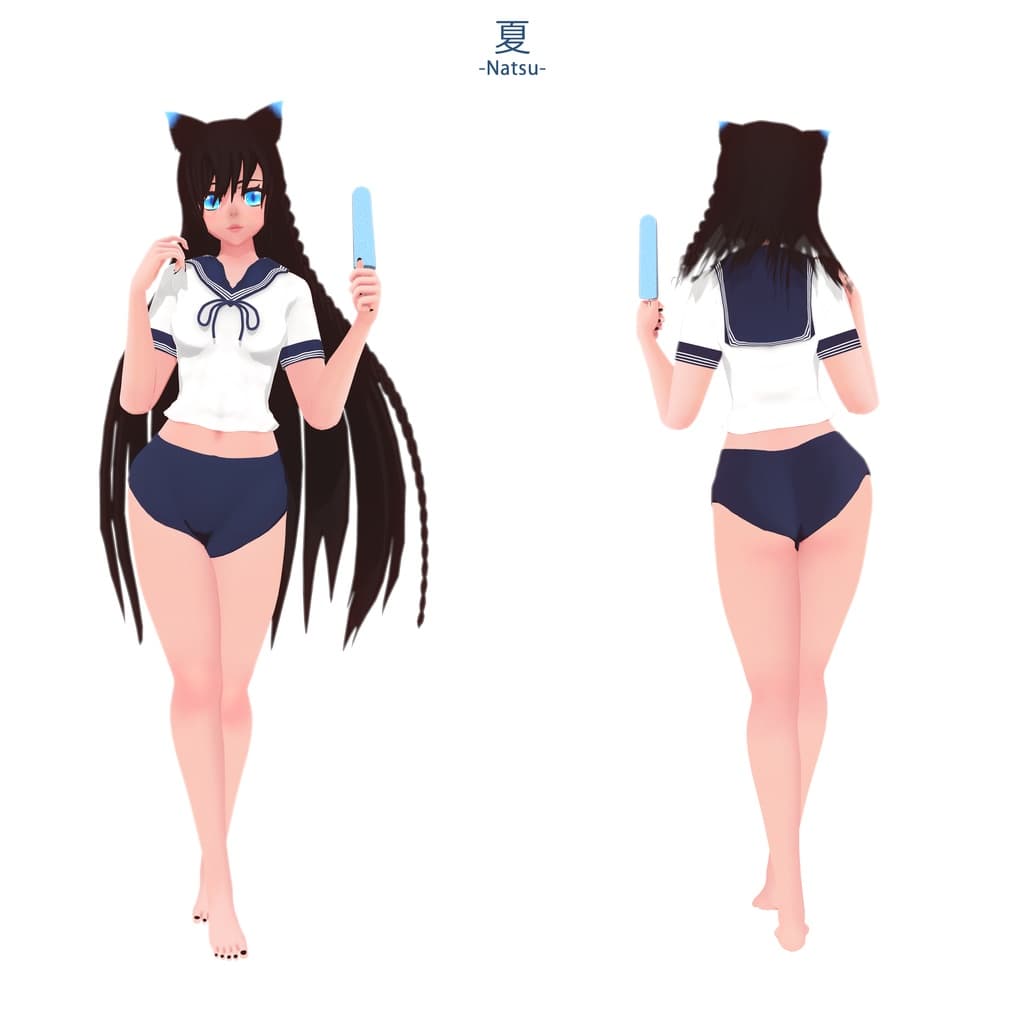
3 Outfits (Summer, Japanese School, Bikini)
-
4 Props (Toggles : Water Pistol, Popsicle, 2 Glasses ; No Toggles : Buoy, Umbrella)
-
Particules Effects
-
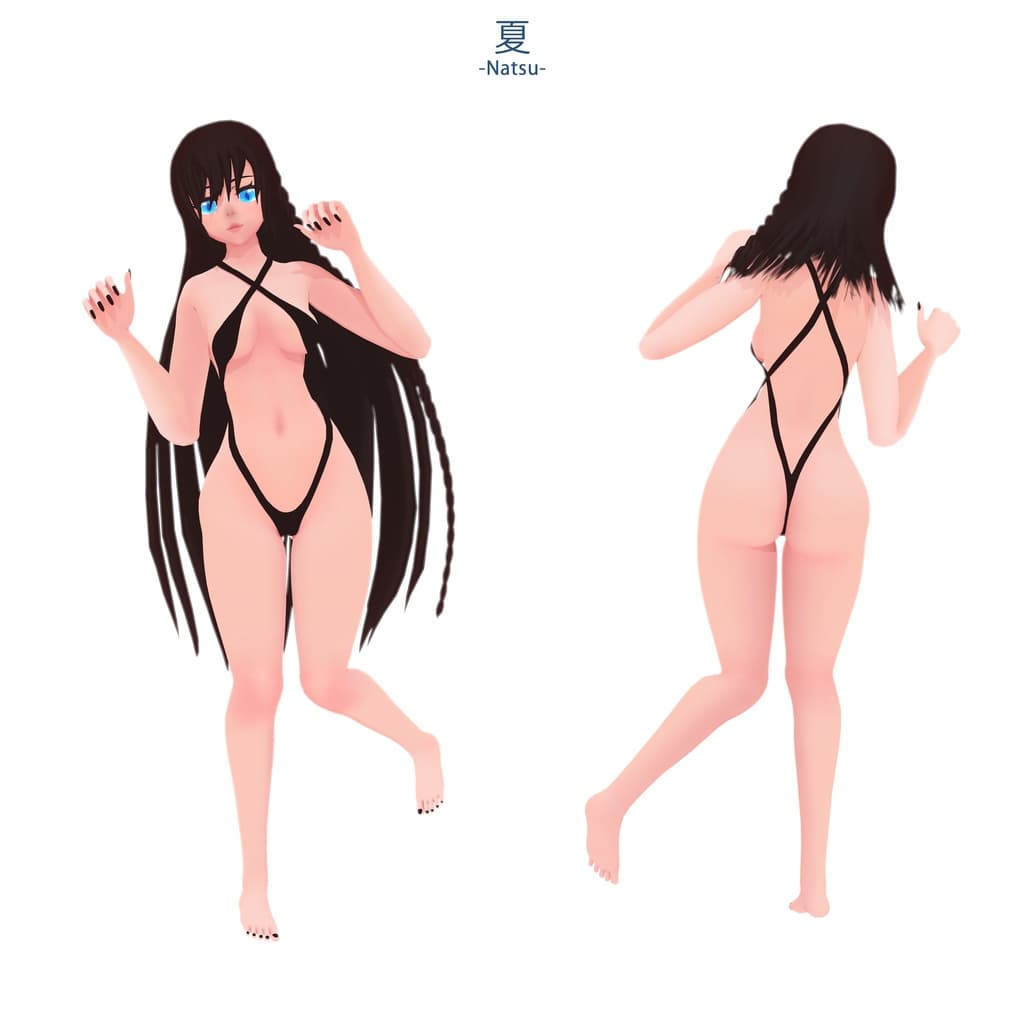
ThrowJoint With Cam's Pro Logic (see last picture)
-
Feet Control With Fingers
-
Toggles 3.0 Full
NOT INCLUDED
Dynamic Bones Script
Dynamic Penetration System
RULES
-
No commercial use ! But usage in monetized videos or live streams is allowed.
-
You can NOT re-sell, re-distribute, or share this asset in any way (Discord Nitro Boosting, Asset Trading etc)
-
You can NOT use this asset for anything illegal, or hateful
-
You can NOT use the asset for public avatars in any VR social game or similar User Created Content platform
-
You can NOT use any of the assets on free and/or for sale models
(in the special case you would like to use any of the assets for this then please DM me and we can work something out - this also applies for public models)
These rules are subject to change at any time.
PLEASE DM ME IF YOU HAVE ANY QUESTIONS ABOUT ANY OF THESE RULES
HOW TO INSTALL -Create a new Unity project
-Download the latest SDK3 - Avatars here and import it to your project
https://vrchat.com/home/download
-If you want to use the Dynamic Bones Script, you can get it here https://assetstore.unity.com/packages/tools/animation/dynamic-bone-16743 and import it to your project
-If you want to use the Dynamic Penetration System, you can get it here https://gumroad.com/l/lwthuB and import it to your project
-Import the unity package !Shugan Natsu to your project (it already contains the poiyomi shaders, use the version in the package to avoid any issues with the toggles) https://patreon.com/poiyomi
-Drag and drop the prefab of the avatar you want to upload in VRChat into the scene or open the scene NATSU
-Click on the avatar on the scene and, in the inspector, at the bottom, you have the pipeline manager, click on Detach if needed
-Open the VRChat SDK window in unity. Authentification then go in buider and click Build and Publish for Windows
-The upload process should start, follow the instruction and Voila! Enjoy :)
TROUBLESHOUTING
If the first upload fail, make sure to close VRChat before uploading and/or try again
If you need more help please contact me on Discord
Shugan#5652
CREDITS AVATAR, MESHES, TEXTURES, ANIMATIONS
Avatar Natsu by Shugan#5652 (original fan based)
CREDITS SCRIPTS
Dynamic Bones set up (but not included) from Will Hong
https://assetstore.unity.com/packages/tools/animation/dynamic-bone-16743
Dynamic Penetration System V1_20 set up (but not included) from Raliv
Locomotion FIX created by Alc#0002 and WetCat#6969
CREDITS SHADERS
Poiyomi 7.2.32 from poiyomi#0001
CREDITS TROWJOINT
Logic and set up of the TJ from Cam#1959
https://gumroad.com/l/camthrowjoint
TJ Particules Effects from Shugan#5652
CREDITS MARKER
Original by M.O.O.N#8008 edited by Shugan#5652
https://github.com/moonvrc/MoonMarker/releases/tag/1.1.1
if you wish to contact me or are interested in future work by me, check out my social media:
Discord: Shugan#5652
Discord server: https://discord.com/invite/6FZmzkb