

Sumi Chan VRM
 naturefades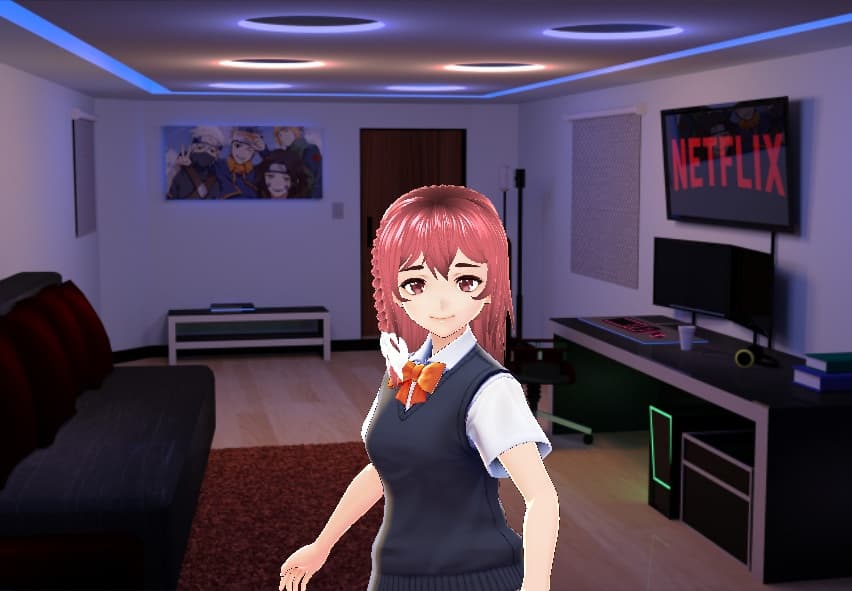
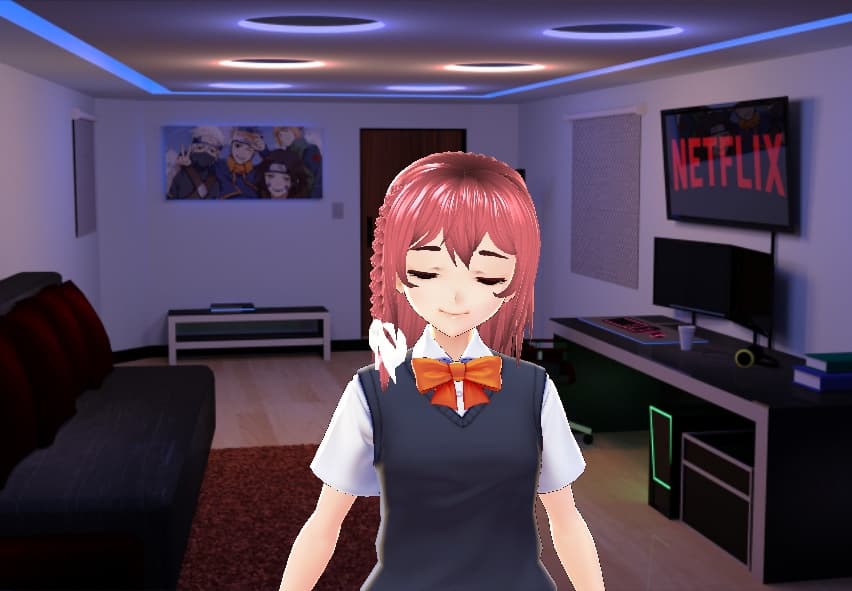
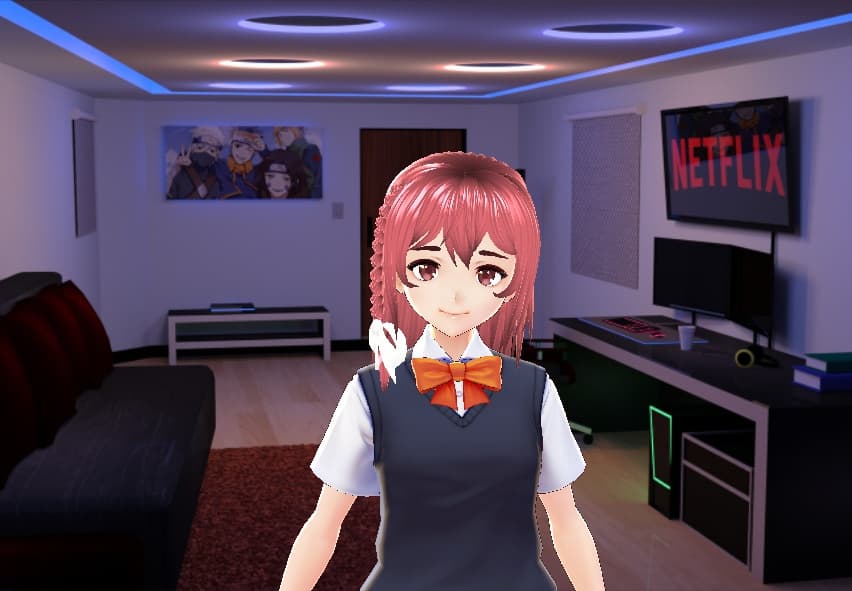
説明
How to use-
- Unzip the downloaded folder
- Copy the unzipped preset5 file to a specific location. For Windows → C: \ Users \ Username \ AppData \ LocalLow \ pixiv \ VRoidStudio \ hair_presets For Mac → / Users / <username> / Library / Application Support / com.Company.ProductName / hair_presets If you do not know the location, please display hidden files and search. 3.Open VRoid Studio 4. Select Hairstyle Edit> Preset 10 and you can use it by reading from the preset.
-Terms of service-
● License -We do not abandon the copyright. ・ Personal and commercial use possible. -Can be used with other than VRoid Studio. ・ Can be modified ・ Can be redistributed after modification. However, the one without originality is impossible. -Upload to an environment where only purchasers can use. ・ Credit notation and usage report are optional, but if you do, we will go to see and RT. ● Prohibited matters ・ Use in media that violates illegal or public order and morals is prohibited. ・ Prohibition of use for trademarks. -Redistribution, sales, etc., incorporation that can be used by others as material, and acts equivalent thereto are prohibited. -Prohibition of making false statements by the producer, such as making self-made speech. ● Disclaimer ・ We are not responsible for any troubles caused by use. ・ The Terms of Use may be modified without notice. please note that.