

TeddyBearBag - VRChat Gimmicky Avatar Accessory / CP33
 MetaCreatorsTYO EN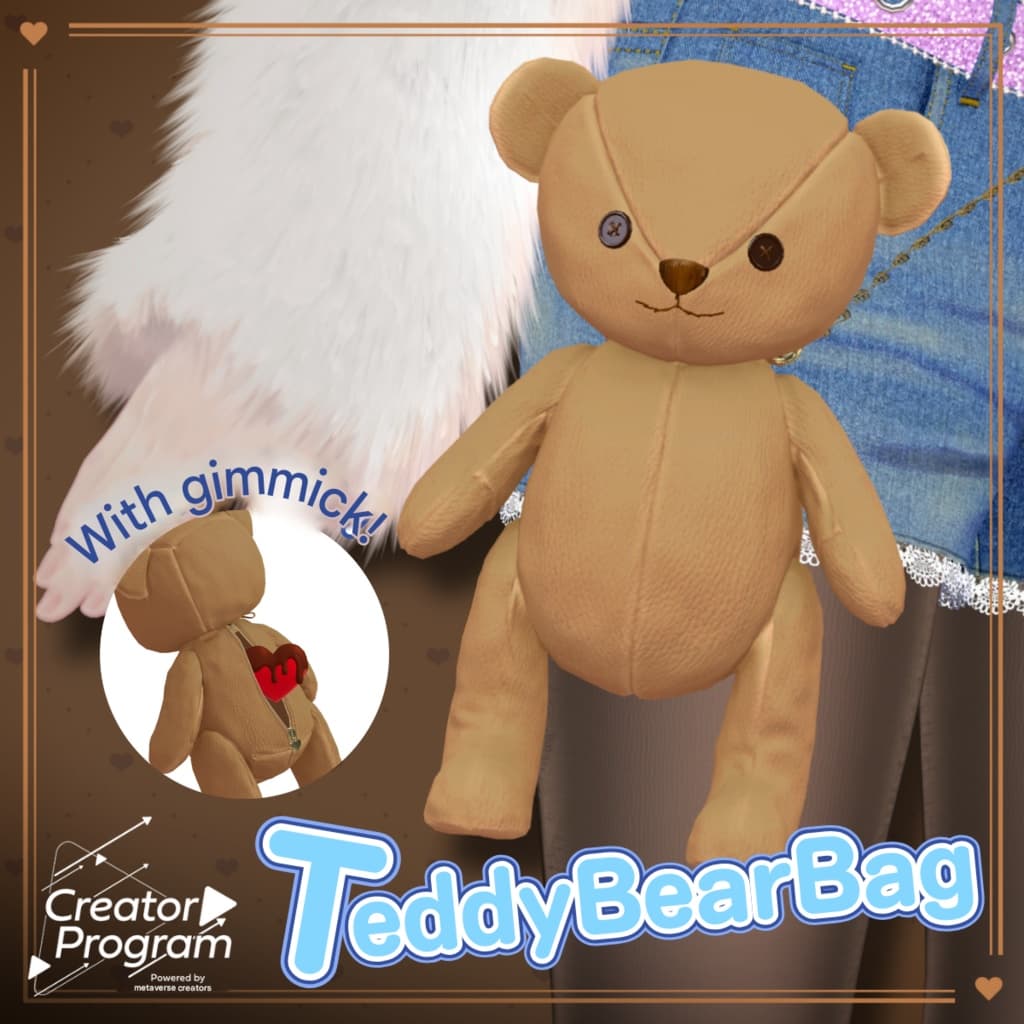
説明
SugarDripFuzzy - VRChat Women's Clothing / CP33 https://metacreators-en.booth.pm/items/7969569 If you have already purchased the product above, you do not need to buy this item. This product is intended for those who would like to purchase only the teddy bear bag separately.
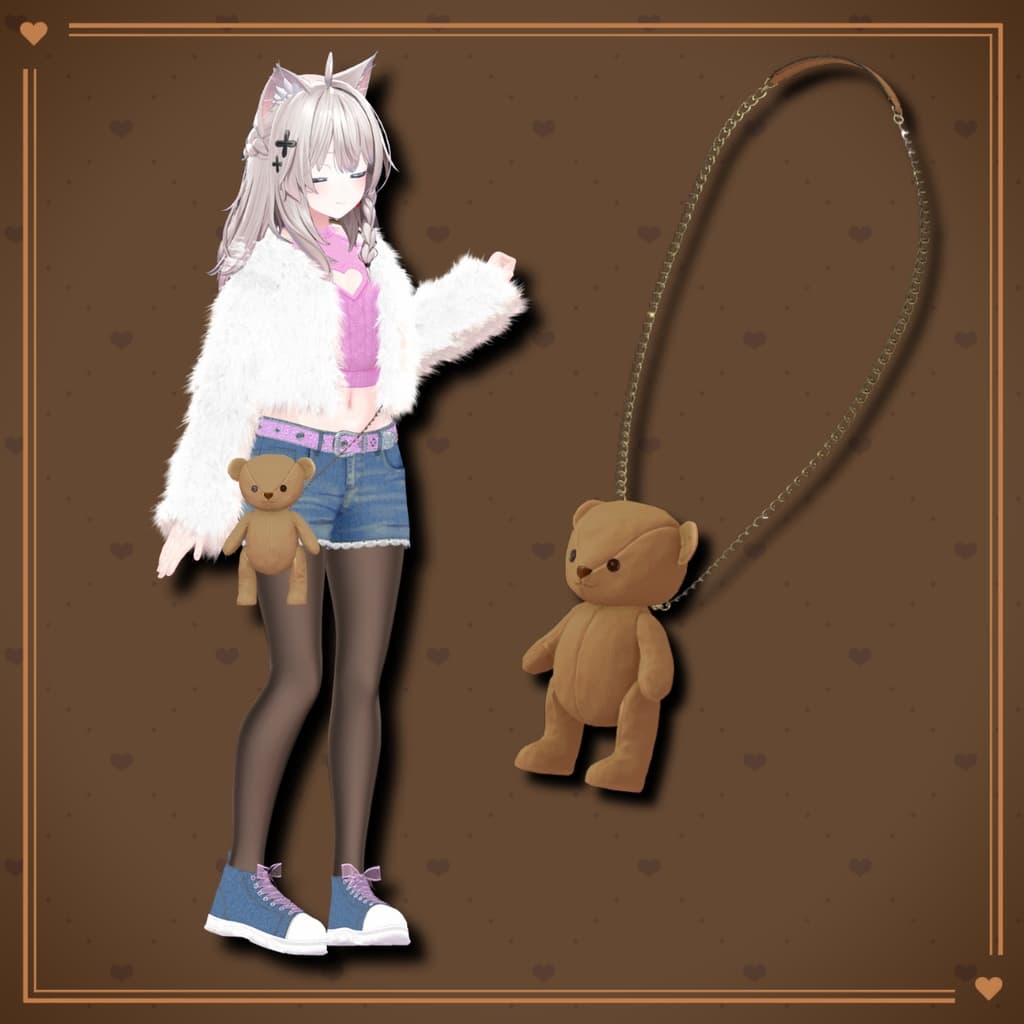
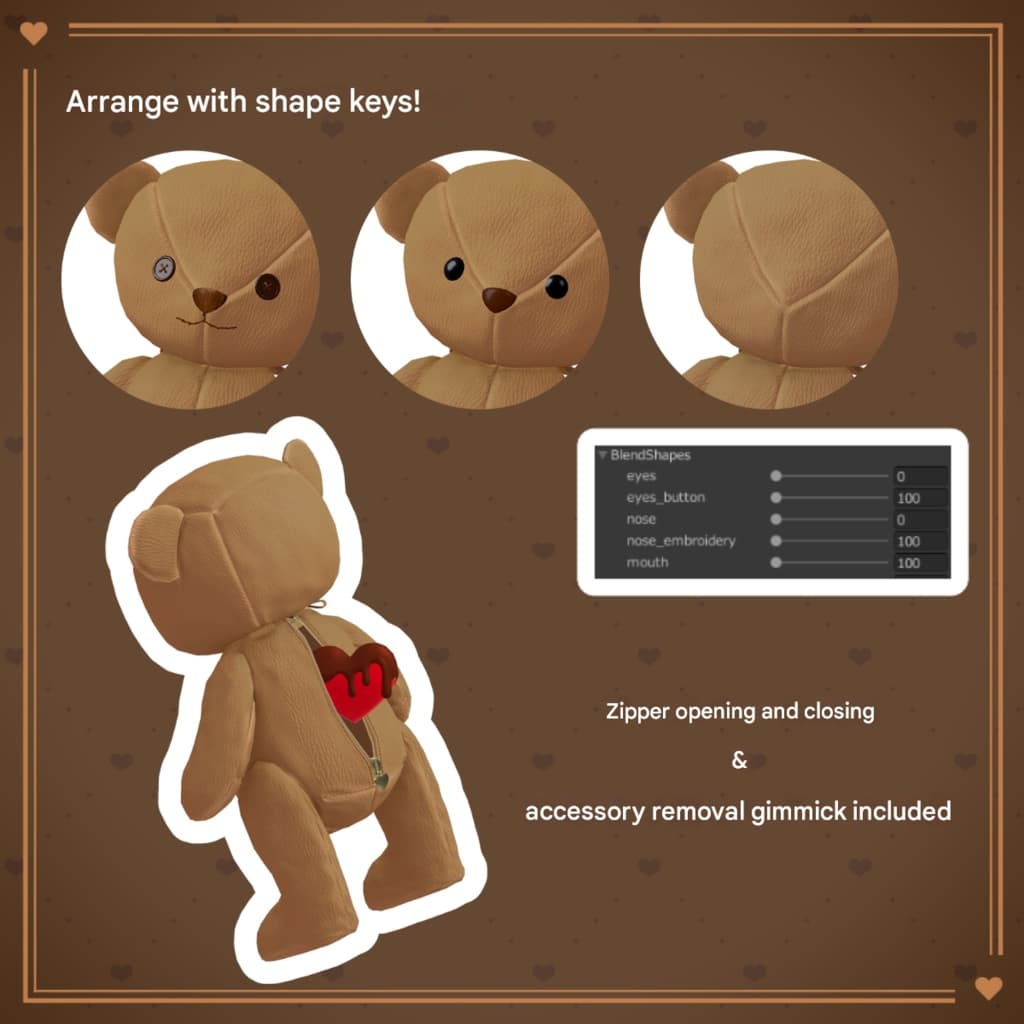
This is the standalone teddy bear shoulder bag from the VRChat outfit SugarDripFuzzy. Includes a rear zipper opening/closing feature and an item take-out gimmick!
◆ Teddy Bear Bag (Standalone Version) ◆
Creator: Shion Nakazawa
This is the standalone version of the teddy bear shoulder bag from the VRChat outfit SugarDripFuzzy. Includes a zipper opening/closing gimmick and an item take-out feature!
⚠️ This product is a costume/accessory model for avatars. Avatar base data is not included. ⚠️ Due to the nature of digital downloads, refunds and returns are not available. Please review the product description and terms of use before purchasing.
◆ Item Overview ● Included Files
TeddyBearBag_Avatar_vX.Y.Unitypackage
PSD file for texture editing
ReadMe.txt
Shaders Used
liltoon https://lilxyzw.booth.pm/items/3087170
Required Asset
Modular Avatar https://modular-avatar.nadena.dev/ja/docs/intro
◆ Model Data
Total Polygon Count: 9,096 polygons Mesh Count: 1 Material Count: 2 PhysBone Components: 3
Import Folder
Assets > MetaverseCreators_CP > Karada_Ya > SugarDripFuzzy
◆ Compatible Avatars
Manuka ver1.02 https://jingo1016.booth.pm/items/5058077
Maya Ver.1.02.2 https://booth.pm/ja/items/3390957
Shinra https://booth.pm/ja/items/4707634
Original 3D Model “Milltina” https://booth.pm/ja/items/6538026
Original 3D Model “Shinano” https://booth.pm/ja/items/6106863
Original 3D Model “Selestia” ver1.02 https://booth.pm/ja/items/4035411
Rize https://kakeudonn.booth.pm/items/5496642
Rurune https://booth.pm/ja/items/5957830
Lasyusha https://keenooshop.booth.pm/items/4825073
Saniela https://vinca-major-star.booth.pm/items/7058472
◆ Installation Instructions
Install the latest VRC SDK via VCC.
Install required assets (liltoon, Modular Avatar) via VCC.
Import the latest version of your avatar package.
Import this package.
Drag and drop your avatar prefab into the Scene Hierarchy.
Disable unnecessary default outfit parts (set to Editor Only if needed).
Drag and drop "TeddyBearBag_AvatarName.Prefab" under the avatar root.
Upload via VRC SDK.
◆ TeddyBearBag Item Retrieval Gimmick
If using the item retrieval feature:
SugarDripFuzzy └ TeddyBearBag └ FromBagtoHand └ <Object> → (1) Place items inside this object └ ConstraintSetting → (3) Swap Weight values (1 ↔ 0) to visualize hand-held state └ Bag_Parent └ Bag_Point → (2) Adjust position/rotation/scale when inside bag └ BoneProxy_Hand_R └ Hand_Point → (4) Adjust position/rotation/scale when in hand
If the gimmick is not needed, delete or disable FromBagtoHand (Editor Only recommended). This reduces parameters and animations.
Upload the avatar via VRC SDK after setup.
◆ Gimmick Instructions
Grab the teddy bear body and bring the zipper area into view. Pull the trigger to lock PhysBones.
Pull the zipper open and lock PhysBones again.
Insert your right hand into the bag and perform the Rock'n'Roll hand gesture to transfer the item to your hand.
To return the item, open the zipper, insert your right hand into the bag, and perform the Victory gesture.
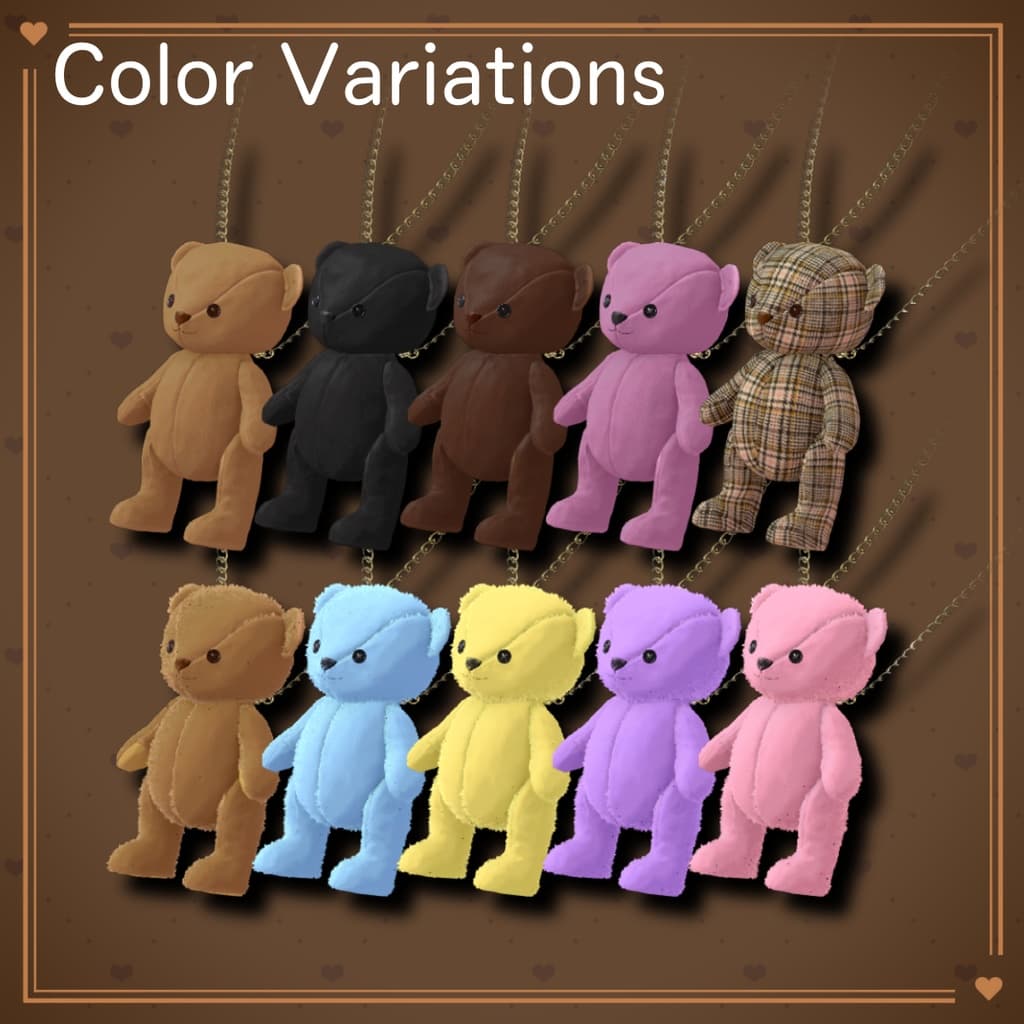
◆ Color Customization
Replace materials inside: Common > Material
You can also customize colors using the included PSD file.
◆ Terms of Use
https://drive.google.com/drive/folders/1qRMXoIxM1ZgacBPfwOigQRtXP1vCbNMn?usp=sharing
Please follow the terms of use of the base avatar as well.
◆ Production Environment
Modeling: Blender Ver4.3.2 Texture: SAI2 Setup: Unity 2022.3.22f1 VRChat SDK – Avatars Ver3.10.1 (VCC) liltoon 2.3.2 ModularAvatar 1.15.1
◆ Credits
Creator: Karada-Ya – Shion Nakazawa X: https://x.com/the_muses9
BOOTH: https://vinca-major-star.booth.pm/
Support: https://discord.gg/bmw3PWE37M