

ナバルデウス 3Dアバター
 ナマズ倶楽部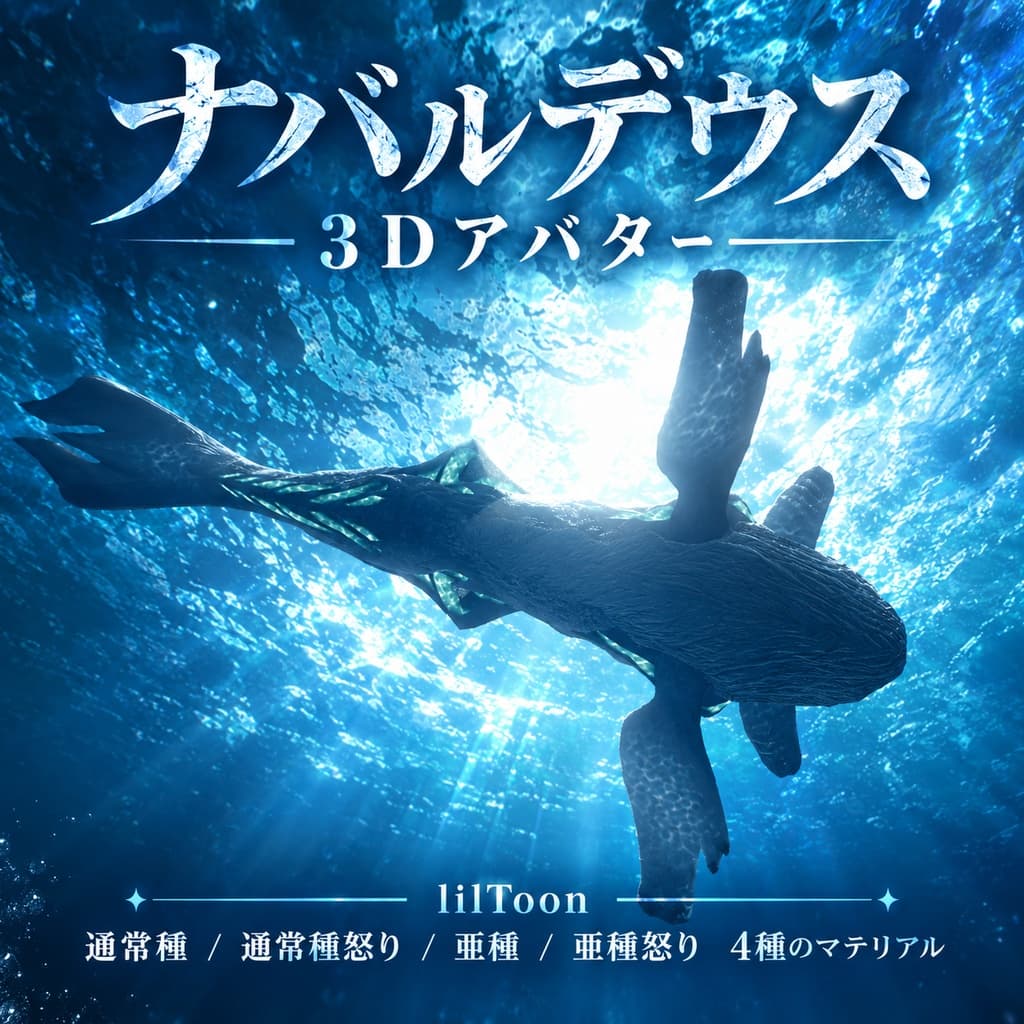
説明
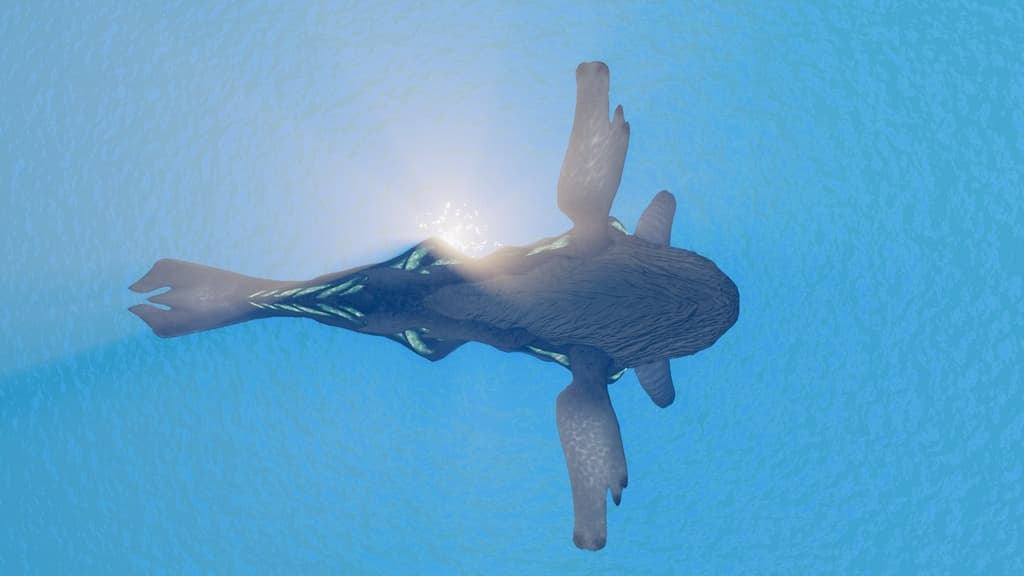
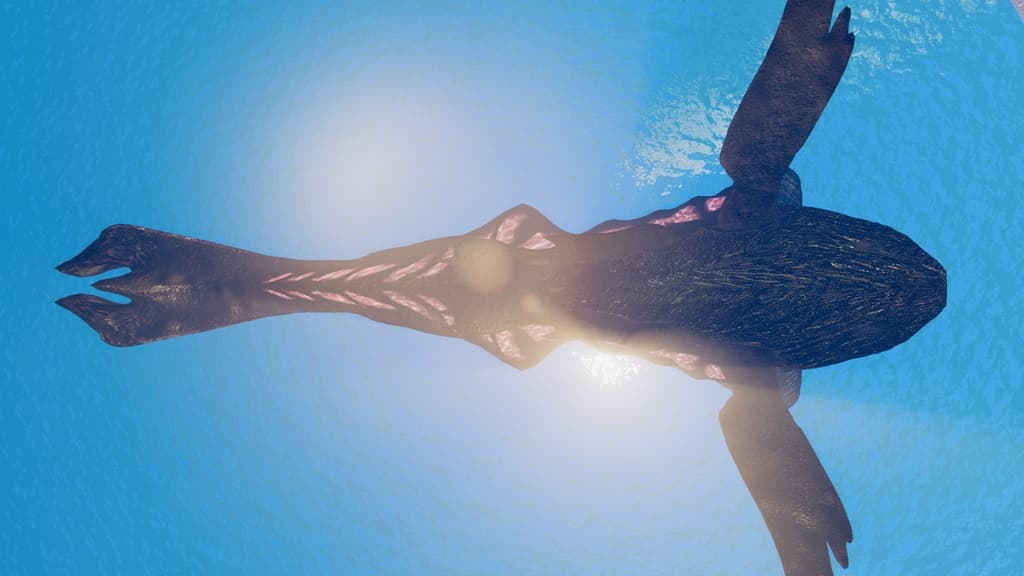
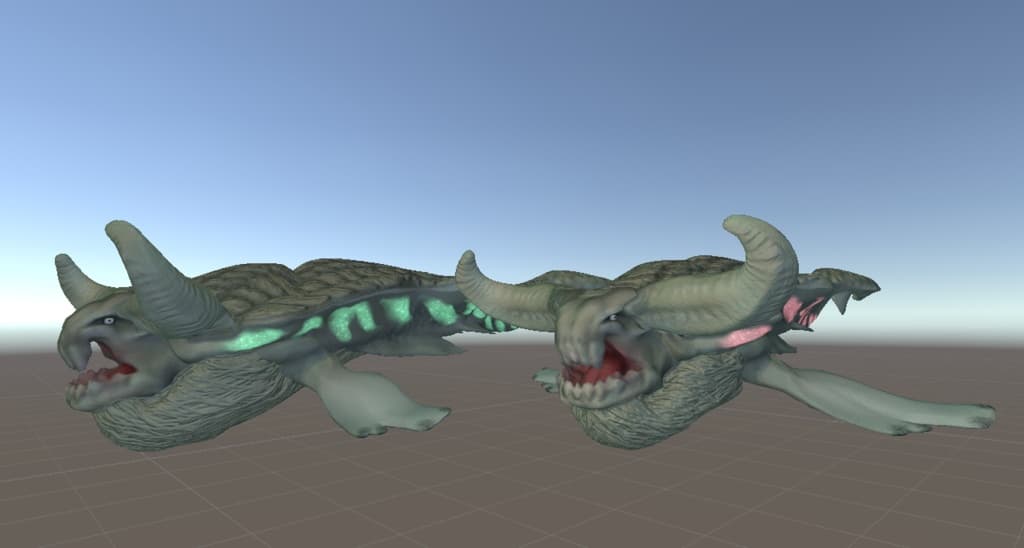
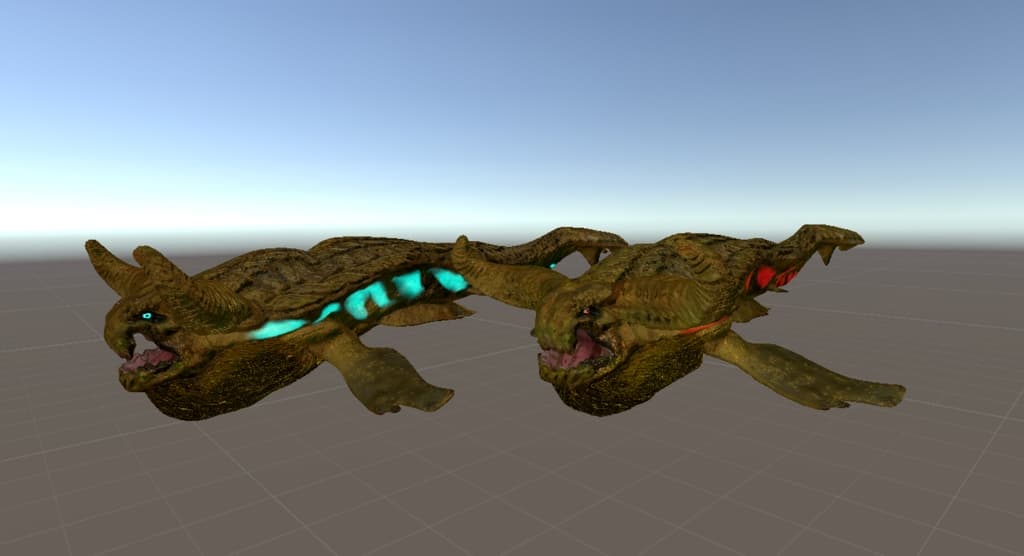
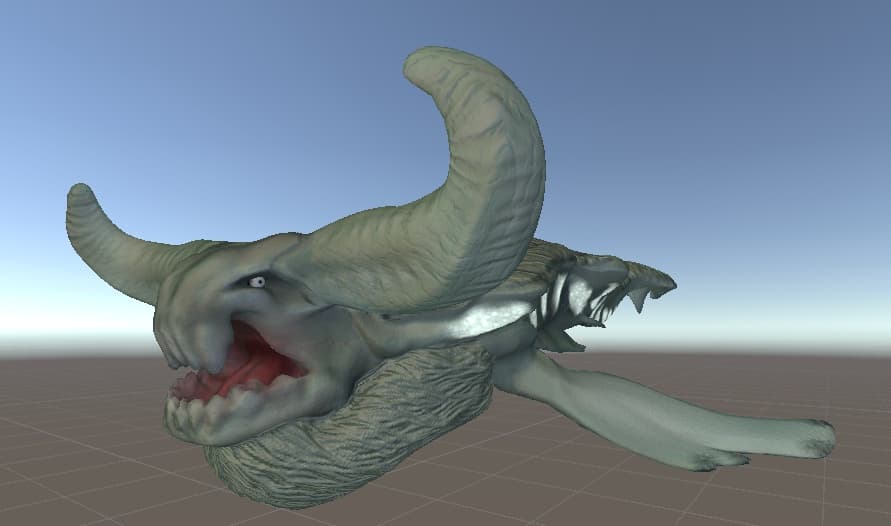
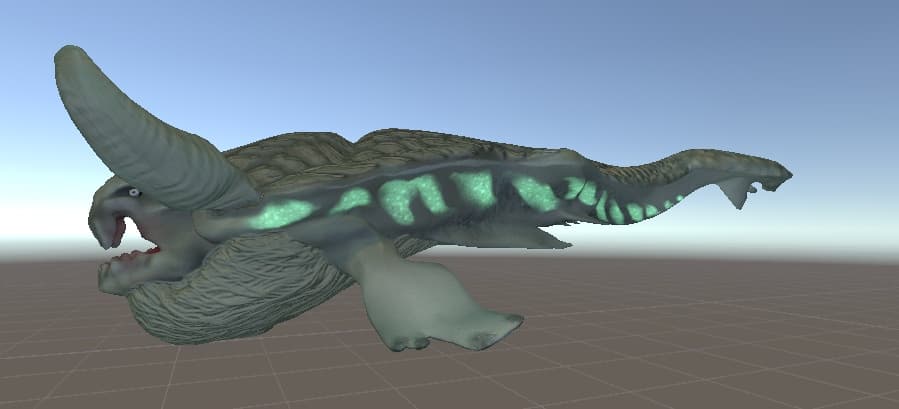
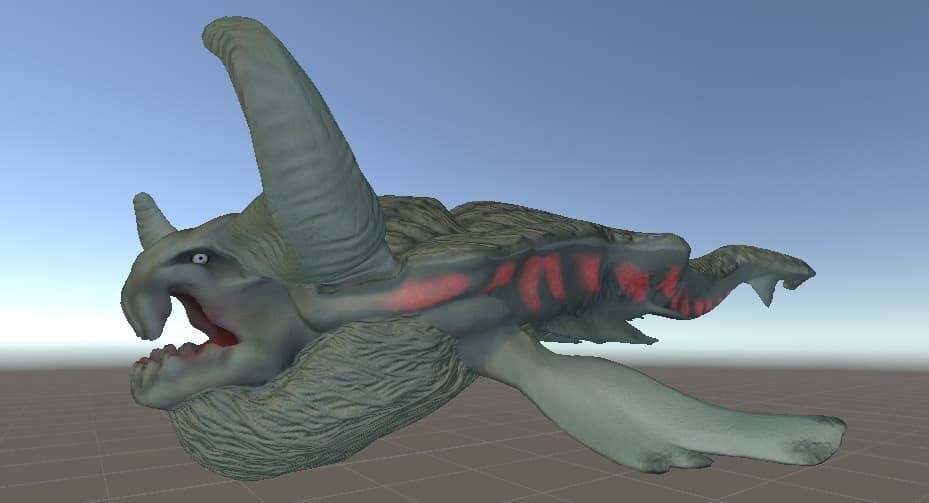
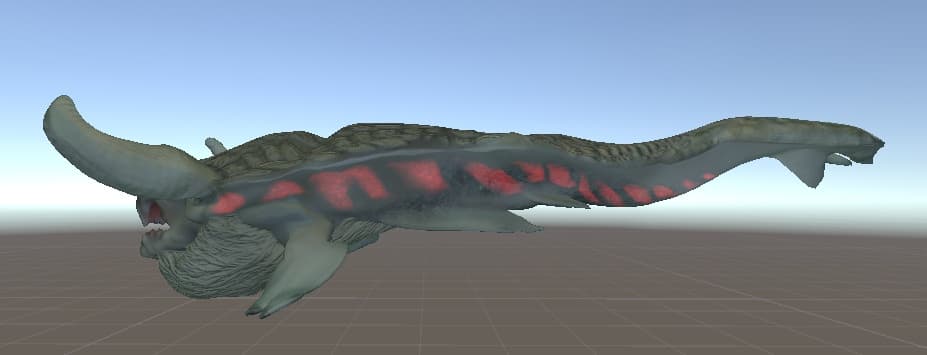
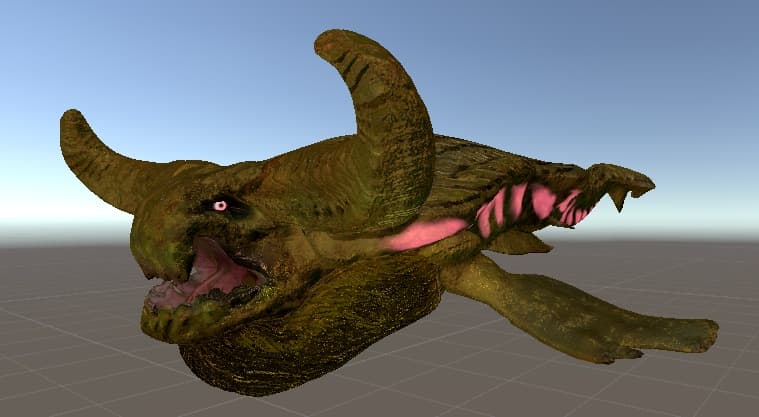
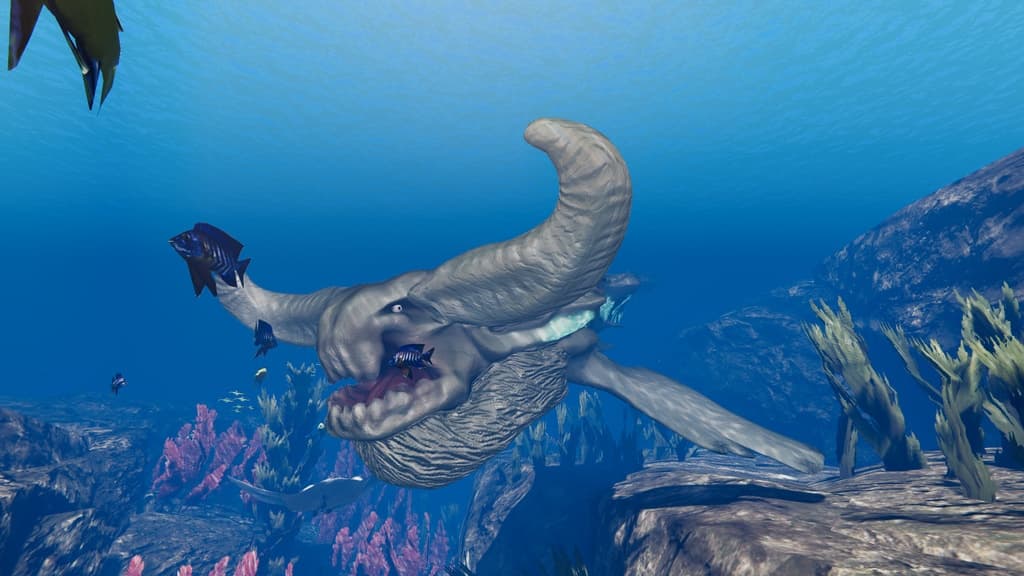
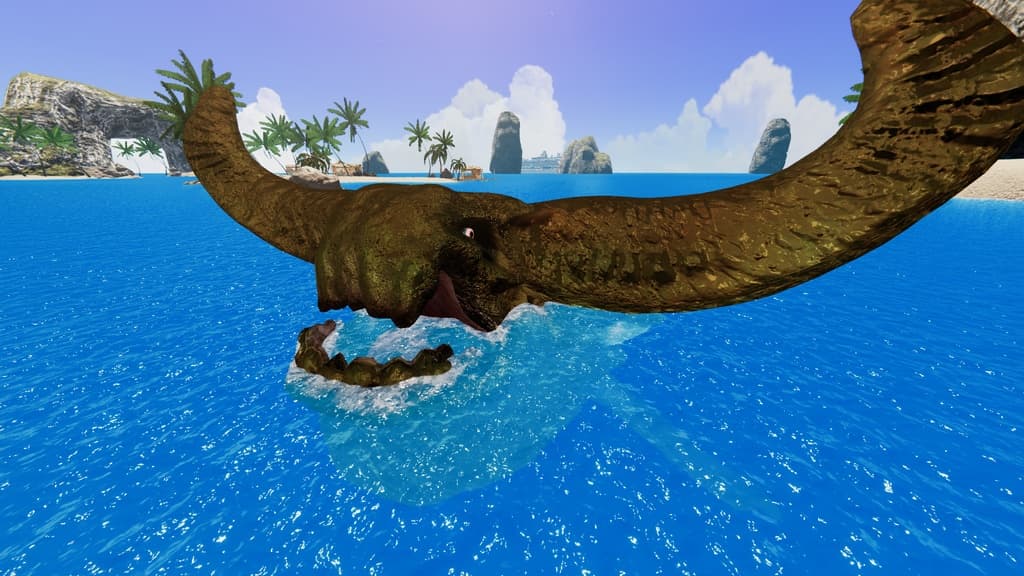
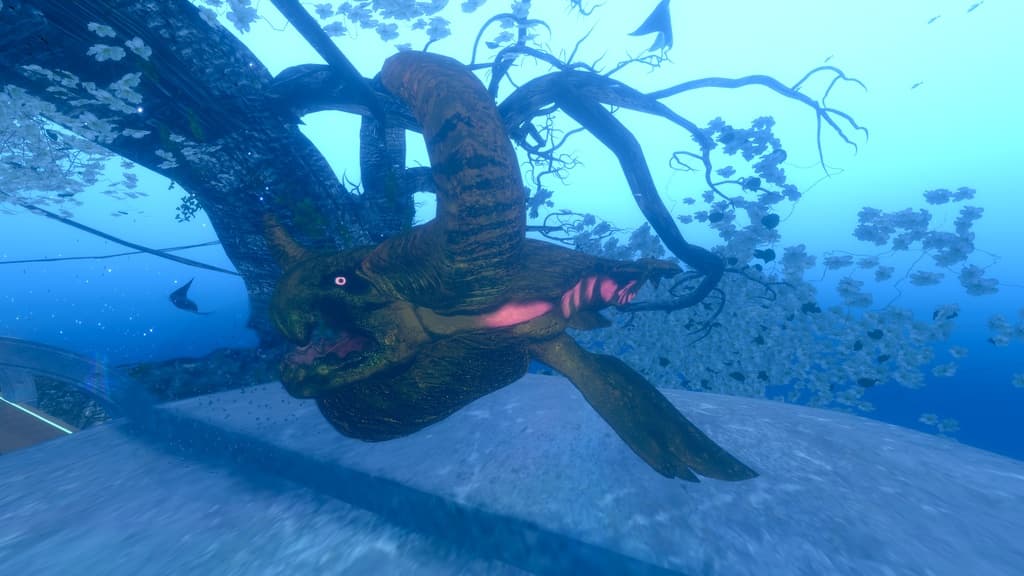
モンスターハンター3系列のモンスター『ナバルデウス』の3Dモデル・アバターです。ゲーム画面から予測して製作したため、頭の形状が違ったり体の長さが足りなかったりします。
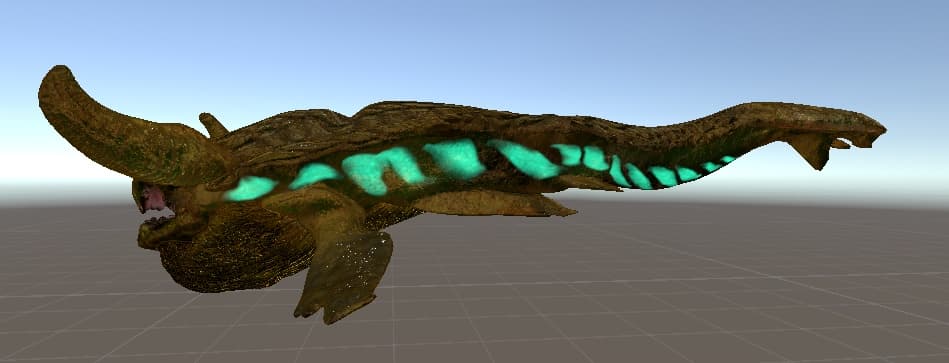
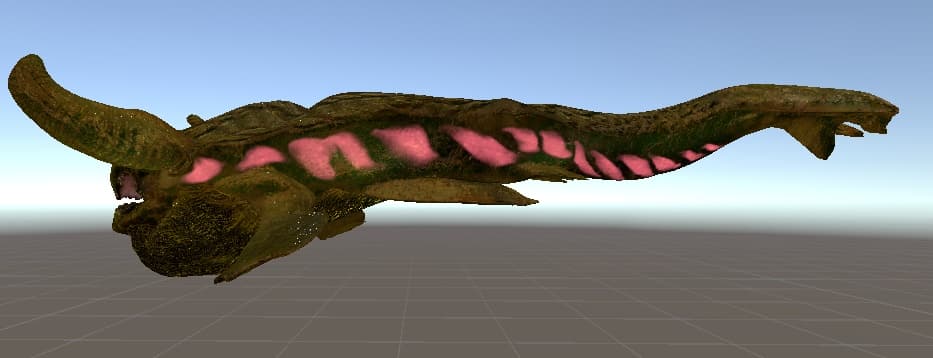
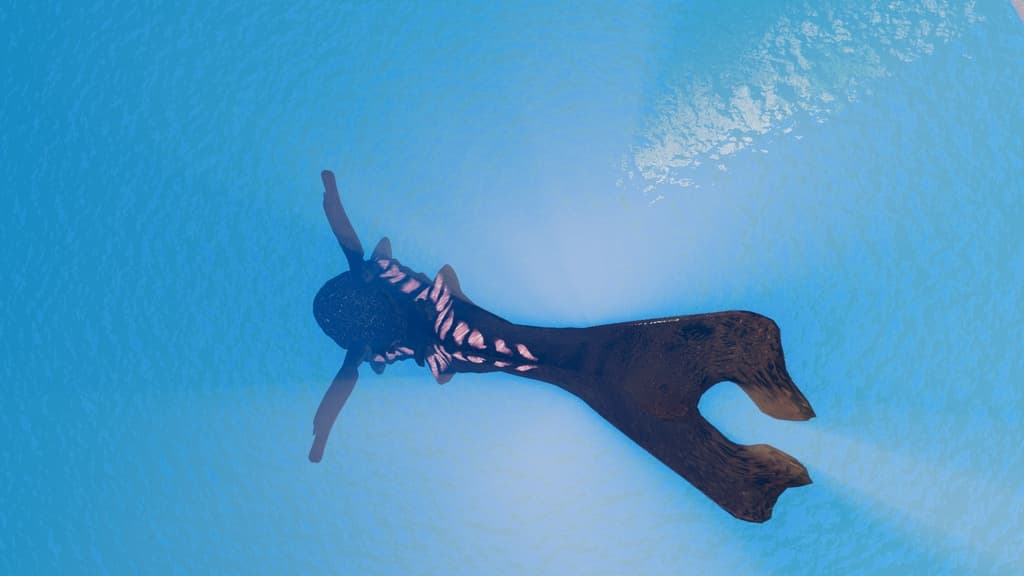
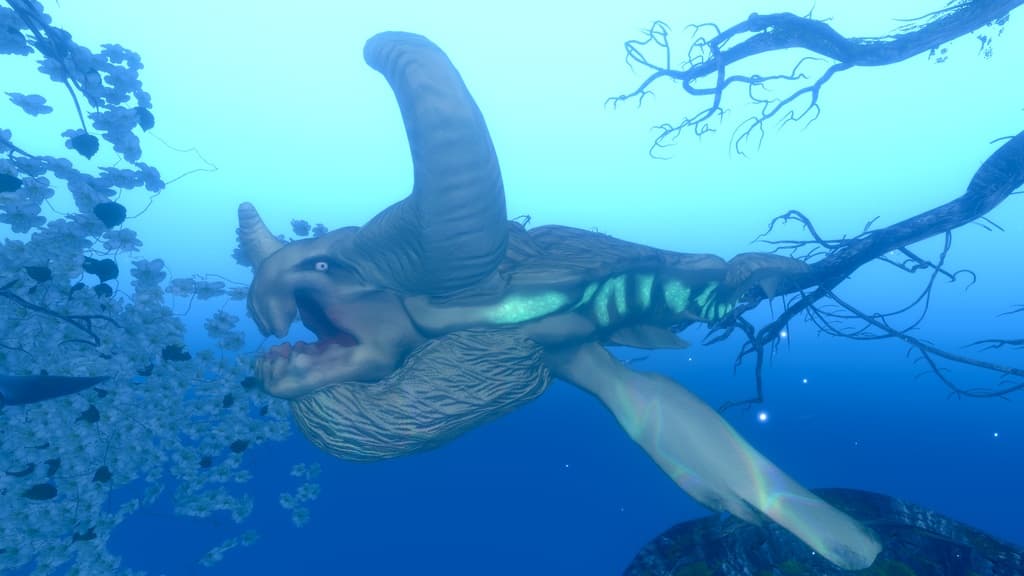
ギミックなどは特になく動きに応じて、体の後半が揺れます。また、リップシンクはあります。 通常種、通常種怒り状態、亜種、亜種怒り状態のパターンの色があります。 発光器官は点滅するタイプです。 著作権のあるものなのでVRChat、撮影、小物、改変などに利用ができますが、商用利用などは控えてください。 また、VRChatで使用する場合は大きさを最小にした方がいいと思います。
Unity向けにセットアップ済みのunitypackageも付属しているため、導入後すぐに使用可能です。 マテリアルはLiltoonを使用しています。
サムネイルの1枚はAIを活用していますが、2枚目以降はVRC上で撮影したものとスクリーンショットです。
【内容物】 ・Nabaldeus01.fbx ・Texturesフォルダ(各種テクスチャ) ・Nabaldeus.unitypackage(Prefab・マテリアル設定済み) ・Readme.txt(本ファイル)
【動作確認環境】 Unity 2022.3.22f1(Built-in Render Pipeline)
【導入方法(Unity)】 ① 新規3Dプロジェクトを作成 ② Nabaldeus.unitypackage をダブルクリック ③ Import をクリック ④ Assets内のPrefabをシーンへドラッグ ⑤ すぐに使用できます
【仕様】 ポリゴン数:26,878 tris マテリアル数:4 テクスチャサイズ:2048×2048
_________________________
This is a 3D model/avatar of "Ceadeus," a monster from the Monster Hunter 3 series. As it was created based on visual estimates from the game, there may be discrepancies in the head shape or body length.
It features no special gimmicks other than the rear half of the body swaying in response to movement; however, it does include lip-sync functionality. Color variations are available for the standard form, enraged standard form, subspecies, and enraged subspecies. The glowing organs feature a blinking effect. As this is copyrighted material, you may use it for VRChat, photography, props, or modifications, but please refrain from commercial use. Additionally, if using it in VRChat, I recommend setting the scale to the minimum size.
A Unity package pre-configured for Unity is included, allowing for immediate use after import. The materials utilize LilToon.
While one of the thumbnail images was created using AI, the subsequent images are screenshots taken within VRChat.
[Contents] ・Nabaldeus01.fbx ・Textures folder (various textures) ・Nabaldeus.unitypackage (Prefab and materials pre-configured) ・Readme.txt (this file)
[Tested Environment] Unity 2022.3.22f1 (Built-in Render Pipeline)
[Setup Instructions (Unity)] ① Create a new 3D project ② Double-click Nabaldeus.unitypackage ③ Click "Import" ④ Drag the Prefab from the Assets folder into the scene ⑤ Ready for immediate use
[Specifications] Polygon count: 26,878 tris Number of materials: 4 Texture size: 2048×2048