

Group Page Stand.1【グループページスタンド】
 Birdhouse-Design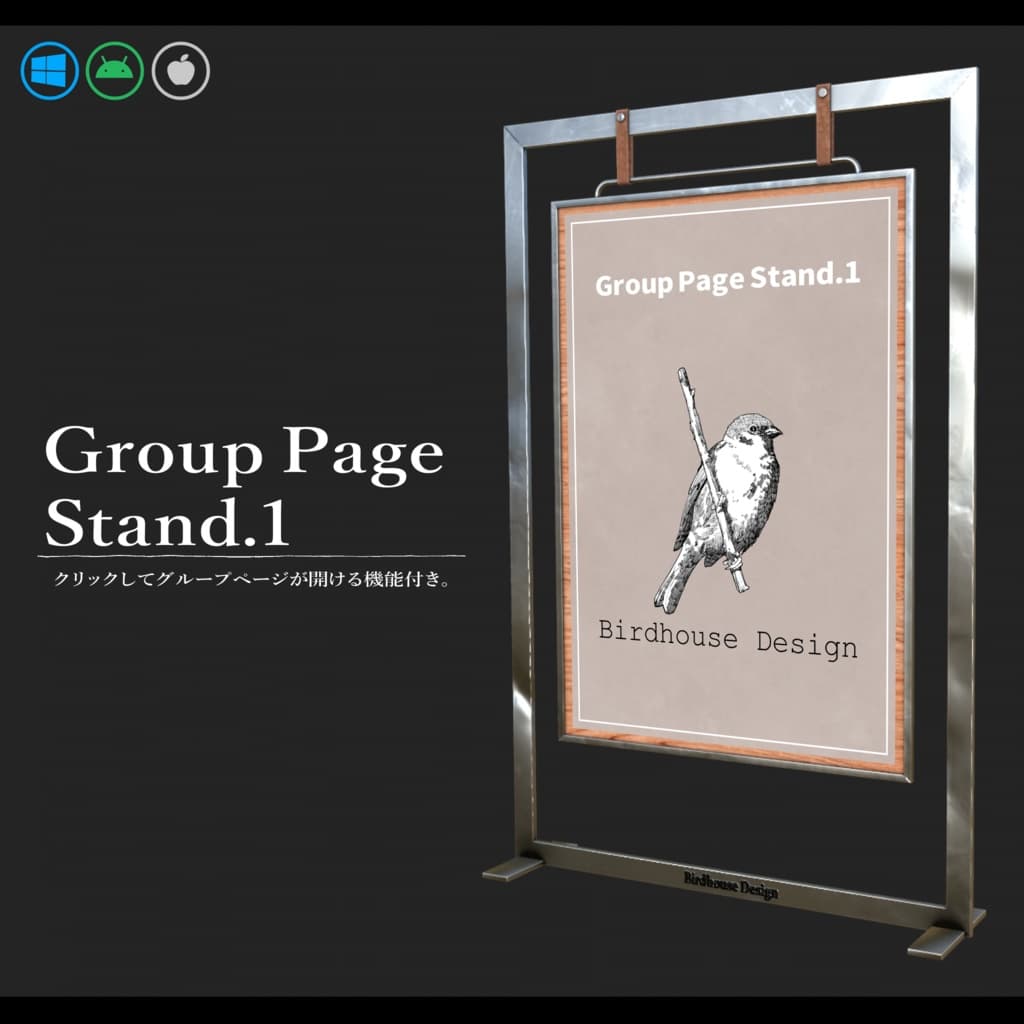

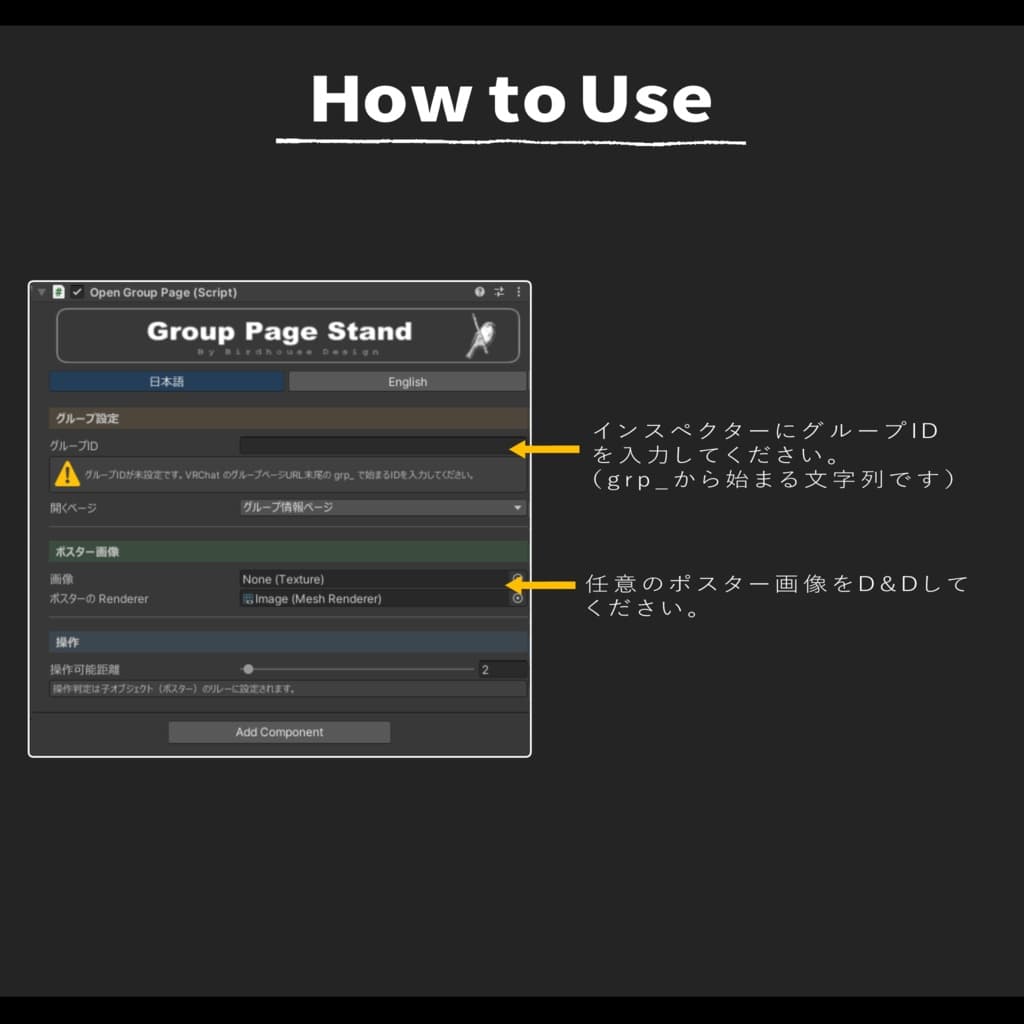
説明
ワンクリックでVRChatのグループページを表示するスタンドです。
イベントでグループへの加入を促す際に、上質に空間を演出、お役様の満足感を高めることが出来ます。
簡単導入で、クロスプラットフォーム完全対応。画像の差し替えも簡単です。
ーーーーーーーーーーーーーーーーーーーー
【注意事項②】
※「Mochies-Unity-Shaders」が必要となります。下記リンクよりダウンロードしてください。
【Mochies-Unity-Shaders】 by MochiesCode https://x.com/MochieShaders ↓↓↓ https://github.com/MochiesCode/Mochies-Unity-Shaders
Github内の緑色のボタン「<>Code」の下部からZIPファイルをダウンロード、シェーダーの入ったフォルダをUnityにインポートしてください。
ーーーーーーーーーーーーーーーーーーーー
A stand that opens your VRChat group page with a single click.
Perfect for events where you want to invite guests to join your group, this stand helps create a refined atmosphere while enhancing your visitors’ experience.
Easy to install and fully cross-platform compatible. You can also replace the displayed image easily to match your space or branding.
【Important Note 】
※ This asset requires Mochies-Unity-Shaders. Please download it from the link below.
【Mochies-Unity-Shaders】 by MochiesCode https://x.com/MochieShaders
↓↓↓
https://github.com/MochiesCode/Mochies-Unity-Shaders
Click the green “<> Code” button on the GitHub page and download the ZIP file. After downloading, import the folder containing the shaders into your Unity project.