

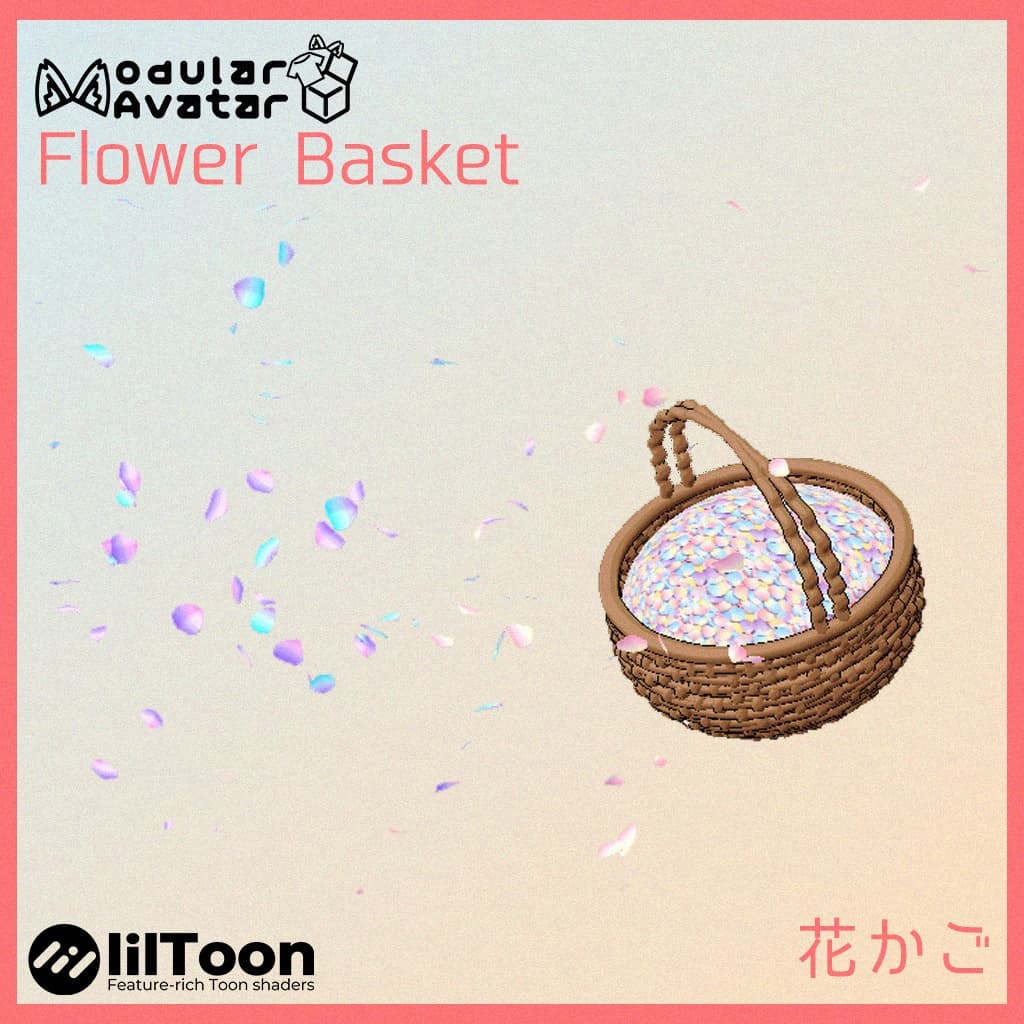
【MA対応】花かご - Flower Basket
 Nekoya_Plus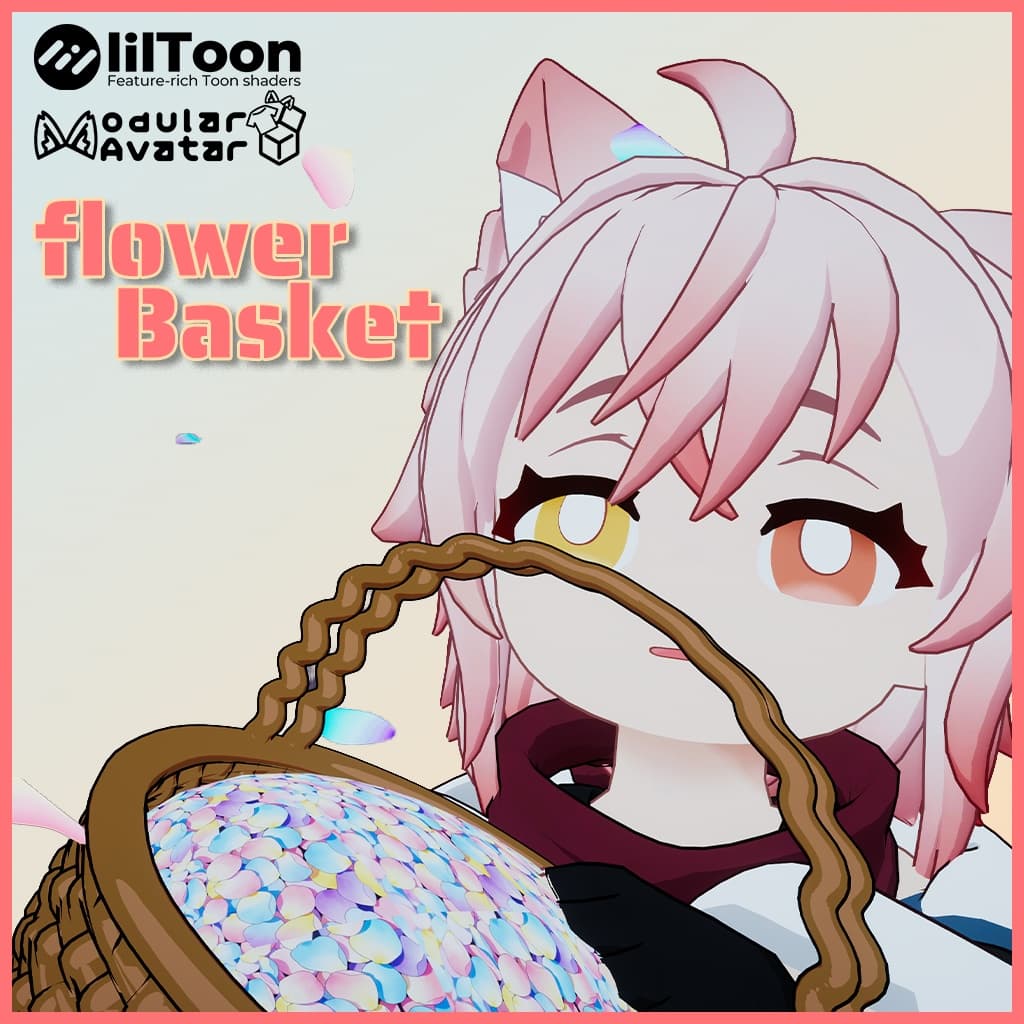
説明
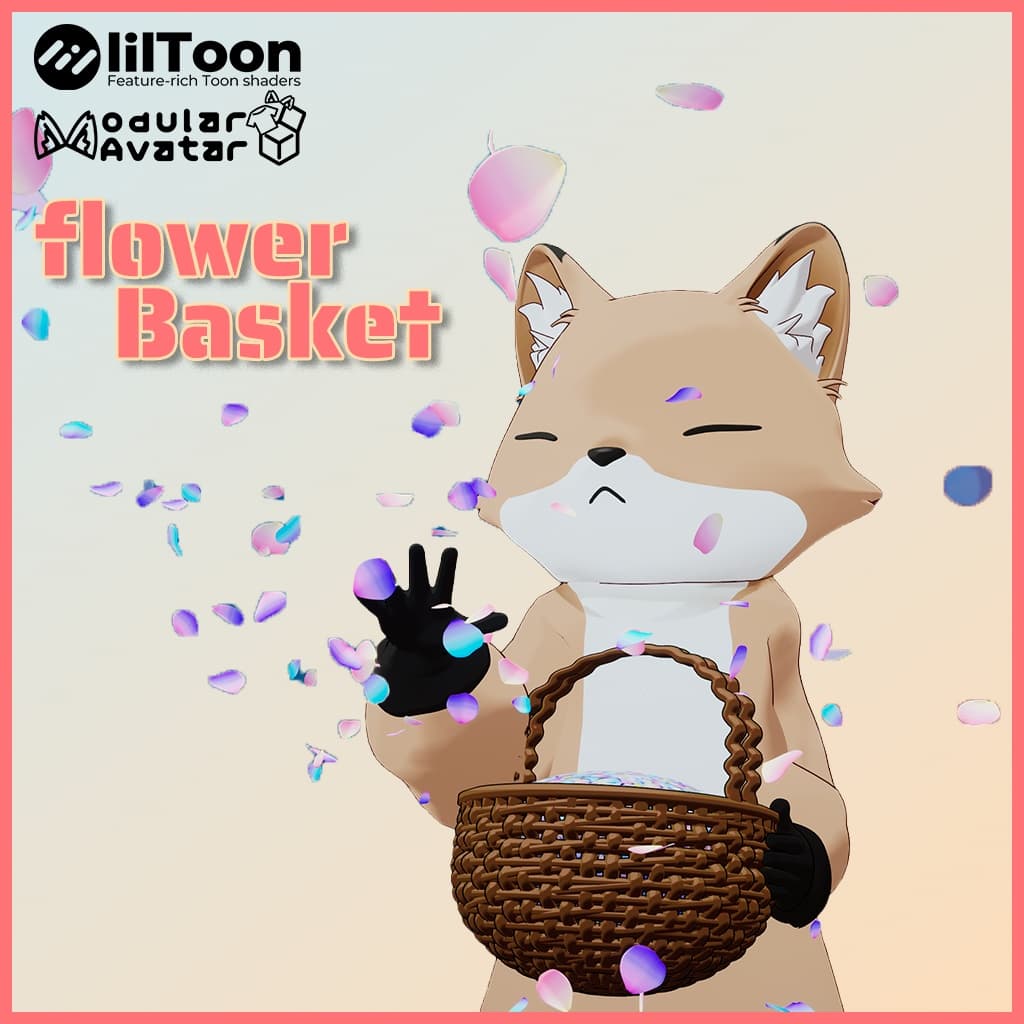
VRChat内でいつでもどこでも花びらを散らしてみませんか?メニュー操作不要、直感的な手の動きだけで操作できるインタラクティブな花籠です!
🎮 遊び方 装着: 花籠をアバターの手首や前腕に固定します。
掴む: VRモードで、もう片方の手をグー (Fist) にして籠の中に入れます。
散らす: 手を出し、**手を広げる(他のハンドサインへ変更)**と、指先から花びらが舞い散ります!
📦 事前準備 ⚠️ 本パッケージをインポートする前に、以下を必ず導入してください:
VRCSDK3-AVATAR (最新版)
lilToon : https://booth.pm/ja/items/3087170 Modular Avatar (MA)
🛠️ 導入手順 .unitypackage をインポートします。
FlowerBasket_Prefab をアバターのルート直下にドラッグ&ドロップします。
位置とサイズを調整し、隠してから、そのままアップロードして完了です!
Want to scatter romantic flower petals anytime in VRChat? This fully interactive flower basket requires no menu toggles—just use your natural gestures!
🎮 How to Play Wear: Attach the basket to your avatar's wrist or forearm.
Grab: In VR mode, reach into the basket with your other hand using the Fist gesture.
Scatter: Pull your hand out and release the fist (change to any other gesture) to scatter beautiful petals into the air!
📦 Prerequisites ⚠️ Please ensure the following are installed before importing:
VRCSDK3-AVATAR (Latest)
lilToon Shader : https://booth.pm/ja/items/3087170
Modular Avatar (MA)
🛠️ Installation Import the .unitypackage.
Drag and drop the FlowerBasket_Prefab into your Avatar's root.
Adjust the scale and position,Hide,then upload!
想要在 VRChat 中随时随地洒下浪漫花瓣吗?这款全互动花篮无需菜单操作,只需凭借直觉挥动双手即可实现!
🎮 游玩方式 佩戴: 将花篮绑定在 Avatar 手腕或小臂处。
抓取: 在 VR 模式下,用另一只手握拳 (Fist) 伸进花篮。
撒花: 抽出手并松开拳头,漫天花瓣随手势飞舞而出!
📦 安装准备 ⚠️ 导入本包前请务必先安装:
VRCSDK3-AVATAR (最新版)
lilToon : https://booth.pm/ja/items/3087170
Modular Avatar (MA)
🛠️ 安装步骤 导入 .unitypackage。
将 FlowerBasket_Prefab 拖入 Avatar 根目录下。
调整位置与大小,完成后可以隐藏后直接上传即可!
■ お問い合わせ / Contact 不具合やご不明点に関するお問い合わせはBoothメッセージまでご連絡ください。