

VRCPhotoKit【VRChat Camera Filter Gimmick / カメラ用フィルターギミック】
 kafka's Atelier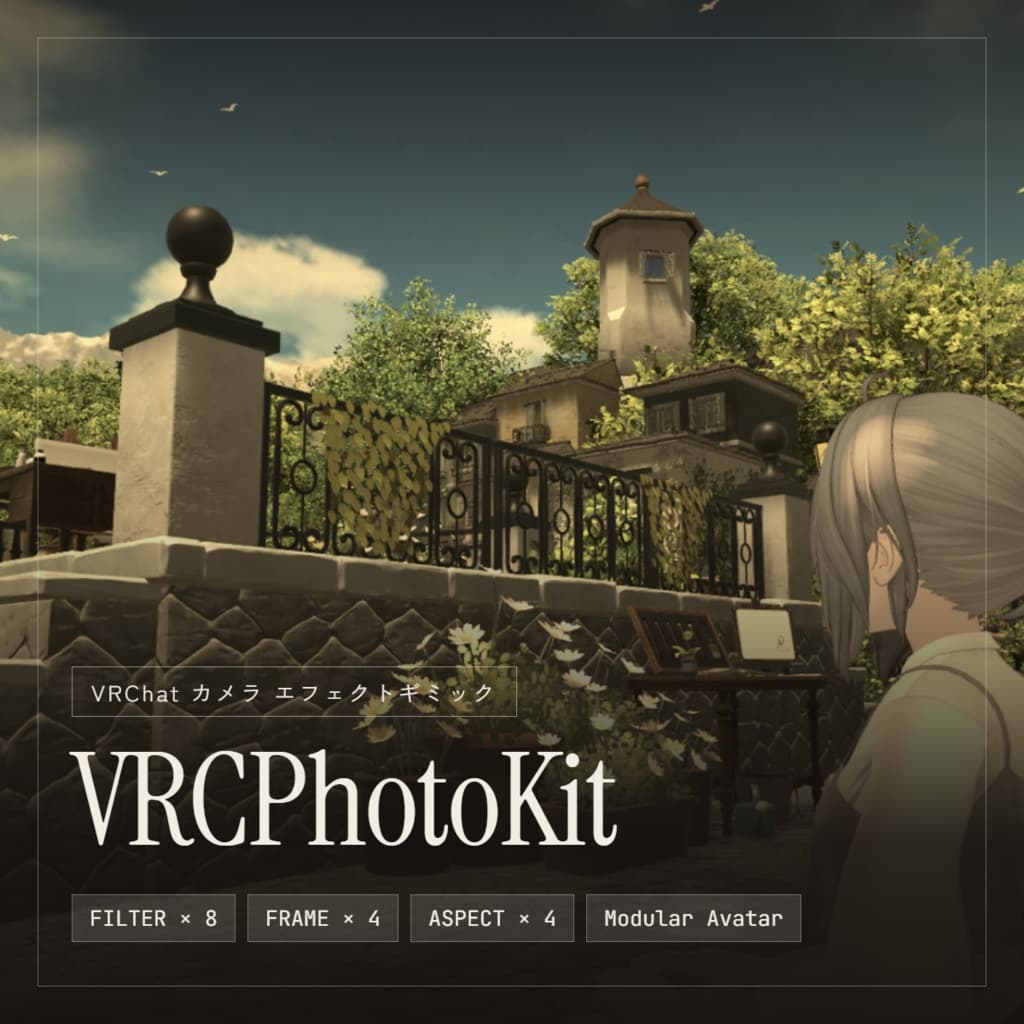
説明
VRCPhotoKit は、VRChat の標準カメラで撮る写真にフィルターをかけるアバターギミックです。 動かし方も今まで通りで、写真の見た目だけが変わります。
■ できること
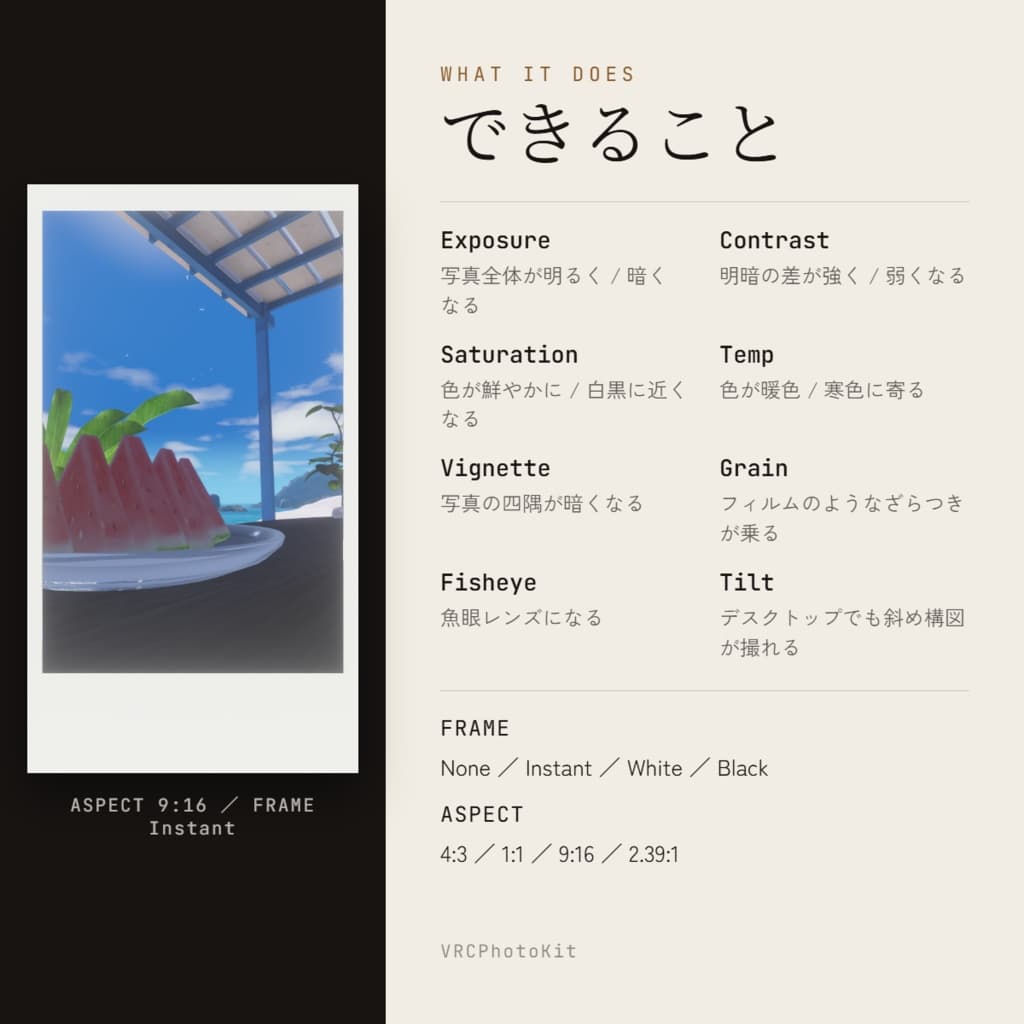
・明るさと色の調整(露出 / コントラスト / 彩度 / 色温度) ・レンズ演出(魚眼 / 周辺減光 / フィルム粒子) ・カメラを傾ける(デスクトップでも斜め構図が撮れます) ・写真フレーム(インスタントカメラ風 / 白フチ / 黒フチ) ・アスペクト比の変更(4:3 / 1:1 / 9:16 / 2.39:1) ・ワンタッチで全設定リセット
■ 3つの特長
-
導入はドラッグ&ドロップだけ アバターの直下に入れるだけで完了です。 位置合わせもボーンへの設定も要りません。
-
同期パラメータを1つも使いません 他のギミックの容量を圧迫しません。
-
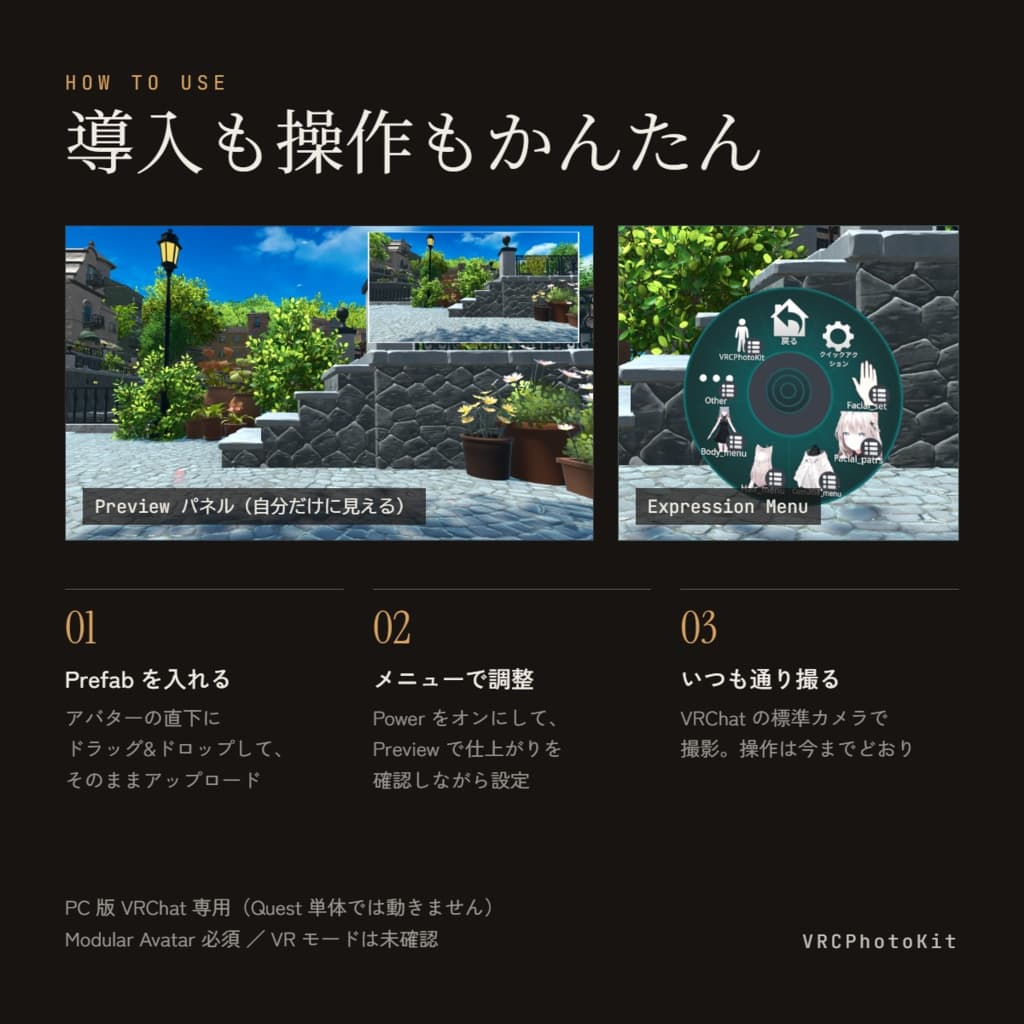
右上のプレビューパネル 撮る前に仕上がりを確認できます。 自分にしか見えないので、周りの邪魔にもなりません。
■ インスタントカメラ風フレームは縦持ちにも対応 カメラを縦に構えても、太いフチが自動で下に来ます。 向きの切り替え操作は要りません。
■ 使い方
- メニューで Power をオン
- Preview をオンにして色を決める
- いつもどおりカメラで撮る
たったこれだけです。
■ 動作環境 ・PC版 VRChat 専用(Quest単体 / Android では動作しません) ・Modular Avatar が必須です ・VRChat SDK3 Avatars
※ デスクトップモードで動作確認しています。VRモードでの動作は未確認です。
■ 内容物 ・VRCPhotoKit_v1.0.0.unitypackage
■ ご購入前にご確認ください ・Quest単体では動作しません。PC版専用です。 ・VRモードでの動作は未確認です。 ・他の人からは効果は見えません。自分の画面と自分の写真にのみ適用されます。 ・鏡に真正面から向いた瞬間、効果が一瞬映り込む場合があります。 ・ワールド側の強い映像効果とは効果が重なる場合があります。 ・データの性質上、購入後の返金はお受けできません。
────────────────────────────────────────
Same camera. Better photos.
VRCPhotoKit is an avatar gimmick that applies filters to photos taken with the standard VRChat camera. You use the camera exactly as you always have. Only the look of the photo changes.
■ Features
・Color grading (exposure / contrast / saturation / temperature) ・Lens effects (fisheye / vignette / film grain) ・Camera tilt (get angled shots even in desktop mode) ・Photo frames (instant-film style / white border / black border) ・Aspect ratio presets (4:3 / 1:1 / 9:16 / 2.39:1) ・One-tap reset for all settings
■ Three things that make it easy
-
Drag and drop to install Just drop the prefab onto your avatar root. No positioning, no bone setup.
-
Zero synced parameters It won't eat into the parameter budget your other gimmicks need.
-
Preview panel in the corner Check your look before you shoot. Only you can see it, so it won't bother anyone around you.
■ The instant-film frame works in portrait too
Turn the camera sideways and the thick border automatically stays on the bottom. No orientation switch to toggle.
■ How to use
- Turn Power on from the menu
- Turn Preview on and dial in your look
- Shoot with the VRChat camera as usual
That's the whole workflow.
■ Requirements
・PC version of VRChat only (does not work on standalone Quest / Android) ・Modular Avatar is required ・VRChat SDK3 Avatars
- Tested in desktop mode. Behavior in VR mode has not been verified.
■ What's included
・VRCPhotoKit_v1.0.0.unitypackage ・Manual (PDF, Japanese / English)
■ Please read before purchasing
・Standalone Quest is not supported. PC only. ・Behavior in VR mode has not been verified. ・Other players cannot see the effect. It applies only to your own view and your own photos. ・The effect may appear in a mirror for a moment when you face it head-on. ・Effects will stack with strong world-side post processing. ・As a digital product, refunds cannot be issued after purchase.
AtelierKafka