

ClubhouseKit - Drop-in club for your VRChat world (synced video wall, light shows, spatial audio)
 jesusclub
説明
Tonight, your world becomes a club.
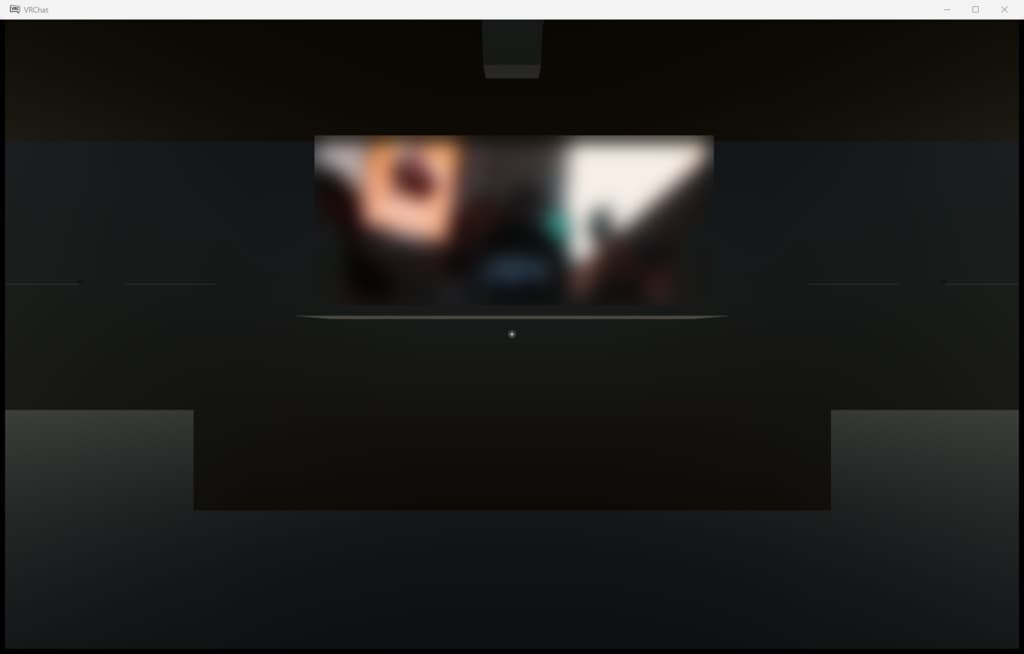
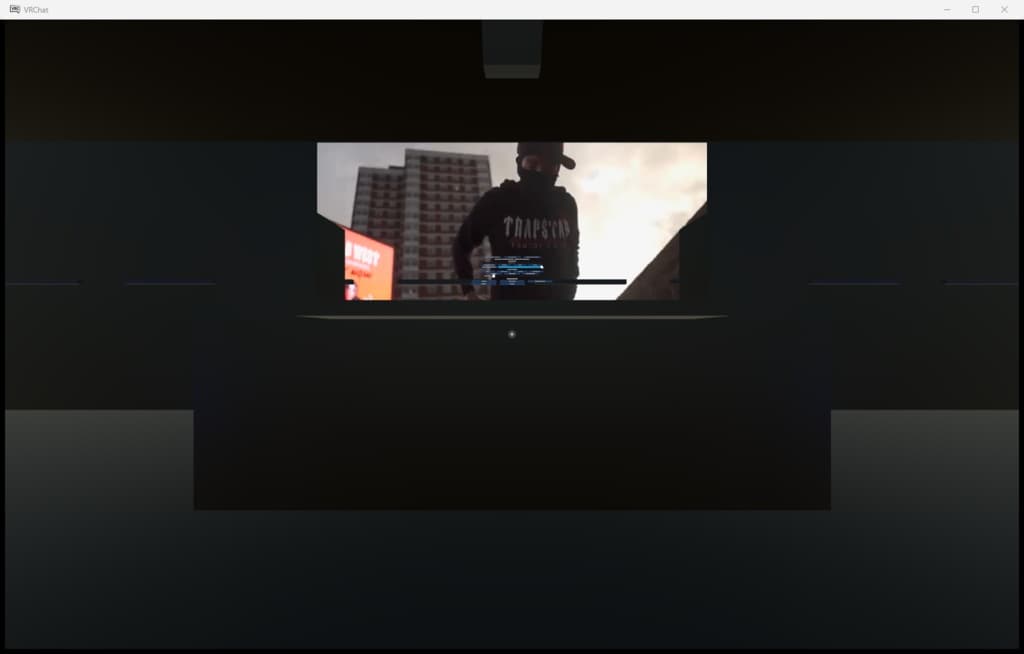
ClubhouseKit is a complete clubhouse preset you can drop into a VRChat world. One button on the DJ desk starts a video on a 7 m wall monitor, four lighting groups begin to move and six speakers fill the room. Movie nights with friends, DJ events, or a chill BGM lounge.
■ WHAT'S INCLUDED
- Large video monitor (16:9, about 7 m) - YouTube and direct video URLs
- DJ console - URL input, play, seek, lights and sound on one panel
- 4 lighting groups - moving heads, floor wash, wall strips, booth spots
- 4 light shows - Chill / Groove / Peak / Ambient (replaceable, make your own)
- 6 spatial speakers with 5 presets - Club / Lounge / FloorFocus / BGM / Mute
- Pickup tablet - the same controls, from anywhere in the room
- Wall panel and click-on-monitor controls - basic operation without the tablet
- Self-test button - checks 15 items automatically
■ GIMMICKS
- Video is synced for everyone (late joiners catch up, server-time sync).
- Light shows play frame-identical on every client (play / stop / pause / restart / seek).
- Sound presets switch volume and falloff distance in one tap (video audio is played spatially).
- DEMO ALL button starts video + lights + sound at once for a quick check.
- URL loads respect VRChat's rate limit (1 per 5 s) with automatic waiting, so button mashing is safe.
- Flashing effects are capped at 3 Hz for photosensitivity safety.
■ REQUIREMENTS
- PC VRChat worlds (Quest not tested)
- VRChat Worlds SDK 3.10.x / Unity 2022.3.22f1
- UdonSharp (bundled with the Worlds SDK, nothing extra to install)
■ INSTALL
- Import ClubhouseKit.unitypackage into a project with the Worlds SDK.
- Run Tools > ClubhouseKit > Build Demo Scene (a demo scene is generated).
- Build & Test as is, or move the "ClubhouseKit" root into your own world.
- Build & Publish.
■ NOTES
- Default video backend is UnityVideo. AVPro can be switched on but crashes on some PCs, so it is off by default (use AVPro only for live streams).
- All in-world text is in English.
- The demo interior is a plain box. Reskin it to match your world.
- Video playback depends on the viewer's "Allow Untrusted URLs" setting in VRChat.
- Not tested on platforms other than VRChat.
■ CONTENTS
- ClubhouseKit.unitypackage
- README.txt (English)
- LICENSE.txt
■ LICENSE
- Modify freely and ship it inside your own worlds.
- Do not redistribute the assets or scripts on their own.
- The author is not liable for any trouble arising from use of this product.