

MeshForge - Edit meshes inside Unity (vertex editing, extrude, loop cut, bevel, shape keys)
 jesusclub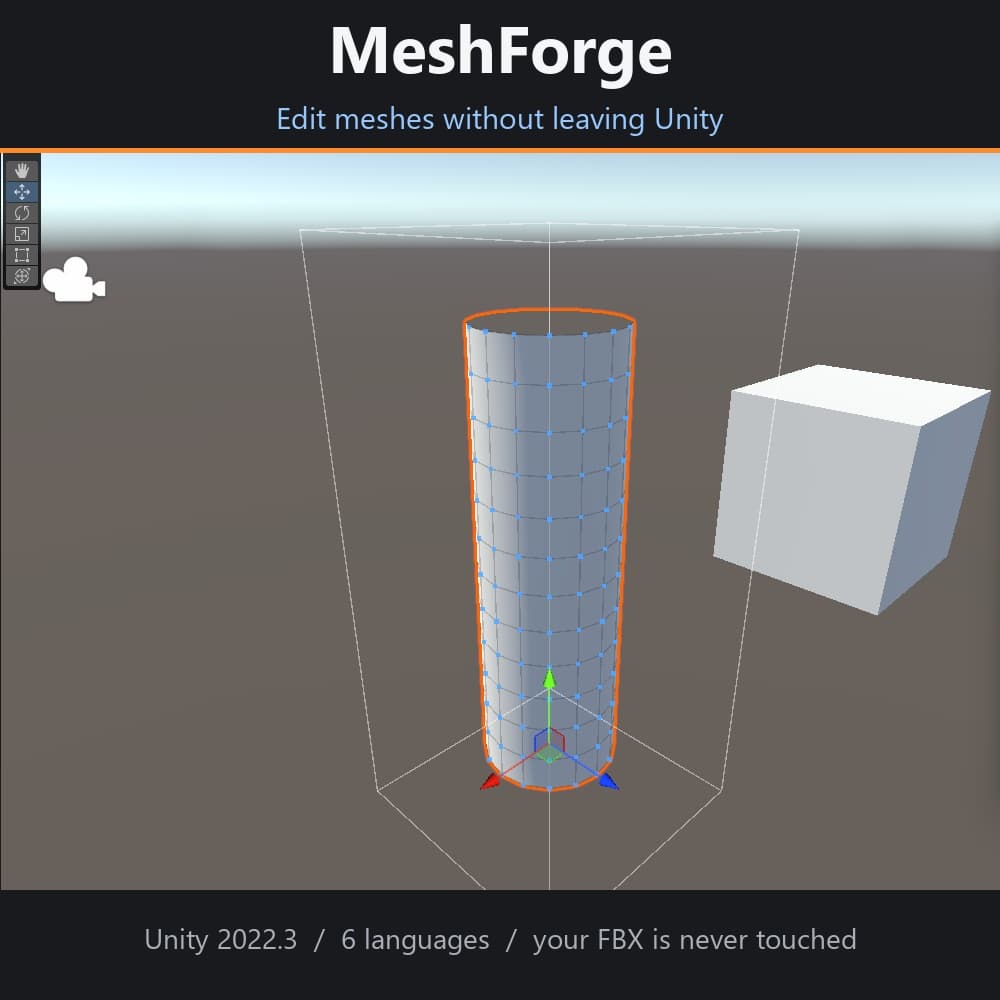
説明
Fix clipping, tweak shapes and build shape keys without leaving Unity.
MeshForge is an editor extension that lets you grab and move vertices directly in the Unity Scene view. Pull a vertex and the mesh updates on the spot. Extrude, inset, loop cut, bevel, subdivide, decimate, then save the result as a new mesh or as a shape key.
Typical jobs:
- Push a clothing mesh back inside the body where it clips.
- Lift a shoe sole 2 mm out of the floor.
- Recreate a body shape key on the outfit mesh automatically.
■ FEATURES
[Move]
- Drag vertices in the Scene view (live update)
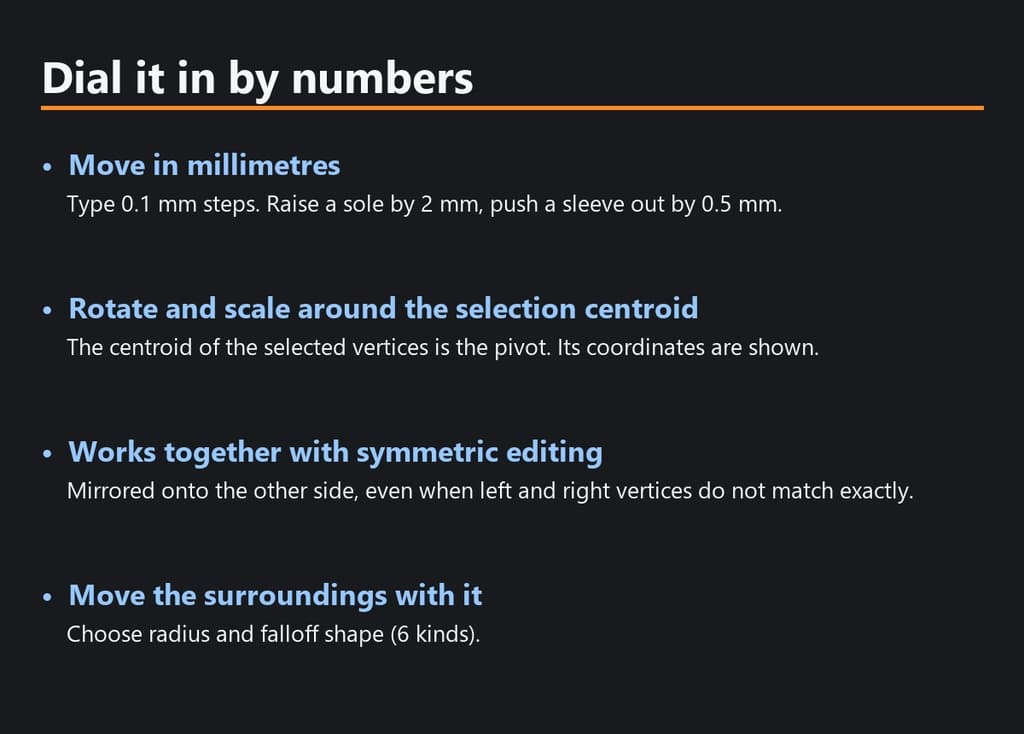
- Numeric move / rotate / scale (move in mm, 0.1 mm steps)
- Proportional editing with 6 falloff shapes
- Symmetry editing (works even when left/right vertices do not match exactly)
- Box select, lasso select, edge loop, edge ring, select linked
- Hide back-facing vertices, undo / redo
[Clean up]
- Smooth (iterations), inflate / deflate
- Recalculate normals, flip faces
- Merge vertices by distance
[Rebuild topology]
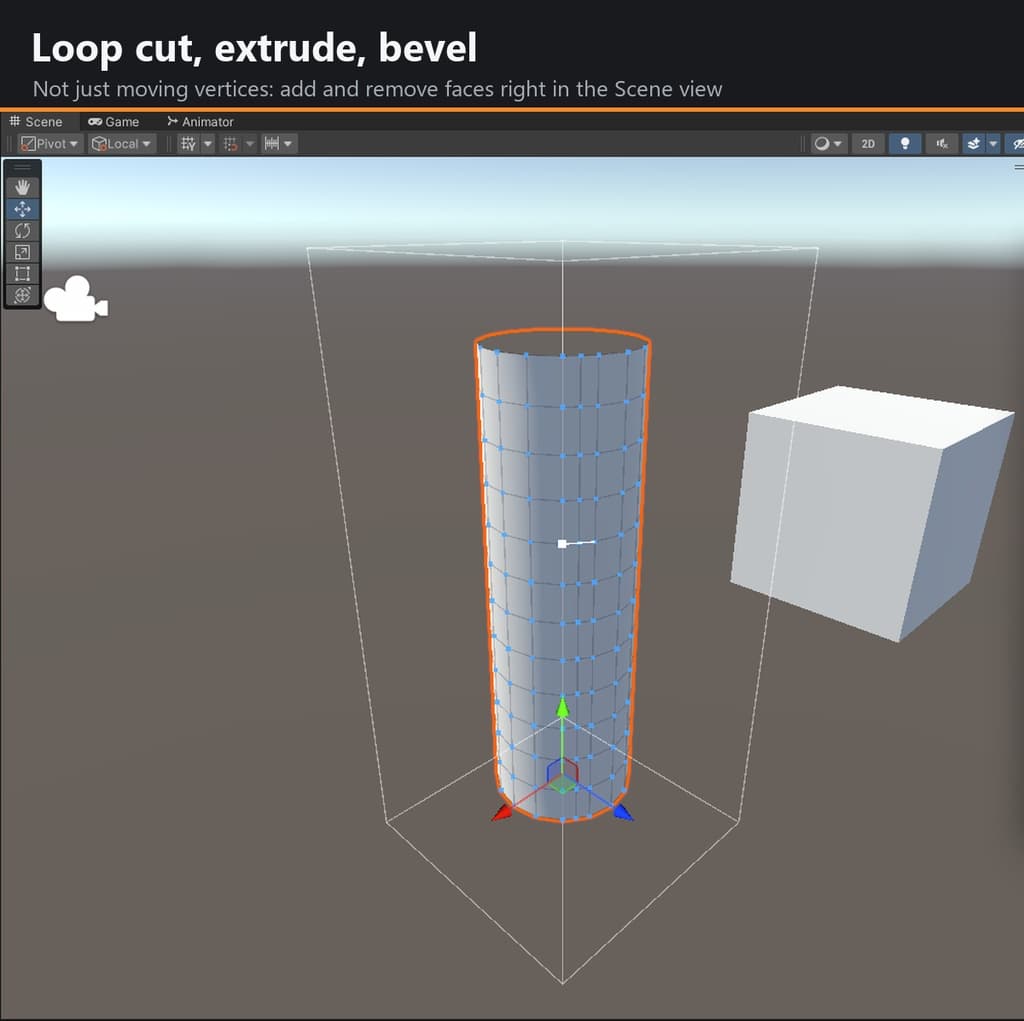
- Extrude, inset, loop cut (count), bevel
- Subdivide (simple / smooth), decimate (keeps borders and UV seams)
- Triangles to quads
[Shape keys]
- Turn the current edit into a shape key
- Blend several shape keys with custom weights
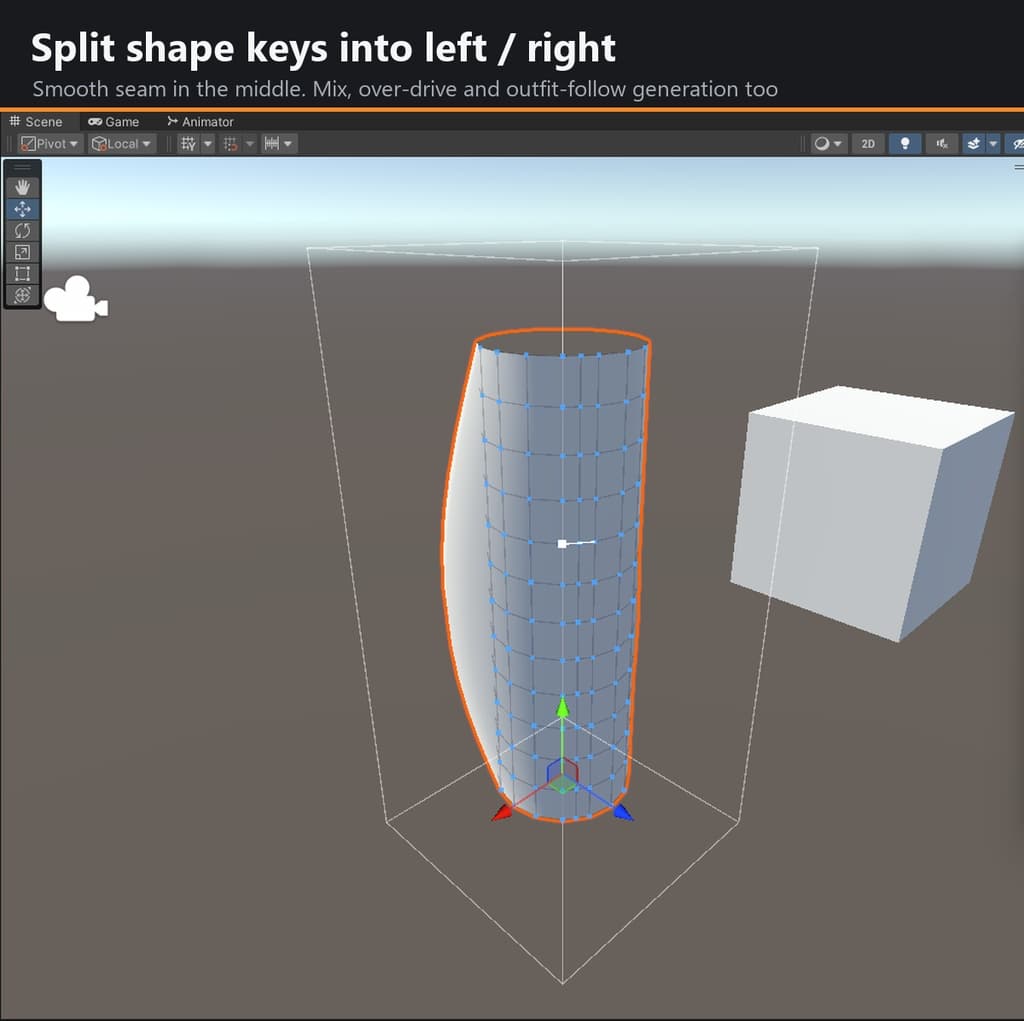
- Split left / right with a smooth boundary (for winks etc.)
- Scale a shape key beyond 100%
- Generate outfit shape keys from the body's shape keys
[Export]
- Mesh (.asset), FBX, Prefab, unitypackage
■ WHY MESHFORGE
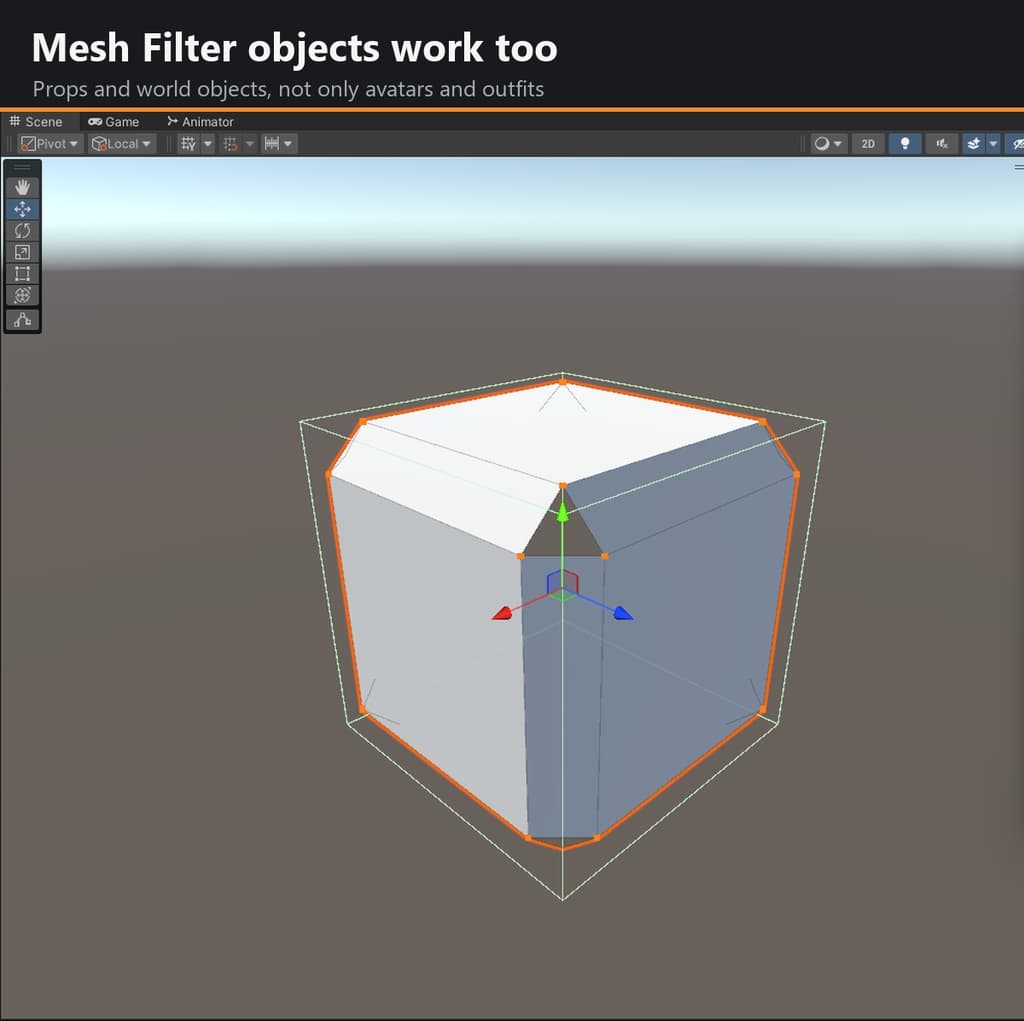
- Works on both Skinned Mesh Renderer and Mesh Filter: avatars, outfits, props and world objects.
- Changes topology, not just positions.
- Handles heavy meshes: on a 100k-vertex / 200k-triangle mesh, import 0.13 s, quadrangulate 0.8 s, proportional move 0.05 s (dev machine).
- Your edits survive script recompiles and Play mode (auto-saved right before, path printed to the console).
- Never overwrites the original FBX. Results are saved as a new mesh and swapped in.
- Adds no custom components, so no upload warnings and no Missing Script for people without the tool.
■ REQUIREMENTS
- Unity 2022.3 (developed and tested on 2022.3.22f1)
- UI languages: English, 日本語, 简体中文, 繁體中文, 한국어, Español (switch at the top right of the panel; picks your OS language on first launch)
- Not limited to VRChat
■ INSTALL
- Import the unitypackage.
- Open Tools > MeshForge > Mesh Edit.
- Drop the object you want to edit and press Start Editing.
- When done, press Save Mesh and Apply.
■ NOTES
- Back up your project before editing.
- Keep "Convert to quads on start" enabled. Unity stores triangles only, so quad information is lost on every save; loop cut and ring select need quads.
- On very dense meshes, turning off the wireframe overlay makes it faster.
- FBX export only needs Unity's official FBX Exporter package (installable from a button in the panel).
- No avatar, outfit, material or texture data is included.
■ CONTENTS
- MeshForge_v1_0_0.zip: MeshForge_v1_0_0.unitypackage, README.txt (with the full operation list), LICENSE.txt
■ LICENSE (EULA) The included LICENSE.txt is the binding text. In short:
- Do not copy, transfer, lend, redistribute, resell or upload the software.
- Do not post it to GitHub, file-sharing services, shared cloud links or social media.
- Do not share it with or let it be used by third parties (including household, company or circle members).
- Do not use it as training data or material for machine learning / generative AI.
- Outfits, avatars and other works you make with it are yours to distribute or sell (do not bundle the tool itself).
- Provided AS IS, no warranty. The author is not liable for any damage from use or inability to use the software.