

【VRChat PC/MA対応】NIGHT DOME|まぶしいワールドを、みんなでくつろげる夜空へ【V睡・撮影】
 AhoWhale Lab

説明
好きなワールドなのに、夜に過ごすには少しまぶしい。 フレンドと横になってゆっくり話したいのに、明るさが気になって落ち着けない。
そんなとき、ワールドを移動する代わりに、その場所へ夜を連れてくる。
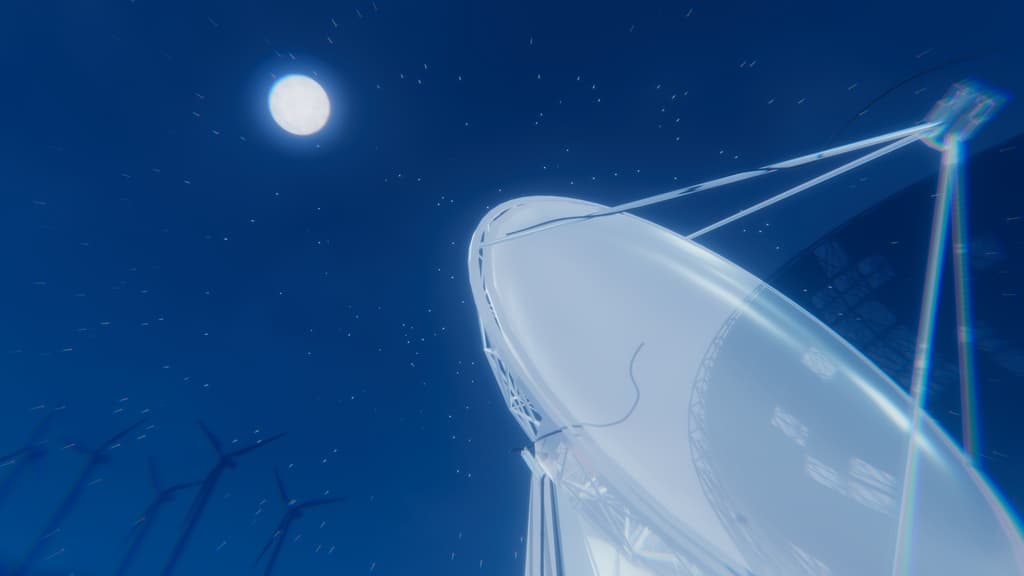
NIGHT DOMEは、アバターのいる場所を中心に、月と星のある大きな夜空を展開するPC向けVRChatアバターギミックです。
深いNavy/Indigoの空、星、月、薄雲、青い空気感を重ね、好きなワールドの景観を残しながら、その場を静かな夜の空間へ変えていきます。主要な操作状態は同期されるため、自分だけの画面フィルターではなく、周囲のPCユーザーとも同じ夜空を共有できます。
◆ 利用シーン動画 約28秒で、内側と外側の見え方をご覧いただけます(無音)。 https://youtu.be/u0Mz6hwpv1E
◆ 販売形式
・通常版:500円 ・応援版:800円(内容は通常版と同一です。追加分は今後の制作活動への応援として受け取ります)
◆ こんな夜に
● 好きなワールドで、そのまま休みたい 景色は気に入っているのに、空や照明が明るくて長く過ごしにくい。そんな場所でも、DarknessとWorld Visibilityを調整して、元の景色を残しながら夜らしい明るさへ整えられます。
● 仲の良い人と、静かな時間をつくりたい 隣で横になって話したり、みんなでのんびり過ごしたり。大きな夜空と静かな月が、その場所を落ち着いて過ごせる雰囲気へ切り替えます。World Fixを使えば、アバターが少し移動しても夜空はその場に残せます。
● 昼の景色を、夜の撮影スポットへ 明るい草原、都市、海、室内を、元の景観を活かしたまま夜景へ。Size、Preset、星、月、暗さを組み合わせて、撮りたい一枚に合わせた空気感を作れます。
◆ ただ暗くするだけではありません
NIGHT DOMEが目指したのは、黒い半透明フィルターではなく「その場所に夜が来た」と感じられる空間です。
・天頂から地平へつながるDeep Navy/Indigoの空 ・大きさと明るさに階層を持たせた星空 ・Soft Glowと表面ディテールを持つ月 ・ゆっくり漂う薄雲と青いAtmosphere ・内部から元のワールドをどれだけ見せるか調整できるWorld Visibility ・展開地点を示す細いBoundary Ring
元のワールドを真っ黒に塗り潰さず、草木や建物を月明かりの中で見るような色へ寄せます。
◆ 使い方は3ステップ
- 夜にしたい場所でDeploy / RetractをON
- Size、Preset、Darkness、World Visibilityを好みに合わせて調整
- その場へ残したいときだけWorld FixをON
通常はアバターへ追従します。Move Hereを押せば、固定を解除して現在地へ呼び戻せます。
◆ 主な機能
・Deploy / Retractによる展開/解除 ・アバター追従とWorld Fix ・Move Hereによる現在地への呼び戻し ・Size 0~100%(Avatar Root Scale 1で約1~60m) ・5種類のNight Preset ・DarknessとWorld Visibilityの調整 ・Starsの量と明るさの調整 ・Moon表示とMoon Sizeの調整 ・Boundary Ringの表示切替 ・Modular Avatarによる簡単導入
◆ Night Presets
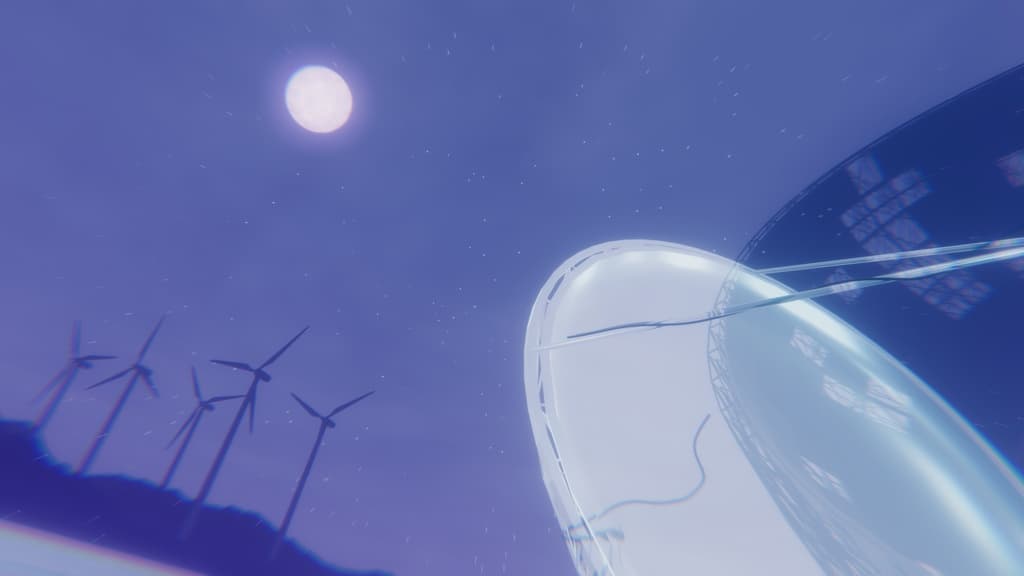
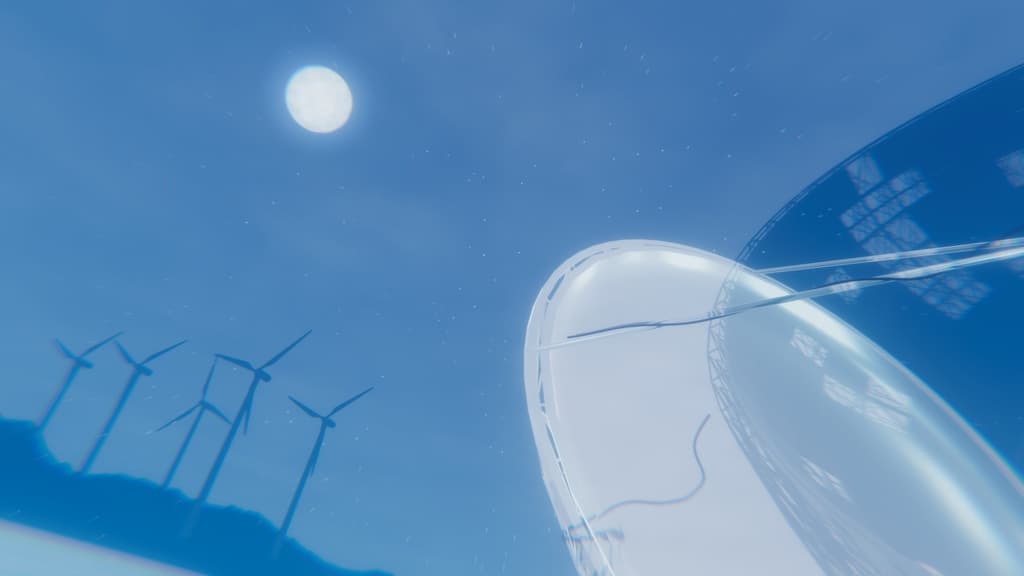
・Moonlit — 月明かりと星のバランスを整えた標準Preset ・Blue Hour — 景色のディテールを残しやすい、少し明るい青の夜 ・Deep Night — 暗さと星の存在感を高めた深夜 ・Purple Dream — Indigo/Violetを加えた幻想的な夜 ・Starry Night — 透明感のある空と豊かな星を楽しむ夜
◆ 共有について
展開状態、固定状態、Size、Preset、Visuals設定は同期されます。相手側でアバターとアバターシェーダーが表示されている場合、周囲のPCユーザーにもNIGHT DOMEが表示されます。
相手側のSafety設定、Show Avatar、Avatar Culling、シェーダー制限、プラットフォームによっては表示されない、または見え方が異なる場合があります。
◆ 必要環境
・Unity 2022.3.22f1 ・VRChat SDK - Avatars 3.10.4 ・Modular Avatar 1.18.3 ・PC版VRChat
Quest/Android版はサポート対象外です。
◆ 導入方法
- VRChat SDK - AvatarsとModular Avatarを導入済みのVCCプロジェクトへunitypackageをImport
- Assets/AhoWhaleLab/NightDome/Prefabs/AhoWhaleLab_NIGHT_DOME.prefabをAvatar Root直下へ配置
- VRChat SDKのBuild & Testでメニューと表示を確認
Animator Controller、Expression Menu、ParametersはModular Avatarによって統合されます。
◆ 内容物
・NIGHT DOME 1.0.1 unitypackage ・Prefab/Mesh/Material/Shader/Animation ・Expression Menu/Parameters ・日本語/英語README ・VN3ライセンス日本語正文 ・第三者表記
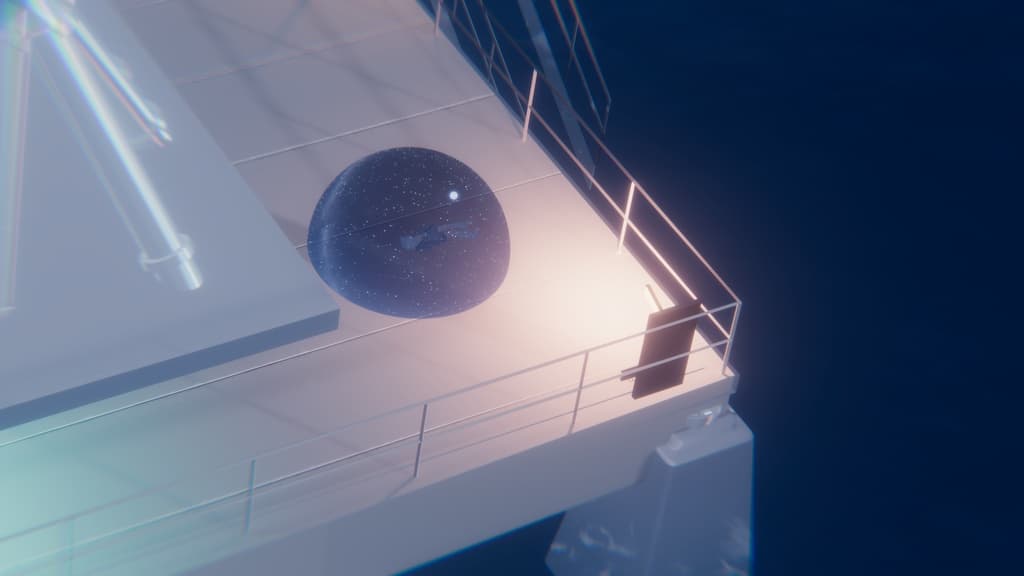
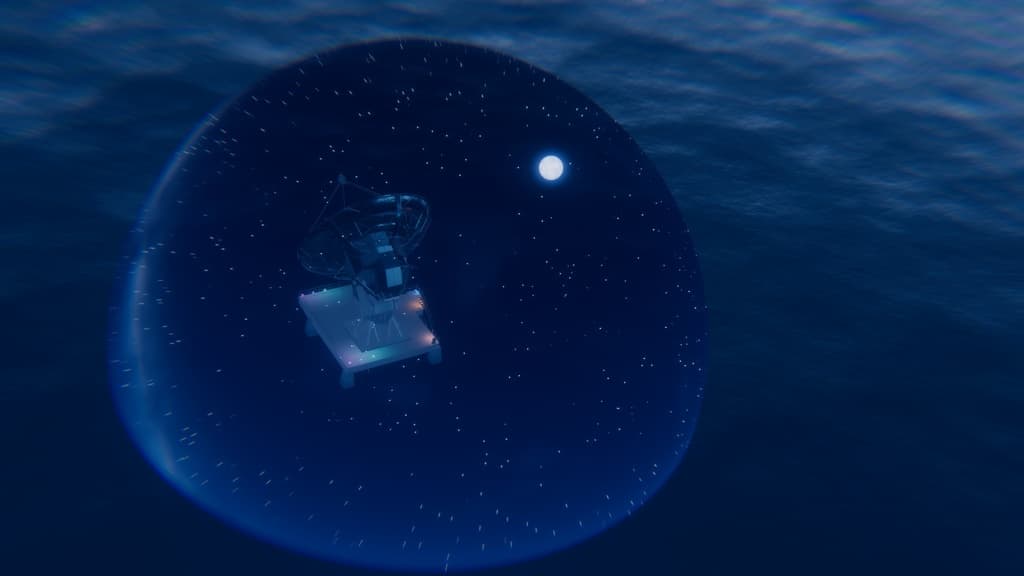
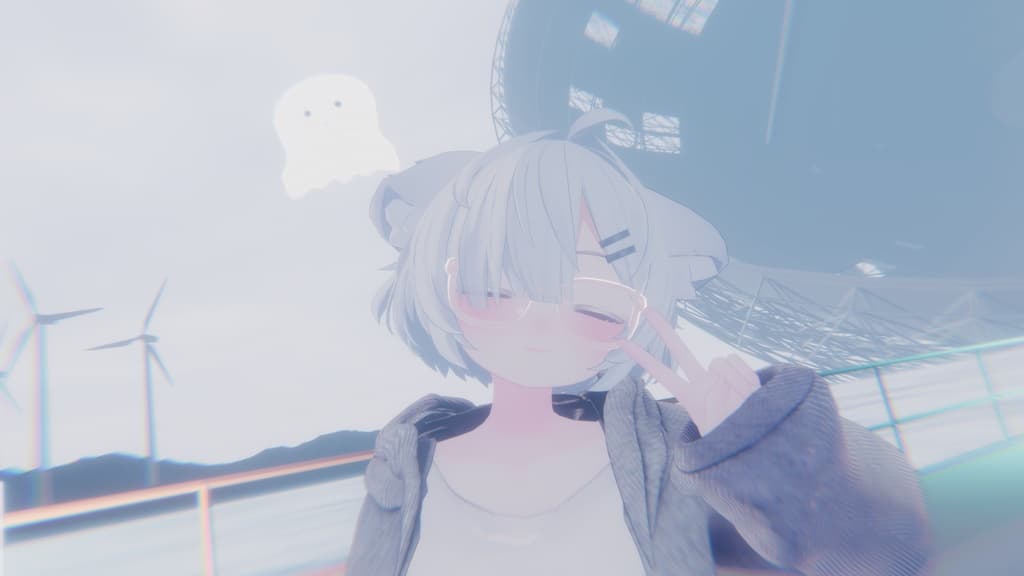
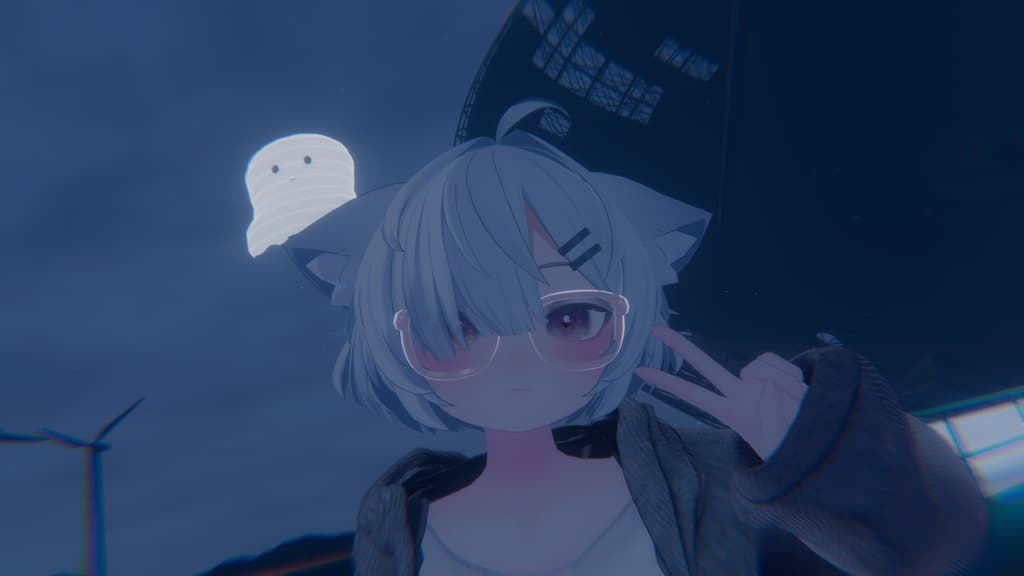
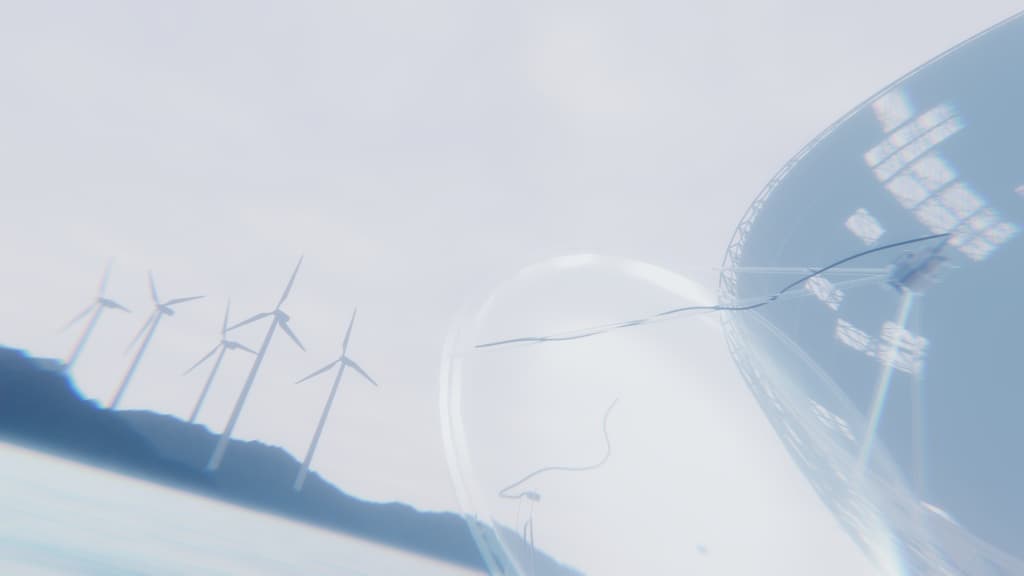
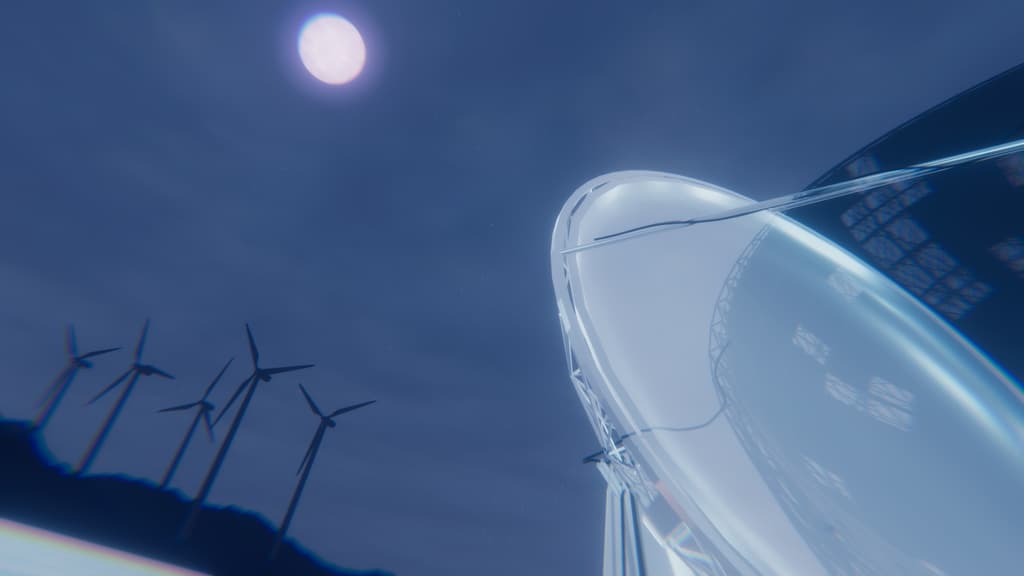
◆ 掲載写真について 小さめの使用例、大きく広がる夜空、人物の明暗、景色の明暗、夜空の色の順に掲載しています。すべて同じワールドでの使用例です。撮影位置や表情は異なるため、同一条件の測定比較ではありません。写真と各Presetの一対一対応を示すものではありません。
◆ ご注意 ・Darknessを高く設定すると、展開・解除時や境界を出入りするときに明るさが急に変わることがあります。初めは暗さを控えめにし、切り替わり方を確認してから調整してください ・Avatar RootやPrefabのTransform Scaleを変更すると、見た目の球体と内部効果の範囲がずれることがあります。Scaleは(1, 1, 1)を基準とし、大きさはメニューのSizeで調整してください
・NIGHT DOMEはワールドのSkybox、Light、Fog、Post Processing、時刻を変更しません ・ワールドやアバターの透明Shader、画面効果、Post Processingにより見え方が変わる場合があります ・Mirror、Photo Camera、他ユーザーからの見え方は使用環境により異なる場合があります ・透明描画とGrabPassを使用します。複数人が大きなSizeで同時に展開する場合は負荷にご注意ください ・手で遠くの地点を狙う配置機能はありません。展開中心はアバターの現在地です ・商品画像に使用されるアバター、衣装、ワールドは付属しません ・ダウンロード商品の性質上、購入前に対応環境と内容をご確認ください
◆ お問い合わせ
利用条件は、このページ下部の「利用規約・ライセンス(VN3)」にまとめています。
不具合・ご質問は、AhoWhale Lab BOOTHショップのメッセージ機能からお問い合わせください。
──────────
ENGLISH
A beautiful world can still feel too bright when you want to wind down. NIGHT DOME lets you bring a shared night sky to the place you already love instead of leaving it.
NIGHT DOME is a PC-only VRChat avatar gimmick that creates a large moonlit sky around your avatar. Deep navy and indigo gradients, layered stars, a detailed moon, thin clouds, and soft blue atmosphere turn the surrounding area into a calm night scene without changing the world's skybox or lighting.
Sales options: ・Normal Edition: 500 JPY ・Support Edition: 800 JPY (Contents are identical to the Normal Edition. The additional amount supports future AhoWhale Lab production.)
Use it when you want to: ・Relax or lie down with friends in a world that feels too bright ・Create a quieter atmosphere for conversation, VSleep, or roleplay ・Turn a daytime grassland, city, ocean, or interior into a night photo location
Its primary controls are synchronized, so nearby PC users can share the same night sky when their client displays your avatar and its shaders. NIGHT DOME follows the avatar by default. Turn on World Fix to leave it at your current location.
Key features: ・Deploy / Retract ・Avatar follow, World Fix, and Move Here ・Size control from 0 to 100% ・Five presets: Moonlit, Blue Hour, Deep Night, Purple Dream, and Starry Night ・Darkness and World Visibility controls ・Stars, Moon, Moon Size, and Boundary controls ・Simple Modular Avatar installation
Requirements: ・Unity 2022.3.22f1 ・VRChat SDK - Avatars 3.10.4 ・Modular Avatar 1.18.3 ・PC version of VRChat
Quest and Android are not supported. Visibility may differ because of the viewer's Safety settings, Show Avatar state, avatar culling, shader restrictions, transparent effects, or post-processing. Appearance in mirrors, photo cameras, and remote-user rendering may vary by environment.
The avatar, outfit, and world shown in preview images are not included. High Darkness settings may cause abrupt brightness changes during deployment, retraction, or boundary crossings. Start with a lower Darkness setting. Changing the Avatar Root or prefab Transform Scale may cause a mismatch between the visible sphere and the interior effect; use the Size menu with a reference scale of (1, 1, 1).
The photos are examples captured in one world, not controlled comparisons or a one-to-one preset reference. The approximately 28-second demo video is silent.
The governing license is the included LICENSE_VN3_JA.pdf. Read the complete license before use.