

ハロウィンのアクセサリー 3Dモデル (Halloween Accessories 3D Model)
 ナマズ倶楽部

説明
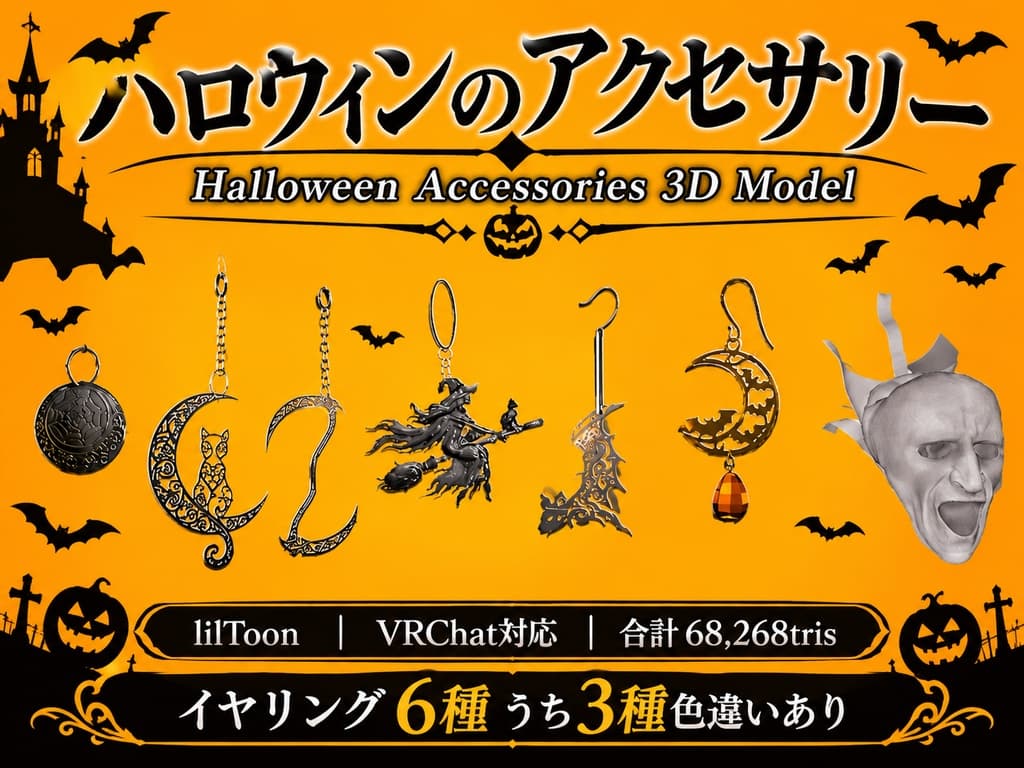
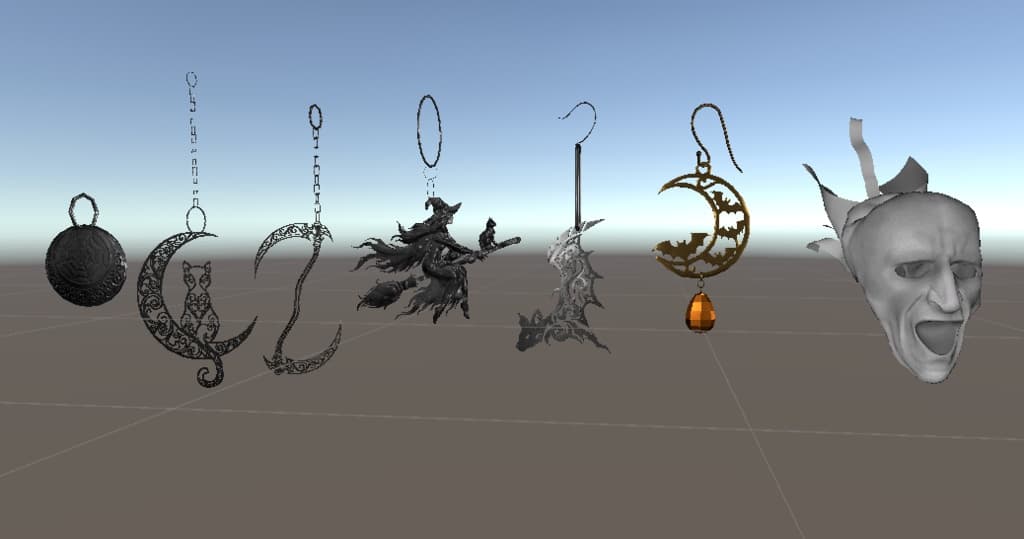
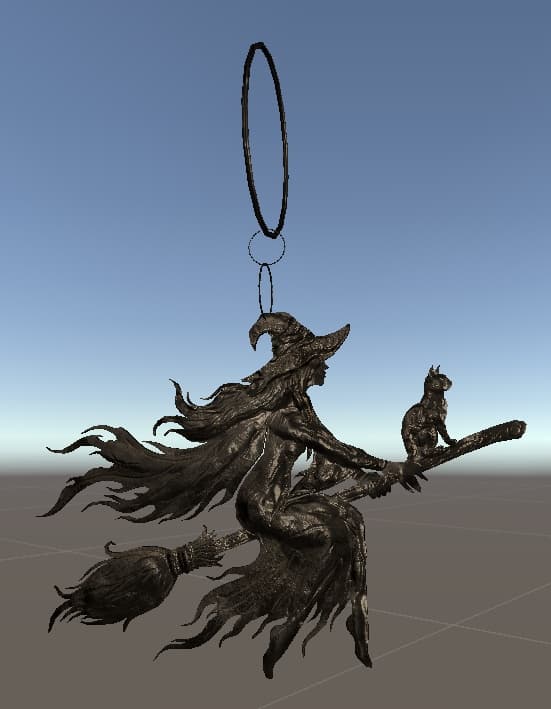
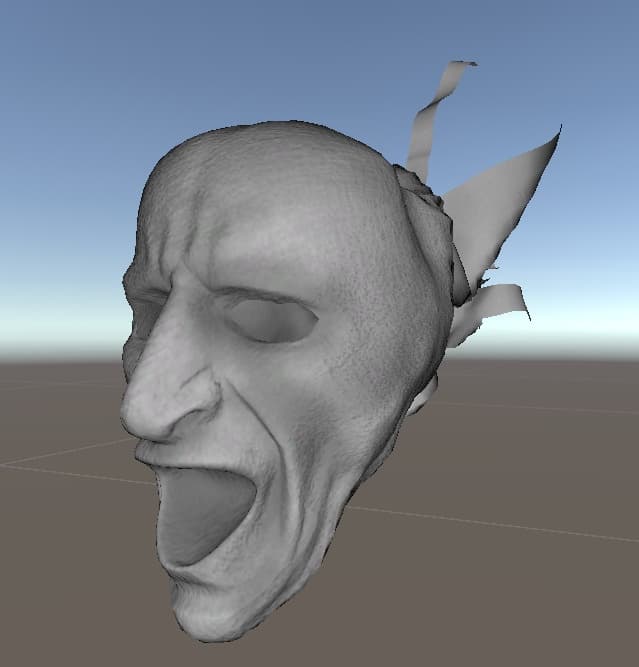
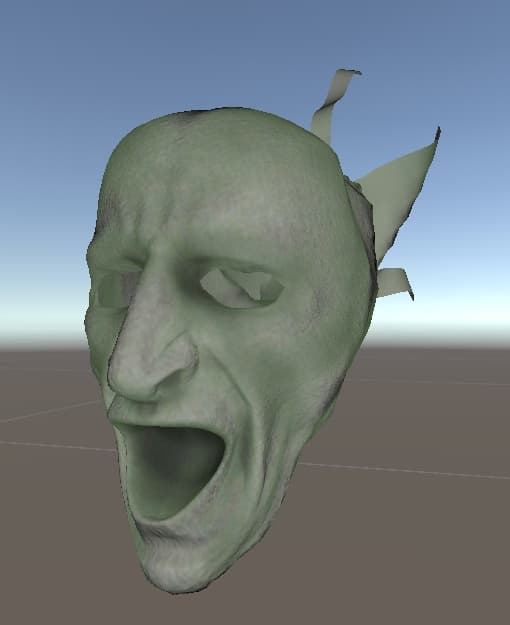
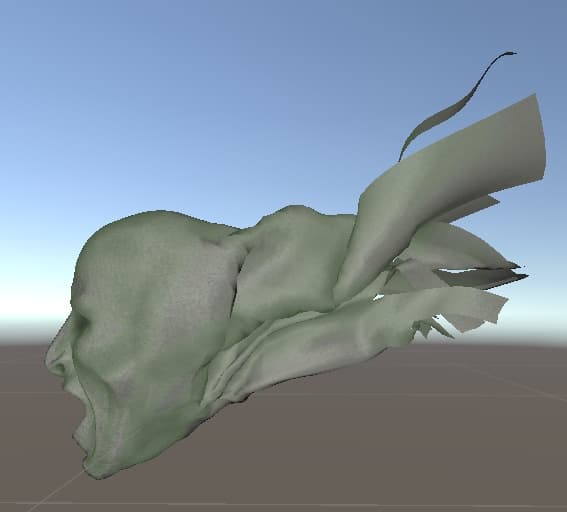
ハロウィンをモチーフにしたアクセサリー等3Dモデルです。6種のイヤリングとゴーストの顔です。
ギミックなどは特にないです。イヤリングは一部を除いて揺れます。
VRChat、ゲーム制作、撮影、小物、商用、改変などに利用ができます。
Unity向けにセットアップ済みのunitypackageも付属しているため、導入後すぐに使用可能です。 マテリアルはLiltoonを使用しています。 イヤリング6種の内3種は2種類の色があります。ゴーストの顔は2パターンの色があります。
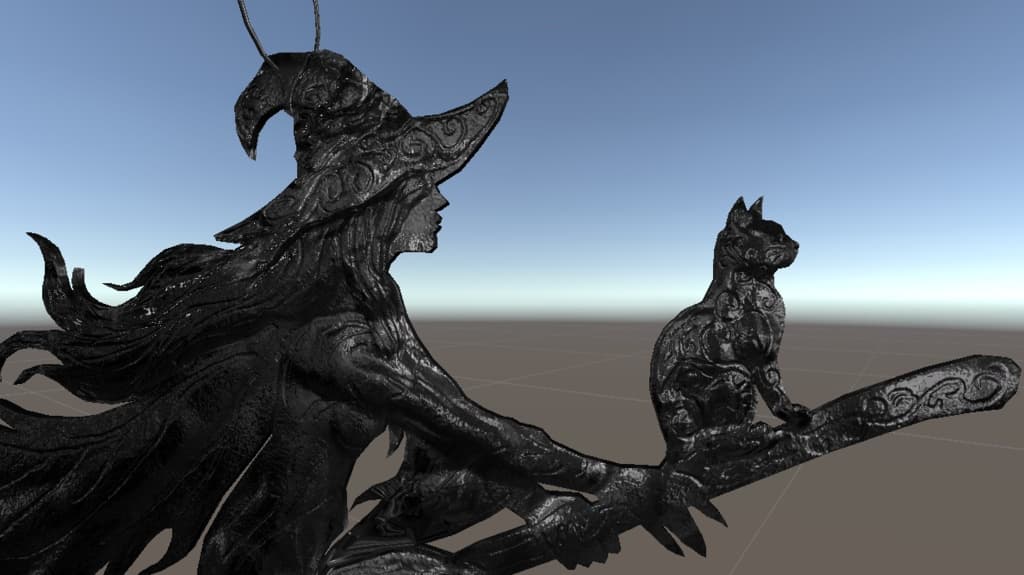
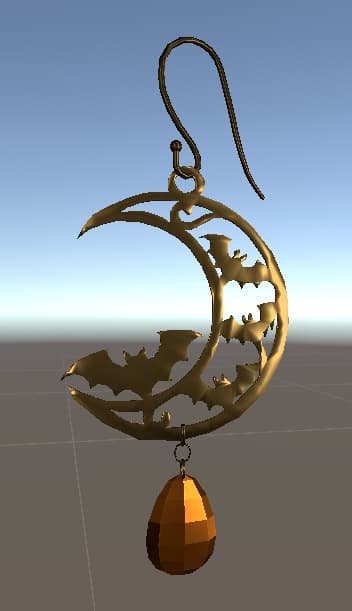
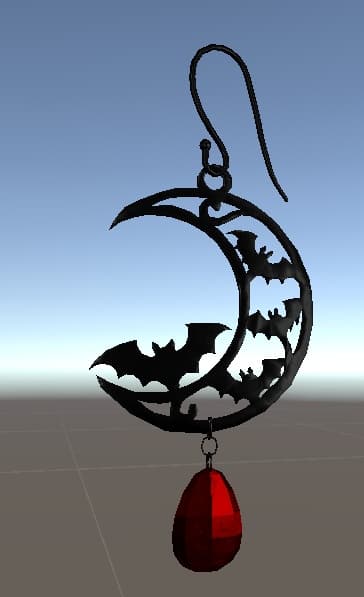
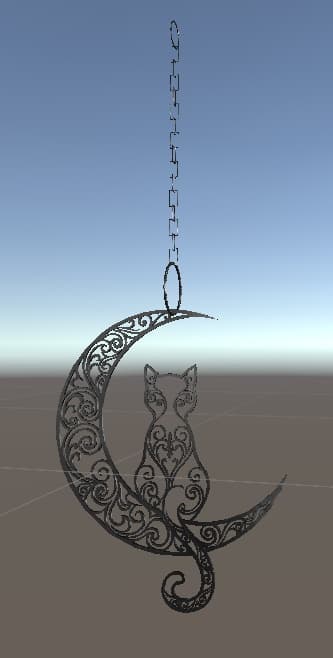
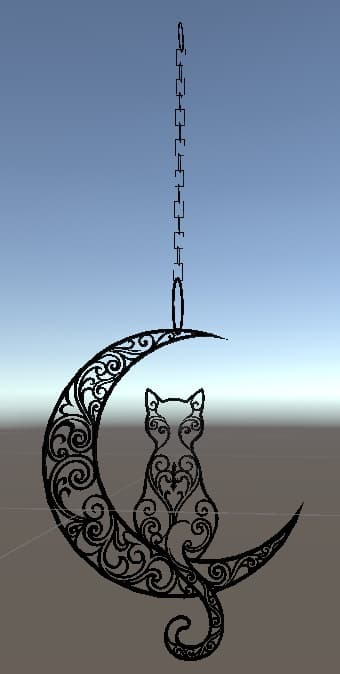
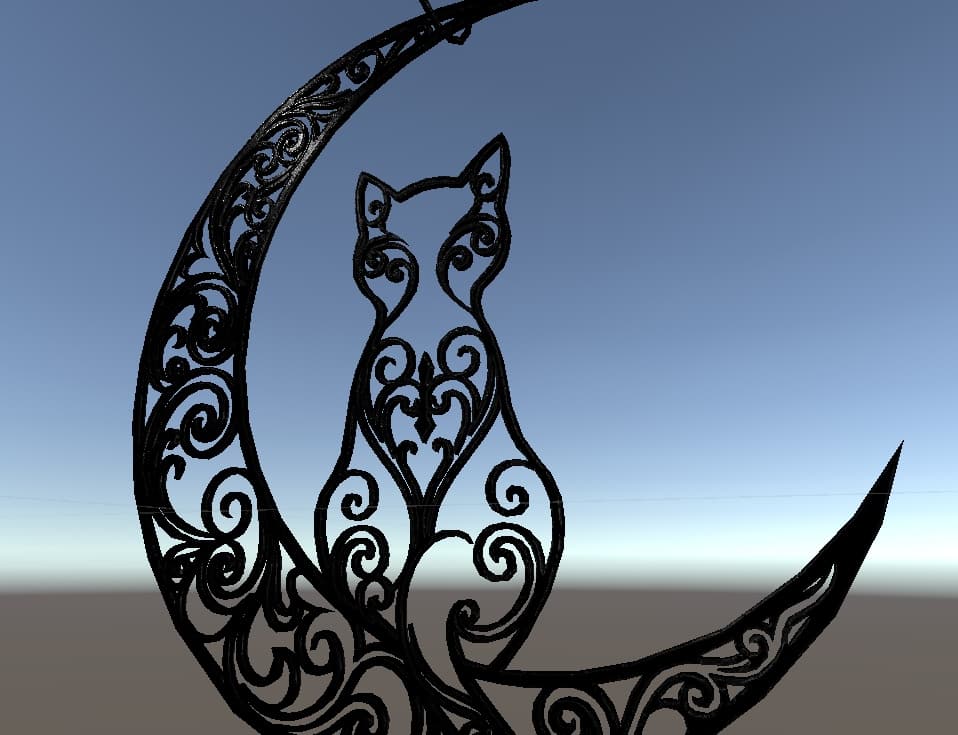
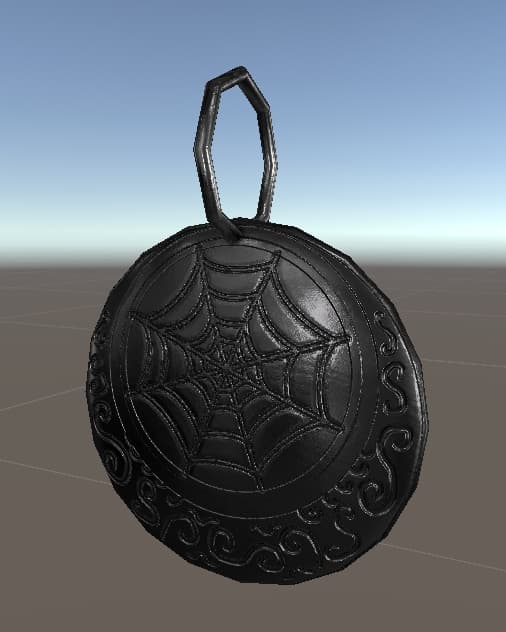
イヤリングの形状はネコ型、鎌型、魔女型、コウモリ型、宝石の月型、蜘蛛の巣の模様のイヤリング。 ネコ、魔女、宝石の月型が2パターンの色があります。色についてはサムネイルの画像を参考にしてください。
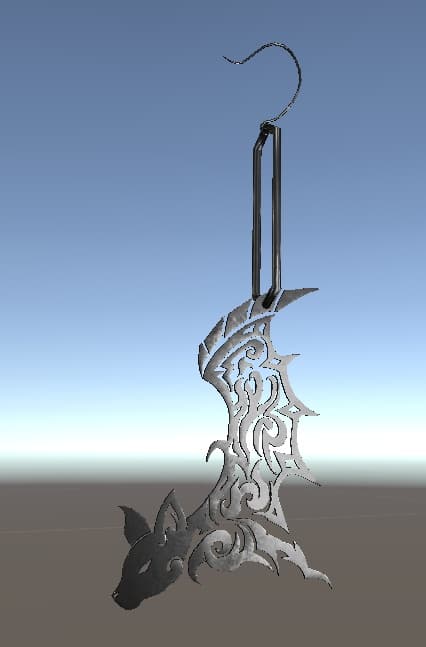
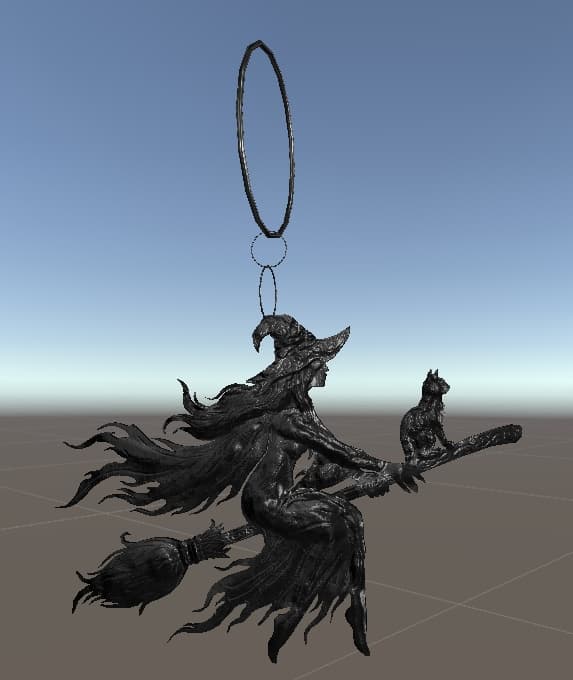
サムネイルの1枚はAIを活用していますが、2枚目以降はUnity内のスクリーンショットです。
【内容物】 ・FBX_File(earring.fbx ,earring_Kama.fbx ,ghost.fbx ,Komori.fbx ,Majo_earring.fbx ,Neko_earring.fbx ,spider.fbx) ・Textures_GRP(各種テクスチャ) ・accessory_GRP.unitypackage(Prefab・マテリアル設定済み) ・Readme.txt(本ファイル)
【動作確認環境】 Unity 2022.3.22f1(Built-in Render Pipeline)
【導入方法(Unity)】 ① 新規3Dプロジェクトを作成 ② accessory_GRP.unitypackage をダブルクリック ③ Import をクリック ④ Assets内のPrefabをシーンへドラッグ ⑤ すぐに使用できます
【仕様】 ポリゴン数:合計68,268tris (コウモリ型:12,088tris ,ネコ型:20,588tris ,コウモリの宝石のついている奴:3,386tris ,ゴースト:11,980tris ,鎌:11,528tris ,蜘蛛:488tris ,魔女:8,210tris) マテリアル数:11 テクスチャサイズ:1024×1024 ____________________________________
These are 3D models of Halloween-themed accessories, including six types of earrings and a ghost face.
There are no special gimmicks; most of the earrings are rigged to sway.
These assets can be used for VRChat, game development, photography, as props, for commercial projects, and for modification.
A unitypackage pre-configured for Unity is included, allowing for immediate use upon import. The materials utilize the "Liltoon" shader.
Three of the six earring designs come in two color variations, and the ghost face also comes in two color variations.
The earring designs include a cat, a scythe, a witch, a bat, a jeweled moon, and a spiderweb pattern. The cat, witch, and jeweled moon designs are each available in two color variations; please refer to the thumbnail images for the specific colors.
While one of the thumbnail images was created using AI, the subsequent images are screenshots taken within Unity.
[Contents] ・FBX_File (earring.fbx, earring_Kama.fbx, ghost.fbx, Komori.fbx, Majo_earring.fbx, Neko_earring.fbx, spider.fbx) ・Textures_GRP (Various textures) ・accessory_GRP.unitypackage (Includes pre-configured Prefabs and materials) ・Readme.txt (This file)
[Tested Environment] Unity 2022.3.22f1 (Built-in Render Pipeline)
[Setup Instructions (Unity)] ① Create a new 3D project. ② Double-click "accessory_GRP.unitypackage". ③ Click "Import". ④ Drag the Prefabs from the "Assets" folder into your scene. ⑤ Ready for immediate use.
[Specifications] Polygon count: 68,268 tris in total (Bat-style: 12,088 tris; Cat-style: 20,588 tris; Bat with gem: 3,386 tris; Ghost: 11,980 tris; Scythe: 11,528 tris; Spider: 488 tris; Witch-style: 8,210 tris) Number of materials: 11 Texture size: 1024×1024